Logitech MK270 Review (2026): Simple Setup, Basic Feel
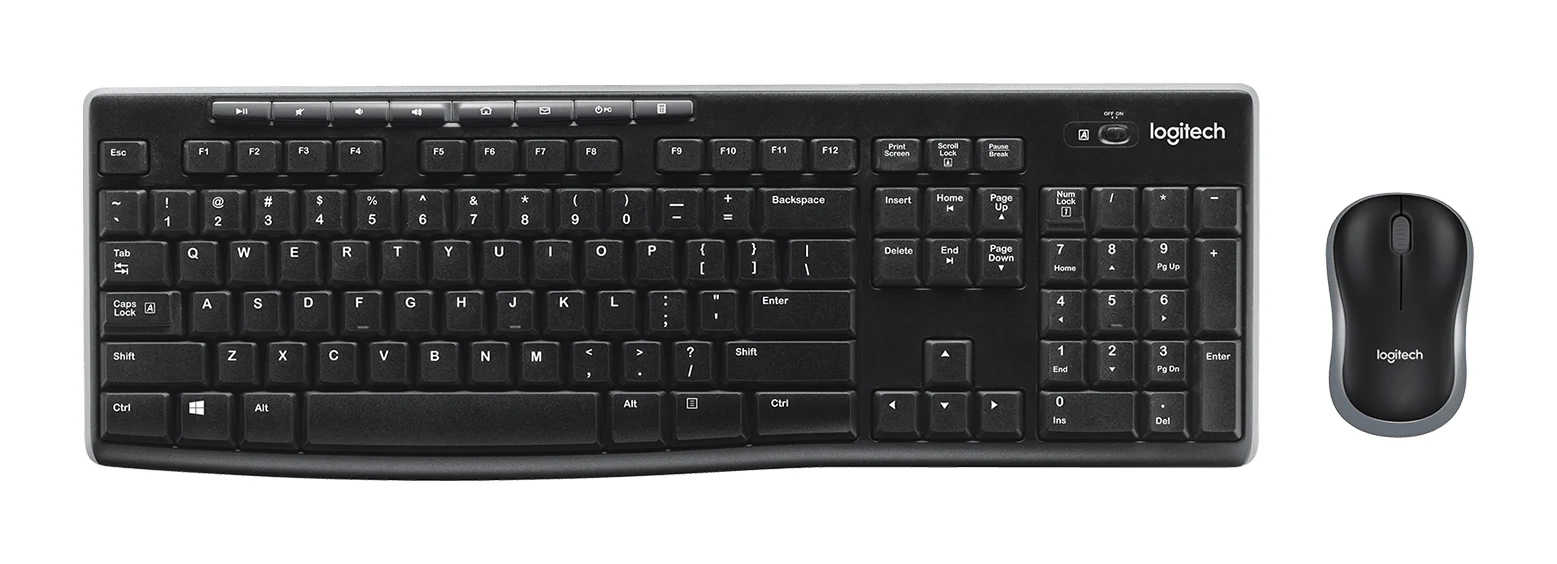
The Logitech MK270 is a plain, full-size wireless keyboard and mouse combo built around easy setup and long battery life. Here is who it suits and where it falls short.
Research-based · We earn from qualifying purchases
Our verdict
The MK270 is a reliable, no-fuss wireless combo for home or office desks that need a full-size keyboard with a number pad and simple setup. Skip it if you use a Mac, want quiet, premium-feeling typing, or need a larger or more programmable mouse.
The good
- Full-size layout with number pad and arrow keys
- Single USB receiver pairs both keyboard and mouse
- Long battery life: up to 36 months keyboard, 12 months mouse
- Spill-resistant keyboard with durable keys
- Eight media and shortcut keys for quick access
+2 more
- Spill-resistant keyboard with durable keys
- Eight media and shortcut keys for quick access
The bad
- Keyboard and mouse feel light and cheap
- Typing is fairly loud on the membrane keys
- Limited Mac support; built for Windows and Chrome OS
- Small, basic mouse with only three buttons
+1 more
- Small, basic mouse with only three buttons
This Logitech MK270 review looks at a straightforward wireless desktop set: a full-size keyboard, a compact mouse and a single USB receiver that serves both. It is aimed at Windows users who want a no-fuss combo for a home or office desk, not at anyone chasing premium typing feel or a feature-rich mouse. This review is based on the manufacturer's specifications and on what independent experts report, not on hands-on testing.
Logitech MK270: specs at a glance
From the manufacturer- Weight
- Keyboard 498 g, Mouse 75 g
- Warranty
- 3-year hardware limited warranty
- Tilt angles
- 0° flat and 8° tilt
- Connectivity
- Advanced 2.4 GHz wireless, USB receiver
- Mouse sensor
- Optical, 1000 DPI
- Compatibility
- Windows 7, 8, 10 or later; Chrome OS
- Keyboard size
- Full-size, 103 keys (US layout), 10-key number pad
- Mouse battery
- 1x AA, up to 12 months
- Mouse buttons
- 3 (left, right, middle) plus scroll wheel
- Wireless range
- 10 m (33 ft)
- Keyboard battery
- 2x AAA, up to 36 months
- Mouse dimensions
- 99 mm H x 60 mm W x 39 mm D
- Mouse handedness
- Ambidextrous
- Keyboard key type
- Plunger (membrane)
- Keyboard dimensions
- 442 mm W x 149 mm D x 18 mm H
Key features
- Full-size keyboard with number pad and arrow keys
- Eight media and shortcut keys for quick access to music, volume and more
- Plug-and-play 2.4 GHz wireless with one USB receiver for both devices, 10 m range
- Spill-resistant keyboard design with durable keys
- Adjustable-height tilt legs
- Long battery life (36-month keyboard, 12-month mouse) with on/off switches
- Compact ambidextrous mouse for left- and right-handed users
- Made with recycled plastic
Logitech MK270 review: what you actually get
The MK270 is a keyboard-and-mouse bundle, so the appeal is the package rather than any one standout part. The keyboard is full-size, with 103 keys on a US layout and a 10-key number pad. That matters if you work with spreadsheets, accounting software or anything that involves a lot of numbers. The arrow keys are included too, so you are not giving up navigation to save space.
The mouse is a compact, ambidextrous optical design with three buttons (left, right and middle) plus a scroll wheel. Both devices talk to the computer through Logitech's advanced 2.4 GHz wireless link, using one USB receiver. The set uses plug-and-play 2.4 GHz wireless with one USB receiver for both devices, and the single receiver is listed among its strengths.
It is recommended in 4 independent expert guides.
Design and build
The keyboard
The keyboard measures 442 mm W x 149 mm D x 18 mm H and weighs 498 g. It is a full-size keyboard with a number pad, so plan desk space accordingly. It uses plunger (membrane) keys rather than mechanical switches, which shapes both the typing feel and the noise level (more on that below).
Two practical touches stand out. First, adjustable-height tilt legs give you two positions: 0° flat and 8° tilt. It is a simple choice, but it lets you pick the angle that suits your desk and chair. Second, the keyboard is spill-resistant and built with durable keys, a sensible feature for a desk where coffee and keyboards share space. Spill-resistant is not the same as waterproof, so treat it as protection against minor accidents rather than an invitation to test it.
Logitech also notes that the set is made with recycled plastic, a small plus for buyers who pay attention to materials.
The mouse
The mouse is small, at 99 mm H x 60 mm W x 39 mm D, and light at 75 g. Because it is ambidextrous, left- and right-handed users get the same shape. The flip side is a common criticism: reviewers describe it as small and basic, and the three-button layout offers little beyond the essentials. If you have larger hands or want extra programmable buttons, this is not the mouse for you.
Overall feel
A recurring complaint from reviewers is that both the keyboard and mouse feel light and cheap. That is worth taking seriously. The MK270 is designed to be functional and dependable, not to feel premium on the desk. If build quality and heft matter to you, expect to be underwhelmed.
Features and what they mean day to day
Eight media and shortcut keys
The keyboard includes eight media and shortcut keys for quick access to things like music and volume. For everyday use, that means you can adjust playback or sound without reaching for the mouse or opening a window. It is a modest feature, but it is listed among the product's strengths.
One receiver for both devices
The single USB receiver is probably the most practical feature. You plug it in, switch the devices on and get to work. It also means you use only one USB port for both the keyboard and the mouse, which helps on laptops or compact PCs with limited ports. The wireless range is 10 m (33 ft).
Power switches
Both the keyboard and the mouse have on/off switches.
Performance, battery and connectivity
Battery life
Battery life is the headline strength. Logitech quotes up to 36 months for the keyboard, which runs on 2x AAA batteries, and up to 12 months for the mouse, which uses 1x AA. These are "up to" figures, so real-world results will depend on how much you use the set. Even so, the intent is clear: you should be able to forget about battery changes for a long time. Because it uses replaceable cells rather than a built-in battery, there is no charging cable to manage and no downtime while it recharges.
Typing and pointing
The keyboard uses membrane keys, and a common criticism is that typing is fairly loud. That is worth knowing if you share a room or work in a quiet office. The mouse uses an optical sensor rated at 1000 DPI. Reviewers describe the mouse as small and basic.
Compatibility
The MK270 is built for Windows 7, 8, 10 or later and for Chrome OS. A frequent point from reviewers is that Mac support is limited. If you work primarily on a Mac, check carefully before buying, because this is not a set designed with that platform in mind.
What experts like and what they criticise
Reviewers praise the same handful of practical points:
- The full-size layout with number pad and arrow keys.
- The single USB receiver that pairs both devices.
- The long battery life of up to 36 months for the keyboard and 12 months for the mouse.
- The spill-resistant keyboard with durable keys.
- The eight media and shortcut keys.
The criticisms are just as consistent. A common complaint is that the keyboard and mouse feel light and cheap. Typing on the membrane keys is fairly loud. Mac support is limited. The mouse is small and basic, with only three buttons. PCWorld scores it 3 out of 5.
Who should buy the Logitech MK270
This combo suits Windows users who want a simple full-size wireless set that works immediately. It makes sense in several situations:
- A home office or family PC. One receiver, one setup step and long battery life suit a shared computer that needs to just work.
- Number-heavy work. The full-size layout with a 10-key number pad is useful for data entry and spreadsheets.
- A replacement for a worn-out wired set. If you want to cut cable clutter without a complicated setup, this does the job.
- Chromebook or Chrome OS users. Chrome OS is on the compatibility list.
The set comes with a 3-year hardware limited warranty.
Who should skip it
Look elsewhere if any of these apply:
- You use a Mac. Support is limited, and the set is built for Windows and Chrome OS.
- You want quiet typing. The membrane keys are fairly loud, according to reviewers.
- You want a premium feel. The light, cheap feel is one of the most common criticisms.
- You need a larger or more programmable mouse. The mouse is small and has only three buttons plus a scroll wheel.
How it fits in its category
The MK270's strengths are easy setup, a full-size layout and very long battery life. The trade-offs are a light, cheap feel, fairly loud typing and a small, basic mouse. Think of it as a reliable, no-fuss combo for a general-purpose desk, and measure it against what you actually need.
Verdict
The Logitech MK270 is easy to recommend for what it is: a reliable, full-size wireless combo for Windows desks that values simplicity over polish. The single receiver, the number pad, the spill-resistant keyboard and the multi-month battery life cover the basics well. The compromises are real, though. The build feels light, typing is fairly loud, the mouse is basic and Mac users are poorly served. If those trade-offs do not bother you, the MK270 is a sensible, low-maintenance choice. If you care about typing feel, noise or mouse capability, it is worth looking at something more refined.
Related buying guides
- Logitech MK295 Silent Wireless Combo Review: Quiet Basics
- Logitech MX Keys S Review (2026): Quiet, Not Mechanical
- Logitech MK345 Comfort Combo Review (2026): Simple, Quiet
- Logitech MX Keys S Combo Review (2026): Polished Desk Duo
- Logitech MK540 Advanced Review (2026): Quiet Desk Workhorse
- Logitech G915 X LIGHTSPEED TKL Review: Slim and Solid
- Best Mechanical Keyboards 2026 for Typing and Gaming
Not sure about the Logitech MK270? Consider these
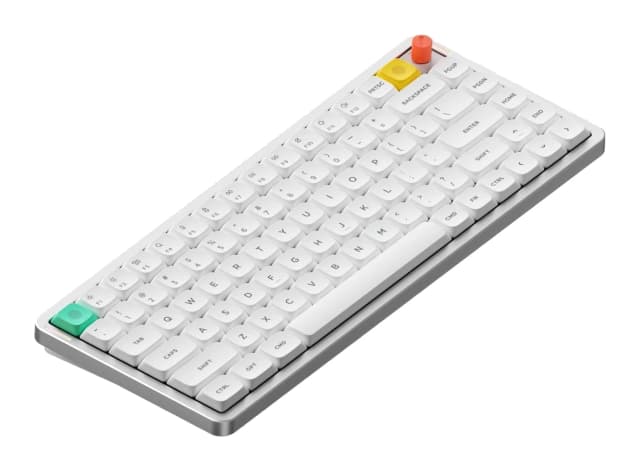
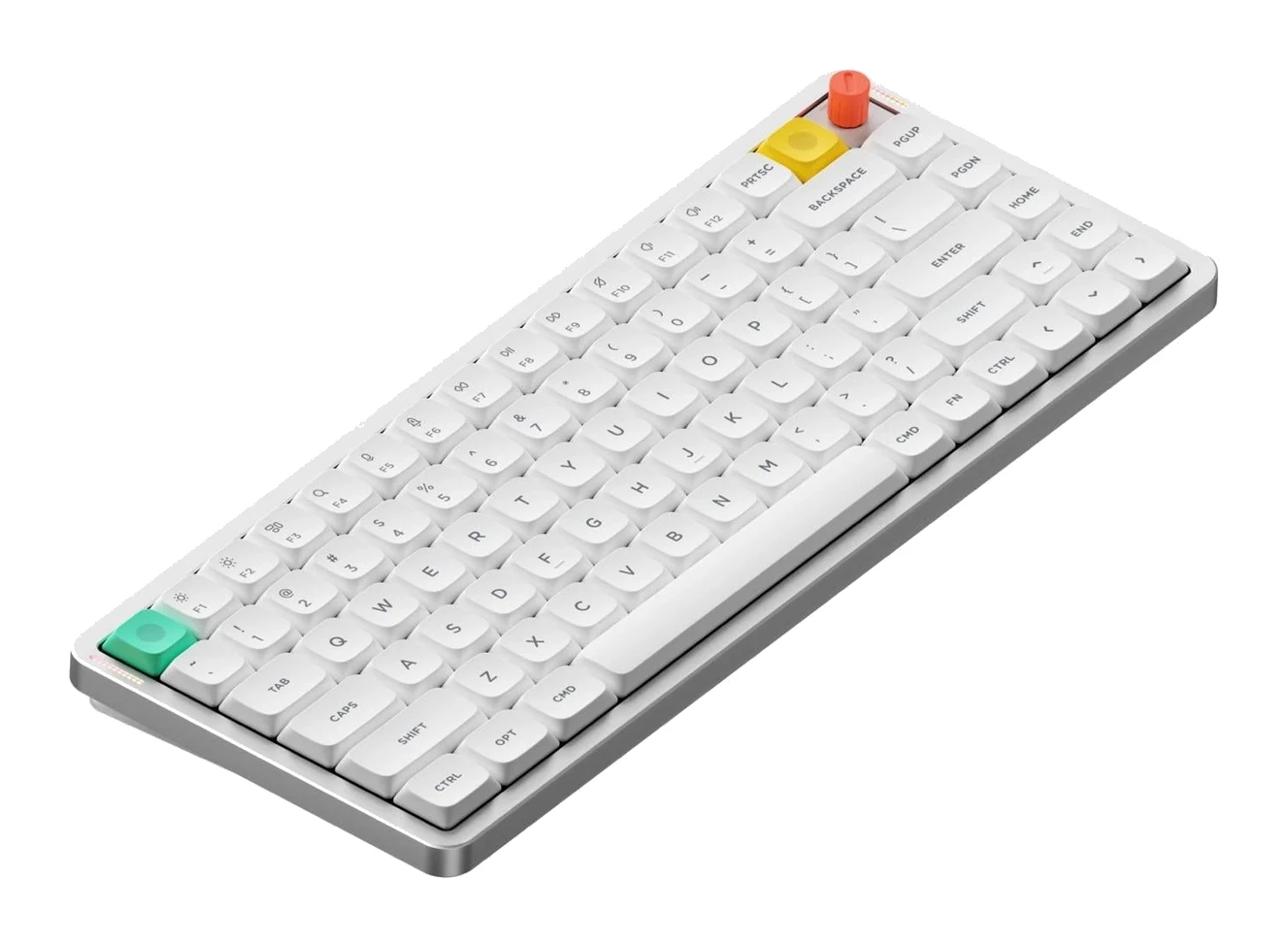
- Best OverallNuPhy Air75 V3Why we picked it →
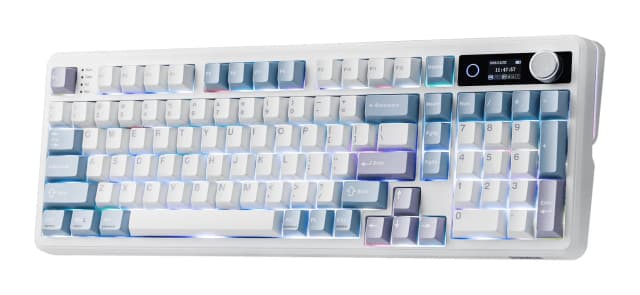
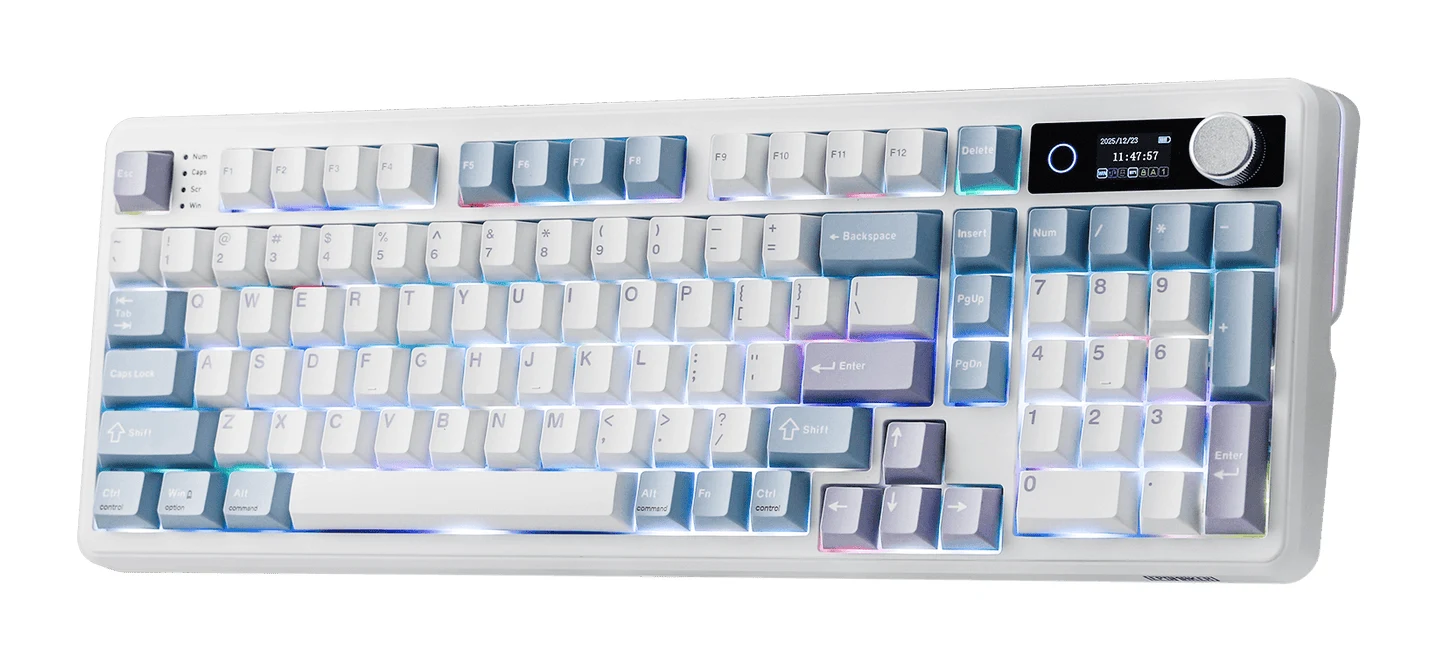
- Best ValueEPOMAKER TH99 ProWhy we picked it →
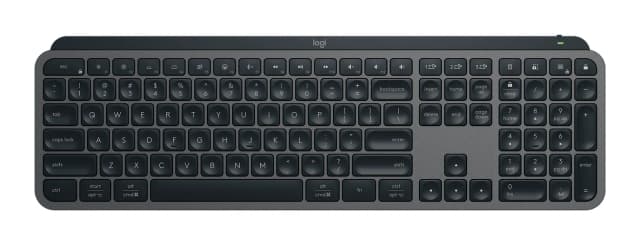
- Also GreatLogitech MX Keys SWhy we picked it →
Frequently asked questions
Is the Logitech MK270 worth it?
It is worth considering if you want a simple, full-size wireless keyboard and mouse for a Windows or Chrome OS desk. Reviewers praise the easy setup, the number pad and the long battery life. They also say the build feels light and cheap, typing is fairly loud and the mouse is basic, so it is less appealing if you want a premium feel.
Does the Logitech MK270 work with a Mac?
It is built for Windows 7, 8, 10 or later and Chrome OS, and reviewers note that Mac support is limited. If you use a Mac, check compatibility carefully before buying.
How long does the MK270's battery last?
Logitech quotes up to 36 months for the keyboard, which uses 2x AAA batteries, and up to 12 months for the mouse, which uses 1x AA. These are maximum figures, so actual life depends on how much you use it. Both devices have on/off switches.
Does the MK270 have a number pad?
Yes. It is a full-size keyboard with 103 keys on a US layout, including a 10-key number pad and arrow keys.
Do the keyboard and mouse share one USB receiver?
Yes. A single USB receiver connects both devices over 2.4 GHz wireless, with a range of 10 m (33 ft). That leaves other USB ports free.
Is the Logitech MK270 keyboard spill-resistant?
Yes, the keyboard has a spill-resistant design with durable keys. That helps with minor accidents, but spill-resistant does not mean waterproof.
Sources
Specs are taken from the manufacturers' official pages; expert recommendations from the publications below.
- Logitech MK270: logitech.com, bhphotovideo.com, shi.com
Related reviews & guides
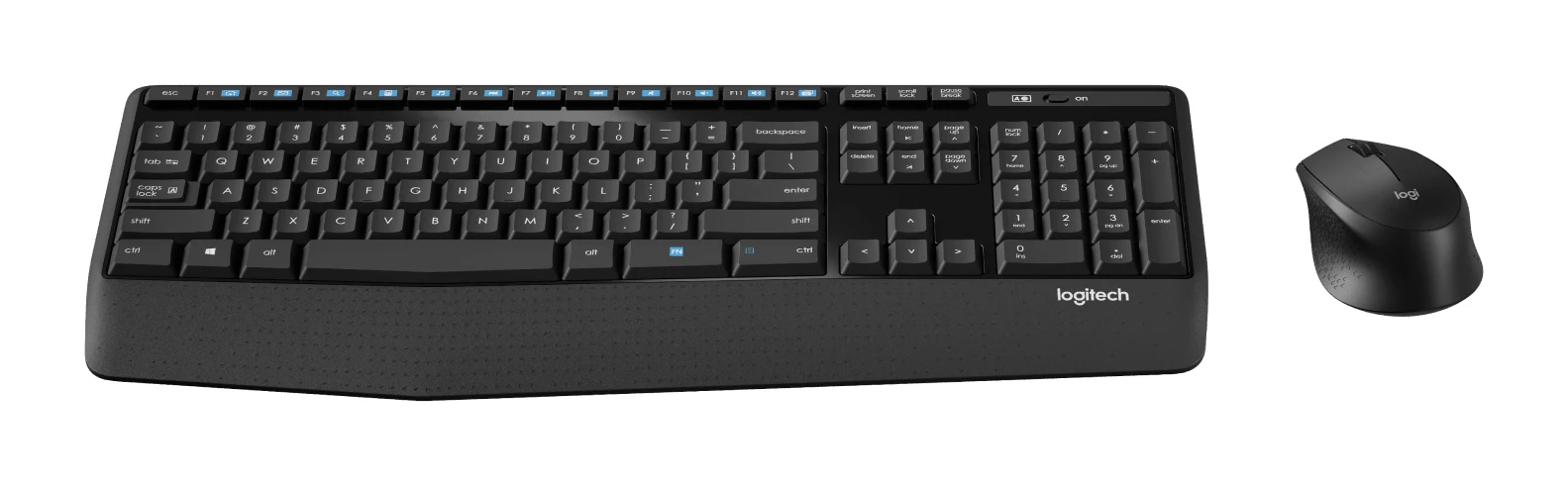
Logitech MK345 Comfort Combo Review (2026): Simple, Quiet
A full-size, quiet, low-maintenance desk combo with a palm rest and very long battery life. Here's what the specs and independent reviewers say, and who should look elsewhere.
Published Oct 27, 2026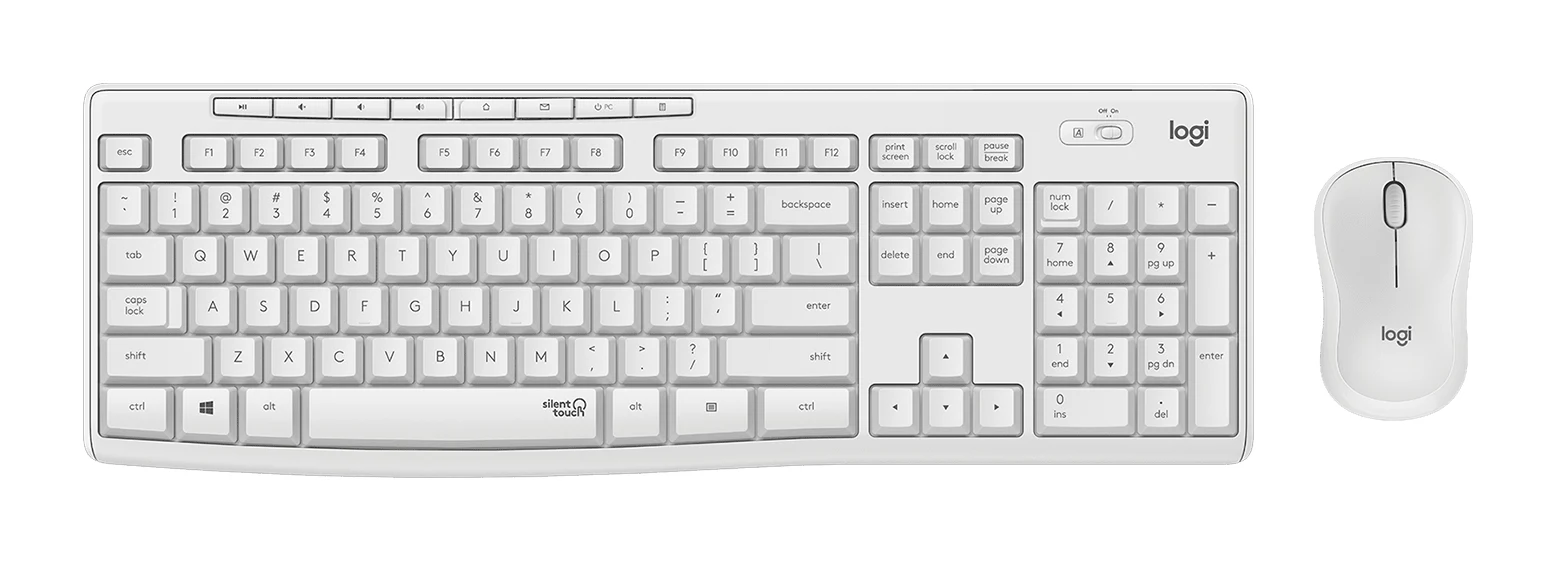
Logitech MK295 Silent Wireless Combo Review: Quiet Basics
A plain, quiet, plug-and-play keyboard and mouse set for Windows and Chrome OS desks. Here is what the specs and expert reviews say about who it suits.
Published Oct 27, 2026
Logitech MX Keys S Review (2026): Quiet, Not Mechanical
A full-size, quiet wireless keyboard built for office users who switch between computers. Here is what the MX Keys S offers, where reviewers find fault, and who should skip it.
Published Oct 27, 2026