Logitech MX Keys S Review (2026): Quiet, Not Mechanical
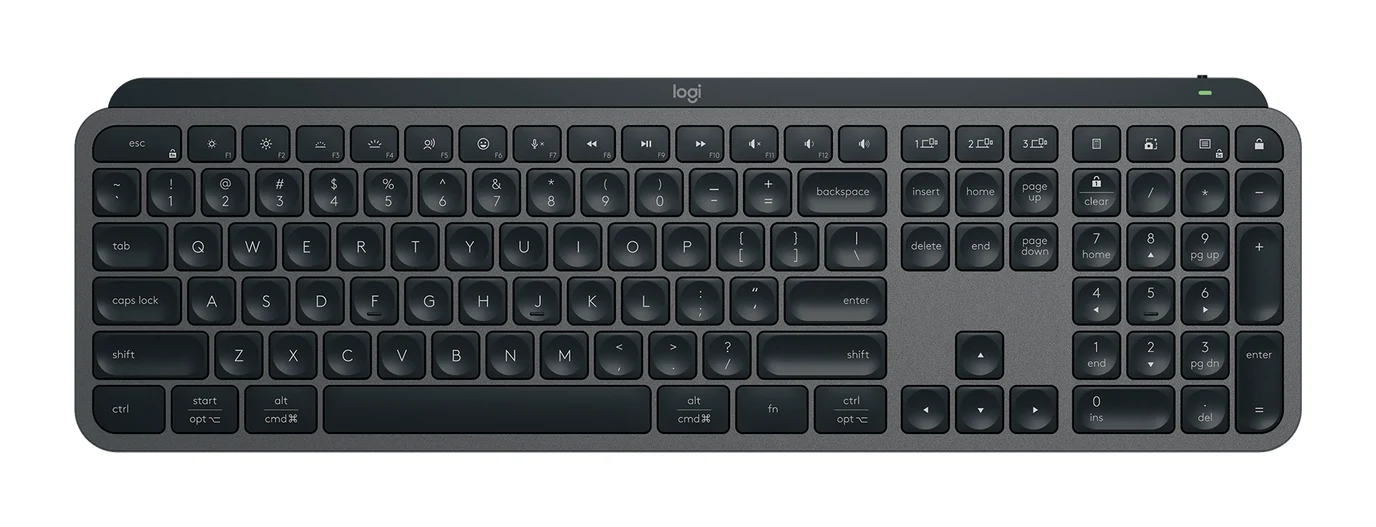
A full-size, quiet wireless keyboard built for office users who switch between computers. Here is what the MX Keys S offers, where reviewers find fault, and who should skip it.
Research-based · We earn from qualifying purchases
Our verdict
The MX Keys S suits office workers and multi-device users who want a quiet, comfortable full-size keyboard with flexible customization. Skip it if you want mechanical key feel, a keyboard that travels easily, or strong gaming performance.
The good
- Comfortable, accurate typing feel similar to a good laptop keyboard
- Quiet keystrokes suit shared offices and video calls
- Smart Illumination backlight switches on as your hands approach
- Pairs with up to 3 devices across Windows, macOS, Linux and more
- Logi Options+ offers Smart Actions macros and key customization
+2 more
- Pairs with up to 3 devices across Windows, macOS, Linux and more
- Logi Options+ offers Smart Actions macros and key customization
The bad
- Scissor-switch keys, not mechanical, despite the premium price
- Heavy at 2 lb and long, so not very portable
- No wrist rest included; it is sold separately
- Backlight is white only and on the dim side
+1 more
- Backlight is white only and on the dim side
This Logitech MX Keys S review looks at a full-size wireless keyboard aimed at people who spend long hours typing and move between more than one computer. It is a scissor-switch board with a numpad, a proximity-sensing backlight and software for customizing keys, and it sits in the mid-range part of the keyboard market. It suits office users who want quiet, comfortable typing. This review is based on manufacturer specs and what independent experts report, not hands-on testing.
Logitech MX Keys S: specs at a glance
From the manufacturer- Layout
- Full-size, 104 keys with numpad
- Weight
- 2 lb / 810 g
- Battery
- 1500 mAh Lithium-Ion Polymer, rechargeable via USB-C
- Warranty
- 1-year limited
- Dimensions
- 16.9 x 5.2 x 0.8" / 430.2 x 131.6 x 20.5 mm
- OS support
- Windows, macOS, ChromeOS, Linux, iPadOS, iOS, Android
- Wrist rest
- No (sold separately)
- Backlighting
- White, with proximity and ambient-light sensing
- Battery life
- Up to 10 days (backlight on); up to 5 months (backlight off)
- Connectivity
- Bluetooth LE or Logi Bolt USB-A receiver (included)
- Paired devices
- Up to 3
- Wireless range
- Up to 33 ft.
- Key switch type
- Scissor (membrane), not mechanical
- Colors (US store)
- Graphite, Pale Gray, Black
Key features
- Spherically-dished, low-profile scissor keys for fast, quiet typing
- Smart Illumination backlight turns on as your hands approach and adjusts to ambient light
- Pairs with up to 3 devices over Bluetooth LE or the included Logi Bolt USB receiver
- Works with Windows, macOS, ChromeOS, Linux, iPadOS and iOS
- Smart Actions macros and key customization through Logi Options+
- Up to 10 days of battery with backlight on, or up to 5 months with it off
- USB-C rechargeable, with a USB-C charging cable included
- Full-size layout with numpad, plus an emoji key and mic mute/dictation function keys
What the MX Keys S Is Trying to Be
The MX Keys S is not pitched as an enthusiast or gaming keyboard. It is a productivity keyboard, and its feature list reflects that. It has low-profile, spherically-dished keys, pairing with up to 3 devices, support for most desktop and mobile operating systems, and customization through Logi Options+. Across independent expert coverage it averages 8.6/10 from 5 expert reviews, and it appears in 6 expert buying guides. That is a solid base of praise, though the criticisms are specific and worth weighing.
Logitech MX Keys S Review: Design and Build
The board uses a full-size layout of 104 keys, including the numpad. That matters if you work with spreadsheets, accounting software or anything else that rewards a number pad. The trade-off is size. It measures 16.9 x 5.2 x 0.8" / 430.2 x 131.6 x 20.5 mm and weighs 2 lb / 810 g. The footprint is wide, so it takes up real desk space and is not very portable. A common criticism from reviewers is that it is heavy and long, so portability is not its strength.
The keys are spherically-dished, low-profile scissor keys. Reviewers consistently describe the typing feel as comfortable and accurate, similar to a good laptop keyboard.
It comes in Graphite, Pale Gray and Black in the US store. There is no wrist rest in the box. One is sold separately. If you type for hours, factor that extra purchase into your plans.
Typing Feel and Noise
The key switches are scissor-type membrane, not mechanical. That is the single biggest decision point for this keyboard. If you want the distinct tactile or clicky feedback of mechanical switches, the MX Keys S is not that. If you like the controlled, shallow feel of a laptop keyboard, it is.
Reviewers praise the quiet keystrokes. For anyone in a shared office, a home office with someone else nearby, or on frequent video calls, a keyboard that does not clatter is a practical advantage.
The flip side is that the keys are not mechanical, despite the price. Buyers expecting enthusiast-style feel at this level may be disappointed, and the verdict here reflects that: this is for people who value comfort and quiet over key feel.
Smart Illumination and Backlighting
The backlight is white, with proximity and ambient-light sensing. In practice, Smart Illumination means the lighting switches on as your hands approach and adjusts to the light in the room. You do not have to remember to toggle it.
The Smart Illumination backlight switches on as your hands approach. A common criticism is that the backlight is white only and on the dim side, so if you want colorful RGB effects or a very bright glow, this is not the keyboard for that. It is functional lighting, not a showpiece.
The backlight also factors into battery life, which brings us to power.
Battery Life and Charging
The keyboard has a 1500 mAh Lithium-Ion Polymer battery, recharged over USB-C, and a USB-C charging cable is included. The battery is rated for up to 10 days with the backlight on, or up to 5 months with it off.
In day-to-day terms, that gap is large. If you use the backlight regularly, plan on plugging in more often. Because it charges over USB-C, topping it up is easy with a cable you probably already own.
Connectivity and Multi-Device Use
The MX Keys S pairs with up to 3 devices, over either Bluetooth LE or the included Logi Bolt USB-A receiver. Wireless range is up to 33 ft., which is more than enough for a desk setup.
Operating system support is broad: Windows, macOS, ChromeOS, Linux, iPadOS, iOS and Android appear in the specs. That makes it a good match for the person who has a work laptop, a personal computer and a tablet and wants one keyboard to follow them around the desk. Reviewers praise the multi-device pairing, including across Windows, macOS and Linux.
The included Logi Bolt receiver is useful if you want a dedicated connection to a desktop. Bluetooth LE covers the rest. Note that the receiver is USB-A, so if your computer only has USB-C ports you will need to rely on Bluetooth or use an adapter.
Software, Shortcuts and Customization
Logi Options+ is where the keyboard becomes more than a typing surface. It offers Smart Actions macros and key customization, so you can tailor shortcuts to your workflow.
The keyboard also has an emoji key and mic mute/dictation function keys. The mic mute key is handy for video calls, and dictation is there if you prefer to speak rather than type for some tasks.
What Experts Like and What They Criticise
The scores are consistently positive. Trusted Reviews gives it 5/5, Windows Central 4.5/5, Tom's Guide 4/5 and PCWorld 4/5, while How-To Geek scores it 8/10. That averages out at 8.6/10 across the 5 expert reviews.
What reviewers praise:
- A comfortable, accurate typing feel similar to a good laptop keyboard.
- Quiet keystrokes that suit shared offices and video calls.
- The Smart Illumination backlight that wakes as your hands approach.
- Pairing with up to 3 devices across a range of operating systems.
- Flexible customization through Logi Options+.
What they criticise:
- Scissor-switch keys rather than mechanical ones, despite the price.
- A heavy, long body that is not very portable.
- No wrist rest in the box.
- A white-only backlight that is on the dim side.
Knowing what you want from a keyboard matters here.
Who Should Buy the MX Keys S
This keyboard makes the most sense if you:
- Work in an office or shared space and want quiet typing.
- Switch between several computers or tablets and want one keyboard for all of them.
- Use a numpad regularly and need a full-size layout.
- Like laptop-style keys and want to customize shortcuts and macros.
- Take video calls and appreciate dedicated mic mute and dictation keys.
If you are building a comfortable desk setup, it pairs naturally with a good chair; see our guide to the best office chairs for ideas.
Who Should Skip It
Look elsewhere if you:
- Want mechanical key feel. These are scissor keys.
- Need a keyboard that travels easily. At 2 lb / 810 g and a full-size footprint, it is better suited to a desk.
- Want strong gaming performance. It is built for productivity, not gaming.
- Want a wrist rest included. You will need to buy one separately.
- Want bright or colorful lighting. The backlight is white only and on the dim side.
How It Fits in Its Category
Wireless full-size keyboards range from basic budget boards to enthusiast mechanical designs. The MX Keys S sits in the mid-range part of the market and focuses on a specific type of buyer: someone who values quiet, comfort and multi-device flexibility over mechanical feel or portability. That focus is what earns it consistent praise, and it is also why the criticisms land so clearly for people who want something else.
Verdict
The MX Keys S is an easy keyboard to recommend to the right person. It delivers quiet, accurate, laptop-style typing in a full-size layout, with multi-device pairing, a proximity-sensing backlight and useful customization software. Its weaknesses are plain: it is not mechanical, it is heavy and long, it has no wrist rest in the box, and the backlight is modest. If those are not dealbreakers, an average of 8.6/10 across 5 expert reviews, plus a place in 6 expert guides, suggests it is a strong choice for a productive desk. Use the check price button to see current pricing.
Related buying guides
- Best Mechanical Keyboards 2026 for Typing and Gaming
- Logitech MK540 Advanced Review (2026): Quiet Desk Workhorse
- Best Quiet Keyboard for Office in 2026: Calm Typing at Work
- Logitech MX Keys S Combo Review (2026): Polished Desk Duo
- Cherry KC 200 MX Review (2026): Quiet, Sturdy, No Frills
- Logitech MK345 Comfort Combo Review (2026): Simple, Quiet
- Logitech MK295 Silent Wireless Combo Review: Quiet Basics
Not sure about the Logitech MX Keys S? Consider these
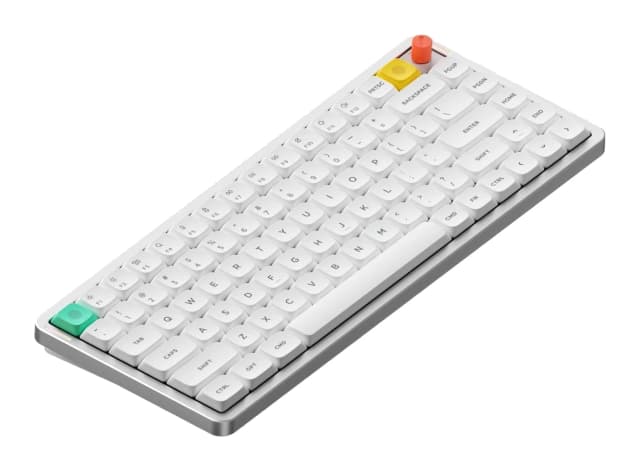
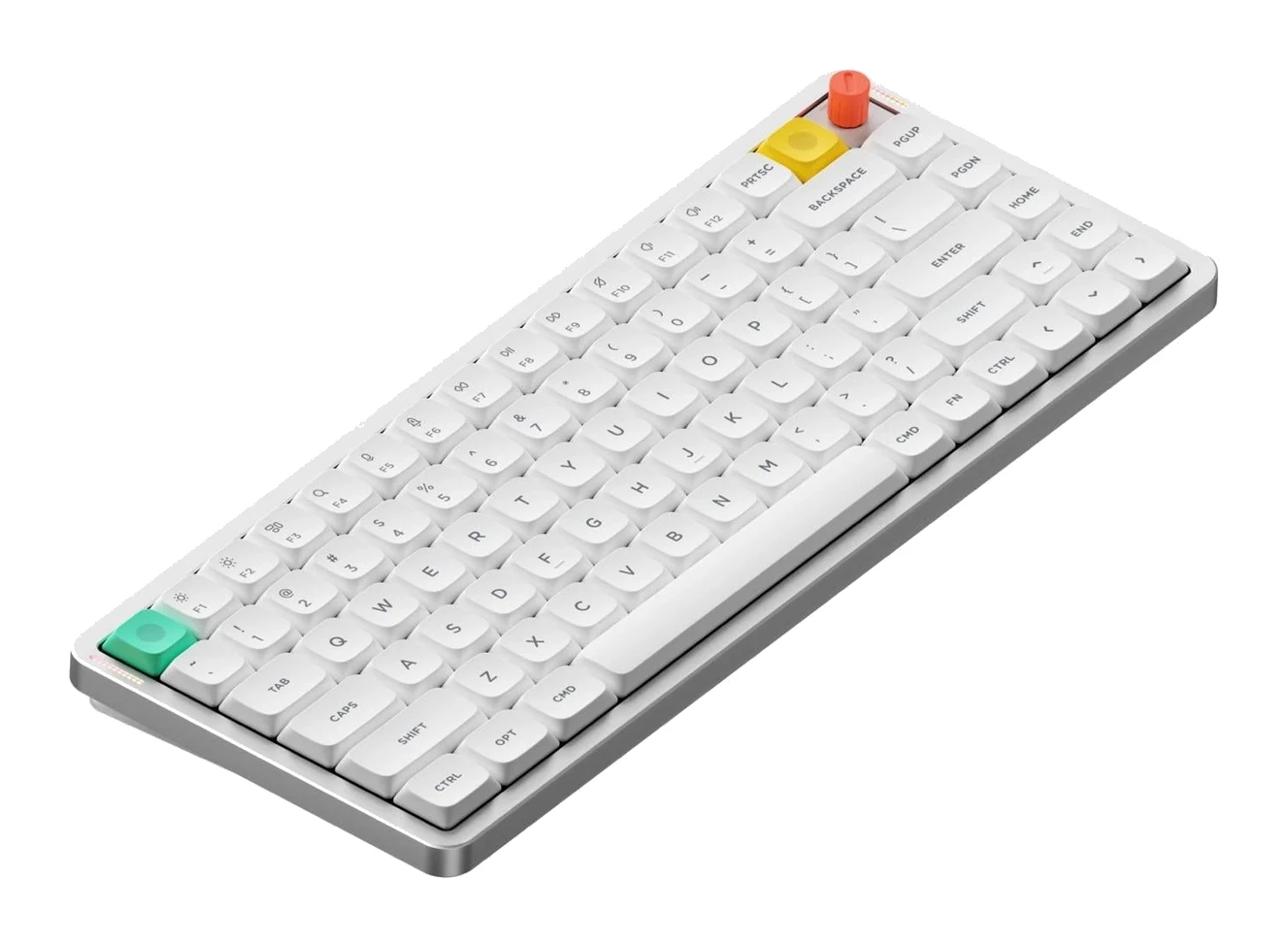
- Best OverallNuPhy Air75 V3Why we picked it →
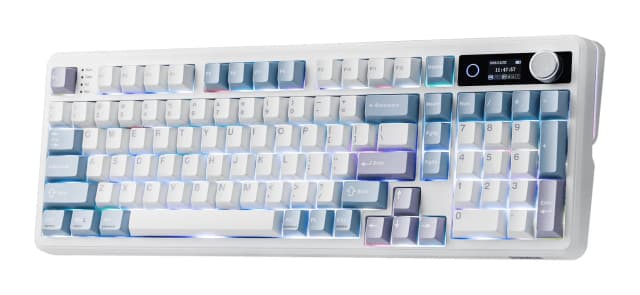
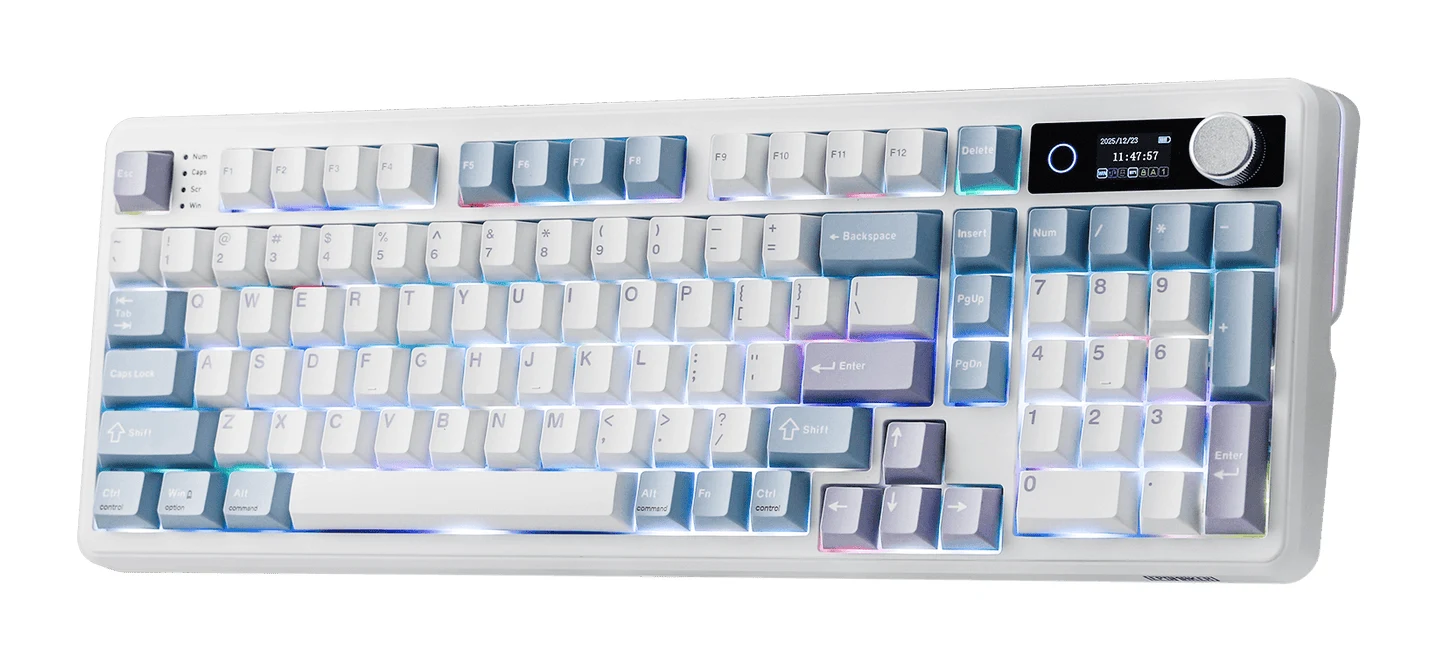
- Best ValueEPOMAKER TH99 ProWhy we picked it →
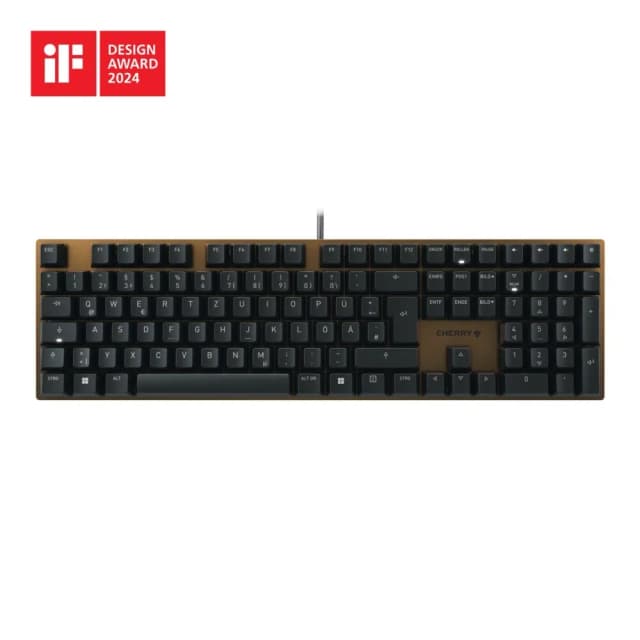
- Best BudgetCherry KC 200 MXWhy we picked it →
Frequently asked questions
Is the Logitech MX Keys S worth it?
It is worth it if you want a quiet, comfortable full-size keyboard that pairs with up to 3 devices and offers customization through Logi Options+. It averages 8.6/10 across 5 expert reviews. It is less compelling if you want mechanical key feel, portability or gaming performance.
Is the MX Keys S a mechanical keyboard?
No. It uses scissor (membrane) switches, not mechanical ones. Reviewers describe the typing feel as comfortable and accurate, similar to a good laptop keyboard, and keystrokes are quiet.
How long does the MX Keys S battery last?
The battery is rated for up to 10 days with the backlight on, or up to 5 months with the backlight off. It recharges over USB-C, and a USB-C charging cable is included.
Does the MX Keys S work with Mac, Windows and Linux?
Yes. The specs list Windows, macOS, ChromeOS, Linux, iPadOS, iOS and Android support. It can pair with up to 3 devices over Bluetooth LE or the included Logi Bolt USB-A receiver.
Does the MX Keys S come with a wrist rest?
No. A wrist rest is sold separately.
Is the MX Keys S good for gaming?
It is not designed for gaming. It is a productivity keyboard with quiet scissor-switch keys, and gamers who want strong gaming performance should look elsewhere.
Sources
Specs are taken from the manufacturers' official pages; expert recommendations from the publications below.
- Logitech MX Keys S: logitech.com, bhphotovideo.com, shi.com, microcenter.com
Related reviews & guides
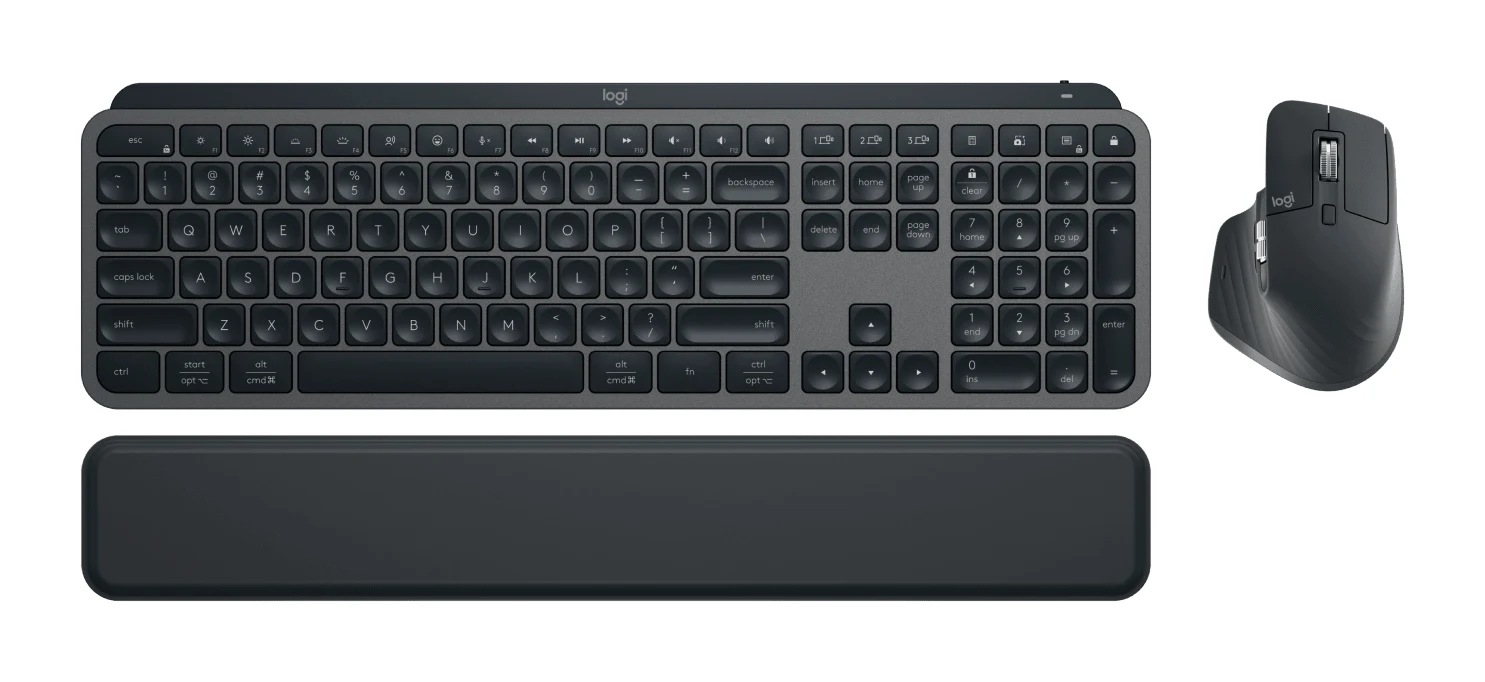
Logitech MX Keys S Combo Review (2026): Polished Desk Duo
A bundle of the MX Keys S keyboard, MX Master 3S mouse and palm rest, aimed at people who type all day and switch between computers. Here is what the specs and expert reviews say.
Published Oct 27, 2026
Best Mechanical Keyboards 2026 for Typing and Gaming
Five mechanical keyboards for 2026, from a compact tri-mode 75% board to a wired rapid-trigger TKL and a slim aluminum-topped wireless option, chosen from manufacturer specs and expert recommendations.
Published Oct 9, 2026
Cherry KC 200 MX Review (2026): Quiet, Sturdy, No Frills
A full-size, wired mechanical keyboard with silent linear switches and an anodized metal top plate. Here is what the specs and expert reviews say about who it suits.
Published Oct 27, 2026