Cherry KC 200 MX Review (2026): Quiet, Sturdy, No Frills
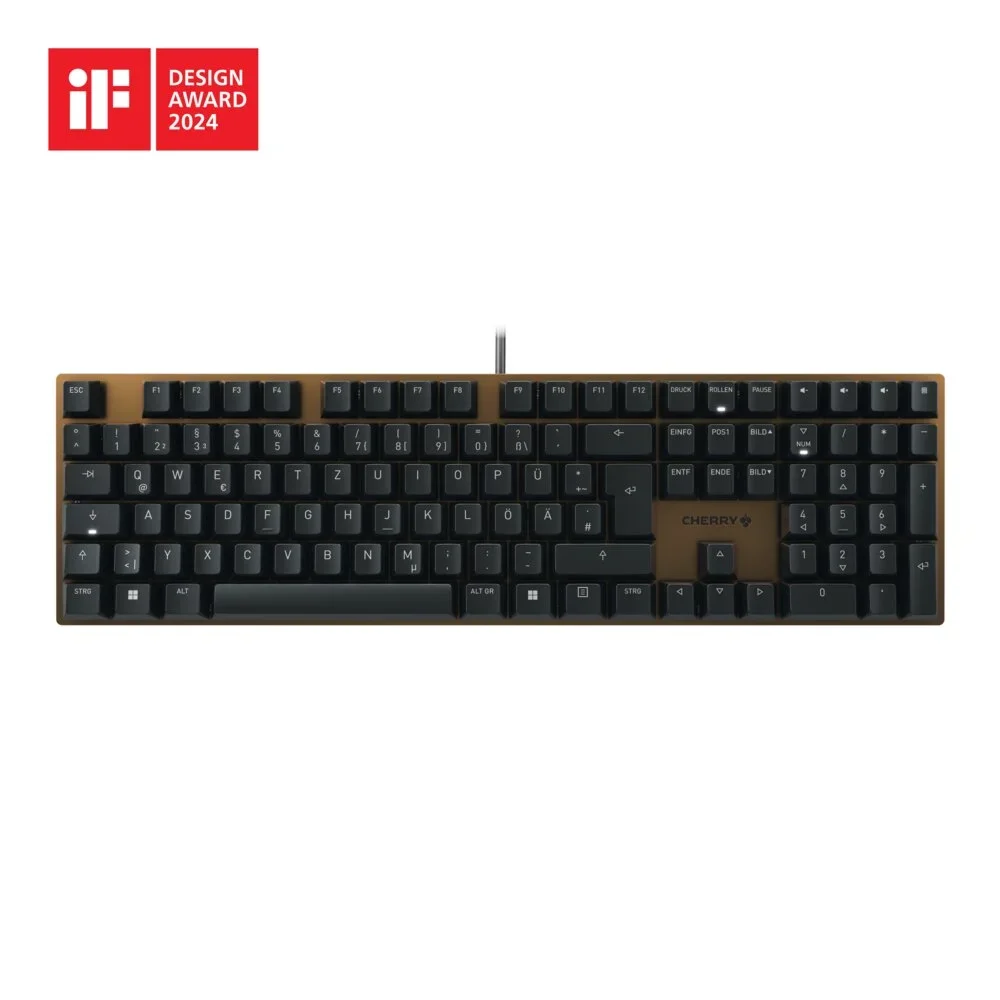
A full-size, wired mechanical keyboard with silent linear switches and an anodized metal top plate. Here is what the specs and expert reviews say about who it suits.
Research-based · We earn from qualifying purchases
Our verdict
The Cherry KC 200 MX suits office and shared-space typists who want a quiet, sturdy, understated full-size mechanical keyboard with a metal top plate. Skip it if you want backlighting, wireless freedom or a more distinctive keyboard for the money.
The good
- Silent Red linear switches keep typing very quiet
- Smooth, stable switches with little key wobble
- Sturdy anodized metal top plate with no flex
- Clean, minimalist design that suits an office desk
- Extra volume and calculator keys plus status LEDs
+2 more
- Clean, minimalist design that suits an office desk
- Extra volume and calculator keys plus status LEDs
The bad
- Non-detachable 1.6 m cable with no wired routing options
- No backlighting, so dim rooms are harder to type in
- No wireless option; USB-A wired only
- Basic keycaps and limited key remapping software
+1 more
- Basic keycaps and limited key remapping software
This Cherry KC 200 MX review looks at a keyboard that aims for a simple job: a quiet, sturdy, full-size mechanical board for office and shared-space typists. It pairs Cherry's MX2A Silent Red linear switches with an anodized metal top plate, and it leaves out the extras many enthusiast boards add. It is aimed at office users, not at people who want RGB lighting or a board with a strong personality.
The review is based on Cherry's specifications and on what independent experts report. It is not based on hands-on testing.
Cherry KC 200 MX: specs at a glance
From the manufacturer- Cable
- 5.25ft / 1.6m, non-detachable
- Weight
- 830 g
- Keycaps
- ABS, laser-etched legends
- Switches
- CHERRY MX2A Silent Red (linear)
- Warranty
- 2 years
- Dimensions
- 430 x 121 x 39 mm
- Pre-travel
- 1.9mm
- Form factor
- Full-size (100%)
- Backlighting
- None
- Connectivity
- Wired USB-A
- Total travel
- 3.7mm
- Response time
- 1 ms
- Number of keys
- 104 + 4
- Actuation force
- 45g
- Silent Red switch rated life
- 50 million keystrokes
Key features
- Original MX2A Silent Red linear switches for quiet typing
- Anodized metal top plate for a sturdy, premium look
- Sculpted keycaps for comfortable typing
- Four extra keys for volume and calculator
- White status LEDs on Caps, Scroll and Num Lock
- Anti-ghosting and N-key rollover for reliable input
- Plug-and-play USB-A connection
- Free Cherry Keys software for remapping keys
Cherry KC 200 MX review: design and build
The KC 200 MX is a full-size (100%) keyboard with 104 keys plus four extras, so it keeps the numpad and the usual navigation cluster. It measures 430 x 121 x 39 mm and weighs 830 g.
The most distinctive part of the build is the anodized metal top plate. Reviewers consistently praise it as sturdy, with no flex, and Cherry describes it as giving the keyboard a premium look. The look is clean and minimalist. That suits an office desk, but it also means the keyboard does little to stand out.
Keycaps
The keycaps are ABS with laser-etched legends, and Cherry describes them as sculpted for comfortable typing. A common criticism from reviewers is that the keycaps are basic.
Cable and layout
The cable is 5.25ft / 1.6m long and non-detachable. There are no wired routing options. Because the cable is non-detachable, it cannot be replaced with another.
Switches and typing feel
The main reason to consider this keyboard is its switch. The KC 200 MX uses Cherry MX2A Silent Red switches, which are linear. A linear switch has no tactile bump or click, so the key travels smoothly from top to bottom. The Silent Red switches are built for quiet typing, which matters if you share an office or other shared space.
The key numbers are:
- Actuation force: 45g
- Pre-travel: 1.9mm, the distance before the key registers
- Total travel: 3.7mm
- Rated life: 50 million keystrokes for the Silent Red switch
Reviewers praise the switches as smooth and stable, with little key wobble. They also say they keep typing very quiet, which is the headline selling point.
For input reliability, the keyboard offers anti-ghosting and N-key rollover. That means multiple simultaneous keypresses are registered correctly, which is useful for fast typists and for keyboard shortcuts. The listed response time is 1 ms.
Features and what they mean day to day
The KC 200 MX keeps its feature set practical. Four extra keys cover volume and calculator functions, so you can adjust audio or open the calculator without a function-key combination. Reviewers praise the extra volume and calculator keys plus the status LEDs. White status LEDs on Caps Lock, Scroll Lock and Num Lock tell you at a glance which modes are active.
The keyboard connects by wired USB-A and works plug-and-play, so there is nothing to pair or charge. For an office machine, a wired connection is dependable and has no battery to worry about. The trade-off is that there is no wireless option. If you want wireless freedom, this keyboard does not offer it.
Backlighting and software
There is no backlighting. In a well-lit office that is a non-issue. In a dim room, though, typing is harder, and reviewers flag this as a drawback. If you type at night or in low light, consider this carefully.
Cherry offers free Cherry Keys software for remapping keys. It is a useful addition, but reviewers describe the remapping options as limited. If you want deep customization, you may find it restrictive.
What experts like and what they criticise
Expert opinion on the KC 200 MX is positive but measured. It averages 7/10 across 4 expert reviews:
- PC Gamer scores it 79/100
- Trusted Reviews gives it 4/5
- PCGamesN rates it 7/10
- Android Police gives it 5/10
What reviewers praise: the very quiet Silent Red switches, the smooth and stable key action, the sturdy metal top plate with no flex, the clean look that suits an office, and the extra volume and calculator keys plus status LEDs.
What reviewers criticise: the non-detachable cable, the lack of backlighting, the wired-only USB-A connection, and the basic keycaps and limited remapping software. Reviewers praise the quiet switches and sturdy build, but criticise the fixed cable, lack of backlighting, wired-only connection, basic keycaps and limited remapping software.
Who should buy it and who should skip it
Buy it if you work in an office or shared space and want a mechanical keyboard that does not disturb others. It also suits people who want a full-size layout with a numpad and a sturdy metal top plate. If you value a wired connection that needs no charging and no pairing, that is another plus. The clean, understated look also fits an office desk. If you are building out a work-from-home setup, our best office chairs guide covers the seat side of things.
Skip it if you want backlighting, wireless freedom or a detachable cable. You should also skip it if you like to customize keycaps and software, or if you want a keyboard with a more distinctive design.
How it fits in the keyboard category
In general terms, mechanical keyboards range from heavily customizable enthusiast boards to simple office-focused designs. The KC 200 MX sits firmly in the second group. Its strengths are quiet operation and solid construction, and it leaves out lighting, wireless and deep customization. If those features matter to you, you will probably want to look elsewhere.
Verdict
The Cherry KC 200 MX is a focused keyboard. It does the basics well: quiet typing, a sturdy metal top plate and a full-size layout with useful extra keys. It is held back by a fixed cable, no backlighting, no wireless and limited key remapping software. The expert average of 7/10 reflects that balance. If you want a quiet, dependable board for an office desk, it is worth a close look. If you want backlighting, wireless freedom or a more distinctive keyboard for the money, look elsewhere.
Related buying guides
- Logitech MX Keys S Review (2026): Quiet, Not Mechanical
- Logitech MX Keys S Combo Review (2026): Polished Desk Duo
- Best Quiet Keyboard for Office in 2026: Calm Typing at Work
- Logitech MK345 Comfort Combo Review (2026): Simple, Quiet
- Best Wireless Keyboard and Mouse Combo 2026: Budget to Pro
- EPOMAKER TH99 Pro Review (2026): Creamy, Quiet, Compact
Not sure about the Cherry KC 200 MX? Consider these
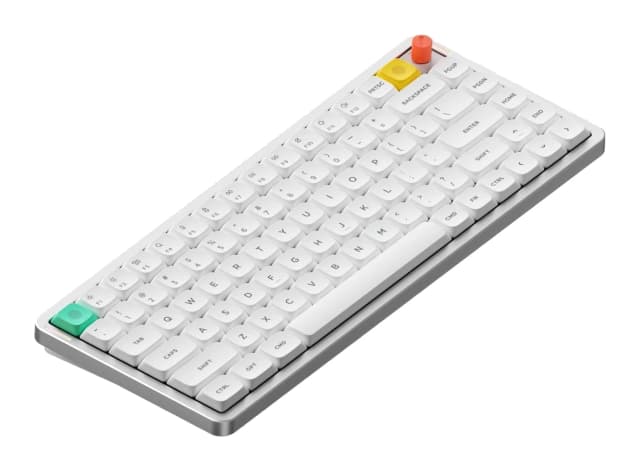
- Best OverallNuPhy Air75 V3Why we picked it →
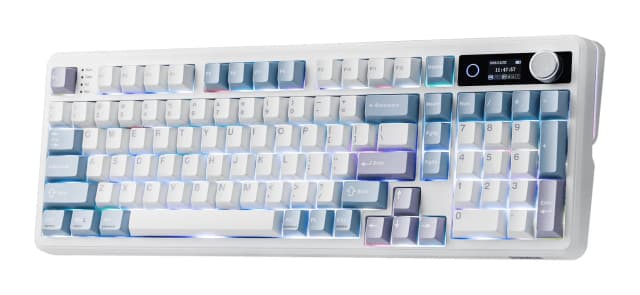
- Best ValueEPOMAKER TH99 ProWhy we picked it →
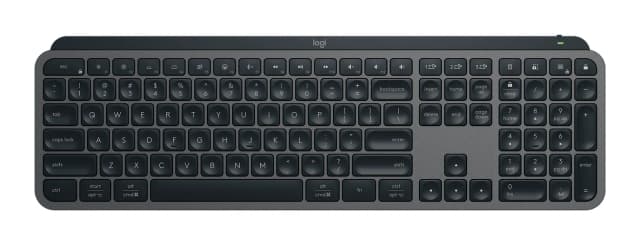
- Also GreatLogitech MX Keys SWhy we picked it →
Frequently asked questions
Is the Cherry KC 200 MX worth it?
It is worth considering if you want a quiet, sturdy, full-size mechanical keyboard for office or shared-space use. Experts' scores average 7/10 across 4 reviews, and the main complaints are the lack of backlighting, wireless and a detachable cable. If you need those features, it may not be the best fit.
Is the Cherry KC 200 MX quiet?
Yes, that is its main selling point. It uses Cherry MX2A Silent Red linear switches, and reviewers say they keep typing very quiet.
Does the Cherry KC 200 MX have backlighting?
No. It has white status LEDs on Caps Lock, Scroll Lock and Num Lock, but no key backlighting. Reviewers note that this makes typing harder in dim rooms.
Is the Cherry KC 200 MX wireless?
No. It connects by wired USB-A only, with a 5.25ft / 1.6m non-detachable cable. It is plug-and-play, so no pairing or charging is needed.
Can you remap keys on the Cherry KC 200 MX?
Yes, through the free Cherry Keys software. Reviewers describe the remapping options as limited, so it may not suit users who want extensive customization.
Does the Cherry KC 200 MX have a numpad?
Yes. It is a full-size (100%) keyboard with 104 keys plus four extra keys for volume and calculator functions.
Sources
Specs are taken from the manufacturers' official pages; expert recommendations from the publications below.
- Cherry KC 200 MX: cherry.de, microcenter.com, tomshardware.com, tomsguide.com
Related reviews & guides
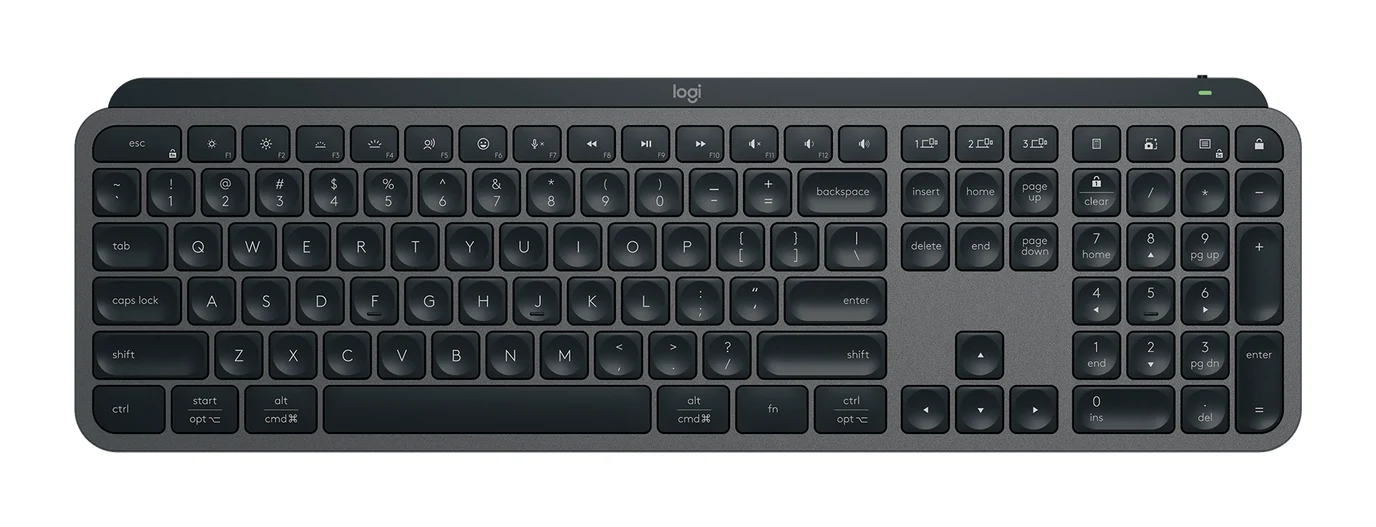
Logitech MX Keys S Review (2026): Quiet, Not Mechanical
A full-size, quiet wireless keyboard built for office users who switch between computers. Here is what the MX Keys S offers, where reviewers find fault, and who should skip it.
Published Oct 27, 2026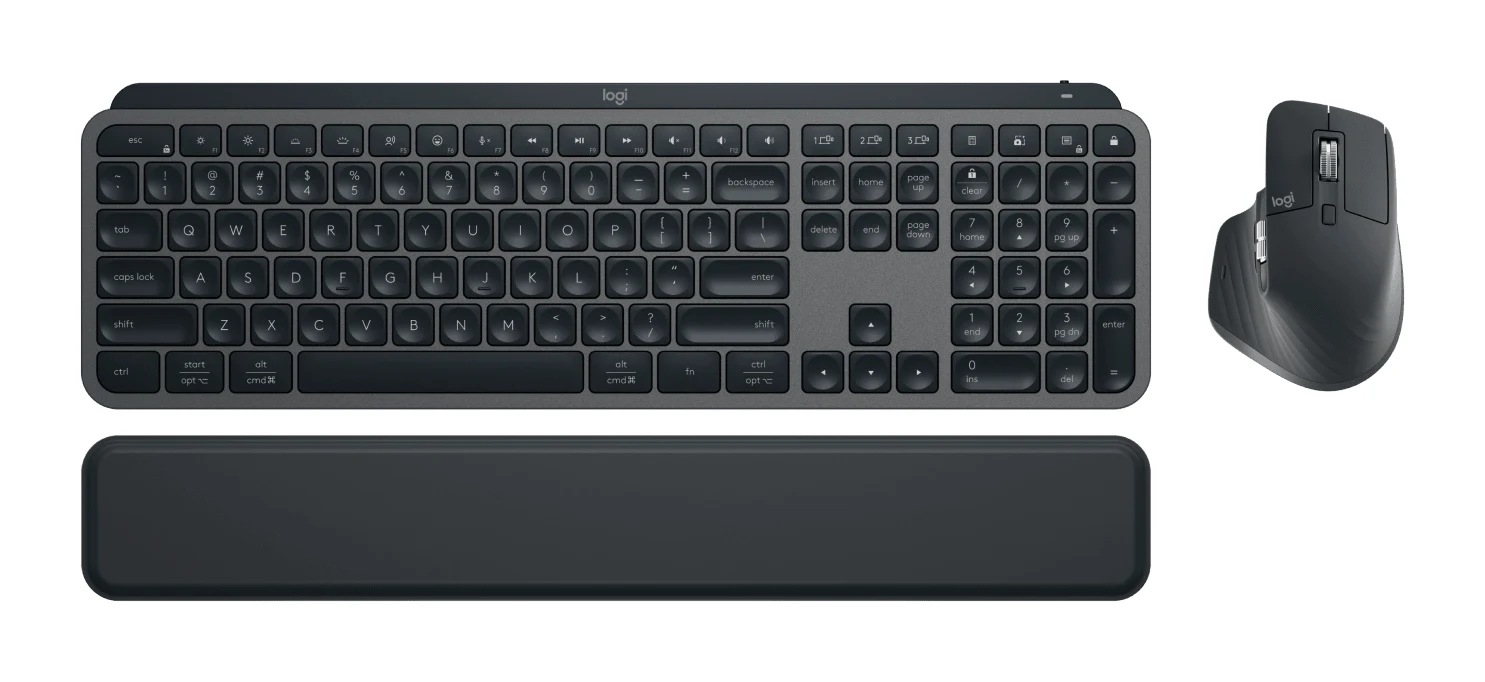
Logitech MX Keys S Combo Review (2026): Polished Desk Duo
A bundle of the MX Keys S keyboard, MX Master 3S mouse and palm rest, aimed at people who type all day and switch between computers. Here is what the specs and expert reviews say.
Published Oct 27, 2026
Best Quiet Keyboard for Office in 2026: Calm Typing at Work
Five quiet keyboards for shared offices and hybrid desks, compared on switches, layout, connectivity and portability using manufacturer specs and expert recommendations.
Published Oct 22, 2026