EPOMAKER TH99 Pro Review (2026): Creamy, Quiet, Compact
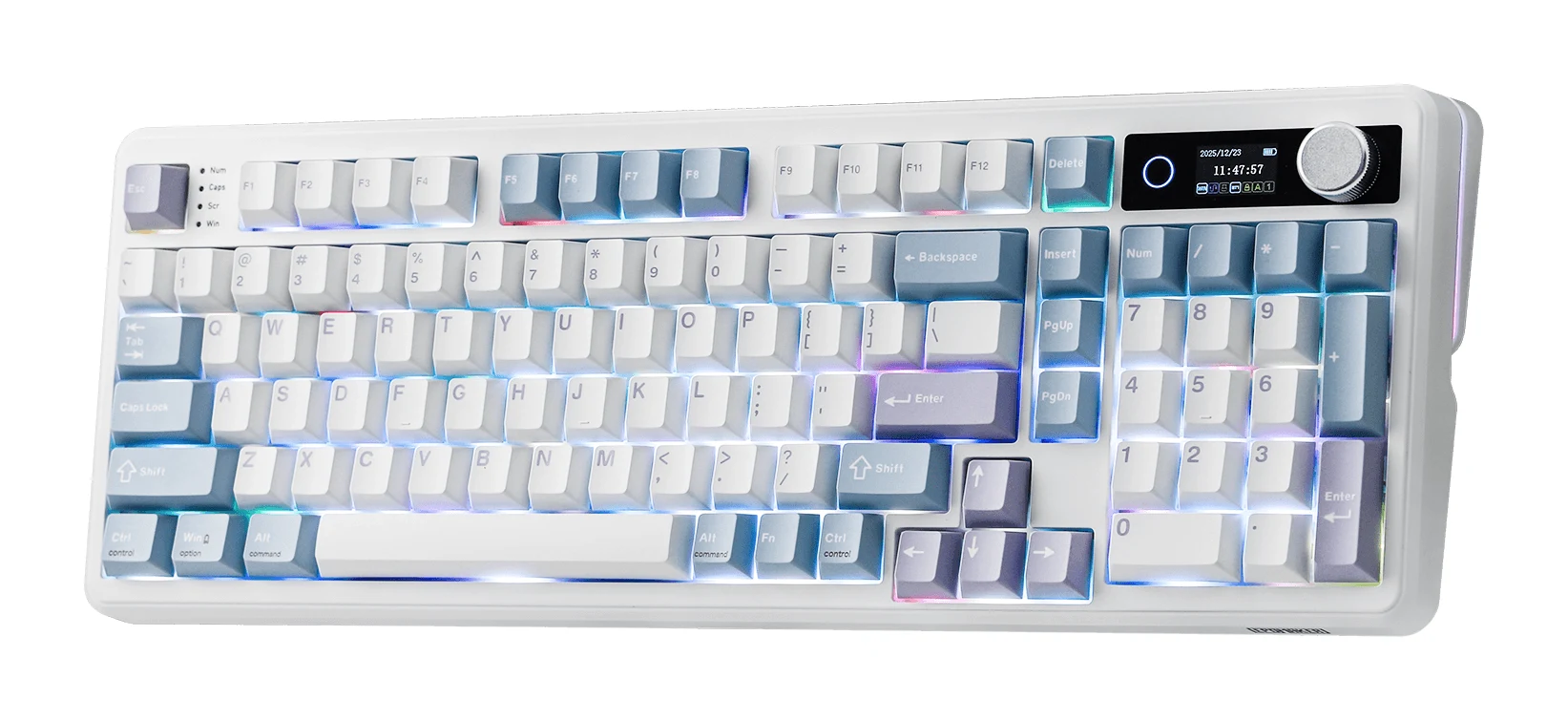
A gasket-mounted 98-key board with a numpad, smart display, tri-mode connectivity and a very large battery. Here is what the specs and expert reviews say about the TH99 Pro.
Research-based · We earn from qualifying purchases
Our verdict
The TH99 Pro suits typists who want a quiet, creamy-sounding board with a numpad, long battery life and flexible wireless in a compact footprint. Skip it if you want a metal case or a full set of navigation keys.
The good
- Gasket mount with layered damping gives a soft, deep, well-dampened typing sound
- Battery lasts up to 200 hours with RGB off
- Tri-mode connectivity: Bluetooth 5.0, 2.4GHz and wired USB-C
- 1.06" smart display and metal knob handle volume, status and GIFs
- Hot-swappable PCB with pre-lubed linear or silent linear switches
+2 more
- 1.06" smart display and metal knob handle volume, status and GIFs
- Hot-swappable PCB with pre-lubed linear or silent linear switches
The bad
- ABS plastic case rather than metal
- Compact layout leaves out some keys, such as Home and End
- Companion software is simple and the screen text is small
- Bluetooth polling is limited to 125Hz, with higher latency than 2.4GHz or wired
+1 more
- Bluetooth polling is limited to 125Hz, with higher latency than 2.4GHz or wired
This EPOMAKER TH99 Pro review looks at a compact keyboard that tries to keep the numpad while shrinking the footprint, and adds a small screen, a metal knob and three ways to connect. It sits in the mid-range part of the market. It is aimed at people who type a lot and care how a keyboard sounds, but who still need number entry.
The verdict is based on manufacturer specifications and on what independent expert reviews report, not on hands-on testing. Reviewers are broadly positive: the board averages 9/10 across 2 expert reviews, and it has been recommended in one independent expert buying guide.
EPOMAKER TH99 Pro: specs at a glance
From the manufacturer- Layout
- 96% (1800), 98 keys, ANSI
- Weight
- 1.12Kg
- Battery
- 10000mAh
- Display
- 1.06" smart display with control knob
- Keycaps
- Double-shot PBT, Cherry profile
- Latency
- 2ms (USB), 5ms (2.4GHz), 11ms (Bluetooth)
- Mounting
- Gasket-mounted, flex-cut PCB and PC plate
- Switches
- Creamy Jade (linear) or Sea Salt Silent V2 (silent linear), 5-pin, hot-swappable
- Dimensions
- 41*14.5*4.7cm
- Battery life
- 150-200 hours (RGB off); 40+ hours (RGB on, screen included)
- Connectivity
- 2.4GHz wireless / Bluetooth 5.0 / USB-C wired
- Polling rate
- 1000Hz (USB and 2.4GHz), 125Hz (Bluetooth)
- Case material
- ABS plastic
- Creamy Jade switch forces
- 45±5gf trigger, 50±5gf bottom-out, 3.6±0.4mm total travel
Key features
- Full numpad in a compact 98-key 1800 layout
- Gasket mount with PORON, latex, IXPE and silicone damping for a soft, deep sound
- 1.06" smart display and metal knob for volume, status and GIFs
- Tri-mode connectivity: Bluetooth 5.0, 2.4GHz and USB-C wired
- 10,000mAh battery, up to 200 hours with RGB off
- Hot-swappable PCB with pre-lubed Creamy Jade or Sea Salt Silent V2 switches
- Double-shot PBT keycaps resist grease and shine
- Free web-based software for remapping, macros and lighting
EPOMAKER TH99 Pro review: design and build
The TH99 Pro uses a 96% (1800) layout with 98 keys in ANSI. That means a full numpad packed into a body that measures 4114.54.7cm, rather than the wider spread of a traditional full-size board. If you do spreadsheet work, accounting or data entry, keeping the numpad while saving some desk width is the main appeal of this format.
The case is ABS plastic, and a common criticism from reviewers is that it isn't metal. At 1.12Kg the TH99 Pro is not a featherweight, but the weight figure alone doesn't tell us how it will feel on a desk, so treat it as a rough guide to its size and heft.
The keycaps are double-shot PBT in a Cherry profile. Double-shot construction means the legends are moulded into the keycap rather than printed on, and PBT is generally chosen because it resists grease and shine. EPOMAKER specifically lists grease and shine resistance for these caps.
The layout trade-off
Compressing a numpad into a 98-key board means some keys go missing or move. Reviewers point out that the compact layout leaves out some keys, such as Home and End. If you rely on a dedicated navigation cluster for editing long documents or code, check that before buying. If you mostly type and enter figures, the missing keys may matter less.
Typing sound and switch options
The sound is what this keyboard is built around. It uses a gasket mount with a flex-cut PCB and PC plate, and the case is damped with PORON, latex, IXPE and silicone layers. The design delivers a soft, deep sound through its gasket mount and PORON, latex, IXPE and silicone damping. Reviewers praise exactly this: a soft, deep, well-dampened typing sound.
You can choose between two pre-lubed switches:
- Creamy Jade, a linear switch. EPOMAKER lists 45±5gf trigger force, 50±5gf bottom-out force and 3.6±0.4mm total travel.
- Sea Salt Silent V2, a silent linear switch, for people who share a room or office and want to keep noise down.
Both are 5-pin, and the PCB is hot-swappable. In practice that means you can pull the switches out and fit other compatible ones without soldering, so you are not locked into the factory choice if you change your mind about feel or sound. Because the switches arrive pre-lubed, you also get a smoother starting point without doing the work yourself.
Both switch options are linear, so this isn't the board for anyone who wants a tactile bump out of the box, unless they swap switches themselves.
Smart display and knob
The board has a 1.06" smart display with a metal control knob. The knob handles volume, and the screen can show status information and GIFs. The screen text is small, so treat the display as a glanceable extra rather than something to read in detail.
Whether you value the GIF support is a matter of taste; the practical benefit is quick status feedback and a physical volume control.
Connectivity, latency and battery
The TH99 Pro is tri-mode: Bluetooth 5.0, 2.4GHz wireless and USB-C wired. That makes it easy to use with several devices, with a wired option when you want to charge or avoid wireless entirely.
The specs show clear differences between the modes:
- USB: 2ms latency and 1000Hz polling.
- 2.4GHz: 5ms latency and 1000Hz polling.
- Bluetooth: 11ms latency and 125Hz polling.
The practical reading is that wired USB-C or the 2.4GHz receiver are the sensible choices when responsiveness matters most. Bluetooth is better kept for convenience, such as switching to a laptop or tablet. Reviewers specifically flag the Bluetooth polling limit of 125Hz and the higher latency compared with 2.4GHz or wired. If you want the lowest latency, use wired USB-C or 2.4GHz rather than Bluetooth.
Battery life
The 10,000mAh battery is the other big talking point. EPOMAKER quotes 150-200 hours with RGB off, and 40+ hours with RGB on, screen included. Even the lower figure suggests you won't be charging often if you keep the lighting off. If you like bright RGB, expect to charge more often, since the quoted figure drops to 40+ hours. Reviewers consistently call out the battery as a strength, with up to 200 hours when RGB is off.
Software
EPOMAKER provides free web-based software for remapping keys, recording macros and adjusting lighting. Because it runs in the browser, there is nothing to install. The trade-off, according to reviewers, is that the software is simple. If you want to customise key layers and lighting in detail, expect a basic toolset rather than a deep one. The software is simple, with free web-based remapping, macros and lighting, so check that it covers what you need.
What experts like and what they criticise
The published scores are positive. Funky Kit rates the TH99 Pro 4.5/5, and MechanicalKeyboard.net gives it 9/10, which averages out at 9/10.
What reviewers praise:
- the soft, deep, well-dampened sound from the gasket mount and layered damping
- the very long battery life with RGB off
- the flexibility of Bluetooth 5.0, 2.4GHz and wired USB-C
- the display and metal knob
- the hot-swappable PCB with pre-lubed switches
What they criticise:
- the ABS plastic case instead of metal
- the compact layout leaving out keys such as Home and End
- simple software and small screen text
- Bluetooth limited to 125Hz polling with higher latency
The case material and missing keys are worth weighing against your habits, because they're about the physical product rather than something a software update can change, and they are reasons to skip it if you want a metal case or a full set of navigation keys.
Who should buy the TH99 Pro, and who should skip it
Buy it if you type for hours, want a quiet and creamy-sounding board, and still need a numpad. It also suits people who switch between a computer and other devices, and who want a battery that rarely demands attention. The hot-swappable PCB is a bonus if you expect to experiment with switches later.
Skip it if you want a metal case, rely on Home and End and a full navigation cluster, or need a deep software suite for complex remapping. Players who want the lowest possible latency should plan to use wired USB-C or 2.4GHz, not Bluetooth.
How it fits in its category
In general terms, compact boards with a numpad appeal to people who find a full-size layout too wide but don't want to give up number entry. The TH99 Pro leans into that idea, with enthusiast-style features such as a gasket mount, hot-swap sockets and pre-lubed switches, plus extras like the screen and tri-mode wireless. The main compromise is the plastic case and the trimmed key set.
Verdict
The EPOMAKER TH99 Pro is a well-specified, typing-focused board for people who want a numpad without the width of a full-size layout. Its strengths are the damped, soft sound, the long battery life and the flexible connectivity, and its weaknesses are the plastic case, the missing navigation keys and the modest software. If those trade-offs suit you, the strong expert scores suggest it's worth a close look.
Related buying guides
- Best Quiet Keyboard for Office in 2026: Calm Typing at Work
- Best Wireless Keyboard and Mouse Combo 2026: Budget to Pro
- Best Mechanical Keyboards 2026 for Typing and Gaming
- Logitech MK345 Comfort Combo Review (2026): Simple, Quiet
- Logitech MX Keys S Review (2026): Quiet, Not Mechanical
- Razer Huntsman V3 Pro Tenkeyless Review: Built for Speed
- Logitech MK540 Advanced Review (2026): Quiet Desk Workhorse
Not sure about the EPOMAKER TH99 Pro? Consider these
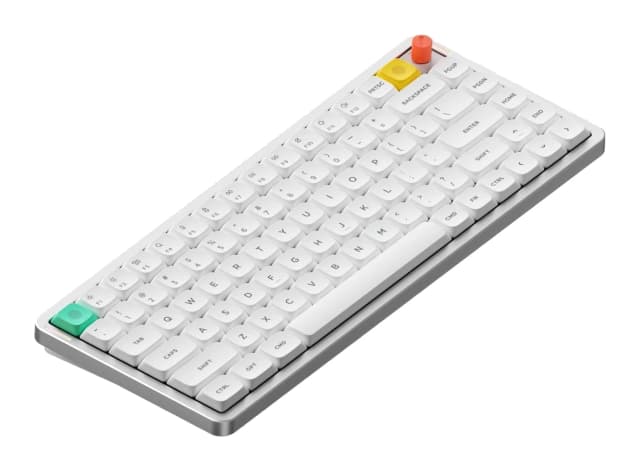
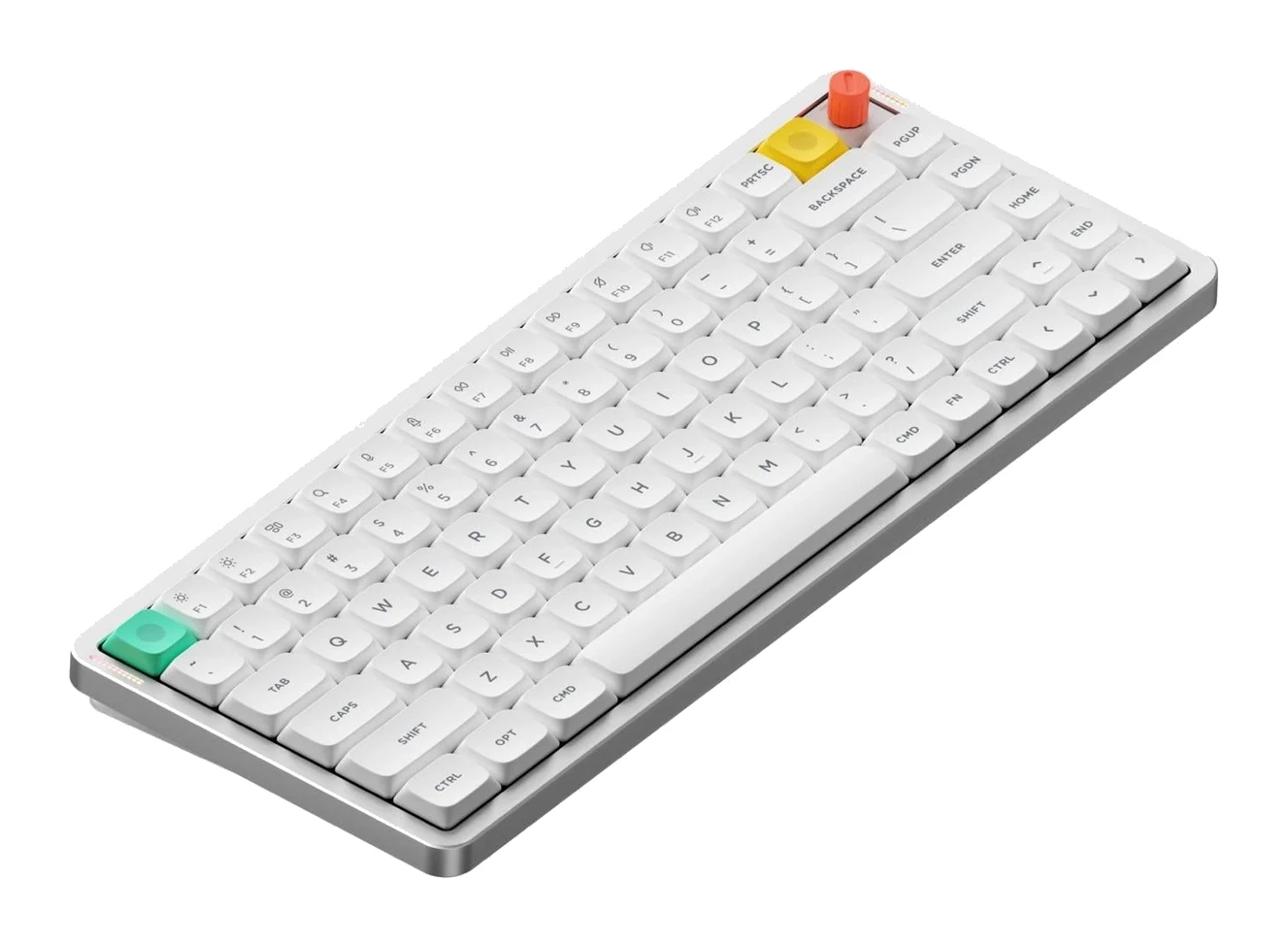
- Best OverallNuPhy Air75 V3Why we picked it →
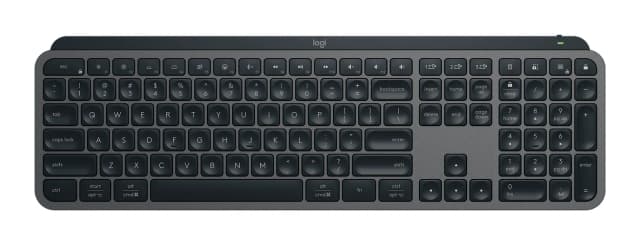
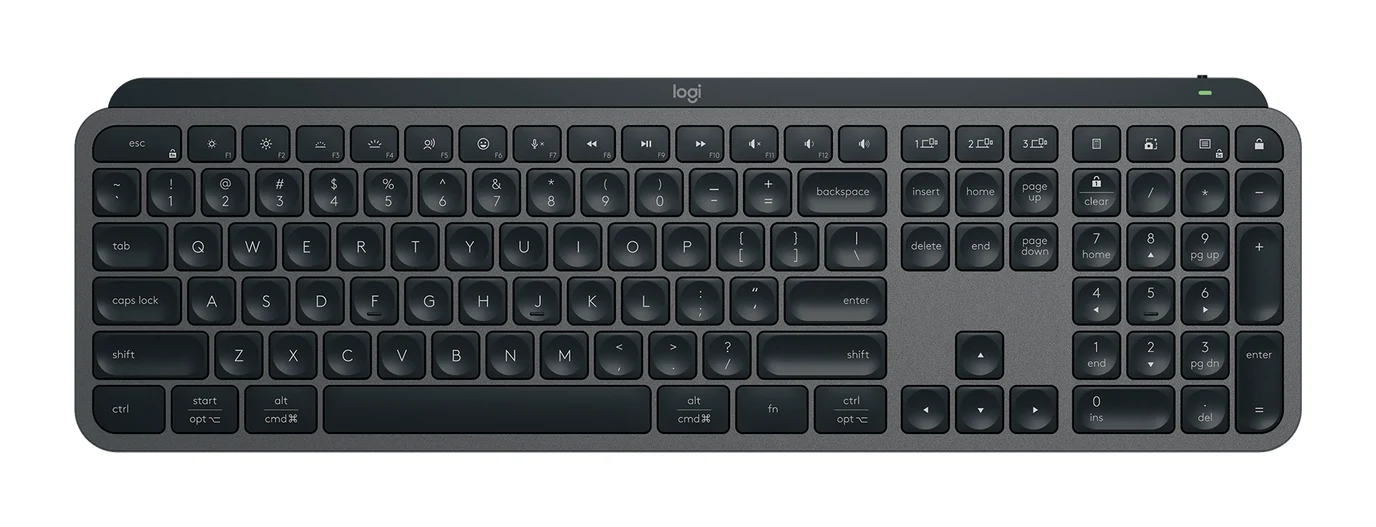
- Also GreatLogitech MX Keys SWhy we picked it →
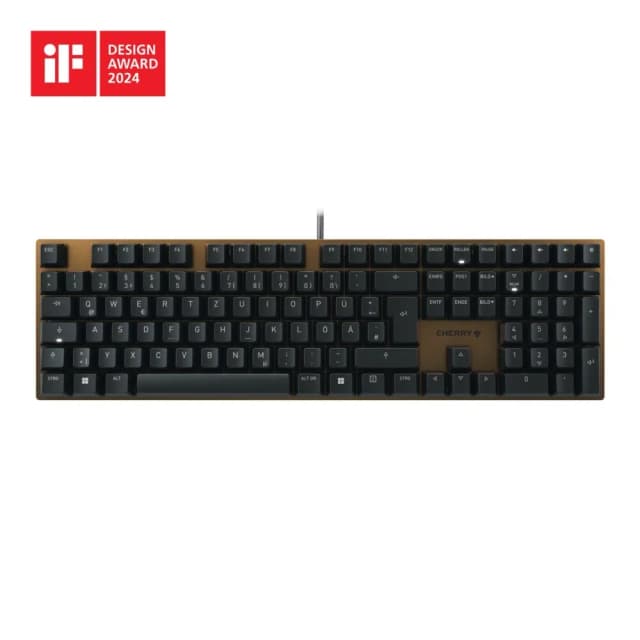
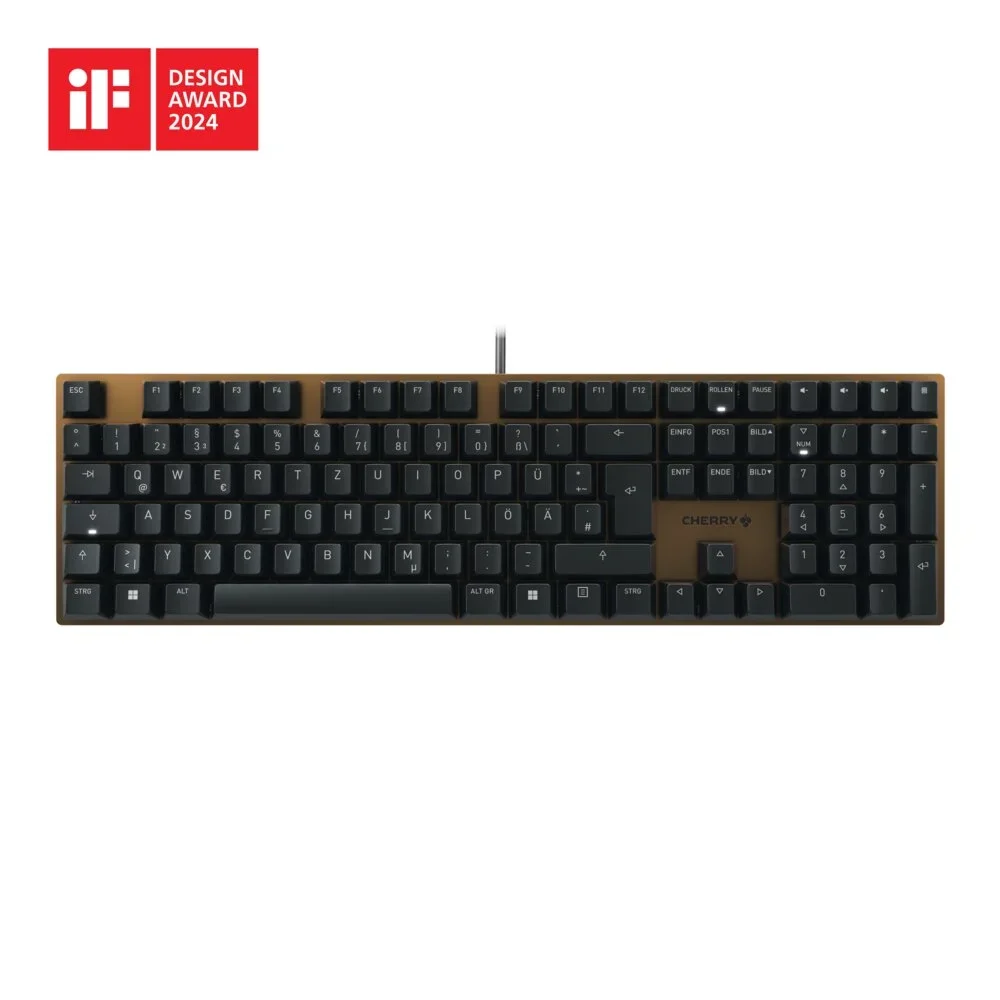
- Best BudgetCherry KC 200 MXWhy we picked it →
Frequently asked questions
Is the EPOMAKER TH99 Pro worth it?
For typists who want a quiet, creamy-sounding board with a numpad, long battery life and wireless flexibility, reviewers think so: it averages 9/10 across 2 expert reviews. It is less compelling if you want a metal case or keys like Home and End.
Does the EPOMAKER TH99 Pro have a numpad?
Yes. It uses a 96% (1800) layout with 98 keys in ANSI, which keeps a full numpad in a compact body. Some other keys, such as Home and End, are left out.
Does the TH99 Pro support Bluetooth and wireless?
It is tri-mode, with Bluetooth 5.0, 2.4GHz wireless and USB-C wired connections. Latency is 2ms over USB, 5ms over 2.4GHz and 11ms over Bluetooth.
How long does the TH99 Pro battery last?
It has a 10,000mAh battery. EPOMAKER quotes 150-200 hours with RGB off and 40+ hours with RGB on, screen included.
Is the TH99 Pro hot-swappable?
Yes. The PCB is hot-swappable and supports 5-pin switches, so you can change switches without soldering. It comes with pre-lubed Creamy Jade or Sea Salt Silent V2 switches.
Is the EPOMAKER TH99 Pro good for gaming?
The specs show 1000Hz polling and 2ms latency over USB, with 5ms over 2.4GHz, so wired or 2.4GHz are the modes to use. Bluetooth is limited to 125Hz polling and 11ms latency, which reviewers flag as a drawback.
Sources
Specs are taken from the manufacturers' official pages; expert recommendations from the publications below.
- EPOMAKER TH99 Pro: epomaker.com, decafjournal.com, digitalchumps.com
Related reviews & guides
Best Quiet Keyboard for Office in 2026: Calm Typing at Work
Five quiet keyboards for shared offices and hybrid desks, compared on switches, layout, connectivity and portability using manufacturer specs and expert recommendations.
Published Oct 22, 2026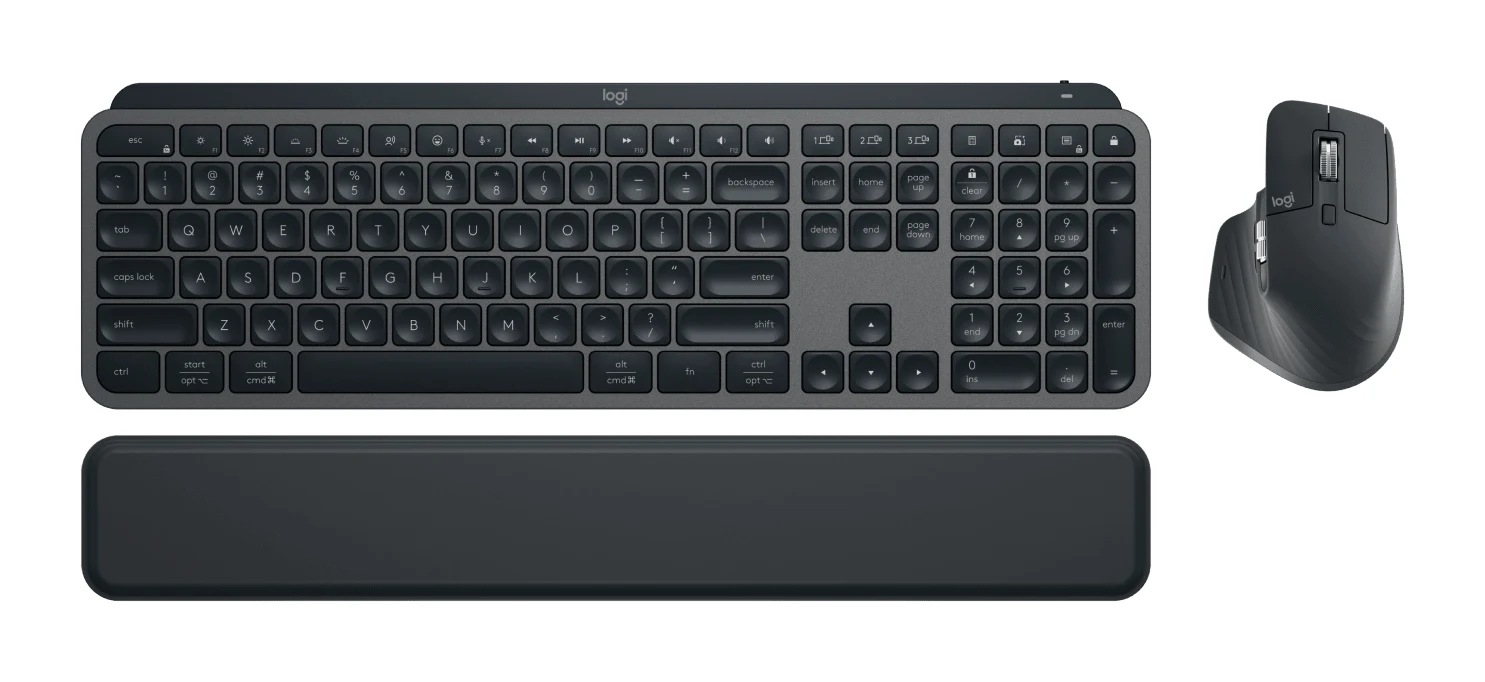
Best Wireless Keyboard and Mouse Combo 2026: Budget to Pro
Five Logitech keyboard and mouse combos compared on connectivity, noise, comfort and battery life, from a budget everyday set to a premium multi-device setup.
Published Oct 22, 2026
Best Mechanical Keyboards 2026 for Typing and Gaming
Five mechanical keyboards for 2026, from a compact tri-mode 75% board to a wired rapid-trigger TKL and a slim aluminum-topped wireless option, chosen from manufacturer specs and expert recommendations.
Published Oct 9, 2026