Logitech MX Master 4 Review (2026): Refined, Not Radical
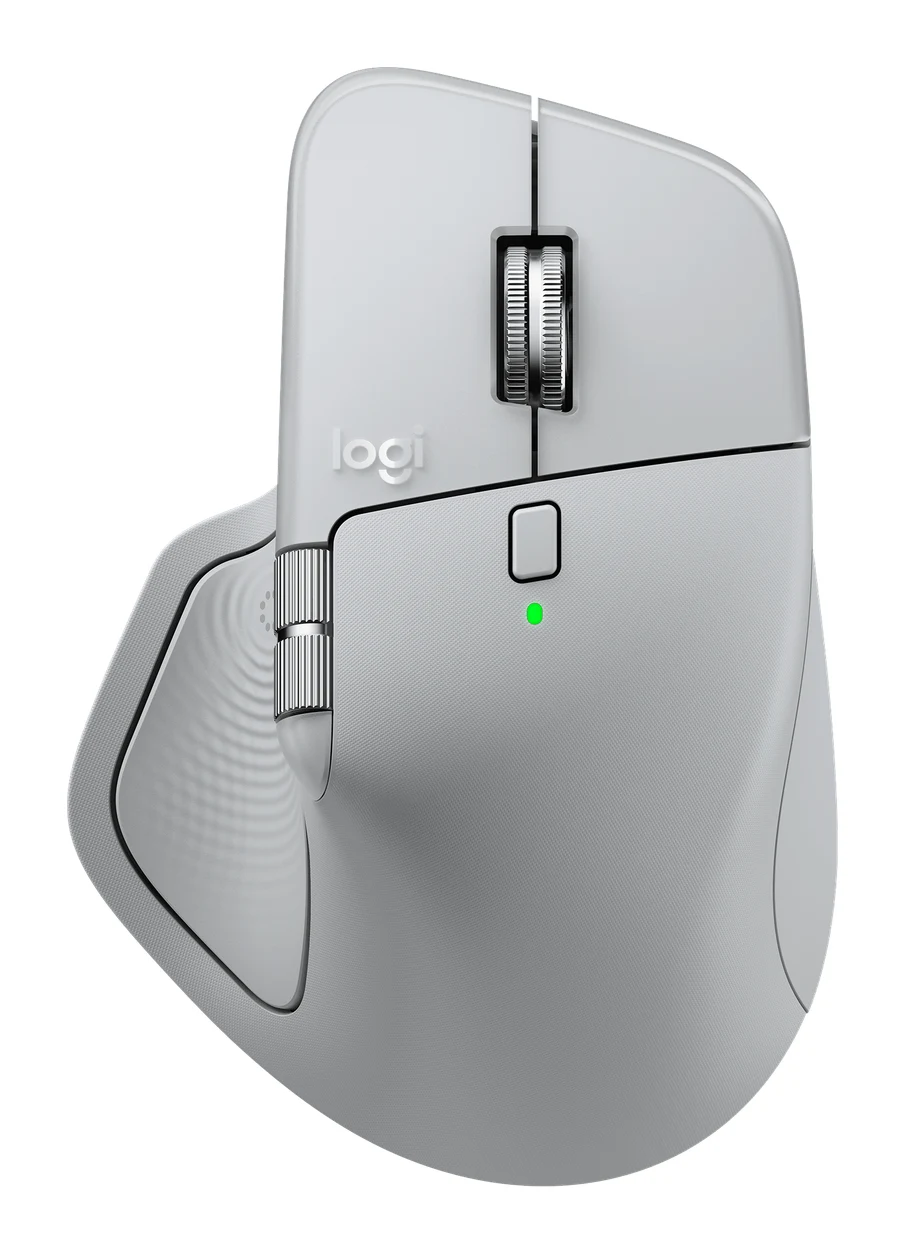
The MX Master 4 is a comfortable, quiet, highly customizable productivity mouse with long battery life. Here is who it suits, and who should look elsewhere.
Research-based · We earn from qualifying purchases
Our verdict
The MX Master 4 is a comfortable, quiet and highly customizable productivity mouse with excellent scrolling and long battery life. It suits desk-based professionals, but skip it if you're a left-handed user, a gamer, or want something light for travel, or if you already own an MX Master 3S and want more than modest new features.
The good
- Sculpted ergonomic shape stays comfortable through long work sessions
- MagSpeed scroll wheel switches between precise ratchet and free-spin modes
- Quiet Click buttons cut click noise by 90%
- Up to 70 days of battery, with 1-minute quick charge for 3 hours
- Easy-Switch pairs with 3 devices over Logi Bolt or Bluetooth
+2 more
- Up to 70 days of battery, with 1-minute quick charge for 3 hours
- Easy-Switch pairs with 3 devices over Logi Bolt or Bluetooth
The bad
- Heavy at 150 g and bulky, so less suited to travel
- Haptics and Actions Ring are a modest upgrade over the MX Master 3S
- Right-handed only, with no left-handed version
- 125 Hz polling rate and weight make it a poor fit for fast gaming
+1 more
- 125 Hz polling rate and weight make it a poor fit for fast gaming
This Logitech MX Master 4 review looks at a mouse built for people who spend most of their day at a desk: writers, analysts, designers, developers and anyone juggling several windows and devices at once. It is a mid-range mouse with a sculpted right-handed shape, a MagSpeed scroll wheel and plenty of programmable controls. The question is how much the new haptic features add, and whether it fits how you work.
This review is based on Logitech's published specifications and what independent expert reviewers report. It is not based on our own hands-on testing.
Logitech MX Master 4: specs at a glance
From the manufacturer- Sensor
- Darkfield high precision
- Weight
- 150 g (5.29 oz)
- Battery
- 650 mAh rechargeable, not user-replaceable
- Buttons
- 8
- Warranty
- 2-year limited
- DPI range
- 200-8,000 DPI
- Dimensions
- 128.2 x 88.4 x 50.8 mm
- Battery life
- Up to 70 days
- Connectivity
- Logi Bolt USB receiver and Bluetooth Low Energy
- Multi-device
- Easy-Switch, up to 3 devices
- Polling rate
- 125 Hz (8 ms)
- Quick charge
- 1 minute = 3 hours of use
- Scroll wheel
- MagSpeed, up to 1,000 lines per second
- Wireless range
- 10 m
Key features
- Haptic Sense Panel gives tactile feedback on specific actions
- Actions Ring puts app shortcuts and tools at your cursor
- MagSpeed scroll wheel flips between precise ratchet and free-spin at up to 1,000 lines per second
- 8,000 DPI Darkfield sensor tracks on glass (4 mm minimum thickness)
- Quiet Click buttons cut click noise by 90%
- Logi Bolt USB-C receiver and Bluetooth, with Easy-Switch between up to 3 devices
- Up to 70 days of battery, and a 1-minute quick charge gives up to 3 hours of use
- Thumb wheel for horizontal scrolling, plus an ergonomic right-handed shape
Logitech MX Master 4 review: design and build
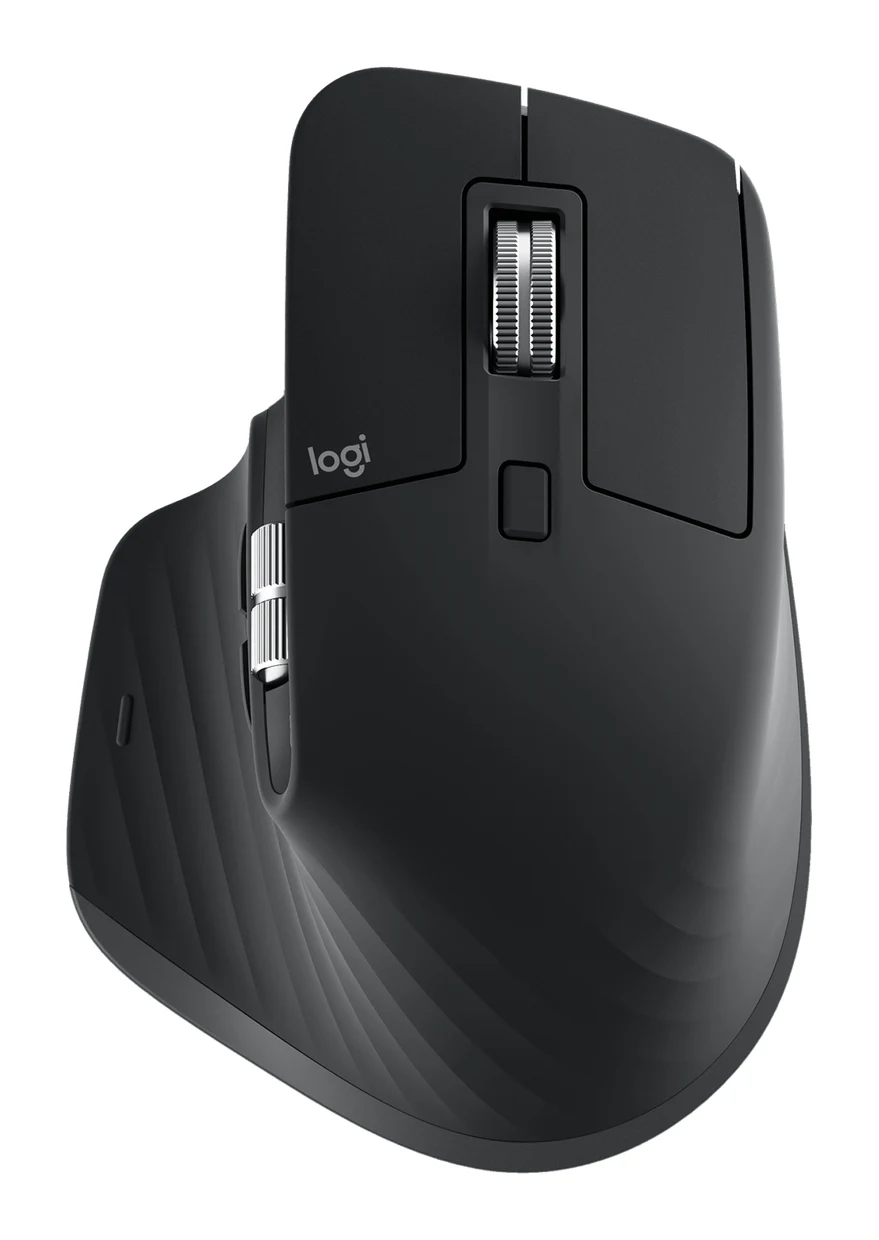
The MX Master 4 is an ergonomic, right-handed mouse with a sculpted shape. Reviewers consistently say it stays comfortable through long work sessions. There is also a thumb wheel for horizontal scrolling, useful in spreadsheets, timelines and wide documents.
The trade-off is size. At 150 g it is a heavy mouse, and its bulk is a common criticism, particularly for anyone who wants something to toss in a laptop bag. It is a desk mouse first. If you travel often, factor that in.
There is also no left-handed version. The shape is made for the right hand, so left-handed users are better off looking elsewhere.
The 650 mAh battery is rechargeable but not user-replaceable. Logitech backs the mouse with a 2-year limited warranty.
Features and what they mean day to day
Haptic Sense Panel and Actions Ring
The headline additions are the Haptic Sense Panel, which gives tactile feedback on specific actions, and the Actions Ring, which puts app shortcuts and tools at your cursor. In practice, the idea is to cut down on trips to the toolbar or keyboard shortcuts: bring up the ring, pick a tool, carry on.
Temper your expectations, though. Reviewers describe these features as a modest upgrade over the MX Master 3S. They are useful if you like building custom shortcuts, but they are refinements rather than a new way of working. If you already own the previous model, that matters.
MagSpeed scroll wheel
Scrolling is one of the mouse's strengths. The MagSpeed wheel flips between a precise ratchet mode and a free-spin mode that runs at up to 1,000 lines per second. Ratchet mode suits careful, line-by-line work such as editing or navigating menus. Free-spin lets you fly through long documents, code files or web pages with a flick. Reviewers single out this wheel for praise.
Quiet Click buttons
The Quiet Click buttons cut click noise by 90%. That sounds like a small detail, but it matters in shared offices, libraries, home offices with someone else in the room, and video calls where a loud clicker might be picked up by a microphone. Experts regularly list it among the mouse's highlights.
Customization
With 8 buttons, a thumb wheel and the Actions Ring, there is a lot to assign. That is what the verdict means by "highly customizable": you can shape the mouse around your own workflow rather than the other way round. The more repetitive your software work, the more you are likely to get out of that.
Performance, battery and connectivity
Sensor and tracking
The Darkfield high-precision sensor covers 200-8,000 DPI and tracks on glass, with a 4 mm minimum thickness. That means it tracks on glass, as long as the glass is at least 4 mm thick. The 8,000 DPI ceiling gives plenty of room for large or multi-monitor setups.
Polling rate and gaming
The polling rate is 125 Hz (8 ms). That is fine for office tasks, but together with the weight it makes the mouse a poor fit for fast gaming, a point reviewers raise. If you want one mouse for work and competitive play, look at a lighter, faster model. For productivity, this is not an issue.
Battery life
Battery life is up to 70 days, so charging is an occasional chore rather than a weekly one. When you do run low, a 1-minute quick charge gives up to 3 hours of use. That makes a flat battery before a meeting a minor annoyance rather than a crisis. Reviewers rank battery life among the strongest points.
Connectivity and multi-device use
You can connect through the Logi Bolt USB-C receiver or Bluetooth Low Energy. Easy-Switch lets you pair up to 3 devices and flip between them, which suits anyone moving between a desktop, a laptop and a tablet. Wireless range is 10 m, which is plenty for a desk setup.
What experts like and what they criticise
The MX Master 4 averages 8.7/10 across 3 expert reviews. Tom's Guide and TechRadar each give it 4.5 out of 5, and PCWorld gives it 4 out of 5. It is also recommended in 3 expert buying guides.
What reviewers praise:
- A sculpted shape that stays comfortable over long sessions
- A MagSpeed wheel that switches between ratchet and free-spin
- Quiet Click buttons
- Long battery life with a useful quick charge
- Easy pairing with up to 3 devices
Common criticisms:
- The weight and bulk make it less suited to travel
- The haptics and Actions Ring are a modest step beyond the MX Master 3S
- It is right-handed only
- It is not a good choice for fast gaming
None of these is a flaw in the mouse's core job. They mostly describe who it is not for.
Who should buy it, and who should skip it
Buy it if you work at a desk for hours and want comfort, quiet clicks and strong scrolling. It also suits you if you switch between several computers, or if you like building shortcuts around your apps. For a desk-based professional, this is the kind of mouse it is made for.
Skip it if you are left-handed, since there is no mirrored version. Skip it if you want a light mouse to travel with, or if gaming performance matters to you. And if you already own an MX Master 3S, the new features are a modest step up, so think twice about upgrading unless the haptics and Actions Ring specifically appeal.
How it fits in its category
In general terms, productivity mice trade the low weight and high polling rates of gaming mice for comfort, scroll control and multi-device convenience. The MX Master 4 sits clearly in that camp. It is a large, full-featured, mid-range option for people who value ergonomics and customization over portability or speed. If your priorities are different, a lighter travel mouse or a dedicated gaming mouse will serve you better.
Verdict
The MX Master 4 is a mature productivity mouse that does the fundamentals very well: a comfortable shape, a versatile scroll wheel, quiet buttons, long battery life and easy switching between devices. The haptic and Actions Ring additions are nice but not transformative, and the weight, right-handed design and modest polling rate limit who should buy it. For desk workers who want a comfortable, customizable and quiet everyday mouse, it is an easy one to shortlist.
Related buying guides
Not sure about the Logitech MX Master 4? Consider these
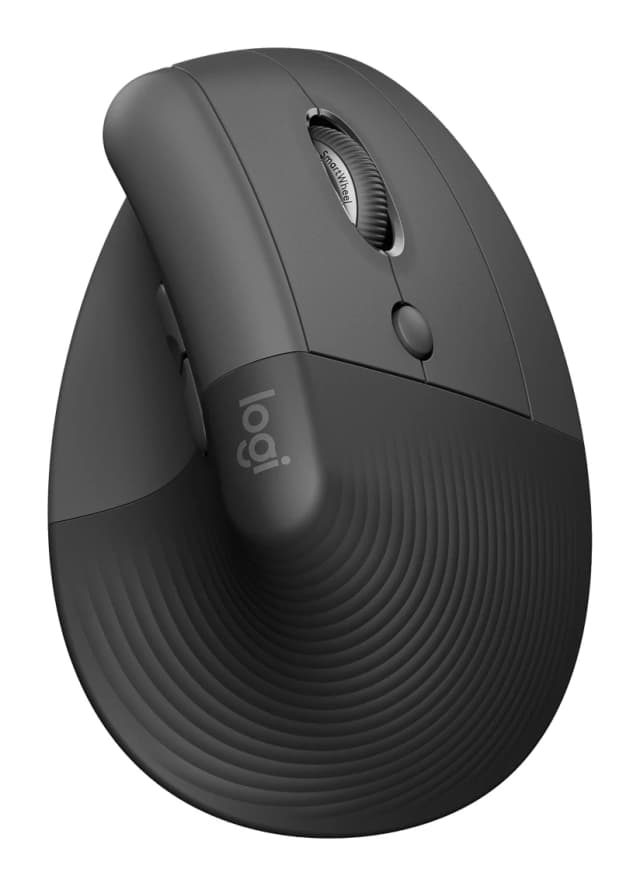
- Also GreatLogitech Lift Vertical Ergonomic MouseWhy we picked it →
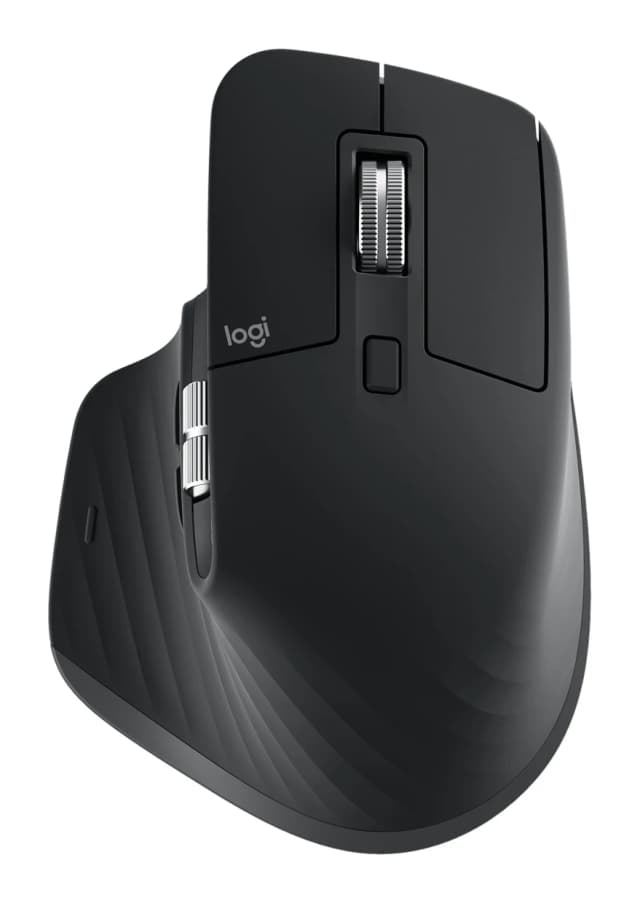
- Premium PickLogitech MX Master 3SWhy we picked it →
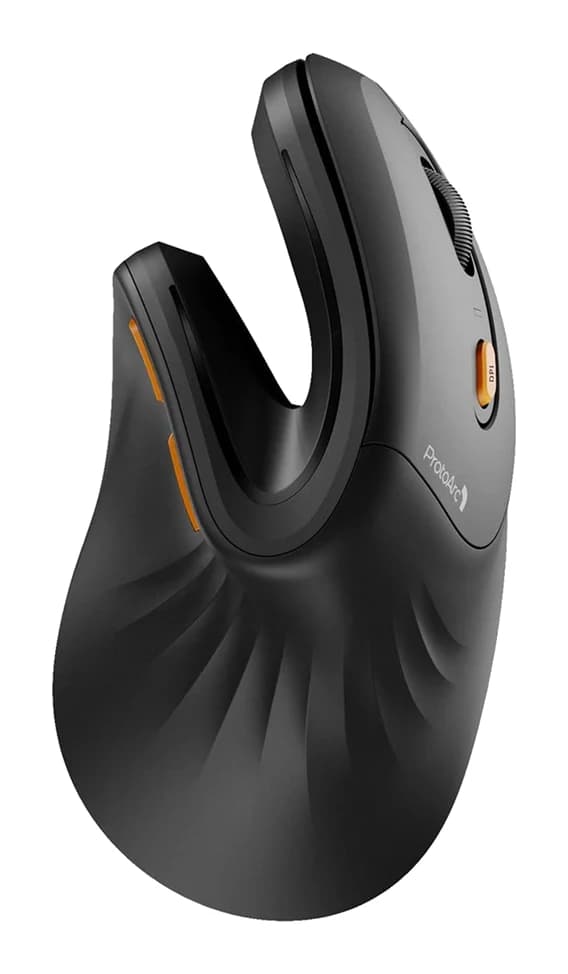
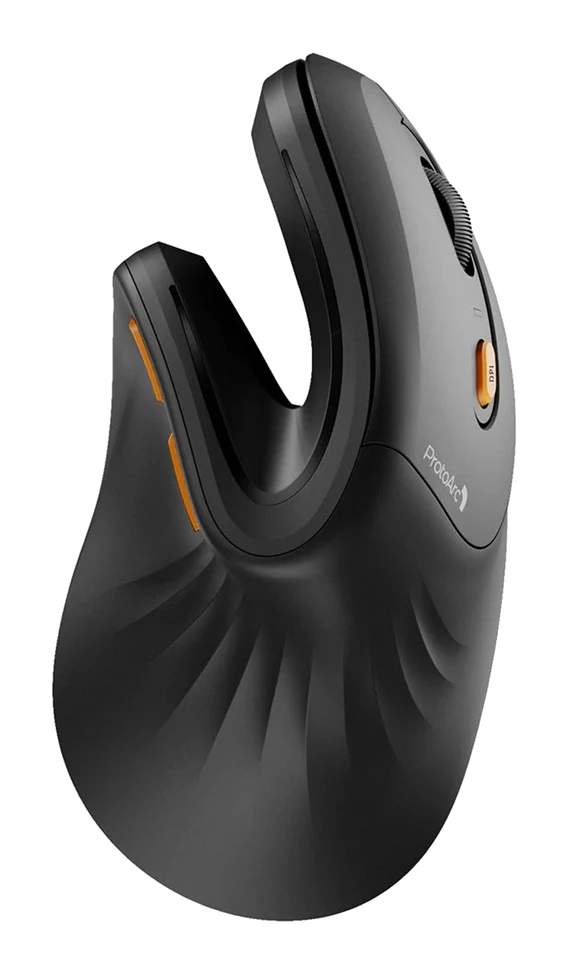
- Best BudgetProtoArc EM11 NLWhy we picked it →
Frequently asked questions
Is the Logitech MX Master 4 worth it?
For desk-based professionals who want a comfortable, quiet and customizable mouse, reviewers say yes. It averages 8.7/10 across 3 expert reviews. It is less compelling if you already own an MX Master 3S, since the new haptics and Actions Ring are described as a modest upgrade.
How long does the MX Master 4 battery last?
Logitech rates it at up to 70 days on a charge. A 1-minute quick charge gives up to 3 hours of use. The 650 mAh battery is rechargeable but not user-replaceable.
Does the MX Master 4 work with more than one computer?
Yes. Easy-Switch lets you pair up to 3 devices. You can connect through the Logi Bolt USB-C receiver or Bluetooth Low Energy.
Is the MX Master 4 good for gaming?
Not really. It has a 125 Hz (8 ms) polling rate and weighs 150 g, and reviewers say those traits make it a poor fit for fast gaming. It is designed for productivity.
Is there a left-handed MX Master 4?
No. It has a right-handed ergonomic shape and there is no left-handed version, so left-handed users may want to look at other options.
Does the MX Master 4 work on glass?
Its Darkfield high-precision sensor tracks on glass, with a 4 mm minimum thickness. The sensor covers 200-8,000 DPI.
Sources
Specs are taken from the manufacturers' official pages; expert recommendations from the publications below.
- Logitech MX Master 4: logitech.com, hub.sync.logitech.com
Related reviews & guides
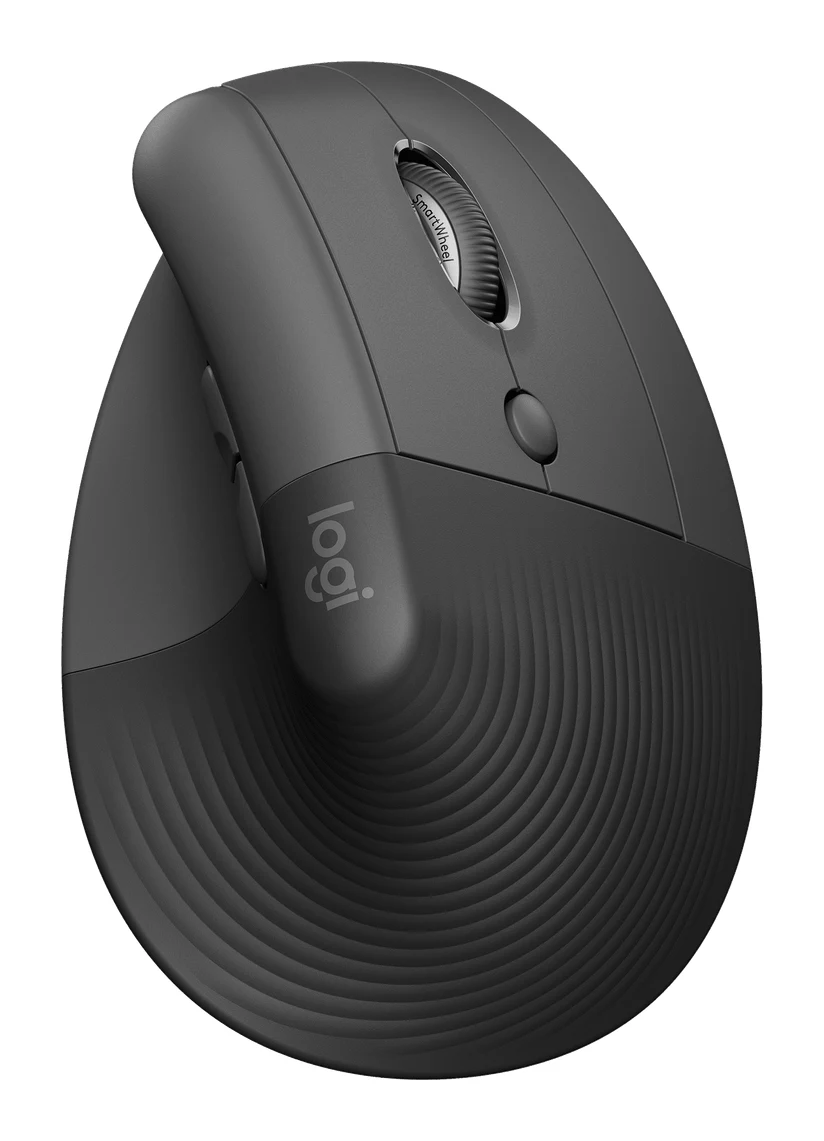
Logitech Lift Vertical Ergonomic Mouse Review: Small Hands
A look at the Logitech Lift vertical mouse: its 57° angle, compact body, quiet clicks and long battery life, and who should skip it.
Published Oct 26, 2026Best Ergonomic Mice 2026: Vertical or Palm Grip, Any Budget
Five ergonomic mice compared on manufacturer specs and expert recommendations, from a full-size palm-grip workhorse to budget vertical designs, plus advice on grip size, handedness and Mac use.
Published Oct 11, 2026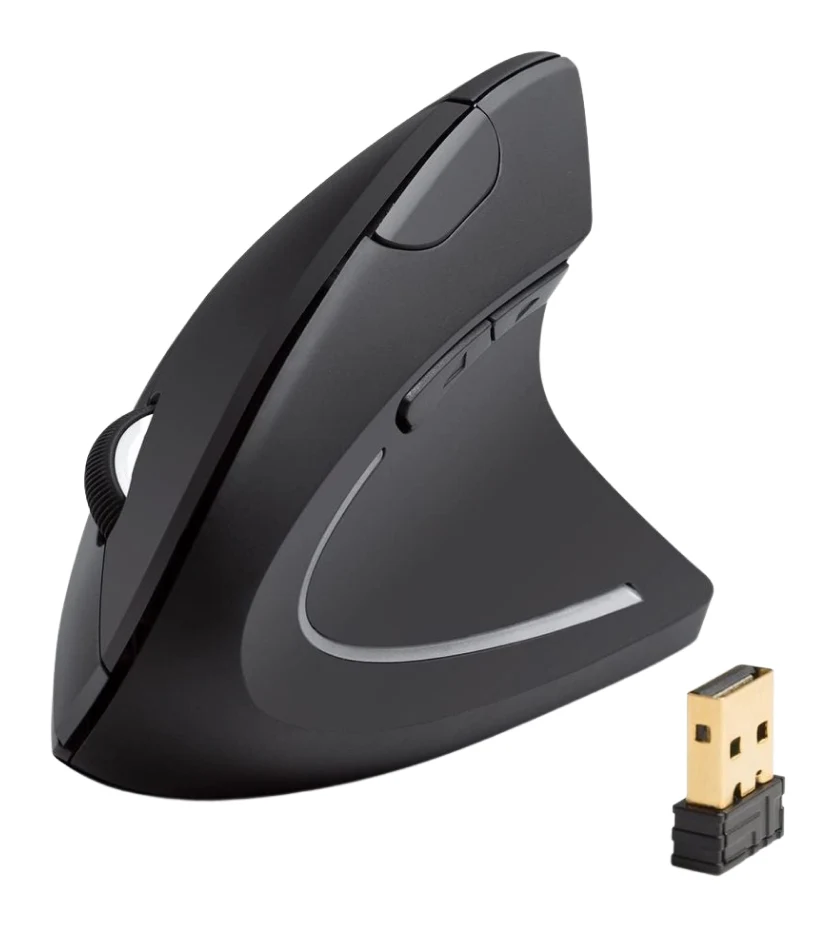
Anker 2.4G Wireless Vertical Mouse Review: Try Ergonomics
A look at Anker's 2.4G wireless vertical mouse: the upright handshake grip, 2.4G receiver, three DPI steps, and who should skip it, based on specs and expert reviews.
Published Oct 25, 2026