Logitech Lift Vertical Ergonomic Mouse Review: Small Hands
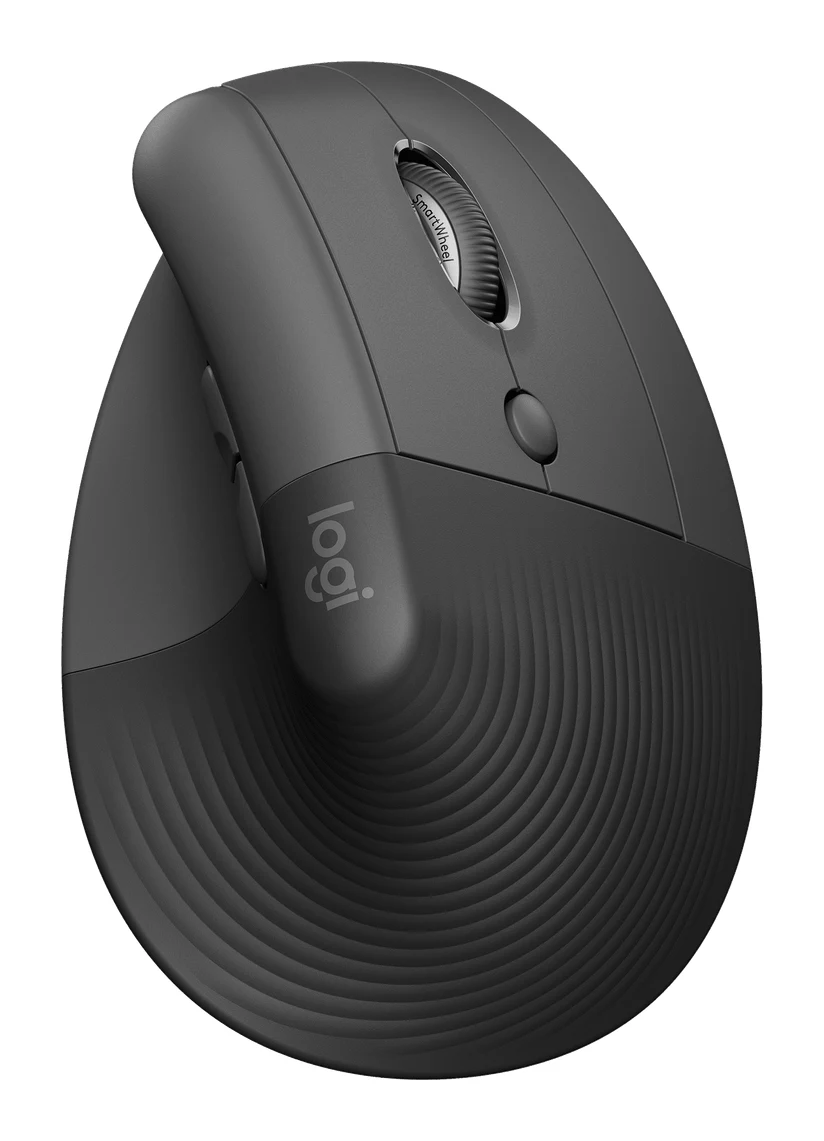
A look at the Logitech Lift vertical mouse: its 57° angle, compact body, quiet clicks and long battery life, and who should skip it.
Research-based · We earn from qualifying purchases
Our verdict
The Lift is a comfortable, quiet and compact vertical mouse that suits small to medium hands and multi-device desks. Buyers with large hands, or those who need pinpoint precision for gaming or detailed photo editing, should look elsewhere.
The good
- 57° vertical angle gives a natural handshake wrist and forearm position
- Compact 125 g body suits small to medium hands
- Quiet clicks and a quiet SmartWheel with two scroll modes
- Up to 24 months of battery life from one included AA
- Bluetooth or Logi Bolt receiver, with Easy-Switch pairing for 3 devices
+2 more
- Up to 24 months of battery life from one included AA
- Bluetooth or Logi Bolt receiver, with Easy-Switch pairing for 3 devices
The bad
- Too small for large hands, so fit matters a lot
- Takes time to adjust to; less precise for gaming or photo editing
- Middle and DPI buttons under the scroll wheel are awkward to reach
- Uses a replaceable AA battery with no rechargeable option
+1 more
- Uses a replaceable AA battery with no rechargeable option
If you spend most of your day at a desk and your wrist or forearm feels it, a vertical mouse is one of the more approachable ergonomic changes you can make. This Logitech Lift vertical ergonomic mouse review looks at a vertical mouse built for small to medium hands. It is aimed at office users who want a more natural wrist position. The review is based on Logitech's published specs and on what independent expert reviews report, not on our own hands-on testing.
Logitech Lift Vertical Ergonomic Mouse: specs at a glance
From the manufacturer- Colors
- Graphite, Off-white, Rose
- Weight
- 125 g (4.4 oz)
- Battery
- 1 x AA (included)
- Buttons
- 6 (4 customizable)
- Hand fit
- Small to medium hands
- Handedness
- Right (left-handed model sold separately)
- OS support
- Windows, macOS, iPadOS, ChromeOS, Linux (Bluetooth also Android)
- Battery life
- Up to 24 months
- Connectivity
- Bluetooth Low Energy or Logi Bolt USB receiver
- Multi-device
- Up to 3 devices
- Vertical angle
- 57°
- Wireless range
- 10 m / 33 ft
- Sensor resolution
- 400–4000 DPI
- Dimensions (H x W x D)
- 71 x 70 x 108 mm
Key features
- 57° vertical angle puts the hand in a natural handshake position
- Soft textured rubber grip with a thumb rest
- Quiet clicks and a quiet SmartWheel that switches between line-by-line and fast scrolling
- Four customizable buttons through Logi Options+
- Connects by Bluetooth Low Energy or the included Logi Bolt USB receiver
- Easy-Switch pairs up to 3 devices
- Up to 24 months of battery life from one AA battery, which is included
- Left-handed version available; made with recycled plastic
Why people consider the Logitech Lift
A conventional mouse holds the hand palm-down. A vertical mouse turns it toward a handshake position. The Lift does this with a 57° vertical angle. It also offers a compact body, quiet controls, a long-life battery and flexible connectivity.
It is a vertical mouse aimed at everyday office use rather than gaming or detailed photo editing.
Logitech Lift vertical ergonomic mouse review: design and build
The headline number is the 57° angle. Reviewers praise the way it puts the wrist and forearm in a natural handshake position. The shape is compact: the body measures 71 x 70 x 108 mm and weighs 125 g (4.4 oz). Logitech rates it for small to medium hands.
The surface is a soft, textured rubber grip with a thumb rest. It comes in Graphite, Off-white and Rose. Logitech also says it is made with recycled plastic.
Handedness and hand size
The standard model is right-handed. A left-handed version is available, but it is sold separately, so left-handed buyers need to choose the correct model at purchase. Hand size matters a lot here. A common criticism is that the Lift is too small for large hands. With a vertical mouse, a poor fit undoes the comfort the shape is meant to provide, so check your hand size honestly before buying.
Features and what they mean day to day
Quiet clicks and the SmartWheel
The clicks are quiet, and so is the SmartWheel. The wheel switches between line-by-line scrolling and fast scrolling.
Buttons and customization
The mouse has six buttons, four of which can be customized through Logi Options+. That gives you some room to tailor the mouse to how you work. One criticism is that the middle and DPI buttons under the scroll wheel are awkward to reach. If you rely on those two, you may find the layout frustrating. If you stick to the main buttons and the wheel, it matters less.
Connectivity and multi-device use
You can connect by Bluetooth Low Energy or with the included Logi Bolt USB receiver. The receiver is useful on a desktop where you want a dedicated connection. Bluetooth is handy for a laptop or tablet when you would rather not use a USB port. Wireless range is 10 m / 33 ft.
Easy-Switch pairs up to 3 devices, so one mouse can serve a desktop, a laptop and a tablet. Operating system support covers Windows, macOS, iPadOS, ChromeOS and Linux. Bluetooth also works with Android.
Performance, tracking and battery
Sensor resolution runs from 400 to 4000 DPI. The mouse takes time to adjust to, and it is less precise for gaming or photo editing.
Battery life is one of the Lift's highlights. Logitech quotes up to 24 months from a single AA battery, and one is included. The trade-off is that it uses a replaceable AA with no rechargeable option. If you prefer a built-in battery and USB charging, this is not that kind of mouse.
What experts like and what they criticise
Expert reviews are broadly positive. The Lift averages 8.3/10 across 3 expert reviews. TechRadar and PCWorld each score it 4.5/5, and Tom's Guide scores it 3.5/5.
What reviewers praise:
- The 57° angle and the natural handshake wrist and forearm position it provides.
- The compact body for small to medium hands.
- Quiet clicks and a quiet SmartWheel with two scroll modes.
- Battery life of up to 24 months from one included AA.
- Bluetooth or Logi Bolt receiver connection, with Easy-Switch pairing for 3 devices.
What reviewers criticise:
- It is too small for large hands, so fit matters a lot.
- There is an adjustment period, and it is less precise for gaming or photo editing.
- The middle and DPI buttons under the scroll wheel are awkward to reach.
- It uses a replaceable AA battery, with no rechargeable option.
Who should buy it
The Lift suits people with small to medium hands who want a more comfortable wrist position for everyday office work. It is a good fit if you:
- work in a shared or quiet space and want quiet clicks;
- move between a desktop, a laptop and a tablet and want one mouse for all three;
- want a mouse you can set up and leave for a long time without recharging.
Who should skip it
Skip it if you have large hands. The compact body is the reason it suits smaller hands, and it is also why it will feel cramped for bigger ones. Look elsewhere if your work needs pinpoint precision, such as competitive gaming or detailed photo editing. If you rely on the middle or DPI buttons, the placement under the wheel may annoy you. If you want a rechargeable battery, the AA design rules it out. Finally, if you need a left-handed model, make sure you buy the separate left-handed version.
How it fits in the vertical-mouse category
The Lift leans toward comfort, quiet use and convenience over precision. Its main selling points are the compact size, the multi-device flexibility and the long battery life. Expect an adjustment period, and don't expect gaming or photo-editing precision.
The verdict
The Lift is a focused product. Its 57° angle, quiet controls, flexible connectivity and long battery life make it a sensible pick for the right person, and an expert average of 8.3/10 reflects that. Its limitations are real but predictable. Hand size, a learning curve, awkward button placement and reduced precision all follow from the design. Check that you fall in the small-to-medium hand range, and make sure you don't need pixel-level accuracy, before you buy.
Related buying guides
Not sure about the Logitech Lift Vertical Ergonomic Mouse? Consider these
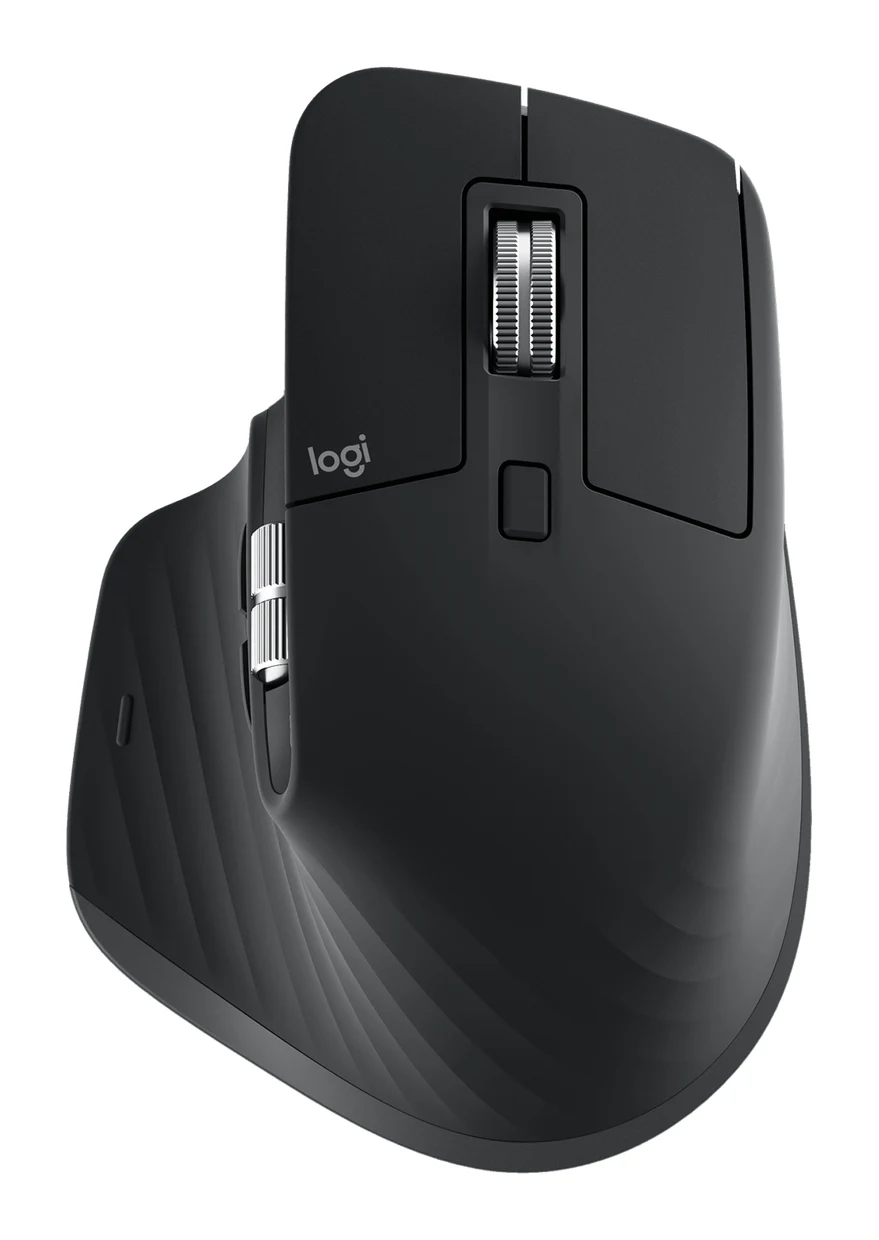
- Best OverallLogitech MX Master 4Why we picked it →
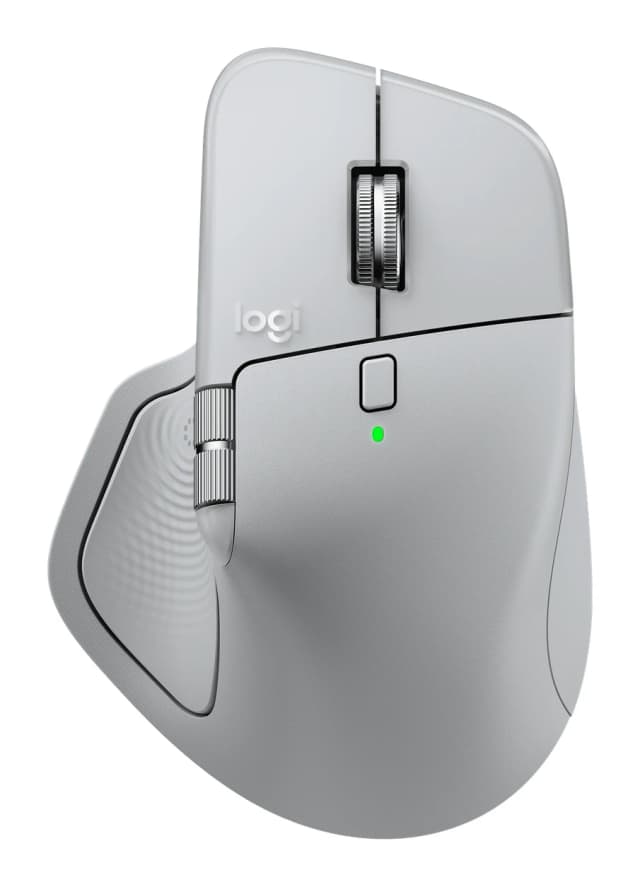
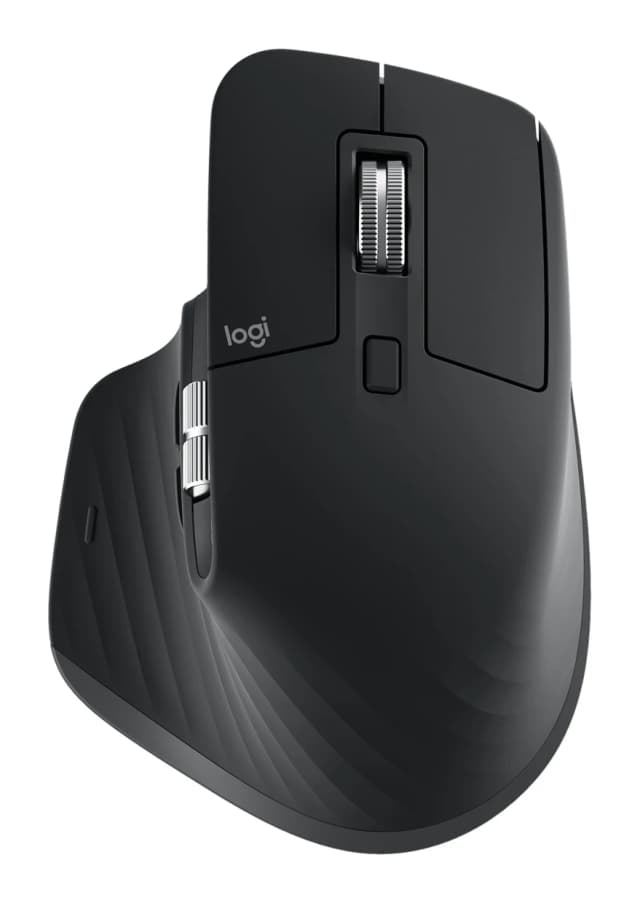
- Premium PickLogitech MX Master 3SWhy we picked it →
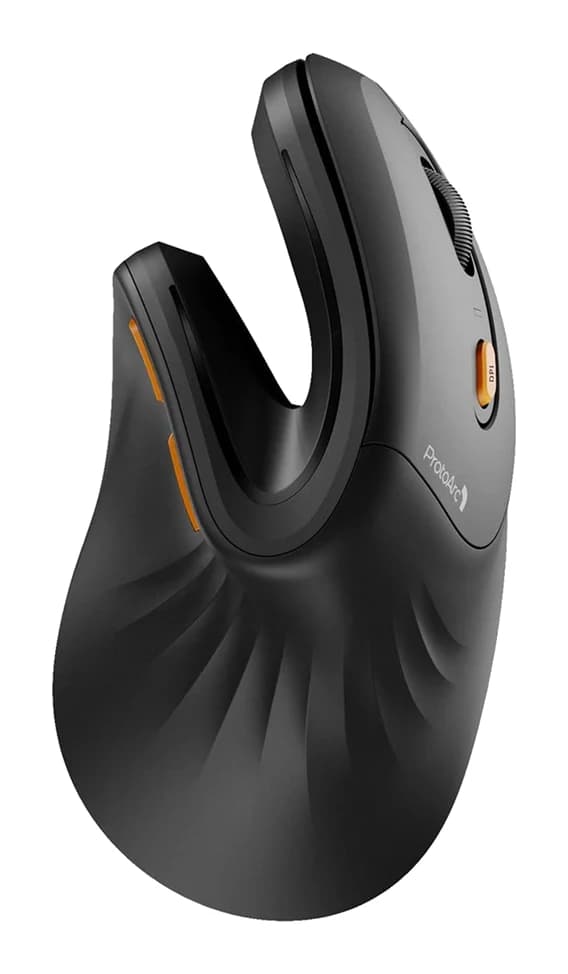
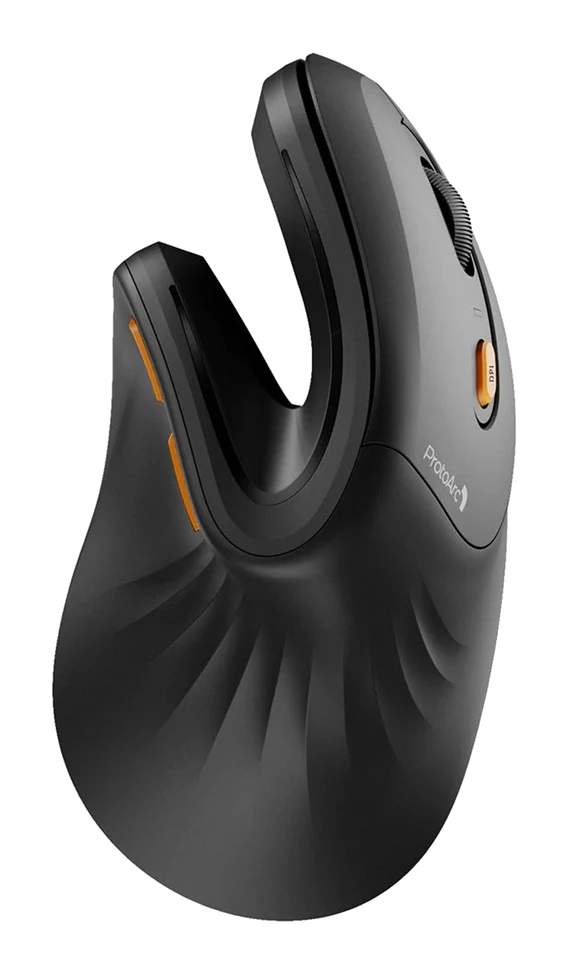
- Best BudgetProtoArc EM11 NLWhy we picked it →
Frequently asked questions
Is the Logitech Lift worth it?
For small to medium-handed office users who want a more natural wrist position, reviewers rate it well. It averages 8.3/10 across 3 expert reviews. It is less suitable for large hands or for tasks that need pinpoint precision.
What angle is the Logitech Lift?
It has a 57° vertical angle, which puts the hand in a natural handshake position.
Is the Logitech Lift good for large hands?
No. A common criticism is that it is too small for large hands. Logitech rates it for small to medium hands, so fit matters a lot.
How does the Logitech Lift connect?
By Bluetooth Low Energy or the included Logi Bolt USB receiver. Easy-Switch lets you pair up to 3 devices.
How long does the Logitech Lift battery last?
Logitech quotes up to 24 months from one AA battery, which is included. It is not rechargeable, so you replace the battery when it runs out.
Is the Logitech Lift good for gaming or photo editing?
It is less precise for gaming or photo editing and takes time to adjust to. It suits everyday office work better.
Is there a left-handed Logitech Lift?
Yes. The standard model is right-handed, and a left-handed version is sold separately.
Sources
Specs are taken from the manufacturers' official pages; expert recommendations from the publications below.
- Logitech Lift Vertical Ergonomic Mouse: logitech.com
Related reviews & guides
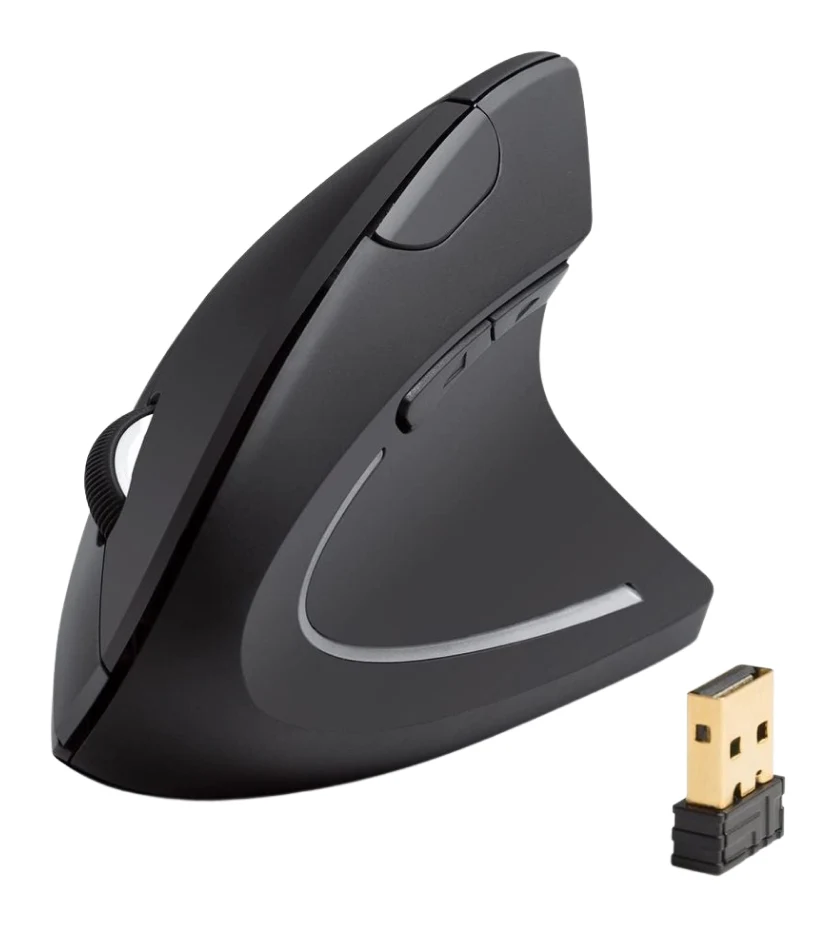
Anker 2.4G Wireless Vertical Mouse Review: Try Ergonomics
A look at Anker's 2.4G wireless vertical mouse: the upright handshake grip, 2.4G receiver, three DPI steps, and who should skip it, based on specs and expert reviews.
Published Oct 25, 2026
Best Ergonomic Mice 2026: Vertical or Palm Grip, Any Budget
Five ergonomic mice compared on manufacturer specs and expert recommendations, from a full-size palm-grip workhorse to budget vertical designs, plus advice on grip size, handedness and Mac use.
Published Oct 11, 2026Logitech MX Master 4 Review (2026): Refined, Not Radical
The MX Master 4 is a comfortable, quiet, highly customizable productivity mouse with long battery life. Here is who it suits, and who should look elsewhere.
Published Oct 22, 2026