Anker 2.4G Wireless Vertical Mouse Review: Try Ergonomics
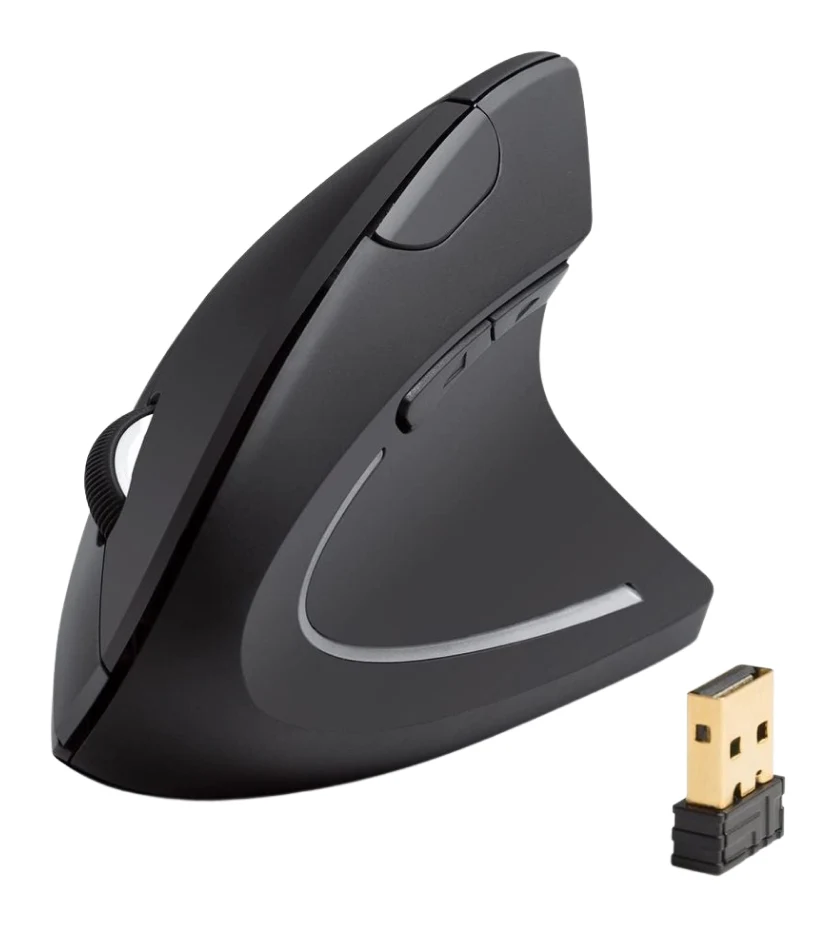
A look at Anker's 2.4G wireless vertical mouse: the upright handshake grip, 2.4G receiver, three DPI steps, and who should skip it, based on specs and expert reviews.
Research-based · We earn from qualifying purchases
Our verdict
This is an affordable way to try a vertical mouse, and reviewers praise its comfortable upright posture and compact size. Skip it if you're a gamer, left-handed, or a Mac user who needs the thumb buttons.
The good
- Vertical handshake grip keeps wrist and forearm in a neutral position
- Soft, tactile finish with a thumb groove for support
- On-mouse button cycles through 800, 1200 and 1600 DPI
- USB receiver stores in the base so it won't get lost
- Auto power-saving after 8 minutes idle helps preserve battery life
+2 more
- USB receiver stores in the base so it won't get lost
- Auto power-saving after 8 minutes idle helps preserve battery life
The bad
- Needs 2 AAA batteries, which are not included and not rechargeable
- 2.4G USB receiver only, with no Bluetooth option
- Maximum 1600 DPI is too low for gamers
- Thumb buttons don't work on Mac OS X and may be hard for small hands to reach
+1 more
- Thumb buttons don't work on Mac OS X and may be hard for small hands to reach
This Anker 2.4G Wireless Vertical Ergonomic Optical Mouse review is for anyone curious about vertical mice but wary of paying a lot to find out whether the shape suits them. The Anker A7852 turns the mouse on its side so your hand rests in a handshake position rather than flat on the desk. It adds a 2.4G wireless connection and a handful of practical touches. It is aimed at right-handed Windows users, and it sits in the mid-range part of the market.
This review is based on Anker's published specifications and on what independent expert reviews report. It is not based on hands-on testing.
Anker 2.4G Wireless Vertical Ergonomic Optical Mouse: specs at a glance
From the manufacturer- Power
- 2 AAA batteries (not included)
- Colour
- Black
- Weight
- 3.4 oz
- Buttons
- 5
- Tracking
- Optical
- Warranty
- 18 months
- Dimensions
- 4.72 × 2.7 × 2.94 in / 120 × 62.8 × 74.8 mm
- Connectivity
- 2.4G wireless via USB receiver
- DPI settings
- 800 / 1200 / 1600
- Model number
- A7852
- Receiver storage
- In the bottom of the mouse
- Idle power-saving
- after 8 minutes
- Operating systems
- Windows, Mac OS X, Linux (thumb buttons not recognized on Mac OS X)
Key features
- Vertical handshake grip keeps the wrist and arm in a neutral position
- Three DPI levels (800 / 1200 / 1600) switched with a button on the mouse
- Forward and back thumb buttons for web browsing
- 2.4G wireless link through a USB receiver that stores in the base of the mouse
- Auto power-saving mode after 8 minutes idle, woken by pressing a button
- Lightweight plastic body with a soft, tactile finish
- Optical sensor that tracks on a wide range of surfaces
- 18-month warranty
Design and build: the upright handshake grip
The defining feature is the vertical handshake grip. Instead of pronating your forearm so your palm faces the desk, you hold the mouse as you would to shake someone's hand. Anker says this keeps the wrist and arm in a neutral position. Reviewers praise its comfortable upright posture.
The body is lightweight plastic at 3.4 oz, with a soft, tactile finish. A thumb groove gives your thumb a place to rest. The soft, tactile finish includes a thumb groove for support. The dimensions are 4.72 × 2.7 × 2.94 in / 120 × 62.8 × 74.8 mm. Reviewers praise its compact size.
The finish here is black, and there are five buttons in total.
Features and what they mean day to day
Three DPI levels on the mouse
A button on the mouse cycles through 800, 1200 and 1600 DPI. In practice that gives you a slower, more precise setting for detail work. It also gives you a faster one for covering a large or multi-monitor desktop with less hand movement. Because the switch is a button on the mouse, you change DPI by pressing it. The ceiling is modest, though. More on that in the criticisms below.
Forward and back thumb buttons
The thumb buttons handle forward and back navigation when browsing the web. The mouse has five buttons in total, including the forward and back thumb buttons. For anyone who spends the day in a browser, they are a genuine convenience. There is an important caveat for Mac users, covered below.
2.4G wireless with a receiver that stays with the mouse
Connectivity is 2.4G wireless through a USB receiver. The receiver stores in the bottom of the mouse, so it travels with you and is much less likely to be lost. It is a simple plug-in arrangement. The flip side is that there is no Bluetooth option, so the mouse needs a free USB port.
Power saving
The mouse drops into a power-saving mode after 8 minutes idle, and you wake it by pressing a button. This matters because the mouse runs on 2 AAA batteries, which are not included. The idle mode helps preserve battery life. The mouse takes non-rechargeable AAA batteries that are not included, so factor in buying cells.
Optical tracking and warranty
The optical sensor is described as tracking on a wide range of surfaces. That gives it flexibility in where you can use it. Anker backs the mouse with an 18-month warranty.
Performance, connectivity and power
This is a productivity mouse, and the specs make that clear. Three DPI steps topping out at 1600 DPI are fine for office work, browsing, documents and spreadsheets. They are not intended for fast-twitch gaming, and reviewers flag the 1600 DPI maximum as too low for gamers. If gaming is a priority, a purpose-built gaming mouse is a better fit.
The 2.4G receiver connection is straightforward and works across Windows, Mac OS X and Linux. Support is not identical across all three, though. Anker notes that the thumb buttons are not recognized on Mac OS X. For a mouse that advertises forward and back buttons as a feature, that is a significant limitation for Mac owners. Because the mouse has no Bluetooth, it also cannot connect without using up a USB port, which matters on thin laptops with limited ports.
On power, the 8-minute idle timeout and the AAA cells are a trade-off. You get a light, simple mouse without a built-in battery, but you will need spare batteries. The mouse weighs 3.4 oz and runs on 2 AAA batteries, which are not included.
What experts like and what they criticise
The mouse has been reviewed by independent publications. Tom's Guide scores it 4/5 and Digital Camera World also gives it 4/5, and it averages 8/10 across 2 expert reviews. One independent expert guide also recommends it. The site does not show an Amazon star rating for it here, so this verdict rests on expert reports.
Strengths:
- The vertical handshake grip, which keeps the wrist and forearm in a neutral position
- The soft, tactile finish and the thumb groove for support
- The on-mouse button for cycling between 800, 1200 and 1600 DPI
- The USB receiver that stores in the base so it won't get lost
- The auto power-saving mode after 8 minutes idle
Drawbacks:
- It needs 2 AAA batteries, which are not included and not rechargeable
- It offers a 2.4G USB receiver only, with no Bluetooth option
- The maximum of 1600 DPI is too low for gamers
- The thumb buttons don't work on Mac OS X and may be hard for small hands to reach
The thumb button issue has two sides. Mac users lose them entirely, and people with smaller hands may find them awkward even on Windows. If either describes you, a big part of the mouse's appeal is gone.
Who should buy it, and who should skip it
Buy it if:
- You are right-handed and use Windows, and want to see whether a vertical mouse eases the strain of a flat one
- You want a lightweight, compact vertical design
- You mostly browse, write and work in documents, so 1600 DPI is plenty
- You like the idea of a receiver that lives in the mouse
Skip it if:
- You are a gamer who needs high DPI
- You are left-handed, since the design is aimed at right-handed users
- You use a Mac and rely on the thumb buttons
- You have small hands, because the thumb buttons may be hard to reach
- You want Bluetooth, or a rechargeable battery with no spare cells to buy
How it fits in the wider mouse market
The Anker is an affordable way to try a vertical mouse. It is wireless, simple and compact. Its case rests on comfort and simplicity rather than specification headroom. That makes it a reasonable first vertical mouse, and one to judge by whether the upright posture works for you.
Anker 2.4G Wireless Vertical Ergonomic Optical Mouse review: the verdict
The Anker A7852 does one thing clearly: it gives you a vertical handshake grip in a light, compact, wireless package. Reviewers praise the comfortable upright posture and compact size, and it also offers a soft finish with a thumb groove, an on-mouse DPI switch and a receiver that stores in the base. The limitations are just as clear. It needs AAA batteries you have to supply, and it has no Bluetooth. Its 1600 DPI ceiling is too low for gamers, and the thumb buttons don't work on a Mac and may be hard to reach with small hands.
If you are a right-handed Windows user who wants to try ergonomic mousing without a big commitment, it is a sensible choice. If you fall into one of the skip-it groups above, look elsewhere.
Related buying guides
Not sure about the Anker 2.4G Wireless Vertical Ergonomic Optical Mouse? Consider these
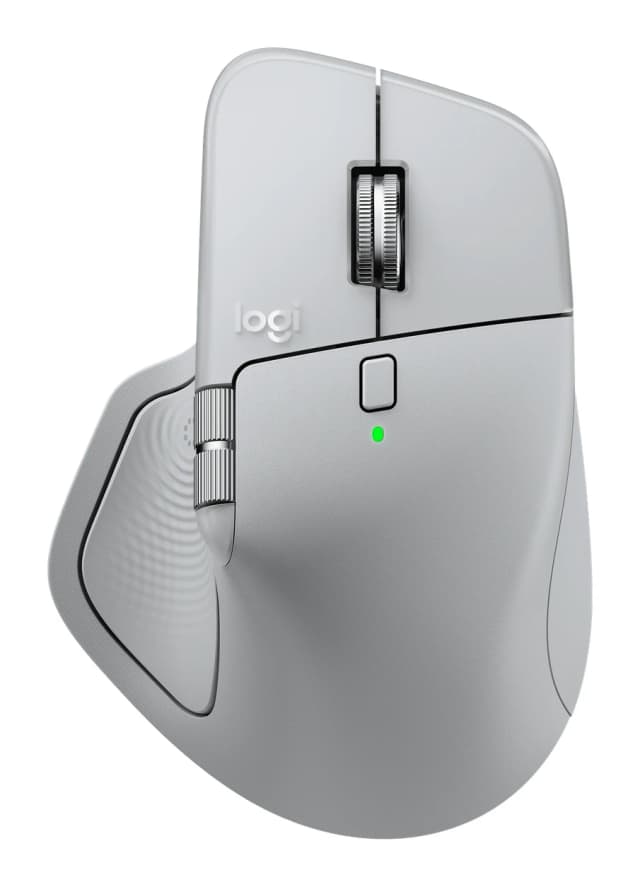
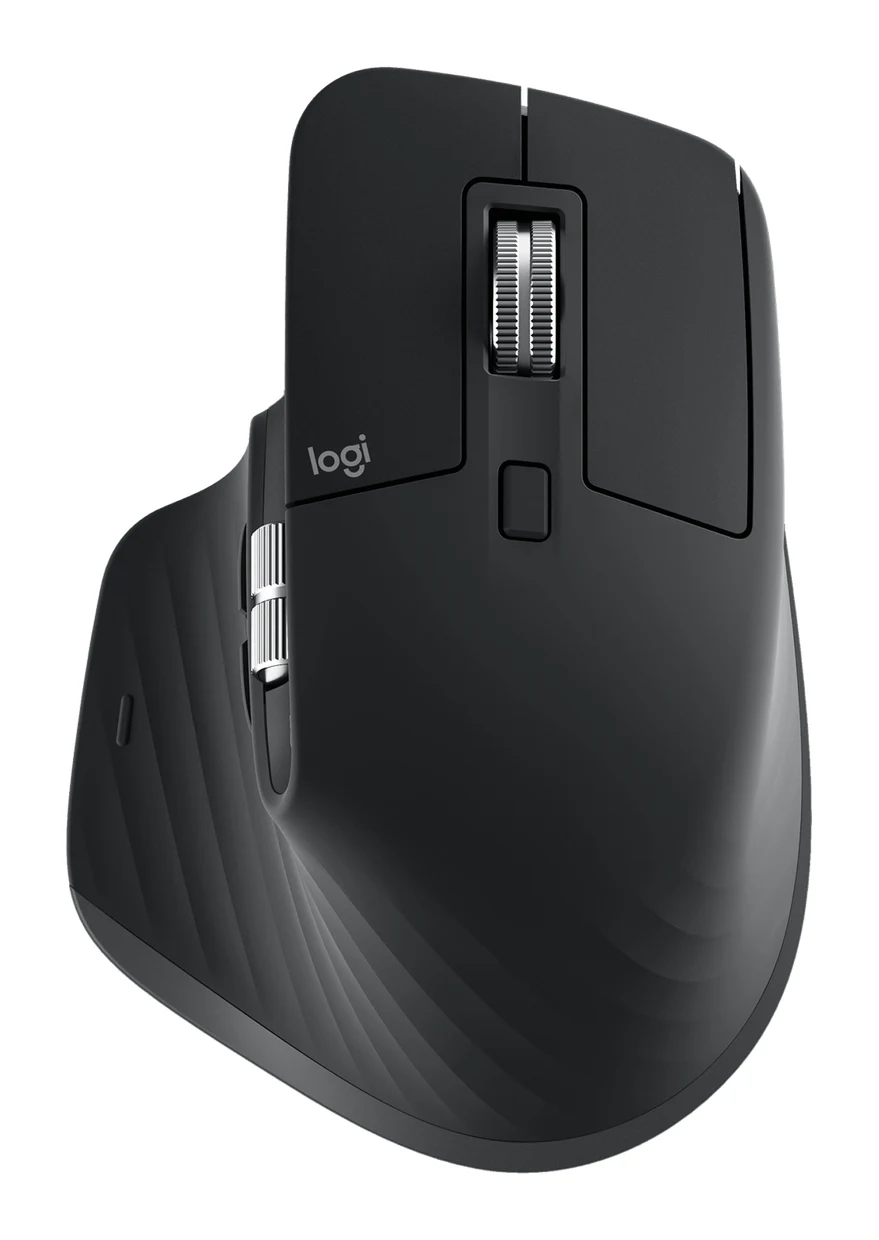
- Best OverallLogitech MX Master 4Why we picked it →
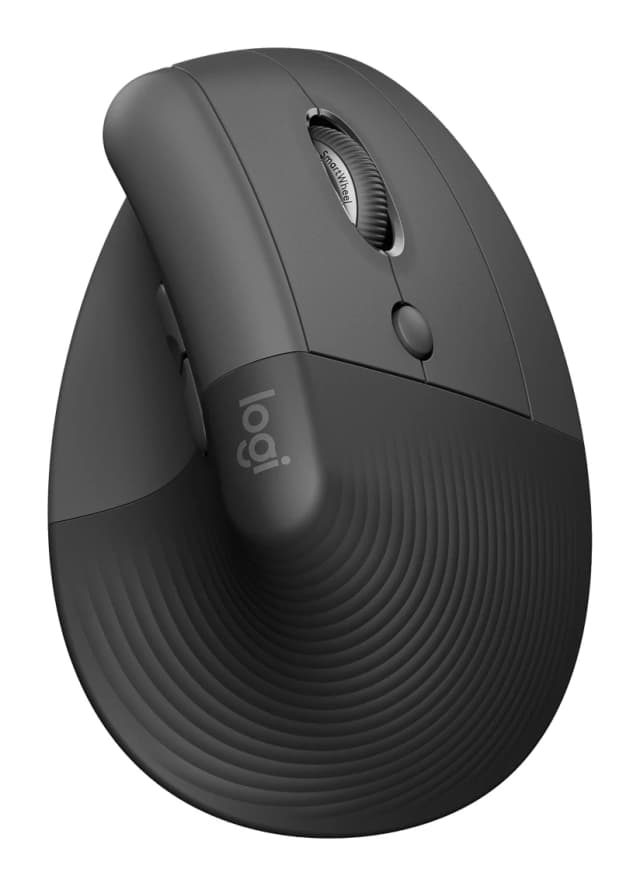
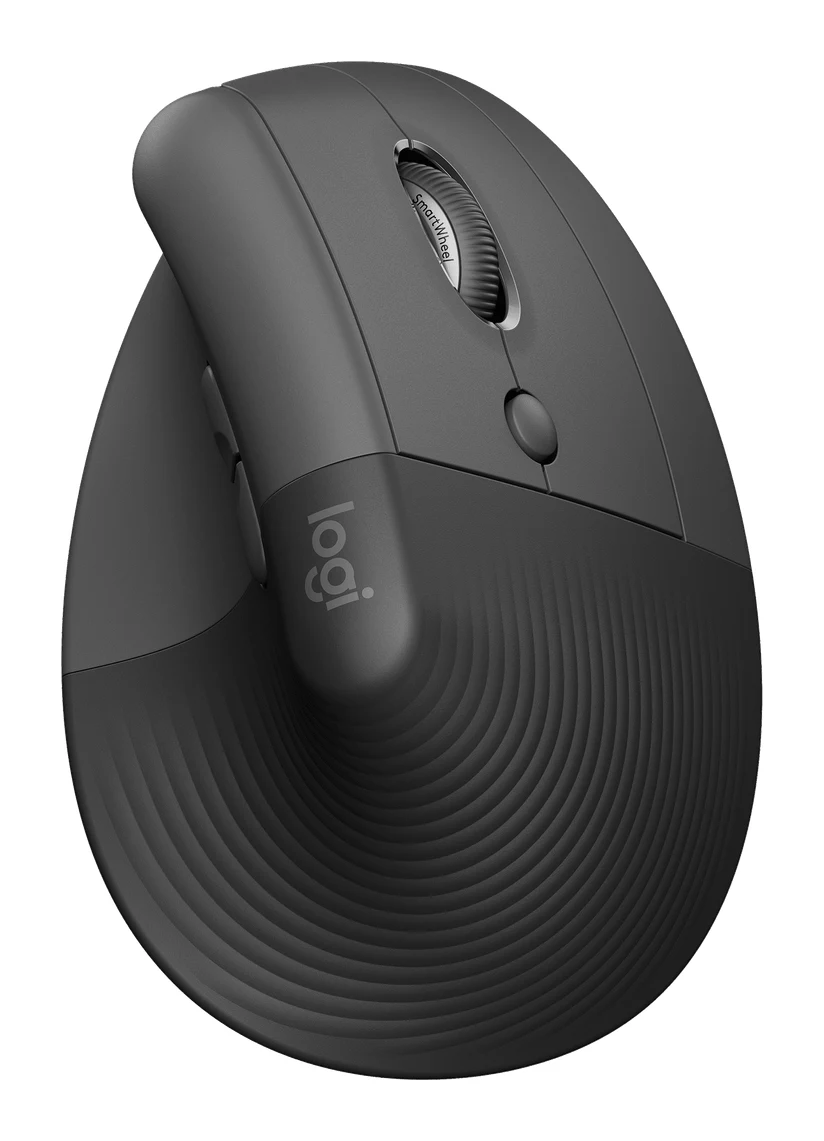
- Also GreatLogitech Lift Vertical Ergonomic MouseWhy we picked it →
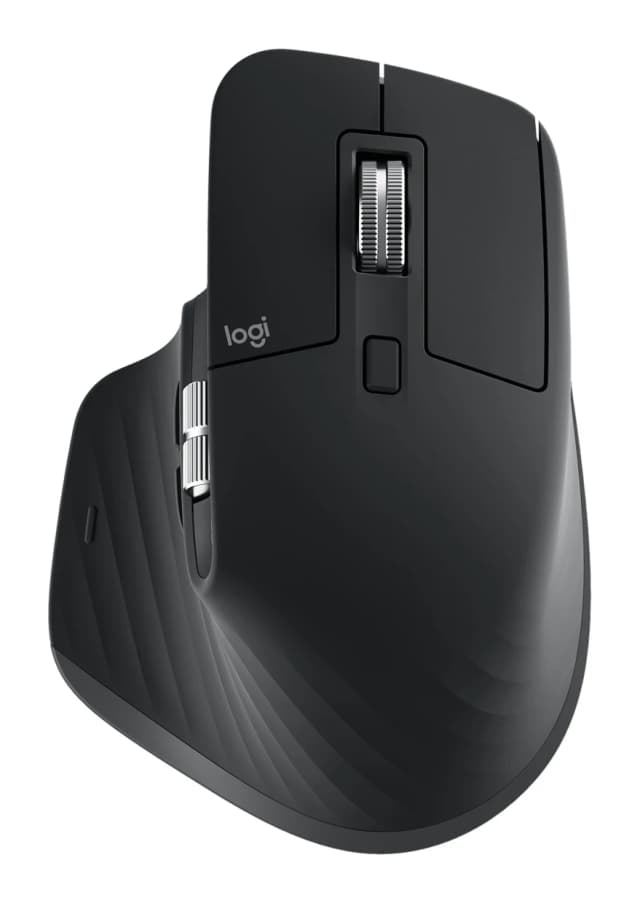
- Premium PickLogitech MX Master 3SWhy we picked it →
Frequently asked questions
Is the Anker 2.4G Wireless Vertical Ergonomic Mouse worth it?
For right-handed Windows users who want to try a vertical mouse, reviewers consider it a comfortable and compact option. It averages 8/10 across 2 expert reviews. It is less suited to gamers, left-handed users and Mac users who need the thumb buttons.
Does the Anker vertical mouse work with a Mac?
It supports Mac OS X along with Windows and Linux, but Anker notes that the thumb buttons are not recognized on Mac OS X. Anker notes that the thumb buttons are not recognized on Mac OS X, so you lose the forward and back functions.
Does it have Bluetooth?
No. It connects only via a 2.4G wireless USB receiver. The receiver stores in the bottom of the mouse when you are not using it.
What batteries does the Anker vertical mouse use?
It uses 2 AAA batteries, which are not included. It also drops into a power-saving mode after 8 minutes idle, and pressing a button wakes it.
Is this mouse good for gaming?
Not really. It offers three DPI levels (800 / 1200 / 1600), and reviewers say the 1600 DPI maximum is too low for gamers. It is better suited to office and everyday computing.
Is the Anker vertical mouse suitable for left-handed users?
It is aimed at right-handed users, and left-handed people are advised to skip it.
Sources
Specs are taken from the manufacturers' official pages; expert recommendations from the publications below.
- Anker 2.4G Wireless Vertical Ergonomic Optical Mouse: anker.com, service.anker.com, ebay.com, gomechanicalkeyboard.com
Related reviews & guides
Logitech Lift Vertical Ergonomic Mouse Review: Small Hands
A look at the Logitech Lift vertical mouse: its 57° angle, compact body, quiet clicks and long battery life, and who should skip it.
Published Oct 26, 2026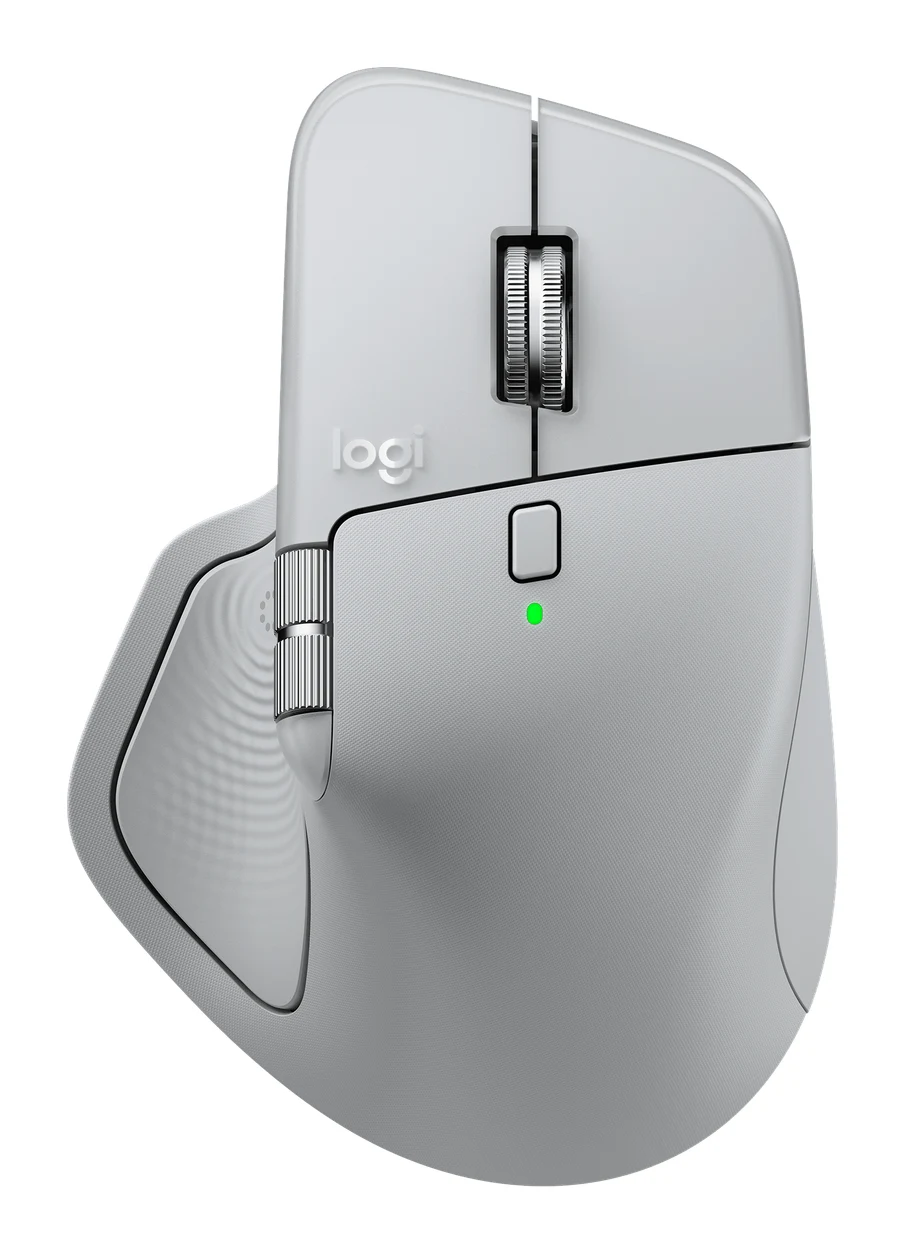
Best Ergonomic Mice 2026: Vertical or Palm Grip, Any Budget
Five ergonomic mice compared on manufacturer specs and expert recommendations, from a full-size palm-grip workhorse to budget vertical designs, plus advice on grip size, handedness and Mac use.
Published Oct 11, 2026Logitech MX Master 4 Review (2026): Refined, Not Radical
The MX Master 4 is a comfortable, quiet, highly customizable productivity mouse with long battery life. Here is who it suits, and who should look elsewhere.
Published Oct 22, 2026