Makeblock mBot Review (2026): Block Coding to Arduino
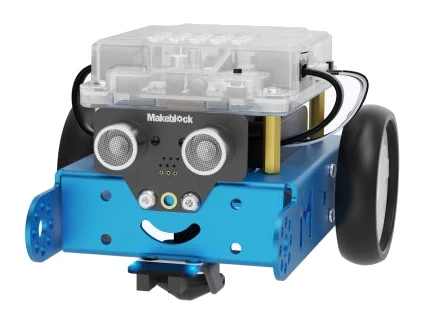
The Makeblock mBot is a screwdriver-and-go starter robot that takes kids from drag-and-drop blocks to Arduino text coding. Here is what it does well and where it needs extras.
Research-based · We earn from qualifying purchases
Our verdict
The mBot is a quick-to-build, sturdy starter robot that suits kids and beginners moving from block coding to Arduino C. Skip it if you want long run times or advanced projects without buying extra parts and batteries.
The good
- Builds in about 15 minutes with the screwdriver included
- Block coding that grows into Arduino text coding
- Color-coded RJ25 ports mean no soldering
- Line-following, obstacle-avoidance and remote modes work out of the box
- Works with 500+ Makeblock parts and LEGO bricks
+2 more
- Line-following, obstacle-avoidance and remote modes work out of the box
- Works with 500+ Makeblock parts and LEGO bricks
The bad
- Batteries are not included and are awkward to replace
- Roughly one hour of playtime per charge
- Small plastic parts and motors can break with rough handling
- Basic kit needs add-ons for projects beyond the basics
+1 more
- Basic kit needs add-ons for projects beyond the basics
This Makeblock mBot review looks at a starter educational robot built around an Arduino-based controller. It is aimed at ages 8 and up and is meant for beginners who want to start with drag-and-drop blocks and eventually write real code. This review is based on Makeblock's published specs and what independent reviewers report, not hands-on testing.
Makeblock mBot: specs at a glance
From the manufacturer- Playtime
- ≈1 hour
- Clock speed
- 16MHz
- Main control
- mCore (Arduino Uno-based)
- Charging time
- 3–4 hours
- Communication
- USB, Bluetooth, 2.4G
- Other sensors
- Ultrasonic sensor, IR emitter, line follower sensor/color sensor
- Onboard sensors
- Buzzer, light sensor
- Battery capacity
- 1800 mAh
- Chassis material
- Aluminum alloy
- Coding languages
- Block-based, Arduino
- Rotational speed
- 200 RPM ± 10%
- Assembled dimensions
- 17 x 13 x 9cm
- External module ports
- 2 motor & servo ports, 4 sensor ports
- Battery (not included)
- 4 AA batteries or 3.7V rechargeable LiPo battery
Key features
- Builds in about 15 minutes, with a screwdriver included
- Drag-and-drop block coding that moves on to Arduino text coding
- Color-coded RJ25 ports make wiring simple, with no soldering
- Line-following, obstacle-avoidance and remote-control modes out of the box
- Free mBlock software and phone apps for Windows, Mac, Linux, iOS and Android
- Works with 500+ Makeblock parts and LEGO bricks
- Four sensor ports and two motor/servo ports for add-ons
- Metal chassis, aimed at ages 8 and up
What the mBot is, and who it is for
The mBot is a robot kit. A screwdriver is included, and the build takes about 15 minutes. That matters for a first robot. A kit that takes an afternoon to assemble can lose a young builder before anything moves, while one that is driving around quickly gives them something to program straight away.
It sits in the mid-range part of the market. The audience is clear: kids and beginners who want to learn programming through something that moves, and parents or teachers who want a path that does not end at the first set of blocks.
Design and build
Chassis and size
The chassis is made from aluminum alloy, and the assembled robot measures 17 x 13 x 9cm. That is small enough for a desk, a classroom table or a floor track made from tape. The robot has a metal chassis.
Reviewers do note that the small plastic parts and the motors can break with rough handling. The metal chassis does not make the whole robot indestructible, so it suits supervised, careful use better than being dropped down the stairs.
Wiring without soldering
The mBot uses color-coded RJ25 ports, so adding sensors and modules means plugging in the matching connector rather than soldering. For a first electronics experience this removes a common barrier. The color coding also makes it easier for a child to work out which cable goes where.
Features and what they mean day to day
Out-of-the-box modes
The mBot ships with line-following, obstacle-avoidance and remote-control modes ready to use. You can see it do something useful before writing any code, which helps motivation. Those modes also work as examples to open up and modify later.
The hardware behind them includes an ultrasonic sensor, an IR emitter and a line follower sensor/color sensor, plus an onboard buzzer and light sensor. That is enough to build simple projects such as a robot that follows a track, stops at obstacles or reacts to light.
Coding: blocks first, Arduino later
The free mBlock software and phone apps run on Windows, Mac, Linux, iOS and Android, so it works across a range of computers and phones. Programming starts with drag-and-drop block coding. The main controller, the mCore, is Arduino Uno-based, and the supported languages are block-based and Arduino. A learner can start with blocks and move on to Arduino text coding on the same robot, rather than outgrowing it and starting again.
Reviewers praise block coding that grows into Arduino text coding.
Expansion
There are four sensor ports and two motor/servo ports for add-ons, and the robot works with 500+ Makeblock parts and LEGO bricks. Builders who like LEGO can attach their own creations and customize the robot. The catch, which reviewers raise, is that the basic kit needs add-ons for projects beyond the basics. The expansion route exists, but it means buying more.
Performance, battery and connectivity
Motion
The motors are rated at a rotational speed of 200 RPM ± 10%. This is a classroom-and-desk robot built for learning, not racing. The controller runs at 16MHz, which is typical of Arduino-class boards. It is plenty for sensor-reading and motor-control projects but is not a platform for heavy computation.
Battery life and power
Power is one of the robot's weaker points. Playtime is about ≈1 hour, and charging takes 3–4 hours. Batteries are not included. The robot runs on 4 AA batteries or a 3.7V rechargeable LiPo battery, and the rechargeable option has a capacity of 1800 mAh. A common criticism is that the batteries are awkward to replace.
In practice, budget for batteries or a rechargeable pack when you buy the robot. Also plan sessions around the roughly one-hour run time. For a classroom with a single robot per group, or a child who wants to code for hours, that limit will show.
Connectivity
Communication options are USB, Bluetooth and 2.4G. You can upload code by cable, control the robot wirelessly from a phone or tablet app, or use the remote-control mode. Having several options makes it easier to fit different devices and lesson setups.
What experts like and what they criticise
Reviewers consistently praise the following:
- The quick build, with the screwdriver included.
- Block coding that grows into Arduino text coding.
- Color-coded RJ25 ports that avoid soldering.
- Line-following, obstacle-avoidance and remote modes that work from the start.
- Compatibility with 500+ Makeblock parts and LEGO bricks.
The criticisms are practical rather than fundamental:
- Batteries are not included and are awkward to replace.
- Playtime is roughly one hour per charge.
- Small plastic parts and motors can break with rough handling.
- The basic kit needs add-ons for projects beyond the basics.
All of these are about running costs, durability and growth rather than the learning experience itself. If you can live with the power arrangements and are happy to buy extras later, the core design holds up well.
Who should buy the mBot, and who should skip it
Buy it if you want a first robot for a child aged 8 or older, or an adult beginner, and want a clear route from block coding to Arduino C. It also suits parents and teachers who want something quick to assemble and that needs no soldering, and LEGO fans who want to build onto the robot.
Skip it if you need long run times without recharging, expect advanced projects from the box alone, or want a robot that will survive rough treatment. Anyone who does not want to deal with batteries should think carefully, since none are supplied.
How it fits among beginner robot kits
In general terms, beginner robot kits trade ease of use against room to grow. Some are easy but limited, and others give you freedom but demand more electronics knowledge. The mBot pairs a quick build and block coding with an Arduino-based board and an expansion system. That is a sensible approach, as long as you accept the extra purchases that come with it.
Verdict
The Makeblock mBot is a sound starter robot for anyone who wants to learn coding through hardware that is easy to put together and has room for growth. The quick build, solder-free wiring and the step from blocks to Arduino code are its main strengths. The short battery life, battery arrangements and the need for add-ons are the trade-offs. If you go in expecting those, it is a good place to start.
Related buying guides
Not sure about the Makeblock mBot? Consider these
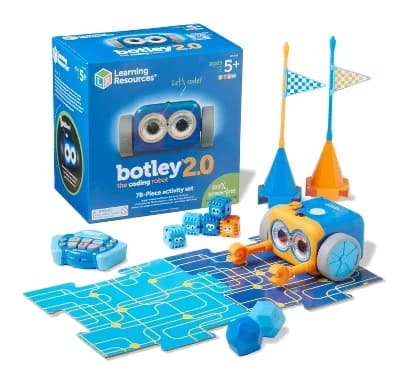
- Best OverallLearning Resources Botley 2.0Why we picked it →
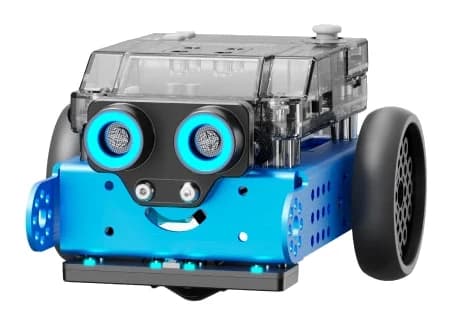
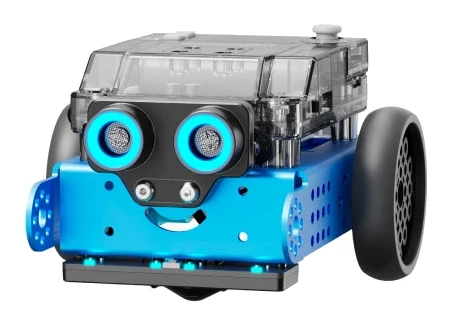
- Premium PickMakeblock mBot2Why we picked it →
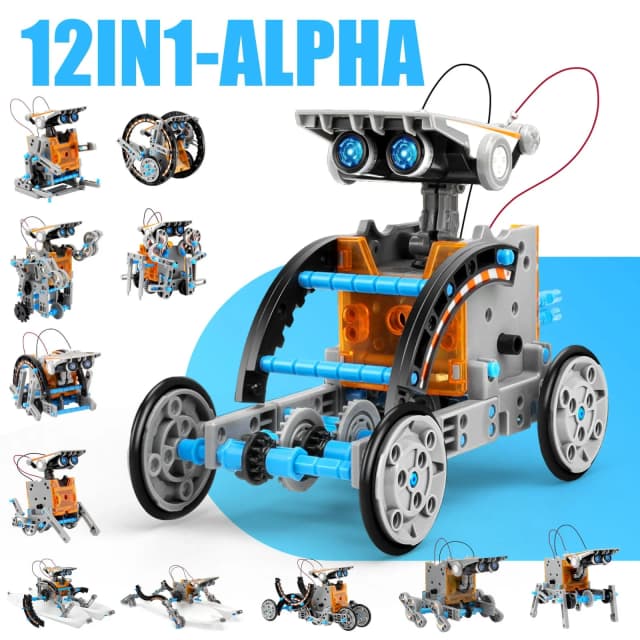
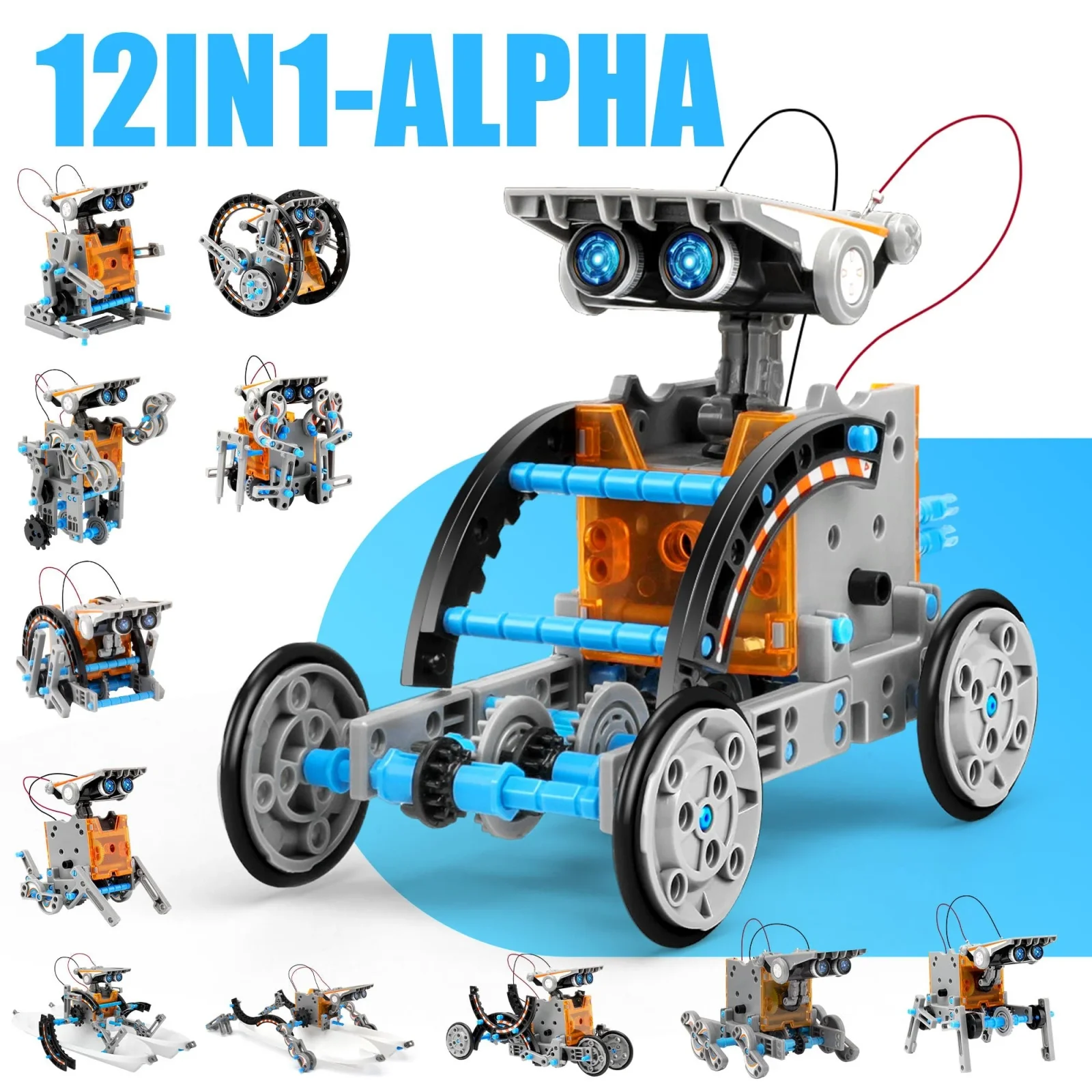
- Best ValueSillbird STEM 12-in-1 Solar RobotWhy we picked it →
Frequently asked questions
Is the Makeblock mBot worth it?
It is worth considering if you want a beginner-friendly robot that moves from block coding to Arduino text coding. Reviewers praise the quick build and the room to expand. The drawbacks are the roughly one hour of playtime, batteries that are not included, and the add-ons needed for more advanced projects.
What age is the mBot for?
Makeblock aims it at ages 8 and up. Makeblock aims it at ages 8 and up.
Does the mBot need soldering?
No. It uses color-coded RJ25 ports, so sensors and modules plug in without soldering. A screwdriver is included for the build, which takes about 15 minutes.
Does the mBot come with batteries?
No. Batteries are not included. It runs on 4 AA batteries or a 3.7V rechargeable LiPo battery, and reviewers say the batteries can be awkward to replace.
What programming languages does the mBot use?
It supports block-based coding and Arduino. You can start with drag-and-drop blocks in the free mBlock software or phone apps and move on to Arduino text coding. The main control board is Arduino Uno-based.
Can the mBot work with LEGO?
Yes. Makeblock says it works with 500+ Makeblock parts and LEGO bricks, so you can customize and extend the robot.
How long does the mBot battery last?
Playtime is listed at about ≈1 hour. Charging takes 3–4 hours. The rechargeable LiPo option has a capacity of 1800 mAh.
Sources
Specs are taken from the manufacturers' official pages; expert recommendations from the publications below.
- Makeblock mBot: makeblock.com, adafruit.com, education.makeblock.com
Related reviews & guides
Best Coding and STEM Robots for Kids 2026: By Age & Skill
Five coding and STEM robots for kids, from a screen-free mouse for ages 4+ to a Python-ready robot for ages 8+, with the trade-offs for each.
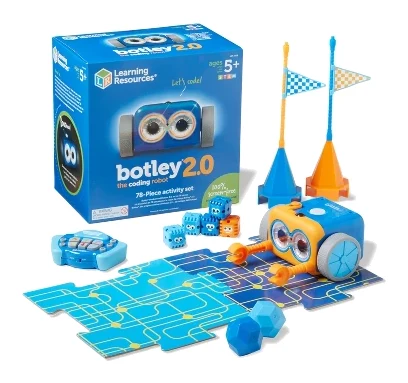
Published Oct 25, 2026Botley 2.0 Coding Robot Review (2026): Screen-Free Start
A look at Botley 2.0, Learning Resources' screen-free coding robot set for ages 5+: how it works, what experts praise, and where carpet, batteries and a limited ceiling hold it back.
Published Nov 20, 2026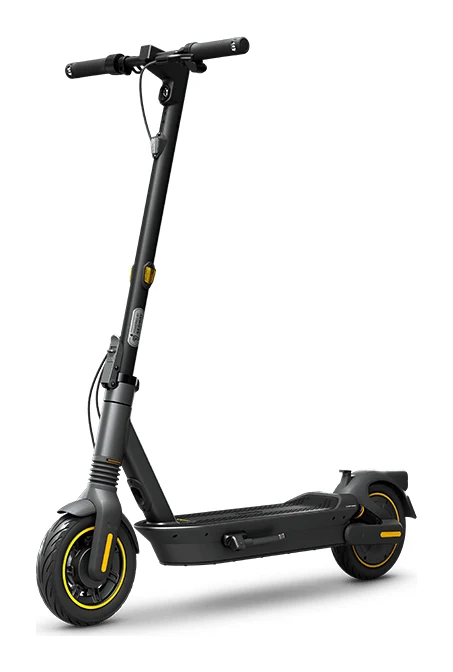
Best Electric Scooters 2026 for Commuters Who Want Range
Five electric scooters compared on range, weight, ride comfort and safety, from a light budget commuter to a 50 mph performance machine. Based on manufacturer specs and independent expert recommendations.
Published Oct 11, 2026