Botley 2.0 Coding Robot Review (2026): Screen-Free Start
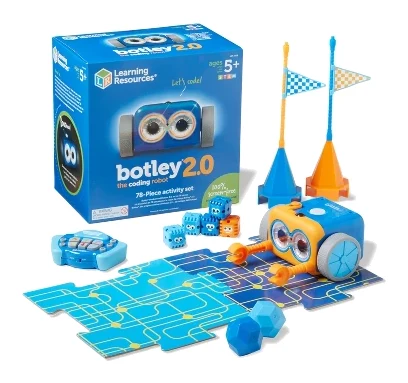
A look at Botley 2.0, Learning Resources' screen-free coding robot set for ages 5+: how it works, what experts praise, and where carpet, batteries and a limited ceiling hold it back.
Research-based · We earn from qualifying purchases
Our verdict
Botley 2.0 is a strong first coding toy for kids around 5 and up, teaching sequencing, debugging and basic conditional logic without a screen. Skip it if you want a robot that leads into typed code or your home is mostly carpeted.
The good
- Fully screen-free coding with an infrared remote, no app or setup
- Gentle learning curve for kids as young as 5
- Codes up to 150 steps, with 45-degree turns
- Object detection and black-line following add if/then-style challenges
- 78-piece set with 40 cards, boards and obstacle pieces
+2 more
- Object detection and black-line following add if/then-style challenges
- 78-piece set with 40 cards, boards and obstacle pieces
The bad
- Needs 5 AAA batteries, not included, and a screwdriver to install them
- Works best on hard floors and struggles on carpet
- Limited ceiling: no path to typed code, so older kids may outgrow it
- Remote programmer feels cheaper than the robot; some units had sensor issues
+1 more
- Remote programmer feels cheaper than the robot; some units had sensor issues
This Learning Resources Botley 2.0 the Coding Robot Activity Set (LER2938) review is for parents who want to introduce coding to a young child without handing over a tablet. Botley is a small programmable robot that you steer with an infrared remote programmer. There is no app, no account and no screen. It is aimed at children aged 5 and up, and it sits in the mid-range part of the market.
Learning Resources Botley 2.0 the Coding Robot Activity Set (LER2938): specs at a glance
From the manufacturer- Power
- 5 AAA batteries (not included): 3 for Botley, 2 for remote programmer
- Control
- Infrared remote programmer, no app or screen
- Movement
- 6 directions incl. 45-degree turns
- Game boards
- 6 double-sided tiles
- Item number
- LER2938
- Piece count
- 78
- Coding cards
- 40
- Remote range
- up to 6′, depending on lighting
- Line following
- Hand-drawn lines must be 4mm to 10mm wide, solid black on white
- Recommended age
- 5+
- Object detection
- Detects objects at least 2″ tall x 1½″ wide, directly in front
- Max program length
- 150 steps
- Special interactions
- 16
- Obstacle building pieces
- 27
- Package dimensions (L x W x H)
- 9.1" x 9.2" x 6.1"
Key features
- Screen-free coding: kids as young as 5 learn without a tablet or phone
- Code up to 150 steps in 6 directions, including 45-degree turns
- 16 fun interactions, such as turning Botley into a train, police car or ghost
- Code through movement, music and light shows, plus a 'Botley Says' memory game
- Object detection and black-line following add if/then-style challenges
- Light sensor and light-up eyes let it work in the dark
- 78-piece activity set with coding cards, double-sided boards and obstacle pieces
- Remote programmer and detachable robot arms
This review is based on the manufacturer's specifications and on what independent reviewers report. We haven't used the robot ourselves.
What Botley 2.0 actually is
The core idea is simple. A child presses a sequence of arrows on the remote programmer, sends it to the robot, and Botley carries out the steps. The program can run up to 150 steps, and the robot can move in 6 directions, including 45-degree turns. Object detection and black-line following add if/then-style challenges on top of that.
The LER2938 is the activity-set version, so a lot of the value is in the box. It comes with 78 pieces: 40 coding cards, 6 double-sided game board tiles and 27 obstacle building pieces. Those give a child something to program Botley to do, rather than just driving it across the floor.
Learning Resources Botley 2.0 (LER2938) review: design and what's in the box
The design is built around hands-on play. The robot has detachable arms, and the remote programmer is a separate handheld unit that talks to Botley over infrared. Remote range is up to 6′, depending on lighting. In practice, this means the child needs to keep the remote pointed at the robot and the room reasonably well lit.
Power comes from 5 AAA batteries, which are not included. Three go in Botley and two in the remote programmer. Reviewers often point out that you need a screwdriver to install them. It's a small annoyance, but you will want to sort it out before the toy is unwrapped on a birthday or holiday morning.
The package measures 9.1" x 9.2" x 6.1", so it is compact. The 78 pieces will still need a proper storage plan if you don't want the cards and obstacle pieces scattered around the house.
The remote programmer
The remote is the one part of the design that reviewers criticise. A common complaint is that it feels cheaper than the robot itself. Reviewers also note that some units had sensor issues.
Features and what they mean day to day
Screen-free coding
The main selling point is that the learning happens away from a display. Children as young as 5 can start coding with the remote and the cards, and reviewers praise the gentle learning curve. For parents trying to limit screen time, this is the strongest reason to consider Botley.
Movement, music and light shows
Botley isn't only about driving from A to B. Children can code through movement, music and light shows. There is also a "Botley Says" memory game. The robot has 16 special interactions as well, such as turning Botley into a train, a police car or a ghost.
Object detection and line following
This is where Botley goes beyond plain step-by-step sequencing. Object detection and black-line following add if/then-style challenges, so a child can start to see how a program reacts to its surroundings.
The limits are specific:
- Botley detects objects at least 2″ tall x 1½″ wide, directly in front of it.
- Hand-drawn lines must be 4mm to 10mm wide, solid black on white.
In other words, a thin pencil line or a small object won't register. Children, or the adults helping them, will need to follow the guidance on line width and object size to get the challenges working.
Working in the dark
A light sensor and light-up eyes let Botley operate in the dark. The spec sheet doesn't say more about how this mode works.
Performance and everyday use
Botley's performance is shaped by its sensors and its surface. The infrared remote works up to 6′ away, but lighting affects that range. Object detection only works on items directly in front of the robot, and line following needs the specified width and contrast.
The surface matters most. Reviewers say Botley works best on hard floors and struggles on carpet. If your home is mostly carpeted, that is a real limitation, because the toy is meant to be driven around freely. A hard floor is a more reliable setting.
Some reviewers also mention sensor problems on certain units. It isn't described as universal, but it is a reason to check the return policy of whoever you buy from and to test the robot soon after it arrives.
What experts like and what they criticise
One published score is available. ScienceBasedKids rates it 7/10. The robot is also recommended in 9 expert guides, which suggests it is a familiar pick among kids' coding toys.
Reviewers consistently praise:
- The fully screen-free setup, with an infrared remote and no app.
- The gentle learning curve for children as young as 5.
- The 150-step programs and 45-degree turns.
- Object detection and black-line following that add if/then-style challenges.
- The 78-piece set, with 40 cards, boards and obstacle pieces.
A common criticism includes:
- Batteries are not included, and a screwdriver is needed to fit them.
- It works best on hard floors and struggles on carpet.
- There is a limited ceiling: no path to typed code, so older children may outgrow it.
- The remote programmer feels cheaper than the robot, and some units had sensor issues.
The ceiling point deserves weight. Botley teaches sequencing, debugging and basic conditional logic, but it doesn't lead into typed code. It is a first step rather than a long-term platform.
Who should buy it, and who should skip it
Buy it if you want a screen-free first coding toy for a child around 5 or older. It suits parents who want hands-on play, simple setup and a toy that introduces ideas like sequencing and conditionals without needing a phone, a tablet or a Wi-Fi connection. The activity-set contents also make it a reasonable gift, since it includes boards and obstacles from the start.
Skip it if your home is mostly carpeted, or if you want a robot that eventually leads a child into typed code. Older children who are already comfortable with basic programming concepts may find it too simple quickly. If you are looking at other kid-oriented robots as well, our Skymee Owl Robot review is another one to compare.
How it fits in its category
In general terms, screen-free coding robots trade the depth of app-based or block-based platforms for simplicity and independence from devices. Botley 2.0 follows that approach. Its strengths are the screen-free control and the included activity pieces, and its weaknesses are a limited ceiling with no path to typed code, and poor performance on carpet. If those trade-offs match what you want, it is an easy pick. If you want something that grows with a child for years, look for a platform that includes a path to text-based code.
Verdict
Botley 2.0 is a focused, well-equipped first coding toy. The screen-free control, the 150-step programs, the 45-degree turns and the object and line challenges give young children real programming ideas to play with. The activity set means there is plenty to do from the first day. It isn't perfect: it needs batteries you must buy separately, it works best on hard floors, and it doesn't lead anywhere beyond the basics. For parents who want a gentle, screen-free introduction to coding for a child of 5 or older, it remains a sensible choice.
Related buying guides
Not sure about the Learning Resources Botley 2.0 the Coding Robot Activity Set (LER2938)? Consider these
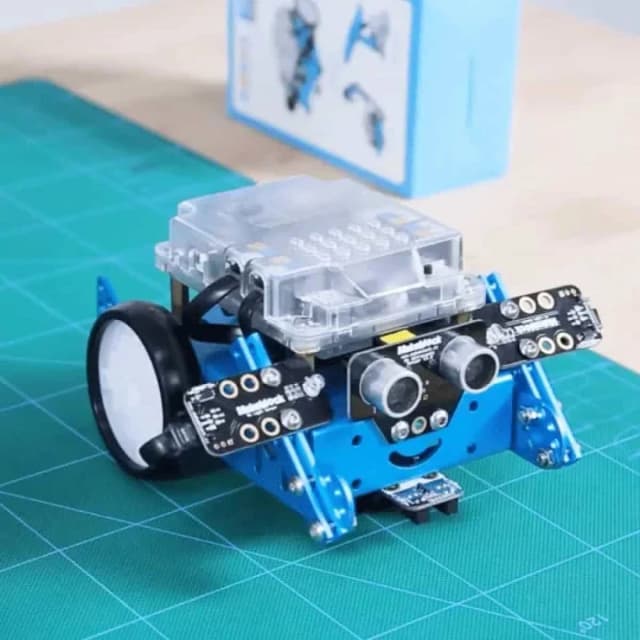
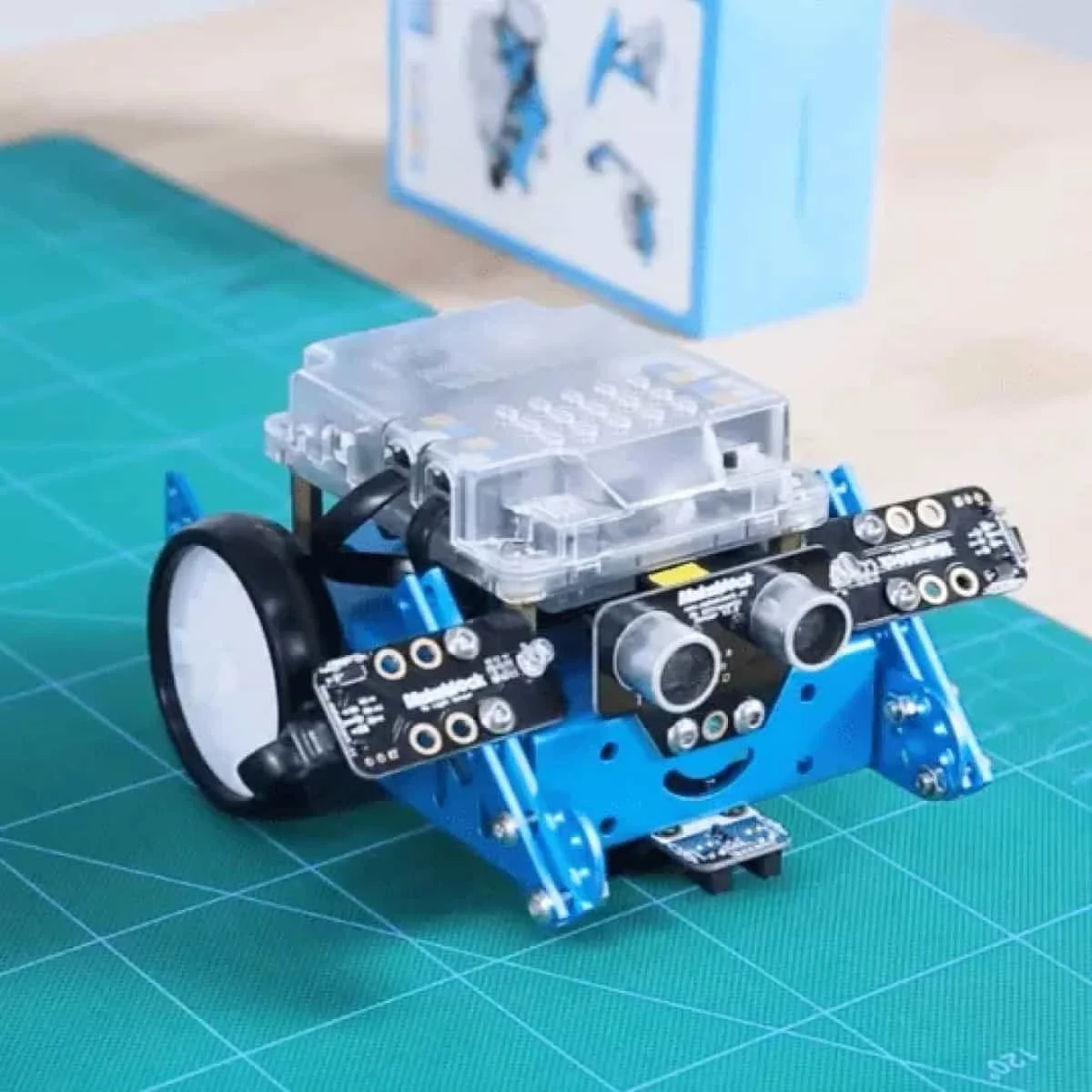
- Also GreatMakeblock mBotWhy we picked it →
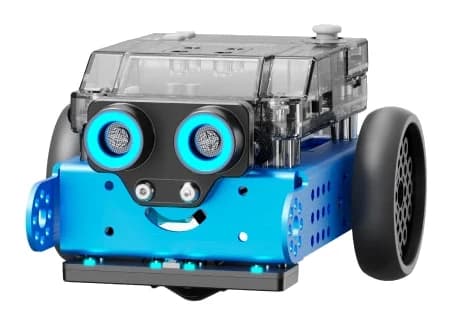
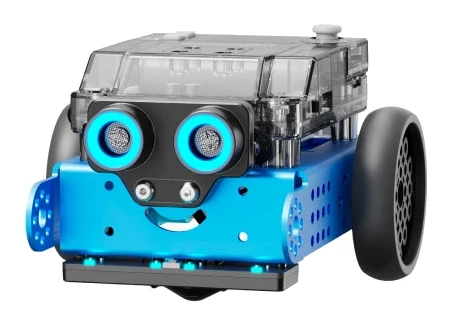
- Premium PickMakeblock mBot2Why we picked it →
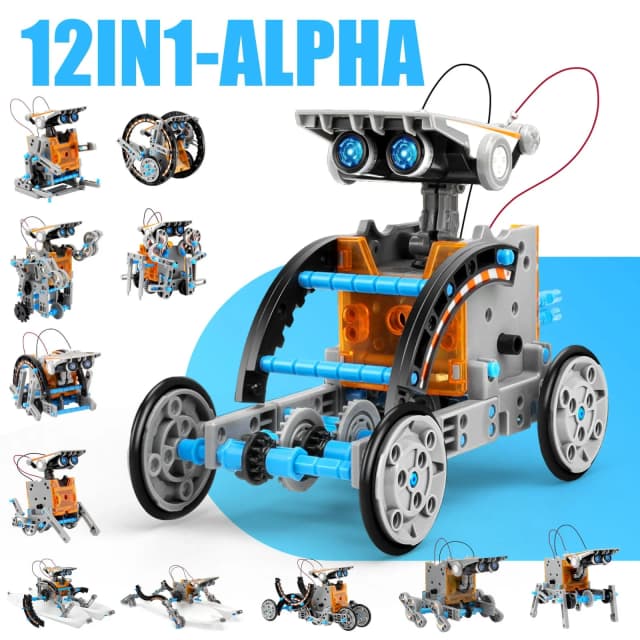
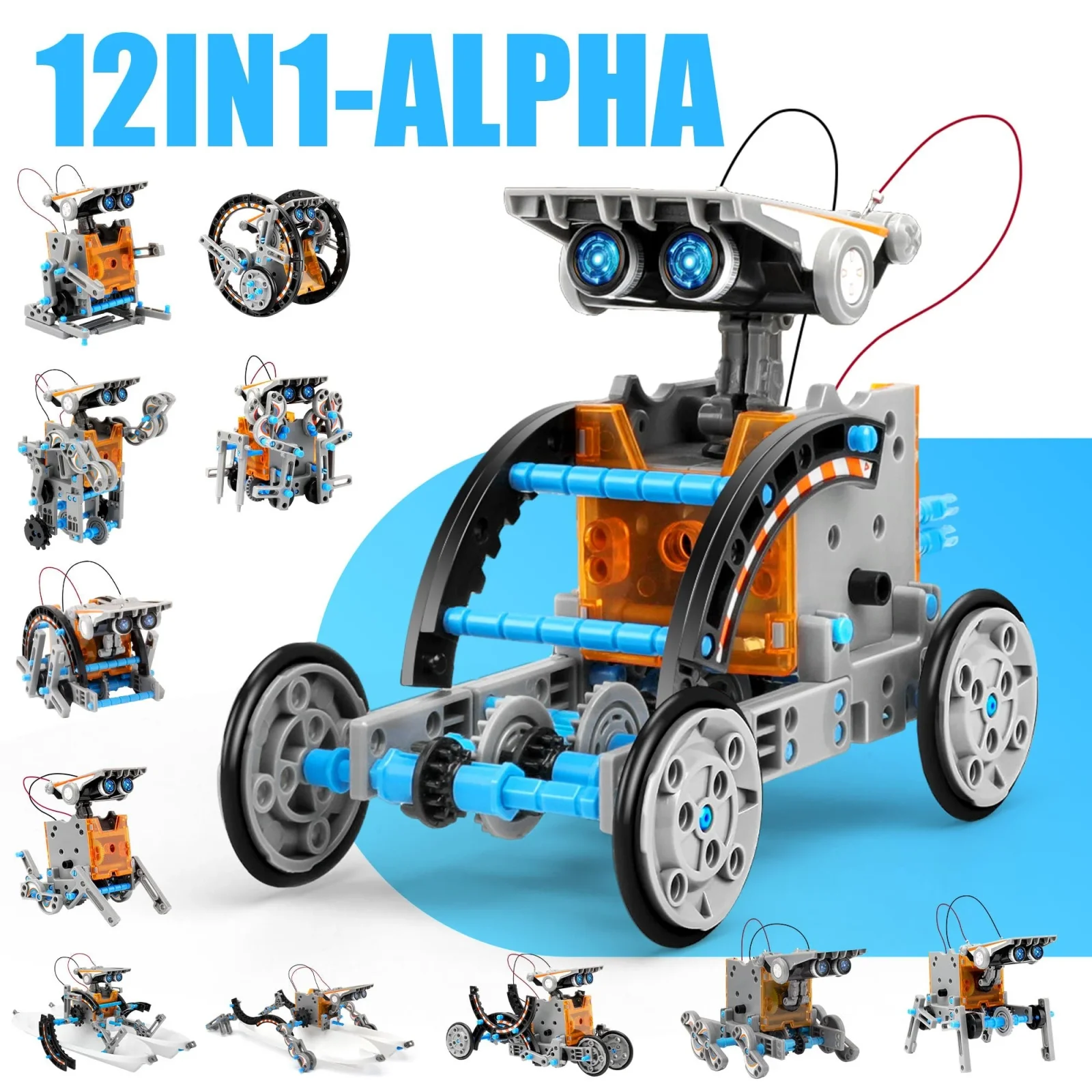
- Best ValueSillbird STEM 12-in-1 Solar RobotWhy we picked it →
Frequently asked questions
Is the Botley 2.0 Coding Robot Activity Set worth it?
It is a good fit if you want a screen-free first coding toy for a child aged 5 or older. Reviewers praise the gentle learning curve and the 78-piece activity set. It is less suitable if your home is mostly carpeted or you want a robot that leads into typed code.
What age is Botley 2.0 for?
The recommended age is 5+. Learning Resources designs it so children as young as 5 can learn without a tablet or phone.
Does Botley 2.0 need an app or a screen?
No. It is controlled with an infrared remote programmer, with no app or screen involved.
Does Botley 2.0 come with batteries?
No. It needs 5 AAA batteries, which are not included: 3 for Botley and 2 for the remote programmer. Reviewers note that you also need a screwdriver to install them.
Does Botley 2.0 work on carpet?
A common criticism from reviewers is that it works best on hard floors and struggles on carpet. A hard floor is a safer choice.
How many steps can you program into Botley 2.0?
You can code up to 150 steps, in 6 directions, including 45-degree turns.
Sources
Specs are taken from the manufacturers' official pages; expert recommendations from the publications below.
- Learning Resources Botley 2.0 the Coding Robot Activity Set (LER2938): learningresources.com, staples.com
Related reviews & guides
Best Coding and STEM Robots for Kids 2026: By Age & Skill
Five coding and STEM robots for kids, from a screen-free mouse for ages 4+ to a Python-ready robot for ages 8+, with the trade-offs for each.
Published Oct 25, 2026
Best Laser Engravers for Beginners 2026: Safe, Easy Starts
Five beginner-friendly laser engravers compared on safety, work area, software and upgrade paths, from the enclosed xTool S1 to the plug-and-play Glowforge Aura.
Published Oct 25, 2026
Andonstar AD210 Review (2026): Big Screen, No PC Link
The Andonstar AD210 is a standalone digital microscope built around a big 10.1-inch screen. Here is what the specs and expert reviews say about coins, slides and light soldering.
Published Nov 8, 2026