Ottocast Mini Cube 3.0 Review (2026): Tiny Wireless Adapter
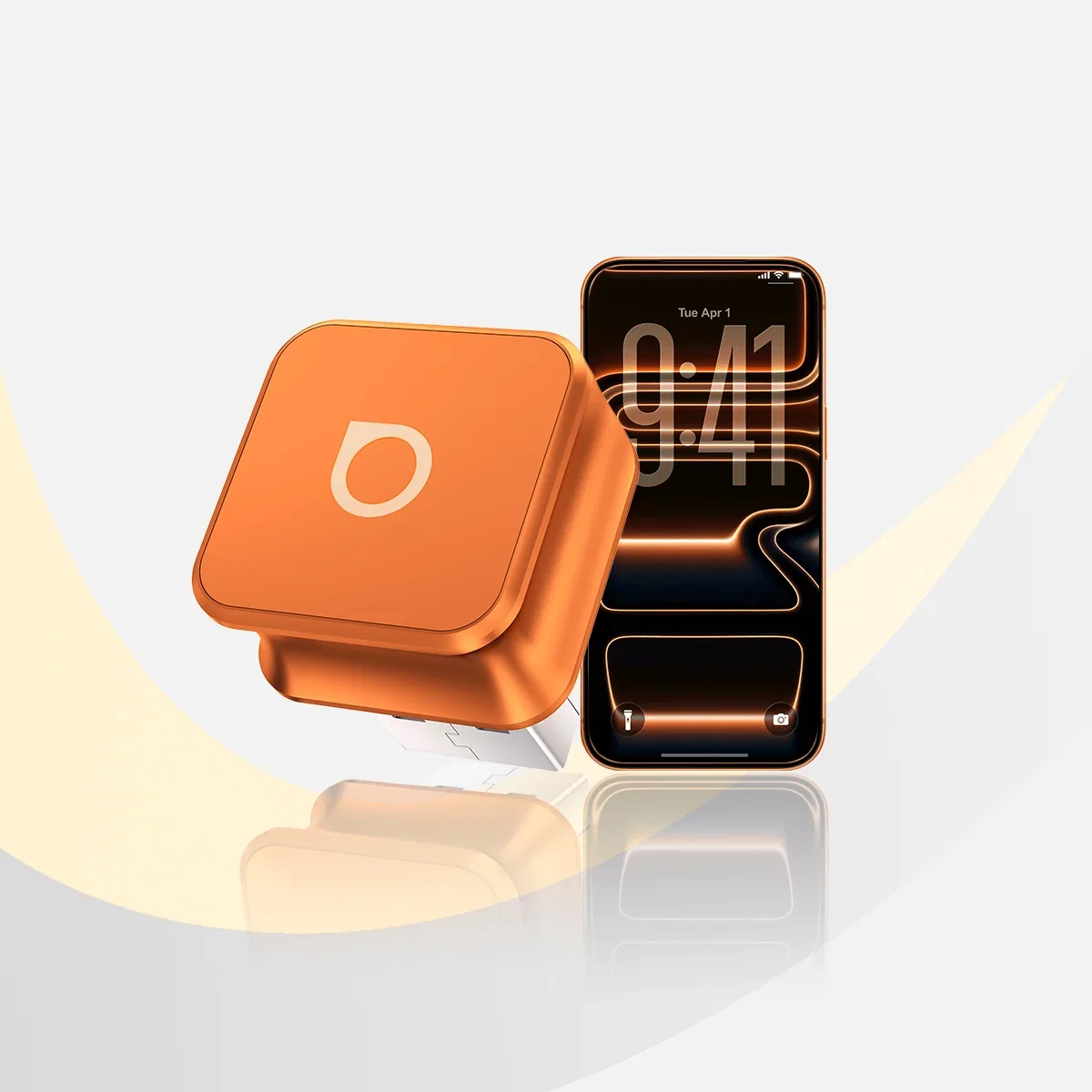
A closer look at the Ottocast Mini Cube 3.0, a tiny plug-in adapter that adds wireless CarPlay or Android Auto to cars with a factory wired system, based on specs and expert reviews.
Research-based · We earn from qualifying purchases
Our verdict
The Ottocast Mini Cube 3.0 is a tiny, easy-to-use adapter that adds fast-reconnecting wireless CarPlay or Android Auto to cars with a wired factory system. Buy it if you want a discreet, no-fuss upgrade; skip it if your car lacks factory wired support, you own a Sony aftermarket head unit, or you need zero lag.
The good
- Turns factory wired CarPlay or Android Auto into wireless
- Tiny cube design sits flush with a space-saving 90-degree connector
- Plug-and-play setup with no app required
- Reconnects automatically in about 5 seconds after first pairing
- Works with both iPhone and Android, with over-the-air firmware updates
+2 more
- Reconnects automatically in about 5 seconds after first pairing
- Works with both iPhone and Android, with over-the-air firmware updates
The bad
- Requires an existing factory wired CarPlay or Android Auto system
- Slight lag compared with a direct wired connection
- Not compatible with Sony aftermarket head units or BMW (separate BMW version)
- Some reviewers noted occasional reconnect quirks and slow boot into Android Auto
+1 more
- Some reviewers noted occasional reconnect quirks and slow boot into Android Auto
If your car has factory CarPlay or Android Auto but still wants a cable every time you get in, this review of the Ottocast Mini Cube 3.0 is for you. It's a small plug-in adapter that turns a wired factory connection into a wireless one. It suits drivers who want a discreet, low-fuss upgrade rather than a new head unit. This review is based on manufacturer specs and what independent experts report, not hands-on testing.
Ottocast Mini Cube 3.0: specs at a glance
From the manufacturer- Setup
- Plug-and-play, no app
- Wi-Fi
- 5GHz
- Colors
- Silver, Black, Cosmic Orange
- Weight
- ~8.8 g
- Connector
- USB-A or USB-C versions (A-to-C adapter included)
- Dimensions
- 21.6 × 21.6 × 23.5 mm
- Not compatible
- Sony aftermarket head units; BMW (separate BMW version)
- Car requirement
- Factory wired CarPlay or wired Android Auto (USB data port)
- Firmware updates
- FOTA (over the air)
- Wireless CarPlay
- Yes (iPhone, iOS 10+)
- Reconnection time
- around 5 seconds
- Wireless Android Auto
- Yes (Android 11+; selected Samsung/Google phones also Android 9)
- Typical vehicle support
- 2016 or newer with factory wired CarPlay/Android Auto
Key features
- Turns factory wired CarPlay or Android Auto into wireless
- Reconnects automatically within about 5 seconds after first pairing
- Plug-and-play setup with no app needed
- Ultra-compact cube with a 90-degree USB connector that saves space
- Metal body with a grooved grip to help dissipate heat
- Over-the-air (FOTA) firmware updates
- Works with both iPhone and Android phones
- Includes a free A-to-C adapter, or choose a USB-C version
What the Ottocast Mini Cube 3.0 actually does
The Mini Cube 3.0 plugs into the USB data port your car already uses for wired CarPlay or wired Android Auto. Your phone then connects to the adapter wirelessly. You just stop plugging in your phone for every short trip.
Ottocast says it works with both iPhone and Android phones. On the iPhone side, wireless CarPlay needs iOS 10 or later. For Android, wireless Android Auto needs Android 11 or later, and selected Samsung and Google phones are also supported on Android 9. Check your phone's software version before buying, particularly if you use an older handset.
Ottocast describes typical support as cars from 2016 or newer with factory wired CarPlay or Android Auto. That is a guideline, not a guarantee. The real test is whether your car already supports a wired connection through a USB data port.
Design and build
The design is what gives the Mini Cube its name. It measures 21.6 × 21.6 × 23.5 mm and weighs about 8.8 g. A 90-degree USB connector lets it sit close to the port instead of jutting out. That matters in cars where the USB port is in a tight console cubby, or where you don't want something dangling near the gear selector.
The body is metal with a grooved grip. Ottocast says the metal helps dissipate heat, which is a sensible choice for a device that stays plugged in and working for the length of a drive.
It comes in Silver, Black and Cosmic Orange. Black or silver will blend in with most interiors, and the orange is there if you want it to stand out.
Connector options
You can buy a USB-A version or a USB-C version. The USB-A version comes with a free A-to-C adapter. Look at your car's port first, since this choice decides how neatly the cube fits. A cube with a 90-degree plug is only tidy if it matches the port you have.
Features and what they mean day to day
Plug-and-play setup
The adapter needs no app. You plug it in, pair your phone the first time, and you're done. For people who don't want to install extra software, create an account or fiddle with settings, this is a real advantage. The adapter can be set up once and then forgotten.
Fast reconnection
After first pairing, the Mini Cube reconnects automatically in about 5 seconds. This is the feature reviewers keep returning to, because wireless adapters live or die by how quickly they link up when you start the car. If you make several short trips a day, a quick reconnect is the difference between wireless feeling convenient and feeling like a chore. Reviewers do mention occasional reconnect quirks, so it won't be flawless in every car.
Over-the-air updates
The adapter supports FOTA (firmware over the air) updates. That means firmware updates are delivered over the air.
5GHz Wi-Fi
The adapter uses 5GHz Wi-Fi for the wireless link. That is the standard approach for wireless CarPlay and Android Auto, because the connection has to carry navigation, music and calls at the same time. Ottocast doesn't publish more detail than that, so real-world stability will vary with the car and the phone.
Performance and connectivity
The main trade-off with any wireless adapter is that you give up a little of the immediacy of a cable. Reviewers report slight lag compared with a direct wired connection. For maps, music and calls that is unlikely to matter much, but it's worth knowing if you are sensitive to responsiveness in the interface.
Some reviewers also noted a slow boot into Android Auto. If your routine involves getting in and expecting your phone's apps on the screen immediately, Android users in particular should keep that in mind. The roughly 5-second reconnect is the headline figure, but how quickly the interface becomes usable can be a separate matter.
What experts like and what they criticise
The two published expert scores are very high. Technically Jeff scores it 10/10 and Seek & Score gives it 9.7/10, which averages 9.9/10 across 2 expert reviews. That is a small sample, so treat it as a strong early signal rather than a broad consensus.
Reviewers praise a consistent set of things:
- It turns a factory wired CarPlay or Android Auto system into a wireless one.
- The tiny cube sits flush, and the 90-degree connector saves space.
- Setup is plug-and-play, with no app required.
- It reconnects automatically in about 5 seconds after first pairing.
- It works with both iPhone and Android, with over-the-air firmware updates.
The criticisms are just as consistent, and a couple matter more than the scores suggest:
- It needs an existing factory wired CarPlay or Android Auto system. It can't add smartphone integration to a car that has none.
- There is slight lag compared with a direct wired connection.
- It is not compatible with Sony aftermarket head units, and BMW owners need Ottocast's separate BMW version.
- Some reviewers noted occasional reconnect quirks and a slow boot into Android Auto.
The compatibility limits are the biggest risk. A high review score doesn't help if your car or head unit is on the unsupported list, so check that before anything else.
Who should buy it
The Mini Cube 3.0 suits drivers whose car already has wired CarPlay or Android Auto and who are tired of plugging in. It's a good fit if you:
- make frequent short trips and want your phone to link up on its own;
- would rather not use an app or deal with a complicated setup;
- want something small enough to disappear into the dashboard or console;
- switch between an iPhone and an Android phone in the same household, since it supports both.
It sits in the mid-range part of the market, which fits a simple single-purpose accessory.
Who should skip it
Skip it if your car has no factory wired CarPlay or Android Auto, because the adapter can't create that support. Skip it if you have a Sony aftermarket head unit, which is on the not-compatible list. BMW drivers shouldn't buy this version either, since Ottocast makes a separate BMW model.
Also think twice if you need zero lag. Wireless will always add a small delay compared with a cable, and reviewers say you can notice it. And if you're on an older phone, confirm it meets the iOS 10 or Android 11 requirement (or the narrower Android 9 exception for selected Samsung and Google phones).
How it fits in its category
Wireless CarPlay and Android Auto adapters all aim to solve the same problem, so the differences come down to size, reconnect speed, compatibility and how much setup they demand. The Mini Cube 3.0's selling points are a very small footprint, a metal body, no-app setup and quick reconnection. Its limits are that it needs a factory wired system and isn't compatible with every car or head unit. When you compare adapters, check the compatibility list for your exact car first, then weigh size and connector type.
Verdict
The Ottocast Mini Cube 3.0 is a focused, sensible accessory. It does one thing, makes your existing wired CarPlay or Android Auto wireless, and it does it in a very small package with simple setup and quick reconnection. The two expert scores we found are excellent, though with only two reviews they shouldn't be treated as the final word. The caveats are real: a factory wired system is required, there is a little lag, a few reviewers report reconnect or Android Auto boot quirks, and Sony aftermarket head units are unsupported. If your car is compatible and you want a discreet, no-fuss upgrade, it's an easy one to recommend.
Related buying guides
Not sure about the Ottocast Mini Cube 3.0? Consider these
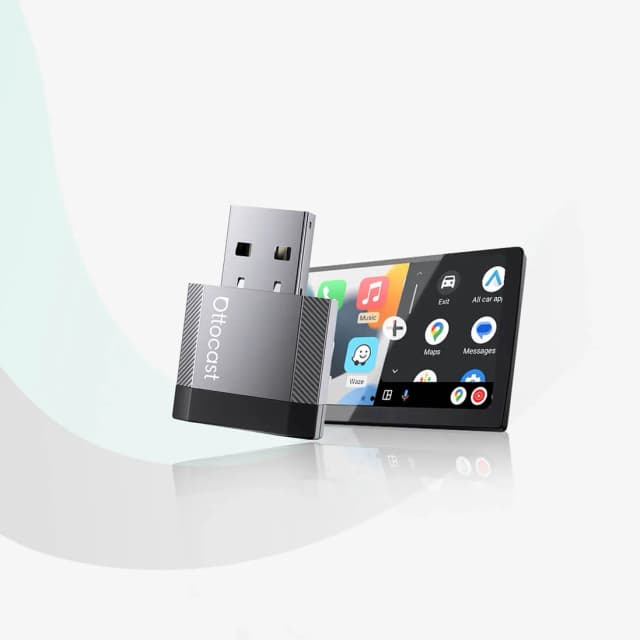
- Best ValueOttocast Mini NovaWhy we picked it →
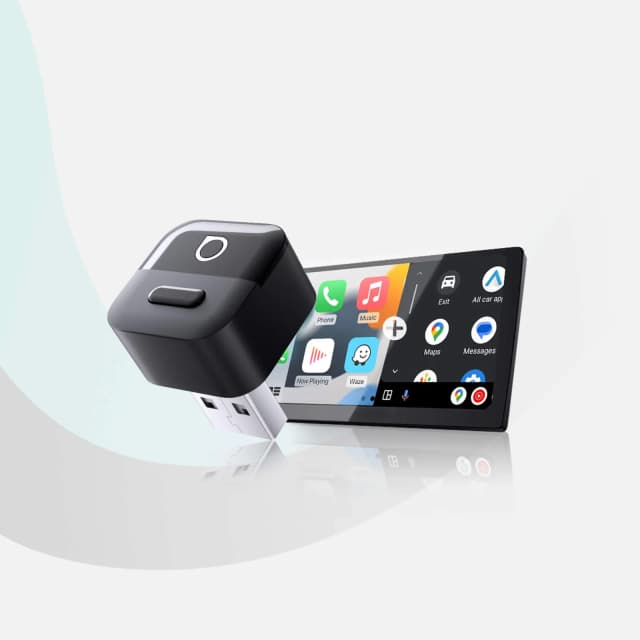
- Premium PickOttocast Mini PicoWhy we picked it →
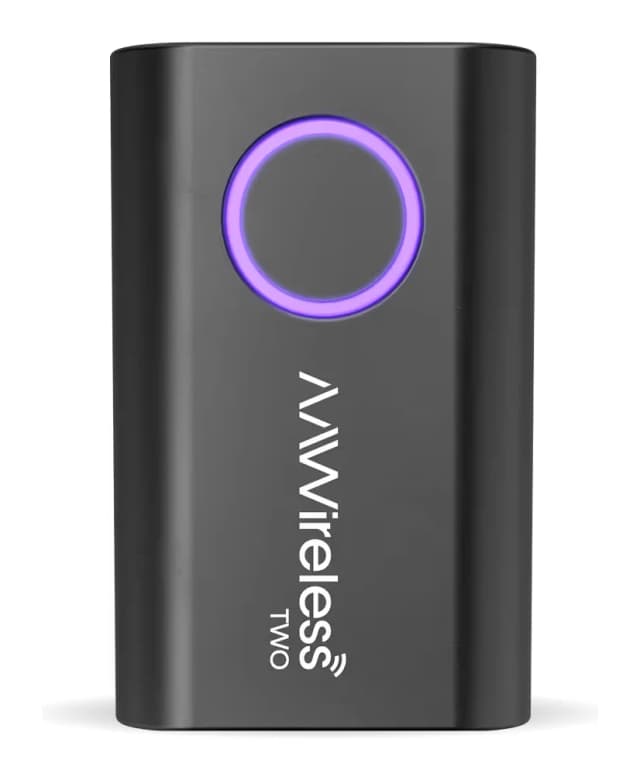
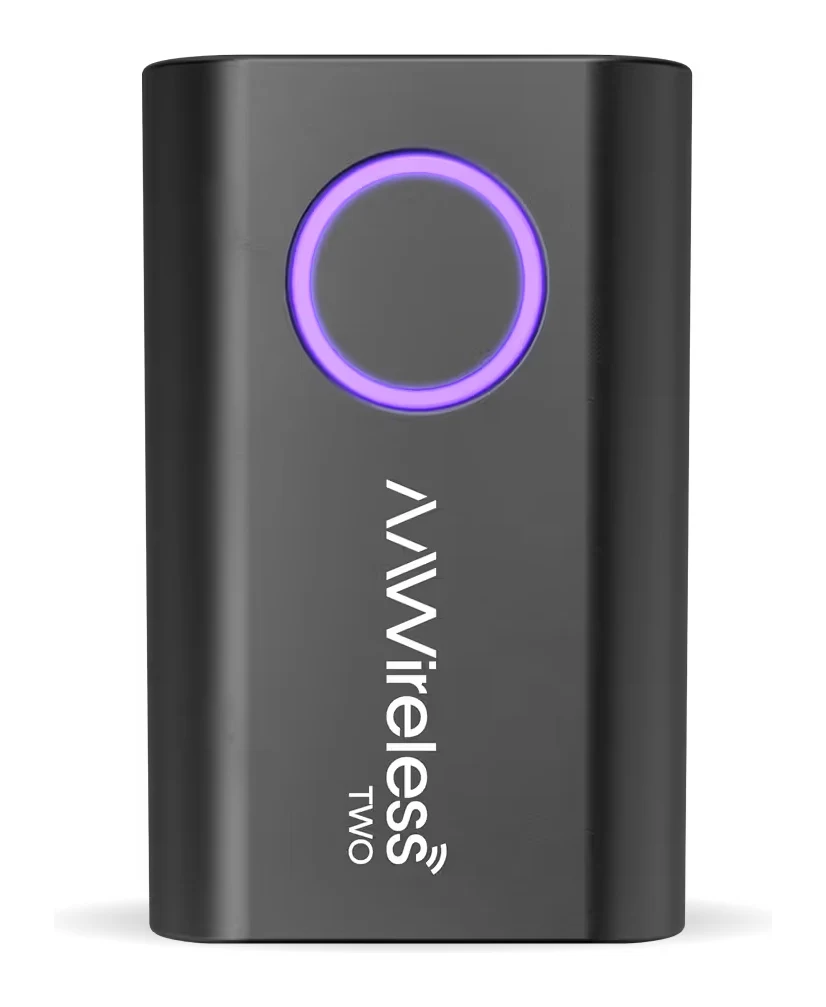
- AAWireless TWORead the review →
Frequently asked questions
Is the Ottocast Mini Cube 3.0 worth it?
For drivers whose car already has factory wired CarPlay or Android Auto, reviewers say yes. It averages 9.9/10 across 2 expert reviews, with praise for its tiny size, no-app setup and quick reconnection. It isn't worth buying if your car lacks a factory wired system or is on the not-compatible list.
Does the Ottocast Mini Cube 3.0 work with iPhone and Android?
Yes. Wireless CarPlay works with iPhones on iOS 10 or later. Wireless Android Auto works on Android 11 or later, and selected Samsung and Google phones are also supported on Android 9.
Does the Mini Cube 3.0 need an app to set up?
No. Setup is plug-and-play with no app needed. You plug it into your car's USB data port and pair your phone the first time.
How fast does the Ottocast Mini Cube 3.0 reconnect?
After first pairing, it reconnects automatically in about 5 seconds. Some reviewers did note occasional reconnect quirks and a slow boot into Android Auto.
Which cars is the Ottocast Mini Cube 3.0 compatible with?
It needs factory wired CarPlay or wired Android Auto through a USB data port, and typical support is cars from 2016 or newer. It is not compatible with Sony aftermarket head units, and BMW drivers need Ottocast's separate BMW version.
Is there lag with the Ottocast Mini Cube 3.0?
Reviewers report slight lag compared with a direct wired connection. For most everyday use such as maps, music and calls it is a small trade-off, but it's worth knowing if you want zero delay.
Sources
Specs are taken from the manufacturers' official pages; expert recommendations from the publications below.
- Ottocast Mini Cube 3.0: ottocast.com, kiaevforums.com
Related reviews & guides
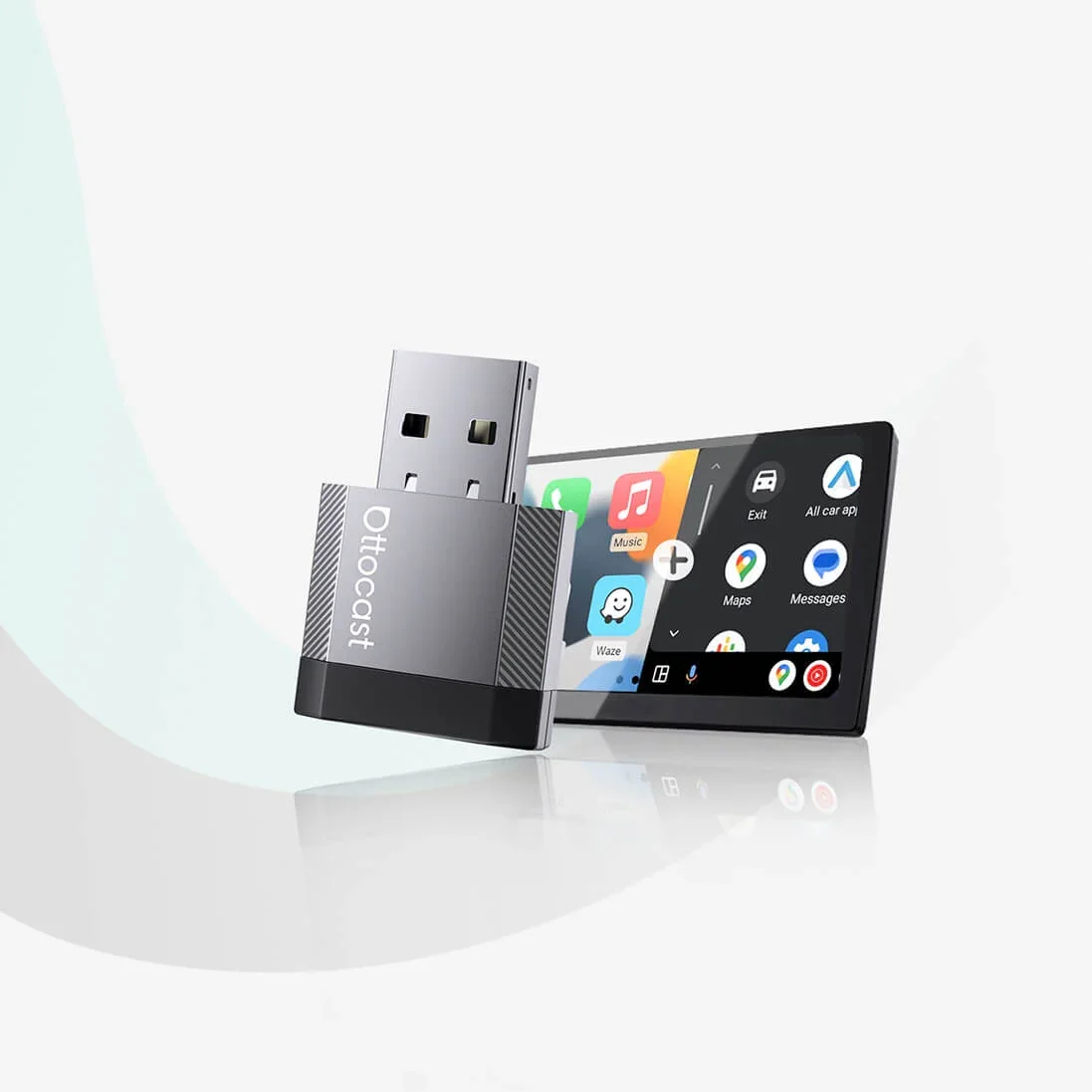
Ottocast Mini Nova Review (2026): Slim Wireless CarPlay
The Ottocast Mini Nova turns factory wired CarPlay or Android Auto wireless in a slim aluminum body. Here is what it does well, where it falls short and who it suits.
Published Nov 6, 2026Best Wireless CarPlay & Android Auto Adapters 2026
Three Ottocast adapters that make a factory wired CarPlay or Android Auto system wireless, compared on reconnection, size, connectors and who each one suits.
Published Oct 29, 2026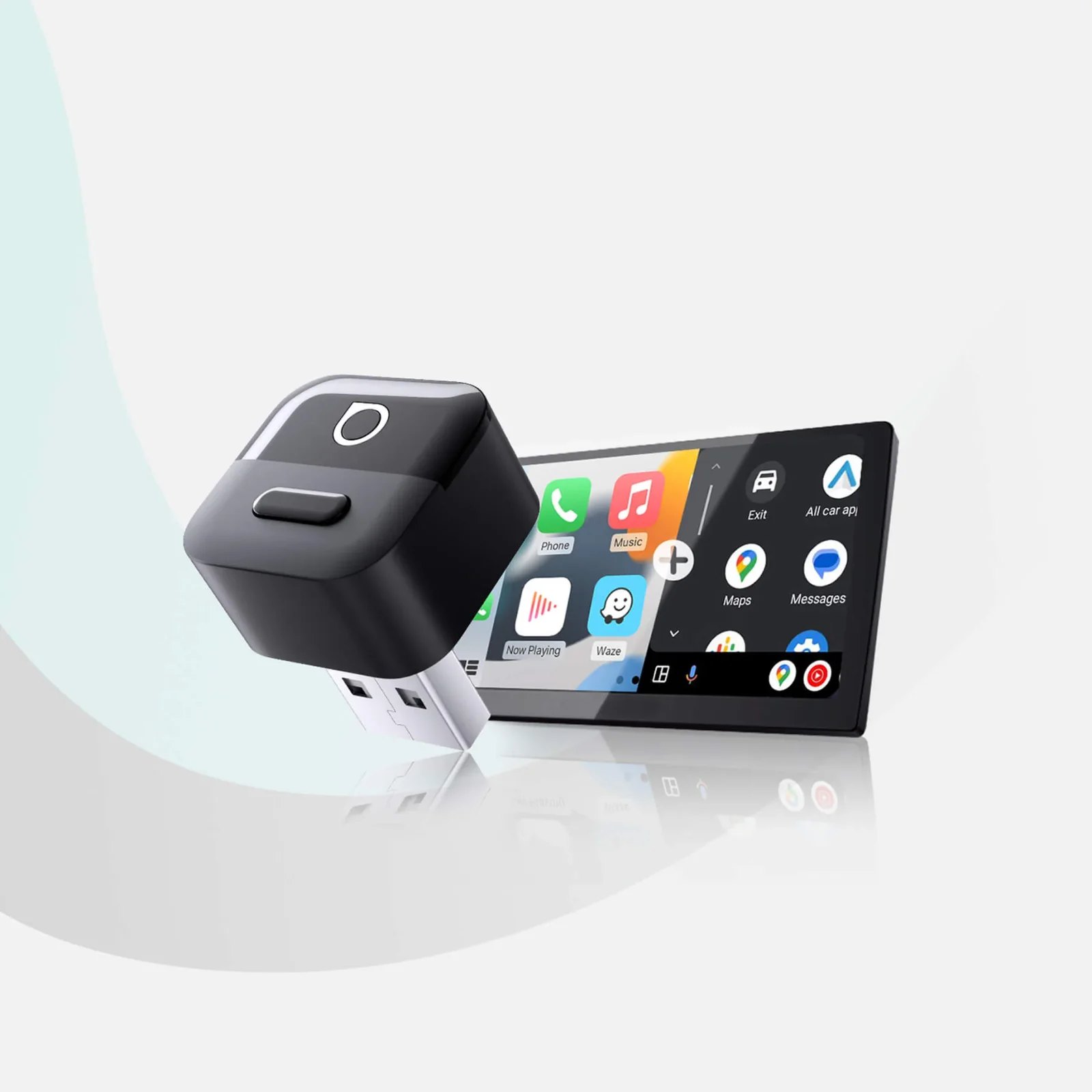
Ottocast Mini Pico Review (2026): Android Auto Strength
The Ottocast Mini Pico is a tiny plug-in adapter that makes factory wired CarPlay or Android Auto wireless. Here is what it does well, where it falls short and who should skip it.
Published Nov 10, 2026