Ottocast Mini Pico Review (2026): Android Auto Strength
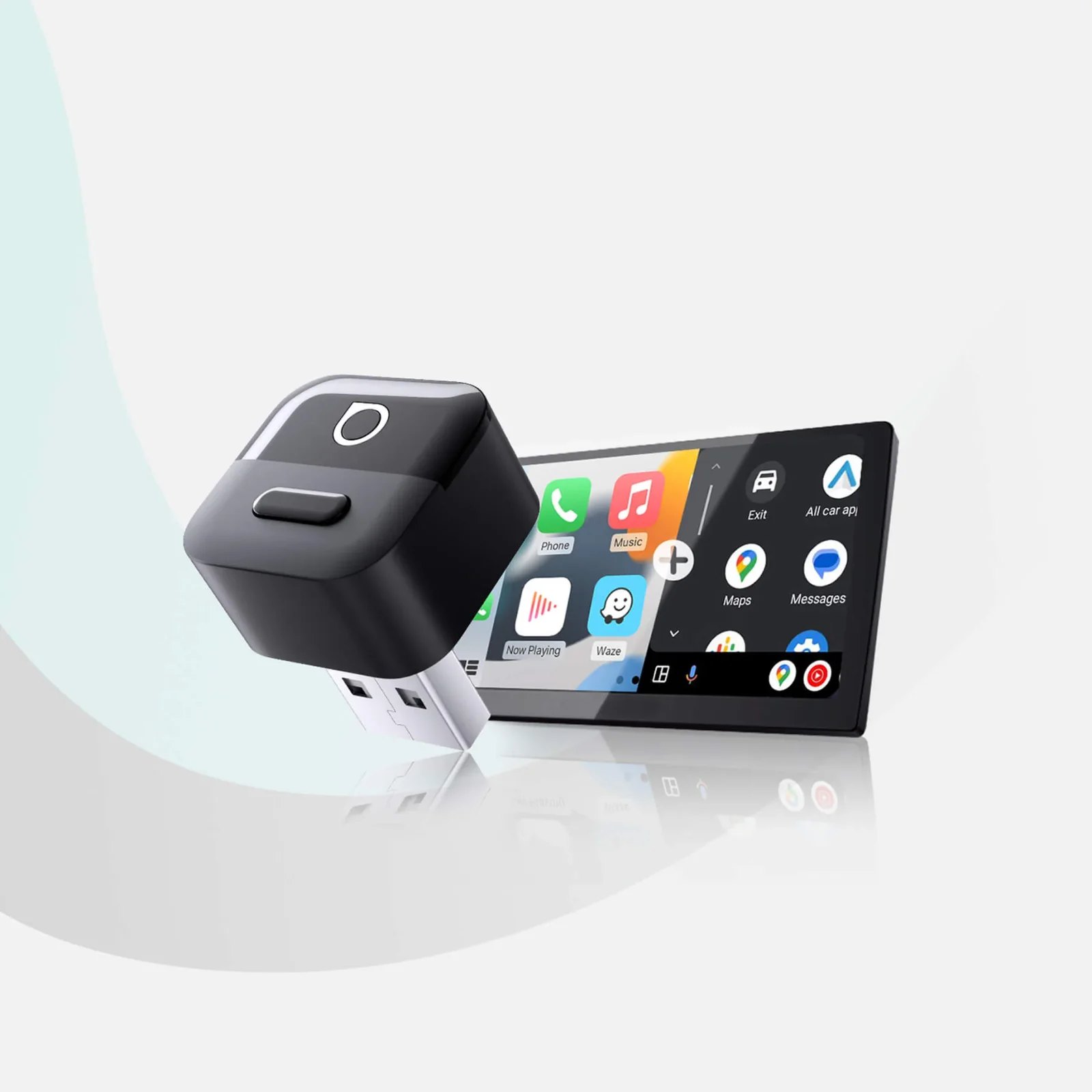
The Ottocast Mini Pico is a tiny plug-in adapter that makes factory wired CarPlay or Android Auto wireless. Here is what it does well, where it falls short and who should skip it.
Research-based · We earn from qualifying purchases
Our verdict
The Ottocast Mini Pico is a small, easy-to-use way to make a factory wired CarPlay or Android Auto system wireless, and it is especially strong for Android Auto users who share a car between two phones. Skip it if you drive a BMW, use a Sony aftermarket head unit, or rely on CarPlay navigation in the instrument cluster or HUD.
The good
- Turns factory wired CarPlay or Android Auto into a wireless connection
- Very compact and discreet at 6.4 g
- Reliable one-button switching between two paired phones
- Responsive Android Auto performance, per reviewers
- Plug-and-play setup with no app and a USB-C adapter included
+2 more
- Responsive Android Auto performance, per reviewers
- Plug-and-play setup with no app and a USB-C adapter included
The bad
- CarPlay lacks instrument cluster and HUD navigation passthrough
- CarPlay voice message playback can sound fast and high-pitched
- Switching gets confused with three or more paired devices and needs a reset
- Not compatible with BMW or Sony aftermarket head units
+1 more
- Not compatible with BMW or Sony aftermarket head units
This Ottocast Mini Pico review looks at a very simple idea: a tiny adapter that plugs into your car's USB port and turns a factory wired CarPlay or Android Auto system into a wireless one. If your car already supports the wired versions, you can stop plugging in your phone every time you get in. The Mini Pico sits in the mid-range part of the market and is aimed at people who want a discreet, no-fuss dongle rather than a gadget with lots of settings. It is especially suited to Android Auto drivers who share a car between two phones.
This review is based on manufacturer specs and what independent experts report, not on our own hands-on testing.
Ottocast Mini Pico: specs at a glance
From the manufacturer- Setup
- Plug and play, no app
- Styles
- Style A and Style B (Style B has a larger button)
- Weight
- 6.4 g
- Updates
- FOTA wireless firmware updates
- Connector
- USB-A (USB-C adapter included in box)
- Not compatible
- Sony aftermarket head units; BMW
- Housing material
- Matte ABS/PC
- Vehicle requirement
- Factory wired CarPlay or wired Android Auto, 2016 or newer vehicles
- iPhone compatibility
- iOS 10+
- Android compatibility
- Android 11+ (selected Samsung/Google phones also support Android 9)
- Paired phones remembered
- 2
- Boot time to CarPlay (Car Play Life test)
- 8 seconds
- Operating temperature after 1 hour+ use (Car Play Life test)
- 30–32°C
Key features
- Turns factory wired CarPlay and Android Auto into wireless
- Auto-reconnects each time you start the car
- One-tap button switches between two paired phones
- Plug-and-play setup with no app needed
- 90-degree USB connector with grooved body for a secure fit in tight ports
- USB-A to USB-C adapter included for newer cars
- Wireless FOTA firmware updates (per Ottocast's European store)
- Works with the car's built-in controls
What the Ottocast Mini Pico actually does
The Mini Pico is a wireless adapter for cars that already have factory wired CarPlay or wired Android Auto. Ottocast lists support for vehicles from 2016 onward. You plug it into the car's USB port, pair your phone, and the car's built-in screen and controls work as they did over a cable.
It works with iPhones running iOS 10+ and with Android phones running Android 11+. Ottocast notes that selected Samsung and Google phones also support Android 9. If your phone is older than that, check before buying.
The adapter is not a universal fix. Ottocast lists Sony aftermarket head units and BMW as not compatible. That is a hard stop for some buyers, and it is one of the main criticisms reviewers raise.
Design and build
The Mini Pico's main appeal is its size. Ottocast lists it at 6.4 g, and reviewers praise how compact and discreet it is. It is the kind of accessory that should disappear into a dashboard or centre console instead of dangling from a port.
A few design choices support that:
- A 90-degree USB connector. The right-angle plug helps in cramped or awkwardly placed ports.
- A grooved body. Ottocast says this gives a secure fit in tight ports, which matters for a device that has to stay seated through bumps and temperature swings.
- Matte ABS/PC housing. It is a plain, understated finish rather than something flashy.
- Two styles. Style A and Style B are offered, and Style B has a larger button. Style B has a larger button.
The connector is USB-A, and a USB-A to USB-C adapter is included in the box. That helps if your car has USB-C ports, so you don't need to buy a separate adapter.
Features and what they mean day to day
Plug-and-play setup
Setup needs no app. You plug it in and pair your phone. For anyone who dislikes installing companion software for a car accessory, this is a clear advantage, and reviewers highlight it as a strength.
Automatic reconnection
The Mini Pico auto-reconnects each time you start the car. That is the main benefit of a wireless adapter. Once paired, you get in, start the car and the system comes up without you touching your phone. A published test measured about 8 seconds from start-up to CarPlay appearing on the screen. Boot time will vary by car, but it gives a rough idea of the wait.
Two-phone switching
The Mini Pico remembers 2 paired phones, and a one-tap button switches between them. Reviewers describe this switching as reliable, and it is the feature that makes the adapter a good fit for couples or family members who share a vehicle. One caveat is that switching gets confused when three or more devices have been paired, and it then needs a reset. Treat it as a two-phone device.
Works with the car's own controls
Because it passes through the factory system, the adapter works with the car's built-in controls. You keep using the steering-wheel buttons, touchscreen or knobs you already know.
Wireless firmware updates
The Mini Pico supports FOTA wireless firmware updates, according to Ottocast's European store.
Performance, temperature and connectivity
Performance is where the experience splits by platform.
Android Auto
Reviewers describe Android Auto performance as responsive, and it is where the Mini Pico looks strongest. Combined with the two-phone button, it makes the best case for Android users who want a tidy wireless setup.
CarPlay
CarPlay works too, but reviewers report some gaps. A common criticism is that CarPlay lacks instrument cluster and HUD navigation passthrough. If your car normally shows turn-by-turn directions in the driver's display or head-up display, you may lose that when using the adapter. That is a real downside for anyone who relies on those displays when navigating.
Reviewers also note that CarPlay voice message playback can sound fast and high-pitched. It is not a deal-breaker for most people, but it is the kind of quirk that matters if you listen to messages a lot while driving.
Heat
Small adapters can run warm, and it is a fair thing to check. A published test measured an operating temperature of 30–32°C after an hour or more of use. That is a reassuring figure for something that sits in a car for long drives, though cabin conditions will vary.
Power and cables
The adapter connects to the car's USB port, using USB-A with a USB-C adapter included in the box for newer cars.
What experts like and what they criticise
Praise. Reviewers consistently point to the following:
- It turns factory wired CarPlay or Android Auto into a wireless connection with little effort.
- It is very compact and discreet.
- One-button switching between two paired phones is reliable.
- Android Auto performance is responsive.
- Setup is plug-and-play, with no app and a USB-C adapter included.
Criticism. The complaints are specific and worth taking seriously:
- CarPlay does not pass navigation to the instrument cluster or HUD.
- CarPlay voice message playback can sound fast and high-pitched.
- Switching gets confused with three or more paired devices and needs a reset.
- It is not compatible with BMW or Sony aftermarket head units.
None of these is a flaw in the basic job of going wireless. They are limits on who the product suits and how many phones you can use. The compatibility exclusions are the most serious, because they decide whether the adapter works in your car at all.
Who should buy it
The Mini Pico makes sense if:
- Your car already has factory wired CarPlay or wired Android Auto, and it is a 2016 or newer vehicle.
- You use Android Auto, especially if you share the car with someone who uses a different phone.
- You want a small adapter that doesn't take up space or need an app.
- You don't need instrument cluster or HUD navigation from CarPlay.
Who should skip it
Look elsewhere if:
- You drive a BMW or use a Sony aftermarket head unit, because Ottocast lists both as not compatible.
- You rely on CarPlay turn-by-turn directions in the instrument cluster or head-up display.
- You regularly pair three or more phones with the same adapter.
- Your car doesn't already offer wired CarPlay or Android Auto. The Mini Pico is designed to make an existing wired system wireless, not to add smartphone mirroring from nothing.
- Your phone runs an operating system older than the listed minimums.
How it fits in its category
Wireless CarPlay and Android Auto adapters share the same basic promise: the same screen and controls without the cable. Where they differ is in size, compatibility, extra features and quirks. The Mini Pico focuses on being small and simple. It focuses on a compact body, an app-free setup and two-phone switching. That makes it a sensible choice if you value discretion and ease over a long feature list, but a poor one if your car or your navigation habits fall into its known gaps. As with any product in this category, check the compatibility list for your car before buying.
Verdict
The Ottocast Mini Pico is a small, easy-to-use way to cut the cable from a factory wired CarPlay or Android Auto system. Its strengths are real: a tiny, discreet body, plug-and-play setup, a USB-C adapter in the box and dependable switching between two phones, with Android Auto performance reviewers call responsive. Its weaknesses are just as clear. CarPlay users lose instrument cluster and HUD navigation passthrough, voice messages can sound odd, and BMW and Sony aftermarket head units are off the table. If your car and habits fit within those limits, it is a convenient upgrade, particularly for Android Auto households with two drivers. If they don't, it is better to find that out before you buy.
Related buying guides
Not sure about the Ottocast Mini Pico? Consider these
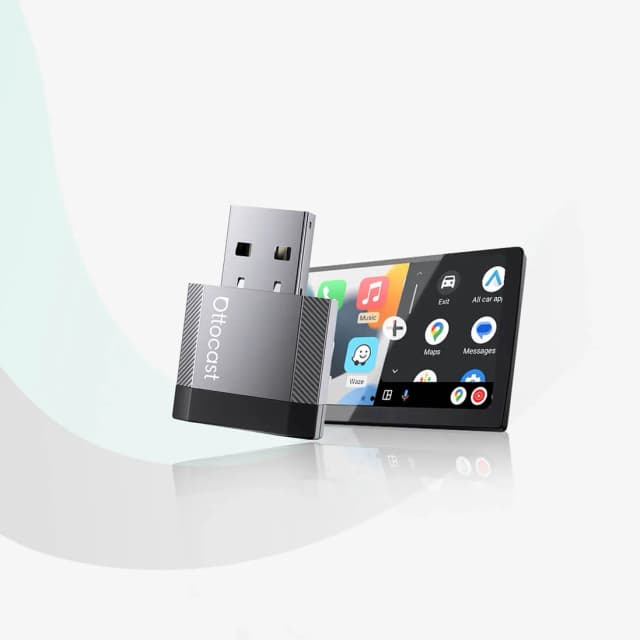
- Best OverallOttocast Mini Cube 3.0Why we picked it →
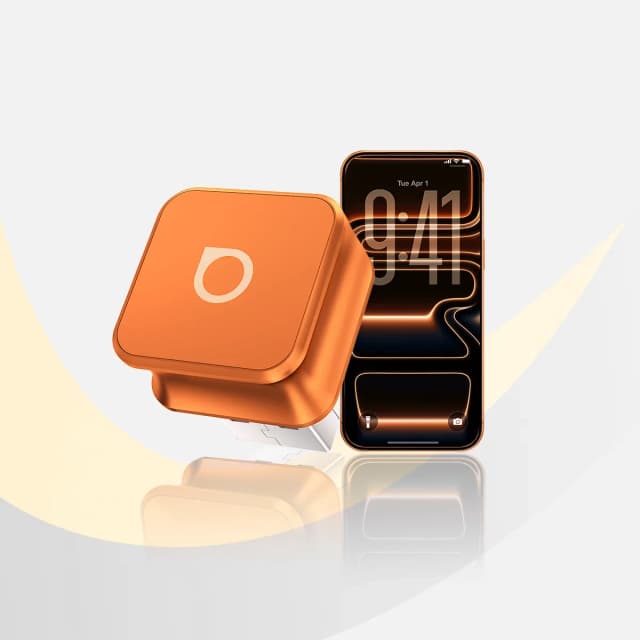
- Best ValueOttocast Mini NovaWhy we picked it →
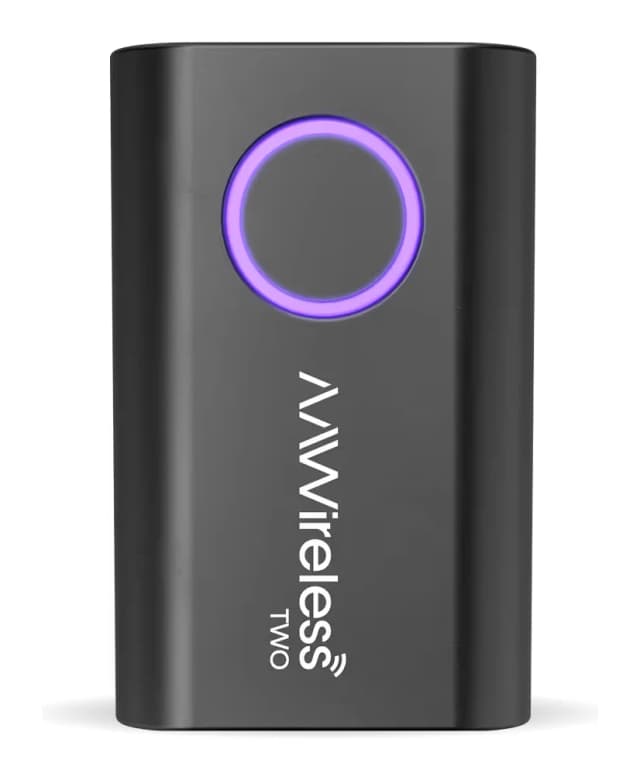
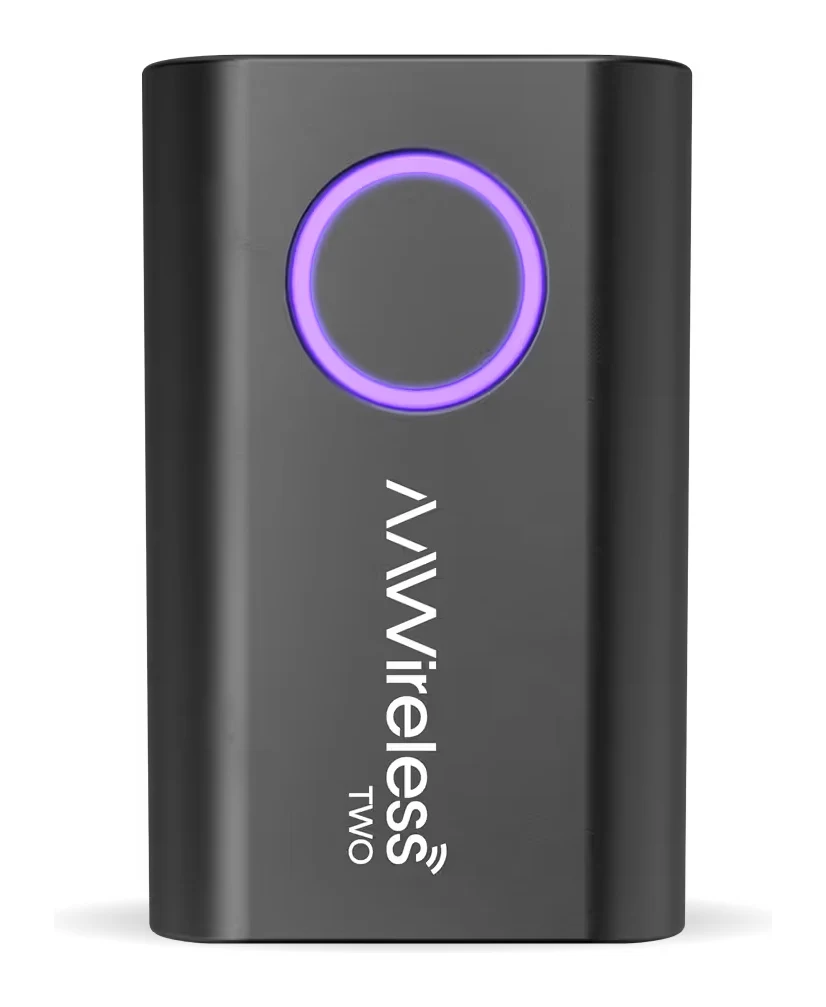
- AAWireless TWORead the review →
Frequently asked questions
Is the Ottocast Mini Pico worth it?
It is worth considering if your car has factory wired CarPlay or Android Auto and you want it wireless in a very small package. Reviewers praise its compact size, plug-and-play setup and two-phone switching. It is less compelling if you need CarPlay navigation in the instrument cluster or HUD, or if you drive a BMW.
Does the Ottocast Mini Pico work with BMW?
No. Ottocast lists BMW as not compatible, along with Sony aftermarket head units.
Does the Ottocast Mini Pico need an app?
No. Setup is plug and play with no app required.
Can I use two phones with the Ottocast Mini Pico?
Yes. It remembers 2 paired phones and has a one-tap button to switch between them. Reviewers describe this as reliable, but switching gets confused with three or more paired devices and needs a reset.
Which phones does the Ottocast Mini Pico support?
It supports iPhones running iOS 10+ and Android phones running Android 11+. Ottocast says selected Samsung and Google phones also support Android 9.
Does the Ottocast Mini Pico work with USB-C car ports?
The adapter itself has a USB-A connector, but a USB-A to USB-C adapter is included in the box for newer cars.
Sources
Specs are taken from the manufacturers' official pages; expert recommendations from the publications below.
- Ottocast Mini Pico: ottocast.com, carplaylife.com, techtwo.tv
Related reviews & guides
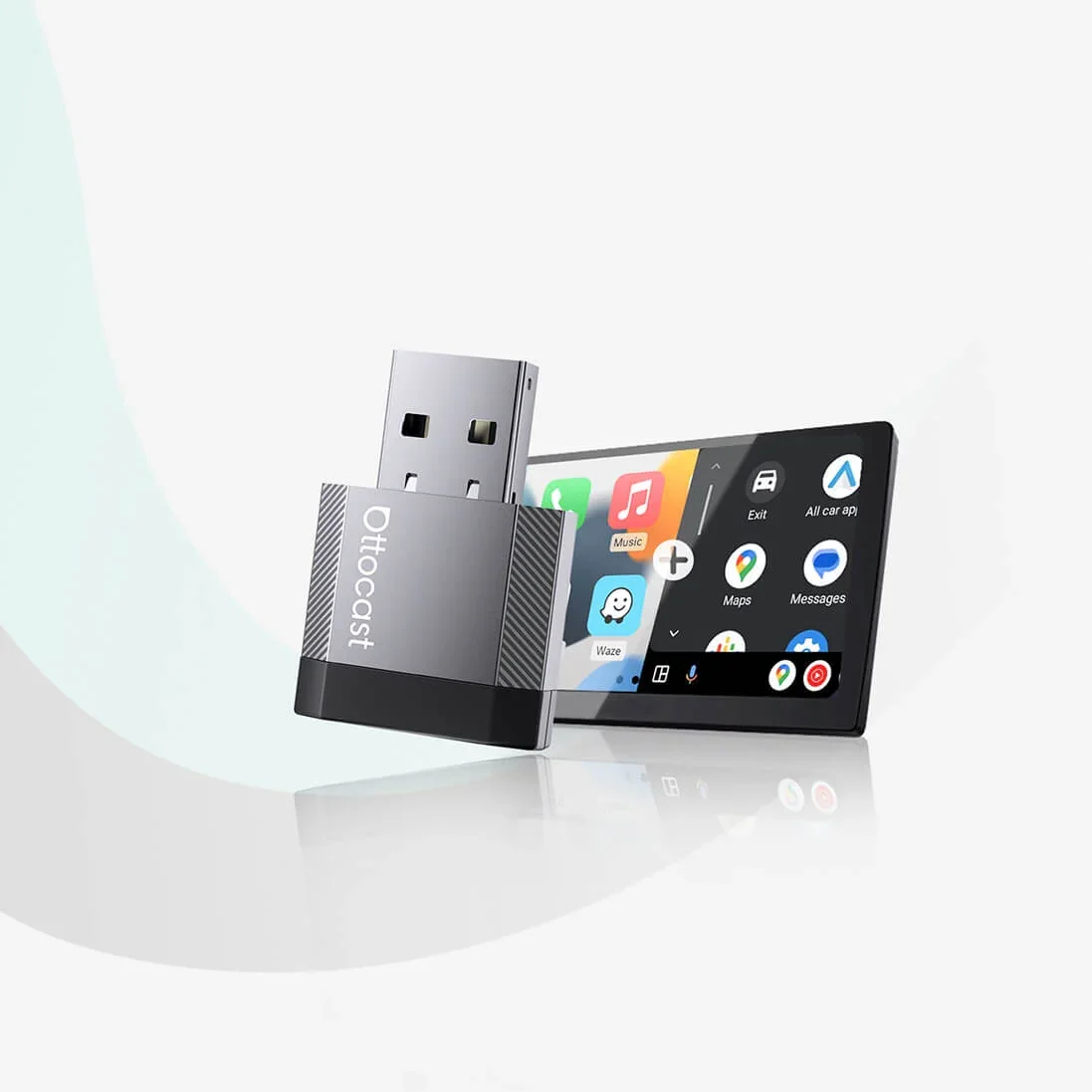
Ottocast Mini Nova Review (2026): Slim Wireless CarPlay
The Ottocast Mini Nova turns factory wired CarPlay or Android Auto wireless in a slim aluminum body. Here is what it does well, where it falls short and who it suits.
Published Nov 6, 2026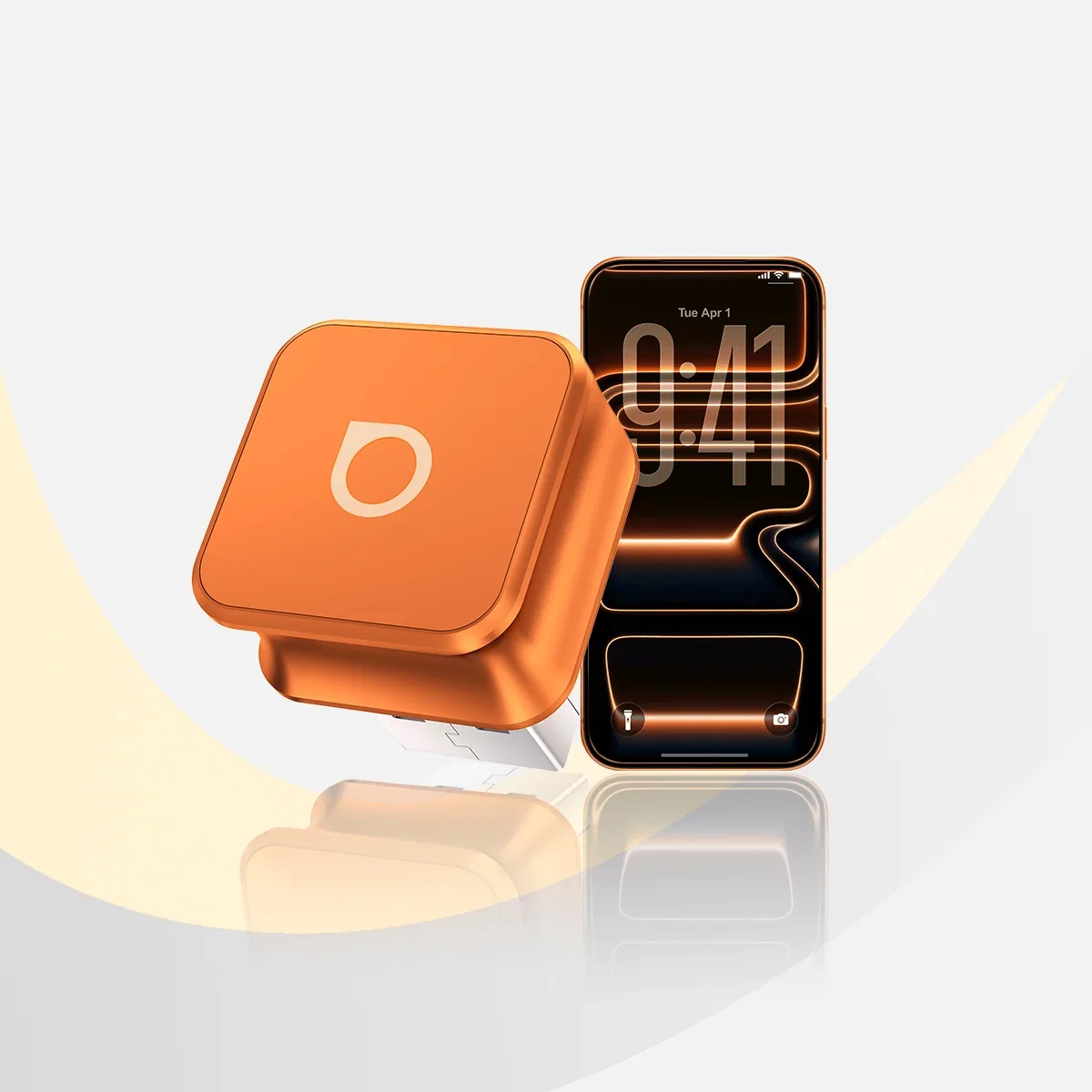
Best Wireless CarPlay & Android Auto Adapters 2026
Three Ottocast adapters that make a factory wired CarPlay or Android Auto system wireless, compared on reconnection, size, connectors and who each one suits.
Published Oct 29, 2026Ottocast Mini Cube 3.0 Review (2026): Tiny Wireless Adapter
A closer look at the Ottocast Mini Cube 3.0, a tiny plug-in adapter that adds wireless CarPlay or Android Auto to cars with a factory wired system, based on specs and expert reviews.
Published Nov 8, 2026