Philips Hue Bridge Pro Review (2026): Worth the Upgrade?
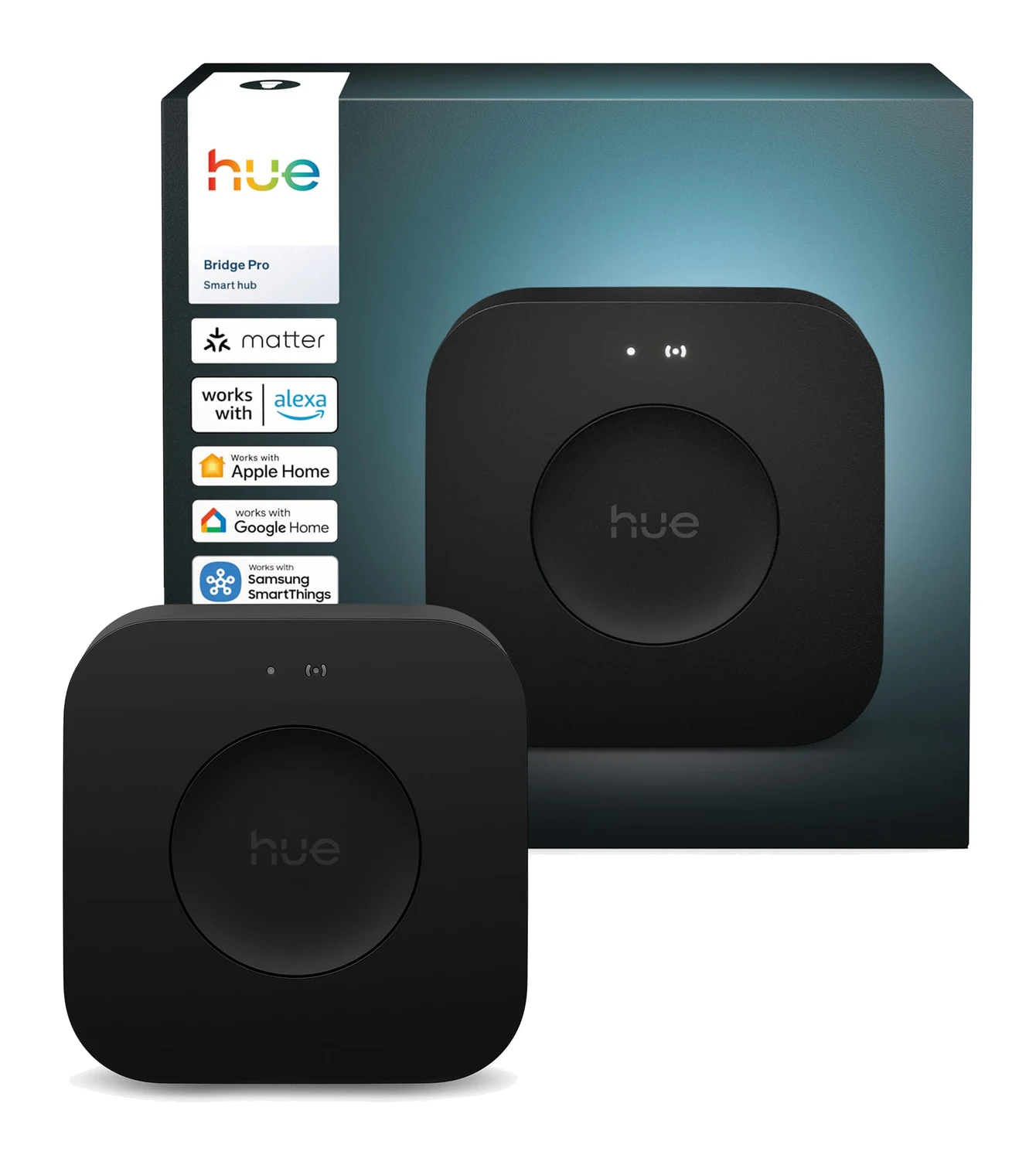
The Philips Hue Bridge Pro connects 150+ lights and 50+ accessories, uses a faster Hue Chip Pro processor, and adds Wi-Fi placement and MotionAware. Here is who benefits and who doesn't.
Research-based · We earn from qualifying purchases
Our verdict
The Hue Bridge Pro is a strong upgrade for owners of large or growing Hue systems who want faster response, higher capacity and flexible placement. Anyone with just a handful of Hue bulbs should skip it and stay with the standard Bridge.
The good
- Handles 150 lights and 50 accessories, so large homes need only one hub
- Faster 1.7 GHz Hue Chip Pro makes lights and scenes feel more responsive
- Wi-Fi alongside Ethernet lets you place it away from the router
- MotionAware turns existing Hue lights into motion sensors without extra hardware
- Works with Apple Home, Alexa, Google Assistant and SmartThings, plus Matter
+2 more
- MotionAware turns existing Hue lights into motion sensors without extra hardware
- Works with Apple Home, Alexa, Google Assistant and SmartThings, plus Matter
The bad
- Costs noticeably more than the original Bridge, which is overkill for small setups
- MotionAware needs at least three compatible Hue lights per area and feels limited
- Third-party or non-Zigbee 3.0 devices may need manual migration or not carry over
- Lighting-focused hub with no Z-Wave or Thread support
+1 more
- Lighting-focused hub with no Z-Wave or Thread support
If you have a large or growing Hue setup, this Philips Hue Bridge Pro review is for you. The Bridge Pro is a hub for Hue's Zigbee lighting ecosystem. It is in the mid-range price tier and is aimed at people who are building large or expanding Hue systems rather than people buying their first couple of bulbs. It offers high capacity, a faster 1.7 GHz Hue Chip Pro processor and flexible placement, plus features such as MotionAware. This review is based on manufacturer specs and what independent experts report, not hands-on testing.
Philips Hue Bridge Pro: specs at a glance
From the manufacturer- Color
- Black
- Scenes
- up to 500
- Weight
- 0.21 kg
- IP code
- IP20
- Warranty
- 2 years
- Processor
- 1.7 GHz quad-core Hue Chip Pro
- Dimensions
- 3-11/16 x 3-11/16 x 1-1/16 inch
- Power input
- USB-C, 100–240 V AC / 50–60Hz adapter, 5 V DC 1A (max)
- Connectivity
- Ethernet, Wi-Fi (2.4 GHz), Bluetooth, Zigbee
- Internal storage
- 8 GB
- Power consumption
- 5 W (standby 0.1 W max)
- Max. number of bulbs
- 150
- Operating temperature
- 0°C - 40°C
- Max. number of accessories
- 50
Key features
- Connects 150+ lights and 50+ accessories on one hub
- Stores up to 500 light scenes
- MotionAware turns existing Hue lights into motion sensors, no separate sensor needed
- Faster Hue Chip Pro processor for quicker response
- Wi-Fi as well as Ethernet, so it doesn't have to sit by the router
- Works with Apple Home, Alexa, Google Assistant and Samsung SmartThings, with Matter via the bridge
- Zigbee Trust Center encryption for better security
- Unlocks Hue Sync surround lighting and security integration
What the Hue Bridge Pro is and who it's for
A Hue bridge is the box that connects your lights, switches and sensors to your network. It lets you control them from your phone, voice assistants and automations. The Bridge Pro can connect 150+ lights and 50+ accessories on a single hub, and it stores up to 500 light scenes.
In short, it suits owners of large, expanding Hue lighting setups. It is overkill for small setups.
Design and build
The Bridge Pro is a small black unit measuring 3-11/16 x 3-11/16 x 1-1/16 inch and weighing 0.21 kg. It is powered over USB-C from a 100–240 V AC / 50–60Hz adapter (5 V DC 1A max).
Power draw is low. It's rated at 5 W, with standby at 0.1 W max. It has an IP20 rating. The operating temperature range is 0°C - 40°C. A 2-year warranty is included.
Placement: Wi-Fi as well as Ethernet
The Bridge Pro supports Ethernet and Wi-Fi (2.4 GHz), alongside Bluetooth and Zigbee. With Wi-Fi as well as Ethernet, the Bridge Pro doesn't have to sit next to your router. That lets you place it away from the router.
Ethernet remains available if you prefer a wired connection.
Performance: the Hue Chip Pro
The Bridge Pro uses a 1.7 GHz quad-core Hue Chip Pro processor and has 8 GB of internal storage. The faster 1.7 GHz Hue Chip Pro makes lights and scenes feel more responsive.
The Bridge Pro also stores up to 500 light scenes.
There's also Zigbee Trust Center encryption for better security.
MotionAware: motion sensing from your existing lights
MotionAware is one of the Bridge Pro's notable features. It turns your existing Hue lights into motion sensors, with no separate sensor needed.
It has limits. MotionAware needs at least three compatible Hue lights per area, and it feels limited. Think of it as a useful option for areas that already have at least three compatible Hue lights, though it feels limited.
Ecosystem and smart home support
The Bridge Pro works with Apple Home, Alexa, Google Assistant and Samsung SmartThings, with Matter available via the bridge.
It also unlocks Hue Sync surround lighting and security integration.
This is still a lighting-focused hub, though. It has no Z-Wave or Thread support. If you're hoping for one box that controls every kind of smart device in your home, this isn't it. It's a Hue hub.
Strengths and drawbacks
The Bridge Pro averages 8.5/10 across 2 expert reviews. Mighty Gadget scores it 90/100 and Cool Curation gives it 4/5. It's also recommended in 5 expert guides.
Strengths include:
- Capacity: it handles 150 lights and 50 accessories, so large homes need only one hub.
- Responsiveness: the faster Hue Chip Pro makes lights and scenes feel more responsive.
- Placement: Wi-Fi alongside Ethernet means it doesn't have to sit next to the router.
- MotionAware: it adds motion sensing without extra hardware.
- Compatibility: it works across the major smart home platforms, plus Matter.
Criticisms include:
- Cost: it costs noticeably more than the original Bridge, which is overkill for small setups.
- MotionAware limits: it needs at least three compatible Hue lights per area and feels limited.
- Migration: third-party or non-Zigbee 3.0 devices may need manual migration or may not carry over.
- Scope: it is lighting-focused, with no Z-Wave or Thread support.
The migration point deserves attention if you already own a mix of devices. Third-party or non-Zigbee 3.0 devices may need manual migration or may not carry over. Check your own devices before you commit to the switch.
Who should buy it, and who should skip it
Buy it if:
- You have a large Hue system, or you plan to grow one substantially.
- You want a hub placed away from your router, using Wi-Fi.
- You like the idea of motion sensing from lights you already own, and have at least three compatible Hue lights in the relevant areas.
- You want the faster response and the capacity for lots of scenes.
- You use Apple Home, Alexa, Google Assistant or SmartThings, and want Matter support via the bridge.
Skip it if:
- You only have a handful of Hue bulbs. Anyone with just a handful of Hue bulbs should stay with the standard Bridge, since the Bridge Pro is overkill for small setups.
- You rely heavily on third-party or non-Zigbee 3.0 devices that may not migrate cleanly.
- You want a single hub for Z-Wave or Thread devices as well as lighting.
How it fits in its category
The Bridge Pro suits large or growing Hue systems rather than small setups. It sits in the mid-range price tier and costs noticeably more than the original Bridge, so the real question is whether you'll use the extra capacity. For a large or growing home, that capacity is useful. For a small one, it's overkill.
Verdict
The Philips Hue Bridge Pro is a strong upgrade for owners of large or growing Hue systems. The high capacity, faster processor, Wi-Fi placement and support for Apple Home, Alexa, Google Assistant, SmartThings and Matter suit larger setups. The caveats are clear too: it costs noticeably more than the original Bridge, MotionAware is limited, migration of non-Zigbee 3.0 gear can be awkward, and it's a lighting hub, not a universal one. If you're running or building a big Hue system, it's a strong upgrade. If you have a few bulbs, stay with the standard Bridge.
Related buying guides
- Best Matter Hub 2026: Thread and Zigbee for Every Home
- Aqara Hub M200 Review (2026): Flexible All-in-One Hub
- Aqara Hub M3 Review (2026): Local Control, Many Protocols
- Best Smart Light Bulbs in 2026: Bright, Colorful, Hub-Free
- Best Smart Thermostats 2026: Matched to Your Wiring & Home
- Aqara Hub M100 Review (2026): Thread Stick With Limits
Not sure about the Philips Hue Bridge Pro? Consider these
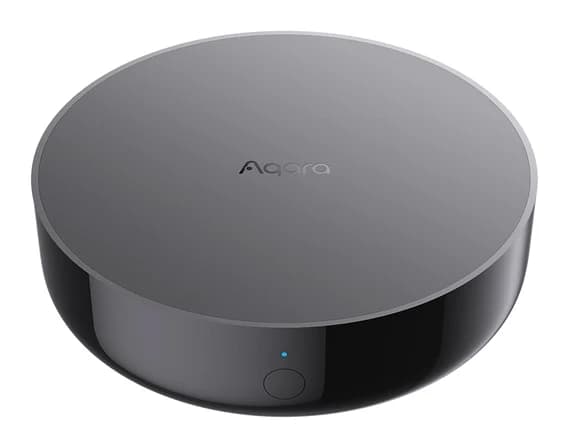
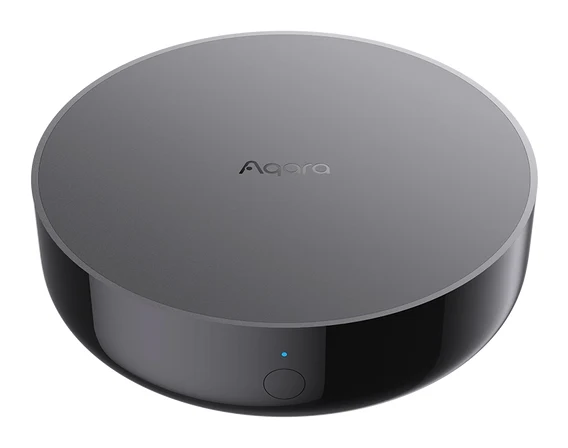
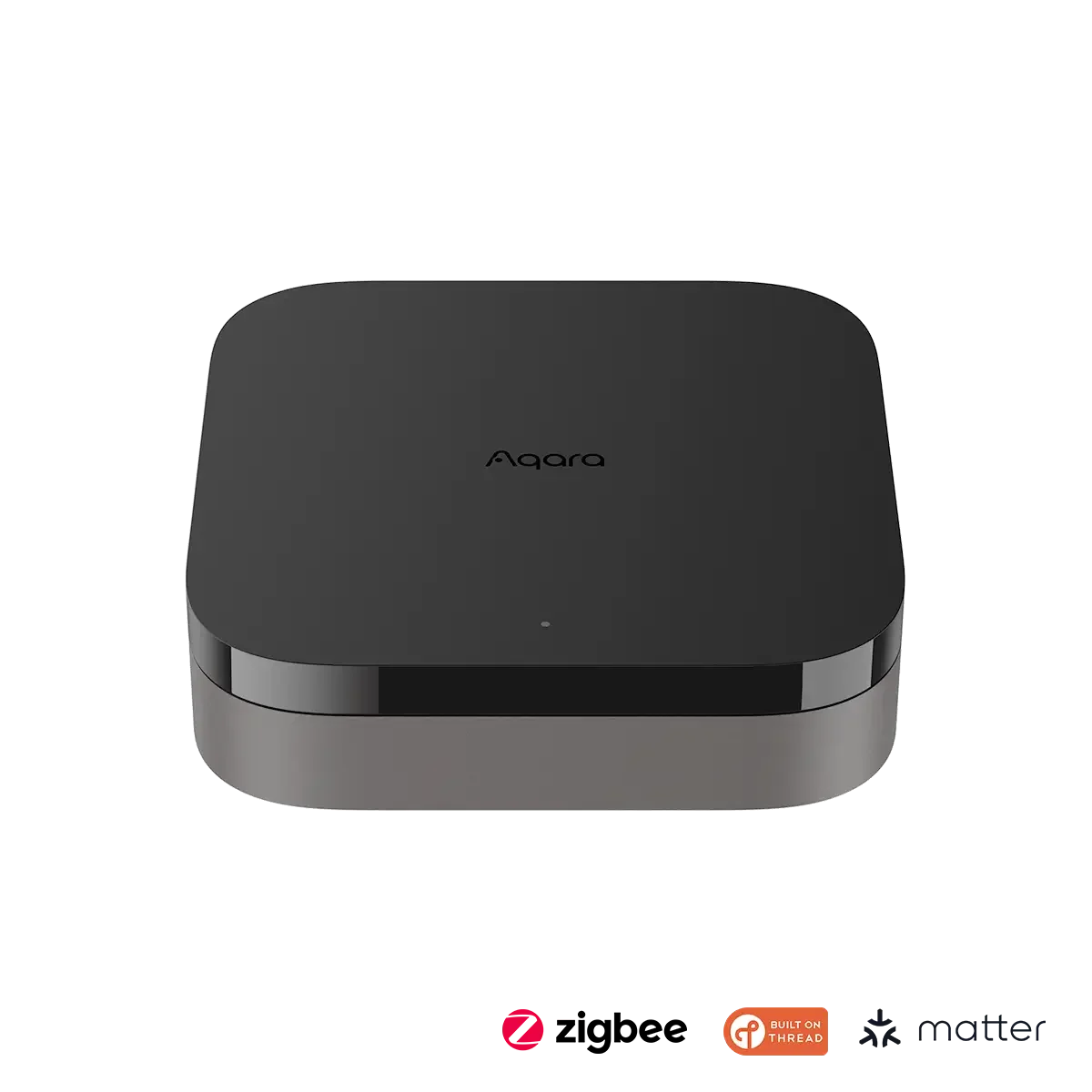
- Best BudgetAqara Hub M200Why we picked it →
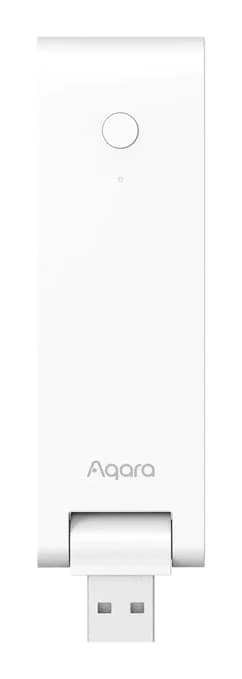
- Best ValueAqara Hub M100Why we picked it →
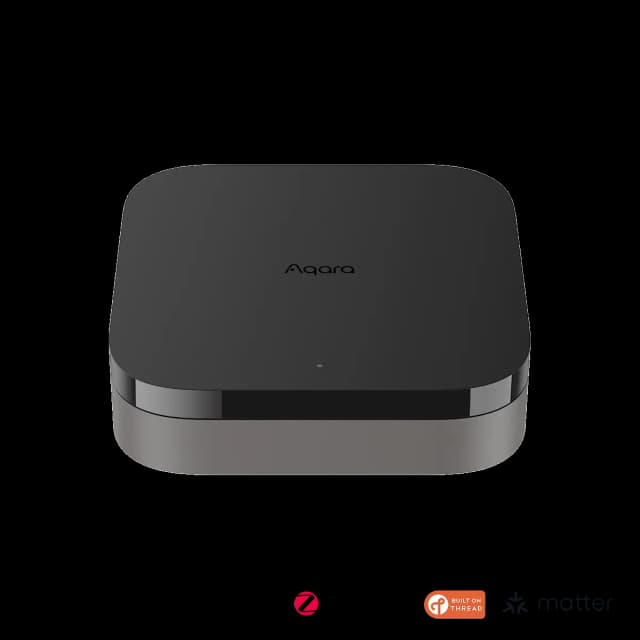
- Also GreatAqara Hub M3Why we picked it →
Frequently asked questions
Is the Philips Hue Bridge Pro worth it?
It's worth it for owners of large or growing Hue systems who want more capacity, faster response and flexible placement. It is overkill for small setups, so anyone with just a handful of Hue bulbs is better off with the standard Bridge.
How many lights and accessories does the Hue Bridge Pro support?
It connects 150+ lights and 50+ accessories on one hub, and stores up to 500 light scenes.
Does the Hue Bridge Pro support Matter?
Yes. It works with Apple Home, Alexa, Google Assistant and Samsung SmartThings, with Matter available via the bridge.
Does the Hue Bridge Pro need to be connected by Ethernet?
No. It supports Wi-Fi (2.4 GHz) as well as Ethernet, so it doesn't have to sit next to your router.
What is MotionAware on the Hue Bridge Pro?
MotionAware turns your existing Hue lights into motion sensors, so you don't need a separate sensor. It needs at least three compatible Hue lights per area and can feel limited.
Will my existing third-party devices work with the Hue Bridge Pro?
Not necessarily. Third-party or non-Zigbee 3.0 devices may need manual migration or may not carry over, so check compatibility before switching hubs.
Does the Hue Bridge Pro support Z-Wave or Thread?
No. It is a lighting-focused hub using Zigbee, with Bluetooth and Wi-Fi connectivity, and it has no Z-Wave or Thread support.
Sources
Specs are taken from the manufacturers' official pages; expert recommendations from the publications below.
- Philips Hue Bridge Pro: philips-hue.com, bhphotovideo.com
Related reviews & guides
Best Matter Hub 2026: Thread and Zigbee for Every Home
Five Matter hubs compared on Thread, Zigbee, device capacity and ecosystem support, from a budget Aqara pick to a local-first Home Assistant box.
Published Oct 22, 2026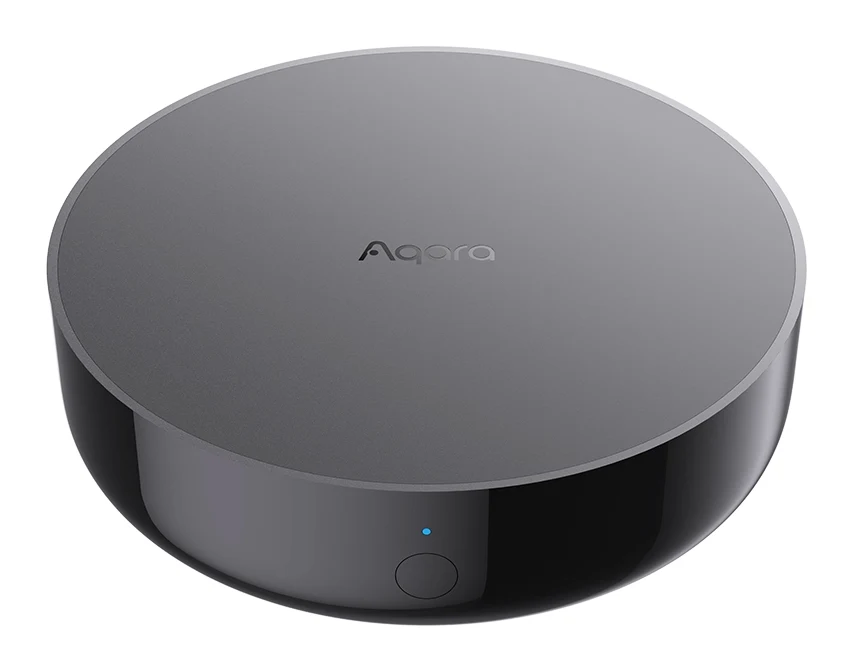
Aqara Hub M200 Review (2026): Flexible All-in-One Hub
A look at the Aqara Hub M200, an all-in-one Matter controller, Thread border router and Zigbee hub with PoE power and an IR blaster, based on specs and expert reviews.
Published Oct 26, 2026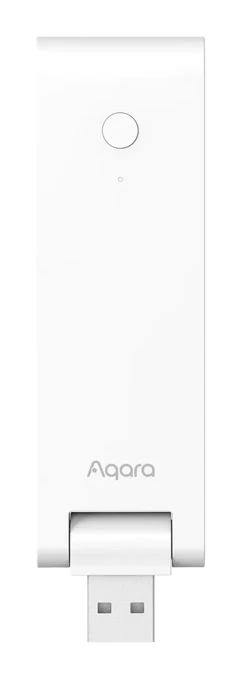
Aqara Hub M100 Review (2026): Thread Stick With Limits
The Aqara Hub M100 is a small USB-A stick that adds a Thread border router and a Matter bridge for Aqara Zigbee devices. Here is what it offers and where it falls short.
Published Oct 28, 2026