Aqara Hub M200 Review (2026): Flexible All-in-One Hub
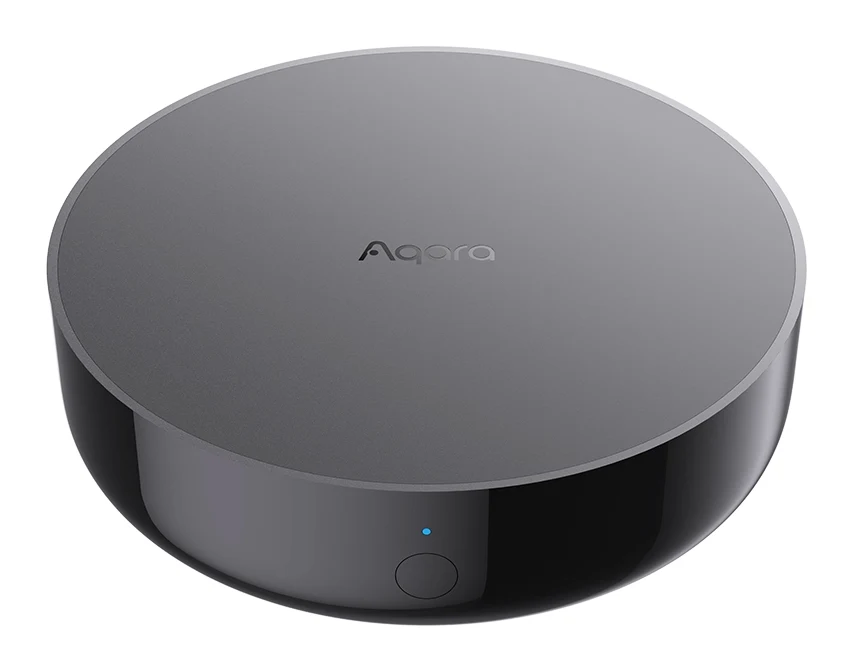
A look at the Aqara Hub M200, an all-in-one Matter controller, Thread border router and Zigbee hub with PoE power and an IR blaster, based on specs and expert reviews.
Research-based · We earn from qualifying purchases
Our verdict
The Aqara Hub M200 suits anyone who wants an affordable all-in-one Zigbee, Thread and Matter hub with flexible power options, or a secondary hub in a larger Aqara setup. Buyers who need a higher device ceiling or more advanced local processing should look at a higher-tier hub instead.
The good
- Matter controller, Thread border router and Zigbee hub in a single device
- Works with Apple Home, Google Home, Alexa, SmartThings and Home Assistant
- Powers via PoE, Ethernet or USB-C, with dual-band Wi-Fi 6
- Local automations keep running during internet outages
- 360° IR blaster tracks use of your original remote
+2 more
- Local automations keep running during internet outages
- 360° IR blaster tracks use of your original remote
The bad
- Capacity is capped at 40 Zigbee and 40 Thread devices
- No Edge processing, so only basic automations run locally
- Only one IR air conditioner can be exposed to Matter
- USB power adapter is not included in the box
+1 more
- USB power adapter is not included in the box
This Aqara Hub M200 review looks at a compact smart home hub that tries to cover most of what a connected home needs in one device. It acts as a Matter controller, a Thread border router and a Matter bridge, and it connects Aqara's Zigbee devices to the platforms people already use. It sits in the mid-range part of the market. It is aimed at smart home users who want a flexible hub, whether as their first or as a second one in a bigger Aqara setup.
This review is based on Aqara's published specifications and on what independent expert reviews report. It is not based on hands-on testing.
Aqara Hub M200: specs at a glance
From the manufacturer- Model
- HM-G03D / HM-G03E
- Ports
- RJ45 PoE × 1, USB-A × 1, USB-C × 1
- Speaker
- 90 dB (10 cm)
- Mounting
- Flat surface, or wall/ceiling via a standard 1/4-inch threaded bracket
- PoE Input
- 48V⎓0.25A
- Dimensions
- ⌀100.5 × 30.75 mm (⌀3.96 × 1.21 in.)
- In the Box
- Hub M200 × 1, User Manual × 2, USB-A to USB-C Cable × 1 (5V⎓2A USB power adapter not included)
- Power Input
- 5V⎓2A
- IR Frequency
- 38kHz
- Device Capacity
- 40 Aqara Zigbee + 40 Thread
- Operating Humidity
- 0 ~ 95% RH, no condensation
- Wireless Protocols
- Wi-Fi IEEE 802.11 a/b/g/n/ac/ax 2.4GHz/5GHz, Zigbee/Thread IEEE 802.15.4, Bluetooth
- Operating Temperature
- -10°C ~ 50°C (14°F ~ 122°F)
Key features
- Matter controller, Thread border router and Matter bridge in one hub
- Connects Aqara Zigbee devices to Apple Home, Google Home, Alexa, SmartThings and Home Assistant
- 360° IR blaster that detects use of your original remote to keep device status accurate
- Can turn an IR air conditioner into a thermostat-like device when paired with an Aqara climate sensor
- Power over Ethernet or USB-C power, plus dual-band Wi-Fi 6 with WPA3
- Local automations (Automations 2.0) keep running when the internet is down
- Built-in 90 dB speaker for doorbell chimes, alarms and custom audio
- Voice control available by pairing with the Voice Mate H1
Aqara Hub M200 review: what it is and why people consider it
Smart homes tend to end up with a mix of protocols. Zigbee sensors, Thread devices, Matter accessories and old infrared gear all need something to coordinate them. The M200 is built to be that something. It combines three roles in one box:
- Matter controller: it can manage Matter devices.
- Thread border router: it connects Thread devices to your network.
- Matter bridge: it exposes Aqara Zigbee devices to other ecosystems.
The pitch is breadth. Aqara says the hub connects its Zigbee devices to Apple Home, Google Home, Alexa, SmartThings and Home Assistant. Experts rate it well: it averages 9/10 across 3 expert reviews. Trusted Reviews and The Ambient each score it 4.5/5, and Mighty Gadget gives it 90/100.
Design and build
The M200 is a round, low-profile unit measuring ⌀100.5 × 30.75 mm (⌀3.96 × 1.21 in.). It is small enough to sit on a shelf or desk without taking over the space. If you would rather keep it out of sight, it can be mounted on a wall or ceiling using a standard 1/4-inch threaded bracket.
The hub's physical connections are:
- an RJ45 PoE port
- a USB-A port
- a USB-C port
It is rated for -10°C to 50°C (14°F to 122°F) and for humidity of 0 to 95% RH without condensation.
The box contains the hub, two user manuals and a USB-A to USB-C cable. A 5V⎓2A USB power adapter is not included. If you plan to use USB-C power, check whether you already have a suitable adapter. Reviewers list the missing adapter as a criticism. It is a small annoyance, but it is avoidable if you power the hub over Ethernet instead.
Power and connectivity options
Power flexibility is one of the hub's strongest practical points. It can run on Power over Ethernet (48V⎓0.25A input) or on USB-C (5V⎓2A). If you have a PoE switch near where you want the hub, a single Ethernet cable handles both data and power, which keeps the setup tidy and the hub in a good central position. If you do not have PoE, USB-C is the fallback.
Wireless support is broad:
- dual-band Wi-Fi 6 (IEEE 802.11 a/b/g/n/ac/ax on 2.4GHz and 5GHz), with WPA3 security
- Zigbee and Thread over IEEE 802.15.4
- Bluetooth
The hub supports up to 40 Aqara Zigbee devices and 40 Thread devices. Reviewers cite this cap as a common criticism, and we cover it further below.
Features and what they mean day to day
Local automations
The M200 supports local automations (Automations 2.0), so routines keep running when your internet connection is down. If your lights, sensors and switches are tied together with rules, that is a useful safeguard. There is a limit, though. The hub has no Edge processing, so only basic automations run locally. If you want complex logic to run entirely on the hub, check that your planned automations fall within that basic set.
360° IR blaster
The hub includes a 360° IR blaster, using a 38kHz IR frequency, that can control infrared devices such as air conditioners. It also detects when you use your original remote, so the status it shows stays accurate. A common problem with IR control is that the app thinks an air conditioner is off when someone has switched it on with the remote. This feature is aimed at that problem.
Paired with an Aqara climate sensor, the hub can turn an IR air conditioner into a thermostat-like device. One limit applies here: only one IR air conditioner can be exposed to Matter. A home with several IR air conditioners will hit this restriction.
Built-in speaker
A built-in 90 dB (10 cm) speaker handles doorbell chimes, alarms and custom audio. It saves you adding a separate chime or sounder.
Voice control
Voice control is available by pairing the M200 with the Voice Mate H1.
Performance in practice
For a hub, performance is mostly about reliability, compatibility and how much it can handle. These are the areas where the specs and expert feedback are most relevant.
Compatibility. Reviewers praise the way the M200 works across Apple Home, Google Home, Alexa, SmartThings and Home Assistant. For households that mix ecosystems, or for people who may switch later, that is a major benefit.
Thread and Matter. Reviewers praise having the Matter controller, Thread border router and Zigbee hub in one device. You can start a Matter and Thread setup without buying separate border routers.
Capacity. The 40 Zigbee and 40 Thread device limits are a common criticism among reviewers. Larger setups will reach the ceiling. The verdict advises a higher-tier hub for anyone who needs a higher device ceiling, and the M200 also suits as a secondary hub in a larger Aqara setup.
Resilience. Local automations keep running during internet outages. The hub has no Edge processing, so only basic automations run locally.
What experts like and what they criticise
Reviewers consistently praise four things:
- the combination of Matter controller, Thread border router and Zigbee hub in a single device
- broad platform support across Apple Home, Google Home, Alexa, SmartThings and Home Assistant
- the flexible power options, with PoE, Ethernet or USB-C and dual-band Wi-Fi 6
- local automations that keep running during internet outages, along with the 360° IR blaster that tracks use of your original remote
The criticisms are just as consistent:
- The capacity cap of 40 Zigbee and 40 Thread devices.
- No Edge processing, so only basic automations run locally.
- Only one IR air conditioner can be exposed to Matter.
- No USB power adapter in the box.
A few of these limits could matter a lot depending on your home. If you have several IR air conditioners or plan a very large device count, they are more than footnotes.
Who should buy the Aqara Hub M200
The M200 makes sense if you:
- want one hub that handles Zigbee, Thread and Matter
- use or may switch between Apple Home, Google Home, Alexa, SmartThings or Home Assistant
- have a PoE switch and want a clean single-cable install, or want the choice of USB-C instead
- need to control an IR air conditioner and want accurate status
- already run an Aqara system and want a capable secondary hub
Who should skip it
Look elsewhere, or at a higher-tier hub, if you:
- expect to exceed 40 Zigbee devices or 40 Thread devices
- want advanced automations processed locally on the hub
- have more than one IR air conditioner you want to expose to Matter
- do not want to source a USB power adapter and do not have PoE
How it fits in its category
Smart home hubs range from simple single-protocol bridges to more powerful controllers. The M200 sits in the middle. It offers a wide range of protocols and flexible power, but it has a lower device ceiling and simpler local processing than a more expensive hub would. It is a good fit for homes that want broad compatibility without paying for power they will not use.
Verdict
The Aqara Hub M200 is a well-regarded all-in-one hub, and its 9/10 expert average reflects that. Its strengths are practical ones: three hub roles in one device, support for the major smart home platforms, PoE or USB-C power, and local automations that survive an internet outage. Its limits are equally clear. They are the device caps, basic-only local automations, the single IR air conditioner restriction and the missing power adapter. If those limits fit the way you use your home, it is an easy hub to recommend. If they do not, step up to a higher-tier hub.
Related buying guides
- Aqara Hub M3 Review (2026): Local Control, Many Protocols
- Best Matter Hub 2026: Thread and Zigbee for Every Home
- Philips Hue Bridge Pro Review (2026): Worth the Upgrade?
- Best Smart Light Bulbs in 2026: Bright, Colorful, Hub-Free
- Best Smart Thermostats 2026: Matched to Your Wiring & Home
- Aqara Hub M100 Review (2026): Thread Stick With Limits
- Best DIY Home Security Systems 2026: Easy Setup, No Contract
Not sure about the Aqara Hub M200? Consider these
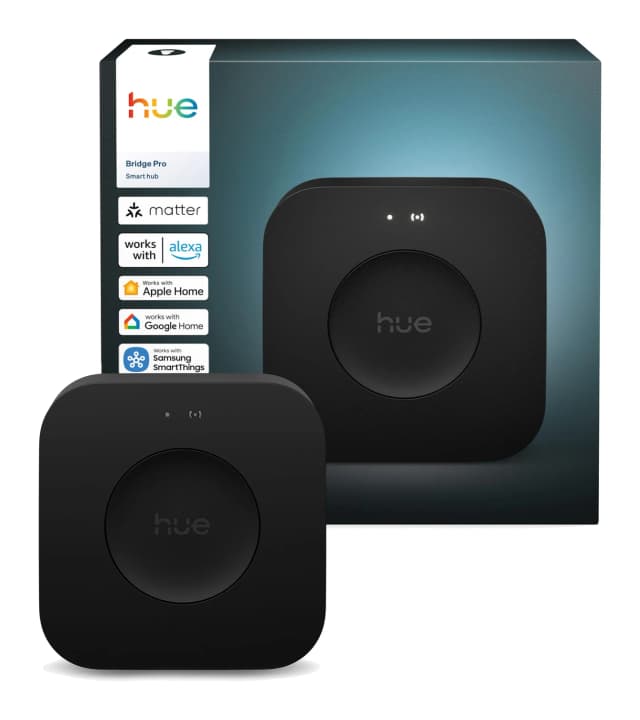
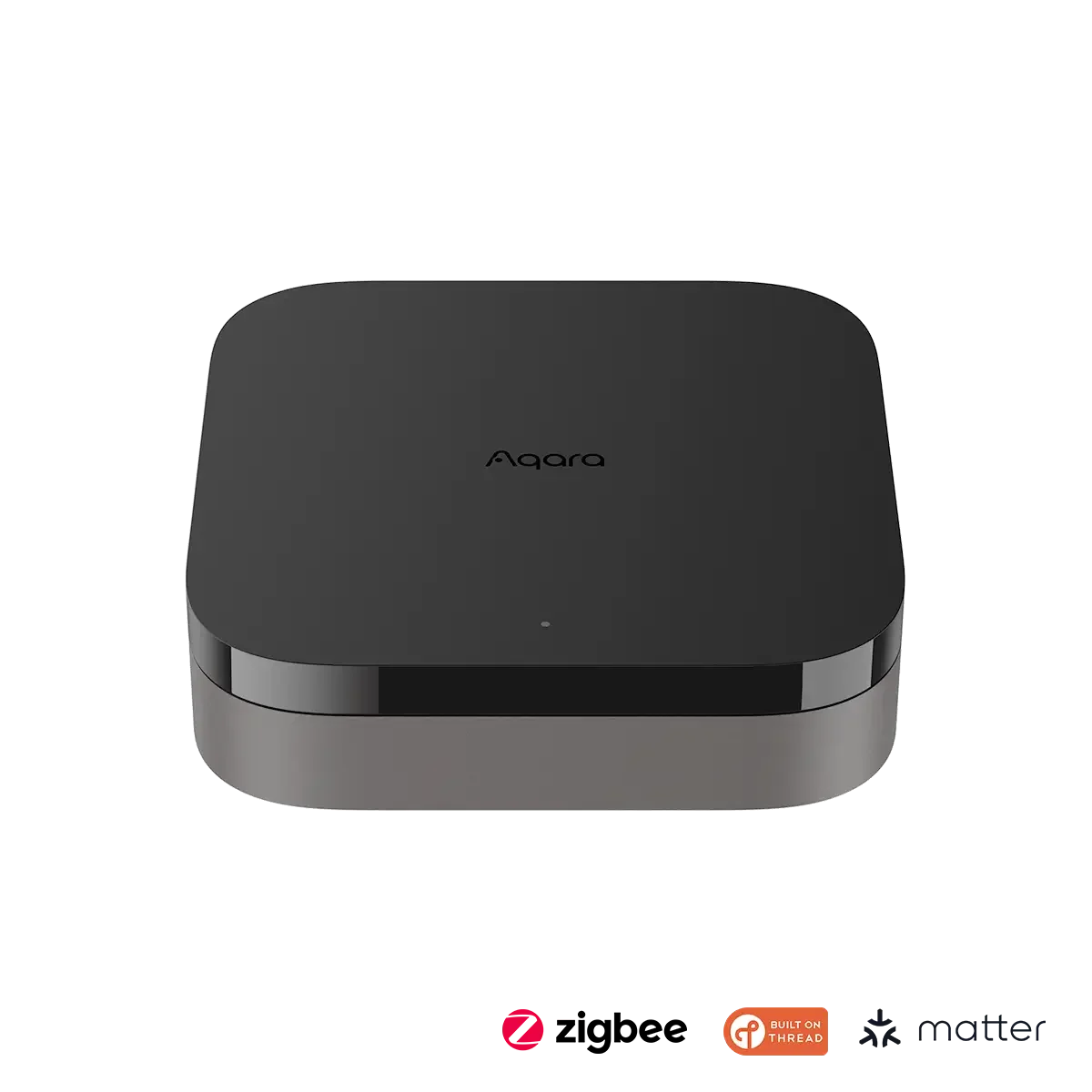
- Best OverallPhilips Hue Bridge ProWhy we picked it →
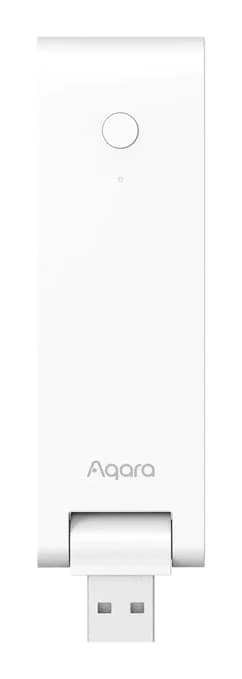
- Best ValueAqara Hub M100Why we picked it →
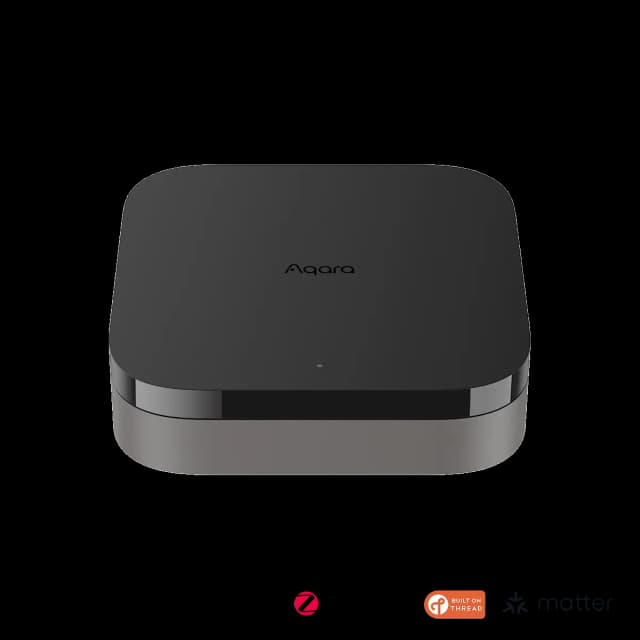
- Also GreatAqara Hub M3Why we picked it →
Frequently asked questions
Is the Aqara Hub M200 worth it?
For most smart home users who want a flexible all-in-one hub, reviewers think so. It averages 9/10 across 3 expert reviews, with Trusted Reviews and The Ambient each giving 4.5/5 and Mighty Gadget giving 90/100. It sits in the mid-range part of the market. It may not suit homes that need a higher device ceiling or advanced local processing.
Does the Aqara Hub M200 work with Apple Home, Google Home and Alexa?
Yes. It connects Aqara Zigbee devices to Apple Home, Google Home, Alexa, SmartThings and Home Assistant. It also works as a Matter controller, Thread border router and Matter bridge.
How many devices can the Aqara Hub M200 handle?
It supports up to 40 Aqara Zigbee devices and 40 Thread devices. Reviewers cite this cap as a common criticism, so larger smart homes may want a higher-tier hub or may use the M200 as a secondary hub.
Does the Aqara Hub M200 work without internet?
Local automations (Automations 2.0) keep running when the internet is down. The hub has no Edge processing, so only basic automations run locally.
How do you power the Aqara Hub M200?
It can be powered by Power over Ethernet (48V⎓0.25A) or by USB-C (5V⎓2A). The box includes a USB-A to USB-C cable, but the 5V⎓2A USB power adapter is not included.
Can the Aqara Hub M200 control an air conditioner?
Yes. Its 360° IR blaster can control infrared devices, and it detects use of your original remote to keep device status accurate. Paired with an Aqara climate sensor, it can turn an IR air conditioner into a thermostat-like device. Only one IR air conditioner can be exposed to Matter.
Sources
Specs are taken from the manufacturers' official pages; expert recommendations from the publications below.
- Aqara Hub M200: aqara.com, eu.aqara.com, aqara-shop.co.uk, mightygadget.com
Related reviews & guides
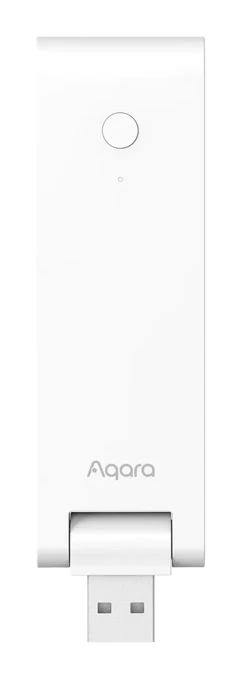
Aqara Hub M100 Review (2026): Thread Stick With Limits
The Aqara Hub M100 is a small USB-A stick that adds a Thread border router and a Matter bridge for Aqara Zigbee devices. Here is what it offers and where it falls short.
Published Oct 28, 2026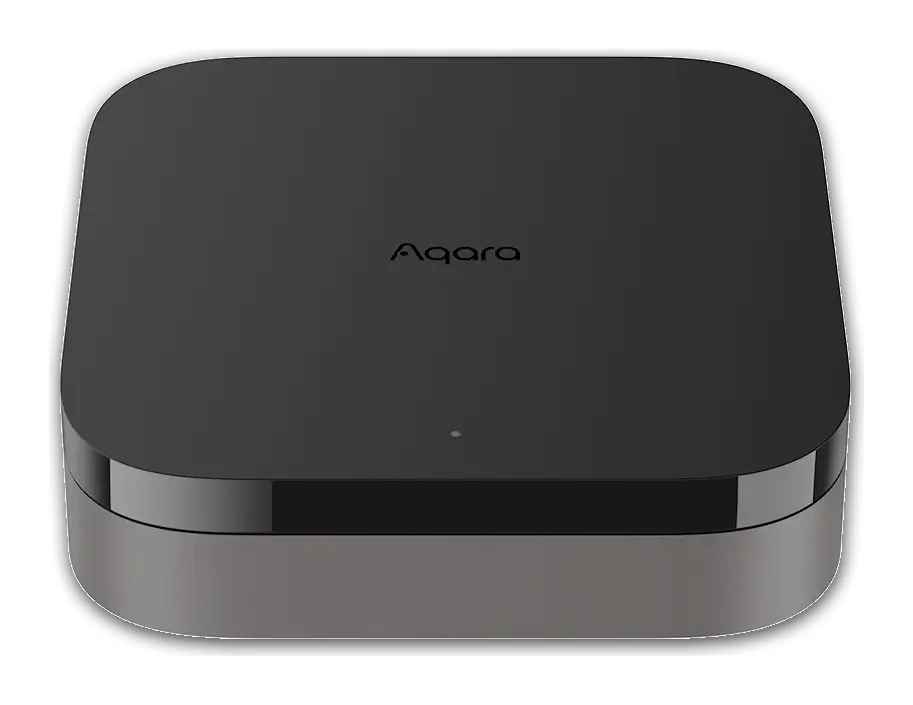
Aqara Hub M3 Review (2026): Local Control, Many Protocols
The Aqara Hub M3 packs Zigbee, Thread and Matter into one local-first box with PoE, an IR blaster and a loud speaker. Here is what the specs and expert reviews say.
Published Oct 23, 2026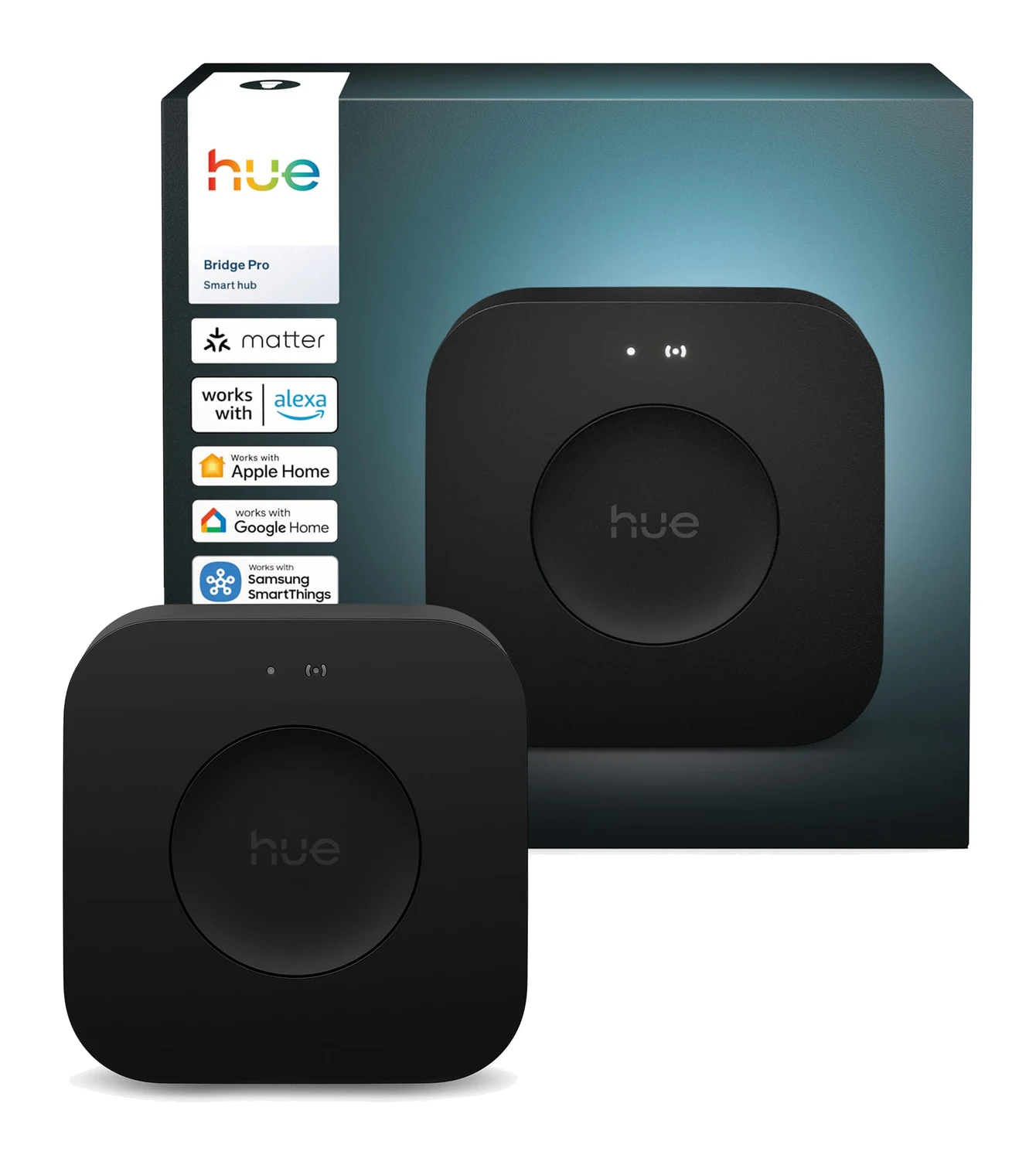
Best Matter Hub 2026: Thread and Zigbee for Every Home
Five Matter hubs compared on Thread, Zigbee, device capacity and ecosystem support, from a budget Aqara pick to a local-first Home Assistant box.
Published Oct 22, 2026