Aqara Hub M3 Review (2026): Local Control, Many Protocols
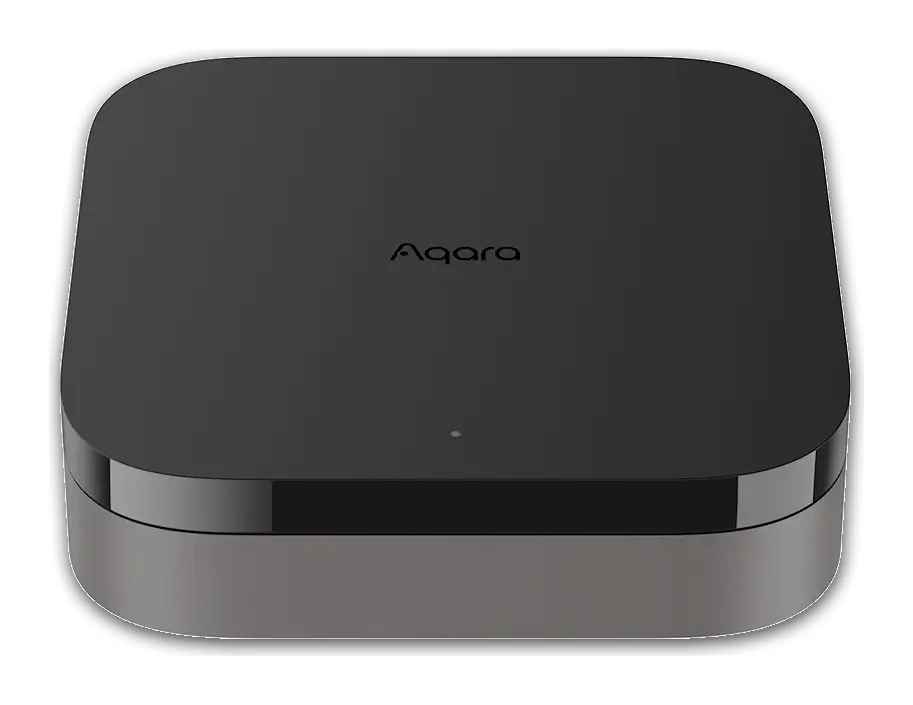
The Aqara Hub M3 packs Zigbee, Thread and Matter into one local-first box with PoE, an IR blaster and a loud speaker. Here is what the specs and expert reviews say.
Research-based · We earn from qualifying purchases
Our verdict
The Aqara Hub M3 suits Aqara and Apple Home users who want a fast, local, multi-protocol hub covering Zigbee, Thread and Matter. Buyers who only need a basic Zigbee hub or dislike fiddling with app settings should consider a simpler, cheaper Aqara hub.
The good
- Matter controller, Matter bridge and Thread border router in a single box
- Local automations keep running without internet
- Bridges Aqara devices into Apple Home, Alexa, Google Home and SmartThings
- PoE Ethernet, 360° IR blaster and 95dB speaker add useful flexibility
- No microphone or camera, with encrypted local storage
+2 more
- PoE Ethernet, 360° IR blaster and 95dB speaker add useful flexibility
- No microphone or camera, with encrypted local storage
The bad
- Aqara app is busy and not very intuitive
- Some third-party Matter devices were fiddly to pair
- Priced higher than Aqara's simpler hubs
- USB-C power adapter and Ethernet cable are not included
+1 more
- USB-C power adapter and Ethernet cable are not included
This Aqara Hub M3 review looks at a smart home hub built for people who want one box to handle Zigbee, Thread and Matter, and who would rather their automations ran locally than depend on the cloud. It is aimed squarely at Aqara and Apple Home users, though it also bridges into Alexa, Google Home and SmartThings. This review is based on manufacturer specs and what independent experts report, not on our own hands-on testing.
Aqara Hub M3: specs at a glance
From the manufacturer- Model
- HM-G01E
- Weight
- 0.45 pounds / 200g
- Speaker
- 95dB
- PoE input
- 48V ⎓ 0.27A
- Dimensions
- 4.13 x 4.13 x 1.41 inches (105 × 105 × 36.5 mm)
- Power input
- 5V ⎓ 2A (USB-C; adapter not included)
- Child devices
- up to 127 Thread/Zigbee devices
- Local storage
- 8GB eMMC, encrypted
- Operating humidity
- 0 ~ 95% RH, no condensation
- Wired connectivity
- Ethernet port with PoE
- Wireless protocols
- Wi-Fi IEEE 802.11 a/b/g/n/ac 2.4 GHz / 5 GHz, Zigbee/Thread IEEE 802.15.4, Bluetooth 5.1
- Compatible platforms
- Aqara, Apple Home, Alexa, Google Home, SmartThings
- Operating temperature
- 14 °F ~ 122 °F (-10 °C ~ 50 °C)
Key features
- Zigbee 3.0 and Thread hub that also works as a Matter controller and bridge
- Bridges Aqara devices into Apple Home, Alexa, Google Home and SmartThings
- Dual-band Wi-Fi with WPA3, plus a PoE Ethernet port and USB-C power
- 360° IR blaster that can act as an AC thermostat when paired with an Aqara Temperature and Humidity Sensor
- Local automations on an edge hub, so many keep running without internet
- 95dB built-in speaker for alarms, alerts and custom ringtones
- No microphone or camera, with 8GB end-to-end encrypted local storage
- Mount and screws included for flat surface, wall or ceiling placement, and Magic Pair for quick setup
What the Aqara Hub M3 is
The M3 is a Zigbee 3.0 and Thread hub that also works as a Matter controller and a Matter bridge. In practice, it can be the central point for Aqara sensors, switches and other accessories, and it can pass those devices on to the other smart home platforms in your house. It supports up to 127 Thread and Zigbee child devices.
It sits in the mid-range part of the market. That makes sense given what it combines: several radios, a wired connection option, an IR blaster and a speaker. Reviewers also note that it costs more than Aqara's simpler hubs, so it is worth deciding whether you need what the extra hardware offers.
Design and build
The M3 is a compact square unit measuring 4.13 x 4.13 x 1.41 inches (105 × 105 × 36.5 mm) and weighing 0.45 pounds / 200g. The box includes a mount and screws. You can place it on a flat surface, on a wall or on a ceiling.
Placement matters more with a hub than with most gadgets, because it is the radio centre of your smart home. Ceiling or wall mounting can help you position it centrally, and the hub also has a 360° IR blaster. It is rated for operating temperatures from 14 °F ~ 122 °F (-10 °C ~ 50 °C) and humidity of 0 ~ 95% RH, no condensation.
One practical note: the USB-C power adapter and the Ethernet cable are not included. The hub takes 5V ⎓ 2A over USB-C, so if you do not already have a suitable adapter, factor that in. Reviewers list this as a drawback.
Connectivity and protocols
This is where the M3 earns its place. It combines:
- Zigbee and Thread on IEEE 802.15.4
- Dual-band Wi-Fi (2.4 GHz and 5 GHz) with WPA3
- Bluetooth 5.1
- An Ethernet port that supports PoE
PoE adds flexibility to how you place and power the hub. If you have a PoE switch or injector near where you want the hub, one cable can carry both data and power. That gives you a wired connection. If you would rather use Wi-Fi, you can power it over USB-C instead.
As a Matter controller, the M3 can bring Matter devices into your setup. As a Matter bridge, it exposes Aqara devices to other Matter-compatible platforms. As a Thread border router, it also extends a Thread network for compatible accessories. Reviewers praise having the Matter controller, Matter bridge and Thread border router roles in a single box.
If you are still choosing between hubs, see our guide to the best Matter hub.
Local automations and privacy
The M3 runs automations on the hub itself, as an edge hub, so many of them keep working without internet. That matters in everyday terms: if your connection drops, lights, sensors and routines that rely on local logic do not necessarily stop. Reviewers praise local automations that keep running without internet.
On privacy, the hub has no microphone or camera. It also includes 8GB of end-to-end encrypted local storage. For anyone wary of putting always-listening hardware around the house, a hub that does its job without either is a reasonable draw.
Features you will use day to day
Platform bridging
The M3 bridges Aqara devices into Apple Home, Alexa, Google Home and SmartThings. That is useful in mixed households where different people use different assistants. You can keep your Aqara gear in one ecosystem, then expose it where it is convenient.
IR blaster and AC control
The 360° IR blaster can control infrared devices. It can also act as an AC thermostat when paired with an Aqara Temperature and Humidity Sensor. With an Aqara Temperature and Humidity Sensor paired, the IR blaster can act as an AC thermostat. The thermostat function depends on having the Aqara sensor.
Speaker for alarms and alerts
The built-in 95dB speaker handles alarms, alerts and custom ringtones. You can use it for alarms, alerts and custom ringtones. It is an alert speaker rather than a music or voice assistant speaker, so do not expect it to replace a smart speaker.
Setup
Aqara includes Magic Pair for quick setup of compatible devices. Even so, a common criticism from reviewers is that the Aqara app is busy and not very intuitive. Expect some time spent learning where things live in the app, especially if you plan to build more complex automations.
What experts like and what they criticise
The M3 averages 8.2/10 across 3 expert reviews. HomeKit News scores it 8.5/10, SmartWired 8.4/10 and The Review Bench 7.8/10.
Reviewers praise:
- The Matter controller, Matter bridge and Thread border router roles in one unit
- Local automations that keep running without internet
- Bridging into Apple Home, Alexa, Google Home and SmartThings
- The added flexibility of PoE Ethernet, the 360° IR blaster and the 95dB speaker
- The lack of a microphone or camera, plus encrypted local storage
A common criticism is that the Aqara app is busy and unintuitive. Reviewers also report that some third-party Matter devices were fiddly to pair, which is worth knowing if you are planning to mix brands heavily. Others point out that it is priced above Aqara's simpler hubs, and that the power adapter and Ethernet cable are not in the box.
Who should buy it
The M3 suits Aqara and Apple Home users who want a local Matter hub. It is a good fit if you:
- Already own, or plan to buy, a number of Aqara sensors and accessories
- Want a single device covering Zigbee, Thread and Matter
- Care about automations continuing when the internet is down
- Prefer a wired connection and have PoE available
- Want an IR blaster for air conditioning or other infrared devices
- Prefer a hub with no microphone or camera
It also makes sense for households that mix assistants, since it bridges into four major platforms.
Who should skip it
If you only need a basic Zigbee hub for a handful of Aqara sensors, the M3 probably includes more than you need. A simpler, cheaper Aqara hub would likely serve you better. The same goes for anyone who dislikes tinkering with app settings: the Aqara app is busy and not very intuitive, which is a common criticism. And if your plan is to pair lots of third-party Matter devices, the reports of fiddly pairing are worth weighing first.
How it fits in the category
Smart home hubs range from single-purpose Zigbee bridges to multi-protocol controllers. The M3 combines Zigbee, Thread, Matter, wired PoE and extras like the IR blaster and speaker. Its strengths are local automations and breadth of platform support, while a common criticism is that the Aqara app is busy and not very intuitive. For a broader look at the alternatives, see our guide to the best Matter hub.
Verdict
The Aqara Hub M3 is a capable, flexible hub that makes the most sense in an Aqara-centred home, especially one that also uses Apple Home. Its local automations, three Matter and Thread roles, PoE option and privacy-minded design are real advantages, and the expert scores reflect that. The trade-offs are a busy app, occasional third-party pairing hassles and a higher price than Aqara's simpler hubs. If those do not bother you, it is a strong foundation for a local-first smart home.
Related buying guides
- Best Smart Light Bulbs in 2026: Bright, Colorful, Hub-Free
- Best Smart Thermostats 2026: Matched to Your Wiring & Home
- Aqara Hub M200 Review (2026): Flexible All-in-One Hub
- Philips Hue Bridge Pro Review (2026): Worth the Upgrade?
- Aqara Hub M100 Review (2026): Thread Stick With Limits
- Best DIY Home Security Systems 2026: Easy Setup, No Contract
Not sure about the Aqara Hub M3? Consider these
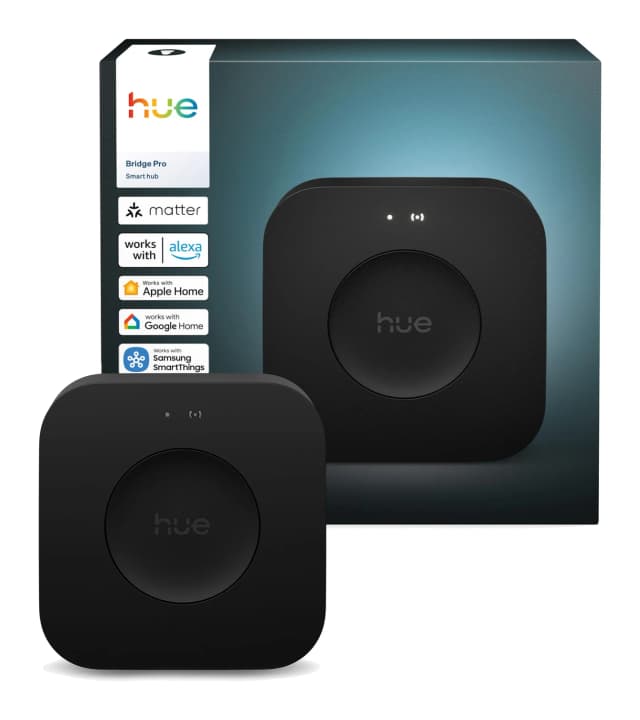
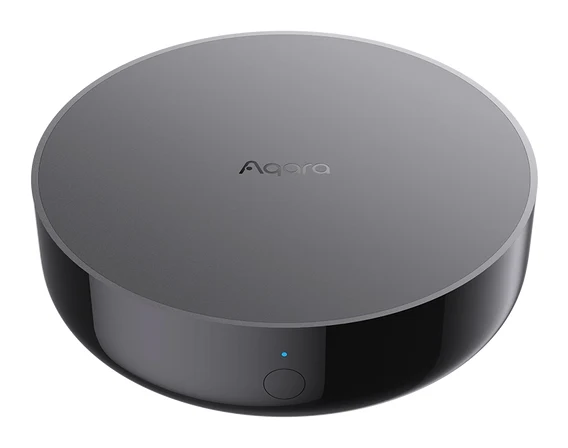
- Best OverallPhilips Hue Bridge ProWhy we picked it →
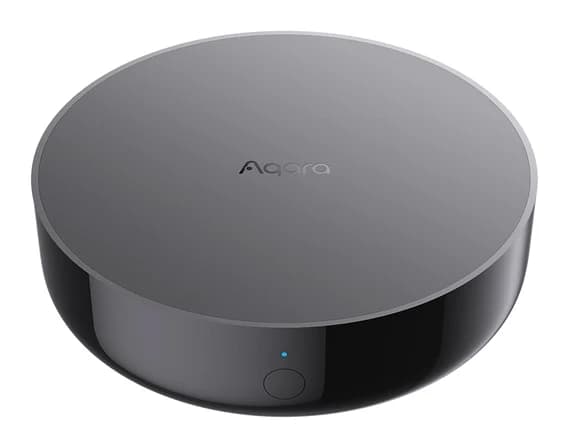
- Best BudgetAqara Hub M200Why we picked it →
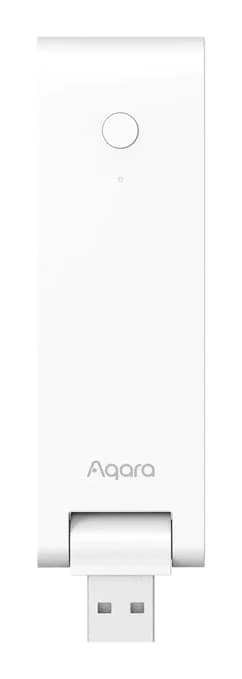
- Best ValueAqara Hub M100Why we picked it →
Frequently asked questions
Is the Aqara Hub M3 worth it?
It is worth it if you want a local hub that handles Zigbee, Thread and Matter in one box, particularly with Aqara devices and Apple Home. It averages 8.2/10 across 3 expert reviews. If you only need a basic Zigbee hub, a simpler Aqara hub may be better value.
Does the Aqara Hub M3 support Matter?
Yes. It works as a Matter controller and as a Matter bridge, and it also acts as a Thread border router. Reviewers note that some third-party Matter devices were fiddly to pair.
Does the Aqara Hub M3 work without internet?
It runs automations locally on an edge hub, so many of them keep running without internet.
Which platforms does the Aqara Hub M3 work with?
It bridges Aqara devices into Apple Home, Alexa, Google Home and SmartThings, in addition to the Aqara ecosystem itself.
Does the Aqara Hub M3 have a camera or microphone?
No. It has neither a microphone nor a camera. It does include 8GB of end-to-end encrypted local storage and a 95dB speaker for alarms, alerts and custom ringtones.
Does the Aqara Hub M3 come with a power adapter?
No. It uses USB-C power at 5V ⎓ 2A and the adapter is not included. The Ethernet cable is also not included, though the hub supports PoE if you want to power it over a wired connection.
Sources
Specs are taken from the manufacturers' official pages; expert recommendations from the publications below.
- Aqara Hub M3: us.aqara.com, eu.aqara.com
Related reviews & guides
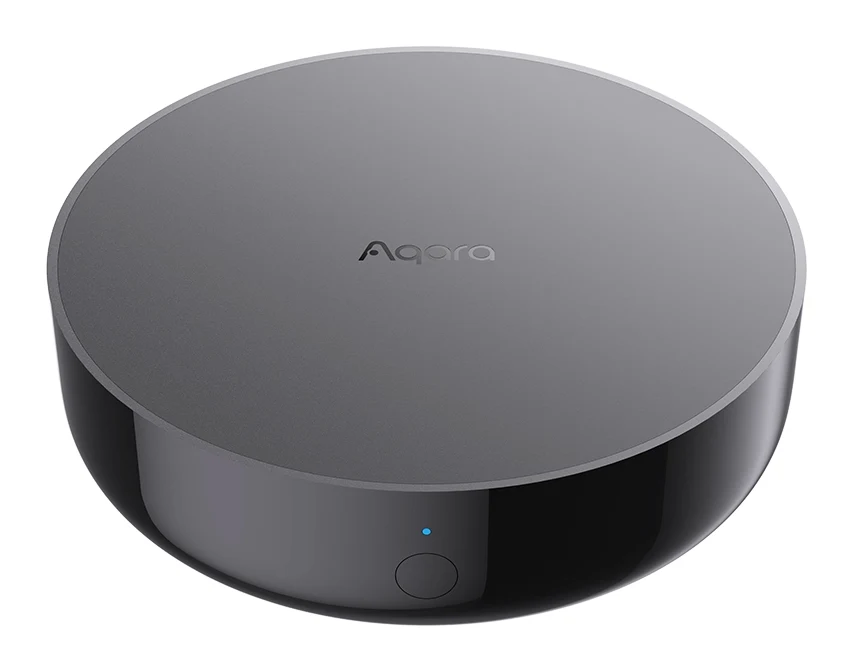
Aqara Hub M200 Review (2026): Flexible All-in-One Hub
A look at the Aqara Hub M200, an all-in-one Matter controller, Thread border router and Zigbee hub with PoE power and an IR blaster, based on specs and expert reviews.
Published Oct 26, 2026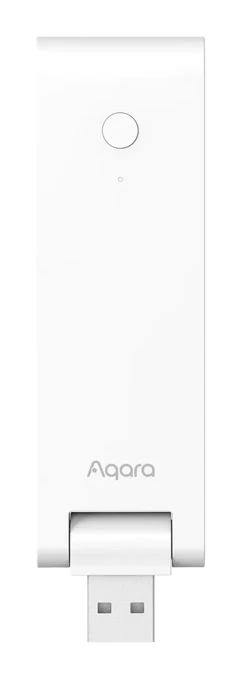
Aqara Hub M100 Review (2026): Thread Stick With Limits
The Aqara Hub M100 is a small USB-A stick that adds a Thread border router and a Matter bridge for Aqara Zigbee devices. Here is what it offers and where it falls short.
Published Oct 28, 2026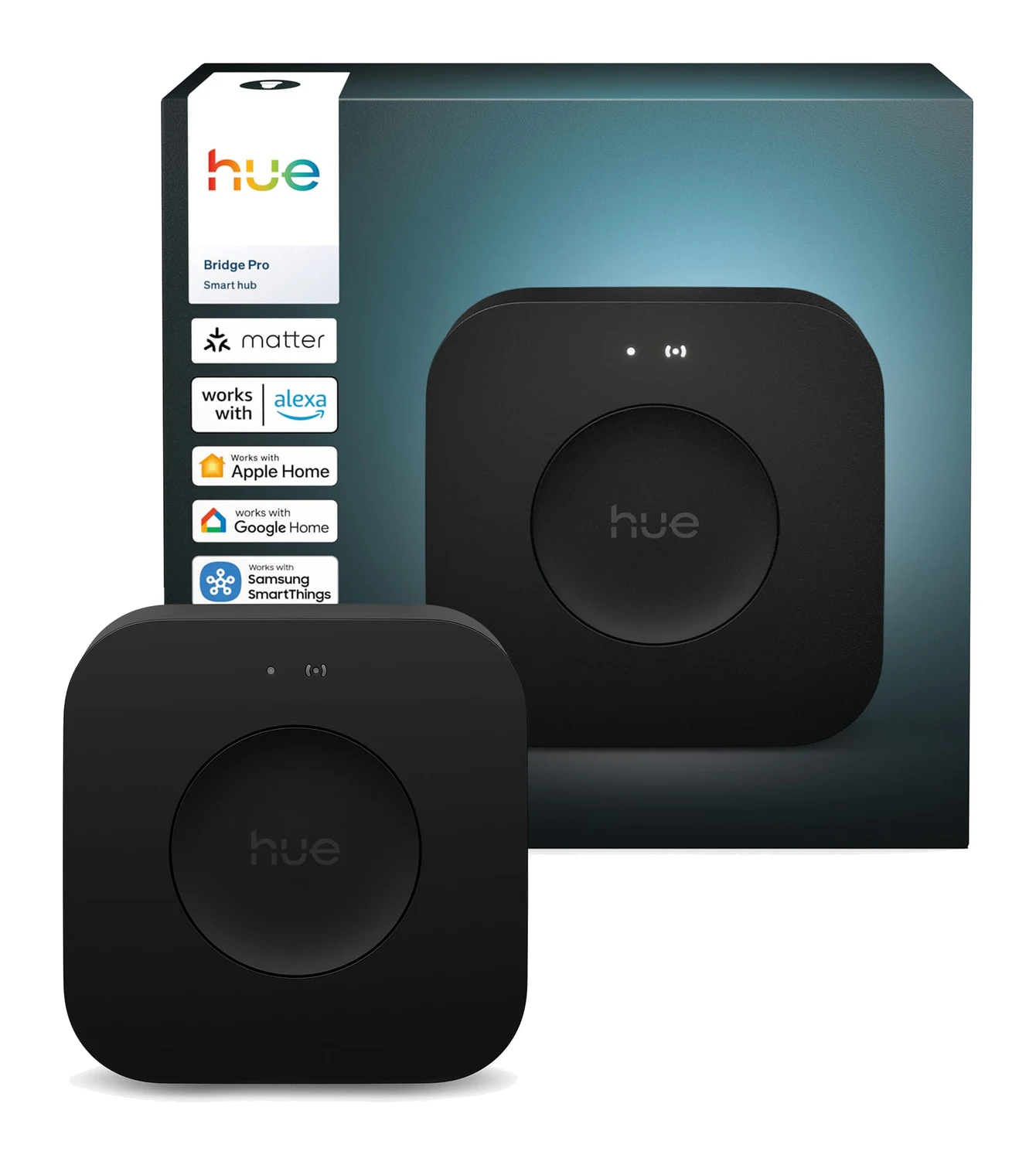
Best Matter Hub 2026: Thread and Zigbee for Every Home
Five Matter hubs compared on Thread, Zigbee, device capacity and ecosystem support, from a budget Aqara pick to a local-first Home Assistant box.
Published Oct 22, 2026