Razer Basilisk V3 Review (2026): Comfort Over Lightness
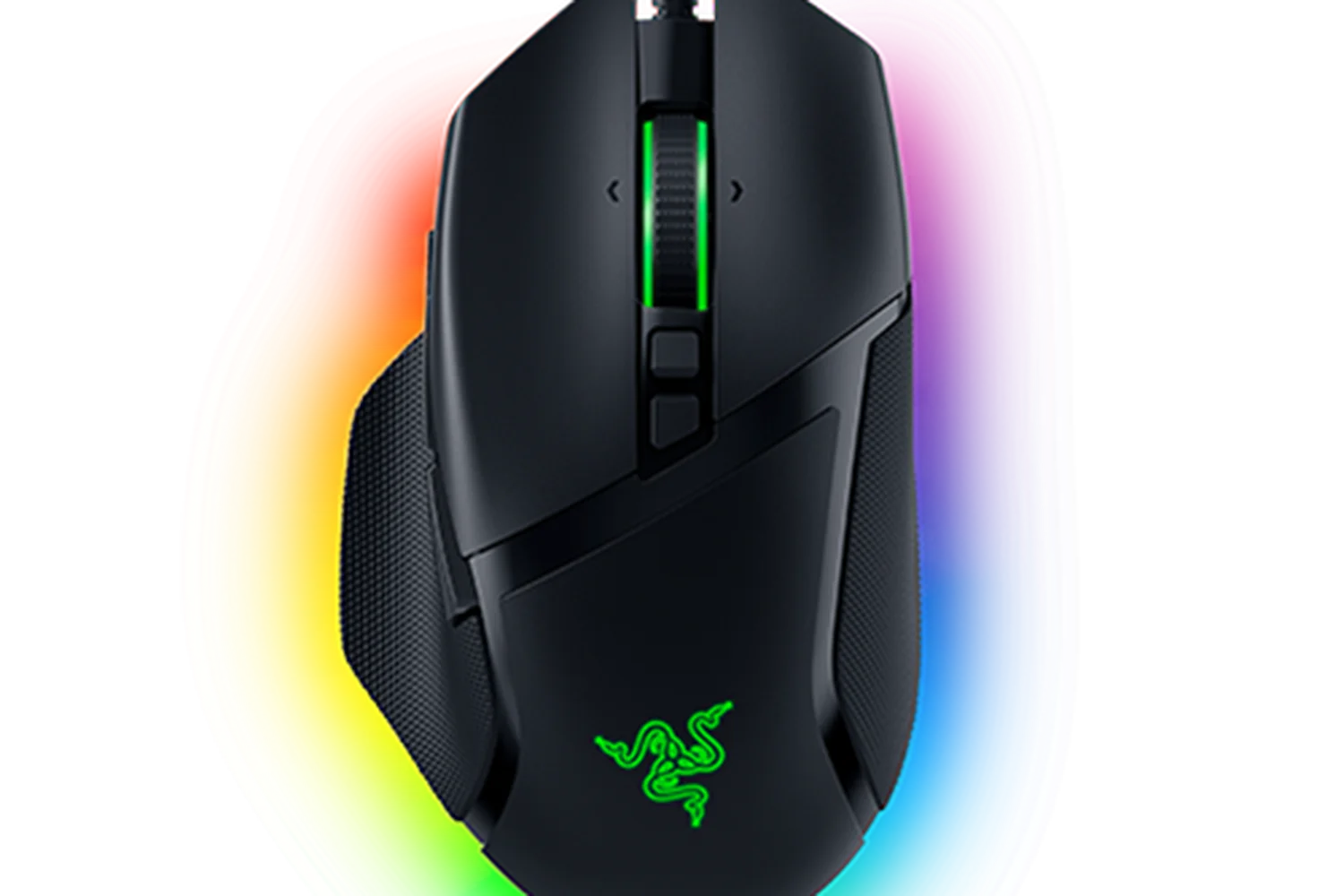
A look at the wired Razer Basilisk V3 based on its specs and what independent reviewers report: a customizable, ergonomic right-handed mouse with a clever scroll wheel and a few trade-offs.
Research-based · We earn from qualifying purchases
Our verdict
The Basilisk V3 suits gamers and productivity users who want a comfortable, highly customizable wired mouse with a versatile scroll wheel. Competitive FPS players, left-handers and people with small hands should look elsewhere.
The good
- HyperScroll tilt wheel offers tactile, free-spin and auto-switching scroll modes
- Comfortable ergonomic right-handed shape with thumb rest and rubber grips
- Focus+ 26K DPI optical sensor tracks fast and accurately
- 11 programmable buttons suit macros, push-to-talk and deep customization
- 5 on-board profiles let settings travel between PCs
+2 more
- 11 programmable buttons suit macros, push-to-talk and deep customization
- 5 on-board profiles let settings travel between PCs
The bad
- At 101 g, it's fairly heavy for competitive FPS play
- Right-handed only, and thumb buttons are a stretch for small hands
- Scroll wheel can feel noisy or a little clunky
- Wired only, with no adjustable weights; features rely on Razer Synapse
+1 more
- Wired only, with no adjustable weights; features rely on Razer Synapse
This Razer Basilisk V3 review looks at a wired, right-handed gaming mouse that has built its reputation on customization rather than minimal weight. It pairs an ergonomic shape with a tilt scroll wheel, a long list of programmable buttons and an optical sensor with a high ceiling. It is aimed at right-handed gamers who want a comfortable, highly programmable mouse, and at productivity users who can put extra buttons to work.
This review is based on Razer's manufacturer specs and on what independent expert reviews report. It is not a hands-on test.
Razer Basilisk V3: specs at a glance
From the manufacturer- Sensor
- Optical, Razer Focus+ 26K
- Weight
- 101 g / 3.56 oz (Excluding cable)
- Lighting
- Razer Chroma RGB, 11 zones
- Mouse Feet
- 100% PTFE
- Form Factor
- Right-Handed
- Switch Type
- 2nd-gen Razer Optical Mouse Switch
- Connectivity
- Wired - Razer Speedflex Cable
- Max Speed (IPS)
- 650
- Size (L x W x H)
- 130.0 mm / 5.11 in x 75.0 mm / 2.95 in x 42.5 mm / 1.65 in
- Switch Lifecycle
- 70 Million Clicks
- Max Acceleration (G)
- 50
- Programmable Buttons
- 11
- Max Sensitivity (DPI)
- 26000
- On-board Memory Profiles
- 5
Key features
- HyperScroll tilt wheel switches between tactile and free-spin scrolling, and can auto-switch
- 10+1 programmable buttons, including a multi-function trigger, for macros and push-to-talk
- Focus+ 26K DPI optical sensor for precise tracking
- 2nd-gen optical mouse switches rated for 70 million clicks
- 11 Chroma RGB lighting zones with underglow
- Ergonomic right-handed shape with thumb rest and rubber grips
- 5 on-board memory profiles, so settings travel between PCs
- 100% PTFE feet and a flexible Speedflex cable
Why people consider the Basilisk V3
The Basilisk V3 sits in the mid-range part of the market. It doesn't chase the lowest possible weight or go wireless. Its appeal is a mix of comfort, button count and a scroll wheel that switches between tactile, free-spin and auto-switching modes. Expert reviewers are broadly positive: it averages 8.9/10 across 4 expert reviews. Laptop Mag and TechRadar each give it 4.5/5, TechGearLab scores it 89/100, and KitGuru gives it 8.5/10.
That is a consistent pattern of praise. The criticisms are also consistent and mostly concern who the mouse suits, not whether it works. We cover them below.
Razer Basilisk V3 review: design and build
The Basilisk V3 uses an ergonomic right-handed shape with a thumb rest and rubber grips. The shape is a strength: it is ergonomic, with a thumb rest and rubber grips. It measures 130.0 mm / 5.11 in long, 75.0 mm / 2.95 in wide and 42.5 mm / 1.65 in tall, so it is a full-size mouse built to support the hand and not a compact or ambidextrous one.
The weight is 101 g / 3.56 oz, excluding the cable. A common criticism is that this is fairly heavy for competitive FPS play. If you want the lightest mouse you can get, this isn't it. If you value a planted, supportive shape over low weight, it matters less. There are no adjustable weights, so you can't tune the weight yourself.
The feet are 100% PTFE, and the cable is Razer's flexible Speedflex design. The mouse is wired only, so you get no battery to charge or monitor, but you do have a cable on your desk.
The right-handed form factor is a hard limit. Left-handers should look elsewhere. Reviewers also note that the thumb buttons are a stretch for small hands, so people with smaller hands should be cautious despite the comfortable grip.
There is also lighting: Razer Chroma RGB across 11 zones, including underglow. It is a cosmetic extra, but fans of RGB setups will appreciate it.
Features and what they mean day to day
HyperScroll tilt wheel
The scroll wheel is the headline feature. HyperScroll switches between tactile scrolling, with distinct steps, and free-spin scrolling, where the wheel turns with little resistance. It can also auto-switch between the two. You can pick whichever mode suits the task at hand. The auto-switch option is meant to move between them without you thinking about it.
A common criticism is that the scroll wheel can feel noisy or a little clunky. If you are sensitive to scroll feel or noise, take that into account.
Buttons and programmability
The mouse has 10+1 programmable buttons, including a multi-function trigger. The 11 buttons are intended for macros and push-to-talk, and reviewers say they suit deep customization. That makes the mouse a good fit for users who want deep customization. The benefit depends on how much setup you want to do.
The flip side is software. Features rely on Razer Synapse, so you'll want to be comfortable using it to get the most out of the mouse.
On-board profiles
The Basilisk V3 has 5 on-board memory profiles, so your settings travel between PCs. That is handy if you use the mouse on more than one PC. Once configured, your profiles go with the mouse.
Performance and tracking
The mouse uses the Razer Focus+ 26K DPI optical sensor. The listed maximum sensitivity is 26000 DPI, with a maximum speed of 650 IPS and maximum acceleration of 50 G. The listed figures show a high ceiling. Reviewers say it tracks fast and accurately.
Clicks use 2nd-gen Razer optical mouse switches rated for 70 million clicks. The listed switch lifecycle is 70 million clicks.
With a wired connection there is no wireless latency or battery management to think about. That keeps things simple for people who mostly use a desktop setup, but it rules the mouse out for anyone who wants a cable-free desk.
What experts like and what they criticise
Reviewers praise several things consistently:
- The versatile HyperScroll wheel, with its tactile, free-spin and auto-switching modes.
- The comfortable, ergonomic shape with a thumb rest and rubber grips.
- Accurate, fast tracking from the Focus+ 26K DPI sensor.
- The generous button count, which suits macros, push-to-talk and deep customization.
- On-board profiles that let your settings follow you between PCs.
The criticisms are just as clear:
- At 101 g it is fairly heavy for competitive FPS play.
- It is right-handed only, and the thumb buttons are a stretch for small hands.
- The scroll wheel can feel noisy or a little clunky.
- It is wired only, with no adjustable weights, and its features depend on Razer Synapse.
None of these are dealbreakers for the audience the mouse targets. They do point to people who should consider alternatives.
Who should buy the Basilisk V3, and who should skip it
Buy it if you are right-handed and want a comfortable mouse with plenty of programmable buttons. It suits gamers who use macros or push-to-talk, and productivity users who like having shortcuts under their thumb. It also suits anyone who moves between PCs and wants their settings stored on the mouse. The scroll wheel is a draw if you switch often between precise scrolling and quick flicks through long pages.
Skip it if you play competitive FPS games and want the lightest mouse possible. Skip it too if you are left-handed, have small hands, or want a wireless setup. If you dislike configuring software or you are sensitive to scroll wheel feel and noise, a simpler mouse may suit you better.
How it fits in its category
In general terms, gaming mice split between lightweight designs for fast aim and fuller-featured, more ergonomic designs for comfort and customization. The Basilisk V3 belongs firmly to the second group. It trades a lower weight and wireless freedom for a supportive shape, a rich button layout and a flexible scroll wheel. Decide which of those camps you belong to before you look at specs.
Verdict
The Razer Basilisk V3 is a strong choice if comfort and customization matter more to you than low weight or a cable-free desk. Expert reviewers rate it highly, averaging 8.9/10, and they agree on both its strengths and its limits. If you are right-handed and want a versatile wired mouse for gaming and everyday work, it is easy to recommend. If you are a competitive FPS player, a left-hander, or someone with small hands, look elsewhere.
Related buying guides
- Razer Viper V4 Pro Review (2026): 49 g Esports Speed
- Best Gaming Mouse for FPS 2026: Lightweight Wireless Aim
- Logitech G PRO X Superlight 2 Review: Light, Fast, Basic
- Logitech G305 LIGHTSPEED Review (2026): Long Life on One AA
- Logitech G PRO X2 SUPERSTRIKE Review (2026): Tunable Clicks
- Logitech G502 HERO Review (2026): Heavy but Highly Tunable
- Redragon M612 Predator Review (2026): Lots of Buttons
- Best Gaming Headset 2026: Comfort, Battery & Low Latency
Not sure about the Razer Basilisk V3? Consider these
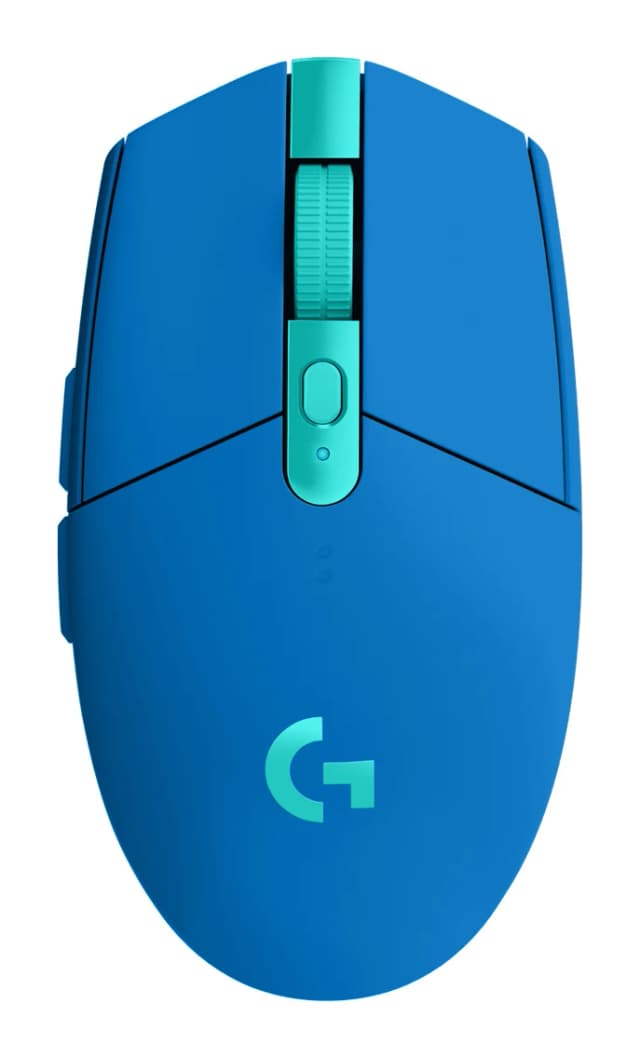
- Best OverallLogitech G305 LIGHTSPEEDWhy we picked it →
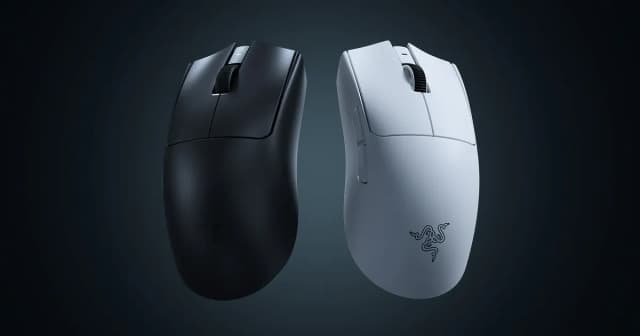
- Best ValueRazer Viper V4 ProWhy we picked it →
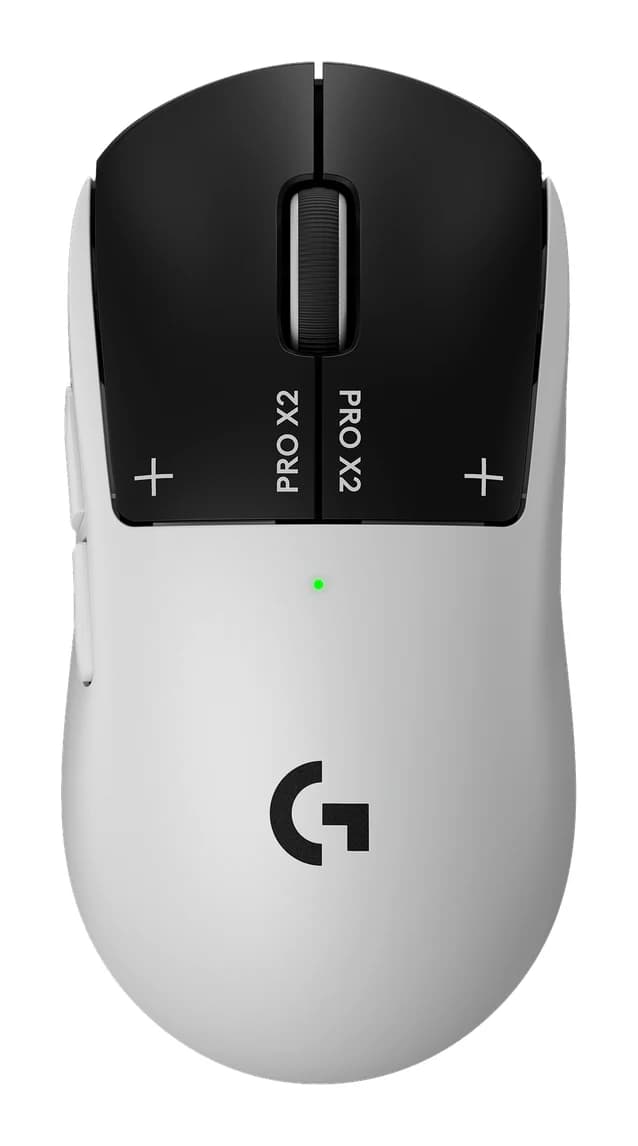
- Premium PickLogitech G PRO X2 SUPERSTRIKEWhy we picked it →
Frequently asked questions
Is the Razer Basilisk V3 worth it?
For right-handed users who want a comfortable, highly programmable wired mouse, reviewers say yes. It averages 8.9/10 across 4 expert reviews. It is less suitable for competitive FPS players who want a lighter mouse, for left-handers and for people with small hands.
Is the Razer Basilisk V3 wireless?
No. It is wired only and uses Razer's flexible Speedflex cable.
How many programmable buttons does the Basilisk V3 have?
It has 11 programmable buttons (listed as 10+1), including a multi-function trigger. They can be used for macros and push-to-talk.
Is the Basilisk V3 good for FPS games?
It has a Focus+ 26K DPI optical sensor that reviewers say tracks fast and accurately. However, at 101 g it is fairly heavy for competitive FPS play, so players who want a light mouse may prefer something else.
Is the Razer Basilisk V3 good for left-handed users?
No. It has a right-handed form factor, so left-handed users should look at other mice.
Do I need Razer Synapse to use the Basilisk V3?
The mouse has 5 on-board memory profiles that let settings travel between PCs. Its features rely on Razer Synapse, so you will want the software to configure it.
Sources
Specs are taken from the manufacturers' official pages; expert recommendations from the publications below.
- Razer Basilisk V3: razer.com
Related reviews & guides
Razer DeathAdder V4 Pro Review (2026): Light and Lasting
A look at the Razer DeathAdder V4 Pro: a 56 g right-handed wireless gaming mouse with 8000 Hz polling and up to 150 hours of battery, and who should buy it.
Published Oct 30, 2026
Razer Viper V4 Pro Review (2026): 49 g Esports Speed
The Razer Viper V4 Pro is a 49 g symmetrical wireless esports mouse with true 8000 Hz polling and a 50K optical sensor. Here is who it suits and who should pass.
Published Oct 26, 2026
Best Gaming Mouse for FPS 2026: Lightweight Wireless Aim
Five wireless FPS gaming mice compared on weight, polling rate, sensor specs and battery life, drawn from manufacturer specs and independent expert recommendations.
Published Oct 9, 2026