Razer DeathAdder V4 Pro Review (2026): Light and Lasting
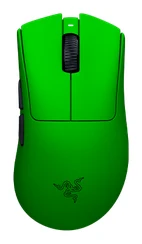
A look at the Razer DeathAdder V4 Pro: a 56 g right-handed wireless gaming mouse with 8000 Hz polling and up to 150 hours of battery, and who should buy it.
Research-based · We earn from qualifying purchases
Our verdict
The DeathAdder V4 Pro suits competitive players who want a light, comfortable right-handed wireless mouse with a precise sensor and excellent battery life. Skip it if you are left-handed, need Bluetooth or RGB, or already own a V3 Pro, since reviewers see this as a small upgrade.
The good
- Very light 56 g shell for such a large ergonomic mouse
- Comfortable right-handed shape suited to long sessions
- Accurate Focus Pro 45K Gen-2 sensor with 8000 Hz polling
- Up to 150 hours of battery life at 1000 Hz
- Optical scroll wheel and Gen-4 optical switches rated for 100 million clicks
+2 more
- Up to 150 hours of battery life at 1000 Hz
- Optical scroll wheel and Gen-4 optical switches rated for 100 million clicks
The bad
- Battery drops to 22 hours when using 8000 Hz polling
- No Bluetooth, so connections are limited to the 2.4 GHz dongle or USB-C
- No RGB lighting
- Only one onboard profile, and Synapse software is resource-heavy
+1 more
- Only one onboard profile, and Synapse software is resource-heavy
This Razer DeathAdder V4 Pro review looks at a right-handed wireless gaming mouse built around a simple idea: keep the classic ergonomic DeathAdder shape, then make it very light and give it a fast, long-lasting wireless connection. It's aimed at competitive players who want a comfortable full-size shape without the weight that usually comes with it. This review is based on Razer's published specs and what independent expert reviews report, not our own hands-on testing.
Razer DeathAdder V4 Pro: specs at a glance
From the manufacturer- Sensor
- Focus Pro 45K Optical Sensor Gen-2
- Weight
- 56 g (57 g White, 58 g Esports Green)
- Max DPI
- 45,000 DPI (45K)
- Lighting
- None (no RGB)
- Switches
- Razer Optical Mouse Switches Gen-4, 100 million clicks
- Handedness
- Right-handed ergonomic
- Battery life
- up to 150 hours at 1000 Hz; 22 hours at 8000 Hz
- Connectivity
- HyperSpeed Wireless Gen-2 2.4 GHz and wired USB-C (no Bluetooth)
- Max acceleration
- 85 G
- Max polling rate
- 8000 Hz
- Onboard profiles
- 1
- Max tracking speed
- 900 IPS
- Programmable controls
- 8 (6 buttons plus scroll up/down)
- Dimensions (L x W x H)
- 128 x 68 x 44 mm
Key features
- Ultra-light 56 g shell with a smooth-touch finish keeps swipes fast
- HyperSpeed Wireless Gen-2 with true 8000 Hz polling and lower latency than the previous generation
- Optical scroll wheel for more precise, durable scrolling
- Gen-4 optical mouse switches rated for over 100 million clicks
- Focus Pro 45K Gen-2 optical sensor tracks accurately on a wide range of surfaces
- Up to 150 hours of battery life at 1000 Hz
- Larger 100% PTFE feet for smoother glide
- Right-handed ergonomic shape with 8 programmable controls and HyperShift
Razer DeathAdder V4 Pro Review: Design and Build
The headline number is the weight: 56 g (57 g White, 58 g Esports Green, depending on the colour you choose). The mouse measures 128 x 68 x 44 mm, and reviewers single out the very light shell for such a large ergonomic mouse as a highlight. The smooth-touch finish is part of the pitch too, and Razer says it keeps swipes fast.
The shape is a right-handed ergonomic design, and reviewers consistently call it comfortable for long sessions. There is no left-handed version, and no ambidextrous option, so lefties can stop here. Under the mouse, larger 100% PTFE feet are there for smoother glide.
One design decision worth noting: there is no RGB lighting at all. For some buyers that's a plus; for others it's a missing feature, and reviewers do list it as a criticism.
Features and What They Mean Day to Day
Sensor and tracking
The mouse uses Razer's Focus Pro 45K Gen-2 optical sensor, with a maximum of 45,000 DPI (45K), a maximum tracking speed of 900 IPS and maximum acceleration of 85 G. Very few players will ever push a sensor to those limits. What matters is that the sensor is accurate and consistent, and reviewers praise its accuracy. Razer says it tracks well across a wide range of surfaces, which is helpful if you move between desk mats or play away from home.
Switches and scroll wheel
Clicks are handled by Razer Optical Mouse Switches Gen-4, rated for 100 million clicks. Optical switches register a press with light rather than a physical contact, which is why they are usually promoted for durability. The scroll wheel is also optical, which Razer pitches as more precise and longer-lasting than a conventional wheel. Reviewers praise the optical scroll wheel and the Gen-4 optical switches.
Buttons and software
There are 8 programmable controls (6 buttons plus scroll up and down), plus HyperShift for adding a second layer of functions. HyperShift adds extra functions on top of the physical buttons. The caveat is on the software side. The mouse stores only one onboard profile, and a common criticism is that Razer's Synapse software is resource-heavy. If you like to configure once and plug into any PC, the single profile is limiting.
Performance, Battery and Connectivity
Wireless and polling rate
The mouse runs on HyperSpeed Wireless Gen-2 over 2.4 GHz, with true 8000 Hz polling. Razer also says latency is lower than the previous generation. Polling rate is how often the mouse reports its position to the PC. Higher rates can give smoother cursor movement and slightly faster reporting, and they matter most on high-refresh-rate monitors and in fast-paced shooters. Reviewers praise the combination of the sensor and 8000 Hz polling.
Battery life
Battery life is rated at up to 150 hours at 1000 Hz, which is a long runtime and means charging is an occasional task at that polling rate. The catch is that the figure falls to 22 hours at 8000 Hz. That is a big drop from 150 hours. If you want to use the top polling rate all the time, you'll be charging far more often. Plenty of players will find 1000 Hz perfectly adequate and enjoy the long runtime.
Connections
You can connect via the 2.4 GHz wireless link or a wired USB-C connection. There's no Bluetooth. That fits the mouse's competitive focus, but it does mean connections are limited to the 2.4 GHz dongle or USB-C. If you want one mouse for gaming and general multi-device use, this is a real limitation.
What Experts Like and What They Criticise
The expert response is very positive. The mouse averages 9.7/10 across 3 expert reviews: TechRadar gives it 5/5, PC Gamer scores it 90/100 and ProSettings.net rates it 5/5.
What reviewers praise most often:
- The very light shell for such a large ergonomic mouse
- A comfortable right-handed shape that suits long sessions
- An accurate sensor paired with 8000 Hz polling
- The up-to-150-hour battery life at 1000 Hz
- The optical scroll wheel and Gen-4 optical switches
What they criticise is a shorter, but real, list. Battery life falls to 22 hours at 8000 Hz. There's no Bluetooth. There's no RGB lighting. There's only one onboard profile, and Synapse is resource-heavy. None of those undermine the core job of being a fast, light, comfortable gaming mouse, but any one of them could rule it out for the wrong buyer.
The verdict also flags one more point: if you already own a V3 Pro, reviewers see this as a small upgrade, so it may not be worth switching.
Who Should Buy It, and Who Should Skip It
Buy it if you're a right-handed competitive gamer who wants a light, comfortable wireless mouse. It makes sense if you prefer a larger ergonomic shape over a small symmetrical one, and if long battery life matters as much to you as low weight. It sits in the mid-range part of the market, so it's aimed at players who care about performance more than extras.
Skip it if any of the following apply:
- You're left-handed.
- You need Bluetooth for multiple devices.
- You want RGB lighting.
- You want to keep 8000 Hz polling on all day without frequent charging.
- You already own a V3 Pro and are weighing a swap.
- You dislike heavy software and want several onboard profiles.
How It Fits Among Wireless Gaming Mice
This model leans towards pure performance rather than versatility: no Bluetooth, no lighting, a single onboard profile. If you value those extras, look for something more flexible. If your priorities are weight, comfort and endurance, this is a very focused option. If you're building out a Razer setup, our Razer BlackShark V3 Pro review covers a headset from the same brand.
Verdict
The DeathAdder V4 Pro does what a competitive wireless mouse should: it's light, comfortable in the hand, accurate and quick, with a battery that goes a long way at standard polling. Its compromises are deliberate rather than accidental, and they matter only if you want Bluetooth, RGB or constant 8000 Hz use. For right-handed players who want a fast, no-frills wireless mouse, the strong expert scores suggest it's an easy one to shortlist.
Related buying guides
- Razer Viper V4 Pro Review (2026): 49 g Esports Speed
- Razer Basilisk V3 Review (2026): Comfort Over Lightness
- Logitech G PRO X Superlight 2 Review: Light, Fast, Basic
- Logitech G PRO X2 SUPERSTRIKE Review (2026): Tunable Clicks
- Best Gaming Mouse for FPS 2026: Lightweight Wireless Aim
- Logitech G305 LIGHTSPEED Review (2026): Long Life on One AA
- Logitech G502 HERO Review (2026): Heavy but Highly Tunable
Not sure about the Razer DeathAdder V4 Pro? Consider these
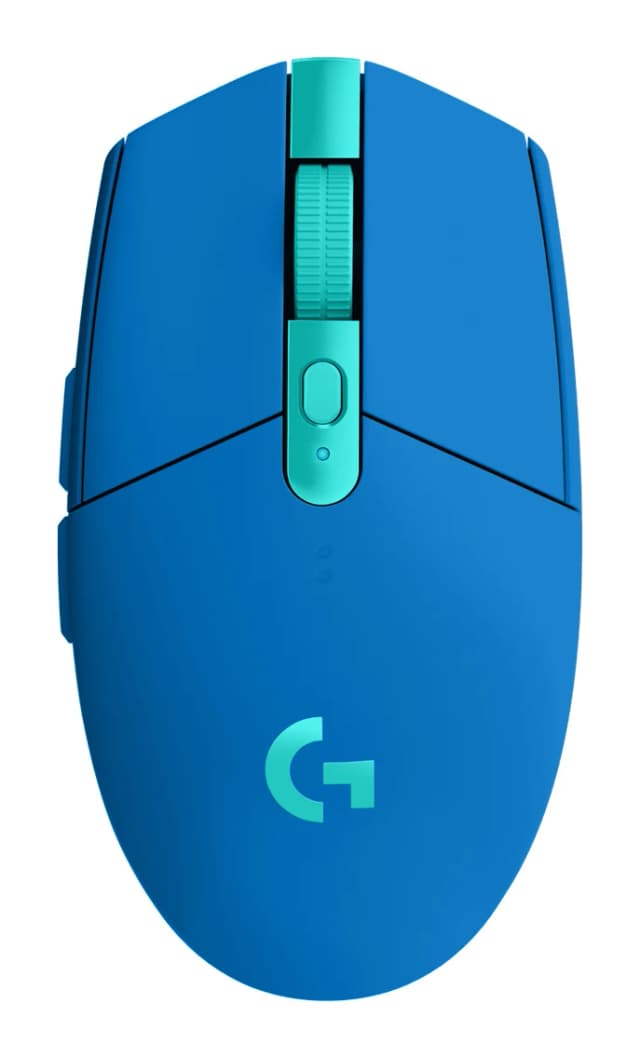
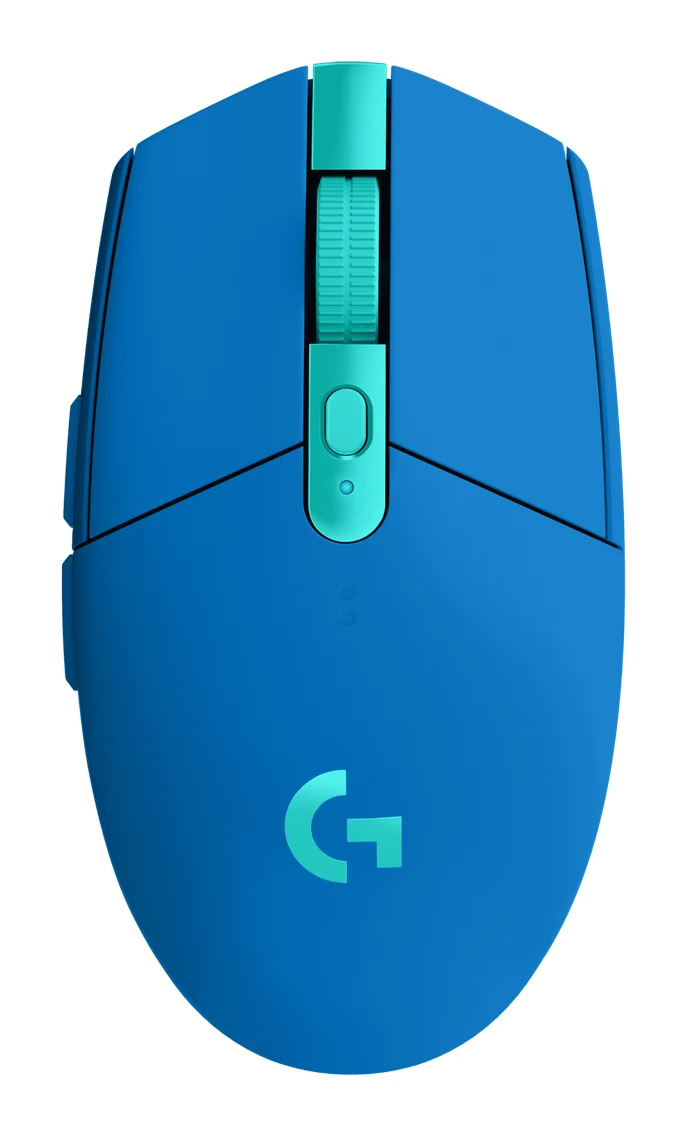
- Best OverallLogitech G305 LIGHTSPEEDWhy we picked it →
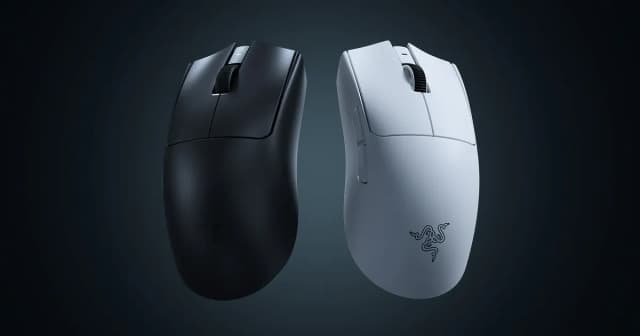
- Best ValueRazer Viper V4 ProWhy we picked it →
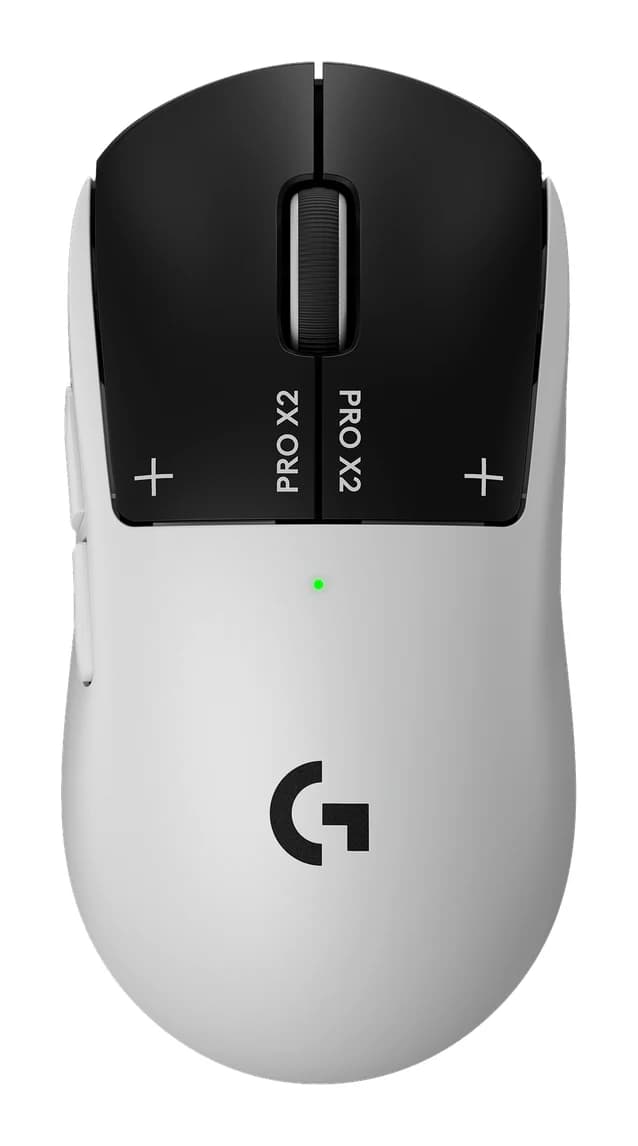
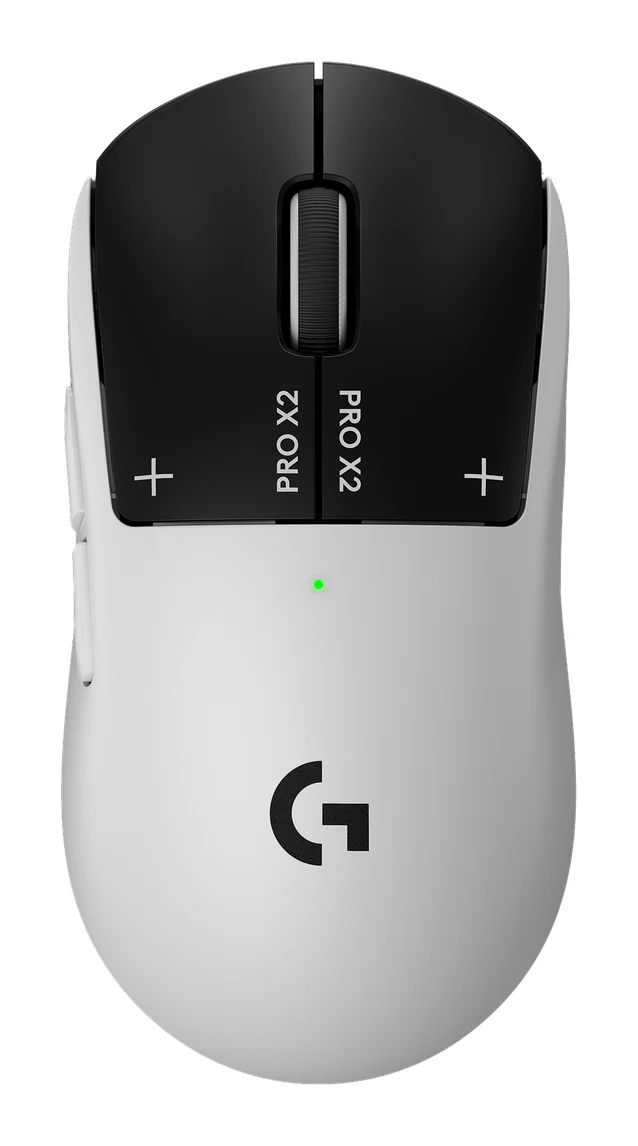
- Premium PickLogitech G PRO X2 SUPERSTRIKEWhy we picked it →
Frequently asked questions
Is the Razer DeathAdder V4 Pro worth it?
For right-handed competitive gamers, reviewers say yes. It averages 9.7/10 across 3 expert reviews, with praise for its 56 g shell, comfortable shape, accurate sensor and long battery life. It's less compelling if you need Bluetooth or RGB, or already own a V3 Pro.
Does the Razer DeathAdder V4 Pro support Bluetooth?
No. It connects via HyperSpeed Wireless Gen-2 over 2.4 GHz or a wired USB-C connection, and reviewers list the lack of Bluetooth as a criticism.
How long does the DeathAdder V4 Pro battery last?
Razer rates it at up to 150 hours at 1000 Hz. At 8000 Hz polling that drops to 22 hours, so the polling rate you choose makes a big difference.
Does the Razer DeathAdder V4 Pro have RGB lighting?
No. The mouse has no RGB lighting, which some buyers prefer and reviewers note as a drawback for others.
Is the DeathAdder V4 Pro good for left-handed users?
No. It has a right-handed ergonomic shape, so left-handed players should look at a different mouse.
Is the DeathAdder V4 Pro a big upgrade over the V3 Pro?
Reviewers see it as a small upgrade, so if you already own a V3 Pro it may not be worth switching. Razer does say wireless latency is lower than the previous generation.
Sources
Specs are taken from the manufacturers' official pages; expert recommendations from the publications below.
- Razer DeathAdder V4 Pro: razer.com
Related reviews & guides
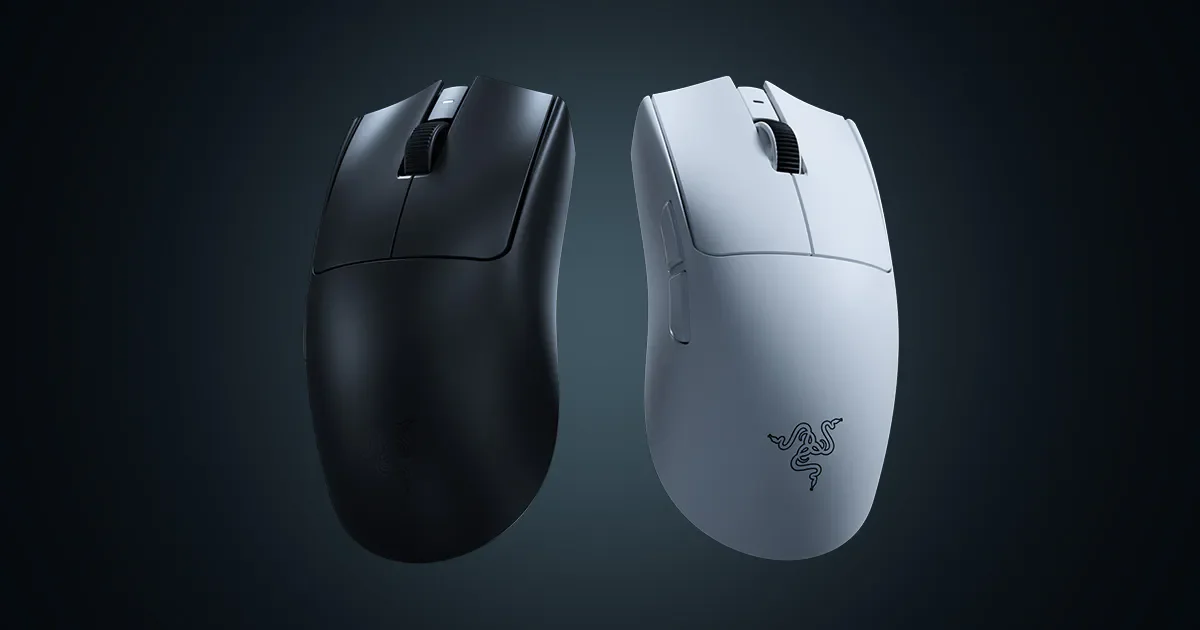
Razer Viper V4 Pro Review (2026): 49 g Esports Speed
The Razer Viper V4 Pro is a 49 g symmetrical wireless esports mouse with true 8000 Hz polling and a 50K optical sensor. Here is who it suits and who should pass.
Published Oct 26, 2026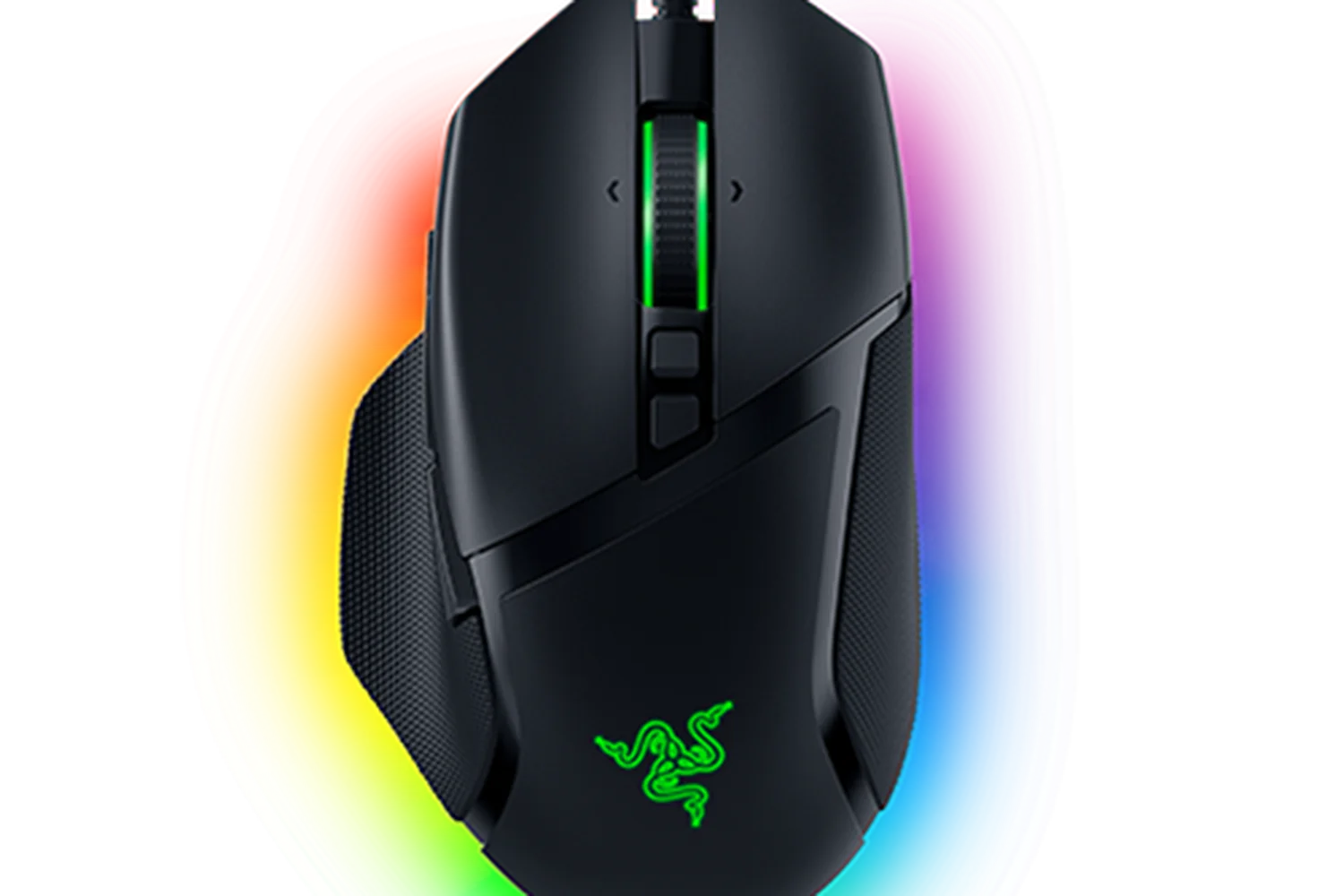
Razer Basilisk V3 Review (2026): Comfort Over Lightness
A look at the wired Razer Basilisk V3 based on its specs and what independent reviewers report: a customizable, ergonomic right-handed mouse with a clever scroll wheel and a few trade-offs.
Published Oct 29, 2026
Logitech G PRO X Superlight 2 Review: Light, Fast, Basic
A look at the Logitech G PRO X Superlight 2 from specs and expert reviews: a 60 g wireless esports mouse that is fast and reliable but light on extras.
Published Oct 26, 2026