Logitech G PRO X Superlight 2 Review: Light, Fast, Basic
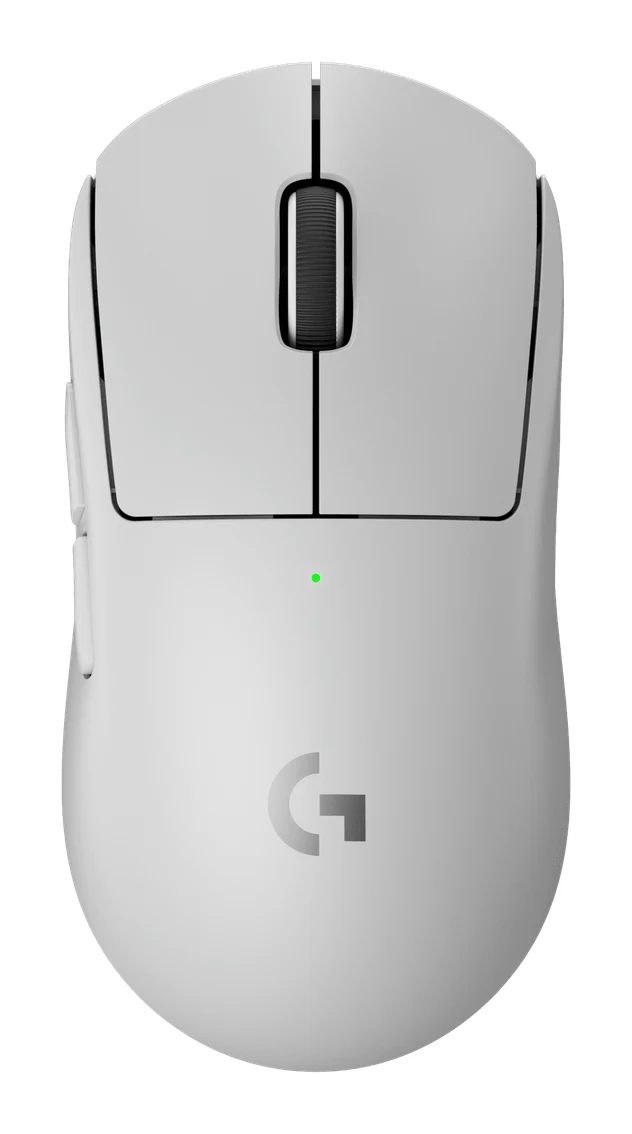
A look at the Logitech G PRO X Superlight 2 from specs and expert reviews: a 60 g wireless esports mouse that is fast and reliable but light on extras.
Research-based · We earn from qualifying purchases
Our verdict
A very light, fast and reliable wireless mouse for competitive gamers who want a safe, symmetrical shape and long battery life. Skip it if you already own the original Superlight, want extra buttons or RGB, or dislike loud clicks.
The good
- 60g solid shell feels sturdy and cuts fatigue without honeycomb holes
- Fast, accurate HERO 2 sensor with reliable low-latency LIGHTSPEED wireless
- Crisp, tactile hybrid optical-mechanical switches rated for 70 million clicks
- Up to 95 hr battery life with USB-C charging
- Symmetrical right-handed shape suits palm, claw and fingertip grips
+2 more
- Up to 95 hr battery life with USB-C charging
- Symmetrical right-handed shape suits palm, claw and fingertip grips
The bad
- Expensive for such a basic mouse with only five buttons
- No dedicated DPI button, so DPI changes require G HUB
- G HUB software is clunky
- Only a small step up from the original Superlight
+1 more
- Only a small step up from the original Superlight
This Logitech G PRO X Superlight 2 review looks at a wireless gaming mouse built for one job: getting out of the way during competitive play. It weighs 60 g, uses a symmetrical right-handed shape and skips the extras many gaming mice lean on, such as extra buttons. It is aimed at competitive FPS players who want an ultralight, reliable wireless mouse and are happy to pay mid-range money for it.
This review is based on Logitech's published specs and on what independent expert reviewers report. It is not based on hands-on testing.
Logitech G PRO X Superlight 2: specs at a glance
From the manufacturer- Cable
- 1.9 m USB-C to USB-A
- Sensor
- HERO 2 optical
- Weight
- 60 g
- Max DPI
- 44,000 DPI
- Switches
- LIGHTFORCE hybrid optical-mechanical, rated 70 million clicks
- Warranty
- 2-year limited
- Wireless
- LIGHTSPEED 2.4 GHz (no Bluetooth)
- Dimensions
- 125 × 63.5 × 40 mm
- Battery life
- up to 95 hr
- Charging/wired
- USB-C
- Hand orientation
- Right-handed symmetrical
- Max polling rate
- up to 8 kHz
- Max tracking speed
- 888+ IPS
- Programmable buttons
- 5
Key features
- 60g solid shell with no honeycomb holes, which cuts fatigue
- LIGHTFORCE hybrid optical-mechanical switches rated for 70 million clicks
- HERO 2 sensor tracking over 888 IPS with up to 44,000 DPI
- LIGHTSPEED wireless with up to 8 kHz polling
- Up to 95 hr battery life with USB-C charging
- POWERPLAY wireless charging compatible
- Zero-additive PTFE feet for a smooth glide
- G HUB sensor calibration: separate X/Y axis adjustment and adjustable lift-off tolerance
What the expert reviews say overall
Across five expert reviews, the Superlight 2 averages 9/10. PCWorld, ProSettings.net, Tom's Guide and TechRadar each give it 4.5/5, and PC Gamer scores it 88/100. It is also recommended in an independent expert buying guide. The praise is consistent: reviewers like the weight, the sensor, the wireless reliability, the switches and the battery life. The criticism is also consistent: it is a pricey, basic mouse, and it is only a small step up from the original Superlight.
Design and build
A 60 g shell with no holes
The headline number is the weight: 60 g. Many ultralight mice reach a low weight by drilling honeycomb holes in the shell. Logitech uses a solid shell instead. Reviewers say this feels sturdy and cuts fatigue without honeycomb holes. A solid shell also avoids open holes in the body.
The mouse measures 125 × 63.5 × 40 mm. Logitech describes the shape as right-handed symmetrical, and reviewers say it suits palm, claw and fingertip grips. The shape is right-handed symmetrical. If you want a sculpted, ergonomic shape or a thumb rest, this is not that kind of mouse. If you want something neutral that works with different grip styles, it makes sense.
Glide
The feet are zero-additive PTFE, which Logitech pairs with a smooth glide. On a mouse this light, the feet matter, because there is little mass to smooth out friction. The spec sheet gives no more detail than that, so treat it as a design intention rather than a measured result.
Buttons
There are five programmable buttons. Reviewers criticise the mouse as expensive for such a basic design with only five buttons, as covered below. For FPS players who bind little beyond the main buttons and a couple of side buttons, five is enough. For anyone who uses extra mouse buttons for macros, MMO skills or productivity shortcuts, it is a limit.
Logitech G PRO X Superlight 2 review: what the specs mean day to day
LIGHTFORCE switches
The main buttons use LIGHTFORCE hybrid optical-mechanical switches, rated for 70 million clicks. The hybrid design is meant to combine the tactile feel of a mechanical switch with the speed of an optical one. Reviewers praise the result as crisp and tactile. The flip side, noted in the verdict, is that people who dislike loud clicks may not enjoy it.
The 70 million click rating is a manufacturer figure about durability. It is a reassuring number for a mouse you intend to use daily.
HERO 2 sensor
The sensor is the HERO 2 optical, with tracking over 888 IPS and up to 44,000 DPI. For most players those numbers are far beyond what is needed. Competitive players commonly use modest DPI settings, so the useful point is that the sensor has plenty of headroom and, according to reviewers, is fast and accurate.
Through G HUB, Logitech's software, you can calibrate the sensor with separate X/Y axis adjustment and adjustable lift-off tolerance. Players who care about tracking behaviour when lifting and repositioning the mouse will find these options useful.
LIGHTSPEED wireless and 8 kHz polling
The mouse connects over LIGHTSPEED 2.4 GHz wireless, with polling rates up to 8 kHz. Reviewers describe the wireless connection as reliable and low-latency. A higher polling rate means the mouse reports its position to the computer more often. That can make cursor movement look smoother, especially on high-refresh-rate monitors, though the benefit varies by game and setup.
One limitation to know about: there is no Bluetooth. The mouse works over the 2.4 GHz wireless connection or by cable, so it is not a great fit if you want to pair it with a tablet or laptop that has no spare USB port.
Battery and charging
Battery life is up to 95 hr, with USB-C charging. The mouse also works with Logitech's POWERPLAY wireless charging system, for players who already use or want to buy that setup. The cable is 1.9 m, USB-C to USB-A. "Up to" is the key phrase: real battery life depends on how you use the mouse, including polling rate and other settings, and the facts here do not give a figure for each configuration.
What experts like and what they criticise
The praise
Reviewers' praise falls into five areas:
- The solid 60 g shell feels sturdy and cuts fatigue without honeycomb holes.
- The HERO 2 sensor is fast and accurate, and the LIGHTSPEED wireless is reliable with low latency.
- The hybrid optical-mechanical switches are crisp and tactile.
- Battery life of up to 95 hr with USB-C charging is a strong point.
- The symmetrical shape works for palm, claw and fingertip grips.
The picture is of a mouse that does the fundamentals very well. That is why it scores so consistently across publications.
The criticism
The complaints are just as consistent, and for some buyers they will matter:
- It is expensive for a basic mouse. With only five buttons, a common criticism is that you pay mid-range money for a stripped-back design.
- There is no dedicated DPI button. Changing DPI requires G HUB.
- G HUB is clunky. Reviewers describe the software as a weak point, which matters more because you need it for DPI changes.
- It is only a small step up from the original Superlight. Reviewers say that if you already own that mouse, this one is an incremental change.
None of these affects the core hardware, but the DPI button and software issues are real daily annoyances for anyone who switches DPI between games or tasks.
Who should buy it, and who should skip it
Buy it if
- You play competitive FPS games and want an ultralight, reliable wireless mouse.
- You prefer a safe, symmetrical shape that works with several grip styles.
- You want long battery life, with the option of POWERPLAY wireless charging.
- You like a crisp, tactile click and do not mind that it can be loud.
- You would use G HUB's sensor calibration options, such as separate X/Y axis adjustment and lift-off tolerance.
Skip it if
- You already own the original Superlight, since reviewers describe this model as a small step up.
- You want extra buttons or RGB lighting.
- You dislike loud clicks.
- You want to change DPI on the fly with a dedicated button.
- You need Bluetooth.
- You are left-handed. The shape is symmetrical but described as right-handed.
How it fits in the wider category
The Superlight 2 uses a solid shell, a symmetrical shape and five programmable buttons. It sits in the mid-range part of the market, so you are paying for refinement and reliability rather than a long feature list. If that is what you want, it is a strong pick. If you want a feature-rich mouse at the same level, you will probably be happier looking elsewhere.
The warranty is a 2-year limited one.
Verdict
The Logitech G PRO X Superlight 2 is a very light, fast and reliable wireless mouse for competitive gamers who want a safe shape and long battery life. A 9/10 average across five expert reviews shows how consistently reviewers rate it. The things it lacks are clear: extra buttons, a dedicated DPI button, nicer software and a big leap over the original. If those omissions do not bother you and you value weight, wireless reliability and battery life, it is an easy mouse to recommend. If you want a full-featured mouse, or you already own the original, it is easier to skip.
Related buying guides
- Logitech G PRO X2 SUPERSTRIKE Review (2026): Tunable Clicks
- Logitech G305 LIGHTSPEED Review (2026): Long Life on One AA
- Best Gaming Mouse for FPS 2026: Lightweight Wireless Aim
- Razer Viper V4 Pro Review (2026): 49 g Esports Speed
- Best Gaming Laptops 2026: Light, OLED & RTX 50 Power
- Best Gaming Headset 2026: Comfort, Battery & Low Latency
- Best Gaming Monitor 2026: QD-OLED Speed, 4K & Ultrawide
- Best Handheld Gaming PCs 2026: Power, Screens & Battery
Not sure about the Logitech G PRO X Superlight 2? Consider these
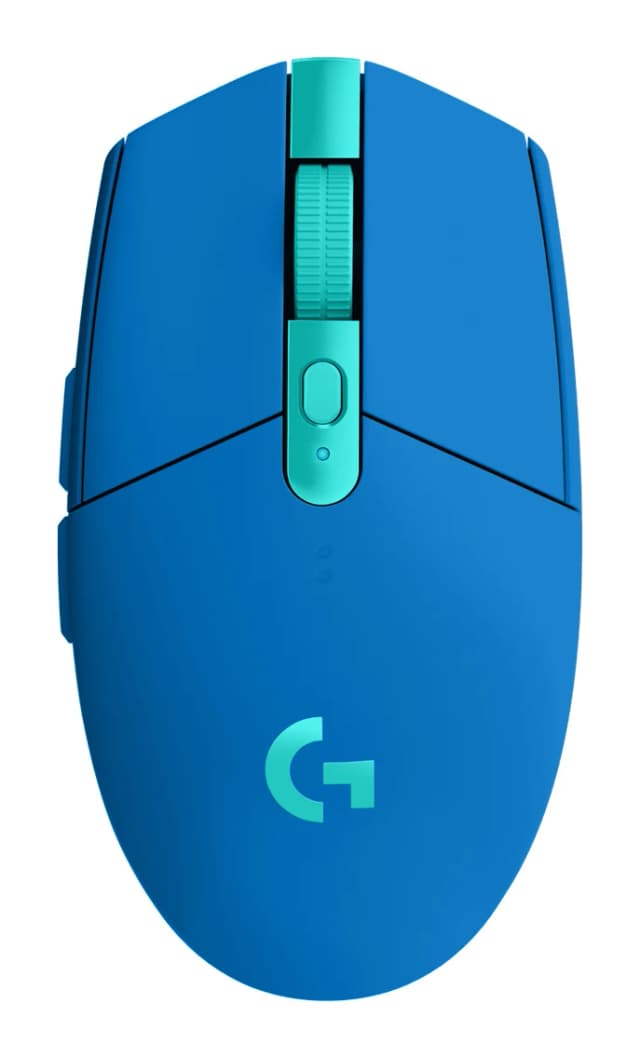
- Best OverallLogitech G305 LIGHTSPEEDWhy we picked it →
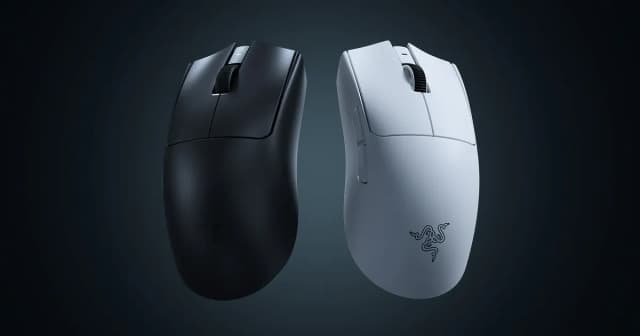
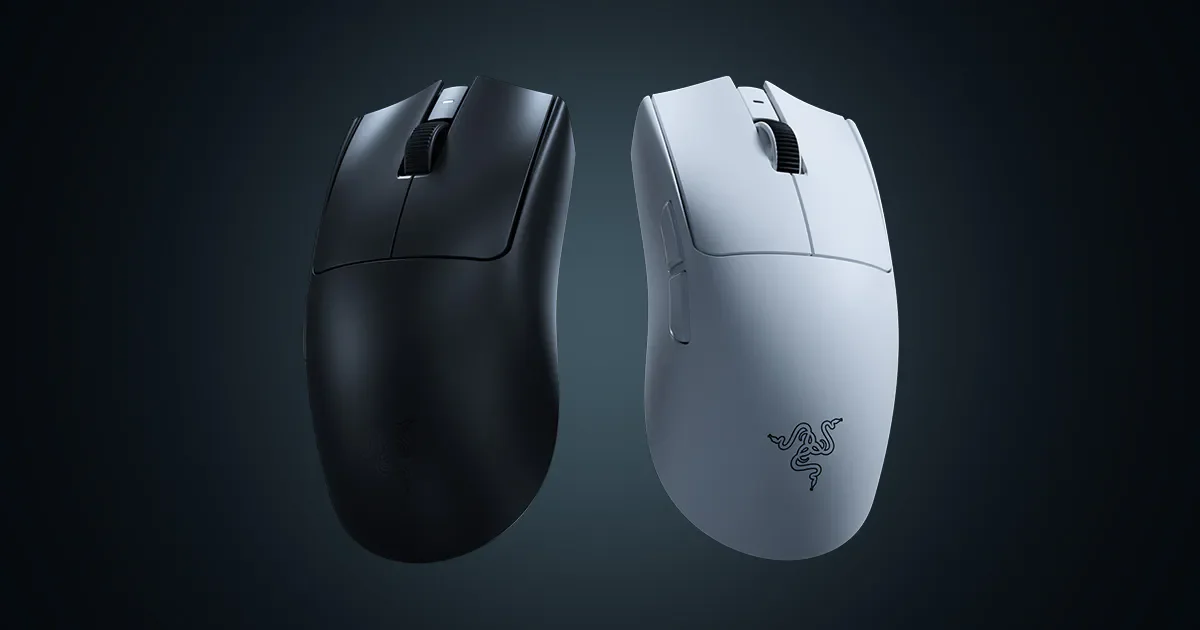
- Best ValueRazer Viper V4 ProWhy we picked it →
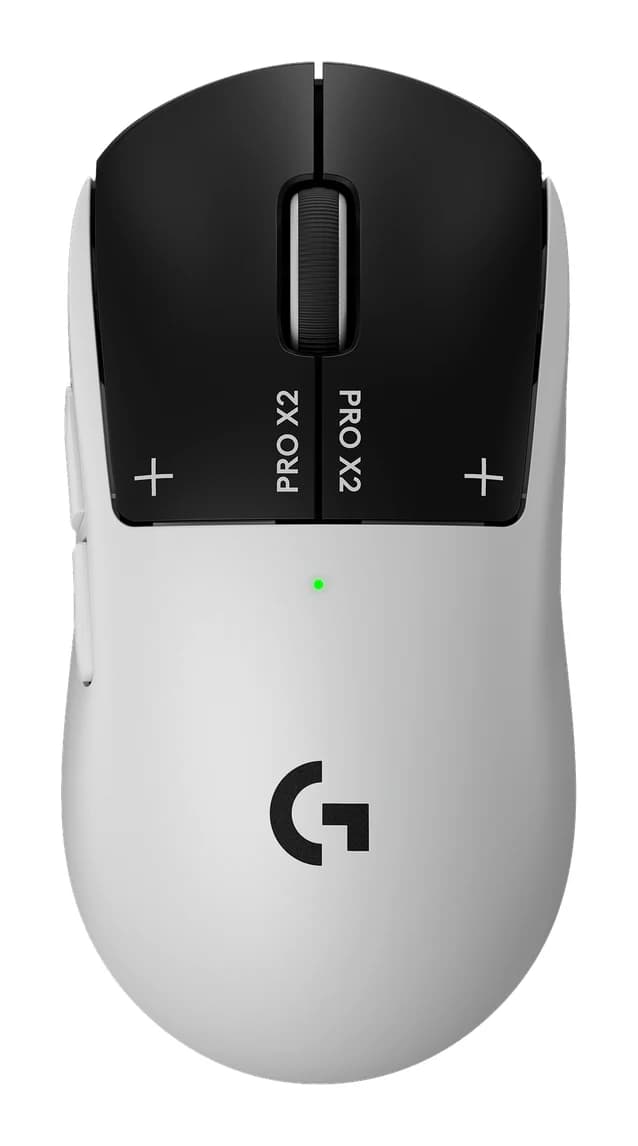
- Premium PickLogitech G PRO X2 SUPERSTRIKEWhy we picked it →
Frequently asked questions
Is the Logitech G PRO X Superlight 2 worth it?
For competitive FPS players who want an ultralight, reliable wireless mouse, reviewers say yes: it averages 9/10 across five expert reviews. It is less compelling if you want extra buttons or RGB, or if you already own the original Superlight, since reviewers call it only a small step up.
Does the Logitech G PRO X Superlight 2 have Bluetooth?
No. It uses LIGHTSPEED 2.4 GHz wireless and has no Bluetooth. It also supports wired use over USB-C, with a 1.9 m USB-C to USB-A cable.
How long does the battery last?
Logitech rates battery life at up to 95 hr, with USB-C charging. The actual figure depends on how you use the mouse, and the published specs do not give a number for each polling rate or setting.
Is the Superlight 2 good for left-handed players?
It is described as right-handed symmetrical, so the shape is even but it is not sold as a left-handed mouse. Left-handed players should check the shape against their grip before buying.
Does the Superlight 2 support wireless charging?
Yes, it is compatible with Logitech's POWERPLAY wireless charging system. It also charges over USB-C.
Can I change DPI without software?
There is no dedicated DPI button, so reviewers note that DPI changes require G HUB. The software is a common criticism, describing it as clunky.
Sources
Specs are taken from the manufacturers' official pages; expert recommendations from the publications below.
- Logitech G PRO X Superlight 2: logitechg.com, mousecompare.com, bhphotovideo.com, mousespecs.org
Related reviews & guides
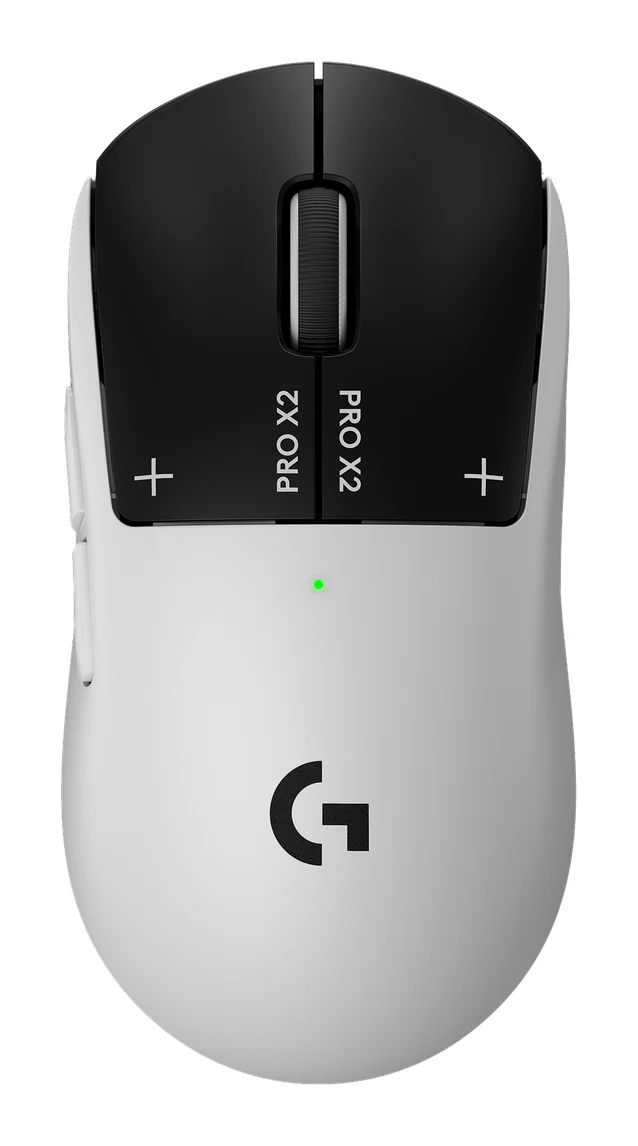
Logitech G PRO X2 SUPERSTRIKE Review (2026): Tunable Clicks
Our Logitech G PRO X2 SUPERSTRIKE review looks at the inductive-click gaming mouse: tunable actuation, haptic feedback, 8000 Hz wireless and who it suits.
Published Oct 25, 2026
Razer DeathAdder V4 Pro Review (2026): Light and Lasting
A look at the Razer DeathAdder V4 Pro: a 56 g right-handed wireless gaming mouse with 8000 Hz polling and up to 150 hours of battery, and who should buy it.
Published Oct 30, 2026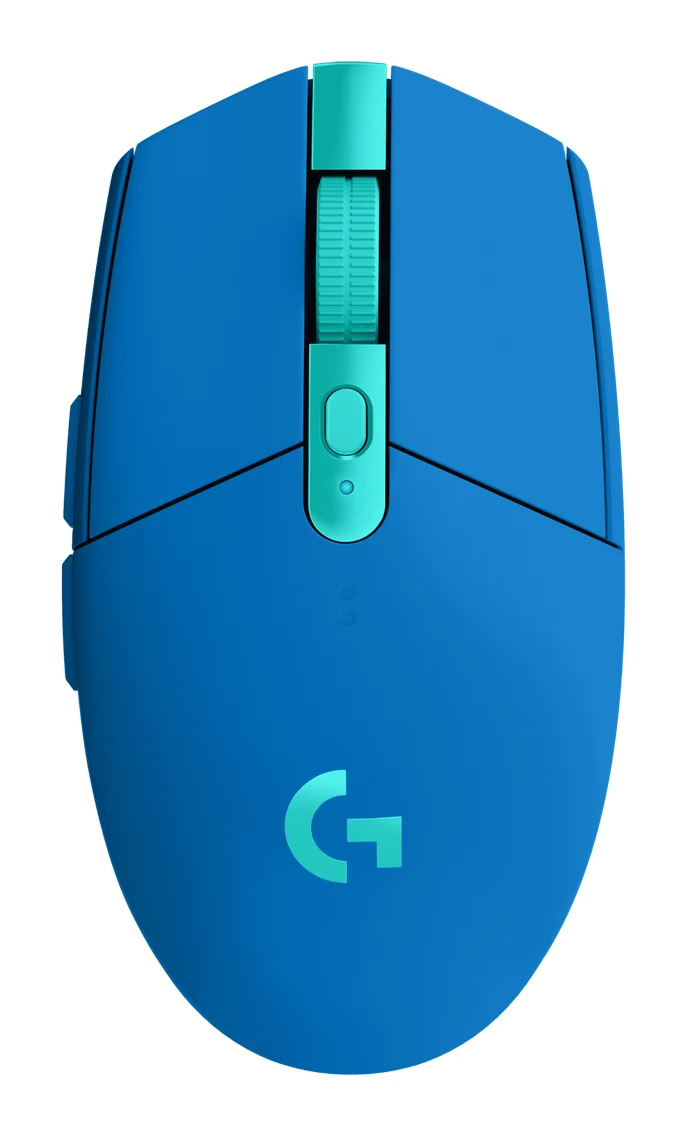
Logitech G305 LIGHTSPEED Review (2026): Long Life on One AA
A Logitech G305 LIGHTSPEED review based on specs and expert reports: a precise HERO sensor, 1 ms wireless and very long AA battery life, held back by weight, shape and no Bluetooth.
Published Oct 22, 2026