Roku Ultra 4850R Review (2026): Fast, but Showing Its Age
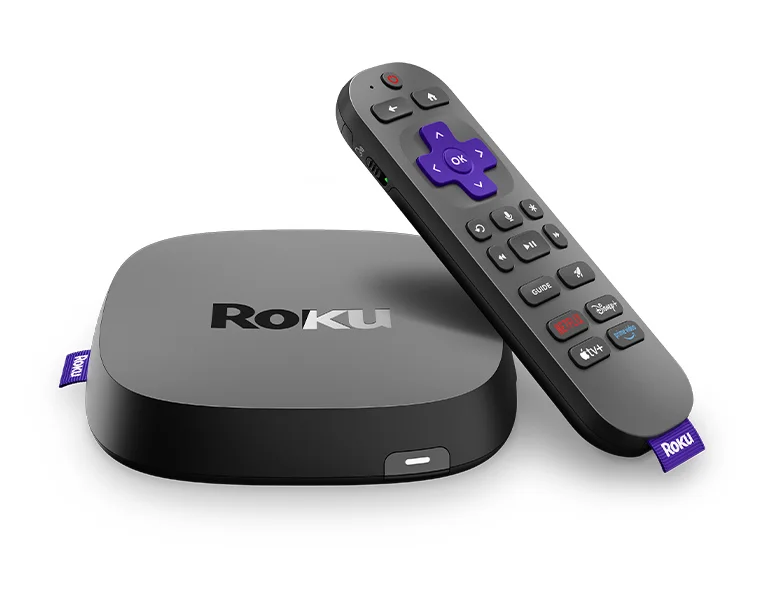
Our Roku Ultra 4850R review looks at Roku's top streaming player: speed, HDR support, the Voice Remote Pro, connectivity and the ads and dated interface experts criticise.
Research-based · We earn from qualifying purchases
Our verdict
The Roku Ultra 4850R suits buyers who want a fast, full-featured 4K streamer with every major HDR format, a great remote and an easy interface. Skip it if you're upgrading from the last Ultra, dislike ads, or want Matter-based smart home control.
The good
- Fast menus and app launches, which Roku says beat its other players
- Supports Dolby Vision, HDR10+ and HLG, plus Dolby Atmos decoding over HDMI
- Rechargeable USB-C Voice Remote Pro with backlit buttons and lost remote finder
- Wi-Fi 6 plus an Ethernet port for a stable connection
- USB port for local media and Bluetooth headphone mode for private listening
+2 more
- Wi-Fi 6 plus an Ethernet port for a stable connection
- USB port for local media and Bluetooth headphone mode for private listening
The bad
- Ethernet is only 10/100, not Gigabit
- Little real-world change from the previous Ultra
- Frequent ads, including a banner on the home screen
- Interface is starting to feel dated
+1 more
- Interface is starting to feel dated
If you want a streaming box that sits at the top of Roku's range, this Roku Ultra 4850R review covers what the player offers and where it falls short. It is a 4K streamer built for people who already like Roku's simple interface and want quick navigation, every major HDR format and a remote with a few extras. It sits in the mid-range part of the market, and expert reviews are broadly positive, with a few consistent complaints.
Roku Ultra 4850R: specs at a glance
From the manufacturer- Size
- 4.9 x 5.0 x 1.0 inches (124.4 x 127.0 x 25.4 mm)
- Audio
- Dolby Atmos decode via HDMI (needs compatible speakers); DTS Digital Surround pass-through
- Model
- 4850R
- Ports
- USB 3.0, HDMI 2.1b, Ethernet, power
- Wi-Fi
- 802.11ax dual-band MIMO Wi-Fi 6 (2.4 GHz / 5 GHz)
- Remote
- Roku Voice Remote Pro (2nd edition), USB-C rechargeable
- Weight
- 5.9 ounces (167.2 g)
- Ethernet
- 10/100 Base-T
- Bluetooth
- Yes (headphone mode and streaming)
- In the box
- Player, Voice Remote Pro, USB-C cable, Premium High Speed HDMI cable, power adaptor
- HDR formats
- Dolby Vision at 60fps, HDR10/10+, HLG
- Power input
- 12V – 1.5A
- Max resolution
- Up to 2160p at 60fps (3840 x 2160)
- Power consumption
- Approx 4.5W when streaming 4K video
Key features
- Roku says it is 30% faster than any other Roku player, so menus and app launches feel quick
- Streams in 4K with Dolby Vision, HDR10+ and HLG, and decodes Dolby Atmos over HDMI
- Voice Remote Pro (2nd edition) is rechargeable over USB-C and has backlit buttons
- Remote has hands-free "Hey Roku" voice control and a lost remote finder
- Wi-Fi 6 and an Ethernet port for a stable connection
- Bluetooth headphone mode lets you listen privately
- USB port plays local media files
- Works with Apple AirPlay and HomeKit, Google Home and Alexa
Design and build
The Ultra 4850R is a compact box measuring 4.9 x 5.0 x 1.0 inches (124.4 x 127.0 x 25.4 mm) and weighing 5.9 ounces (167.2 g). It is small enough to tuck behind or beside a TV, and unlike a stick it has a full set of ports on the back: HDMI 2.1b, Ethernet, USB 3.0 and power. That makes it a better fit for a media cabinet than for hiding behind a screen.
The box includes the player, the Voice Remote Pro, a USB-C cable, a Premium High Speed HDMI cable and a power adaptor. You don't need to buy a cable separately to get started. The power input is 12V – 1.5A, and Roku quotes approximately 4.5W when streaming 4K video, so it is not a power-hungry device to leave plugged in.
Picture and sound
The Ultra streams at up to 2160p at 60fps (3840 x 2160). Its HDR support is a headline strength: Dolby Vision at 60fps, HDR10 and HDR10+, and HLG. Having Dolby Vision, HDR10+ and HLG all supported means you aren't tied to one standard when you buy a TV. Whether you see the benefit depends on your screen, as HDR formats only work if the TV supports them.
For audio, the player decodes Dolby Atmos over HDMI, which needs compatible speakers, and passes through DTS Digital Surround. If you own a soundbar or AV receiver, that covers the common surround formats. If you listen through TV speakers alone, this matters less.
There is also a Bluetooth headphone mode, which lets you listen privately. That is useful in a shared home when someone is sleeping or watching something else. Bluetooth on this player covers both headphone mode and streaming.
Speed and the Roku interface
Roku says the Ultra is 30% faster than any other Roku player, so menus and app launches feel quick. That is the manufacturer's claim, but reviewers also praise the speed of menus and app launches. For a device you use every day to open apps and move through a grid of channels, responsiveness is the quality you notice most.
The interface is the other side of the story. Reviewers describe it as easy to use, but a common criticism is that it is starting to feel dated, and that ads are frequent, including a banner on the home screen. If you like Roku's plain, app-grid approach, this is unlikely to bother you much. If you want a fresh, content-led layout or an ad-free home screen, it is worth knowing before you buy.
The Voice Remote Pro
The remote is one of the player's strengths. The Voice Remote Pro (2nd edition) is rechargeable over USB-C, so there are no batteries to replace, and a USB-C cable is in the box. The buttons are backlit, which helps in a dark room.
It supports hands-free "Hey Roku" voice control, and it has a lost remote finder for when it slips down the sofa. These are practical touches rather than gimmicks, and reviewers praise the remote's rechargeable design, backlit buttons and finder.
Connectivity
The Ultra supports 802.11ax dual-band MIMO Wi-Fi 6 (2.4 GHz / 5 GHz) and also has an Ethernet port. For a device streaming 4K video, a wired option is welcome if your TV is far from the router. One caveat is that the Ethernet port is 10/100 Base-T, not Gigabit. That is a common criticism. Reviewers do criticise it as a limitation, and Wi-Fi 6 is there if you prefer wireless.
The USB port plays local media files, so you can watch content from a drive without going through an app. If you keep a library of your own video files, that is a handy extra.
On the smart home side, the player works with Apple AirPlay and HomeKit, Google Home and Alexa. That means you can send content from an Apple device or control it through the voice assistant you already use. It does not offer Matter-based smart home control, which matters if you are building around that standard.
What experts like and what they criticise
The Ultra averages 7.8/10 across 4 expert reviews. How-To Geek, Android Police and Pocket-lint each score it 8/10, and PCWorld scores it 3.5/5. That is a solid, consistent set of scores, though reviewers do raise reservations: 10/100 Ethernet, frequent ads, a dated interface and little change from the previous Ultra.
What reviewers praise:
- Speed, with menus and app launches that feel quick.
- The full range of HDR formats plus Dolby Atmos decoding over HDMI.
- The rechargeable Voice Remote Pro with backlit buttons and a lost remote finder.
- Wi-Fi 6 and an Ethernet port for a stable connection.
- The USB port for local media and Bluetooth headphone mode.
What they criticise:
- The 10/100 Ethernet port.
- Little real-world change from the previous Ultra.
- Frequent ads, including a banner on the home screen.
- An interface that is starting to feel dated.
The point about the previous Ultra matters. If you already own it, reviewers see little reason to upgrade. This player is aimed at people buying a new streamer or replacing something older.
Who should buy it
The Roku Ultra 4850R suits people who want a fast, full-featured 4K streamer and are happy with Roku's interface. It is a good match if you:
- Have a TV that supports Dolby Vision, HDR10+ or HLG and want a player that handles all of them.
- Own a soundbar or receiver that can use Dolby Atmos.
- Want a rechargeable remote with backlit buttons and voice control.
- Like the option of a wired connection, or want to play local media files from USB.
- Want to listen privately through Bluetooth headphones.
Who should skip it
This is not the best choice for everyone. Think twice if you:
- Already have the last Ultra, since reviewers report little real-world change.
- Dislike ads on the home screen.
- Want Matter-based smart home control.
- Need a Gigabit Ethernet connection.
- Only need basic streaming, in which case a player with fewer features may be enough, since much of what you pay for here is HDR formats, audio decoding and the premium remote.
How it fits in its category
The Ultra is a feature-rich option rather than a minimal one. It offers a full set of ports (HDMI 2.1b, Ethernet, USB 3.0), a Voice Remote Pro and wide format support. In general terms, streaming players at this level compete on speed, HDR and audio support and remote design, and the Ultra is strong on those points. Its weaknesses are the familiar ones: the ads and the aging interface. If you have a recent TV with its own capable smart platform, check whether a separate box adds enough, especially for the remote and the local media support.
Verdict
The Roku Ultra 4850R is a quick, well-equipped 4K streamer, and expert scores reflect that with a 7.8/10 average. It covers every major HDR format, decodes Dolby Atmos over HDMI, offers Wi-Fi 6 and Ethernet, and comes with a rechargeable remote that reviewers praise. Its drawbacks are modest but real: 10/100 Ethernet, frequent ads, a dated interface and little to tempt owners of the previous model. For someone buying a new streamer who likes Roku, it is a sensible choice. For everyone else, weigh those caveats first.
Related buying guides
Not sure about the Roku Ultra 4850R? Consider these
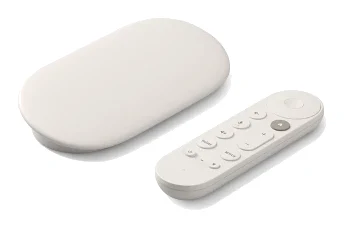
- Best OverallGoogle TV Streamer (4K)Why we picked it →
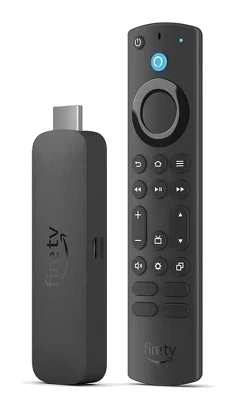
- Best ValueAmazon Fire TV Stick 4K Max (2nd Generation)Why we picked it →
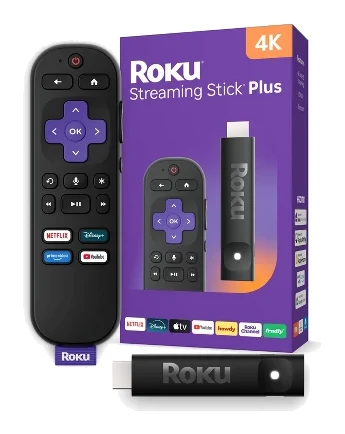
- Best BudgetRoku Streaming Stick PlusWhy we picked it →
Frequently asked questions
Is the Roku Ultra 4850R worth it?
For people who want a fast 4K streamer with Dolby Vision, HDR10+ and HLG, a rechargeable remote and the Roku interface, yes. It averages 7.8/10 across 4 expert reviews. It is less compelling if you already own the previous Ultra, since reviewers report little real-world change.
Does the Roku Ultra 4850R support Dolby Vision and Dolby Atmos?
Yes. It supports Dolby Vision at 60fps, HDR10/10+ and HLG, and it decodes Dolby Atmos over HDMI. You need compatible speakers to hear Atmos.
Does the Roku Ultra 4850R have Ethernet and Wi-Fi 6?
Yes to both. It supports 802.11ax dual-band MIMO Wi-Fi 6 (2.4 GHz / 5 GHz) and has an Ethernet port. The Ethernet port is 10/100 Base-T, not Gigabit.
Does the Roku Ultra 4850R work with Apple AirPlay and Alexa?
Yes. It works with Apple AirPlay and HomeKit, Google Home and Alexa. It does not offer Matter-based smart home control.
Can the Roku Ultra 4850R play files from a USB drive?
Yes. Its USB port plays local media files.
Does the Roku Ultra 4850R show ads?
Yes. A common criticism from reviewers is frequent ads, including a banner on the home screen.
Sources
Specs are taken from the manufacturers' official pages; expert recommendations from the publications below.
- Roku Ultra 4850R: roku.com, bestbuy.com, walmart.com, support.roku.com
Related reviews & guides
Best Streaming Devices 2026: Budget Sticks to Smart Hubs
Five streaming devices compared on picture formats, Wi-Fi, Ethernet, storage and remotes, from a smart home hub to compact budget sticks.
Published Oct 14, 2026Google TV Streamer (4K) Review: Fast, With a Hub Inside
A look at the Google TV Streamer (4K) based on manufacturer specs and expert reviews: fast navigation, Dolby Vision and Atmos, a smart home panel, and the trade-offs.
Published Oct 23, 2026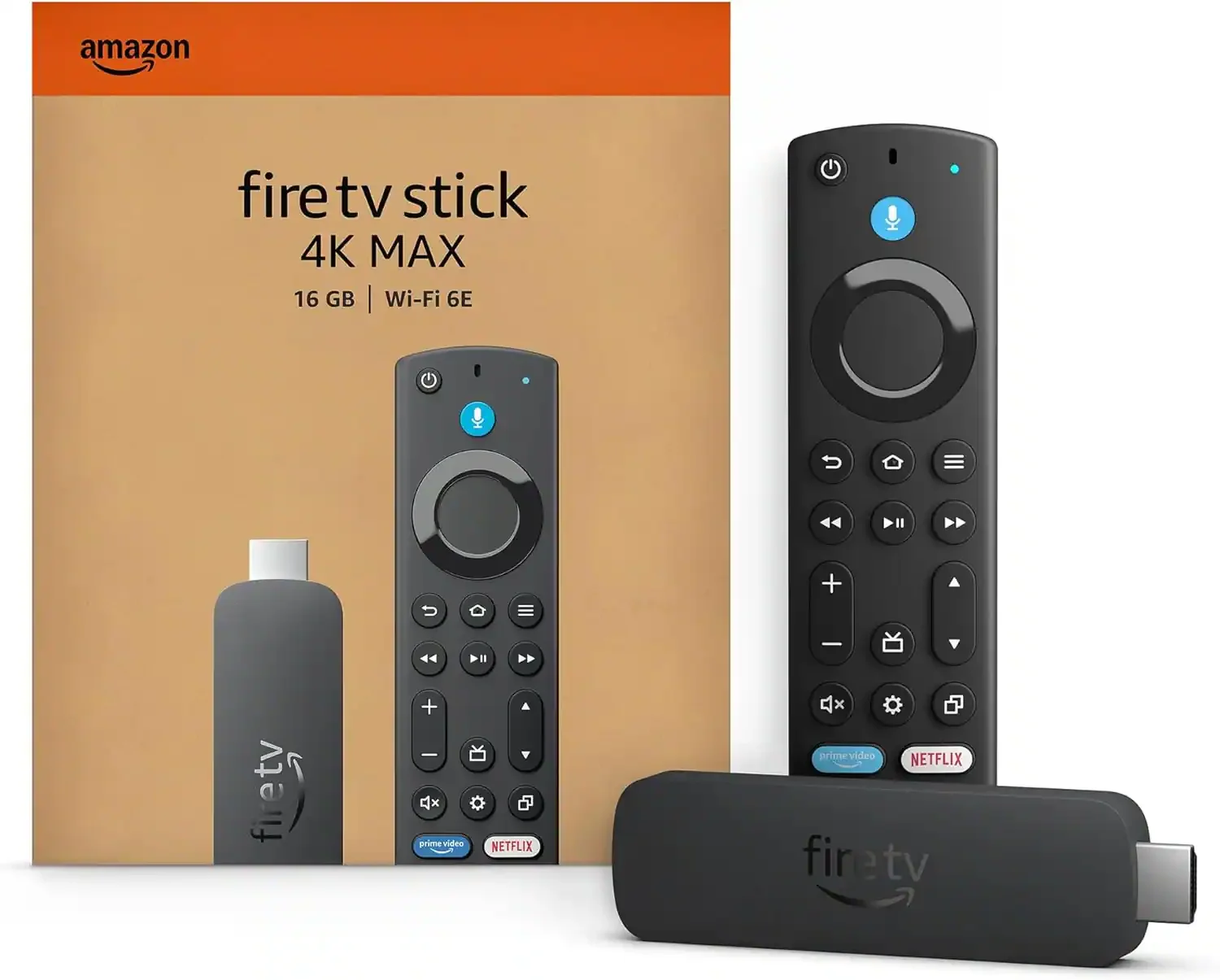
Amazon Fire TV Stick 4K Max (2nd Gen) Review: Who Needs It?
A close look at the Fire TV Stick 4K Max (2nd Gen): quick performance, broad HDR and Atmos support, and the Amazon-heavy interface reviewers criticise.
Published Oct 28, 2026