UGREEN NASync DH2300 Review (2026): A Gentle First NAS
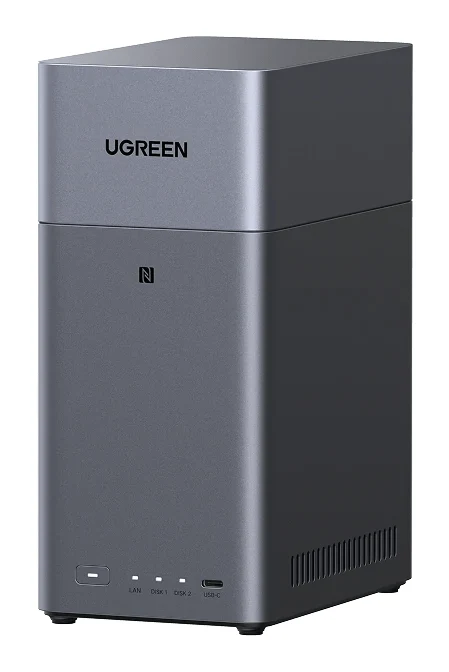
The UGREEN NASync DH2300 is a two-bay NAS aimed at first-time buyers who want simple photo backup and TV streaming. Here is what experts say and where it hits its limits.
Research-based · We earn from qualifying purchases
Our verdict
The DH2300 is an affordable, easy first NAS for backing up files and photos, and for streaming media at home. Power users who want Docker, virtual machines, faster networking or expandability should look at more capable, mature platforms.
The good
- Beginner-friendly setup, including NFC tap-to-connect
- Low power draw: 3.304W in drive hibernation
- AI photo album sorts faces and places, removes duplicates
- 4K 60Hz HDMI output for playing media on a TV
- Supports up to 64TB across two SATA bays
+2 more
- 4K 60Hz HDMI output for playing media on a TV
- Supports up to 64TB across two SATA bays
The bad
- Single 1GbE port caps transfer speeds
- Fixed 4GB RAM, not upgradeable
- No M.2 slots and only two bays
- Plastic build feels cheap, and UGOS has fewer apps than Synology
+1 more
- Plastic build feels cheap, and UGOS has fewer apps than Synology
If you are tired of paying monthly cloud-storage fees and want your photos and files on a box you control, this UGREEN NASync DH2300 review is for you. The DH2300 is a compact two-bay network-attached storage device built for people who have never owned a NAS. It pairs simple setup with an AI-sorted photo album and the ability to play media on a TV. It is not trying to be a home-lab server.
UGREEN NASync DH2300: specs at a glance
From the manufacturer- LAN
- 1x 1GbE
- NPU
- 6 TOPS
- USB
- 1x USB-C (5Gb/s), 2x USB-A (5Gb/s)
- HDMI
- 4K 60Hz
- Memory
- 4GB LPDDR4X, not upgradeable
- Warranty
- 2-Year
- Processor
- Rockchip RK3576 8-core (A72+A53) up to 2.2GHz
- Dimensions
- L151 x W98 x H213.7 mm
- Drive bays
- 2x SATA (2.5"/3.5"), no M.2 slots
- RAID modes
- JBOD / Basic / RAID 0 / RAID 1
- System storage
- 32GB eMMC
- Maximum storage
- 64TB (2x 32TB)
- Operating system
- UGOS
- Power consumption
- 13.72W (drive access), 3.304W (drive hibernation)
Key features
- Two SATA bays with RAID 0/1, JBOD and Basic modes for simple backup
- AI photo album sorts by faces, scenes and places and removes duplicates
- Replaces monthly cloud-storage fees with local storage you control
- 4K 60Hz HDMI output for playing media directly on a TV
- Low power use, rated 13.72W during drive access and 3.304W in hibernation
- Apps for Windows, macOS, iOS, Android, TV and web browser
- 6 TOPS NPU for on-device photo recognition
- Easy setup, including NFC tap-to-connect
What the UGREEN NASync DH2300 is, and who it is for
The DH2300 sits in the mid-range part of the market. It has two SATA drive bays, runs UGREEN's own UGOS operating system, and uses a Rockchip RK3576 8-core processor (A72+A53) running up to 2.2GHz. It targets one job: gathering the photos, videos and documents scattered across phones and laptops into one place at home, then making them easy to find and play back.
That makes it a fit for families, hobby photographers and anyone moving away from a cloud subscription. This review is based on the manufacturer's specifications and on what independent expert reviews report, not on hands-on testing.
Design and build
The DH2300 measures L151 x W98 x H213.7 mm, a small upright footprint that suits a shelf or desk. Two bays take 2.5" or 3.5" SATA drives, so you can reuse a spare drive or buy large, inexpensive hard disks.
A common criticism from reviewers is the plastic build, which they say feels cheap. At this size and market position that is understandable, but it is worth knowing if you expect a premium metal enclosure.
Expansion is limited. There are no M.2 slots and only two bays in total. You choose your capacity at the outset and live with it.
Setup and software
Setup is where the DH2300 earns most of its praise. Reviewers repeatedly highlight how beginner-friendly it is, including NFC tap-to-connect, which makes connecting the NAS simple. For someone who has never opened a router admin page, that matters.
UGOS has apps for Windows, macOS, iOS, Android, TV and web browsers, so you can reach your files from almost any device in the house. The software is the main trade-off. A common criticism is that UGOS has fewer apps than Synology's platform. For backup, photos and streaming that may never matter. If you want a deep app ecosystem, it will.
Features and what they mean day to day
AI photo album
The headline feature is the AI photo album, which sorts pictures by faces, scenes and places and removes duplicates. A 6 TOPS NPU handles the recognition on the device itself, so your library is analysed on the NAS rather than on someone else's servers. For anyone with years of phone photos and several overlapping backups, duplicate removal and automatic sorting save a lot of manual tidying. Reviewers praise this part of the package.
Replacing cloud subscriptions
UGREEN positions the DH2300 as a replacement for monthly cloud-storage fees, with local storage you control. The trade-off is that you become responsible for your own data. A NAS is not a backup by itself, so think about an off-site or second copy of anything irreplaceable.
RAID and drive modes
With two bays, the DH2300 offers JBOD, Basic, RAID 0 and RAID 1 modes. For most home users, RAID 1 is the one to look at. It mirrors your data across both drives so that one can fail without losing files. RAID 0 combines the drives for capacity and speed but gives no protection. JBOD and Basic are simpler ways of using the drives independently. UGREEN describes these modes as suited to simple backup.
Maximum storage is 64TB, made up of 2x 32TB drives. Few home users will fill that, so capacity is unlikely to be the constraint.
Streaming to a TV
The 4K 60Hz HDMI output lets you plug the NAS directly into a television and play media from it. Reviewers praise the 4K 60Hz HDMI output for playing media on a TV. The NAS also has apps for TV, so you can reach your library that way too.
Performance, networking and power
The spec sheet is clear about where the DH2300 aims. It has 4GB of LPDDR4X memory, which is not upgradeable, and 32GB of eMMC for system storage. The memory is fixed, so it cannot be expanded later. If you later want to run heavier workloads, you cannot add memory.
A common criticism is the single 1GbE port. There is a single 1GbE LAN port, which caps transfer speeds. For everyday backup and streaming that is usually adequate. If you regularly move very large files or want faster-than-gigabit speeds, it will be the bottleneck.
For connecting other devices, there is one USB-C port and two USB-A ports, all rated at 5Gb/s. That helps with plugging in an external drive for importing or backing up.
Power draw is a strength. UGREEN rates it at 13.72W during drive access and 3.304W during drive hibernation. A NAS that runs around the clock benefits from that, and reviewers specifically praise the low hibernation draw.
What experts like and what they criticise
The DH2300 averages 8.2/10 across 5 expert reviews. TechRadar scores it 4.5/5, TweakTown 81/100, Digital Camera World 4/5, Cult of Mac 4/5 and Mighty Gadget 80/100. That is a consistently positive spread, but not a rave. It reads as a solid recommendation with stated limits.
Reviewers praise:
- The easy setup, including NFC tap-to-connect.
- The low power use when the drives hibernate.
- The AI photo album's sorting by faces and places, and its duplicate removal.
- The 4K 60Hz HDMI output for playing media on a TV.
- The 64TB maximum across two SATA bays.
A common criticism is:
- The single 1GbE port, which caps transfer speeds.
- The fixed 4GB of RAM.
- The lack of M.2 slots and the limit of two bays.
- The plastic build, and the smaller UGOS app selection compared with Synology.
None of these is a surprise for a mid-range, beginner-focused NAS. They matter mainly if you expect it to grow into something larger.
Who should buy it
The DH2300 suits first-time NAS buyers who want simple photo backup and home streaming. It is a good match if you:
- Want to stop paying for cloud storage and keep your photos at home.
- Have a large, messy photo library that would benefit from automatic sorting and duplicate removal.
- Want to play videos and photos on a TV straight from the NAS.
- Care about a device that sips power while it runs all day.
- Prefer a setup process that does not require networking knowledge.
Who should skip it
Skip it if you want to go beyond storage. Power users who want Docker, virtual machines, faster networking or room to expand should look at more capable, mature platforms. The fixed RAM, single gigabit port, two bays and absence of M.2 slots all point the same way. You cannot upgrade your way out of them later.
It is also worth skipping if you expect a large catalogue of third-party apps or a premium-feeling enclosure.
How it fits among home NAS options
In general terms, entry-level NAS devices trade raw capability for ease of use, and the DH2300 follows that pattern. It leans on simplicity, local AI photo handling and low running power rather than expandability or speed. Power users who want Docker, virtual machines, faster networking or expandability should look at more capable, mature platforms. Decide first what you will actually do with the NAS. If the answer is backup, photos and streaming, the DH2300's limits matter far less.
Verdict
The UGREEN NASync DH2300 is a sensible way into home storage. Its strengths line up with what a first-time buyer needs: easy setup, a useful AI photo album, TV output and low power draw. Its weaknesses, namely gigabit-only networking, fixed memory, two bays and a thinner app library, mostly affect people who want more than the basics. Buy it for simple backup and streaming, and look elsewhere if you already know you will outgrow it.
Related buying guides
Not sure about the UGREEN NASync DH2300? Consider these
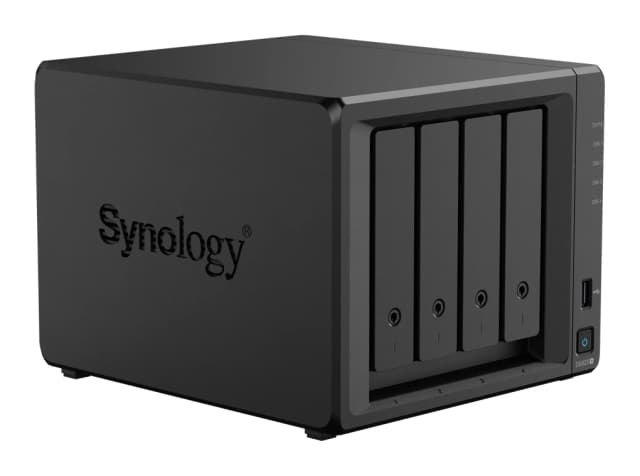
- Best OverallSynology DiskStation DS925+Why we picked it →
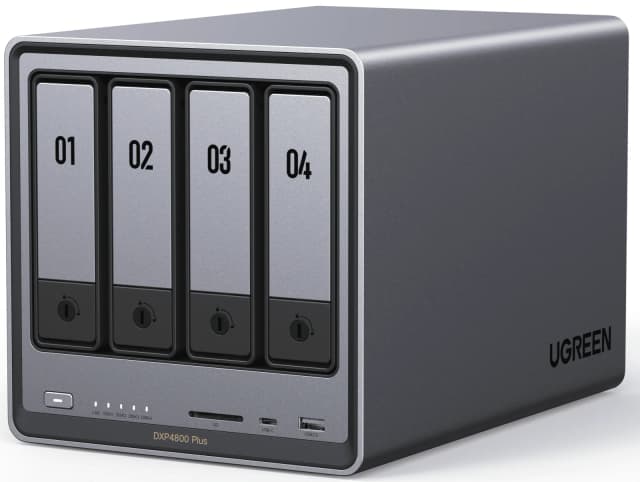
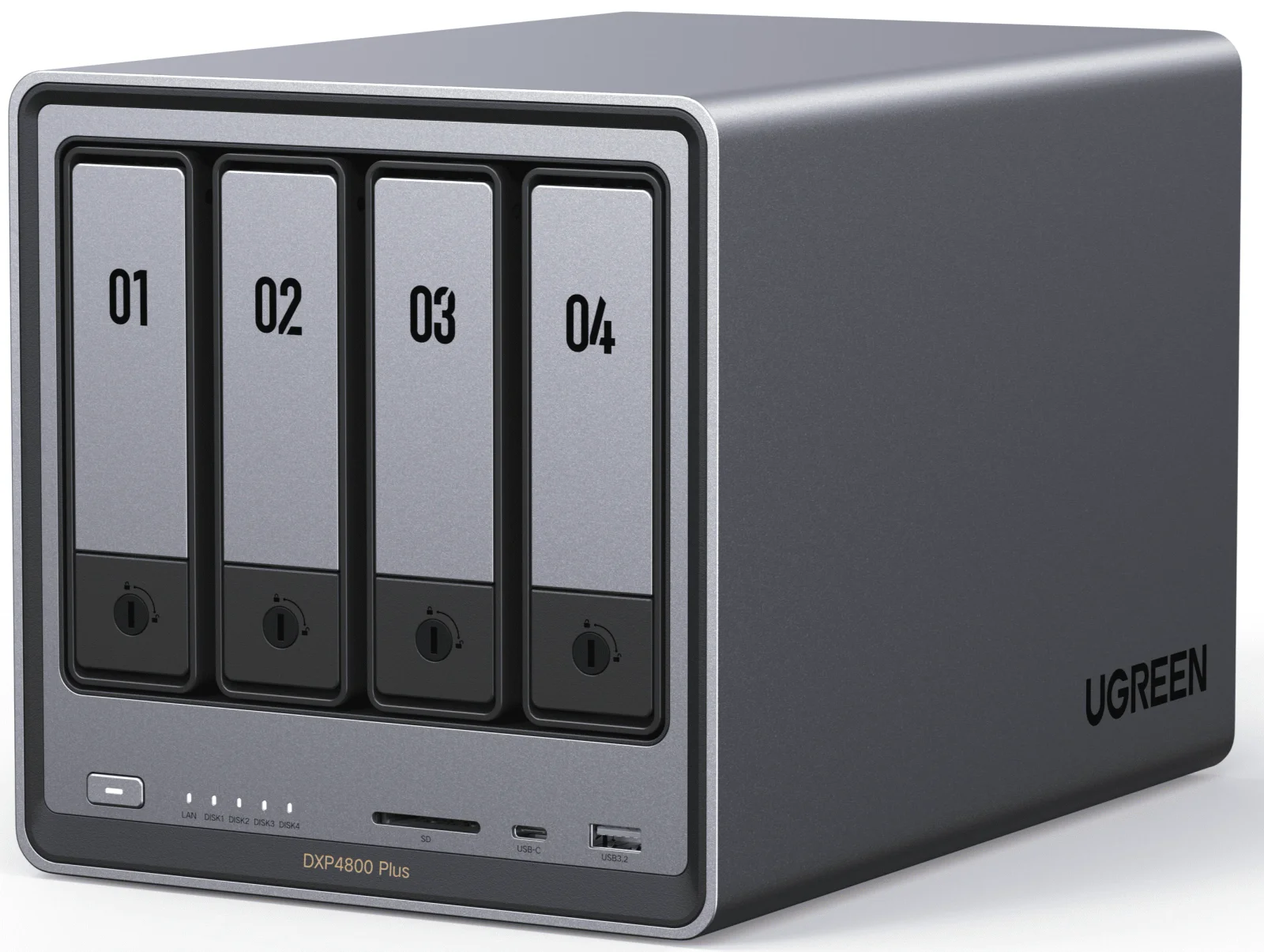
- Also GreatUGREEN NASync DXP4800 PlusWhy we picked it →
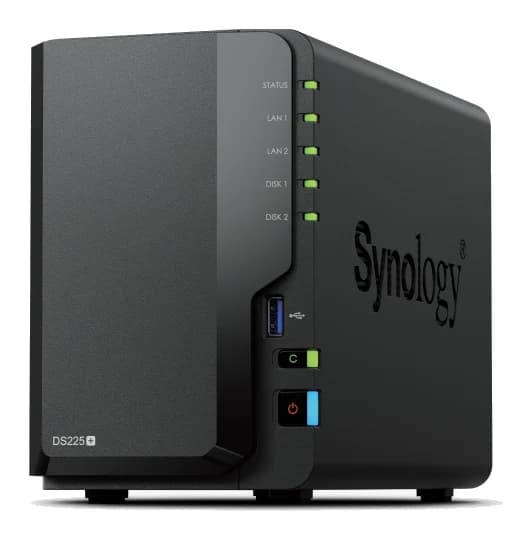
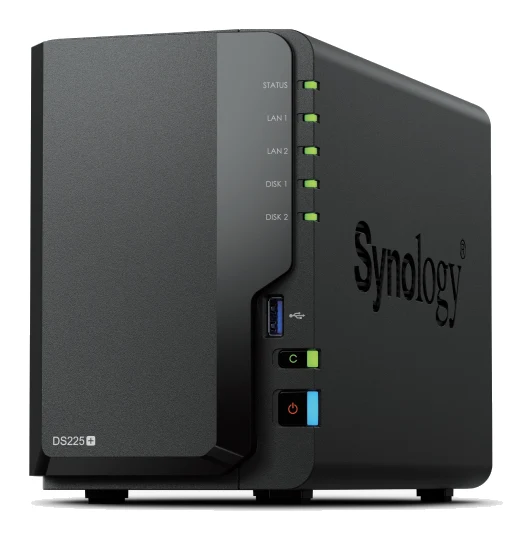
- Best BudgetSynology DiskStation DS225+Why we picked it →
Frequently asked questions
Is the UGREEN NASync DH2300 worth it?
For first-time NAS buyers who want photo backup and home streaming, experts think so. It averages 8.2/10 across 5 expert reviews. It is less compelling for power users who want faster networking, more memory or more drive bays.
Does the UGREEN NASync DH2300 support RAID?
Yes. It offers JBOD, Basic, RAID 0 and RAID 1 modes across its two SATA bays. RAID 1 mirrors data across both drives, which is the usual choice for protecting against a single drive failure.
How much storage can the DH2300 hold?
It supports up to 64TB, made up of 2x 32TB drives, across its two SATA bays. The bays take 2.5" or 3.5" drives. There are no M.2 slots.
Can I connect the DH2300 directly to a TV?
Yes. It has a 4K 60Hz HDMI output for playing media straight on a TV. There is also a TV app, alongside apps for Windows, macOS, iOS, Android and web browsers.
Can I upgrade the RAM on the UGREEN NASync DH2300?
No. It has 4GB of LPDDR4X memory that is not upgradeable. It also has a single 1GbE port and no M.2 slots, so the hardware is effectively fixed.
Is the DH2300 expensive to run?
UGREEN rates power use at 13.72W during drive access and 3.304W in drive hibernation. Reviewers praise the low hibernation draw, which helps for a device that stays on all day.
Sources
Specs are taken from the manufacturers' official pages; expert recommendations from the publications below.
- UGREEN NASync DH2300: ai.ugreen.com, techradar.com, tweaktown.com, appleinsider.com
Related reviews & guides
Best NAS Devices for Home 2026: Backup, Media & Growth
Five home NAS picks from Synology and UGREEN, compared on bays, networking, memory, noise and who each one suits, from first-time backup to 10GbE media servers.
Published Oct 25, 2026
Samsung Portable SSD T9 Review (2026): Fast, Port-Picky
A look at the Samsung Portable SSD T9 based on Samsung's specs and independent expert reviews: 20Gbps speeds, a drop-rated body, encryption and one big catch.
Published Oct 19, 2026
Best External SSDs of 2026: USB4, Rugged & Encrypted Picks
We compared five external SSDs to find the best of 2026. See how Corsair, Samsung, WD and SanDisk stack up on speed, durability, encryption and warranty.
Published Oct 8, 2026