Alienware 16X Aurora Review (2026): Restrained Power
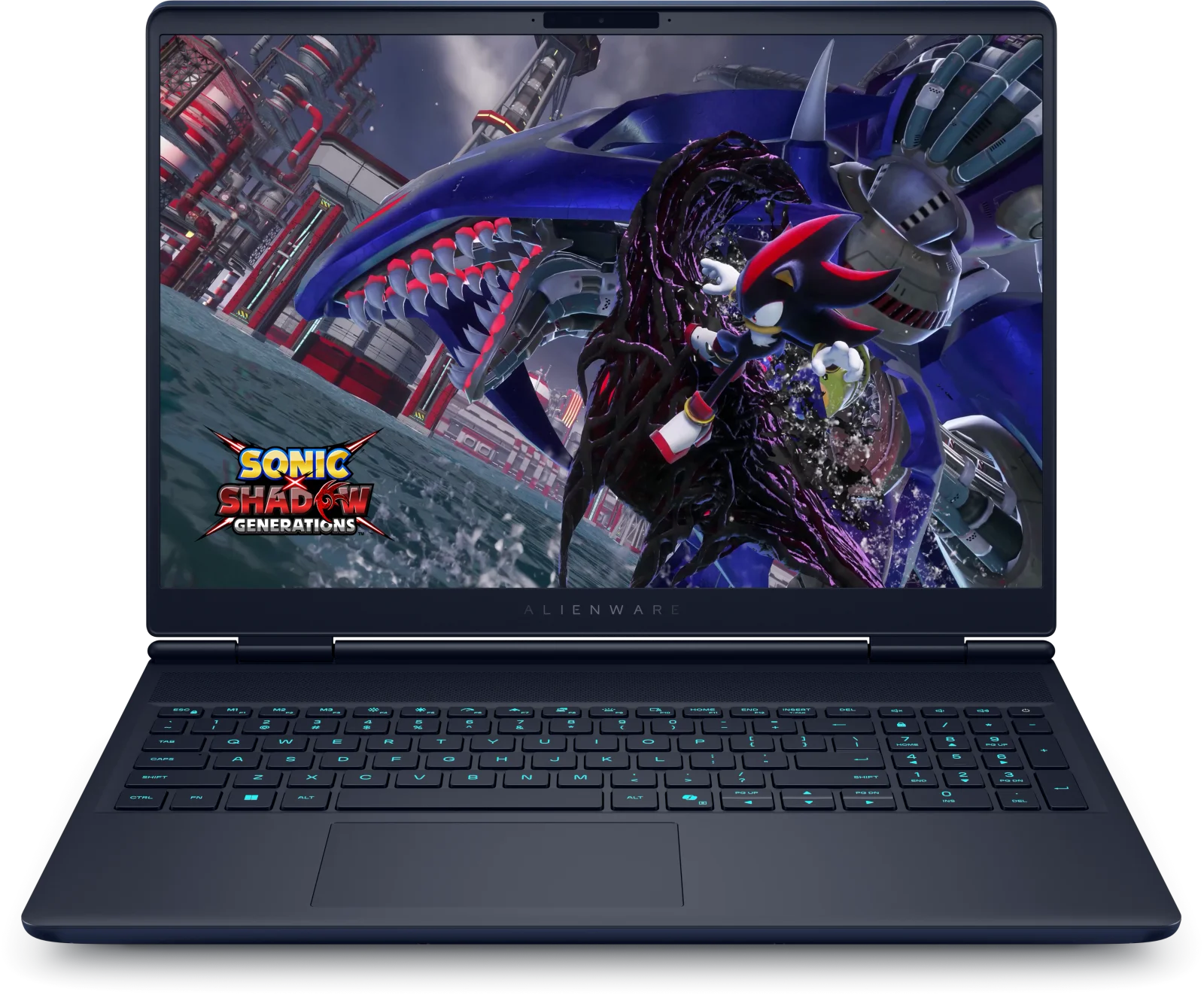
Our Alienware 16X Aurora review looks at a 16-inch gaming laptop with a 240Hz display, upgradeable memory and storage and an understated look, plus its battery and weight trade-offs.
Research-based · We earn from qualifying purchases
Our verdict
The Alienware 16X Aurora is a good fit for gamers who want a bright, fast 240Hz display, strong performance and upgradeable memory and storage in a restrained design, especially at the lower configurations. Skip it if you need a portable machine with long battery life or top-tier speakers, or if you plan to buy the priciest configurations.
The good
- 240Hz 16-inch WQXGA G-SYNC display is bright, smooth and colour-rich
- Strong gaming and CPU performance, backed by good thermal management
- Solid aluminium build with a restrained, understated look
- Wide port selection: Thunderbolt 4, HDMI 2.1, Ethernet and Wi-Fi 7
- Memory and storage can be upgraded later
+2 more
- Wide port selection: Thunderbolt 4, HDMI 2.1, Ethernet and Wi-Fi 7
- Memory and storage can be upgraded later
The bad
- Battery life is mediocre despite the 96Whr battery
- Heavy at over 5.6 lb, with a large power brick
- Basic single-zone keyboard, average trackpad and weak speakers
- Higher configurations get expensive
+1 more
- Higher configurations get expensive
This Alienware 16X Aurora review is about a gaming laptop that drops much of the usual gamer styling. It pairs a 16-inch WQXGA display and current NVIDIA graphics with an understated aluminium chassis. It is aimed at people who want serious gaming and CPU performance at a desk, in a machine that doesn't look like a gaming rig. It sits in the mid-range part of the market, though the higher configurations climb quickly.
This review is based on the manufacturer's specifications and on what independent expert reviews report. It is not hands-on testing.
Alienware 16X Aurora: specs at a glance
From the manufacturer- Audio
- Stereo speakers, 2 W x 2 = 4 W total
- Ports
- 2 USB 3.2 Gen 1 (5 Gbps), 1 USB 3.2 Gen 2 (10 Gbps) Type-C with Power Delivery, 1 Thunderbolt 4 (40 Gbps) with DisplayPort 2.1, 1 HDMI 2.1, 1 RJ45 ethernet (1 Gbps), 1 universal audio jack
- Camera
- 1080p at 30 fps, FHD RGB-IR HDR camera, dual-array microphones
- Memory
- 16 GB: 2 x 8 GB, DDR5, up to 5600 MT/s (32 GB also offered)
- Weight
- Starting weight 5.66 lb (2.57 kg); maximum weight 5.76 lb (2.61 kg)
- Battery
- 6 cell, 96Whr, Express Charge Capable battery
- Display
- 16" Non Touch WQXGA (2560x1600)
- Storage
- 512GB M.2 2230 SSD Gen4x4 (base spec shown)
- Graphics
- NVIDIA GeForce RTX 5060 8 GB GDDR7 (RTX 5070 and RTX 5070 Ti also offered)
- Keyboard
- 1-Zone AlienFX RGB backlit keyboard
- Wireless
- MediaTek Wi-Fi 7 MT7925, 2x2, 802.11be, MU-MIMO, Bluetooth
- Processor
- Intel Core Ultra 7 270HX Plus (20-core, 2.4GHz to 5.3GHz) up to Core Ultra 9 290HX Plus (24-core, 2.7GHz to 5.5GHz)
- Dimensions
- Height (rear) 0.92 in. (23.40 mm), height (front) 0.76 in. (19.20 mm), depth 10.45 in. (265.43 mm), width 14.05 in. (356.98 mm)
Key features
- Up to Intel Core Ultra 9 290HX Plus processor for fast gaming and productivity
- NVIDIA GeForce RTX 5060, 5070 or 5070 Ti graphics with 8 GB GDDR7 (RTX 5060 and 5070)
- 16-inch WQXGA (2560x1600) display with a 240Hz refresh rate and NVIDIA G-SYNC
- Wi-Fi 7 and a full port set: Thunderbolt 4, HDMI 2.1 and Gigabit Ethernet
- 96Whr battery with Express Charge support
- 1080p camera with an IR sensor for Windows Hello
- Memory and storage can be upgraded later
- Understated aluminium chassis in Interstellar Indigo with a 1-zone RGB keyboard
Alienware 16X Aurora review: what you are buying
The 16X Aurora is sold in several configurations. The processor ranges from the Intel Core Ultra 7 270HX Plus (20-core, 2.4GHz to 5.3GHz) up to the Core Ultra 9 290HX Plus (24-core, 2.7GHz to 5.5GHz). Graphics options are the NVIDIA GeForce RTX 5060, RTX 5070 and RTX 5070 Ti. The RTX 5060 and 5070 versions have 8 GB of GDDR7.
The base specification shown has 16 GB of DDR5 memory (2 x 8 GB, up to 5600 MT/s) and a 512GB M.2 2230 Gen4x4 SSD. A 32 GB memory option is also offered. Check the exact configuration before you buy, because the spec you land on shapes both the performance and the value.
Expert reviews rate it well but not unanimously. It averages 7.8/10 across 4 expert reviews. PCWorld scores it 4.5/5, Tom's Guide and TechRadar each give it 4/5, and Stuff gives it 3/5. That spread fits the profile: the strengths are clear, and so are the compromises.
Design and build
Alienware has gone for a quiet look here. The chassis is aluminium, finished in Interstellar Indigo, and reviewers praise it as solid and restrained. If you want a gaming laptop you can take into an office or a shared space without it looking like a light show, that matters.
The dimensions are 14.05 in. wide and 10.45 in. deep. The body is 0.76 in. high at the front and 0.92 in. at the rear. The starting weight is 5.66 lb (2.57 kg), rising to a maximum of 5.76 lb (2.61 kg). That is a substantial machine. Reviewers call it heavy at over 5.6 lb and note the large power brick, so this is a laptop you move between rooms rather than carry all day.
The keyboard is a 1-zone AlienFX RGB backlit design. The lighting is simple, with a single zone rather than per-key effects. Reviewers describe the keyboard as basic and the trackpad as average. Those are criticisms worth weighing, particularly if you type a lot.
Display: the headline feature
The screen is a 16-inch non-touch WQXGA (2560x1600) panel with a 240Hz refresh rate and NVIDIA G-SYNC. Reviewers consistently single it out. They describe it as bright, smooth and colour-rich.
The 2560x1600 resolution gives you more vertical space than a standard 16:9 panel of similar width, which helps with documents, browsing and editing timelines. The 240Hz refresh rate is aimed at fast games, and G-SYNC helps keep motion smooth when the frame rate varies. The graphics options are what drive those frame rates, so a configuration with the RTX 5070 or RTX 5070 Ti is the natural match for a panel this quick.
Performance and thermals
Reviewers describe strong gaming and CPU performance, backed by good thermal management. That matters because sustained performance depends on how well the cooling copes. The 24-core Core Ultra 9 290HX Plus at the top of the range is aimed at gaming and productivity, while the Core Ultra 7 270HX Plus is the entry point.
The graphics tiers are the main lever. The RTX 5060 and RTX 5070 versions come with 8 GB of GDDR7, and the RTX 5070 Ti sits above them. If you play at the screen's native 2560x1600 resolution, the step up the graphics ladder is the part of the configuration worth thinking about most.
Upgradeability
Memory and storage can be upgraded later, and reviewers count that as a genuine plus in a gaming laptop. The base 16 GB and 512GB are a sensible starting point, but they are the sort of specs gamers outgrow. Being able to add capacity yourself later makes the lower configurations more attractive. Buying a cheaper configuration and expanding it is a reasonable approach. The verdict from the analysis also points to the lower configurations as the best fit.
Connectivity and ports
The port selection is generous, and reviewers praise it. You get:
- 2 USB 3.2 Gen 1 (5 Gbps) ports
- 1 USB 3.2 Gen 2 (10 Gbps) Type-C port with Power Delivery
- 1 Thunderbolt 4 (40 Gbps) port with DisplayPort 2.1
- 1 HDMI 2.1 port
- 1 RJ45 Gigabit Ethernet port
- 1 universal audio jack
Wireless is handled by MediaTek Wi-Fi 7 (MT7925, 2x2, 802.11be, MU-MIMO) with Bluetooth. For a desk setup, the combination of wired Ethernet, HDMI 2.1 and Thunderbolt 4 is useful. You can connect a monitor, a fast external drive and a wired network without reaching for a dock.
Battery life
The battery is a 6 cell, 96Whr unit with Express Charge support. On paper that is a large battery. Reviewers nevertheless report mediocre battery life, a common criticism of the laptop. Treat this as a machine that wants to be near a socket, especially when gaming. Express Charge support helps top it up faster when you do plug in, but it does not change the basic picture. The heavy chassis and large power brick reinforce that.
Camera and audio
The 1080p camera records at 30 fps and has an IR sensor for Windows Hello face sign-in, with dual-array microphones. That covers video calls and quick, password-free logins.
The speakers are the weak spot. The stereo system is rated at 2 W x 2 = 4 W total, and reviewers call the speakers weak. Plan on headphones or external speakers for games and media. The universal audio jack makes that easy.
What experts like and what they criticise
The praise is consistent. Reviewers like the 240Hz WQXGA G-SYNC display, the gaming and CPU performance with its thermal management, the solid and restrained aluminium build, the wide port selection with Wi-Fi 7, and the ability to upgrade memory and storage later.
The criticisms are just as consistent:
- Battery life is mediocre despite the 96Whr battery.
- The laptop is heavy, with a large power brick.
- The keyboard is basic, the trackpad average and the speakers weak.
- The higher configurations get expensive.
None of these is a deal-breaker for a desk-based gamer. For anyone expecting a portable, all-day laptop, they are significant.
Who should buy it, and who should skip it
Buy it if you want a gaming laptop that mostly lives on a desk and you value a fast, bright display, strong performance and a design that doesn't shout. It also suits buyers who like the idea of adding memory or storage later. The port selection suits a wired desktop-style setup.
Skip it if you need a light laptop that lasts through a day away from a charger, or if you care about good built-in speakers and a standout keyboard and trackpad. Also be cautious about the priciest configurations. Reviewers note that higher configurations get expensive, and our analysis points to the lower configurations as the best fit.
How it fits in its category
The 16X Aurora has an understated aluminium design with a single-zone RGB keyboard. What it puts in is a high-refresh 16-inch display, current graphics options and a broad port set. The trade-offs are weight, mediocre battery life and basic everyday hardware such as the keyboard, trackpad and speakers. The configuration range matters: it can look like good value at lower tiers and much less so at the top.
Verdict
The Alienware 16X Aurora is a capable, understated gaming laptop with a standout display and strong performance. Its battery, weight and basic keyboard, trackpad and speakers keep it from being an all-rounder. With a score of 7.8/10 across 4 expert reviews, it is a good choice for desk-based gamers who prioritise screen and speed over portability, and worth considering at the lower configurations.
Related buying guides
- Lenovo Legion Pro 7i Gen 10 Review (2026): RTX 5080 Power
- MSI Katana 15 HX B14W Review (2026): Upgradeable Value
- Best Handheld Gaming PCs 2026: Power, Screens & Battery
- Best Gaming Monitor 2026: OLED and Mini LED Picks Compared
- Best Gaming Headset 2026: Comfort, Battery & Low Latency
- Best Gaming Chairs 2026: Comfort for Long Sessions
- Best Gaming Consoles 2026: TV, Handheld and Hybrid Play
Not sure about the Alienware 16X Aurora? Consider these
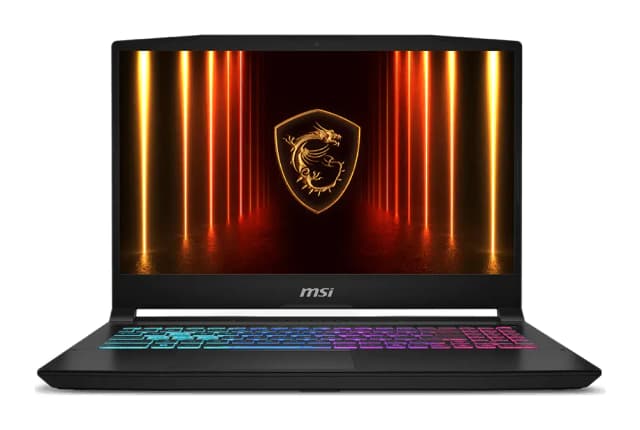
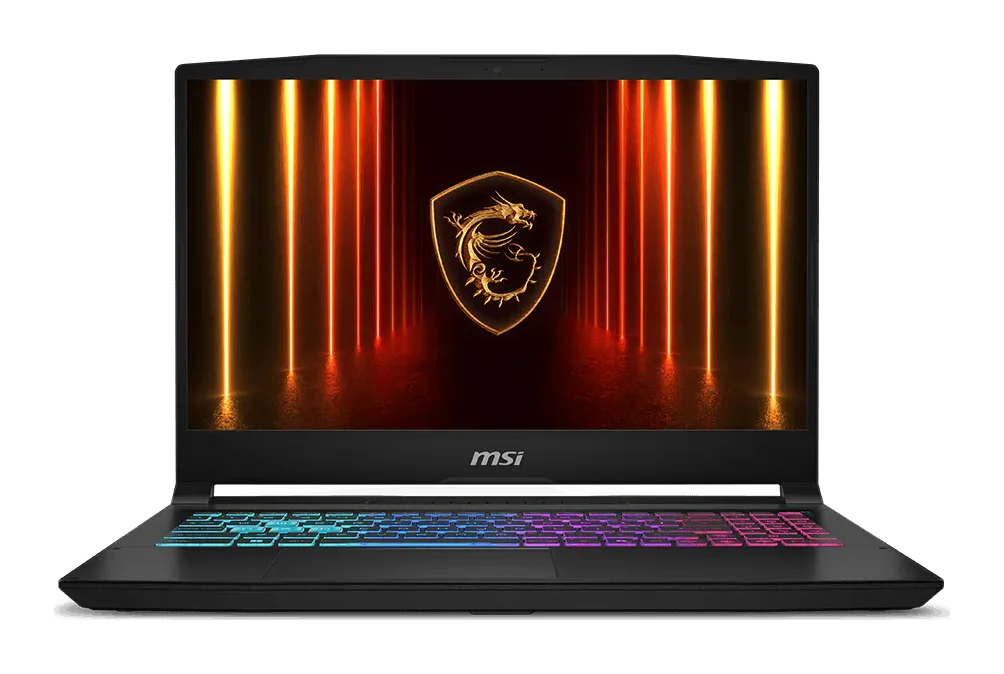
- Best OverallMSI Katana 15 HXWhy we picked it →
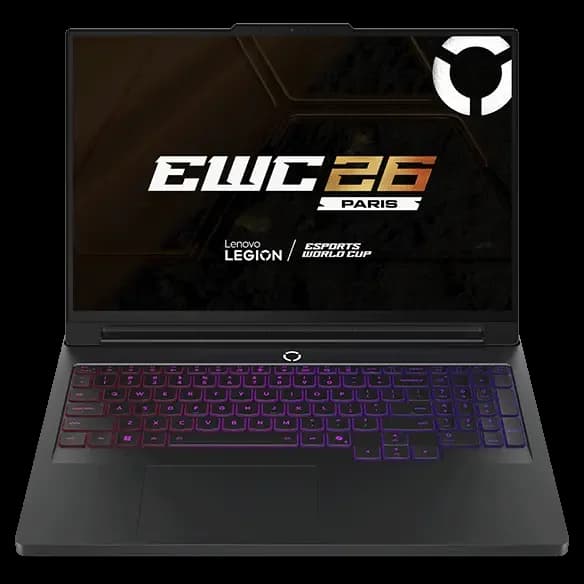
- Also GreatLenovo Legion Pro 7i (Gen 10) 16-inchWhy we picked it →
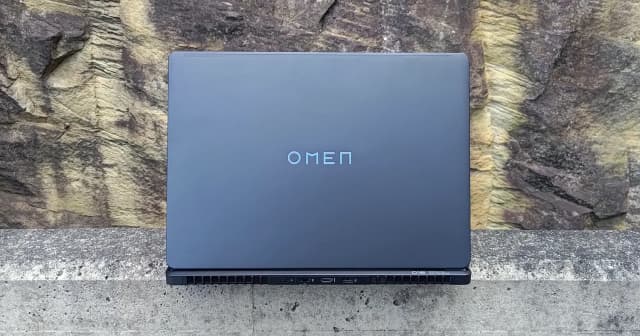
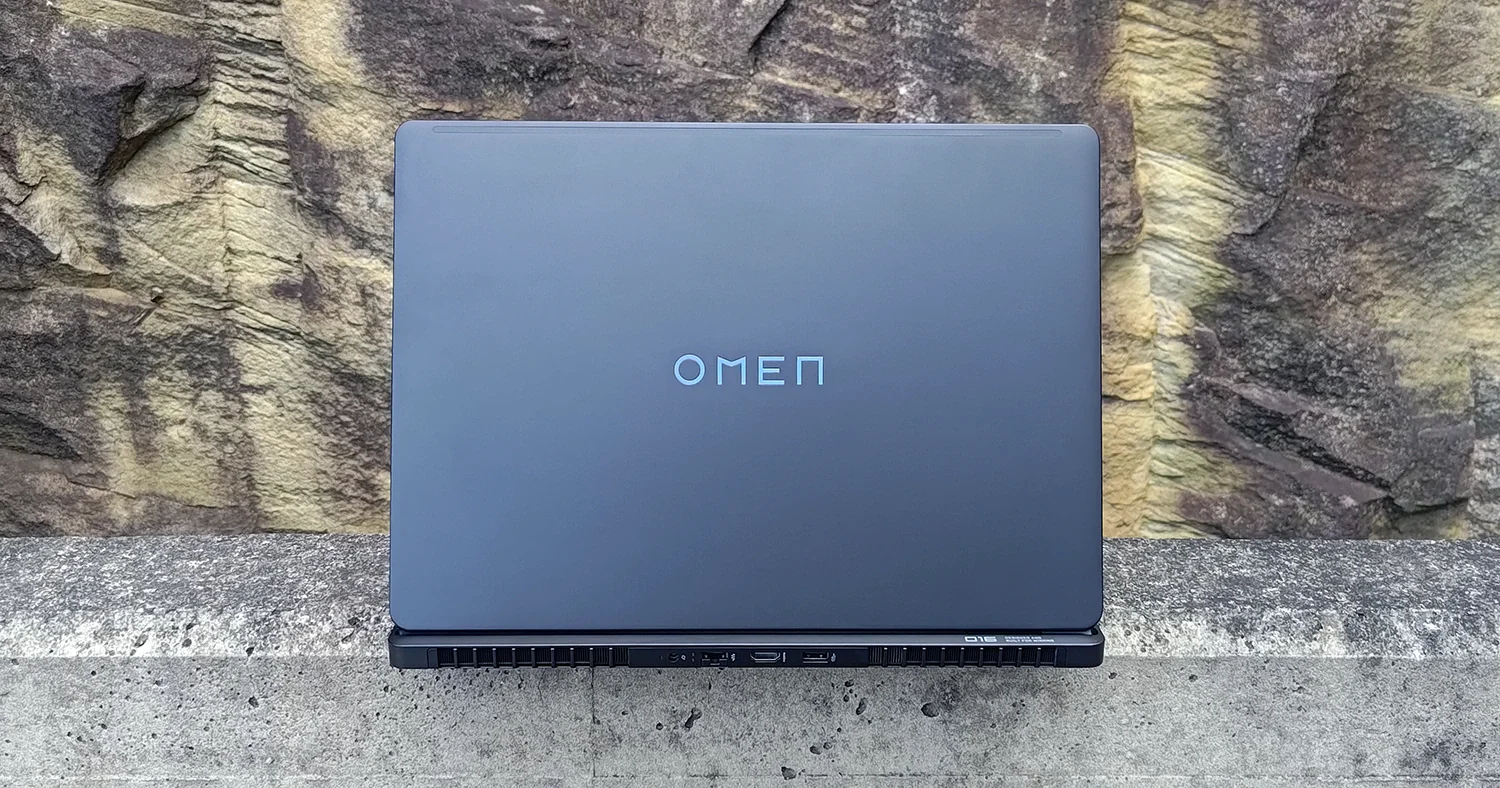
- Best BudgetHP Omen Max 16 (2025)Why we picked it →
Frequently asked questions
Is the Alienware 16X Aurora worth it?
It is worth considering if you want a gaming laptop with a fast 240Hz display, strong performance, upgradeable memory and storage and an understated look. It averages 7.8/10 across 4 expert reviews. Reviewers note that the higher configurations get expensive, and our analysis points to the lower configurations as the best fit.
What graphics and processor options does the Alienware 16X Aurora offer?
Processors range from the Intel Core Ultra 7 270HX Plus up to the Core Ultra 9 290HX Plus. Graphics options are the NVIDIA GeForce RTX 5060, RTX 5070 and RTX 5070 Ti. The RTX 5060 and RTX 5070 versions have 8 GB of GDDR7.
What display does the Alienware 16X Aurora have?
It has a 16-inch non-touch WQXGA (2560x1600) display with a 240Hz refresh rate and NVIDIA G-SYNC. Reviewers describe it as bright, smooth and colour-rich.
How is the battery life on the Alienware 16X Aurora?
Reviewers call it mediocre, even though the laptop has a 96Whr battery with Express Charge support. It is best treated as a machine to use near a power outlet, particularly for gaming.
Can you upgrade the memory and storage on the Alienware 16X Aurora?
Yes. Memory and storage can be upgraded later. The base specification shown has 16 GB of DDR5 memory and a 512GB M.2 2230 SSD, and a 32 GB memory option is also offered.
What ports does the Alienware 16X Aurora have?
It has 2 USB 3.2 Gen 1 (5 Gbps) ports, 1 USB 3.2 Gen 2 (10 Gbps) Type-C port with Power Delivery, 1 Thunderbolt 4 (40 Gbps) port with DisplayPort 2.1, 1 HDMI 2.1 port, 1 RJ45 Gigabit Ethernet port and a universal audio jack. Wi-Fi 7 and Bluetooth are included.
Sources
Specs are taken from the manufacturers' official pages; expert recommendations from the publications below.
- Alienware 16X Aurora: dell.com, tomshardware.com, stephenknightphotography.com, tomsguide.com
Related reviews & guides
Best Gaming Laptops 2026: Light, OLED & RTX 50 Power
Five gaming laptops for 2026, from the MSI Katana 15 HX to the ASUS ROG Zephyrus G14, compared on graphics, display, weight and expert recommendations.
Published Oct 8, 2026
Lenovo Legion Pro 7i (Gen 10) 16-inch Review: OLED Power
A desk-based gaming and creator laptop with a Core Ultra 9 275HX, RTX 5080 graphics and a bright 240Hz OLED screen. Here is what the specs and expert reviews say about who it suits.
Published Oct 30, 2026
Lenovo Legion Pro 7i Gen 10 Review (2026): RTX 5080 Power
A 175W RTX 5080, a 240Hz OLED and upgradeable memory and storage make the Legion Pro 7i Gen 10 a serious desktop replacement. Weight, fan noise and battery life are the price.
Published Oct 20, 2026