Asus RP-AX58 Review (2026): AiMesh Node for ASUS Owners
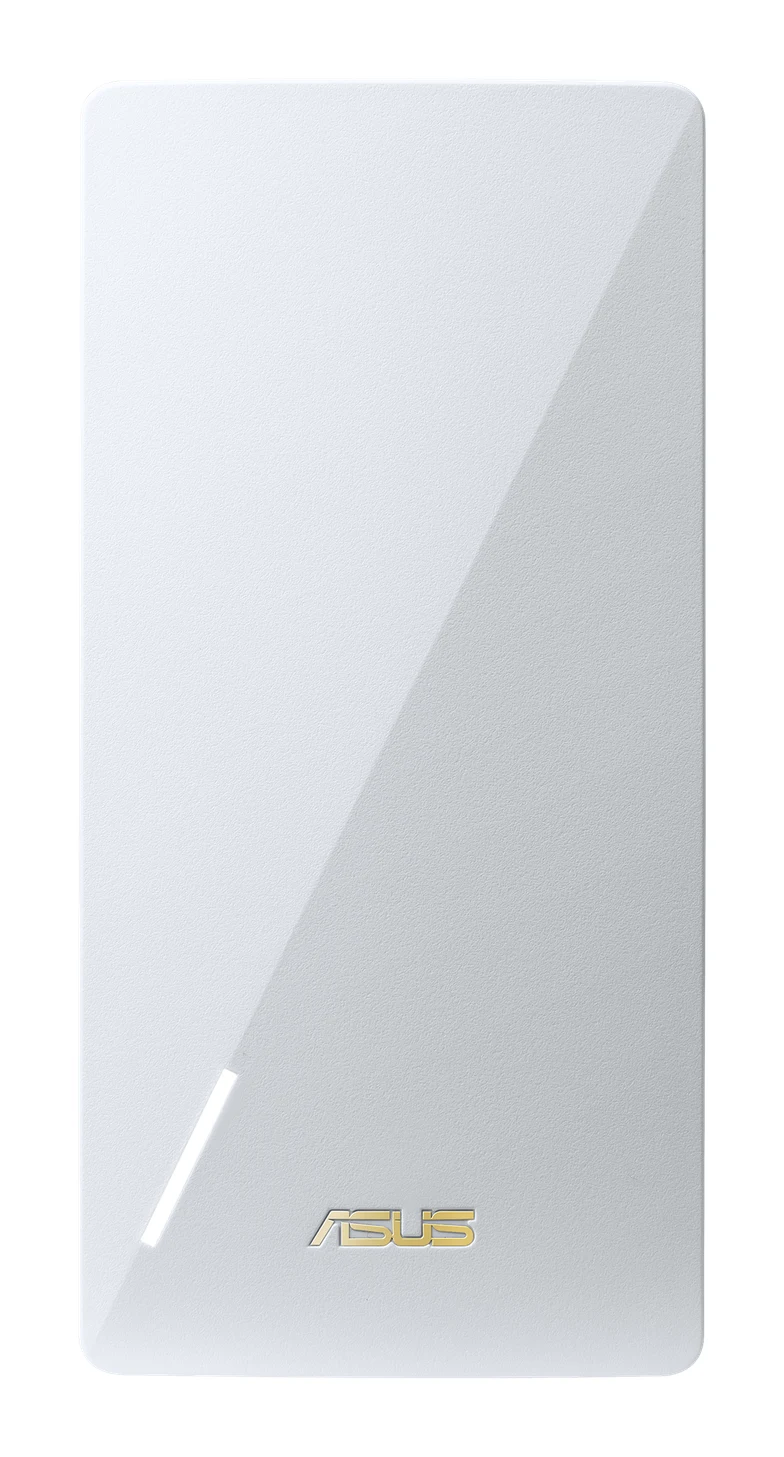
The Asus RP-AX58 is a mid-range WiFi 6 extender that can also join an ASUS AiMesh network. Here is what it does well, where it is limited and who should buy it.
Research-based · We earn from qualifying purchases
Our verdict
The Asus RP-AX58 suits anyone who wants an affordable WiFi 6 extender, particularly owners of an ASUS router who can add it as an AiMesh node. Skip it if you need 6 GHz, WiFi 7, multi-gig ports or USB connectivity.
The good
- Fast for a WiFi 6 extender, especially at close range
- Joins an ASUS AiMesh network as a node
- Gigabit Ethernet port for a wired device or backhaul
- Range extender, access point and media bridge modes
- Works with nearly any WiFi router, modem or gateway
+2 more
- Range extender, access point and media bridge modes
- Works with nearly any WiFi router, modem or gateway
The bad
- Dual-band only, with no 6 GHz band and no WiFi 7
- Single Gigabit port with no multi-gig support
- No USB port
- Bulky for a plug-in unit
+1 more
- Bulky for a plug-in unit
This Asus RP-AX58 review looks at a WiFi 6 range extender aimed at people with a weak spot in their home network: a back bedroom, a home office, a garage. It is a dual-band AX3000 unit that works with nearly any WiFi router, modem or gateway. It also has a trick for ASUS router owners: it can join an AiMesh network as a node, so the whole home runs on one network instead of two.
It sits in the mid-range part of the market. It is for people who want to fix coverage without replacing the router they already own. This review is based on manufacturer specs and what independent experts report, not on hands-on testing.
Asus RP-AX58: specs at a glance
From the manufacturer- Ports
- RJ45 Gigabit BaseT for LAN x 1
- Radios
- 2.4GHz 2x2, 5GHz 2x2
- Weight
- 190 g
- Buttons
- Reset Button, WPS Button
- Antennas
- Internal antenna x 2
- Coverage
- up to 2,200 sq. ft.
- Security
- WPA3-Personal, WPA2-Personal, WPA-Personal, WPA-Enterprise, WPA2-Enterprise, WPS
- Warranty
- 2 Year Limited
- Dimensions
- 150*72*87 mm (5.91*2.83*3.43 In)
- WiFi standard
- WiFi 6 (802.11ax), AX3000
- 5 GHz data rate
- up to 2402 Mbps
- Operating modes
- Range extender, Access point, Media bridge
- 2.4 GHz data rate
- up to 574 Mbps
Key features
- WiFi 6 (802.11ax) dual-band AX3000 for faster, more efficient connections
- 160 MHz channel support on 5 GHz for higher throughput
- Covers up to 2,200 sq. ft.
- Joins an ASUS AiMesh network as a node, so the whole home shares one network
- Works with nearly any WiFi router, modem or gateway
- Gigabit Ethernet port for a wired device or an Ethernet backhaul
- Setup through the ASUS Router app or ASUS Extender app, or with the WPS button
- Range extender, access point and media bridge modes
Asus RP-AX58 review: design and setup
The RP-AX58 is a plug-in unit, and it is not a small one. It measures 1507287 mm (5.912.833.43 In) and weighs 190 g. A common criticism from reviewers is that it is bulky for a plug-in extender. If you plan to put it behind furniture or in a tight spot beside a crowded power strip, check the clearance first.
The antennas are internal, two of them, so there is nothing to angle or bend. The physical controls are minimal: a WPS button and a Reset button. A single RJ45 Gigabit port handles wired connections.
Setup offers three routes. You can use the ASUS Router app, use the ASUS Extender app, or press the WPS button to pair it with your existing router. That suits mixed households: someone comfortable with apps can use them, and someone who just wants it working can use WPS.
Features and what they mean day to day
AiMesh support
For ASUS router owners, the main feature is AiMesh. As a node, the RP-AX58 shares one network with the rest of the system rather than creating a separate extended network. In practice that means one network name for your devices to connect to. Reviewers list AiMesh node support among its pros, and it is why the verdict favors ASUS router owners.
If you don't have an ASUS router, the RP-AX58 still works. Asus says it is compatible with nearly any WiFi router, modem or gateway, so it is not locked to one brand.
Three operating modes
The unit supports range extender, access point and media bridge modes.
- Range extender: the default job. It picks up your router's signal and rebroadcasts it, covering up to 2,200 sq. ft.
- Access point: connect it to your network by Ethernet and it creates a WiFi network where you need one. Because the Gigabit port provides a wired link back to the router, this avoids relying on a wireless link between the two.
- Media bridge: it uses the Ethernet port to connect a wired device, such as a TV or game console, to your WiFi.
The Gigabit port also serves as an Ethernet backhaul when the unit joins an AiMesh network. Reviewers call out the wired-device and backhaul uses as a plus.
Security
The security list is broad: WPA3-Personal, WPA2-Personal, WPA-Personal, WPA-Enterprise, WPA2-Enterprise and WPS. WPA3 is the current standard for home networks, so the extender isn't a weak link if your router uses it.
Performance, speeds and connectivity
The RP-AX58 is a WiFi 6 (802.11ax) AX3000 dual-band device. Its radios are 2.4GHz 2x2 and 5GHz 2x2. Asus lists a 5 GHz data rate of up to 2402 Mbps and a 2.4 GHz data rate of up to 574 Mbps. The 5 GHz band also supports 160 MHz channels, which allows higher throughput when your router and devices support them too.
Those figures are theoretical maximums, as with any WiFi spec sheet. Real-world speeds depend on your router, your devices, the distance and what is in the way. What reviewers say is that it is fast for a WiFi 6 extender, especially at close range. A general rule applies to every wireless extender: place it where it still receives a good signal from the router, not where the signal is already marginal.
The Ethernet connection offers another way around that problem. Using the Gigabit port as a wired backhaul in AiMesh, or using access point mode, takes the router-to-extender link off the air. That can be a good fit for homes that already have Ethernet cabling in the walls.
The limits are visible in the spec sheet. There is one Gigabit port and no multi-gig support. If you have a fast internet plan or a wired setup that needs more than Gigabit, the port caps it. There is no 6 GHz band and no WiFi 7, and there is no USB port. These limits sit alongside the unit's strengths, and for buyers with newer or more demanding networks they could be deal-breakers.
What experts like and what they criticise
The RP-AX58 averages 7.8/10 across 3 expert reviews. Tom's Guide gives it 4/5, TechRadar 3.5/5, and Dong Knows Tech 8.4/10. That is a good but not outstanding spread.
What reviewers praise:
- It is fast for a WiFi 6 extender, particularly at close range.
- It can join an ASUS AiMesh network as a node.
- The Gigabit Ethernet port is useful for a wired device or a backhaul connection.
- The three operating modes add flexibility.
- It works with nearly any WiFi router, modem or gateway.
What reviewers criticise:
- It is dual-band only, with no 6 GHz band and no WiFi 7.
- It has a single Gigabit port and no multi-gig support.
- There is no USB port.
- It is bulky for a plug-in unit.
The criticisms are mostly about missing features: no 6 GHz, no WiFi 7, no multi-gig, no USB, plus its bulk. If you don't need 6 GHz, multi-gig or USB, those complaints may not touch you. The size complaint is the exception, since it affects anyone with limited outlet space.
Who should buy it and who should skip it
Buy it if:
- You have an ASUS router and want to extend coverage as part of an AiMesh network. This is the clearest case for it.
- You want an affordable WiFi 6 extender that works with the router you already have.
- You have a wired device to connect, or Ethernet cabling that lets you use access point mode or a wired backhaul.
- Your coverage problem fits within the 2,200 sq. ft. the unit is specified for.
Skip it if:
- You need a 6 GHz band or WiFi 7. Neither is offered here.
- Your wired setup or internet plan needs more than a single Gigabit port.
- You want a USB port.
- You have limited outlet space and can't spare room for a larger plug-in unit.
How it fits in its category
WiFi 6 extenders of this kind offer an inexpensive way to fix a weak area without changing your router. The RP-AX58 offers an Ethernet port, three operating modes and AiMesh support. Its limits are those of a dual-band, Gigabit-only design.
If your problem is that the router itself is the weak link, extending may not be the right answer.
Verdict
The Asus RP-AX58 does a focused job well. It is a mid-range WiFi 6 extender that works with nearly any router, adds an Ethernet port for wired devices or backhaul, and offers three operating modes. For ASUS router owners it also slots into AiMesh. Expert scores averaging 7.8/10 reflect a capable product with clear limits rather than a standout. If your needs fit within dual-band WiFi 6 and a single Gigabit port, it is a sensible way to improve coverage. If you want 6 GHz, WiFi 7, multi-gig or USB, look elsewhere.
Related buying guides
Not sure about the Asus RP-AX58? Consider these
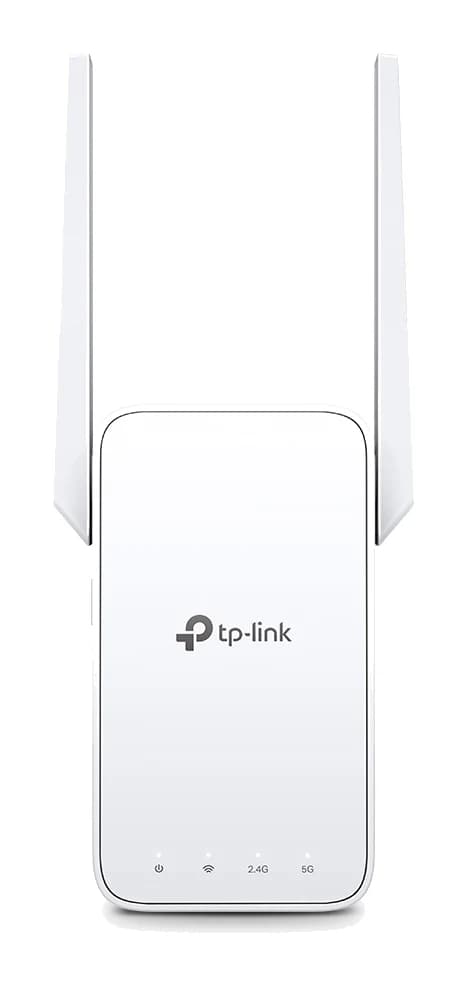
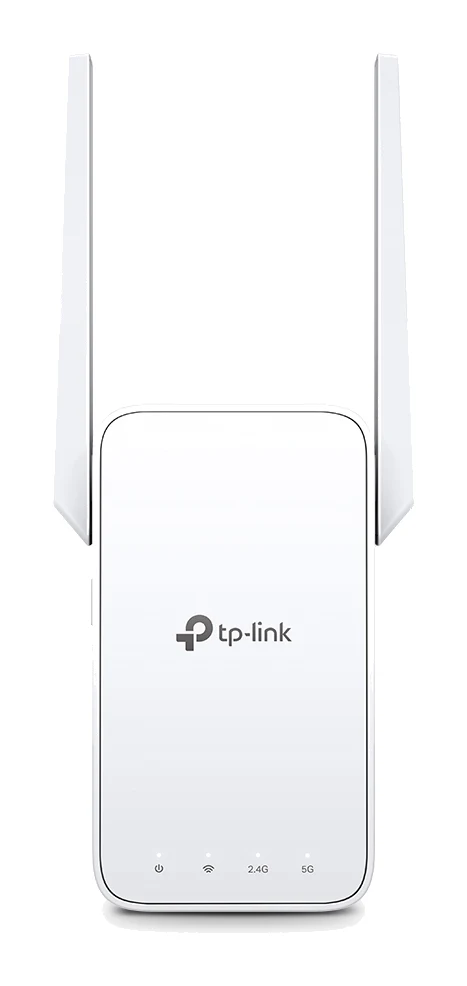
- Best OverallTP-Link RE315 AC1200 Mesh Wi-Fi Range ExtenderWhy we picked it →
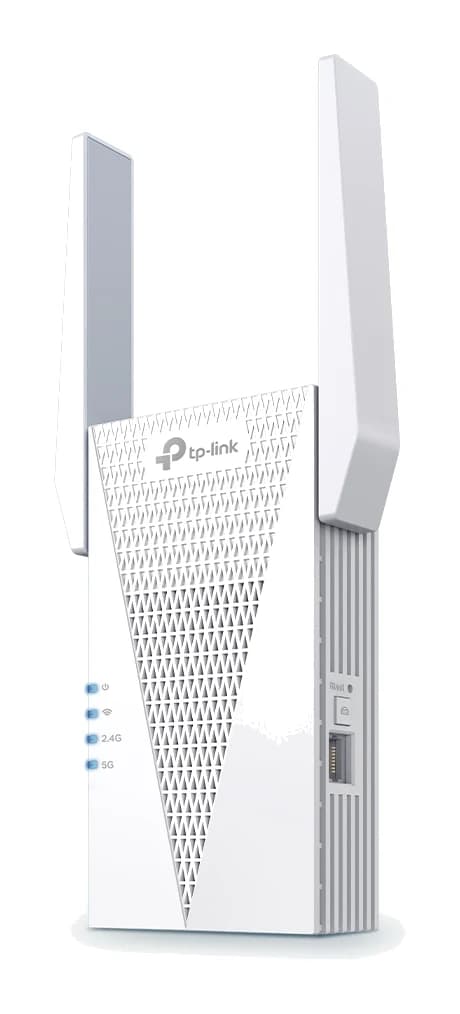
- Best ValueTP-Link RE715XWhy we picked it →
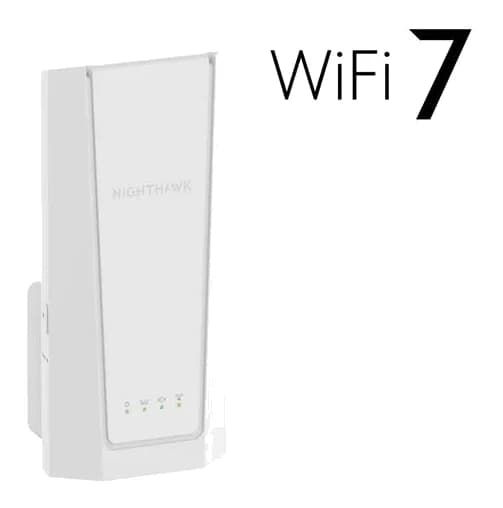
- Premium PickNetgear Nighthawk EXS27 BE5000 WiFi 7 Dual-Band ExtenderWhy we picked it →
Frequently asked questions
Is the Asus RP-AX58 worth it?
It is worth considering if you want an affordable WiFi 6 extender, especially if you own an ASUS router and can add it as an AiMesh node. It averages 7.8/10 across 3 expert reviews. It is less compelling if you need 6 GHz, WiFi 7, multi-gig ports or USB.
Does the Asus RP-AX58 work with non-ASUS routers?
Yes. Asus says it works with nearly any WiFi router, modem or gateway. The AiMesh node feature, which puts the whole home on one network, is specific to ASUS AiMesh setups.
How much area does the Asus RP-AX58 cover?
Asus specifies coverage of up to 2,200 sq. ft. As with any extender, real coverage depends on your home's layout and where you place the unit relative to the router.
Does the Asus RP-AX58 have an Ethernet port?
Yes. It has one RJ45 Gigabit port. You can use it to connect a wired device, as an Ethernet backhaul, or in access point mode. It does not offer multi-gig speeds.
Does the Asus RP-AX58 support WiFi 7 or 6 GHz?
No. It is a dual-band WiFi 6 (802.11ax) AX3000 device with 2.4GHz and 5GHz radios. It has no 6 GHz band and no WiFi 7.
How do I set up the Asus RP-AX58?
You can set it up through the ASUS Router app or the ASUS Extender app, or pair it with your router using the WPS button.
Sources
Specs are taken from the manufacturers' official pages; expert recommendations from the publications below.
- Asus RP-AX58: asus.com, bhphotovideo.com, microcenter.com, bestbuy.com
Related reviews & guides
Best Wi-Fi Range Extenders for 2026 to Kill Dead Zones
Five Wi-Fi range extenders compared on standard, speed, Ethernet port, mesh support and coverage, from a budget Wi-Fi 5 plug-in to a Wi-Fi 7 premium pick.
Published Oct 15, 2026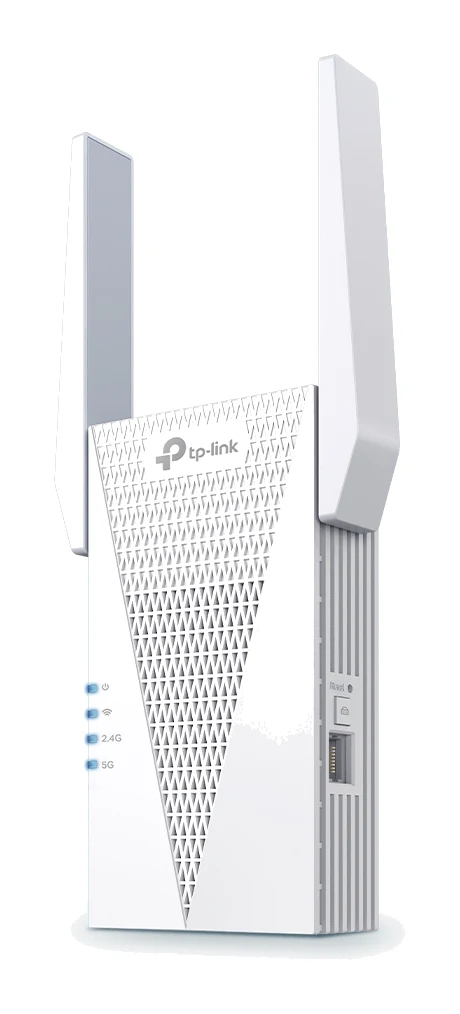
TP-Link RE715X Review (2026): Fast Extender, Bulky Body
A Wi-Fi 6 range extender with 160 MHz support, a wired port and access point mode. This TP-Link RE715X review covers what it does well and where it falls short.
Published Oct 28, 2026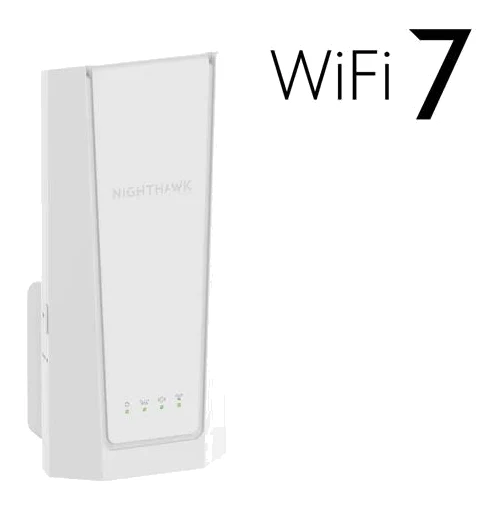
Netgear Nighthawk EXS27 Review (2026): WiFi 7 Plug-In Range
A WiFi 7 wall-plug extender with Smart Roaming and a 2.5 GbE port. Here is who the Netgear Nighthawk EXS27 suits, what reviewers praise and where it falls short.
Published Oct 30, 2026