Netgear Nighthawk EXS27 Review (2026): WiFi 7 Plug-In Range
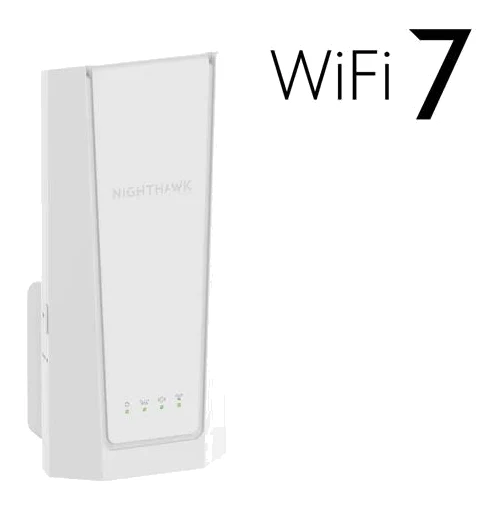
A WiFi 7 wall-plug extender with Smart Roaming and a 2.5 GbE port. Here is who the Netgear Nighthawk EXS27 suits, what reviewers praise and where it falls short.
Research-based · We earn from qualifying purchases
Our verdict
This WiFi 7 wall-plug extender suits households that want reliable range, seamless roaming and a fast wired port for a console or PC. Buyers on a budget, or with tightly spaced outlets, should look at slimmer, cheaper extenders.
The good
- Reviewers found excellent range, and it covers up to 1,500 sq. ft.
- Smart Roaming keeps you on one WiFi name as you move
- 2.5 GbE port lets a PC, console or streamer connect by wire
- Consistent ping and jitter in reviewer testing
- Handles many connected devices at once, up to 45
+2 more
- Consistent ping and jitter in reviewer testing
- Handles many connected devices at once, up to 45
The bad
- Expensive compared with other extenders
- Large body can block the neighbouring wall outlet
- Dual-band only, so there is no 6 GHz band
- Only one Ethernet port for wired devices
+1 more
- Only one Ethernet port for wired devices
This Netgear Nighthawk EXS27 review looks at a plug-in WiFi 7 range extender built for homes with a weak spot somewhere between the router and the back bedroom, the garage or the home office. It plugs straight into a wall outlet and rebroadcasts your existing network. It also adds a fast wired port for a console or PC. It is aimed at households that want one network name across the house without replacing their router.
This review is based on Netgear's manufacturer specifications and what independent expert reviewers report. It is not based on hands-on testing.
Netgear Nighthawk EXS27: specs at a glance
From the manufacturer- Weight
- 336 g (0.74 lb)
- Antennas
- (3) internal
- Coverage
- 1,500 sq. ft.
- Security
- WPA, WPA2, WPA3 with 128-bit AES
- Processor
- 1.0 GHz dual-core
- Dimensions
- 169.1 x 78.7 x 42.6 mm (6.7 x 3.1 x 1.7 in)
- 5 GHz speed
- up to 4320 Mbps
- Form factor
- Wall-plug
- Model number
- EXS27-100NAS
- 2.4 GHz speed
- up to 689 Mbps
- Ethernet port
- (1) 2.5 GbE Multi-Gigabit with auto-sensing
- WiFi standard
- WiFi 7 (802.11be), BE5000 dual-band
- Max WiFi speed
- 5 Gbps
- Concurrent devices
- 45
Key features
- WiFi 7 dual-band (BE5000) with speeds up to 5 Gbps
- Covers up to 1,500 sq. ft.
- Supports up to 45 devices at once
- One WiFi Name and Smart Roaming, so you stay on one network as you move
- 2.5 GbE Multi-Gigabit Ethernet port for wired PCs, consoles or streamers
- Wall-plug design with three internal antennas
- Quick setup with the WPS button or the Nighthawk app
- Backward compatible with 802.11a/b/g/n/ac/ax routers; WPA3 security
What the Nighthawk EXS27 is
The EXS27 is a dual-band WiFi 7 (802.11be) extender in the BE5000 class. Netgear quotes a maximum WiFi speed of 5 Gbps and coverage of up to 1,500 sq. ft. It supports up to 45 connected devices at once, which is a useful figure in a home full of phones, TVs, speakers, cameras and smart plugs.
It sits in the mid-range part of the market. Reviewers do note, though, that it costs more than other extenders, so it is not the cheap way to fix a dead zone. The EXS27 offers WiFi 7, Smart Roaming and a 2.5 GbE Ethernet port.
Design and build
The EXS27 uses a wall-plug form factor. It measures 169.1 x 78.7 x 42.6 mm (6.7 x 3.1 x 1.7 in) and weighs 336 g (0.74 lb). Because the unit hangs directly off the outlet, that size matters more than it would on a desktop box.
A common criticism is that the large body can block the neighbouring wall outlet. If you plan to put it in a double socket, or behind furniture where every outlet is already in use, check the space first. A power strip or a spare single outlet makes placement easier.
Inside, there are three internal antennas, so nothing sticks out. The processor is a 1.0 GHz dual-core chip. Netgear lists support for up to 45 devices at once.
Setup is simple. You can pair it with your router using the WPS button, or use the Nighthawk app. Either route suits people who don't want to dig into router settings.
Features and what they mean day to day
One WiFi name and Smart Roaming
An extender that creates a second network is annoying. Your phone clings to the weak router signal, or you have to switch networks by hand. The EXS27 uses One WiFi Name and Smart Roaming so you stay on a single network as you move through the home. Reviewers praise this seamless roaming, and it is one of the main reasons to choose a more capable extender over a basic repeater.
The practical benefit shows up when you walk around with a video call, a music stream or a game running on a phone or tablet. The single network name keeps the handover simple instead of making you manage it.
2.5 GbE Multi-Gigabit Ethernet
The single Ethernet port is a 2.5 GbE Multi-Gigabit port with auto-sensing. That makes the EXS27 more than a signal booster. You can plug in a PC, games console or streaming box that is out of reach of your router, and get a wired connection to your wireless backhaul. It is useful for a gaming setup in a room where running a cable back to the router is impractical.
The limitation is that there is only one port. If you want to connect a console, a PC and a TV box in the same spot, you will need a small switch.
Compatibility and security
The extender is backward compatible with 802.11a/b/g/n/ac/ax routers, so you don't need a WiFi 7 router to use it. As with any WiFi 7 hardware, you only see the full benefit of the newer standard when your devices support it too. Security covers WPA, WPA2 and WPA3 with 128-bit AES, so modern encryption is available for newer devices.
Performance, range and connectivity
Netgear lists the 5 GHz band at up to 4320 Mbps and the 2.4 GHz band at up to 689 Mbps. These are maximum link rates for the radio. Real-world speed through an extender depends on the signal it receives from your router, the distance and the walls in between. Place it where the router signal is still strong, not at the edge of the dead zone.
The figure that matters most for many households is range. Reviewers found excellent range, in line with the claimed coverage of up to 1,500 sq. ft. Reviewers also report consistent ping and jitter in testing. That is relevant for gaming and video calls, where stable latency often matters more than raw download speed.
Dual-band, not tri-band
The EXS27 is dual-band only, so it has no 6 GHz band. Reviewers list the missing 6 GHz band as a drawback. The 6 GHz band is the main way WiFi 7 and WiFi 6E gain extra capacity and avoid congestion. If you live in a crowded apartment block with plenty of neighbouring networks, or you want the least congested WiFi 7 setup possible, the lack of 6 GHz is a real limitation. For most homes the aim is simply to get a steady signal into a weak room, and the extender's range and roaming are better suited to that job.
Many devices at once
Support for up to 45 devices is another point in its favour. Reviewers note that it handles many connected devices at once. A busy smart home, with lots of low-bandwidth gadgets alongside phones and laptops, is the kind of place where that headroom is useful.
What experts like and what they criticise
The praise is consistent. Reviewers like the range, the Smart Roaming that keeps you on one network, the wired 2.5 GbE port and the steady ping and jitter. The device count of up to 45 also gets a mention. The EXS27 appears in one independent expert guide as a recommendation.
The criticisms are also consistent:
- Price: It is expensive compared with other extenders.
- Size: The large body can cover the neighbouring outlet.
- Bands: It is dual-band only, with no 6 GHz.
- Ports: There is just one Ethernet port.
Buyers on a budget or with tightly spaced outlets should weigh these points carefully.
Who should buy it, and who should skip it
Buy it if:
- You have a dead zone and want one network name across the house.
- You want a fast wired connection for a console, PC or streamer in a distant room.
- You have many connected devices and want an extender that is built for that.
- You want a WiFi 7 extender that still works with an older router.
Skip it if:
- You are on a tight budget, since the EXS27 costs more than other extenders.
- Your outlets are tightly spaced and you can't spare the neighbouring socket.
- You need several wired ports without adding a switch.
- You want a 6 GHz band for the least congested connection possible.
How it fits in the extender category
WiFi extenders range from small, cheap plug-ins that fix one weak room to more capable models with better roaming and wired ports. The EXS27 sits at the more capable end. You get WiFi 7, a multi-gigabit port and a high device count, but you give up the compact size and low cost of simpler plug-ins. If your home needs a whole-home system with several nodes, an extender of any kind is a different approach, and you should weigh that option before buying.
Our Netgear Nighthawk EXS27 review verdict
The EXS27 does what an extender should do. It stretches coverage to up to 1,500 sq. ft., keeps you on one network as you move and gives a distant PC or console a fast wired link. Reviewers praise its range and its steady ping and jitter. Against that, you pay more than for other extenders, you give up a neighbouring outlet, and there is no 6 GHz band. If you have a real coverage problem and want something that handles roaming well, it is a solid pick. If you only need to boost the signal in one room on a small budget, look at slimmer, cheaper options.
Related buying guides
Not sure about the Netgear Nighthawk EXS27? Consider these
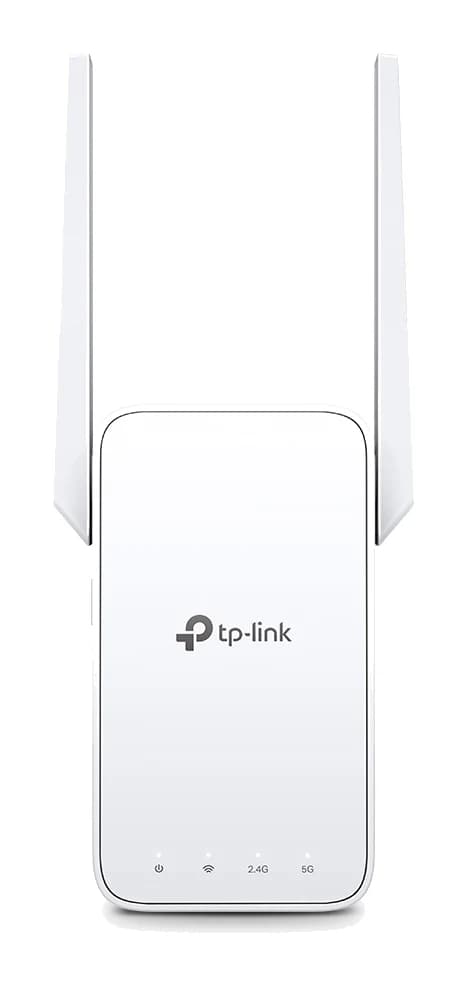
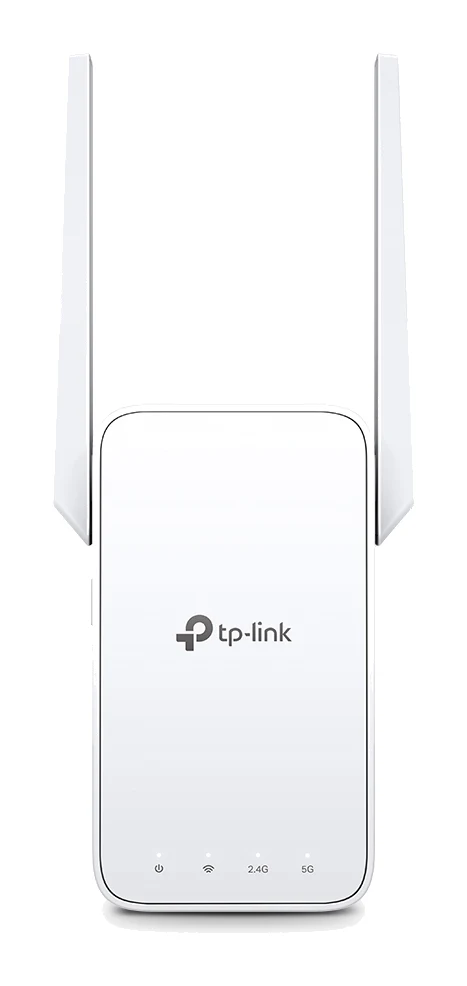
- Best OverallTP-Link RE315 AC1200 Mesh Wi-Fi Range ExtenderWhy we picked it →
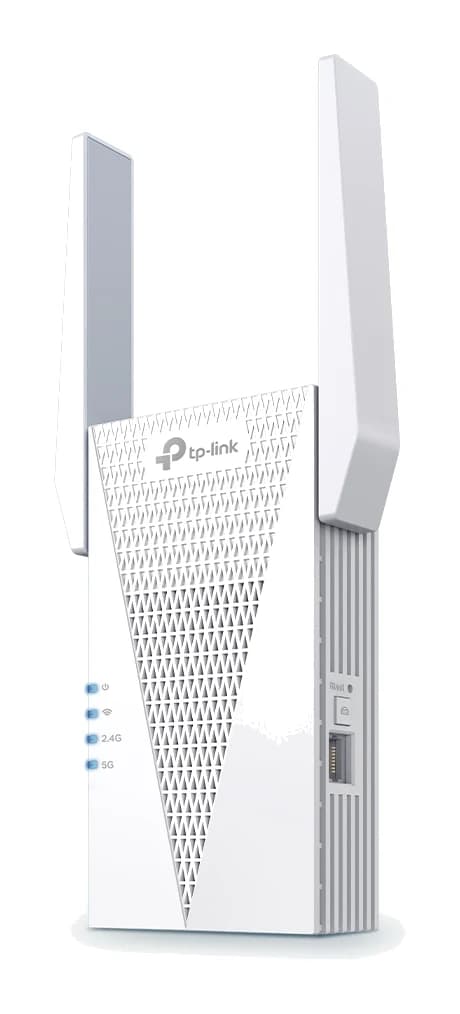
- Best ValueTP-Link RE715XWhy we picked it →
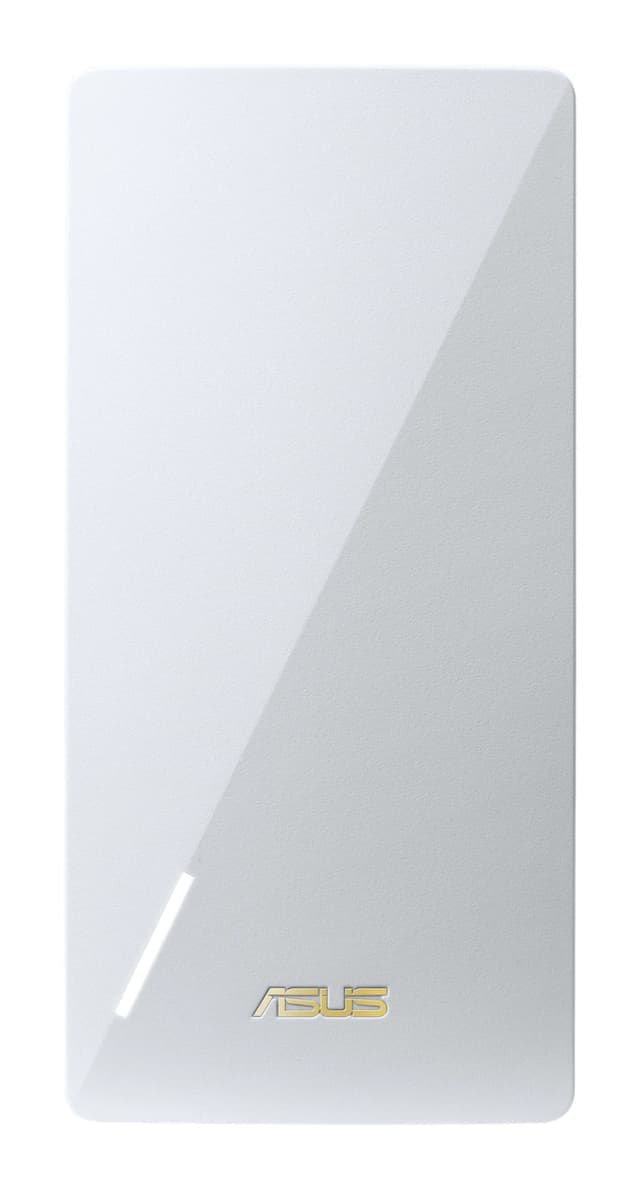
- Best BudgetAsus RP-AX58Why we picked it →
Frequently asked questions
Is the Netgear Nighthawk EXS27 worth it?
It is worth considering if you want reliable range, seamless roaming and a 2.5 GbE wired port for a console or PC. Reviewers praise its range and consistent ping and jitter. A common criticism is that it is expensive compared with other extenders, so budget buyers may prefer a cheaper model.
Does the Nighthawk EXS27 support WiFi 7?
Yes. It is a WiFi 7 (802.11be) BE5000 dual-band extender with a maximum WiFi speed of 5 Gbps. You need WiFi 7 devices to get the full benefit of the standard.
Does the EXS27 work with my existing router?
Netgear says it is backward compatible with 802.11a/b/g/n/ac/ax routers, so you don't need a WiFi 7 router. You can set it up with the WPS button or the Nighthawk app.
How many devices can the Netgear EXS27 handle?
It supports up to 45 devices at once and covers up to 1,500 sq. ft. Reviewers say it handles many connected devices well.
Does the EXS27 have an Ethernet port?
Yes, it has one 2.5 GbE Multi-Gigabit Ethernet port with auto-sensing. You can connect a PC, console or streamer by wire. If you need to connect several wired devices, you will need a separate switch.
Does the Nighthawk EXS27 have a 6 GHz band?
No. It is dual-band only, using the 2.4 GHz and 5 GHz bands. Reviewers list the missing 6 GHz band as a drawback.
Sources
Specs are taken from the manufacturers' official pages; expert recommendations from the publications below.
- Netgear Nighthawk EXS27: netgear.com, walmart.com, newegg.com, bhphotovideo.com
Related reviews & guides
Best Wi-Fi Range Extenders for 2026 to Kill Dead Zones
Five Wi-Fi range extenders compared on standard, speed, Ethernet port, mesh support and coverage, from a budget Wi-Fi 5 plug-in to a Wi-Fi 7 premium pick.
Published Oct 15, 2026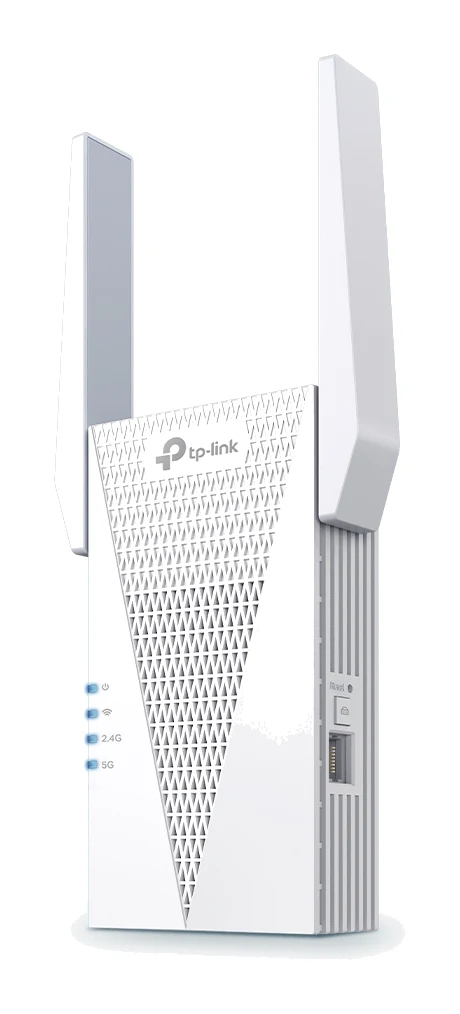
TP-Link RE715X Review (2026): Fast Extender, Bulky Body
A Wi-Fi 6 range extender with 160 MHz support, a wired port and access point mode. This TP-Link RE715X review covers what it does well and where it falls short.
Published Oct 28, 2026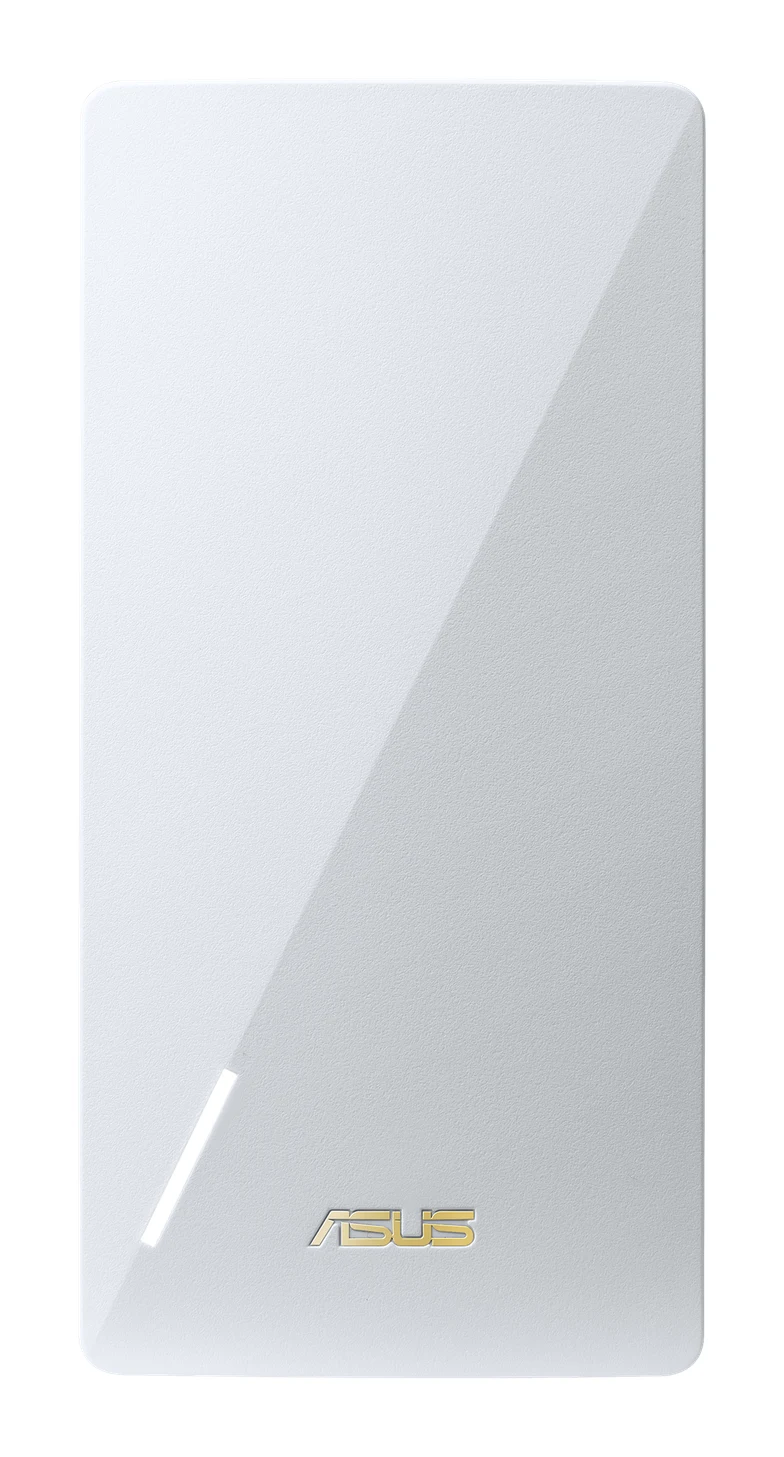
Asus RP-AX58 Review (2026): AiMesh Node for ASUS Owners
The Asus RP-AX58 is a mid-range WiFi 6 extender that can also join an ASUS AiMesh network. Here is what it does well, where it is limited and who should buy it.
Published Oct 29, 2026