Best Wi-Fi Routers in 2026: Wi-Fi 7 for Homes of Every Size
Five Wi-Fi 7 routers compared on speed, wired ports, coverage and security, from a compact apartment pick to a 10 Gbps flagship and a smart home hub.
26 products compared · Research-based · Affiliate links
We earn a commission from qualifying purchases made through our links, at no extra cost to you. It never decides our picks. How we make money
Which one should you buy?
Our picks by what matters to you · details below ↓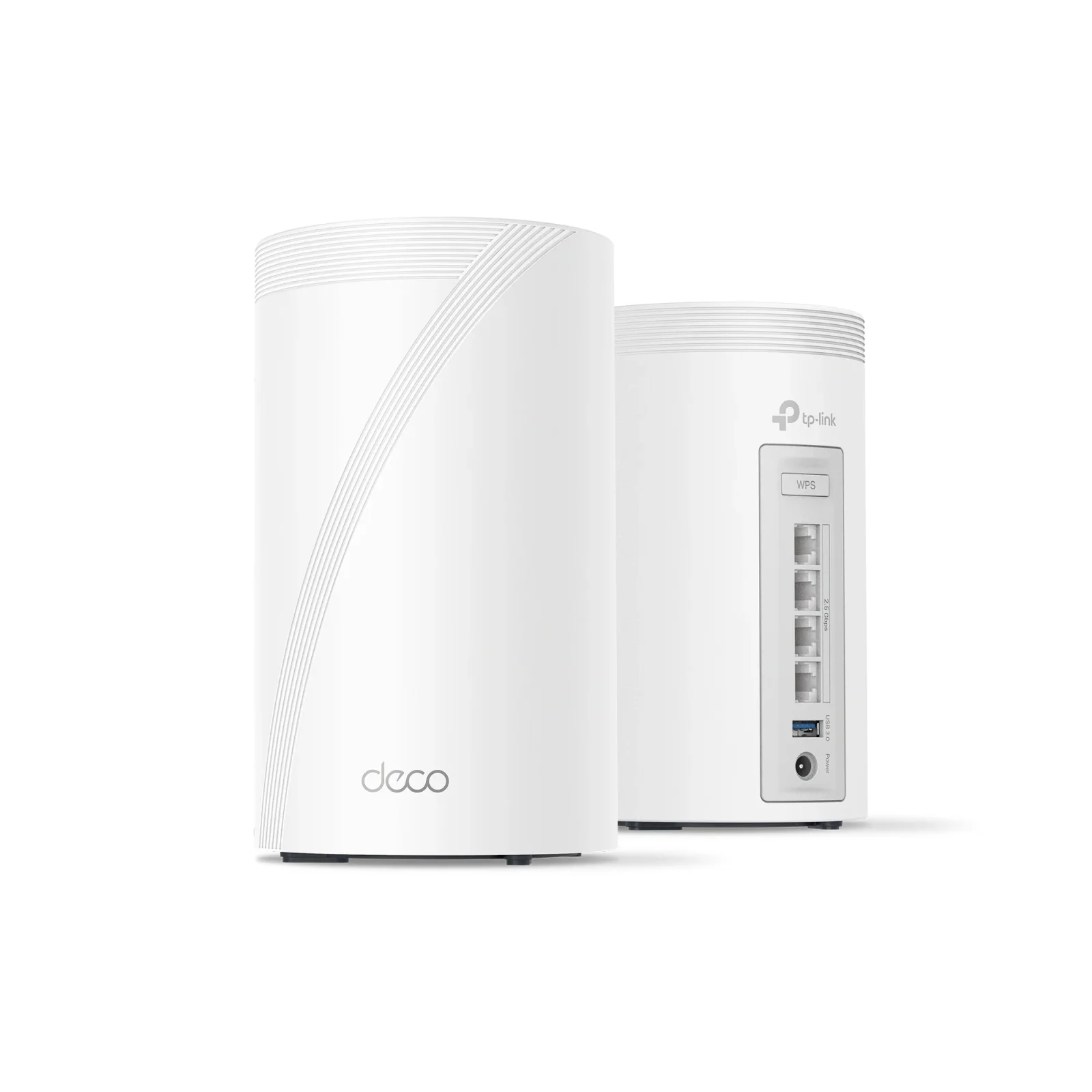
Best for: Large homes needing fast, flexible mesh coverage
Check price on Amazon- Best BudgetTP-Link Archer BE770Best for: Gamers wanting multi-gig ports and fast Wi-Fi 7Check price
- Best ValueTP-Link Archer BE3600Best for: Apartment dwellers upgrading to Wi-Fi 7 affordablyCheck price
- Premium PickASUS RT-BE96U BE19000Best for: Power users wanting flagship speed and free securityCheck price
- Also GreatAmazon eero Max 7Best for: Smart home users who want a built-in hubCheck price
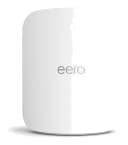
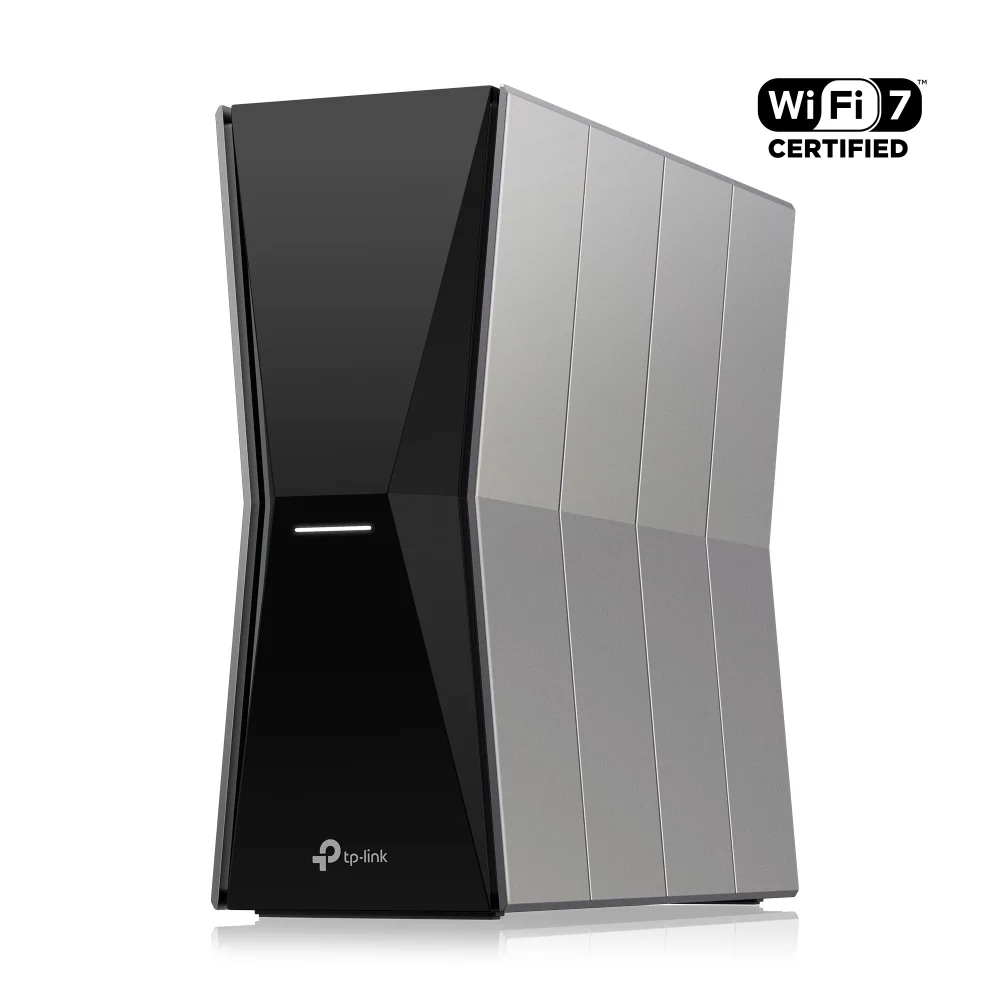
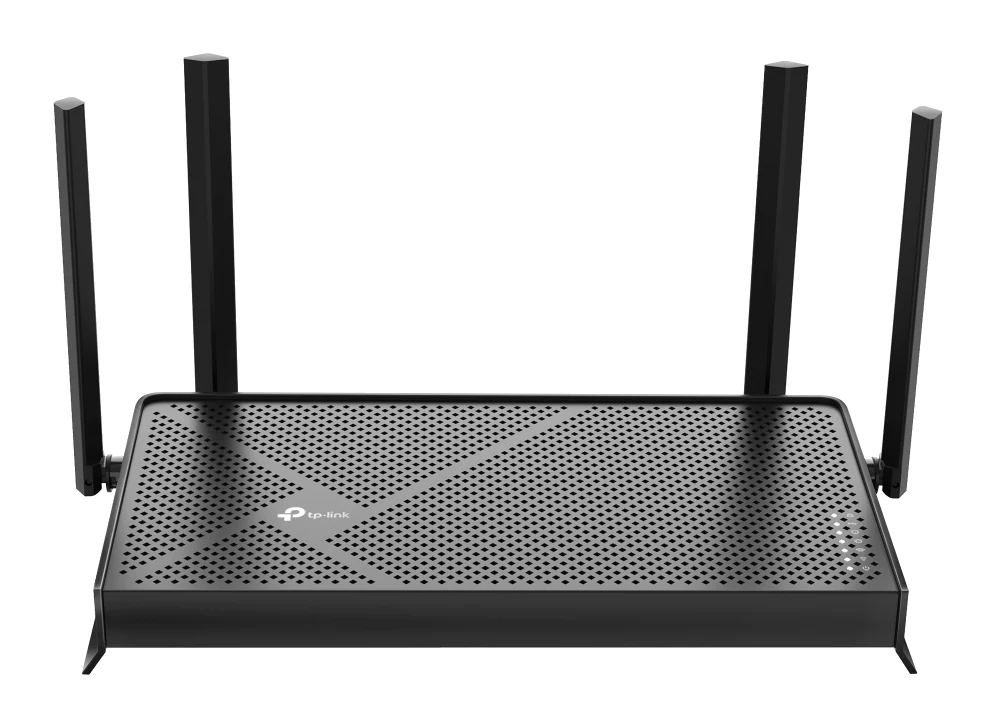
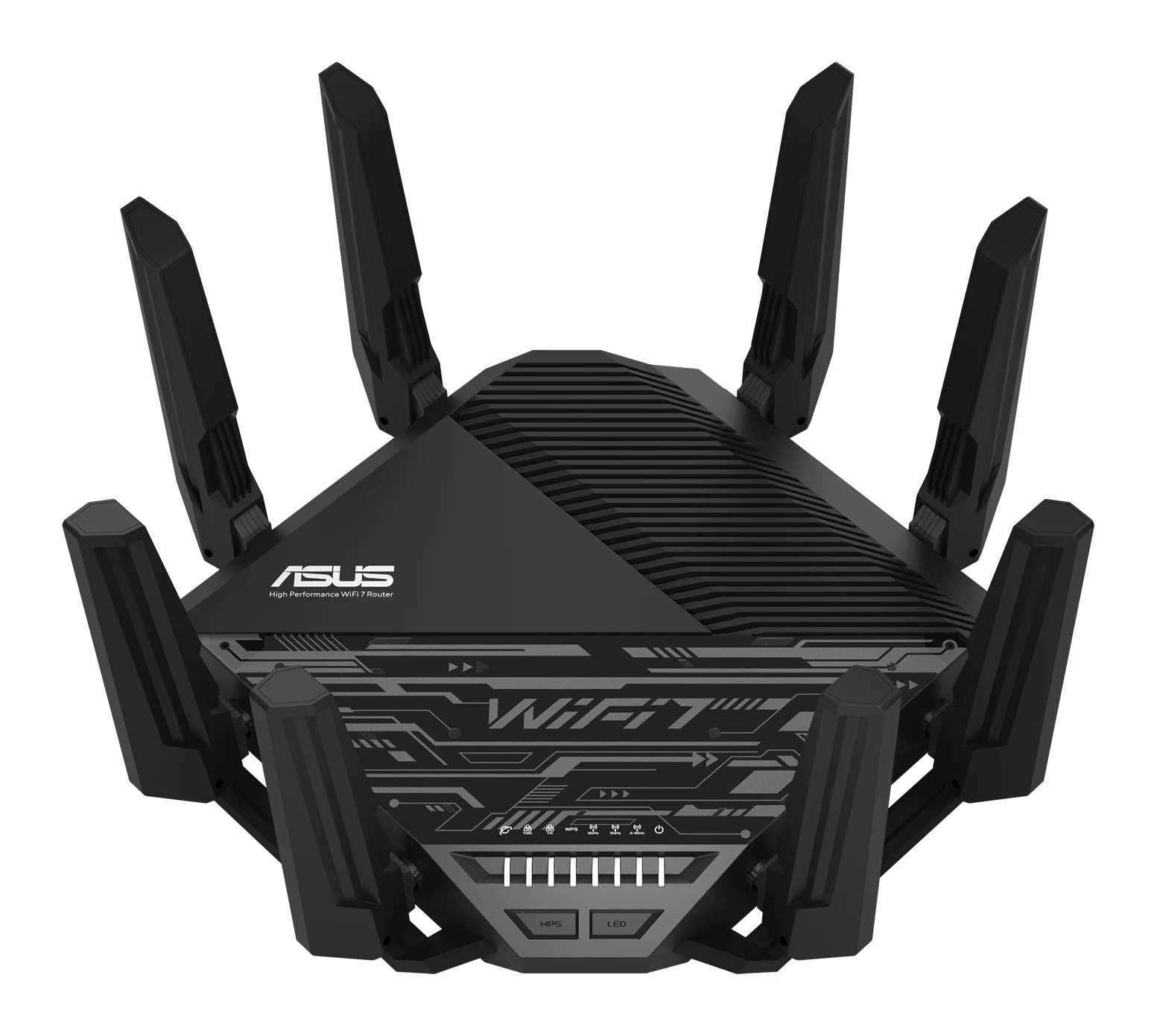
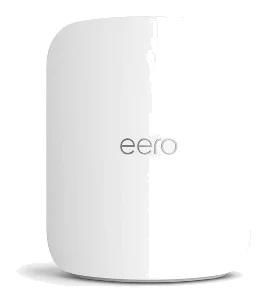
The best Wi-Fi routers in 2026 have all moved to Wi-Fi 7, so the real choice is about home size, wired ports and extras like smart home support. We narrowed the field to five: three TP-Link models, one ASUS flagship and one Amazon eero. Together they suit everything from a small apartment to a large house full of connected devices.
This guide is based on manufacturer specs and independent expert recommendations, not our own hands-on testing. Prices change often, so use the check-price buttons for current deals.
Best Wi-Fi Routers at a Glance
| Product | Label | Bands | Headline speed | Wired ports | Coverage | Buy |
|---|---|---|---|---|---|---|
| TP-Link Deco 7 Pro BE63 | Best Overall | Tri-band | 10 Gbps combined | 4x 2.5 Gbps per unit | 5,800 sq ft per unit | Check price |
| TP-Link Archer BE770 | Best Budget | Tri-band | 18 Gbps combined | 2x 10 Gbps, 4x 1 Gbps | 3,600 sq. ft. | Check price |
| TP-Link Archer BE3600 | Best Value | Dual-band | 3.6 Gbps | 2x 2.5 Gbps, 3x 1 Gbps | about 2,000 sq ft | Check price |
| ASUS RT-BE96U BE19000 | Premium Pick | Tri-band | 19 Gbps | 2x 10 Gbps, 3x 1G LAN, 1x 1G WAN/LAN | 5400 square feet | Check price |
| Amazon eero Max 7 | Also Great | Tri-band | 4.3 Gbps wireless | 2x 10 GbE, 2x 2.5 GbE | 2,500 sq. ft. per unit | Check price |
TP-Link Deco 7 Pro BE63: Best Overall for Big-Home Mesh Coverage
Best for: Large homes needing fast, flexible mesh coverage
The Deco 7 Pro BE63 pairs tri-band Wi-Fi 7 with large per-unit coverage and four 2.5 Gbps ports. It is a well-rounded mesh choice for big homes with many connected devices.
Read our full TP-Link Deco 7 Pro BE63 review →- Processor
- 1.5 GHz quad-core
- RAM
- 1 GB
- Ports
- 4x 2.5 Gbps WAN/LAN, 1x USB 3.0 per unit
- Antennas
- 4 internal high-performance antennas
- Speed (Mbps)
- 10000 (6 GHz: 5188 Mbps, 5 GHz: 4324 Mbps, 2.4 GHz: 574 Mbps)
- Coverage area
- 5800 sq ft per unit
Reasons to buy
- Tri-band Wi-Fi 7 with 6 GHz band and 320 MHz channels
- Four 2.5 Gbps Ethernet ports per unit
- Covers up to 5,800 sq ft per unit
- Flexible wireless, wired, or mixed mesh backhaul
- HomeShield adds parental controls, IoT isolation, and guest network
Reasons to avoid
- Only 1 GB RAM, less than some rivals
- Mesh units mean more hardware to place around the home
- Tom's Guide
- 9.0
- TechRadar
- 10.0
- Home Office Research
- 8.1
- Dong Knows Tech (preliminary assessment)
- 7.8
- Broadband Now
- 10.0
The Deco 7 Pro BE63 is our Best Overall pick for large homes that need fast, flexible mesh coverage. It pairs tri-band Wi-Fi 7 with up to 5,800 sq ft of coverage per unit and four 2.5 Gbps Ethernet ports on each unit. It is recommended in 6 independent expert guides.
Keep reading about TP-Link Deco 7 Pro BE63
Standout features
The Deco 7 Pro uses the 2.4GHz, 5GHz and 6GHz bands, with a BE10000 rating of 10 Gbps combined speeds and 320 MHz channel support. Multi-Link Operation (MLO) helps it connect 200+ devices at once. Mesh backhaul can be wireless, Ethernet or a mix of the two, so you can run cable to the units where it is practical and rely on wireless for the rest.
HomeShield adds WPA3 encryption, parental controls, a guest network and IoT isolation. Expert scores are strong: TechRadar and Broadband Now each gave it 5 out of 5, and Tom's Guide gave it 4.5 out of 5.
The trade-off
It has only 1 GB of RAM, less than some rivals here. Because it is a mesh system, you also have more hardware to place around the home. If you want a single box with 10 Gbps ports, look at the options further down.
TP-Link Archer BE770: Best Budget for Gaming and Multi-Gig
Best for: Gamers wanting multi-gig ports and fast Wi-Fi 7
The Archer BE770 delivers high-end Wi-Fi 7 speeds and 10 Gbps wired ports in a single router. It suits buyers who want fast gaming and multi-gig performance without stepping up to the priciest models.
- Processor
- Quad-core 2.0 GHz
- RAM
- 1 GB
- Ports
- 1× 10 Gbps WAN, 1× 10 Gbps LAN, 4× 1 Gbps LAN, 2× USB 3.0
- Antennas
- 10 internal
- Speed (Mbps)
- 18000 combined (6 GHz: 11528, 5 GHz: 5764, 2.4 GHz: 1376)
- Coverage area
- 3600 sq ft
Reasons to buy
- Tri-band Wi-Fi 7 with very high 6 GHz throughput
- Dual 10 Gbps ports for multi-gig wired connections
- Ten internal antennas with beamforming for strong coverage
- MLO helps lower latency for gaming
- EasyMesh compatible for expanding with other TP-Link devices
Reasons to avoid
- Four LAN ports are only 1 Gbps
- Coverage tops out lower than the larger mesh options
- Tom's Guide
- 9.0
- WiFiSpeed (BE18000 Pro Review)
- 9.0
The Archer BE770 is labelled Best Budget in this group because it delivers high-end Wi-Fi 7 speeds and 10 Gbps wired ports without stepping up to the priciest models. It is aimed at gamers and anyone with multi-gig wired gear. Within this roundup it sits in the mid-range price tier.
Keep reading about TP-Link Archer BE770
Standout features
This tri-band router offers up to 18 Gbps combined speeds, with 10 internal antennas and beamforming covering up to 3,600 sq. ft. It has one 10 Gbps WAN port and one 10 Gbps LAN port, plus four 1 Gbps LAN ports and two USB 3.0 ports. MLO transmits on two bands at once and helps lower gaming latency.
HomeShield covers DDoS prevention, IPS and malicious site blocking. EasyMesh compatibility lets you expand with other TP-Link devices later. It is recommended in 5 expert guides, and Tom's Guide and WiFiSpeed each gave it 4.5 out of 5.
The trade-off
The four LAN ports are only 1 Gbps, so only two ports run at multi-gig speed. Its coverage also tops out lower than the larger mesh options here.
TP-Link Archer BE3600: Best Value for Apartment Wi-Fi 7
Best for: Apartment dwellers upgrading to Wi-Fi 7 affordably
The Archer BE3600 brings Wi-Fi 7, multi-gig ports, and VPN support in a compact, affordable package. It is a sensible upgrade for smaller homes and apartments.
- Processor
- Quad-core 2.0 GHz
- RAM
- 512 MB
- Ports
- 1× 2.5 Gbps WAN, 1× 2.5 Gbps LAN, 3× 1 Gbps LAN, 1× USB 3.0
- Antennas
- 4 external antennas with beamforming
- Speed (Mbps)
- 3570 (2882 Mbps at 5 GHz + 688 Mbps at 2.4 GHz)
- Coverage area
- ~2000 sq ft
Reasons to buy
- Wi-Fi 7 with MLO at an entry-level price tier
- 2.5 Gbps WAN and LAN ports for multi-gig internet
- Supports WireGuard VPN server and client
- Compact design with four external beamforming antennas
- 24-month warranty included
Reasons to avoid
- Dual-band only, with no 6 GHz band
- Coverage of about 2,000 sq ft suits smaller homes
- Only 512 MB RAM
- Home Office Research
- 7.2
- TechRadar
- 8.0
- TechGearLab
- 8.6
- DongKnows
- 8.0
The Archer BE3600 is our Best Value pick for apartment dwellers who want to upgrade to Wi-Fi 7 affordably. It brings Wi-Fi 7, 2.5 Gbps ports and VPN support in a compact design, and it is recommended in 6 expert guides.
Keep reading about TP-Link Archer BE3600
Standout features
This dual-band router offers speeds up to 3.6 Gbps, with one 2.5 Gbps WAN port and one 2.5 Gbps LAN port, so it can take advantage of a multi-gig internet plan. Four external antennas with beamforming cover about 2,000 sq ft, and MLO is included for stability. It supports VPN server and client with WireGuard encryption. HomeShield adds parental controls and threat protection, and a 24-month warranty is included.
Reviewer scores are solid: TechGearLab gave it 4.3 out of 5, TechRadar gave it 4 out of 5, and DongKnows gave it 8 out of 10.
The trade-off
There is no 6 GHz band, and 512 MB of RAM is the least of the group. Coverage of about 2,000 sq ft suits smaller homes, so larger houses should look at the Deco or ASUS.
ASUS RT-BE96U BE19000: Premium Pick for Flagship Speed
Best for: Power users wanting flagship speed and free security
The ASUS RT-BE96U is a powerful flagship with top-tier speeds, dual 10G ports, and free security. It is built for enthusiasts who want maximum performance and control.
- Processor
- Quad-Core 2.6GHz
- RAM
- 2 GB
- Ports
- 1x 10G WAN/LAN, 1x 10G LAN, 3x 1G LAN, 1x 1G WAN/LAN, 2x USB
- Antennas
- 8 external
- Speed (Mbps)
- 19000 (1376 + 5764 + 11529)
- Coverage area
- 5400 square feet
Reasons to buy
- Tri-band Wi-Fi 7 with very high combined speeds
- Dual 10 Gbps ports plus multiple USB ports
- Subscription-free AiProtection Pro security
- Fast 2.6 GHz quad-core processor with 2 GB RAM
- AiMesh support lets you expand coverage later
Reasons to avoid
- Premium pricing tier
- Large footprint with eight external antennas
- HomeOfficeResearch
- 8.7
- SmartHomeExplorer
- 8.5
- HighSpeedInternet
- 10.0
- ThinkComputers
- 9.0
The ASUS RT-BE96U is our Premium Pick for power users who want flagship speed and free security. It is tied for the most expert recommendations of the five, with 8 independent guides, and it is built for enthusiasts who want maximum performance and control.
Keep reading about ASUS RT-BE96U BE19000
Standout features
Its tri-band Wi-Fi 7 reaches 19 Gbps combined across 2.4 GHz, 5 GHz and 6 GHz, with MLO and 320MHz bandwidth support. It has two 10G ports (one 10G WAN/LAN and one 10G LAN) plus 1G ports and two USB ports. A 2.6GHz quad-core processor and 2 GB of RAM drive it, and coverage is rated at 5400 square feet.
AiProtection Pro security from Trend Micro is subscription-free, and AiMesh support lets you expand coverage later. Scores include 5 out of 5 from HighSpeedInternet, 9 out of 10 from ThinkComputers and 8.7 out of 10 from HomeOfficeResearch.
The trade-off
It sits in the premium pricing tier and has a large footprint with eight external antennas. If you do not need 10G ports, a cheaper pick will cover most households.
Amazon eero Max 7: Also Great for Smart Home Hubs
Best for: Smart home users who want a built-in hub
The eero Max 7 combines multi-gig wired ports with a built-in smart home hub. It is a strong fit for connected homes that rely on many smart devices.
- Processor
- Quad-core A73
- RAM
- 2GB
- Ports
- 2x 10 GbE, 2x 2.5 GbE
- Antennas
- 2x4x4 array (2x2 at 2.4GHz, 4x4 at 5GHz, 4x4 at 6GHz)
- Speed (Mbps)
- 4300 wireless, 9400 wired
- Coverage area
- 2,500 sq. ft. (single unit)
Reasons to buy
- Dual 10 GbE plus dual 2.5 GbE ports
- Built-in smart home hub with Matter, Thread, and Zigbee
- Supports 250+ connected devices
- Tri-band Wi-Fi 7 with 2 GB RAM
- Works with Alexa for easy smart home control
Reasons to avoid
- Single unit covers 2,500 sq ft
- Wireless speeds lower than other tri-band rivals
- Broadband Now
- 9.0
- Trusted Reviews
- 9.0
- WiFi Speed
- 8.6
- Tom's Guide
- 8.5
The eero Max 7 earns the Also Great spot for smart home users who want a built-in hub. It combines multi-gig wired ports with Matter, Thread, Zigbee and Alexa compatibility. It is recommended in 8 expert guides.
Keep reading about Amazon eero Max 7
Standout features
This tri-band Wi-Fi 7 router has wireless speeds up to 4.3 Gbps and wired speeds up to 9.4 Gbps. It offers two 10 Gigabit Ethernet ports and two 2.5 Gigabit ports, a quad-core processor and 2GB of RAM. It supports 250+ connected devices and covers up to 2,500 sq. ft. per unit. Security includes WPA2 and WPA3.
Trusted Reviews and Broadband Now each gave it 4.5 out of 5, and Tom's Guide gave it 4.25 out of 5.
The trade-off
A single unit covers 2,500 sq ft, and its wireless speeds are lower than other tri-band rivals here. It fits best where smart home convenience matters more than raw wireless speed.
Compare our picks side by side
The specs most of our picks share, from each maker’s spec page (— = not published). Expert score = the average of published expert reviews, which rate each product for its price. Scroll sideways on small screens.
| Spec | TP-Link Deco 7 Pro BE63 | TP-Link Archer BE770 | TP-Link Archer BE3600 | ASUS RT-BE96U BE19000 | Amazon eero Max 7 |
|---|---|---|---|---|---|
| Best for | Best Overall | Best Budget | Best Value | Premium Pick | Also Great |
| Expert score | 9.0 | 9.0 | 8.0 | 9.1 | 8.8 |
| Price vs. these picks | Lower | Middle | Lower | Higher | Higher |
| Processor | 1.5 GHz quad-core | Quad-core 2.0 GHz | Quad-core 2.0 GHz | Quad-Core 2.6GHz | Quad-core A73 |
| RAM | 1 GB | 1 GB | 512 MB | 2 GB | 2GB |
| Ports | 4x 2.5 Gbps WAN/LAN, 1x USB 3.0 per unit | 1× 10 Gbps WAN, 1× 10 Gbps LAN, 4× 1 Gbps LAN, 2× USB 3.0 | 1× 2.5 Gbps WAN, 1× 2.5 Gbps LAN, 3× 1 Gbps LAN, 1× USB 3.0 | 1x 10G WAN/LAN, 1x 10G LAN, 3x 1G LAN, 1x 1G WAN/LAN, 2x USB | 2x 10 GbE, 2x 2.5 GbE |
| Antennas | 4 internal high-performance antennas | 10 internal | 4 external antennas with beamforming | 8 external | 2x4x4 array (2x2 at 2.4GHz, 4x4 at 5GHz, 4x4 at 6GHz) |
| Speed (Mbps) | 10000 (6 GHz: 5188 Mbps, 5 GHz: 4324 Mbps, 2.4 GHz: 574 Mbps) | 18000 combined (6 GHz: 11528, 5 GHz: 5764, 2.4 GHz: 1376) | 3570 (2882 Mbps at 5 GHz + 688 Mbps at 2.4 GHz) | 19000 (1376 + 5764 + 11529) | 4300 wireless, 9400 wired |
| Coverage area | 5800 sq ft per unit | 3600 sq ft | ~2000 sq ft | 5400 square feet | 2,500 sq. ft. (single unit) |
| Wi-Fi standard | Wi-Fi 7 (802.11be) | Wi-Fi 7 (802.11be) | IEEE 802.11be (Wi-Fi 7), backward compatible with 802.11ax/ac/n/a/b/g | Wi-Fi 7 (802.11be) | Wi-Fi 7 (802.11be) |
| Frequency Bands | 2.4 GHz, 5 GHz, 6 GHz | 2.4 GHz, 5 GHz, 6 GHz | 2.4 GHz, 5 GHz | 2.4 GHz, 5 GHz, 6 GHz | 2.4 GHz, 5 GHz, 6 GHz |
| Where to buy | Check price | Check price | Check price | Check price | Check price |
How to Choose the Best Wi-Fi Routers
Match coverage to your home
Start with floor area. The Archer BE3600 is rated for about 2,000 sq ft, while the Deco 7 Pro BE63 covers up to 5,800 sq ft per unit and the ASUS RT-BE96U is rated at 5400 square feet. Mesh-capable options such as the Deco, eero, ASUS (AiMesh) and Archer BE770 (EasyMesh) can extend coverage if one unit is not enough.
Decide whether you need 6 GHz
Tri-band routers add a 6 GHz band alongside 2.4 GHz and 5 GHz, which gives Wi-Fi 7 devices extra room. The Archer BE3600 is dual-band only, so it leaves out the 6 GHz band.
Check the wired ports
If you have a multi-gig internet plan or a NAS, port speed matters. The ASUS RT-BE96U, Archer BE770 and eero Max 7 all offer dual 10 Gbps ports. The Deco 7 Pro BE63 gives you four 2.5 Gbps ports per unit, and the Archer BE3600 has 2.5 Gbps WAN and LAN ports.
Consider security and extras
The TP-Link models include HomeShield, and the ASUS includes subscription-free AiProtection Pro. The eero Max 7 adds a smart home hub, while the Archer BE3600 supports WireGuard VPN server and client.
How We Picked
We compared the five routers using manufacturer specs and what independent expert guides and reviews say about each model. We looked at Wi-Fi standard, band layout, wired port speeds, coverage, security features and how often experts recommend each router. We have not hands-on tested these routers. Labels reflect each router's role in this group, not a guarantee of how it performs in your home.
The Bottom Line
For most large homes, the TP-Link Deco 7 Pro BE63 is the best all-round choice thanks to its coverage and flexible mesh options. The Archer BE770 suits gamers who want 10 Gbps ports in one router. The Archer BE3600 is the sensible Wi-Fi 7 upgrade for smaller homes and apartments. The ASUS RT-BE96U is the flagship for enthusiasts, and the eero Max 7 is the pick for smart home users.
Ready to buy?
 Best OverallTP-Link Deco 7 Pro BE63Check price
- Best BudgetTP-Link Archer BE770Check price
- Best ValueTP-Link Archer BE3600Check price
- Premium PickASUS RT-BE96U BE19000Check price
- Also GreatAmazon eero Max 7Check price
Related buying guides
- Best Mesh Wi-Fi System for 2026: Wi-Fi 7 on Any Budget
- TP-Link Deco BE63 Review (2026): Multi-Gig Wi-Fi 7 Mesh
- TP-Link RE315 Review (2026): One Extra Room, Kept Simple
- TP-Link Deco X55 Review (2026): Easy Mesh, Gigabit Limits
- Best Wi-Fi Range Extenders for 2026 to Kill Dead Zones
- Best Laptops in 2026: Overall Picks and by Budget
- Best Monitors for Working From Home 2026: One-Cable Desks
- Best Printer for Home Office 2026: Five All-in-Ones Compared
Frequently asked questions
What is the best Wi-Fi router overall?
The TP-Link Deco 7 Pro BE63 is our Best Overall pick. It combines tri-band Wi-Fi 7 with up to 5,800 sq ft of coverage per unit and four 2.5 Gbps Ethernet ports, and it is recommended in 6 expert guides.
Which Wi-Fi router is best for a small home or apartment?
The TP-Link Archer BE3600 is the best fit for smaller spaces. It offers Wi-Fi 7 with 2.5 Gbps WAN and LAN ports and covers about 2,000 sq ft, though it is dual-band only.
Which router has the most coverage?
The TP-Link Deco 7 Pro BE63: up to 5,800 sq ft per unit. The ASUS RT-BE96U is rated at 5400 square feet, and you can add mesh units to either system to expand coverage.
Which router has a built-in smart home hub?
The Amazon eero Max 7 has one. It works with Matter, Thread, Zigbee and Alexa, and it supports 250+ connected devices.
Which routers have 10 Gbps ports?
The ASUS RT-BE96U, TP-Link Archer BE770 and Amazon eero Max 7 all have dual 10 Gbps ports. The ASUS and the Archer BE770 also offer high combined Wi-Fi speeds, while the eero adds two 2.5 Gigabit ports.
Which router is best for gaming?
The TP-Link Archer BE770 is the gaming pick. It supports Multi-Link Operation, which helps lower latency, and it pairs 18 Gbps combined Wi-Fi speeds with dual 10 Gbps ports.
Does the ASUS RT-BE96U need a security subscription?
No, the ASUS RT-BE96U includes subscription-free AiProtection Pro security with Trend Micro. It also supports AiMesh for expanding your network later.
Sources
Specs are taken from the manufacturers' official pages; expert recommendations from the publications below.
- TP-Link Deco 7 Pro BE63: tp-link.com, techbezon.com
- TP-Link Archer BE770: tp-link.com, bhphotovideo.com, tomshardware.com, tomsguide.com
- TP-Link Archer BE3600: tp-link.com, tomshardware.com, dell.com, techradar.com
- ASUS RT-BE96U BE19000: asus.com, bhphotovideo.com, dongknows.com, topcpu.net
- Amazon eero Max 7: eero.com, support.eero.com, astound.com, dongknows.com
More buying guides
Best Mesh Wi-Fi System for 2026: Wi-Fi 7 on Any Budget
Five Wi-Fi 7 mesh systems compared on bands, wired ports, coverage and expert recommendations, from budget TP-Link Deco picks to a 10G ASUS and an eero smart home hub.
Published Oct 17, 2026TP-Link Deco BE63 Review (2026): Multi-Gig Wi-Fi 7 Mesh
A look at the TP-Link Deco BE63, a mid-range tri-band Wi-Fi 7 mesh system with multi-gig ports on every unit, based on its specs and what independent experts report.
Published Oct 20, 2026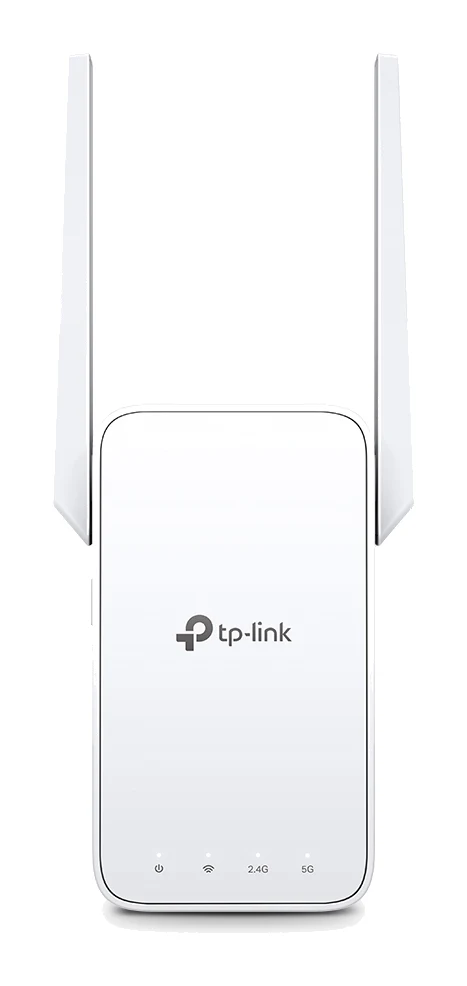
TP-Link RE315 Review (2026): One Extra Room, Kept Simple
A look at the TP-Link RE315 range extender: what dual-band Wi-Fi 5, OneMesh/EasyMesh support and AP Mode mean in practice, and who should skip it.
Published Oct 25, 2026