TP-Link RE315 Review (2026): One Extra Room, Kept Simple
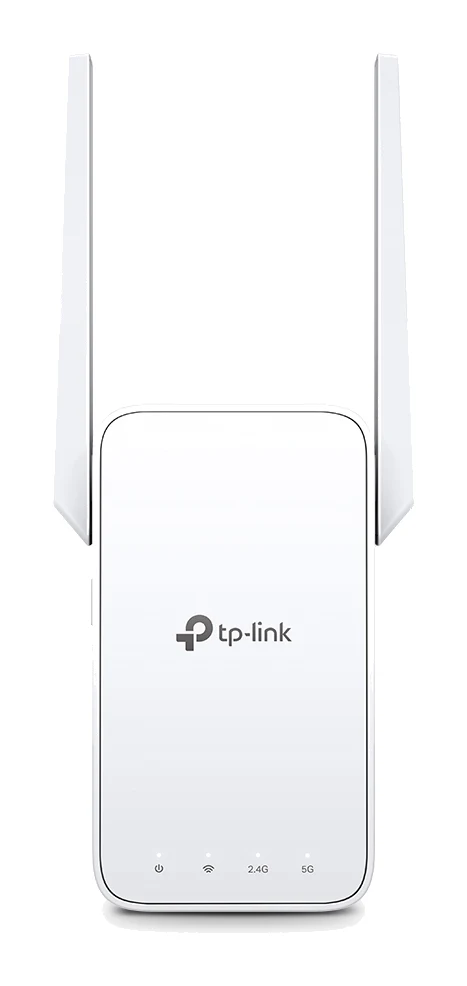
A look at the TP-Link RE315 range extender: what dual-band Wi-Fi 5, OneMesh/EasyMesh support and AP Mode mean in practice, and who should skip it.
Research-based · We earn from qualifying purchases
Our verdict
The RE315 is a simple, compact way to push Wi-Fi into one extra room, especially if you already own a OneMesh or EasyMesh-compatible TP-Link router. Skip it if you need Wi-Fi 6, gigabit wired speeds or coverage across a large home.
The good
- Quick setup through one-touch WPS or the Tether app
- Dual-band Wi-Fi with 300 Mbps on 2.4 GHz and 867 Mbps on 5 GHz
- OneMesh/EasyMesh support keeps one Wi-Fi name with smoother roaming
- Signal indicator and adjustable antennas make placement easy
- Compact plug-in design with AP Mode for wired connections
+2 more
- Signal indicator and adjustable antennas make placement easy
- Compact plug-in design with AP Mode for wired connections
The bad
- Ethernet port is limited to 10/100 Mbps speeds
- Wi-Fi 5 only, so no Wi-Fi 6 speeds or features
- Coverage is modest and weakens through thick walls or on upper floors
- Some users report connection drops, especially on 2.4 GHz
+1 more
- Some users report connection drops, especially on 2.4 GHz
Every home seems to have one room where Wi-Fi gives up. This TP-Link RE315 AC1200 Mesh Wi-Fi Range Extender review looks at a plug-in device built to fix exactly that, without replacing your router or rebuilding your network. It is aimed at small homes that need one extra room covered, particularly if the router is already a OneMesh or EasyMesh-compatible model.
This review is based on the manufacturer's specifications and on what independent expert reviews report. It is not hands-on testing. Across those sources the RE315 turns up often: it is recommended in 9 expert buying guides.
TP-Link RE315 AC1200 Mesh Wi-Fi Range Extender: specs at a glance
From the manufacturer- MIMO
- 2 x 2
- Bands
- Dual-band 2.4 GHz and 5 GHz
- Antennas
- 2 External Antennas
- Warranty
- Limited 2-Year Manufacturer Warranty
- Input power
- 100-240V~50/60Hz
- Signal rate
- 300Mbps at 2.4GHz, 867Mbps at 5GHz
- Ethernet port
- 1 x 10/100Mbps Ethernet Port (RJ45)
- Working modes
- Range Extender/Access Point
- Wi-Fi standard
- Wi-Fi 5 (802.11ac) on 5 GHz; 802.11b/g/n on 2.4 GHz
- Wireless security
- 64/128-bit WEP, WPA/WPA2-PSK/WPA2-PSK2 encryptions
- Transmission power
- 2.4 GHz ≤20dBm, 5 GHz ≤30dBm
- Max power consumption
- 9.5W
- Dimensions (W x D x H)
- 3.5×1.4×4.9 in. (89×35.0×124.1 mm)
Key features
- Dual-band Wi-Fi covers weak spots with 300 Mbps on 2.4 GHz and 867 Mbps on 5 GHz
- Joins a mesh network with a OneMesh or EasyMesh-compatible router, so you keep one Wi-Fi name
- Adaptive Path Selection automatically picks the fastest connection path back to the router
- Smart signal indicator helps you find the best spot to plug it in
- One-touch WPS setup, plus management through the Tether app or web UI
- AP Mode turns a wired Ethernet connection into Wi-Fi
- Two external antennas
- Works with any Wi-Fi router or access point
What the RE315 is, and what it is not
The RE315 is a Wi-Fi 5 (802.11ac) range extender. It picks up your router's signal and rebroadcasts it, so devices in a weak spot get a stronger connection. The "AC1200" in the name is shorthand for its combined dual-band rating: 300 Mbps on 2.4 GHz and 867 Mbps on 5 GHz. Those are theoretical signal rates, not speeds you will measure in a speed test. Real throughput is lower, and an extender adds its own overhead, so it makes more sense to see these figures as a ceiling than a promise.
The RE315 is not a whole-home mesh system. It is a single add-on unit that extends one router's network. That distinction matters for expectations. The product is built for one more room, or one dead zone, not an entire house.
Design and build
The RE315 is a compact plug-in unit that sits directly in a wall outlet, so there is no separate power brick and no cable to hide. It has two external antennas, and reviewers note that the adjustable antennas make it easier to tune placement. The specs list a 2 x 2 MIMO configuration.
A smart signal indicator on the unit shows whether you have chosen a good spot. This matters more than it sounds. Placement matters with any extender: too close to the router and you gain little, too far and the extender is rebroadcasting a weak signal. A smart signal indicator that helps you find the best spot to plug it in takes much of the guesswork out of placement.
There is one Ethernet port on the unit, which comes into play when you use AP Mode (more on that below). Power input is 100-240V, so it works with standard wall outlets in many regions, and the listed maximum power consumption is 9.5W.
Setup and day-to-day features
Quick setup
TP-Link offers two ways to get going. The first is one-touch WPS: press the WPS buttons on the router and extender and they pair. The second is the Tether app, which the extender can also be managed through afterwards, with a web UI available as an alternative. Reviewers consistently praise how quick setup is, which is a real draw for people who do not want to spend an evening in router menus.
OneMesh and EasyMesh
The headline feature is compatibility with OneMesh and EasyMesh routers. When paired with a compatible router, the RE315 joins a mesh network and you keep a single Wi-Fi name. With one name, devices can roam more smoothly between the router and the extender. Reviewers praise OneMesh/EasyMesh support for keeping one Wi-Fi name with smoother roaming.
The RE315 still works with any Wi-Fi router or access point. If your router is not OneMesh or EasyMesh-compatible, you can still use it as a conventional extender. You just do not get the single-network convenience.
Adaptive Path Selection
TP-Link lists Adaptive Path Selection, which automatically picks the fastest connection path back to the router.
AP Mode
In AP Mode, the extender takes a wired Ethernet connection and turns it into Wi-Fi. This is useful if there is a network cable in a room that has no wireless signal, such as a home office or garage. The working modes listed are Range Extender and Access Point. Keep in mind the port is 10/100 Mbps, so a wired connection into the unit tops out well below gigabit speeds. Any device you plug into that port is limited the same way.
Performance and connectivity
On paper, the dual-band design gives you flexibility. The 2.4 GHz band is generally better at reaching farther and passing through obstacles, but is slower and more crowded. The 5 GHz band is faster but has shorter reach. The RE315 supports both, with 802.11b/g/n on 2.4 GHz and Wi-Fi 5 on 5 GHz.
The RE315 supports Wi-Fi 5 on 5 GHz and 802.11b/g/n on 2.4 GHz. Security options include WPA/WPA2-PSK encryption as well as 64/128-bit WEP, though WEP is a legacy option you would not choose today.
The limits are worth being direct about. Reviewers describe coverage as modest, and say it weakens through thick walls or when you try to reach upper floors. A common criticism is that some users report connection drops, especially on 2.4 GHz. That does not mean every unit will misbehave, but some users do report it. If your home has dense walls or several floors between router and target room, this is not the product to rely on.
Because it is Wi-Fi 5 only, there are no Wi-Fi 6 speeds or features. If you have a Wi-Fi 6 router and many Wi-Fi 6 devices, an extender at this level will not carry those benefits into the extended area.
What experts like and what they criticise
What reviewers praise: quick setup through one-touch WPS or the Tether app; the dual-band design with its 300 Mbps and 867 Mbps rates; OneMesh/EasyMesh support that keeps one Wi-Fi name with smoother roaming; the signal indicator and adjustable antennas, which make placement easy; and the compact plug-in design with AP Mode for wired connections.
What reviewers criticise: the 10/100 Mbps Ethernet port is a bottleneck for wired use; Wi-Fi 5 means no Wi-Fi 6; coverage is modest and falls off through thick walls or on upper floors; and some users report connection drops, particularly on 2.4 GHz.
None of these criticisms is hidden or surprising once you understand what the device is designed to do. They do define the boundaries clearly, though, and the coverage and drop-out points deserve real weight if your home is awkward.
Who should buy the RE315
The RE315 suits a fairly specific buyer:
- Small-home owners with one trouble spot. If one bedroom, study or corner has weak signal and the rest of the house is fine, this is the kind of job it is designed for.
- People with a OneMesh or EasyMesh router. The single Wi-Fi name and smoother roaming are the best reasons to pick it over a generic extender.
- Anyone who wants easy setup. WPS pairing and the Tether app keep the process approachable for non-technical users.
- Anyone with an Ethernet cable but no Wi-Fi in a room. AP Mode covers that case, as long as 10/100 Mbps wired speeds are enough.
Who should skip it
- Larger or multi-floor homes. Modest coverage and difficulty reaching upper floors make it a weak fit.
- Wi-Fi 6 households. The RE315 is Wi-Fi 5 only.
- Anyone who needs fast wired speeds. The Ethernet port is limited to 10/100 Mbps, so gaming consoles, desktops or media boxes that benefit from gigabit will be held back.
- People who need a rock-solid link for demanding use. Reports of connection drops on 2.4 GHz are a reason for caution.
How it fits in its category
Its pitch is simplicity: a small plug-in device, quick setup and OneMesh/EasyMesh support with a compatible router. Its trade-offs, Wi-Fi 5 and a 10/100 Mbps port, are the sort you accept in exchange for that straightforward approach. If your needs are bigger than one room, a multi-node mesh system is a more natural category to look at.
Verdict: a focused fix for one room
The RE315 does a modest job well. It is easy to set up, easy to place thanks to the signal indicator, and it works best when paired with a OneMesh or EasyMesh-compatible router so you keep one network name. Its 2-year limited manufacturer warranty adds some reassurance. But it is not a cure for large, multi-floor or wall-heavy homes, and the Wi-Fi 5 standard and 10/100 Mbps Ethernet port keep it firmly in the "good enough for one room" category. Match it to that job and it makes sense; ask more of it and you are likely to be disappointed.
Related buying guides
Not sure about the TP-Link RE315 AC1200 Mesh Wi-Fi Range Extender? Consider these
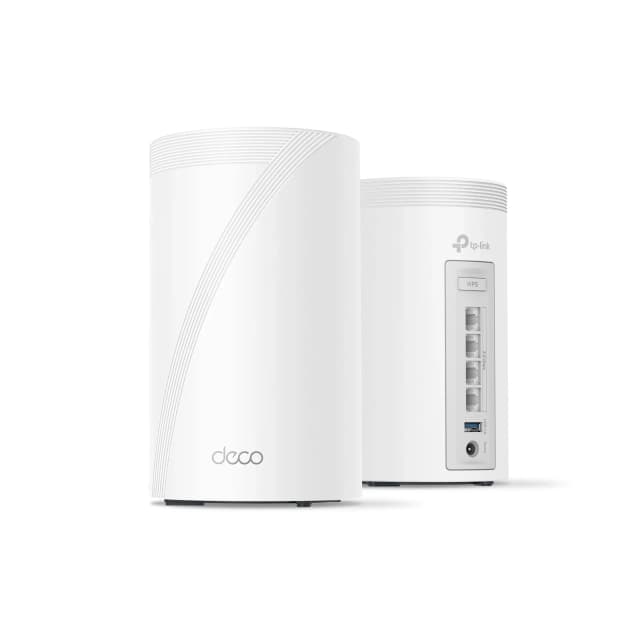
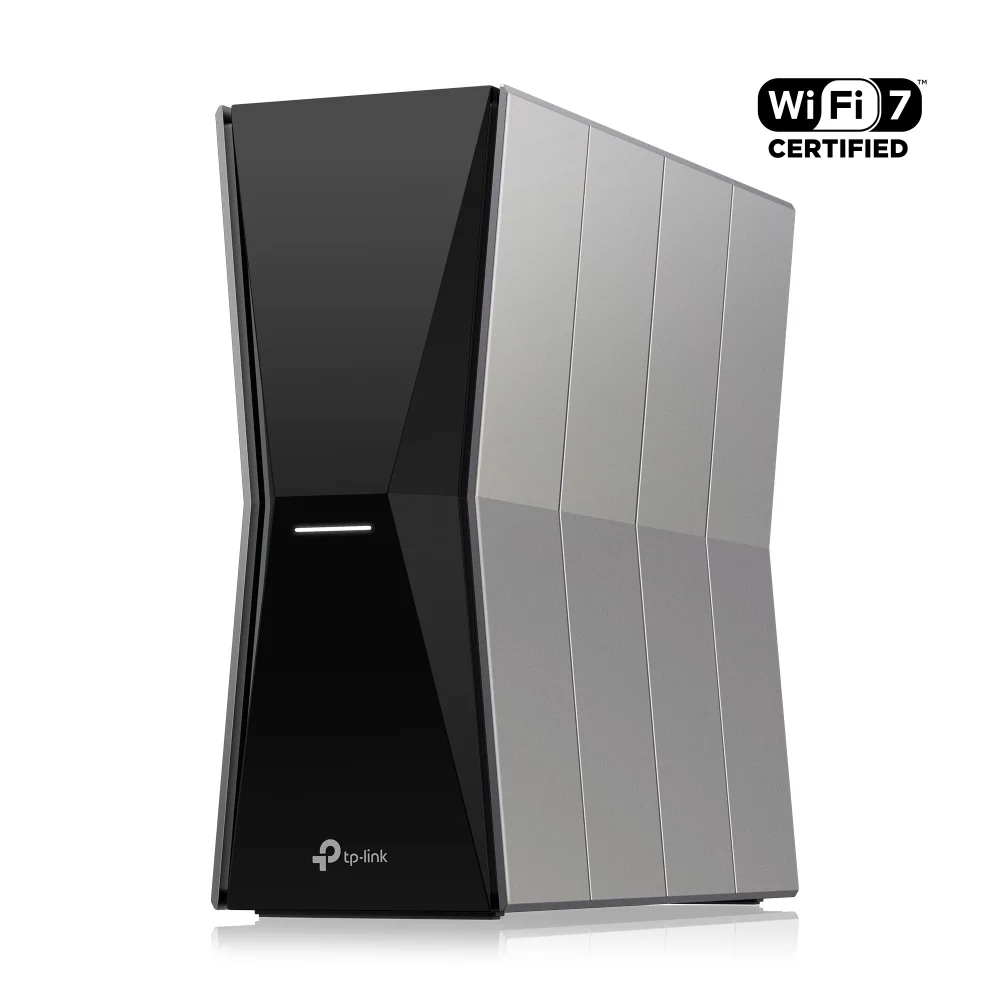
- Best OverallTP-Link Deco 7 Pro BE63Why we picked it →
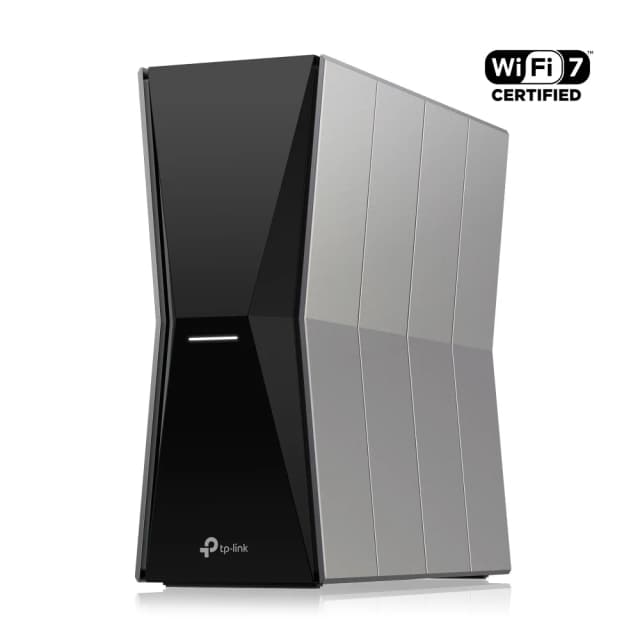
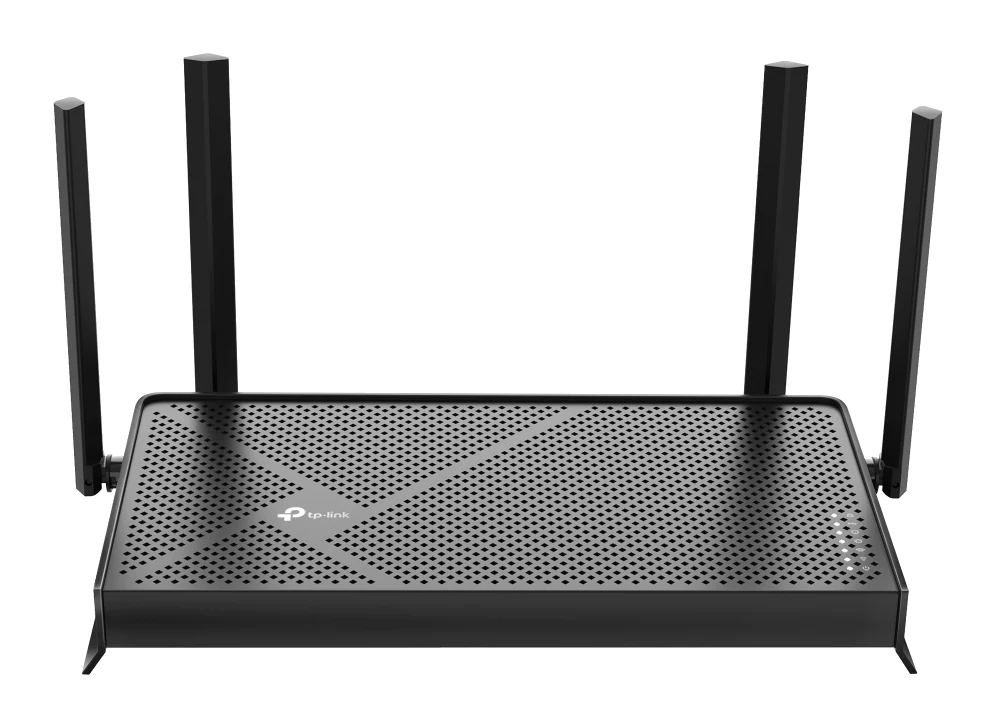
- Best BudgetTP-Link Archer BE770Why we picked it →
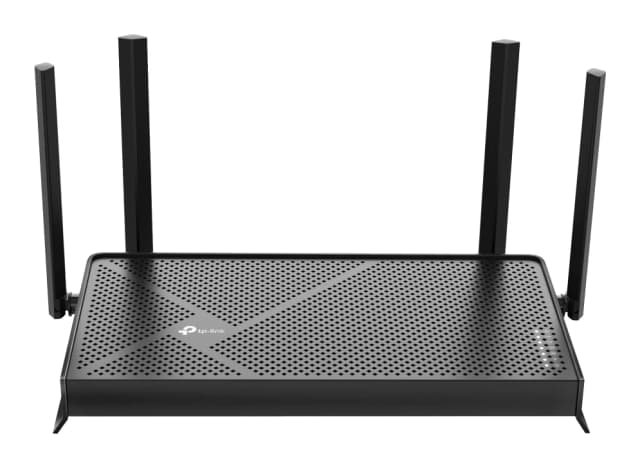
- Best ValueTP-Link Archer BE3600Why we picked it →
Frequently asked questions
Is the TP-Link RE315 worth it?
It is worth considering if you need to cover one extra room in a small home, especially with a OneMesh or EasyMesh-compatible router. Reviewers praise its quick setup and placement aids, but criticise its modest coverage and Wi-Fi 5 limit. It is a weaker choice for large homes.
Does the TP-Link RE315 work with any router?
Yes. TP-Link says it works with any Wi-Fi router or access point. To get a single Wi-Fi name and smoother roaming, you need a OneMesh or EasyMesh-compatible router.
Does the RE315 support Wi-Fi 6?
No. It uses Wi-Fi 5 (802.11ac) on 5 GHz and 802.11b/g/n on 2.4 GHz, so it does not offer Wi-Fi 6 speeds or features.
What is AP Mode on the TP-Link RE315?
AP Mode turns a wired Ethernet connection into Wi-Fi. It is useful for a room that has a network cable but no wireless signal. The Ethernet port is limited to 10/100 Mbps.
How do I set up the TP-Link RE315?
You can use one-touch WPS to pair it with your router, or set it up through the Tether app. It can also be managed through a web UI. The smart signal indicator helps you choose a good outlet.
Does the RE315 have gigabit Ethernet?
No. It has one 10/100 Mbps Ethernet port, so wired connections are limited to those speeds.
Sources
Specs are taken from the manufacturers' official pages; expert recommendations from the publications below.
- TP-Link RE315 AC1200 Mesh Wi-Fi Range Extender: tp-link.com, bhphotovideo.com, walmart.com, shop.multilink.us
Related reviews & guides
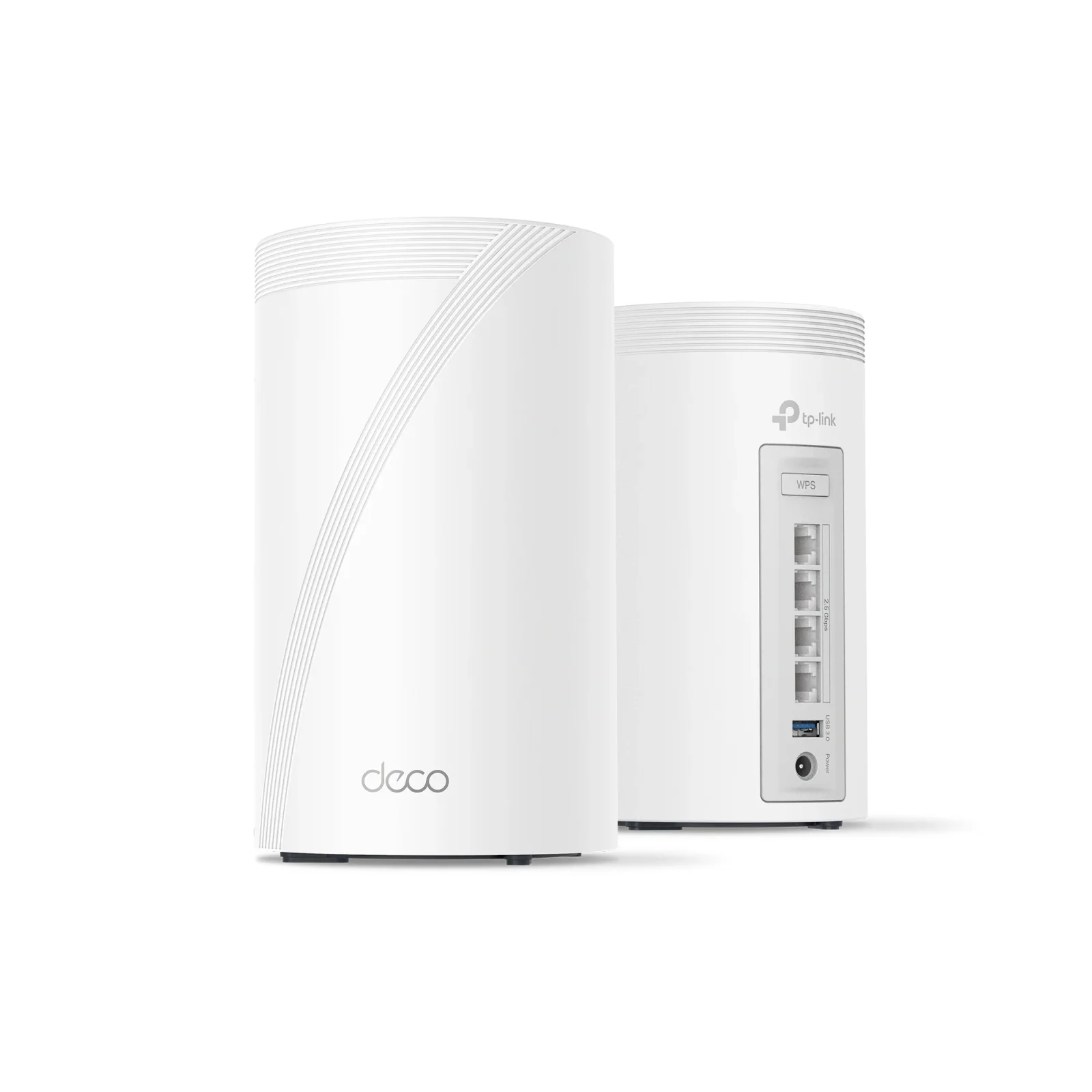
TP-Link Deco BE63 Review (2026): Multi-Gig Wi-Fi 7 Mesh
A look at the TP-Link Deco BE63, a mid-range tri-band Wi-Fi 7 mesh system with multi-gig ports on every unit, based on its specs and what independent experts report.
Published Oct 20, 2026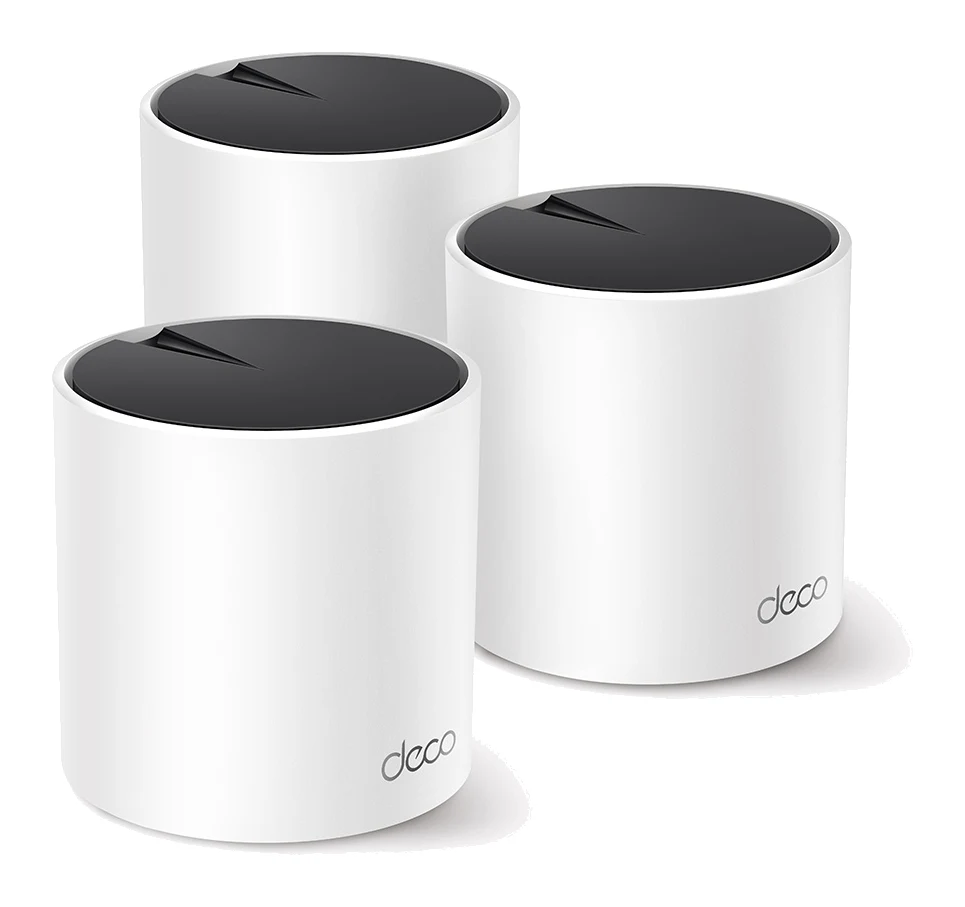
TP-Link Deco X55 Review (2026): Easy Mesh, Gigabit Limits
The TP-Link Deco X55 is a mid-range AX3000 Wi-Fi 6 mesh system built for easy setup and gigabit-or-slower connections. Here is what the specs and expert reviews say.
Published Oct 29, 2026Best Mesh Wi-Fi System for 2026: Wi-Fi 7 on Any Budget
Five Wi-Fi 7 mesh systems compared on bands, wired ports, coverage and expert recommendations, from budget TP-Link Deco picks to a 10G ASUS and an eero smart home hub.
Published Oct 17, 2026