TP-Link Deco BE63 Review (2026): Multi-Gig Wi-Fi 7 Mesh
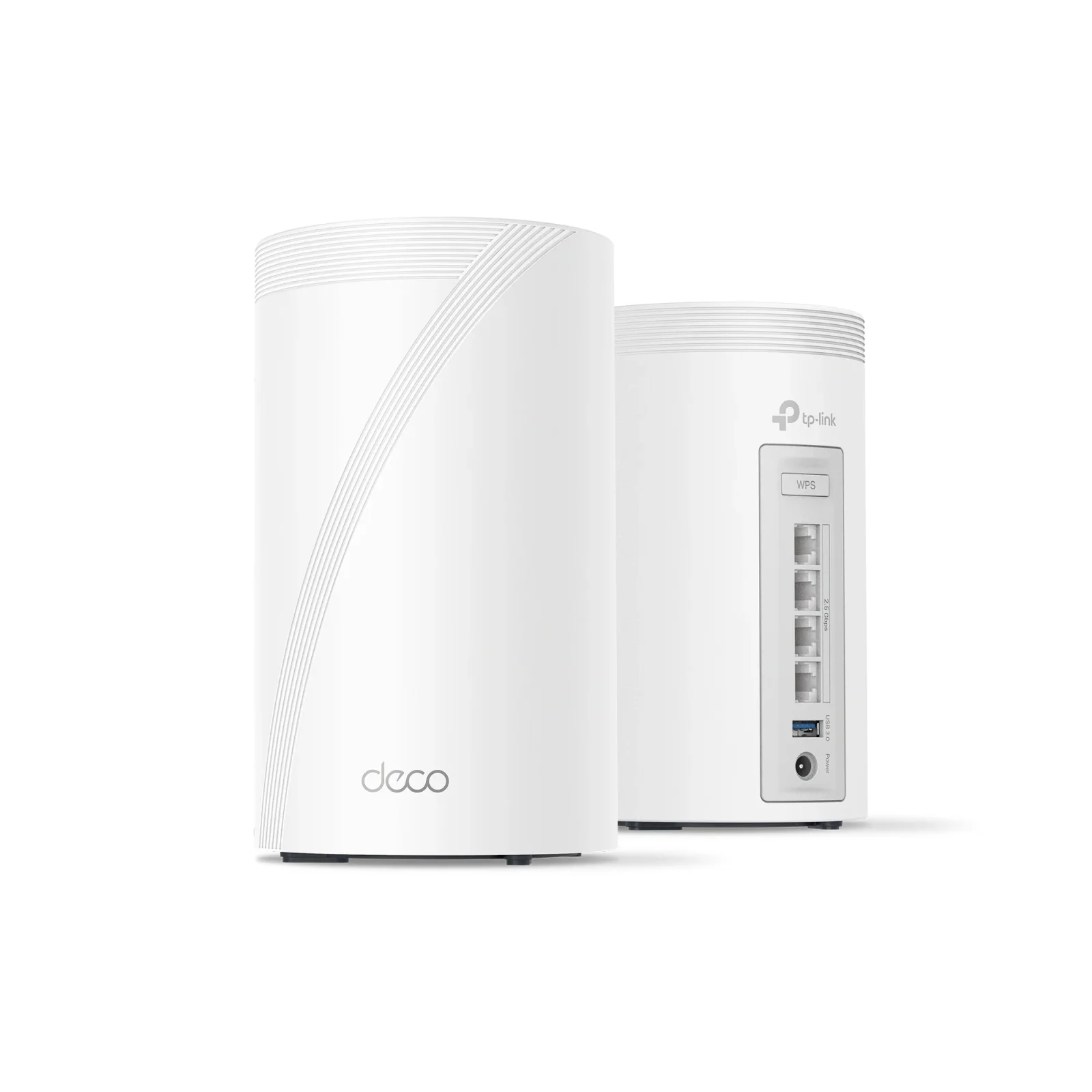
A look at the TP-Link Deco BE63, a mid-range tri-band Wi-Fi 7 mesh system with multi-gig ports on every unit, based on its specs and what independent experts report.
Research-based · We earn from qualifying purchases
Our verdict
The Deco BE63 is a well-priced entry into tri-band Wi-Fi 7 mesh, with multi-gig ports on every node and a simple app. It suits mid-sized homes with multi-gig wired gear, but those with very large layouts, 10 Gbps needs or a wish for free advanced security should look elsewhere.
The good
- Tri-band Wi-Fi 7 with a dedicated 6 GHz band for less congestion
- Four 2.5 Gbps ports on every unit for multi-gig wired devices
- Strong 6 GHz and 5 GHz speeds at close range
- Easy Deco app setup, with parental controls included at no extra cost
- Compact design with a USB 3.0 port for network storage sharing
+2 more
- Easy Deco app setup, with parental controls included at no extra cost
- Compact design with a USB 3.0 port for network storage sharing
The bad
- Speeds drop at long range; a 2-pack may leave gaps in larger homes
- No 10 Gbps port, and only three LAN ports once one serves as WAN
- Advanced HomeShield security features require a paid subscription
- Weaker 2.4 GHz speeds, with higher latency through satellite nodes
+1 more
- Weaker 2.4 GHz speeds, with higher latency through satellite nodes
This TP-Link Deco BE63 review looks at a tri-band Wi-Fi 7 mesh system aimed at people who want a modern, multi-gig home network without moving to the top of the market. It sits in the mid-range part of the market and is built for mid-sized homes with a few wired devices, such as a NAS, a desktop or a gaming console, alongside the usual phones and laptops.
This review is based on TP-Link's published specifications and on what independent expert reviews report. It is not hands-on testing.
TP-Link Deco BE63: specs at a glance
From the manufacturer- USB
- 1× USB port (USB 3.0)
- MU-MIMO
- 2×2
- Antennas
- 4× internal high-performance antennas
- Coverage
- Up to 5,800 sq. ft. (2-pack); up to 7,600 sq. ft. (3-pack)
- Warranty
- 2-year limited
- VPN server
- OpenVPN, PPTP, L2TP/IPSec
- 5 GHz speed
- 4324 Mbps
- 6 GHz speed
- 5188 Mbps
- 2.4 GHz speed
- 574 Mbps
- Working modes
- Router Mode, Access Point Mode
- Wi-Fi standard
- Wi-Fi 7 (802.11be), tri-band BE10000
- Device capacity
- Up to 200 devices
- Dimensions (per unit)
- 4.23 × 4.23 × 6.93 in (107.5 × 107.5 × 176 mm)
- Ethernet ports (per unit)
- 4× 2.5 Gbps WAN/LAN auto-sensing
Key features
- Tri-band Wi-Fi 7 with a clean 6 GHz band for less congestion
- Four 2.5 Gbps WAN/LAN ports on every unit for multi-gig wired connections
- Multi-Link Operation and 320 MHz channels for faster, lower-latency connections
- Connects 200 devices at once
- Wired, wireless or mixed backhaul between units
- Deco app setup and management, with HomeShield security and parental controls
- USB port for sharing storage over the network (FTP, media and Samba servers)
- VPN server support and a separate IoT network with device isolation
What the Deco BE63 is
The Deco BE63 is a mesh kit: two or more identical units that work as one network with a single name. The standard is Wi-Fi 7 (802.11be), and the speed class is tri-band BE10000. That means three radio bands: 2.4 GHz, 5 GHz and 6 GHz.
The 6 GHz band is the main attraction. Older devices don't use it, so it tends to be much quieter than the bands everyone shares. TP-Link's spec sheet rates it at 5188 Mbps, with 4324 Mbps on 5 GHz and 574 Mbps on 2.4 GHz. These are theoretical maximums, not what you'll see on a speed test, but they show where the system's capacity sits.
The features list also includes Multi-Link Operation and 320 MHz channels. In general terms, Multi-Link Operation lets a compatible device use more than one band at once, and wider channels carry more data per transmission. TP-Link describes the result as faster, lower-latency connections. You only get the full benefit with Wi-Fi 7 clients, so check what your devices support before expecting a big jump.
Design and build
Each unit measures 4.23 × 4.23 × 6.93 in (107.5 × 107.5 × 176 mm). It has a compact design, which reviewers praise. That helps with mesh, because the best position for a node is often a shelf or sideboard in a room you actually use, not a cupboard.
Inside are four high-performance antennas and 2×2 MU-MIMO.
The unit also has a USB 3.0 port. With it you can share a drive over the network through FTP, media and Samba servers. It is a simple way to share files or media around the house without extra hardware.
Features and what they mean day to day
Multi-gig ports on every unit
The standout hardware feature is that every unit has four 2.5 Gbps WAN/LAN auto-sensing ports. A wired PC, console, NAS or access point can connect at multi-gig speed wherever a unit sits, and the same applies if you use a wired backhaul between units.
There is a catch that reviewers point out. There is no 10 Gbps port, and on the unit connected to your modem or ONT, one of the four ports acts as WAN. That leaves three for wired devices. If you plan to connect many wired devices at that location, a small switch is worth budgeting for.
Backhaul options
The units can link to each other over wired, wireless or mixed backhaul. If you can run Ethernet between units, the 2.5 Gbps ports make a wired link a strong option. It takes the inter-node traffic off the radio bands, which matters more when the satellite is a long way from the main unit.
Deco app, security and network controls
Setup and management happen in the Deco app. Reviewers consistently praise how easy this is. Parental controls come with the system at no extra cost. TP-Link's HomeShield adds security features on top, but the more advanced ones require a paid subscription. If you want basic family controls, you're covered. If you want the full security suite, plan for an ongoing cost.
Other useful extras include:
- VPN server support for OpenVPN, PPTP and L2TP/IPSec, so you can reach your home network remotely.
- A separate IoT network with device isolation, which keeps smart-home gadgets away from your laptops and phones.
- Router Mode and Access Point Mode, so it can replace your router or sit behind an existing one.
- Capacity for up to 200 devices, which is plenty for a connected household.
Performance, coverage and connectivity
TP-Link quotes coverage of up to 5,800 sq. ft. for a 2-pack and up to 7,600 sq. ft. for a 3-pack. Treat these as best-case manufacturer figures. Walls, floors and layout all reduce real-world reach, and reviewers say speeds drop at long range.
According to reviewers, the BE63 is strongest at close range. Reviewers say the 6 GHz and 5 GHz bands deliver strong speeds at close range. Speeds then drop at longer distances. A common criticism is that a 2-pack may leave gaps in larger homes, so if your layout is big or awkward, the 3-pack, or a wired backhaul, is the sensible route. A 6 GHz signal also doesn't travel through walls as well as the lower bands, which is general to the technology and not specific to this model.
The 2.4 GHz band is rated at 574 Mbps, and reviewers describe it as weaker than the other two bands. That matters mainly for older or low-power smart-home devices that only use 2.4 GHz and sit far from a node. Reviewers also report higher latency through satellite nodes. If you game competitively on Wi-Fi, a wired connection to the satellite, or a wired backhaul, is worth considering.
What experts like and what they criticise
The Deco BE63 averages 8.7/10 across 4 expert reviews. TechRadar gives it 5/5 and Tom's Guide 4.5/5. Home Office Research scores it 8.1/10, and Dong Knows Tech, in a preliminary assessment, gives it 7.8/10.
What reviewers praise:
- The dedicated 6 GHz band, which means less congestion.
- Four 2.5 Gbps ports on every unit.
- Strong 6 GHz and 5 GHz speeds at close range.
- Simple Deco app setup, with parental controls included.
- The compact design and USB 3.0 port.
What reviewers criticise:
- Speeds fall away at long range, so larger homes may need more than a 2-pack.
- The lack of a 10 Gbps port, and only three LAN ports once one is used as WAN.
- The paid subscription needed for advanced HomeShield security features.
- Weaker 2.4 GHz speeds and higher latency through satellite nodes.
These are real limitations, so weigh them against your own home before buying.
Who should buy it, and who should skip it
Buy it if:
- You have a mid-sized home and want Wi-Fi 7 mesh without paying for a flagship.
- You have wired gear that benefits from 2.5 Gbps, such as a NAS, a desktop or a gaming console.
- You want a simple app and built-in parental controls.
- You like the idea of sharing a USB drive across your network.
Skip it if:
- Your home is very large or has awkward layouts that a 2-pack is unlikely to cover.
- You need 10 Gbps wired speeds.
- You want advanced security features without a subscription.
- Most of your devices are 2.4 GHz-only and located far from the nodes.
Editorial mentions and a star rating aren't available for this model yet, so the expert scores above are the main independent signal.
How it fits in the mesh category
Mesh systems range from basic Wi-Fi 6 kits to premium Wi-Fi 7 systems with 10 Gbps ports. The Deco BE63 sits in the middle. It brings the tri-band design and 6 GHz band of the newer standard, and it puts multi-gig ports on every node. It has no 10 Gbps port, and reviewers say a 2-pack may leave gaps in larger homes. Because wireless performance depends so much on your home, the best approach is to match the system to your layout first and to your wired gear second.
TP-Link Deco BE63 review: the verdict
The Deco BE63 is a sensible, well-rounded Wi-Fi 7 mesh system for people who want multi-gig wiring and a clean 6 GHz band in a mid-sized home. Its main strengths are the four 2.5 Gbps ports on every unit, the easy app and the compact design with USB sharing. Its limits are range in larger homes, the lack of a 10 Gbps port, a paid tier for advanced security and a weaker 2.4 GHz band. With a 2-year limited warranty and an expert average of 8.7/10, it is a safe shortlist pick for the buyer it targets. If your home is large or your needs are more demanding, look at larger kits or systems with faster ports.
Related buying guides
Not sure about the TP-Link Deco BE63? Consider these
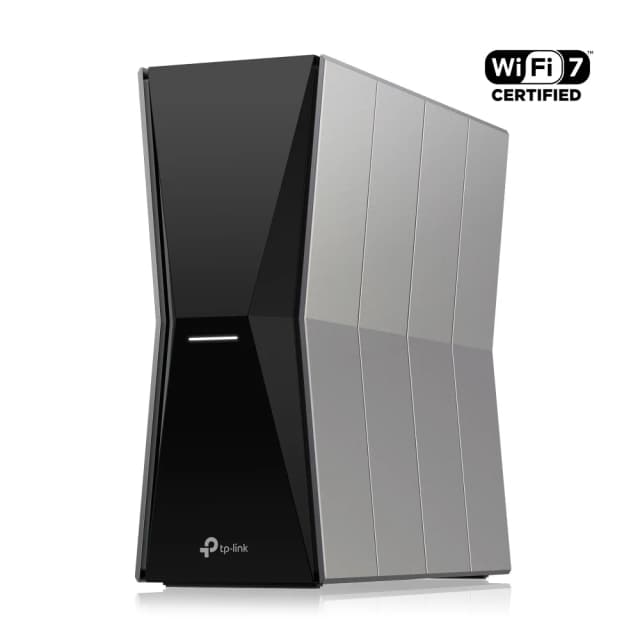
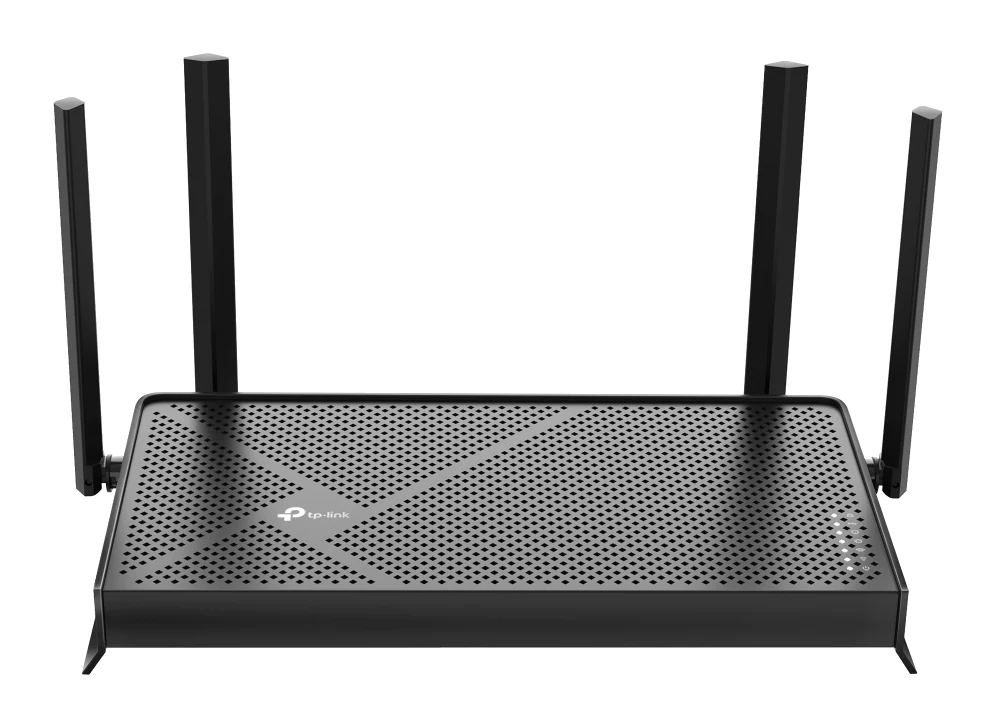
- Best BudgetTP-Link Archer BE770Why we picked it →
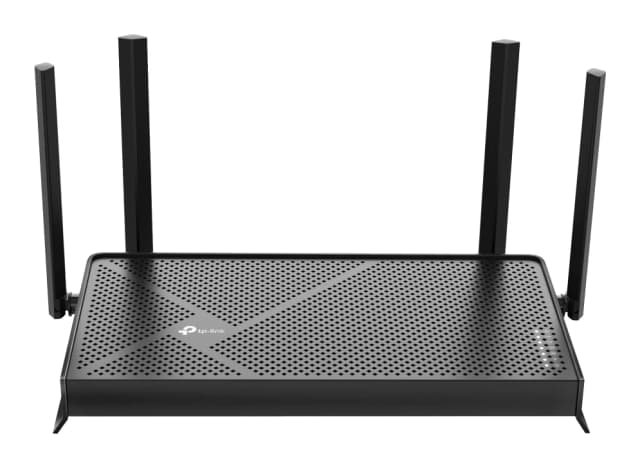
- Best ValueTP-Link Archer BE3600Why we picked it →
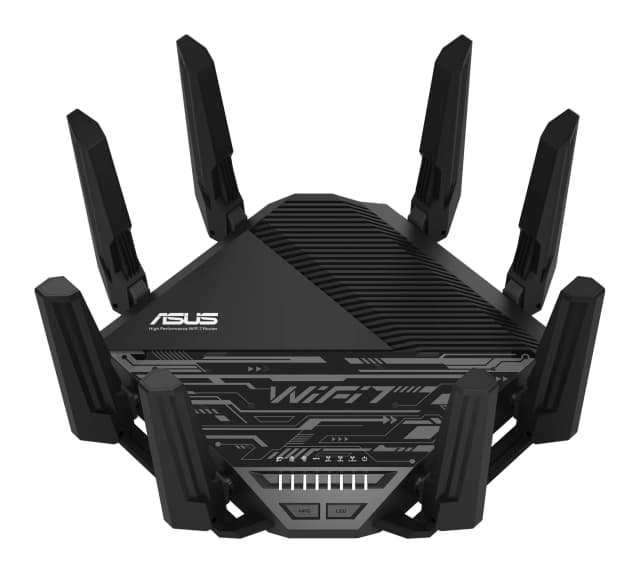
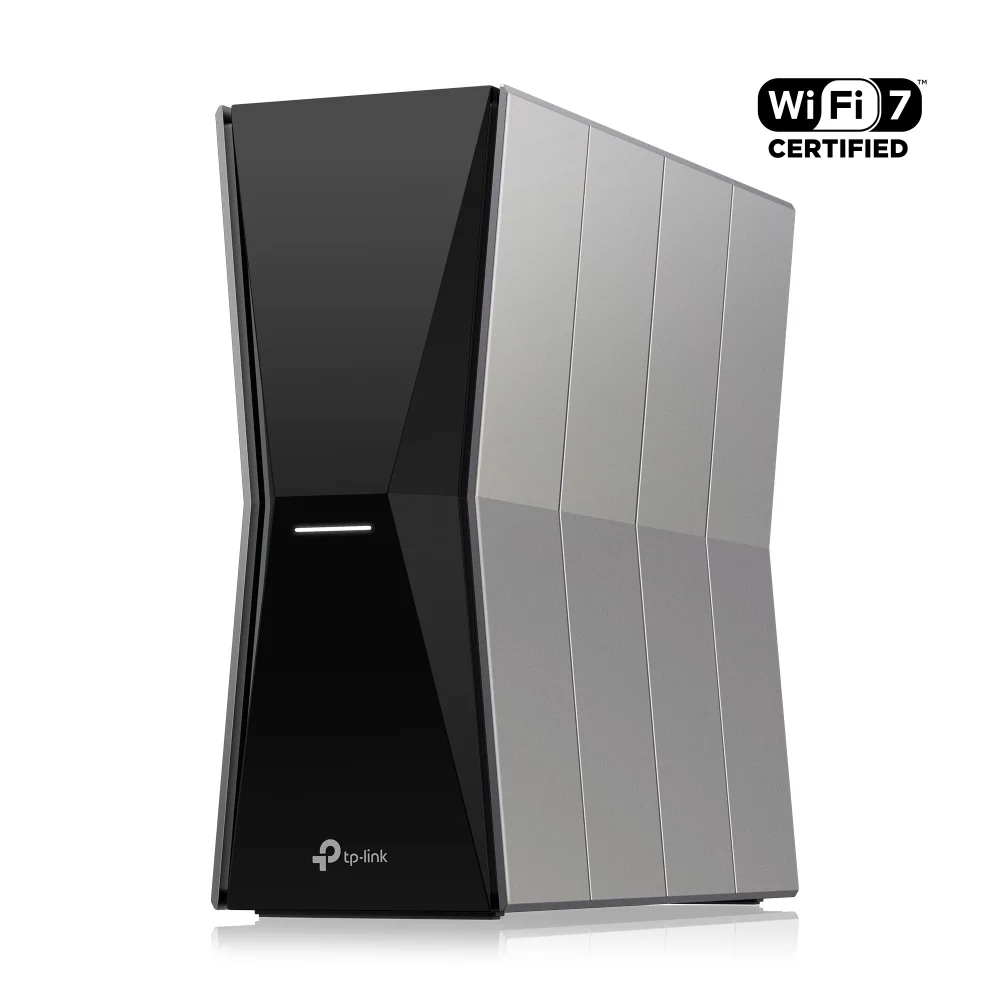
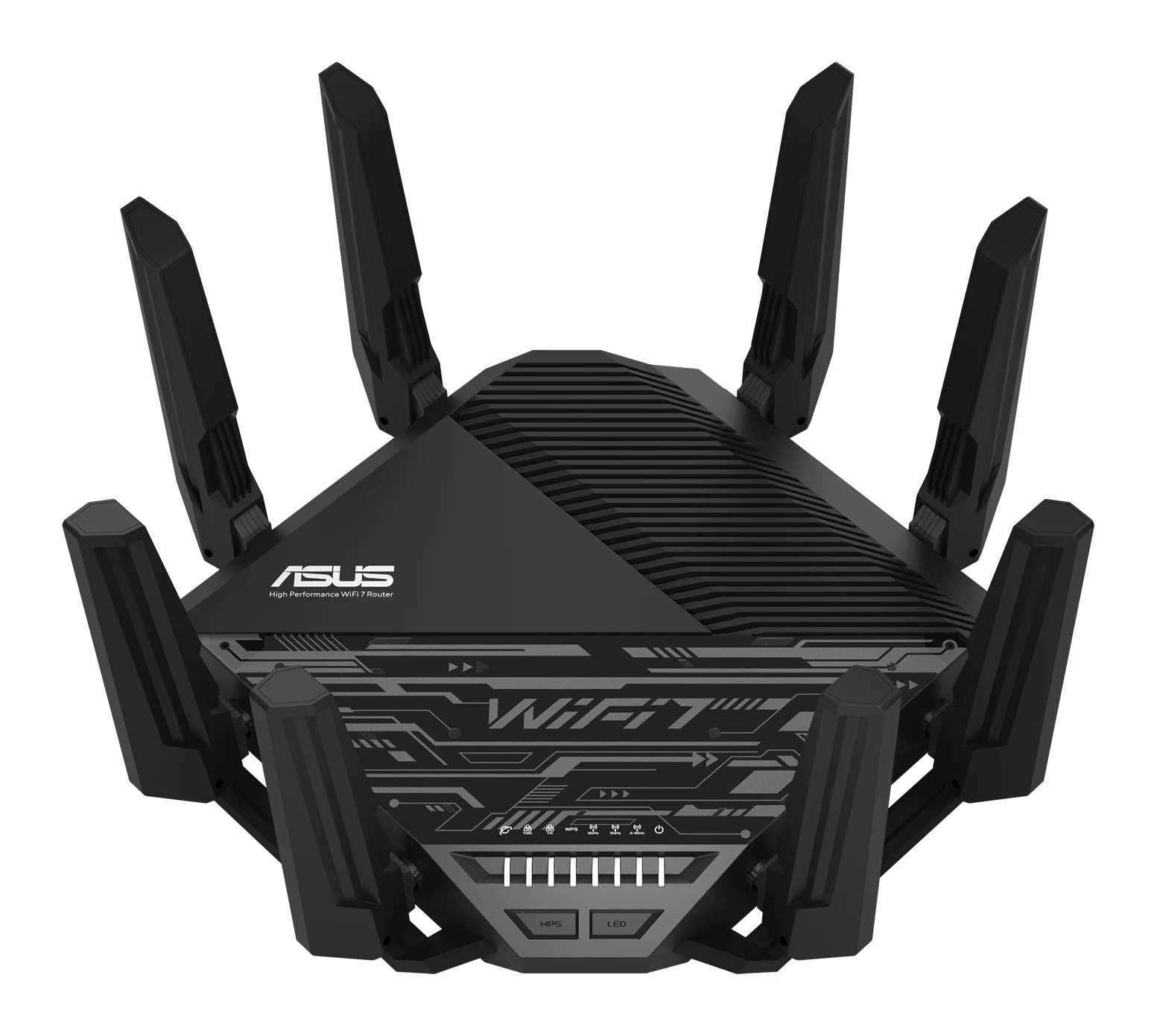
- Premium PickASUS RT-BE96U BE19000Why we picked it →
Frequently asked questions
Is the TP-Link Deco BE63 worth it?
For mid-sized homes that want tri-band Wi-Fi 7 and multi-gig wired ports, reviewers think so. It averages 8.7/10 across 4 expert reviews. It is less suitable for very large homes, for 10 Gbps needs, or for anyone who wants advanced security features without paying a subscription.
How many Ethernet ports does the Deco BE63 have?
Each unit has four 2.5 Gbps WAN/LAN auto-sensing ports. On the unit connected to your modem, one port acts as the WAN, which leaves three for wired devices. There is no 10 Gbps port.
How much area does the Deco BE63 cover?
TP-Link rates a 2-pack at up to 5,800 sq. ft. and a 3-pack at up to 7,600 sq. ft. Real-world coverage depends on walls, floors and layout. Reviewers say speeds drop at long range and that a 2-pack may leave gaps in larger homes.
Does the Deco BE63 support wired backhaul?
Yes. The units can connect to each other by wired, wireless or mixed backhaul. With 2.5 Gbps ports on every unit, a wired link is an attractive option when you can run Ethernet between them.
Are the Deco BE63 parental controls free?
Reviewers note that parental controls are included at no extra cost. Some advanced HomeShield security features, however, require a paid subscription.
Can the Deco BE63 share a USB drive?
Yes. It has a USB 3.0 port that can share storage over the network through FTP, media and Samba servers.
Sources
Specs are taken from the manufacturers' official pages; expert recommendations from the publications below.
- TP-Link Deco BE63: tp-link.com, broadbandnow.com, datawiresolutions.com, tomshardware.com
Related reviews & guides
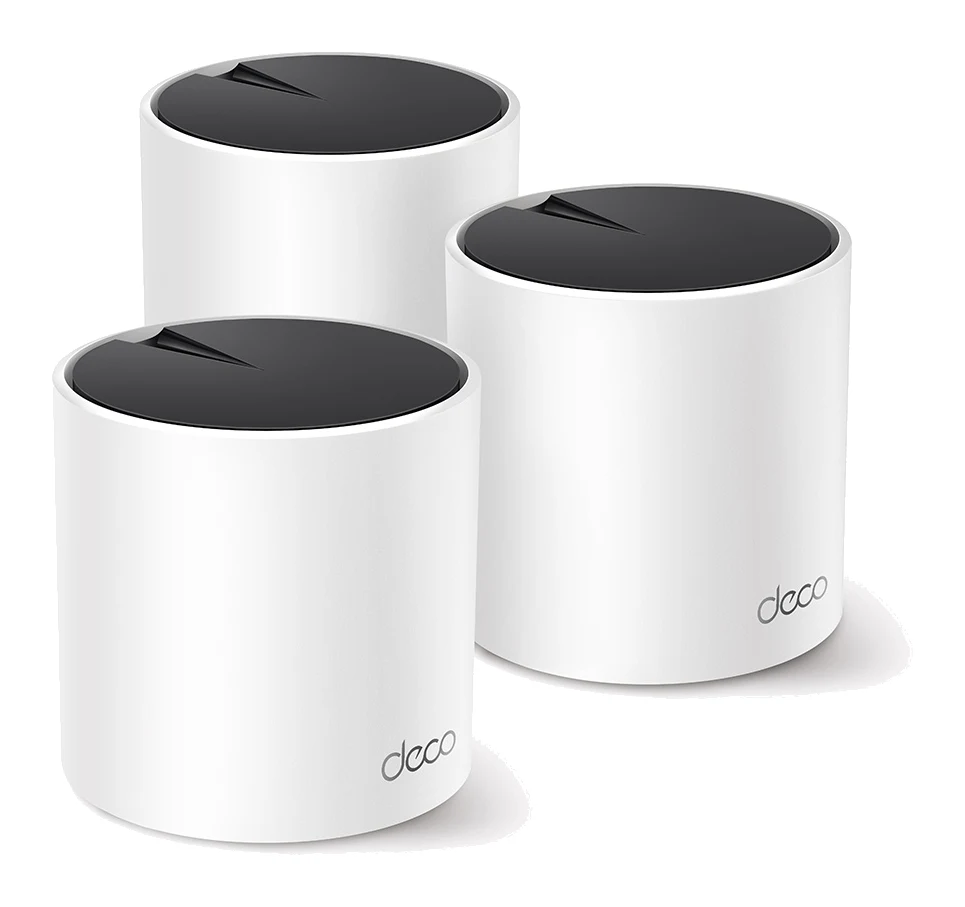
TP-Link Deco X55 Review (2026): Easy Mesh, Gigabit Limits
The TP-Link Deco X55 is a mid-range AX3000 Wi-Fi 6 mesh system built for easy setup and gigabit-or-slower connections. Here is what the specs and expert reviews say.
Published Oct 29, 2026
TP-Link RE315 Review (2026): One Extra Room, Kept Simple
A look at the TP-Link RE315 range extender: what dual-band Wi-Fi 5, OneMesh/EasyMesh support and AP Mode mean in practice, and who should skip it.
Published Oct 25, 2026Best Mesh Wi-Fi System for 2026: Wi-Fi 7 on Any Budget
Five Wi-Fi 7 mesh systems compared on bands, wired ports, coverage and expert recommendations, from budget TP-Link Deco picks to a 10G ASUS and an eero smart home hub.
Published Oct 17, 2026