TP-Link Deco X55 Review (2026): Easy Mesh, Gigabit Limits
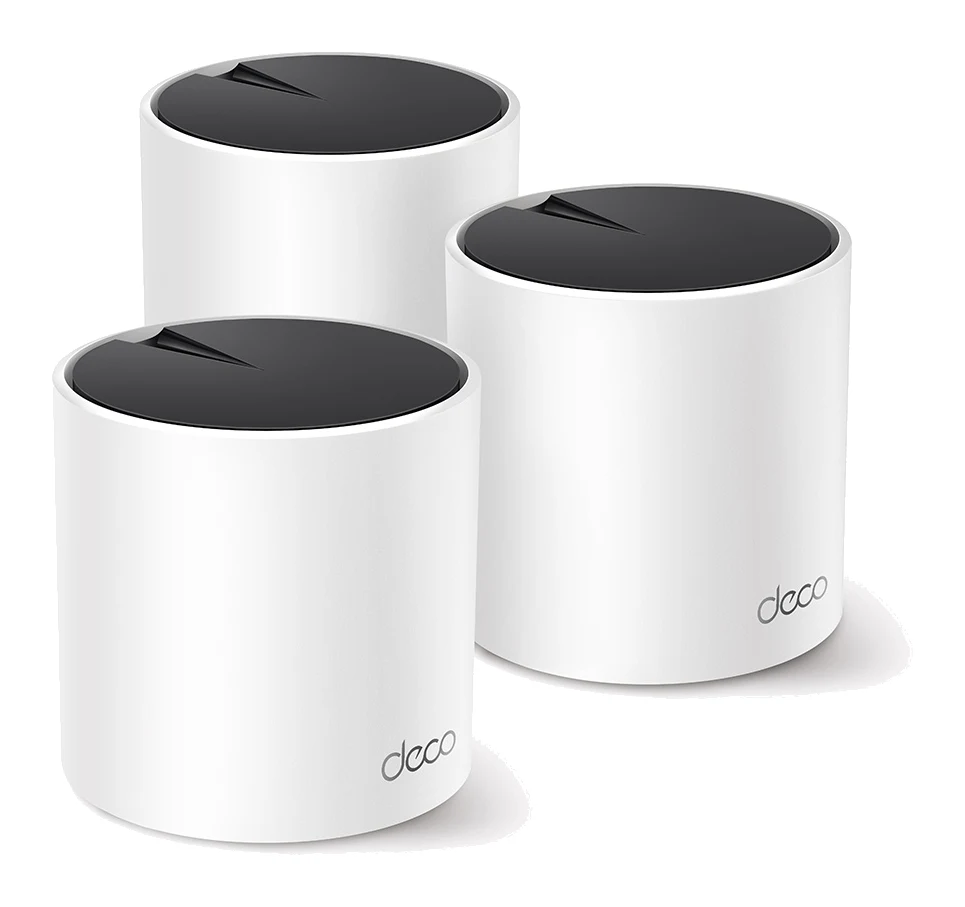
The TP-Link Deco X55 is a mid-range AX3000 Wi-Fi 6 mesh system built for easy setup and gigabit-or-slower connections. Here is what the specs and expert reviews say.
Research-based · We earn from qualifying purchases
Our verdict
The Deco X55 is a sensible mid-range Wi-Fi 6 mesh for households on gigabit-or-slower plans that want easy setup, generous Ethernet ports and wired backhaul. Skip it if you have a multi-gig connection or need top speeds at long range, where pricier tri-band systems do better.
The good
- Easy step-by-step setup in the Deco app, suited to non-technical users
- Three Gigabit Ethernet ports per unit, with optional wired backhaul
- Wi-Fi 6 with HE160 support for faster speeds on compatible devices
- Helps clear dead zones in homes with thick walls or several floors
- Mixes with other Deco models and works as router or access point
+2 more
- Helps clear dead zones in homes with thick walls or several floors
- Mixes with other Deco models and works as router or access point
The bad
- Gigabit-only ports make it a poor fit for multi-gig internet plans
- Dual-band design with no dedicated wireless backhaul, so far-node speeds can drop
- Some parental and security controls require a paid HomeShield Pro plan
- Speeds trail pricier mesh systems at longer range
+1 more
- Speeds trail pricier mesh systems at longer range
If you are searching for a TP-Link Deco X55 review, you are probably trying to fix patchy Wi-Fi without paying for a flagship mesh system. The Deco X55 is TP-Link's mid-range AX3000 Wi-Fi 6 mesh. It is aimed at households that want whole-home coverage, simple setup and a few wired connections, rather than the fastest possible speeds at the edge of a large home.
This review is based on TP-Link's published specifications and on what independent expert reviews report. It is not based on hands-on testing. The aim is to show where the system suits you and where it does not.
TP-Link Deco X55: specs at a glance
From the manufacturer- Streams
- 2×2 MU-MIMO on each band (4 streams)
- Antennas
- 2× internal per unit
- Processor
- 1 GHz dual-core CPU
- 5 GHz speed
- 2402 Mbps (HE160)
- 2.4 GHz speed
- 574 Mbps
- Power adapter
- 12V 1.5A
- Working modes
- Router Mode, Access Point Mode
- Ethernet ports
- 3× Gigabit per unit (WAN/LAN auto-sensing)
- Wi-Fi standard
- Wi-Fi 6 (IEEE 802.11ax), AX3000
- Wi-Fi encryption
- WPA, WPA2, WPA3
- Connected devices
- over 150
- Coverage (2-pack)
- up to 4,500 ft²
- Coverage (3-pack)
- up to 6,500 ft²
- Power consumption
- 18.5W max
- Dimensions per unit (W×D×H)
- 4.33 × 4.33 × 4.49 in (110 × 110 × 114 mm)
Key features
- AX3000 dual-band Wi-Fi 6 with speeds up to 3.0 Gbps
- HE160 (160 MHz) channels on 5 GHz for faster speeds to compatible devices
- 3 Gigabit Ethernet ports on every unit, with optional wired Ethernet backhaul
- AI-Driven Mesh learns your home network to tune Wi-Fi
- Mixes with other Deco models, and can run as a router or an access point
- TP-Link HomeShield security and parental controls, with a free Basic plan
- Step-by-step setup in the Deco app
- Alexa-compatible
What the Deco X55 is, and who it is for
The Deco X55 is a dual-band Wi-Fi 6 (IEEE 802.11ax) mesh system with an AX3000 rating and speeds up to 3.0 Gbps. You place one unit as the main router and add others around the home. They share one network name, so devices move between units without you switching networks by hand.
It sits in the mid-range part of the market. It suits gigabit households that want easy, affordable whole-home Wi-Fi 6 mesh. Independent expert guides recommend it: it appears in 5 expert buying guides. That is a useful signal, though the reviews also point to clear limits, covered below.
Design and build
Each unit measures 4.33 × 4.33 × 4.49 in (110 × 110 × 114 mm). It is a compact, squarish footprint, so it should fit on a shelf or sideboard without taking over the room. The two antennas are internal, so there is nothing to angle or adjust. Power comes from a 12V 1.5A adapter, and the system draws 18.5W max.
Inside, a 1 GHz dual-core CPU handles routing and the mesh management. The specs don't say much more about the hardware, and the appeal of the design is that you don't need to think about it. You plug units in, follow the app, and the system tunes itself.
Features and what they mean day to day
Setup and the Deco app
Reviewers consistently praise the step-by-step setup in the Deco app, and say it suits non-technical users. If you have never logged into a router admin page, that matters. The Deco app guides you through setup step by step.
AI-Driven Mesh and flexible modes
TP-Link says AI-Driven Mesh learns your home network to tune the Wi-Fi. In practice, that means the system adjusts itself rather than asking you to manage channels. The X55 can run in Router Mode or Access Point Mode. Use Router Mode if it is replacing your current router. Use Access Point Mode if you already have a router you want to keep and only want the mesh coverage. It also mixes with other Deco models, so you can expand later without starting over.
Ethernet ports and wired backhaul
This is one of the X55's best features. Every unit has three Gigabit Ethernet ports, with WAN/LAN auto-sensing. Every unit has three Gigabit Ethernet ports. You can plug in a console, a TV streamer, a desktop or a network storage drive at each node.
The system also supports optional wired Ethernet backhaul. Instead of the nodes talking to each other over the air, you can link them with cable. That is useful in a home that is already wired, and it matters more given the dual-band limitation discussed below.
HomeShield security and parental controls
TP-Link HomeShield adds security and parental controls, and a free Basic plan is included. A common criticism is that some parental and security controls need the paid HomeShield Pro plan. If those controls are a main reason you are buying, check what the free tier covers before you commit.
Smart-home basics
The system is Alexa-compatible.
Performance, coverage and connectivity
Wi-Fi speeds
On paper, the 5 GHz band is rated at 2402 Mbps using HE160 (160 MHz) channels, and the 2.4 GHz band at 574 Mbps. Both bands use 2×2 MU-MIMO, for 4 streams in total. The wide 160 MHz channels give faster speeds to compatible devices. Your phones and laptops need to support them to benefit, and those figures are theoretical maximums rather than what you will see in a typical room.
TP-Link says the system can handle over 150 connected devices. That is a lot of headroom for phones, laptops, TVs, speakers and smart-home gadgets. Encryption covers WPA, WPA2 and WPA3.
Coverage
TP-Link rates a 2-pack for up to 4,500 ft² and a 3-pack for up to 6,500 ft². These are manufacturer figures for ideal conditions. Reviewers say the system helps clear dead zones in homes with thick walls or several floors. That is the situation where a mesh makes the most difference compared with a single router.
The dual-band catch
The most important thing to understand is that the X55 is dual-band, with no dedicated wireless backhaul. Nodes that connect wirelessly share the same radio bands as your devices, so speeds can drop at nodes far from the main unit. Reviewers say the X55 trails pricier mesh systems at longer range. If your home is wired for Ethernet, backhaul over cable is the clearest way around this. If it isn't, expect the far nodes to be the weak spot.
What experts like and what they criticise
Expert scores for the Deco X55 are good rather than glowing. HighSpeedInternet.com gives it 3.75/5, GoMyReview 8.7/10, and Vivid Repairs (UK, 3-pack) 8/10. Together they put it at 8.1/10 as an average.
What reviewers praise:
- The setup, which is easy in the Deco app and suits non-technical users.
- Three Gigabit Ethernet ports per unit, plus optional wired backhaul.
- Wi-Fi 6 with HE160 support for faster speeds on compatible devices.
- Its ability to help with dead zones in homes with thick walls or several floors.
- Mixing with other Deco models, and working as either a router or an access point.
What reviewers criticise:
- Gigabit-only ports, which make it a poor fit for multi-gig internet plans.
- The dual-band design with no dedicated wireless backhaul, so far-node speeds can drop.
- Some parental and security controls sitting behind a paid HomeShield Pro plan.
- Speeds that trail pricier mesh systems at longer range.
The pattern is consistent. The X55 earns its praise for ease of use and flexibility, and its criticism comes from what it leaves out at this level.
Who should buy the Deco X55
The X55 is a good match if:
- Your internet plan is gigabit or slower, so the Gigabit Ethernet ports won't hold you back.
- You want setup that guides you through each step, without digging into router settings.
- You have several wired devices and want ports at more than one spot in the house.
- Your home has thick walls or multiple floors and a single router leaves dead zones.
- You may want to add more Deco units later, or keep an existing router and add mesh coverage in Access Point Mode.
Who should skip it
Look elsewhere if:
- You have, or plan to get, a multi-gig internet plan. The Gigabit-only ports are a real ceiling.
- You need top speeds at long range in a large home with no option for wired backhaul. Pricier mesh systems, such as tri-band designs, do better here.
- You want the full set of parental and security controls without a subscription, since some require HomeShield Pro.
How it fits in the mesh market
In general terms, mesh systems range from budget kits to premium tri-band and multi-gig models. The Deco X55 sits in the middle. It gives you Wi-Fi 6, useful wired options and easy management, but not the extra radio or faster ports that cost more in higher tiers. If you are unsure which tier you need, a rough rule is that gigabit-or-slower plans and a home you can partly wire fit this class well. A very large home, or a multi-gig connection, pushes you toward a higher tier.
Verdict
The Deco X55 does what a mid-range mesh should. It is simple to set up, it gives you plenty of Ethernet ports and wired backhaul, and it helps clear dead zones in homes with thick walls or several floors. Its limits are well documented: Gigabit-only ports, a dual-band design and a paid tier for some controls. If those fit your home and your internet plan, it is an easy system to recommend. If you need the most speed at range, or a multi-gig connection, plan on spending more.
Related buying guides
Not sure about the TP-Link Deco X55? Consider these
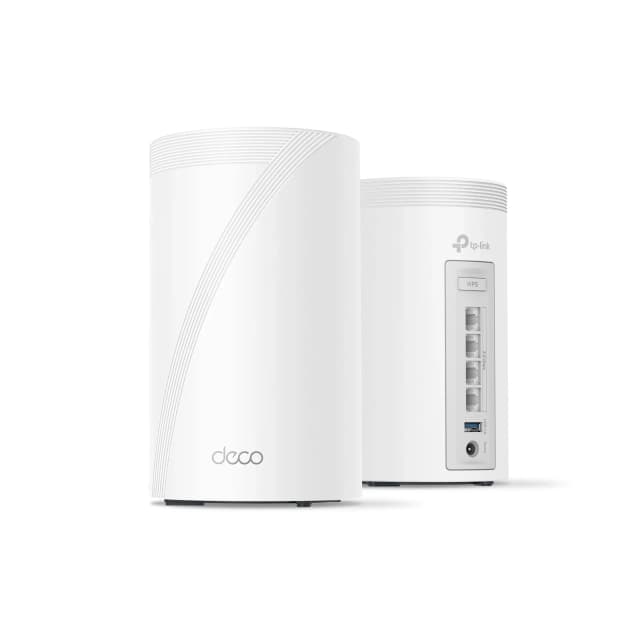
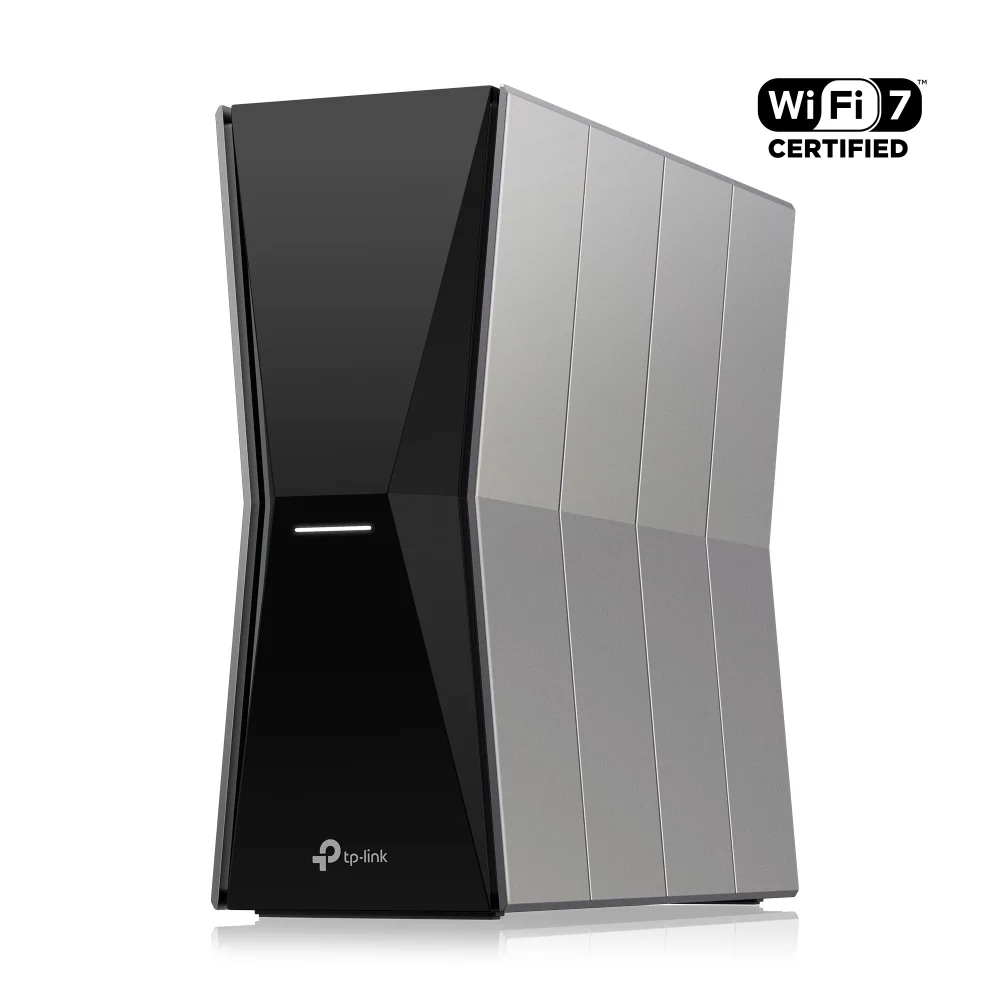
- Best OverallTP-Link Deco 7 Pro BE63Why we picked it →
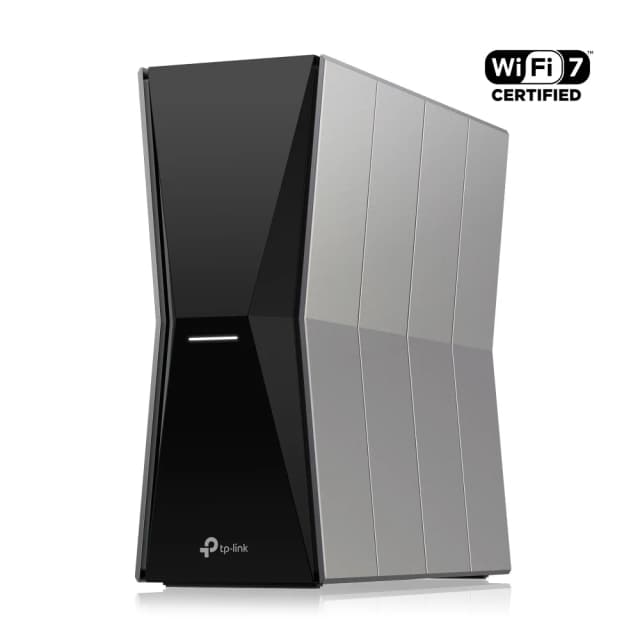
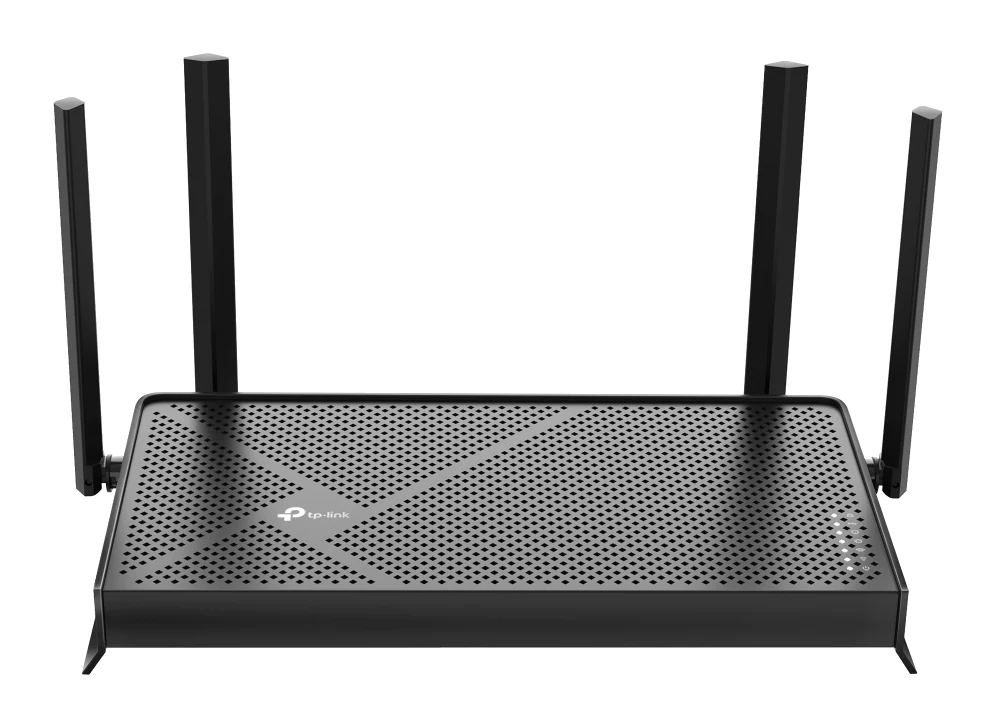
- Best BudgetTP-Link Archer BE770Why we picked it →
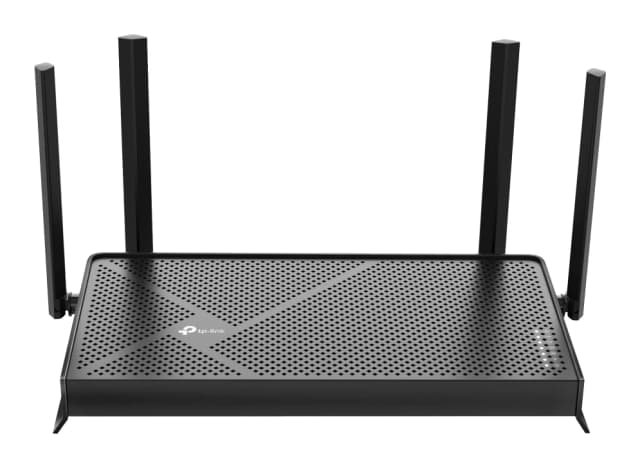
- Best ValueTP-Link Archer BE3600Why we picked it →
Frequently asked questions
Is the TP-Link Deco X55 worth it?
For households on gigabit-or-slower internet that want easy setup and whole-home Wi-Fi 6, reviewers consider it a sensible mid-range choice. It averages 8.1/10 across 3 expert reviews and is recommended in 5 expert guides. It is less suitable for multi-gig plans or for getting top speeds at long range.
Does the Deco X55 support Wi-Fi 6?
Yes. It is an AX3000 dual-band Wi-Fi 6 (IEEE 802.11ax) system with speeds up to 3.0 Gbps. It also supports HE160 (160 MHz) channels on 5 GHz for faster speeds to compatible devices.
Does the Deco X55 have Ethernet ports?
Yes. Every unit has 3 Gigabit Ethernet ports with WAN/LAN auto-sensing. The system also supports optional wired Ethernet backhaul between units.
Is the Deco X55 good for multi-gig internet?
No. The Ethernet ports are Gigabit-only, and reviewers call it a poor fit for multi-gig plans. It suits gigabit-or-slower connections better.
Do I need to pay for TP-Link HomeShield?
No, a free Basic plan is included. A common criticism is that some parental and security controls require the paid HomeShield Pro plan.
Can the Deco X55 work with other Deco models or an existing router?
Yes. It mixes with other Deco models, and it can run in Router Mode or Access Point Mode. Access Point Mode lets you add mesh coverage to a router you already have.
Sources
Specs are taken from the manufacturers' official pages; expert recommendations from the publications below.
- TP-Link Deco X55: tp-link.com, bhphotovideo.com
Related reviews & guides
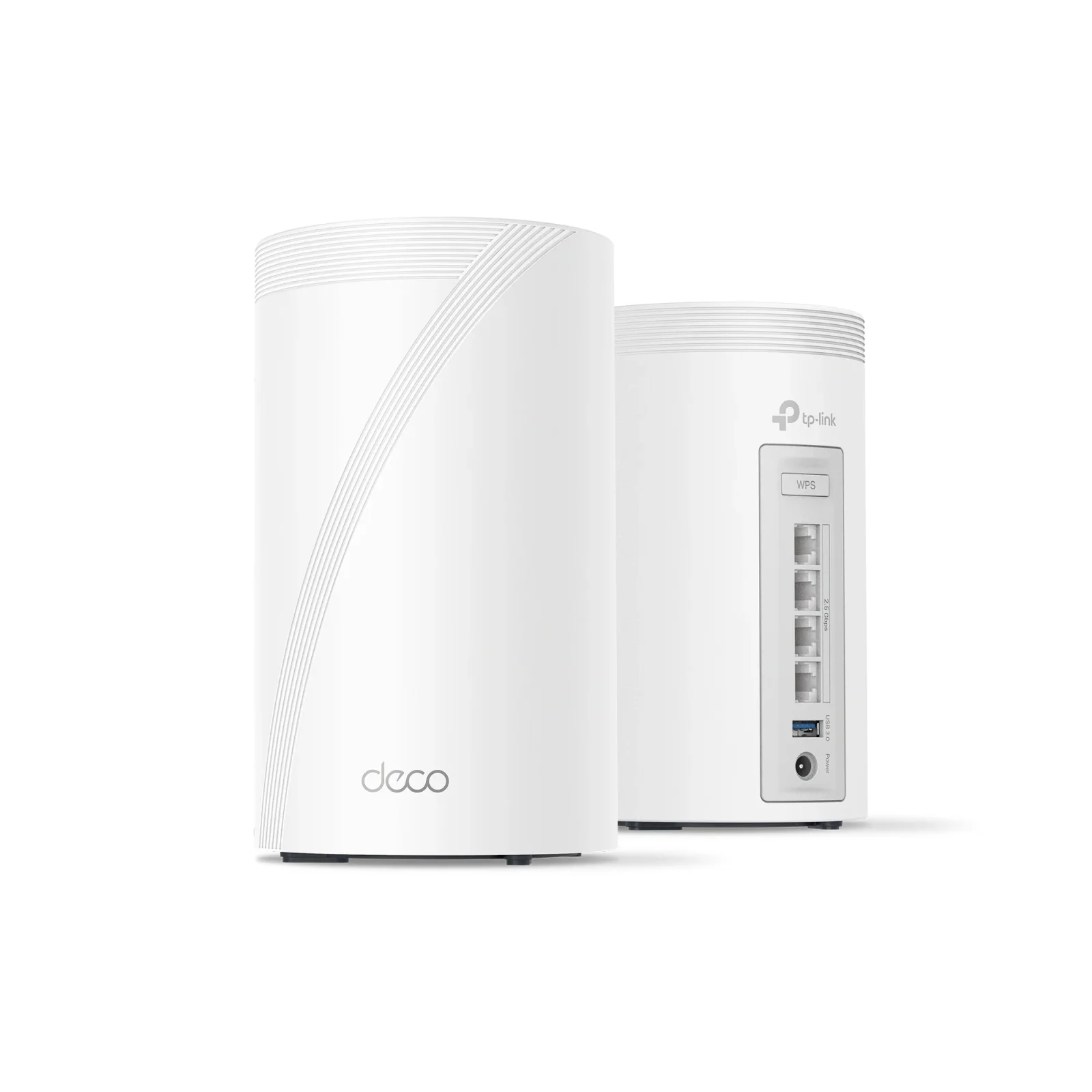
TP-Link Deco BE63 Review (2026): Multi-Gig Wi-Fi 7 Mesh
A look at the TP-Link Deco BE63, a mid-range tri-band Wi-Fi 7 mesh system with multi-gig ports on every unit, based on its specs and what independent experts report.
Published Oct 20, 2026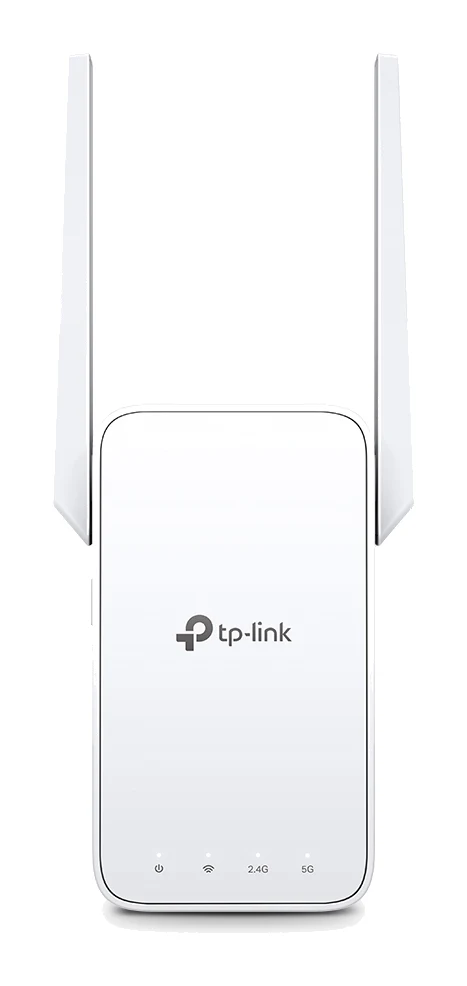
TP-Link RE315 Review (2026): One Extra Room, Kept Simple
A look at the TP-Link RE315 range extender: what dual-band Wi-Fi 5, OneMesh/EasyMesh support and AP Mode mean in practice, and who should skip it.
Published Oct 25, 2026Best Mesh Wi-Fi System for 2026: Wi-Fi 7 on Any Budget
Five Wi-Fi 7 mesh systems compared on bands, wired ports, coverage and expert recommendations, from budget TP-Link Deco picks to a 10G ASUS and an eero smart home hub.
Published Oct 17, 2026