TP-Link RE715X Review (2026): Fast Extender, Bulky Body
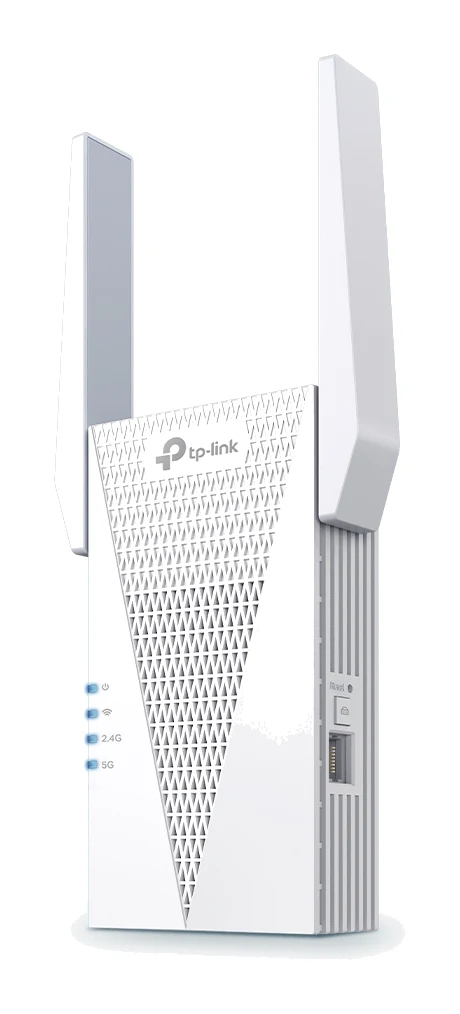
A Wi-Fi 6 range extender with 160 MHz support, a wired port and access point mode. This TP-Link RE715X review covers what it does well and where it falls short.
Research-based · We earn from qualifying purchases
Our verdict
The RE715X suits people with a Wi-Fi 6 setup, ideally a compatible TP-Link router, who want a fast, easy-to-configure extender with a wired port and access point flexibility. Buyers who only need basic coverage on a budget, or who are short on outlet space, should consider a simpler, slimmer extender.
The good
- Wi-Fi 6 with 160 MHz support on 5 GHz for fast speeds
- Quick, simple setup via WPS button or Tether app
- Gigabit Ethernet port wires up a TV, console or PC
- Works as a range extender or access point
- EasyMesh-compatible roaming with a compatible router; stable, good coverage
+2 more
- Works as a range extender or access point
- EasyMesh-compatible roaming with a compatible router; stable, good coverage
The bad
- Bulky body with no pass-through outlet can block the neighbouring socket
- Wireless speeds drop in extender mode, as with other repeaters
- Pricey compared with simpler extenders
- No wired backhaul as a OneMesh satellite, and no Deco support
+1 more
- No wired backhaul as a OneMesh satellite, and no Deco support
Dead spots at the far end of the house are one of the most common home Wi-Fi complaints, and a range extender is one common way to tackle them. This TP-Link RE715X review looks at a Wi-Fi 6 extender with 160 MHz support on 5 GHz, a Gigabit Ethernet port and the option to run as an access point. It sits in the mid-range part of the market, and it suits Wi-Fi 6 users who want flexible, easy-to-set-up coverage extension.
This review is based on manufacturer specs and on what independent experts report, not on hands-on testing by us.
TP-Link RE715X: specs at a glance
From the manufacturer- Buttons
- WPS Button, Reset Button
- Antennas
- 2 External Antennas
- Input power
- 100-240V~50/60Hz
- Ethernet port
- 1 Gigabit Ethernet Port
- Working modes
- Range Extender / Access Point
- Wi-Fi standard
- Wi-Fi 6 (AX3000), dual-band
- Mesh technology
- EasyMesh-Compatible
- 5 GHz signal rate
- 2402 Mbps
- Wireless security
- WEP, WPA, WPA2, WPA3
- Wireless standards
- IEEE 802.11a/n/ac/ax 5GHz, IEEE 802.11b/g/n/ax 2.4GHz
- 2.4 GHz signal rate
- 574 Mbps
- Dimensions (W x D x H)
- 107×40×160 mm
- Max. power consumption
- 15.2W
Key features
- Dual-band Wi-Fi 6 with up to 3.0 Gbps combined (2402 Mbps on 5 GHz, 574 Mbps on 2.4 GHz)
- 160 MHz channel support on 5 GHz for wider bandwidth
- Gigabit Ethernet port for wiring a TV, console or PC
- Works as a range extender or an access point
- EasyMesh-compatible, so it can share one network name with a compatible router for roaming
- Easy setup with the WPS button or the Tether app
- 2 external antennas, and it works with any Wi-Fi router in extender mode
What the RE715X is
The RE715X is a dual-band Wi-Fi 6 (AX3000) extender. TP-Link quotes up to 3.0 Gbps combined, split into 2402 Mbps on the 5 GHz band and 574 Mbps on the 2.4 GHz band. It supports 160 MHz channels on 5 GHz, which gives the faster band more bandwidth to work with. As with any Wi-Fi spec sheet, these are maximum link rates under ideal conditions, not speeds you should expect to see in a typical home.
It works with any Wi-Fi router in extender mode, so you are not locked into TP-Link hardware. If you do have a compatible router, EasyMesh support lets the extender share a single network name, so devices can roam between the router and the extender without you switching networks by hand.
TP-Link RE715X review: design and build
The RE715X is a plug-in unit measuring 107×40×160 mm, with two external antennas. It takes power from a standard wall outlet (100-240V~50/60Hz), and the maximum power consumption is 15.2W. Physical controls are limited to a WPS button and a reset button, which fits the plug-in-and-forget design.
One design criticism from reviewers is the body itself. It is bulky and has no pass-through outlet, so it can block the neighbouring socket. That matters if you are short on outlet space. Before buying, check that you have a free outlet, since the bulky body can block the neighbouring socket.
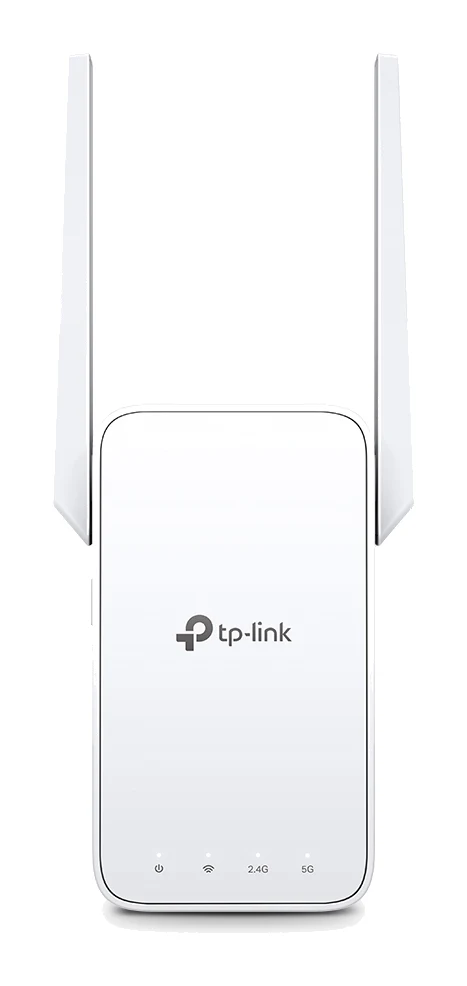
The RE715X has two external antennas.
Features and what they mean day to day
Easy setup
Reviewers praise the setup. You can pair the extender with your router using the WPS button, or go through the Tether app. Reviewers describe the setup as quick and simple.
Gigabit Ethernet port
The single Gigabit Ethernet port lets you wire in a device that sits near the extender, such as a TV, games console or PC. This is useful for hardware that has no Wi-Fi, or for devices that benefit from a wired link. Note that there is only one Gigabit Ethernet port.
Extender or access point
The RE715X supports two working modes: Range Extender and Access Point. In extender mode it repeats an existing Wi-Fi signal. The RE715X can also run as an access point.
EasyMesh roaming
EasyMesh compatibility lets the RE715X share one network name and roam with a compatible router. Reviewers report stable, good coverage with a compatible router and appreciate the roaming. However, there are limits. A common criticism is that it does not offer wired backhaul as a OneMesh satellite, and it has no Deco support. If you are already invested in a Deco system, this is not the extender to pair with it.
Security
Wireless security options include WEP, WPA, WPA2 and WPA3.
Performance and connectivity
The headline numbers are strong on paper. Wi-Fi 6 with 160 MHz support on 5 GHz is what reviewers point to for fast speeds. The 2.4 GHz band runs at 574 Mbps, and the standards list covers IEEE 802.11a/n/ac/ax on 5GHz and IEEE 802.11b/g/n/ax on 2.4GHz.
The important caveat is that wireless speeds drop in extender mode, as with other repeaters. The unit has to receive the signal from the router and send it on to your devices, so wireless speeds drop in extender mode. Dong Knows Tech scores the RE715X 7.6/10.
The practical lesson is placement. An extender placed where the router signal is already weak will pass on a weak signal. Put it where the router's signal is still reasonably good, then let the extender cover the remaining distance.
It is also worth keeping in mind that if you have a compatible router and use the EasyMesh setup, reviewers report stable, good coverage.
What experts like and what they criticise
Reviewers consistently praise a handful of things:
- Wi-Fi 6 with 160 MHz support on 5 GHz for fast speeds
- Quick, simple setup through the WPS button or Tether app
- The Gigabit Ethernet port for wiring up a TV, console or PC
- The choice of range extender or access point mode
- EasyMesh-compatible roaming with a compatible router, with stable, good coverage
The criticisms are just as consistent:
- The bulky body with no pass-through outlet can block the neighbouring socket
- Wireless speeds drop in extender mode, as with other repeaters
- It is pricey compared with simpler extenders
- There is no wired backhaul as a OneMesh satellite, and no Deco support
The price criticism deserves weight. The RE715X is mid-range, and a common criticism is that it is pricey compared with simpler extenders. It has also been recommended in 2 expert guides.
Who should buy it, and who should skip it
Buy it if:
- You already have a Wi-Fi 6 router, ideally a compatible TP-Link model, and want an extender that keeps up with it
- You want a wired connection for a TV, console or PC in a room with weak Wi-Fi
- You like the idea of access point flexibility as well as extender mode
- You want setup that is simple enough to do with a button press or an app
Skip it if:
- You only need basic coverage on a budget; a simpler, slimmer extender will do the job for less
- You are short on outlet space or plan to use a crowded double socket
- You use a Deco mesh system, since the RE715X does not support Deco
- You want wired backhaul as a OneMesh satellite, which it does not offer
How it fits in its category
The RE715X offers dual-band Wi-Fi 6, 160 MHz support, a wired port and EasyMesh compatibility. The trade-offs are that wireless throughput falls when a signal is repeated, and the bulky body with no pass-through outlet can block the neighbouring socket.
Verdict
The RE715X suits people with a Wi-Fi 6 setup, ideally a compatible TP-Link router, who want a fast, easy-to-configure extender with a wired port and access point flexibility. Its strengths are easy setup, a useful Ethernet port, extender and access point modes, and EasyMesh roaming with a compatible router. Its weaknesses are the bulky body, the speed loss that comes with any extender, the price relative to simpler options, and the lack of OneMesh wired backhaul and Deco support. If you have a Wi-Fi 6 router and a specific dead spot to fix, it is a strong candidate. If you just want basic coverage cheaply, or have limited outlet space, look at something simpler.
Related buying guides
Not sure about the TP-Link RE715X? Consider these
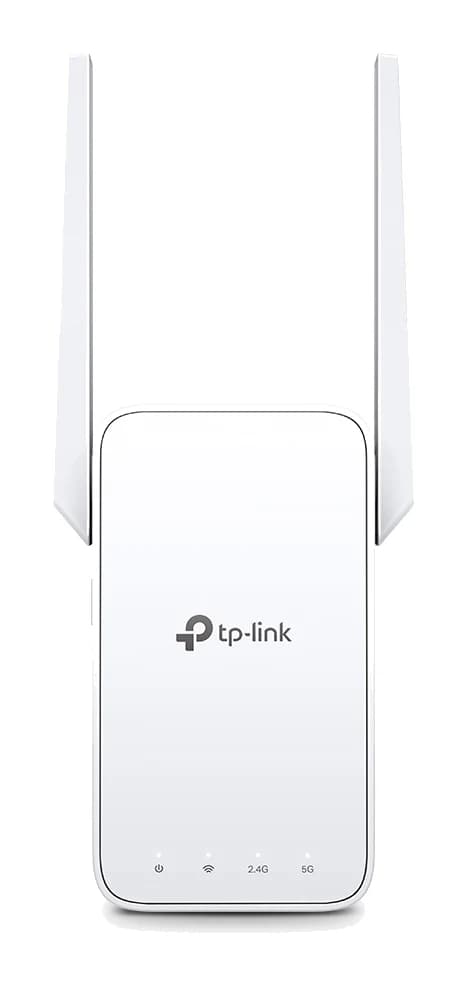
- Best OverallTP-Link RE315 AC1200 Mesh Wi-Fi Range ExtenderWhy we picked it →
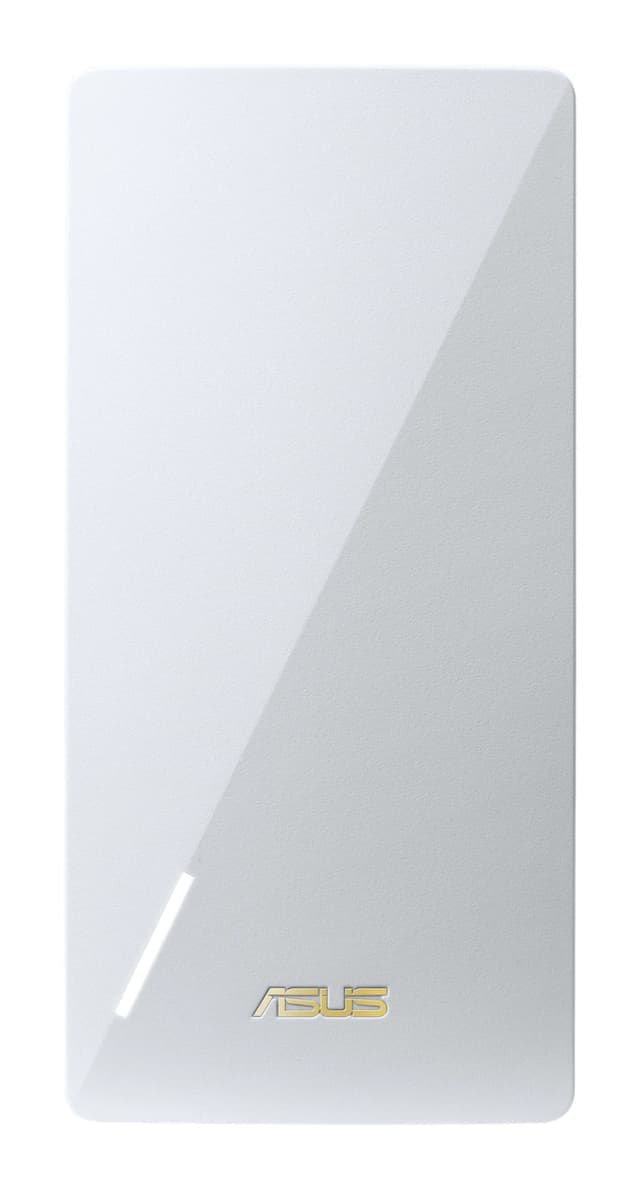
- Best BudgetAsus RP-AX58Why we picked it →
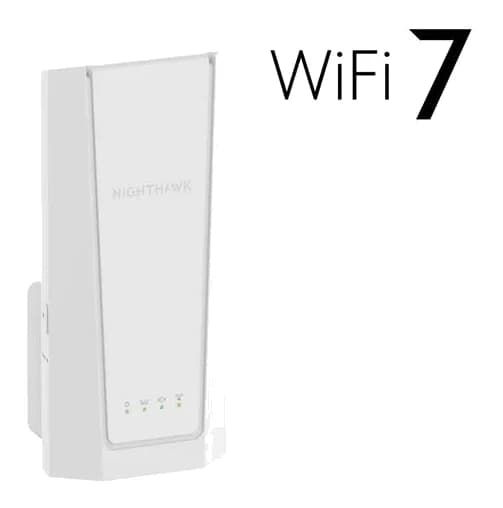
- Premium PickNetgear Nighthawk EXS27 BE5000 WiFi 7 Dual-Band ExtenderWhy we picked it →
Frequently asked questions
Is the TP-Link RE715X worth it?
It can be if you have a Wi-Fi 6 router and want a fast, easy-to-set-up extender with a wired port and access point mode. Reviewers praise its quick setup and, with a compatible router, stable, good coverage, but a common criticism is that it is pricey compared with simpler extenders, so it is less compelling if you only need basic coverage.
Does the TP-Link RE715X work with any router?
Yes. TP-Link states it works with any Wi-Fi router in extender mode. For roaming under a single network name, you need a router that is compatible with EasyMesh.
What speeds does the RE715X support?
It is a dual-band Wi-Fi 6 (AX3000) extender with up to 3.0 Gbps combined: 2402 Mbps on 5 GHz and 574 Mbps on 2.4 GHz. These are maximum link rates, and reviewers note that wireless speeds drop in extender mode, as with other repeaters.
Does the RE715X have an Ethernet port?
Yes, it has 1 Gigabit Ethernet port, which you can use to wire a TV, console or PC near the extender.
Can the RE715X work as an access point?
Yes. It supports two working modes, Range Extender and Access Point.
Does the RE715X support Deco or OneMesh wired backhaul?
No. A common criticism is that it has no wired backhaul as a OneMesh satellite and no Deco support. It is EasyMesh-compatible, so it can roam with a compatible router.
Sources
Specs are taken from the manufacturers' official pages; expert recommendations from the publications below.
- TP-Link RE715X: tp-link.com, broadbandnow.com, dongknows.com
Related reviews & guides
Best Wi-Fi Range Extenders for 2026 to Kill Dead Zones
Five Wi-Fi range extenders compared on standard, speed, Ethernet port, mesh support and coverage, from a budget Wi-Fi 5 plug-in to a Wi-Fi 7 premium pick.
Published Oct 15, 2026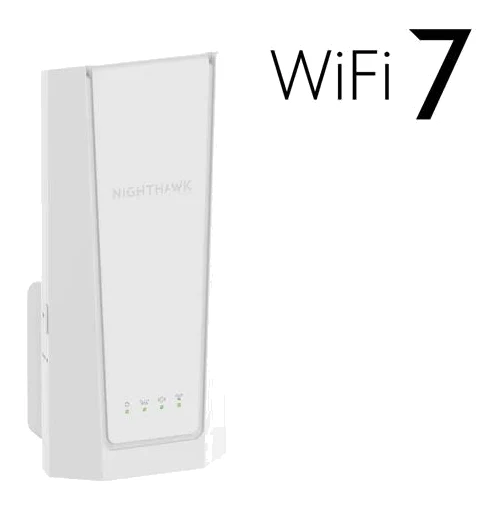
Netgear Nighthawk EXS27 Review (2026): WiFi 7 Plug-In Range
A WiFi 7 wall-plug extender with Smart Roaming and a 2.5 GbE port. Here is who the Netgear Nighthawk EXS27 suits, what reviewers praise and where it falls short.
Published Oct 30, 2026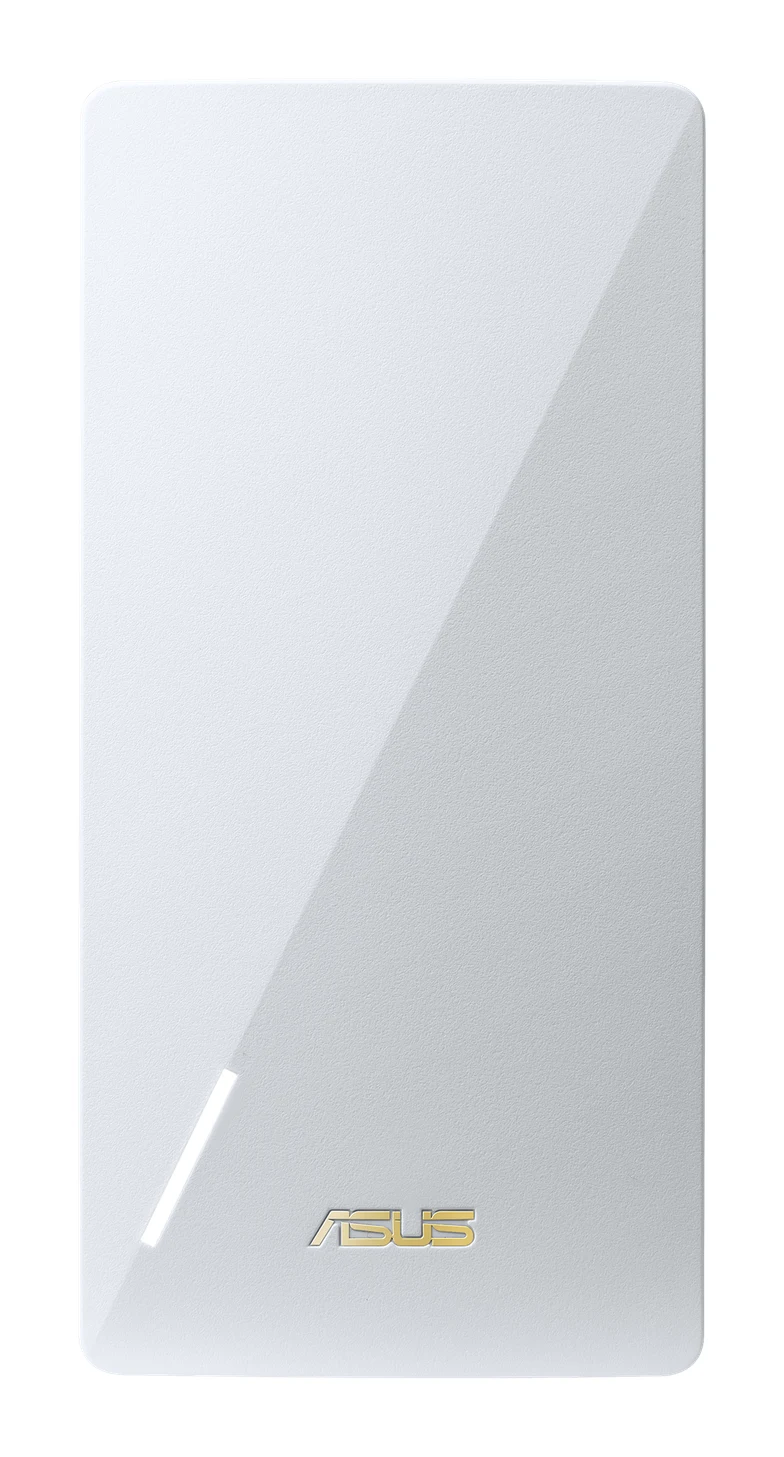
Asus RP-AX58 Review (2026): AiMesh Node for ASUS Owners
The Asus RP-AX58 is a mid-range WiFi 6 extender that can also join an ASUS AiMesh network. Here is what it does well, where it is limited and who should buy it.
Published Oct 29, 2026