HyperX QuadCast S Review (2026): Plug-and-Play, With Limits
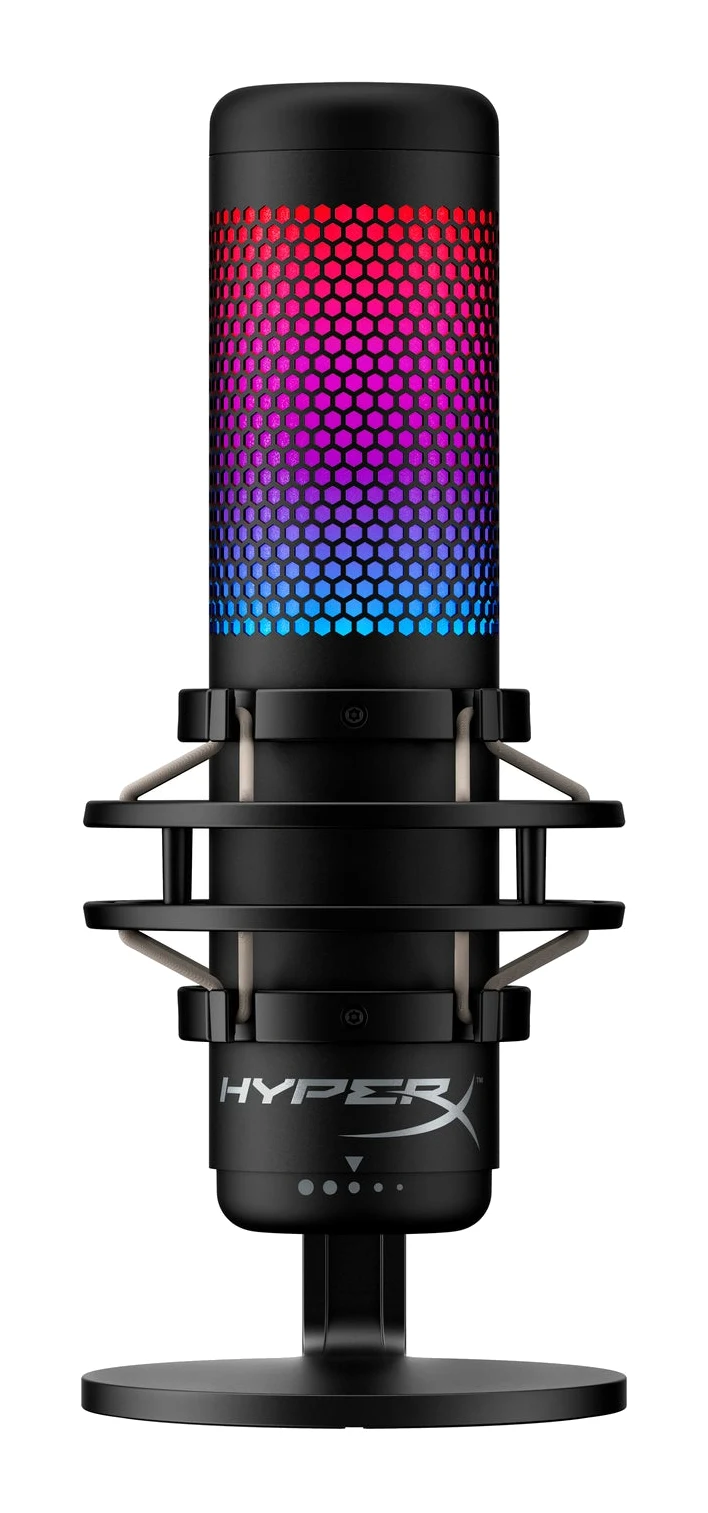
Our HyperX QuadCast S review looks at what the USB condenser mic offers streamers and podcasters, where reviewers say it falls short, and who should look elsewhere.
Research-based · We earn from qualifying purchases
Our verdict
The QuadCast S suits streamers and podcasters who want a plug-and-play USB mic with clear voice quality, multiple polar patterns and convenient tap-to-mute. Mac users who want lighting control, buyers who need a portable mic, or anyone seeking the cheapest USB option should look elsewhere.
The good
- Clear, good-sounding voice recording for streaming and podcasting
- Four polar patterns: stereo, omni, cardioid and bidirectional
- Tap-to-mute sensor with LED showing mute status
- Solid all-metal build with built-in shock mount and pop filter
- Customizable 2-zone RGB lighting
+2 more
- Solid all-metal build with built-in shock mount and pop filter
- Customizable 2-zone RGB lighting
The bad
- Internal pop filter is imperfect when speaking close to the mic
- Shock mount can't be removed, limiting portability
- NGENUITY lighting software is limited and not available on Mac
- Pricey versus similar USB mics; records only at 48kHz/16-bit
+1 more
- Pricey versus similar USB mics; records only at 48kHz/16-bit
This HyperX QuadCast S review is for anyone weighing up a USB microphone that is meant to sit on a desk, plug in and sound good without an audio interface. It is a condenser mic aimed squarely at streamers, podcasters and gamers, with RGB lighting, a tap-to-mute sensor and four selectable polar patterns. It is built for people who want a ready-to-go setup rather than a studio rig. It sits in the mid-range part of the market.
This article is based on HyperX's published specs and on what independent expert reviews report. It is not hands-on testing.
HyperX QuadCast S: specs at a glance
From the manufacturer- SNR
- ≥ 90dB (1kHZ, RL=∞)
- Cable
- USB-C to USB-A, 3m
- Element
- Three 14mm electret condenser capsules
- Warranty
- 2 year
- Connection
- USB-C, 3.5mm headphone output
- Sensitivity
- -36dB (1V/Pa at 1kHz)
- Compatibility
- PC, PS5, PS4, Mac
- Polar patterns
- Stereo, Omnidirectional, Cardioid, Bidirectional
- Self-noise (RMS)
- ≤-95dBFS (A-weighted)
- Frequency response
- 20Hz - 20kHz
- Weight (microphone)
- 255 g
- Dimensions (W x D x H)
- 25 x 10.3 x 12.9 cm
- Sample rate / bit depth
- 48kHz / 16-bit
- Weight (total with shock mount, stand and cable)
- 710 g
Key features
- Four selectable polar patterns: stereo, omnidirectional, cardioid, bidirectional
- Customizable 2-zone RGB lighting via HyperX NGENUITY software
- Tap-to-mute sensor with LED status indicator
- Built-in anti-vibration shock mount
- Internal pop filter
- Gain control dial on the bottom of the mic
- 3.5mm headphone jack for real-time monitoring
- Mount adapter fits 3/8-inch and 5/8-inch threads for stands and boom arms
What the HyperX QuadCast S is
The QuadCast S is a USB-C condenser microphone that connects to PC, PS5, PS4 and Mac. It uses three 14mm electret condenser capsules, which is what makes its range of pickup patterns possible. It ships with a shock mount and a stand, and a USB-C to USB-A cable that is 3m long.
Most of the appeal is in how much is built in. There is an internal pop filter, a gain dial, a headphone jack for monitoring and a mute sensor. You don't need extra hardware to get a usable recording chain. If you want to go further, the mount adapter fits 3/8-inch and 5/8-inch threads, so you can move it to a stand or boom arm.
The expert verdict is positive. It averages 8.4/10 across 4 expert reviews. SoundGuys scores it 8.6/10, Niche Gamer 9/10, Pokde.Net 8/10 and Laptop Mag 4/5. One independent expert buying guide also recommends it.
Design and build
Reviewers praise the solid, all-metal construction. That matters for a desktop mic that gets bumped, repositioned and handled during long sessions. The dimensions are 25 x 10.3 x 12.9 cm. The microphone itself weighs 255 g, and the total with shock mount, stand and cable is 710 g. It is a substantial desk object, not a compact travel mic.
The built-in anti-vibration shock mount is a practical plus. It helps isolate the capsules from desk knocks and rumble, which is a common headache for USB mics. The catch, which reviewers point out, is that the shock mount can't be removed. That limits portability, so this is a mic for a fixed desk or a boom-arm setup rather than something you pack in a bag.
The RGB lighting is the most visible part of the design. It offers two customizable zones, controlled through HyperX's NGENUITY software. If you are building a stream setup where the mic is on camera, that is a selling point. If you are not, it is cosmetic.
Features and what they mean day to day
Four polar patterns
The headline feature is the choice of stereo, omnidirectional, cardioid and bidirectional patterns. In general terms:
- Cardioid picks up mainly what is in front of the mic, which is the usual choice for one person speaking.
- Bidirectional picks up from the front and back, which suits a two-person face-to-face conversation.
- Omnidirectional picks up from all around, which can suit a group around a table.
- Stereo captures a left and right image, which can suit ambient or music recording.
Reviewers single out the four patterns as a strength. The other three patterns make the mic usable for interviews and shared recordings without buying a second one.
Tap-to-mute
The tap-to-mute sensor is a favourite with reviewers. Tapping the mic's sensor mutes it, and an LED shows whether you are live or muted. For streamers and anyone on long calls, that is easier than reaching for a software toggle, and the visual indicator helps you avoid the awkward moment of talking while muted or live by mistake.
Gain dial and headphone jack
The gain control dial sits on the bottom of the mic. You can tune your input level at the source instead of digging through software menus. The 3.5mm headphone jack allows real-time monitoring, so you hear your own voice as you record without the delay that can come from monitoring through a computer.
Internal pop filter
The mic has an internal pop filter to reduce plosives, the harsh bursts on "p" and "b" sounds. Reviewers note a limitation, though: it is imperfect when you speak very close to the mic. If you like to sit tight on the capsule, you may still want to adjust your distance or add an external filter.
Performance and sound
Reviewers consistently describe the QuadCast S as a clear, good-sounding voice mic for streaming and podcasting. That fits the spec sheet. The frequency response is 20Hz - 20kHz, the sensitivity is -36dB (1V/Pa at 1kHz), and the SNR is ≥ 90dB (1kHZ, RL=∞). Self-noise is listed at ≤-95dBFS (A-weighted). These are published specs, not measured results, but they point to a mic aimed at clean voice capture.
The main technical limit is the recording format. It records at 48kHz / 16-bit. For voice work, streaming and calls that is a normal format and is unlikely to hold back a podcast or stream. But reviewers do list it as a criticism, particularly alongside the price. If you want higher-resolution capture for music or heavier post-production, this mic won't offer it.
Connectivity and compatibility
The connection is USB-C on the mic, with a USB-C to USB-A cable in the box. HyperX lists PC, PS5, PS4 and Mac as compatible, so it covers desktop and console users alike. The 3m cable is long enough to reach a desk setup without much fuss. That makes it easier to place the mic where you want it, rather than where the port is.
There is one Mac caveat. Reviewers say the NGENUITY lighting software is limited and not available on Mac. The mic itself is listed as Mac compatible, but if you want to customize the RGB lighting, that is a PC-side feature. Mac owners who care about lighting should factor that in.
What experts like and what they criticise
The praise is consistent across reviews:
- Reviewers praise clear, good-sounding voice recording for streaming and podcasting.
- The four polar patterns are a recurring highlight.
- The tap-to-mute sensor with its status LED is liked for its convenience.
- The all-metal build with built-in shock mount and pop filter gets credit.
- The customizable two-zone RGB lighting is welcomed by people who want a styled setup.
The criticisms are just as specific:
- The internal pop filter is imperfect when you speak close to the mic.
- The shock mount can't be removed, which limits portability.
- The NGENUITY software is limited and not available on Mac.
- It is pricey compared with similar USB mics, and it records only at 48kHz / 16-bit.
The price criticism deserves weight. Reviewers don't dispute the voice quality. A common criticism is that it is pricey versus similar USB mics. Whether it is worth it depends on how much you value the extras, such as the RGB lighting and tap-to-mute.
Who should buy it, and who should skip it
Buy it if:
- You are a streamer or podcaster who wants a plug-and-play mic with no audio interface.
- You value a physical, visible mute control with a clear status light.
- You want to switch between solo, interview and group recording patterns.
- You want RGB lighting that matches a PC-based streaming setup.
- You plan to keep the mic on a desk or boom arm.
Skip it if:
- You are on a Mac and want to control the lighting, since NGENUITY isn't available there.
- You need a portable mic, as the shock mount can't be removed.
- You want the cheapest USB option and don't need RGB or a mute sensor.
- You need recording above 48kHz / 16-bit.
- You like to speak very close to the mic and want the pop filter to handle it fully.
The 2 year warranty gives some reassurance for a desk device that is likely to be used daily.
How it fits in the USB mic category
In general terms, USB condenser mics split into two camps: stripped-back, low-cost options focused on basic voice capture, and feature-rich models that add pattern switching, monitoring and lighting. The QuadCast S belongs to the second group. It trades a higher cost and a fixed shock mount for convenience and flexibility. That makes it a more natural fit for a creator who wants an all-in-one desk mic than for someone looking for the lowest price or a portable setup.
Verdict
The QuadCast S is a convincing all-in-one USB mic for streamers and podcasters. Reviewers like its voice clarity, the four polar patterns, the tap-to-mute sensor and the sturdy build. Those strengths are reflected in an 8.4/10 average across expert reviews. The drawbacks are real but narrow: the non-removable shock mount, the imperfect pop filter at close range, the Mac software gap and a price that reviewers find high for what is a 48kHz / 16-bit mic.
If you want a plug-and-play desk mic with useful controls and the lighting is a bonus, it is easy to recommend. If portability, Mac lighting control or the lowest cost matter most, look at other options first.
Related buying guides
Not sure about the HyperX QuadCast S? Consider these
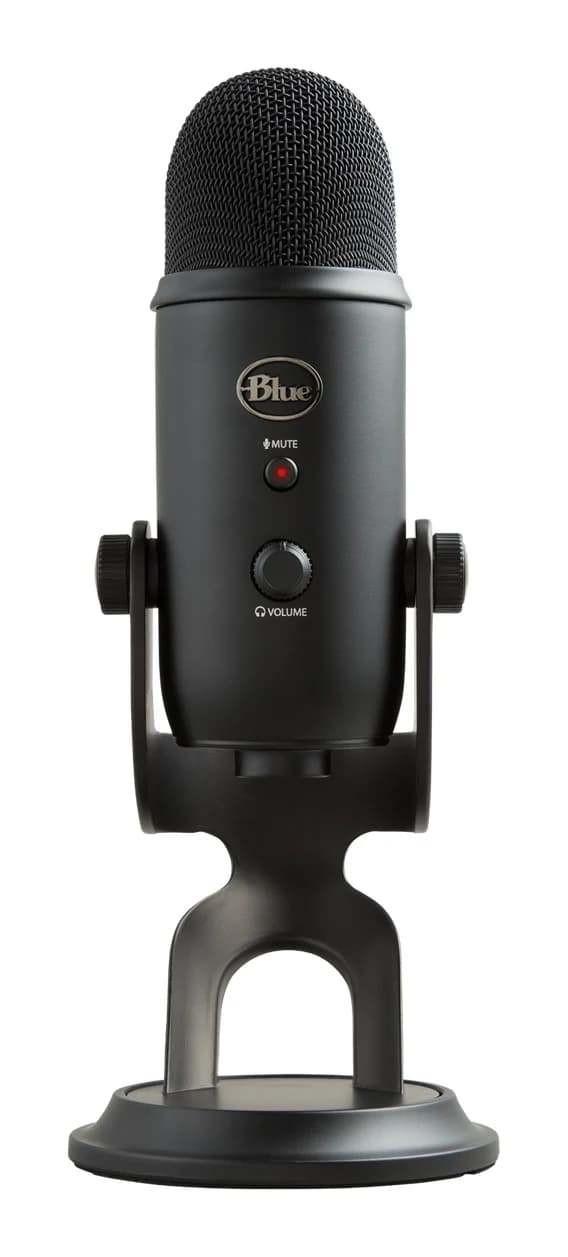
- Best OverallLogitech Blue YetiWhy we picked it →
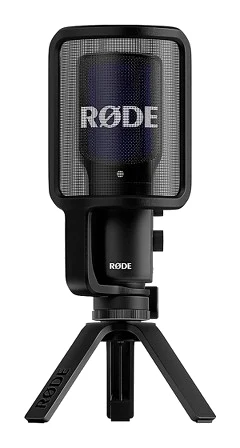
- Also GreatRode NT-USB+Why we picked it →
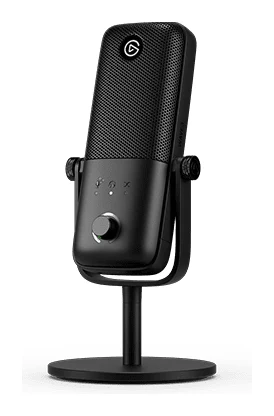
- Premium PickElgato Wave:3 MK.2Why we picked it →
Frequently asked questions
Is the HyperX QuadCast S worth it?
For streamers and podcasters who want a plug-and-play USB mic with clear voice quality, tap-to-mute and multiple polar patterns, reviewers think so. It averages 8.4/10 across 4 expert reviews. A common criticism is that it is pricey versus similar USB mics, so it is less compelling if you only need basic voice capture.
What polar patterns does the HyperX QuadCast S have?
It offers four selectable polar patterns: stereo, omnidirectional, cardioid and bidirectional. Cardioid is the usual choice for one person speaking, while bidirectional suits two people facing each other.
Does the HyperX QuadCast S work with Mac and PlayStation?
HyperX lists PC, PS5, PS4 and Mac as compatible. The mic connects over USB-C, and the cable in the box is USB-C to USB-A. However, reviewers note that the NGENUITY lighting software is not available on Mac.
Does the HyperX QuadCast S have a headphone jack?
Yes. It has a 3.5mm headphone jack for real-time monitoring, so you can hear your voice as you record. The gain control dial is on the bottom of the mic.
Can you remove the shock mount on the QuadCast S?
No. Reviewers point out that the built-in shock mount can't be removed, which limits portability. The mount adapter does fit 3/8-inch and 5/8-inch threads, so you can use it with stands and boom arms.
What is the recording quality of the HyperX QuadCast S?
It records at 48kHz / 16-bit, with a frequency response of 20Hz - 20kHz. Reviewers describe voice recording as clear and good-sounding for streaming and podcasting, though the 48kHz / 16-bit limit is listed among the criticisms.
Sources
Specs are taken from the manufacturers' official pages; expert recommendations from the publications below.
- HyperX QuadCast S: hyperx.com, row.hyperx.com, bhphotovideo.com, microcenter.com
Related reviews & guides
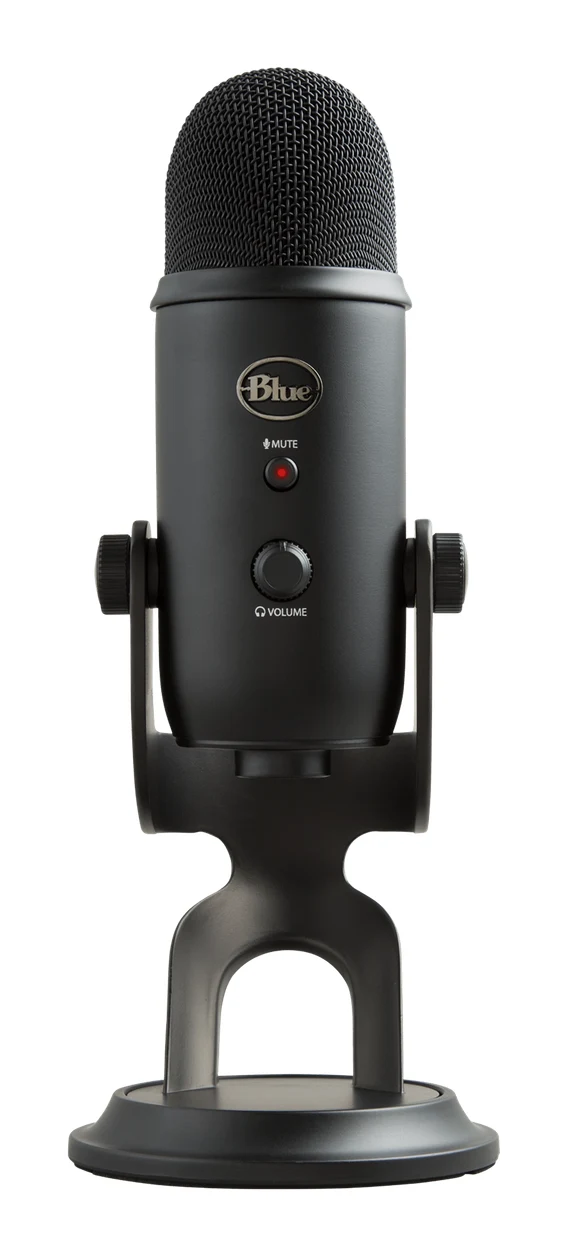
Best USB Microphones for Podcasting and Streaming 2026
Five USB microphones for podcasters and streamers, compared on polar patterns, bit depth, connectivity and expert recommendations, with a clear pick for each type of creator.
Published Oct 12, 2026Logitech Blue Yeti Review (2026): Versatile, but Needs Quiet
The Logitech Blue Yeti is a versatile plug-and-play USB condenser mic with four pickup patterns. Here is what it does well, where experts find fault, and who should buy it.
Published Oct 19, 2026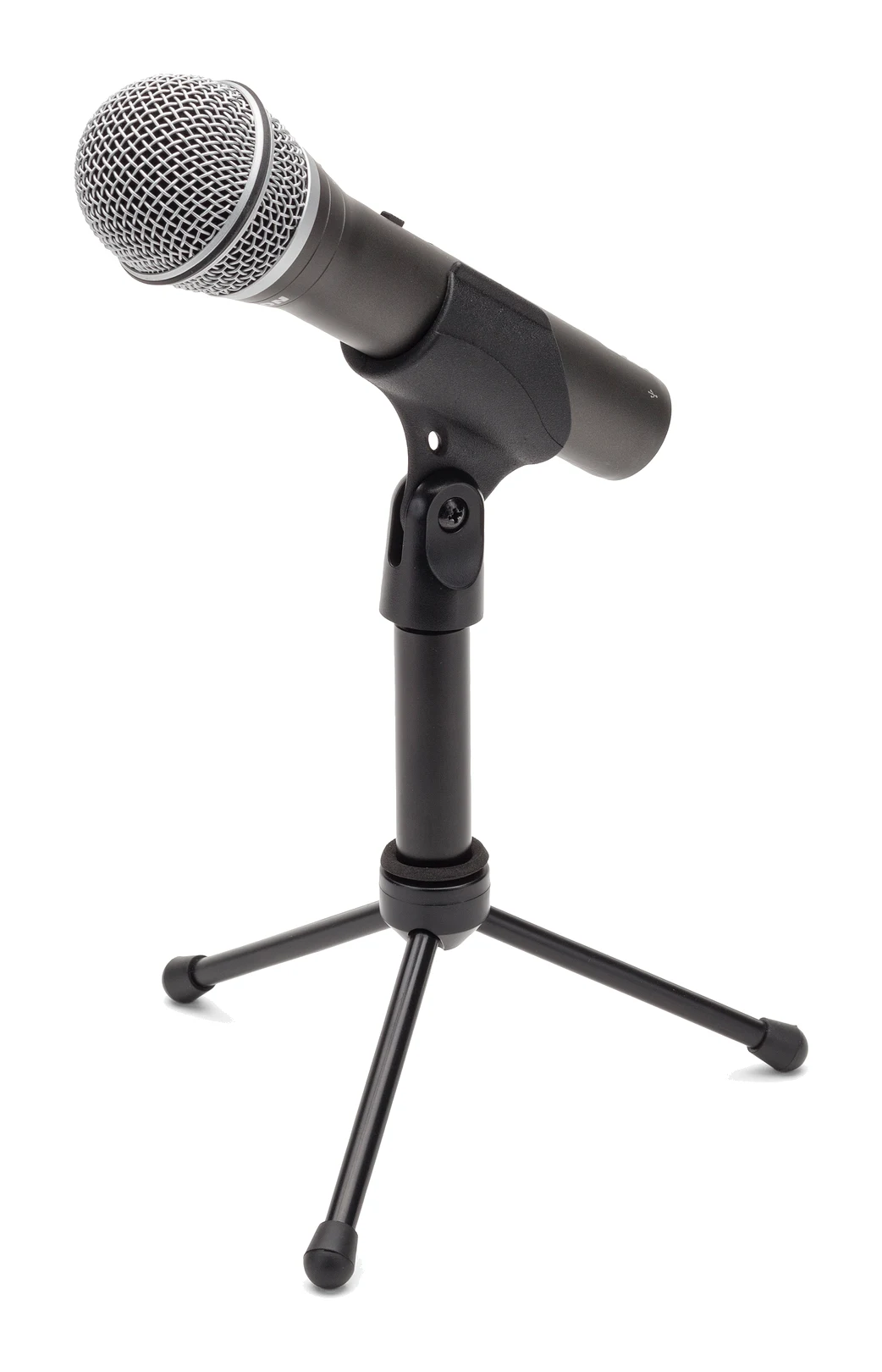
Samson Q2U Review (2026): Easy USB Now, XLR Later
The Samson Q2U is a dynamic microphone with both USB and XLR outputs, aimed at beginners who want to start recording today and upgrade their setup later.
Published Oct 28, 2026