Logitech Brio 500 Review (2026): Great in Tricky Light
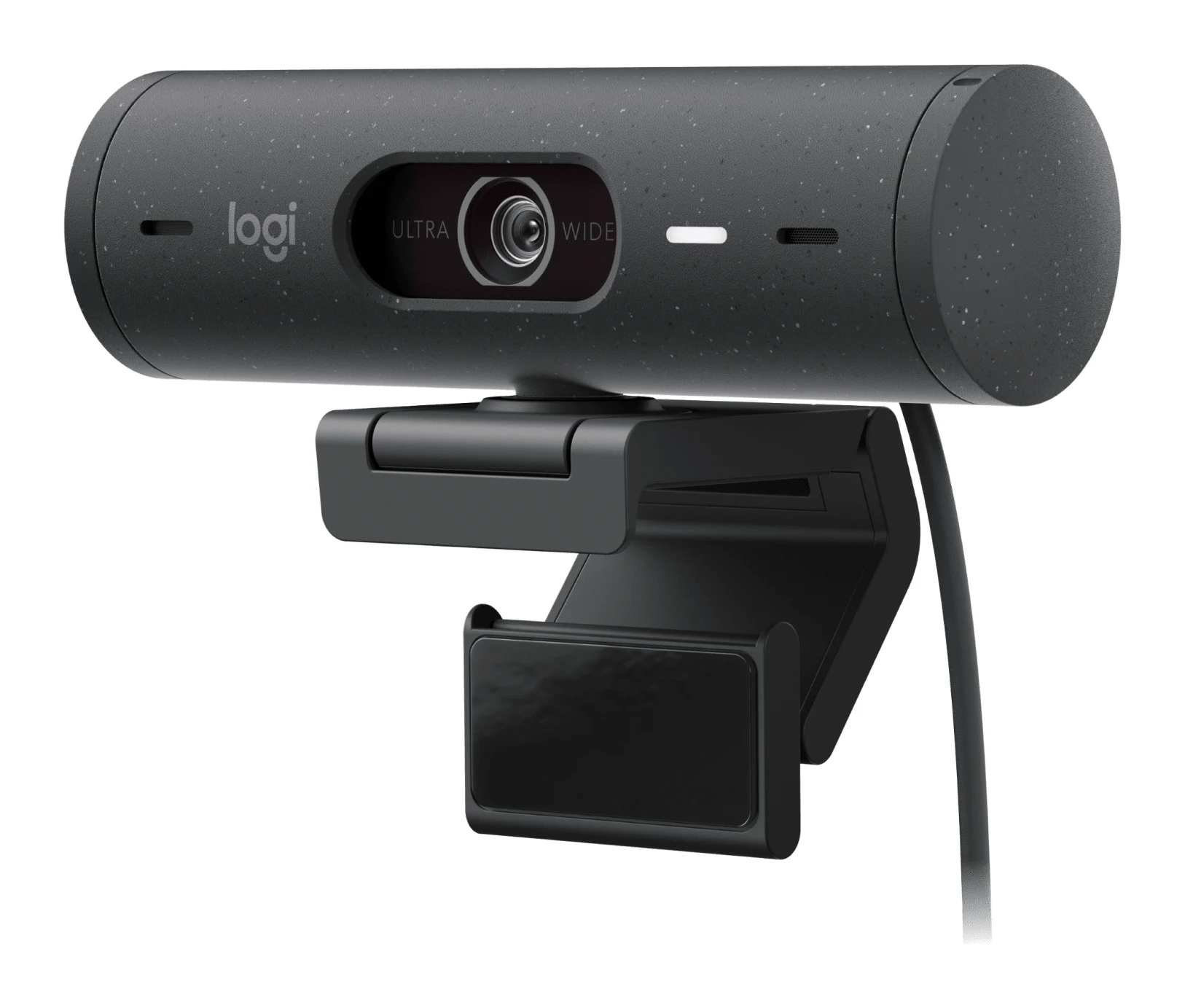
The Logitech Brio 500 is a mid-range USB-C webcam built around auto light correction, auto-framing and a rotating privacy shutter. Here's what it does well and where reviewers say it falls short.
Research-based · We earn from qualifying purchases
Our verdict
The Brio 500 suits remote workers who want a webcam that looks good in tricky lighting, with a privacy shutter and auto-framing, without fiddly setup. Buyers who prioritize sharpness or build quality, or who want the lowest price for 1080p, should look at cheaper alternatives.
The good
- Auto light correction with HDR handles dim and bright rooms well
- Built-in rotating privacy shutter is simple and easy to use
- Auto-framing, adjustable field of view and Show Mode add real flexibility
- Microphones are good for a webcam, with noise reduction
- Plug-and-play USB-C with easy Logi Tune software
+2 more
- Microphones are good for a webcam, with noise reduction
- Plug-and-play USB-C with easy Logi Tune software
The bad
- Pricey for a webcam limited to 1080p at 30 fps
- Magnetic mount and adhesive foot feel a bit flimsy
- Fixed USB-C cable means USB-A users need an adapter
- Image is not especially sharp, and HDR can look flat
+1 more
- Image is not especially sharp, and HDR can look flat
This Logitech Brio 500 review looks at a webcam aimed at people who spend a lot of the day on video calls and want to look decent without fiddling with settings. It's a USB-C webcam in the mid-range part of the market. Its pitch is not raw resolution but automation: it corrects the light for you, keeps you centred in the frame and gives you a physical shutter for privacy. It's best suited to remote workers who want easy, well-lit calls.
This review is based on Logitech's published specifications and what independent expert reviews report, not on our own hands-on testing.
Logitech Brio 500: specs at a glance
From the manufacturer- Focus
- Autofocus, glass lens
- Colors
- Graphite, Off-white, Rose
- Software
- Logi Tune
- Warranty
- 1-year limited hardware warranty
- Connection
- USB-C
- Microphones
- 2, noise-reducing (stereo)
- Cable length
- 5 ft / 1.5 m
- Digital zoom
- 4x
- Privacy shutter
- Integrated, rotate-to-close
- Microphone range
- up to 1.22 m
- Sensor resolution
- 4 MP
- Max video resolution
- 1080p at up to 30 fps; 720p at up to 60 fps
- Dimensions (webcam only)
- 110 x 31.5 x 31.5 mm
- Field of view (diagonal)
- 90° / 78° / 65°
- Dimensions (with mount clip)
- 110 x 51.5 x 45 mm
- Weight (with clip and cable)
- 121 g
Key features
- RightLight 4 auto light correction with HDR keeps you well lit in dim or bright rooms
- RightSight auto-framing keeps you centered as you move
- Show Mode lets you tilt the camera down to show your desk
- Dual noise-reducing beamforming mics pick up your voice from up to 4 ft
- Built-in rotating privacy shutter blocks the lens
- Adjustable 90°/78°/65° field of view and 4x digital zoom
- Magnetic detachable mount with tripod thread
- Made with recycled plastic; plug-and-play USB-C
What the Logitech Brio 500 is
The Brio 500 is a plug-and-play webcam that connects over USB-C. It has a 4 MP sensor, a glass autofocus lens, and two noise-reducing stereo microphones. It tops out at 1080p at up to 30 fps, or 720p at up to 60 fps. So this isn't a resolution-chasing camera. Its appeal is the software-driven features layered on top, which are designed to make an ordinary home-office setup look better with little effort.
Expert opinion is broadly positive. The expert reviews we found average 8.3/10 across four scores. How-To Geek gives it 8/10, T3 gives it 5/5, Trusted Reviews gives it 3.5/5 and Pickr gives it 4/5.
Design and build
The webcam body measures 110 x 31.5 x 31.5 mm. With the mount clip attached, the dimensions are 110 x 51.5 x 45 mm, and the total weight with clip and cable is 121 g. It comes in Graphite, Off-white and Rose, so you can match it to a desk setup rather than settling for black. Logitech also says it's made with recycled plastic.
The mount is magnetic and detachable, and the camera has a tripod thread. That gives you options beyond sitting on a monitor: a desk tripod or a stand works too. The fixed cable is 5 ft / 1.5 m long.
Build quality is where reviewers are more reserved. A common criticism is that the magnetic mount and adhesive foot feel a bit flimsy. If you plan to move the camera between positions often, that's worth weighing. Another practical note is that the cable is fixed and USB-C, so if your computer only has USB-A ports you'll need an adapter.
Features and what they mean day to day
RightLight 4 with HDR
The headline feature is RightLight 4 auto light correction with HDR. In practice, it adjusts the image so you stay well lit whether your room is dim or bright. That suits home offices where the light changes through the day, such as a window behind you in the afternoon or a dark room in the evening. Reviewers praise how well it copes with both dim and bright rooms. One caveat: a common criticism is that the HDR processing can look flat.
RightSight auto-framing
RightSight keeps you centred as you move. On a call this means you can lean back, stand up to stretch or shift in your chair without drifting out of shot. It's a convenience feature rather than a quality one, but it's handy if you move around while presenting or talking.
Field of view and zoom
The field of view is adjustable between 90°, 78° and 65° (diagonal), and there is 4x digital zoom. The wider setting is useful if you want more of the room in view or you're sharing the frame with someone else. The narrower setting keeps the focus tight on you and cuts down on background clutter. Digital zoom crops into the image rather than adding optical detail, so it's best treated as a framing tool.
Show Mode
Show Mode lets you tilt the camera down to show your desk. If you demonstrate a gadget, sketch on paper or show a physical object on a call, you can do it without a separate camera. Reviewers say auto-framing, the adjustable field of view and Show Mode add real flexibility.
Privacy shutter
There's a built-in rotating privacy shutter that blocks the lens. You rotate it closed when you're done and it physically covers the camera. Reviewers describe it as simple and easy to use. A physical cover is reassuring in a way a software setting can't be.
Software
The camera works with Logi Tune. It's plug-and-play, so you can connect it and join a call straight away, and reviewers describe the software as easy to use for adjusting settings when you want to.
Performance, audio and connectivity
Video quality
The 4 MP sensor and the 1080p at up to 30 fps ceiling define what this camera does. It records at 1080p at up to 30 fps, with a 720p at up to 60 fps option for smoother motion at a lower resolution. A common criticism is that the image is not especially sharp, and that the price is hard to justify for a webcam capped at 1080p at 30 fps. If you value crispness above all, bear that in mind.
Microphones
The two microphones use dual noise-reducing beamforming and pick up your voice from up to 4 ft. Logitech's spec sheet lists the microphone range as up to 1.22 m. Reviewers say the microphones are good for a webcam.
Connectivity
Connection is by USB-C. There's no wireless element and nothing to pair, so setup is simply plugging it in. The fixed cable is convenient, but the lack of a detachable one means you're tied to its 5 ft / 1.5 m length unless you add an extension or adapter.
What experts like and what they criticise
Reviewers consistently praise four things: the way auto light correction handles different rooms, the simple privacy shutter, the flexibility of auto-framing, adjustable field of view and Show Mode, and the microphones. They also like how little effort the setup takes.
The criticisms are just as consistent. The price feels high for a webcam limited to 1080p at 30 fps. The magnetic mount and adhesive foot feel a bit flimsy. The fixed USB-C cable means USB-A users need an adapter. And the image is not especially sharp, with HDR sometimes looking flat.
Who should buy it, and who should skip it
Buy it if:
- You work remotely and want a webcam that handles changing light without manual tweaking.
- A physical privacy shutter matters to you.
- You like the idea of auto-framing, a switchable field of view and a Show Mode for demonstrating things on your desk.
- You want a simple USB-C, plug-and-play setup with easy software.
Skip it if:
- Image sharpness is your top priority.
- You want sturdy build quality and a rock-solid mount.
- You want the lowest possible price for a 1080p webcam.
- Your computer only has USB-A ports and you don't want to buy an adapter.
How it fits in its category
The Brio 500 sits in the mid-range part of the webcam market. Its strengths are in automation and convenience features rather than sheer image specs. If you want a webcam that makes calls easier, it's a sensible shortlist candidate. If you only need a basic 1080p picture at the lowest cost, you'd be paying for features you may not use. We don't currently have a webcam buying guide to point you to, so compare it on the criteria above: lighting handling, privacy, framing and mount quality.
Verdict
The Logitech Brio 500 is a well-considered webcam for people who spend lots of time on calls in rooms with imperfect lighting. Auto light correction, auto-framing, an adjustable field of view and a built-in shutter make it easy to use and easy to trust. Its weaknesses are real, though: the image isn't especially sharp, the mount can feel flimsy, and 1080p at 30 fps is a limited spec at this price tier. If your priority is hassle-free, good-looking calls, it's a strong choice. If it's maximum sharpness or build quality, look elsewhere.
Related buying guides
Not sure about the Logitech Brio 500? Consider these
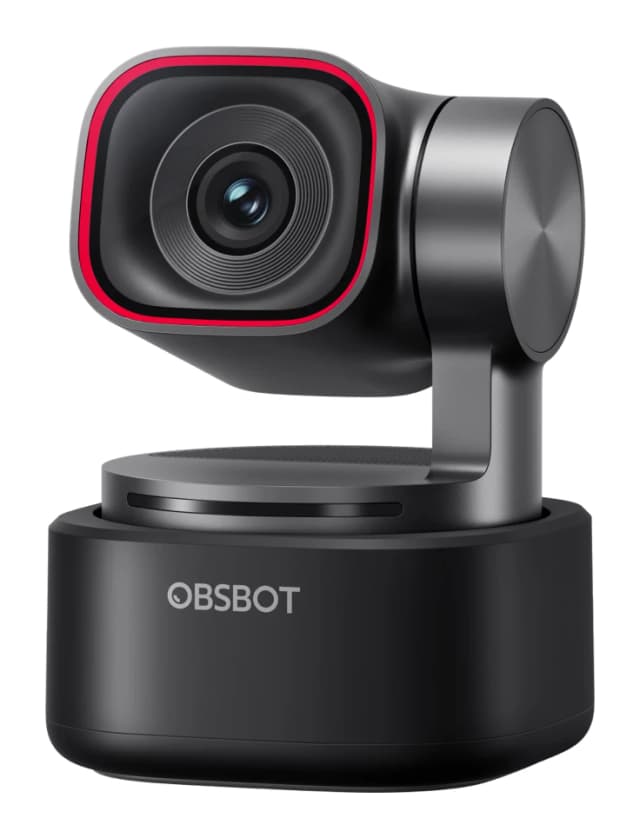
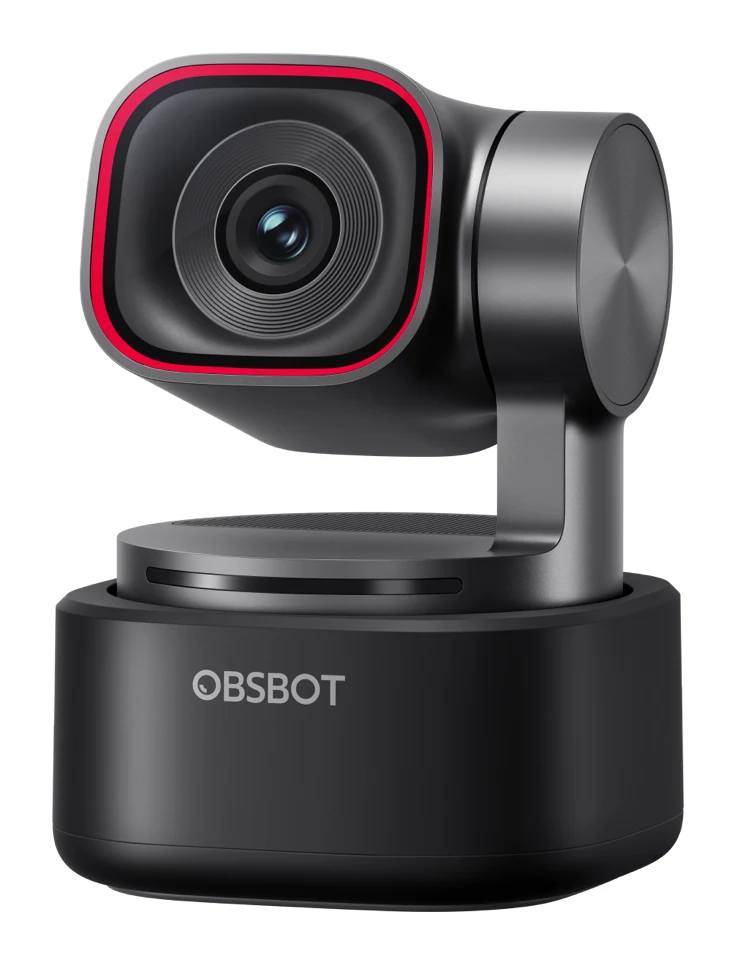
- Best OverallOBSBOT Tiny 3Why we picked it →
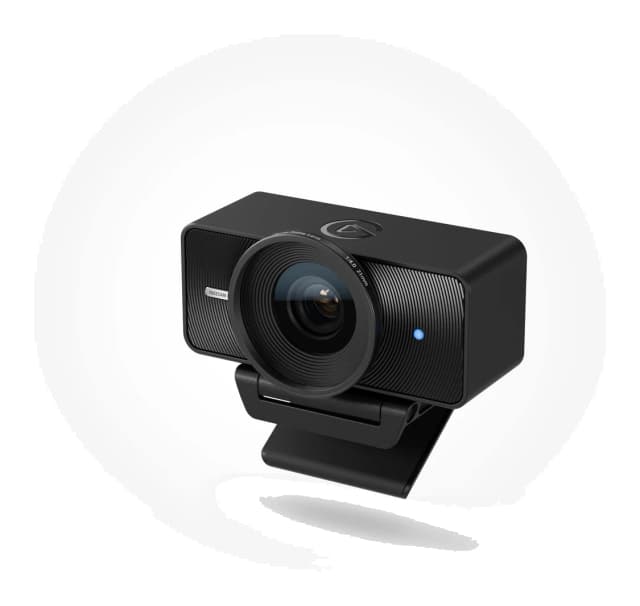
- Best ValueElgato Facecam 4KWhy we picked it →
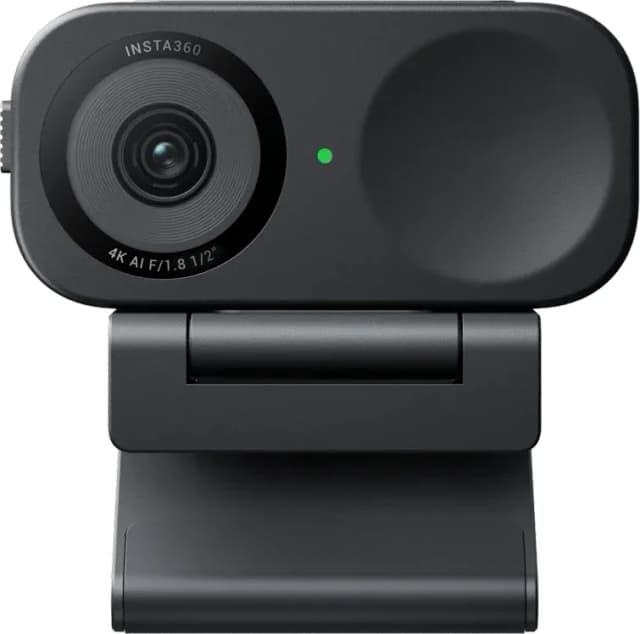
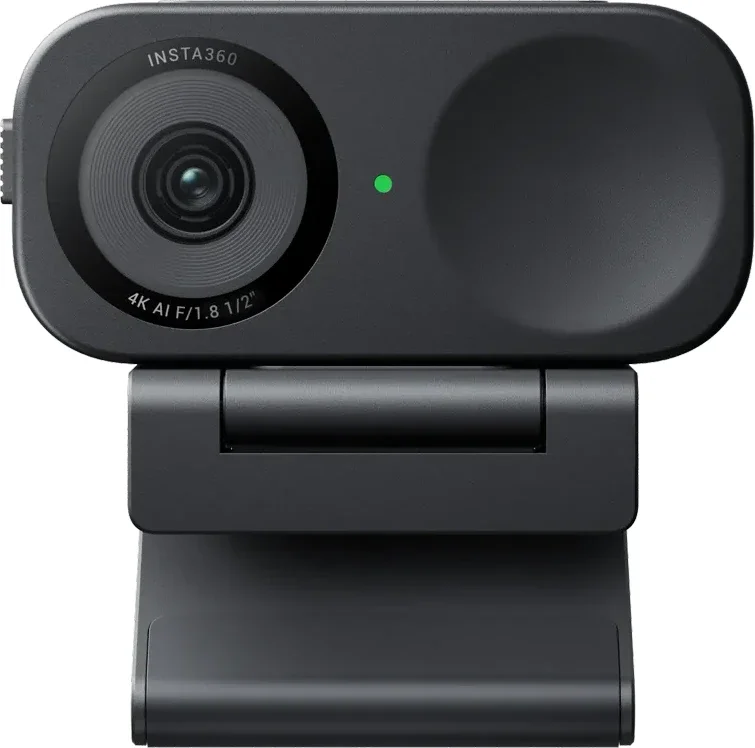
- Also GreatInsta360 Link 2CWhy we picked it →
Frequently asked questions
Is the Logitech Brio 500 worth it?
It's worth considering if you want a webcam that copes with dim and bright rooms, has a physical privacy shutter and keeps you in frame automatically. Reviewers average 8.3/10 across four expert scores. The main criticisms are that it's pricey for a webcam limited to 1080p at 30 fps and that the image isn't especially sharp.
What resolution does the Logitech Brio 500 record at?
It records at up to 1080p at up to 30 fps, or 720p at up to 60 fps. It has a 4 MP sensor.
Does the Logitech Brio 500 have a privacy shutter?
Yes. It has an integrated rotate-to-close privacy shutter that physically blocks the lens, and reviewers describe it as simple and easy to use.
Does the Brio 500 work with USB-A ports?
It connects over USB-C using a fixed 5 ft / 1.5 m cable. If your computer only has USB-A ports, you'll need an adapter, which is a common criticism.
Does the Logitech Brio 500 have a built-in microphone?
Yes. It has two noise-reducing stereo microphones that pick up your voice from up to 4 ft. Reviewers say the microphones are good for a webcam.
What software does the Logitech Brio 500 use?
It works with Logi Tune. The camera is plug-and-play, and reviewers describe the software as easy to use.
Sources
Specs are taken from the manufacturers' official pages; expert recommendations from the publications below.
- Logitech Brio 500: logitech.com, bhphotovideo.com, tomshardware.com, popsci.com
Related reviews & guides
Best Webcams for Streaming and Work Calls 2026: 4K to Budget
Five webcams for streamers and remote workers, from AI-tracking 4K gimbals to a budget 1080p pick, chosen from 24 candidates using manufacturer specs and expert recommendations.
Published Oct 22, 2026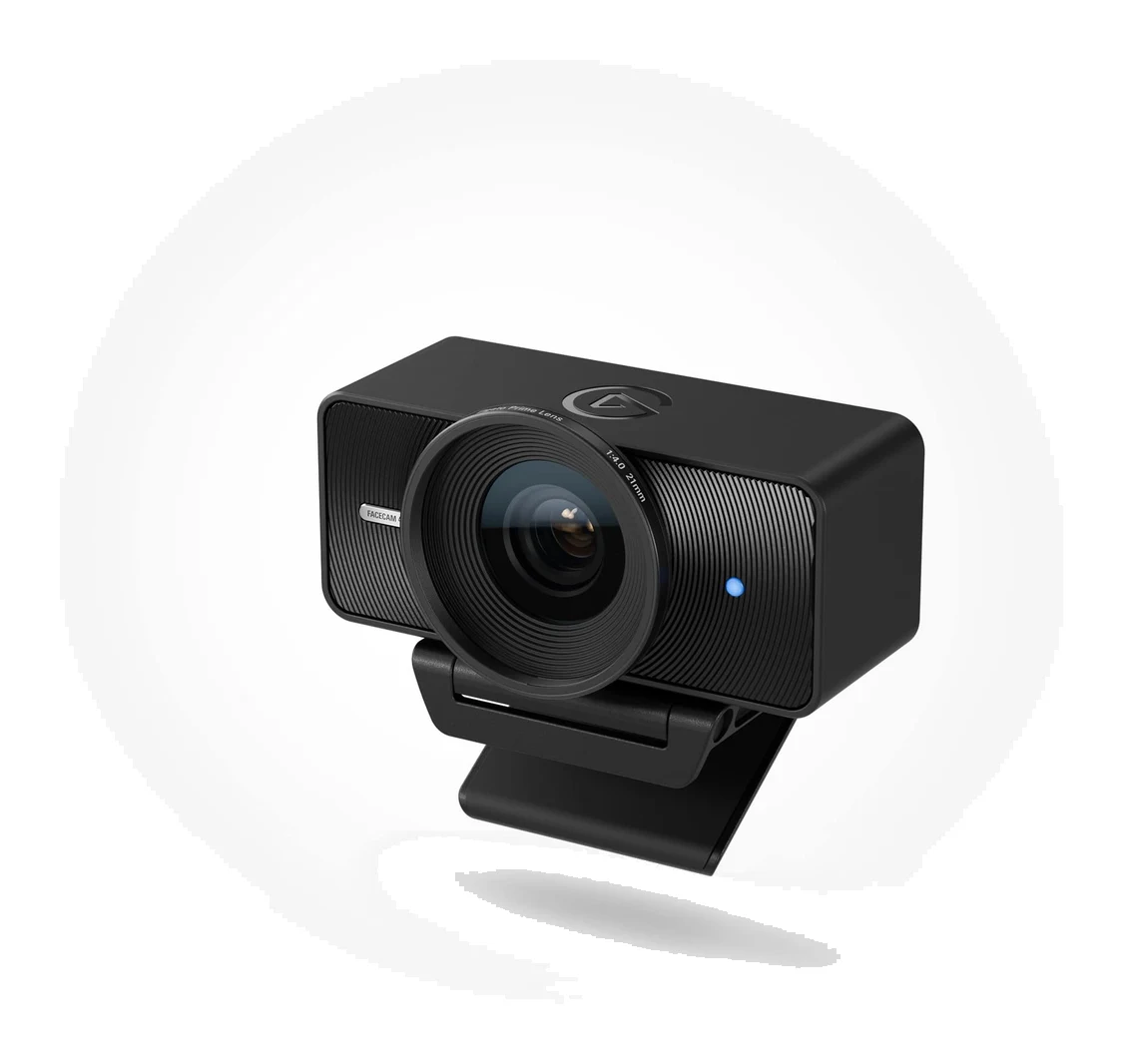
Elgato Facecam 4K Review (2026): Sharp, but Needs Light
A look at the Elgato Facecam 4K: 4K60 video, DSLR-style manual control and a filter thread, set against its low-light limits, missing microphone and NVIDIA-only AI blur.
Published Oct 28, 2026OBSBOT Tiny 3 Review (2026): Tiny Body, Creator Ambitions
A 63g 4K webcam with a 2-axis gimbal, AI tracking and a triple-mic array. Here is what the OBSBOT Tiny 3 offers, what experts say, and who it is really for.
Published Oct 27, 2026