AOC Q27G3XMN Review (2026): Mini LED HDR, With Catches
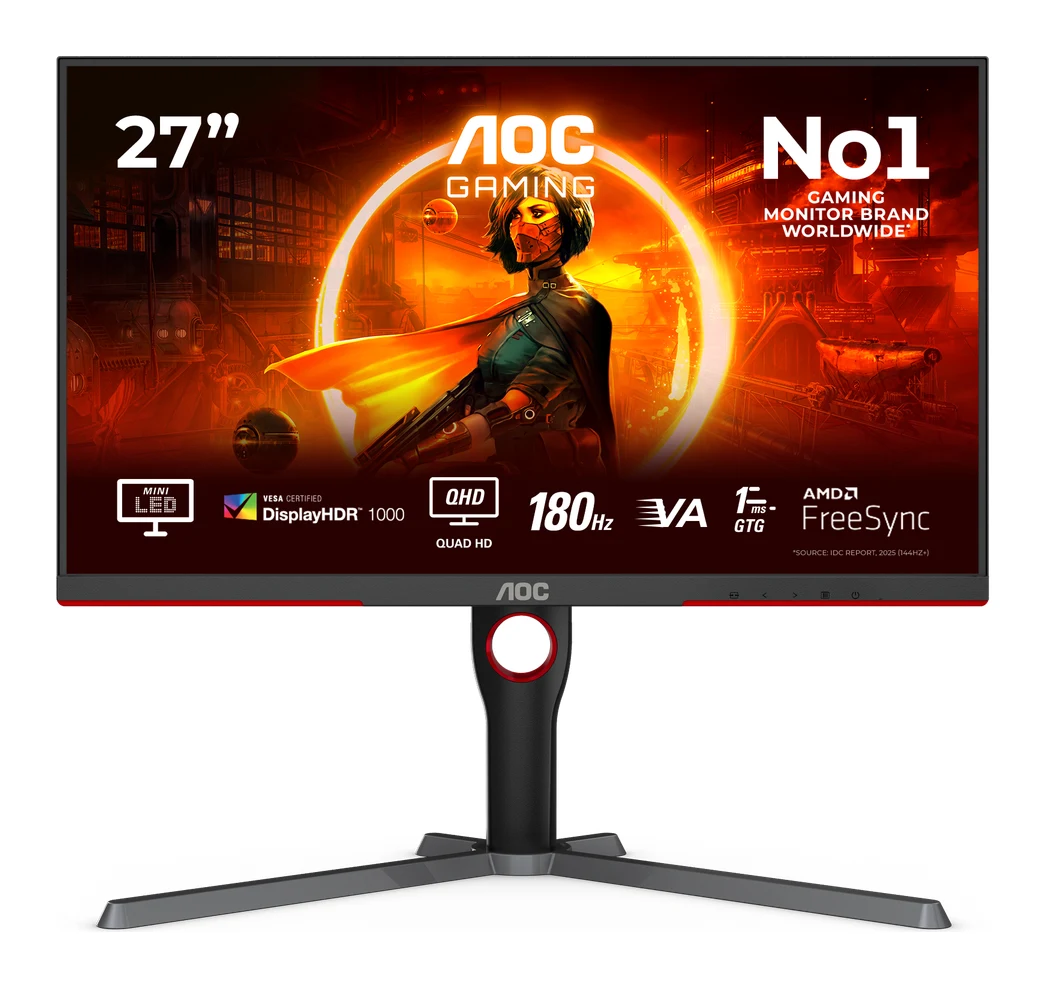
The AOC Q27G3XMN puts Mini LED local dimming and DisplayHDR 1000 on a 27-inch QHD gaming monitor. Here's what it does well, where it falls short and who should buy it.
Research-based · We earn from qualifying purchases
Our verdict
The Q27G3XMN brings Mini LED local dimming and DisplayHDR 1000 to a 27-inch QHD gaming monitor at a mid-range price, making it a strong pick for PC gamers who want punchy HDR and fast motion. Console players who need HDMI 2.1, or anyone who views from off-angle or hates fiddly menus, should look elsewhere.
The good
- 336-zone Mini LED dimming delivers deep blacks beside bright highlights
- DisplayHDR 1000 certification with very bright, punchy HDR performance
- Wide gamut covering 101.3% DCI-P3, plus an accurate sRGB mode
- 180Hz over DisplayPort with 1ms GtG response for smooth motion
- Fully adjustable stand with height, tilt, swivel and pivot
+2 more
- 180Hz over DisplayPort with 1ms GtG response for smooth motion
- Fully adjustable stand with height, tilt, swivel and pivot
The bad
- On-screen menu is cumbersome and frustrating to navigate
- No USB ports, and HDMI 2.0 limits console features
- Some black smearing and haloing around bright objects
- Narrow VA viewing angles look washed out from the sides
+1 more
- Narrow VA viewing angles look washed out from the sides
This AOC Q27G3XMN review looks at a monitor that makes a simple pitch: Mini LED backlighting and genuinely high-end HDR certification on a 27-inch QHD gaming screen, at a mid-range price. It is aimed at PC gamers who want punchy HDR and fast motion without stepping up to the most expensive display technology. It also comes with compromises that are worth understanding before you buy.
This article is based on AOC's published specifications and on what independent expert reviewers report. It is not hands-on testing.
AOC Q27G3XMN: specs at a glance
From the manufacturer- HDR
- VESA Certified DisplayHDR 1000
- Panel type
- VA
- Resolution
- 2560x1440
- Screen size
- 27.0 inch
- Colour gamut
- sRGB 137.5% (CIE 1931), DCI-P3 101.3% (CIE 1931)
- Video inputs
- HDMI 2.0 x 1, DisplayPort 1.4 x 1
- Height adjust
- 130mm
- Local dimming
- 336 zones
- Response time
- 1 ms GtG
- Display colours
- 1.073B (8bits+FRC)
- Max refresh rate
- 180 Hz
- Weight without stand
- 5.43 kg
- Static contrast ratio
- 4000:1
- Brightness (US spec page)
- 700 cd/m²
Key features
- 336-zone Mini LED local dimming for deep blacks next to bright highlights
- VESA DisplayHDR 1000 certification for punchy HDR
- 180Hz refresh rate (over DisplayPort) with 1ms GtG response for smooth motion
- 27-inch 2560x1440 QHD VA panel with high static contrast
- Fully adjustable stand: height, tilt, swivel and pivot
- Adaptive Sync (VRR) to reduce tearing
- Flicker-free backlight with a low-haze anti-glare coating
- VESA 100x100 wall-mount support
What the AOC Q27G3XMN is
The Q27G3XMN is a 27.0 inch monitor with a 2560x1440 resolution and a VA panel. It uses a Mini LED backlight with 336 local dimming zones and carries VESA DisplayHDR 1000 certification. The 180Hz refresh rate and 1ms GtG response time put it firmly in gaming-monitor territory too.
That combination is the reason it gets attention. Local dimming matters most on a VA panel, because the panel already has a high static contrast ratio of 4000:1. Dimming zones add to that by switching off or lowering the backlight behind dark parts of the picture. Trusted Reviews scores the monitor 4.5/5, and reviewers in general praise its HDR performance.
Design and build
The monitor is a conventional-looking gaming display. The practical highlight is the stand, which offers height, tilt, swivel and pivot adjustment. Height adjustment is 130mm. The stand is fully adjustable, with height, tilt, swivel and pivot. Pivot support means you can rotate the screen into portrait orientation if you want a vertical second display for coding, chat or documents.
If you would rather use your own arm or wall mount, the monitor supports VESA 100x100 mounting. Without the stand it weighs 5.43 kg, which is worth keeping in mind when choosing an arm.
The screen has a low-haze anti-glare coating and a flicker-free backlight. The flicker-free backlight is a welcome detail for long sessions, whether gaming or working.
Features and what they mean day to day
Mini LED local dimming
The 336-zone Mini LED backlight is the headline feature. In practice, it allows deep blacks to sit next to bright highlights, such as a lit window in a dark room, a spell effect in a dungeon, or stars against space. Reviewers praise the deep blacks beside bright highlights.
The trade-off is a familiar one with local dimming: a common criticism is black smearing and haloing around bright objects. How noticeable that is depends on content and personal sensitivity. If you are fussy about it, it is worth knowing before you commit.
DisplayHDR 1000
The monitor carries VESA DisplayHDR 1000 certification. AOC's US specification page lists 700 cd/m² brightness, and reviewers describe the HDR as very bright and punchy. If you play HDR-capable games or watch HDR video on a PC, this is where the monitor aims to stand out.
Colour
The panel covers sRGB 137.5% and DCI-P3 101.3% (both CIE 1931), with 1.073B display colours (8bits+FRC). A wide gamut makes colours look richer in games and video. Reviewers also note an accurate sRGB mode.
Refresh rate and response
The monitor has a 180Hz refresh rate over DisplayPort and a 1ms GtG response time. Adaptive Sync (VRR) is included to reduce tearing when your frame rate fluctuates. Reviewers praise the smooth motion. For competitive and fast-paced PC play, 180Hz at QHD is a sweet spot: sharper than 1080p, and less demanding on a graphics card than 4K.
Note that AOC specifies the 180Hz figure over DisplayPort, so use that connection for the full refresh rate.
Connectivity: the weak spot
The monitor has one HDMI 2.0 input and one DisplayPort 1.4 input. That is all. There are no USB ports, so no built-in hub for peripherals, and no way to share a keyboard and mouse across two computers through the monitor. Reviewers flag this as a drawback.
HDMI 2.0 also limits what console players can get from the display. If you are buying for a PlayStation or Xbox and want the features that HDMI 2.1 brings, this isn't the monitor for that job. The Q27G3XMN makes most sense as a PC monitor connected over DisplayPort.
Panel behaviour and menus
VA panels generally trade viewing angles for contrast, and this one follows that pattern. A common criticism is that the image looks washed out when viewed from the sides. At a desk, sitting directly in front of the screen, that matters less. If you often share the screen with someone sitting beside you, or you plan to use it for group viewing, it matters more.
The other recurring complaint is the on-screen menu, which reviewers describe as cumbersome and frustrating to navigate. It is the sort of annoyance you may only run into when setting up the monitor or switching between modes, but if you like to adjust settings often, it will get tiresome.
What experts like and what they criticise
Reviewer praise is consistent across the headline features:
- The Mini LED dimming produces deep blacks beside bright highlights.
- HDR is bright and punchy, backed by DisplayHDR 1000 certification.
- The wide gamut and accurate sRGB mode.
- Smooth motion from 180Hz and 1ms GtG over DisplayPort.
- The fully adjustable stand.
The criticisms are just as consistent: the awkward menu, the lack of USB ports and HDMI 2.0 limits, some black smearing and haloing around bright objects, and narrow VA viewing angles. Trusted Reviews gives it 4.5/5.
Who should buy it
The Q27G3XMN suits PC gamers who want affordable Mini LED HDR in QHD. It is a good fit if you:
- Play HDR-capable games on a PC and want a monitor that makes a visible difference.
- Value contrast and deep blacks, for example in dark, atmospheric games and films.
- Want a high refresh rate at QHD resolution without moving to 4K.
- Need an adjustable stand, including pivot, without buying a separate arm.
Who should skip it
Look elsewhere if you:
- Are buying mainly for a console and need HDMI 2.1.
- Want USB ports on the monitor for peripherals.
- View the screen from off-angle often, where VA washout will show.
- Are sensitive to haloing around bright objects on dark backgrounds.
- Dislike fiddly on-screen menus.
How it fits in its category
The Q27G3XMN makes its case with Mini LED local dimming and DisplayHDR 1000 at a mid-range price. You are paying for HDR and contrast rather than for a long connectivity list or wide viewing angles. If those priorities match yours, it is a compelling option. If you want a more all-round display with a broader set of ports, it is worth comparing alternatives.
Verdict
The Q27G3XMN is a focused monitor. It does the things that matter most to PC gamers who care about image quality, namely HDR, contrast and smooth motion, and it does them well enough to earn consistent praise from reviewers. Its weaknesses are the menu, the missing USB ports, HDMI 2.0, some haloing and the narrow VA viewing angles. If you will sit in front of it, connect over DisplayPort and want HDR that stands out, it is a strong pick in 2026. If any of its limits are dealbreakers for you, you should know that before you click through to check the current price.
Related buying guides
- Best Gaming Monitor 2026: OLED and Mini LED Picks Compared
- Alienware AW2726DM Review (2026): Mid-Range QD-OLED Speed
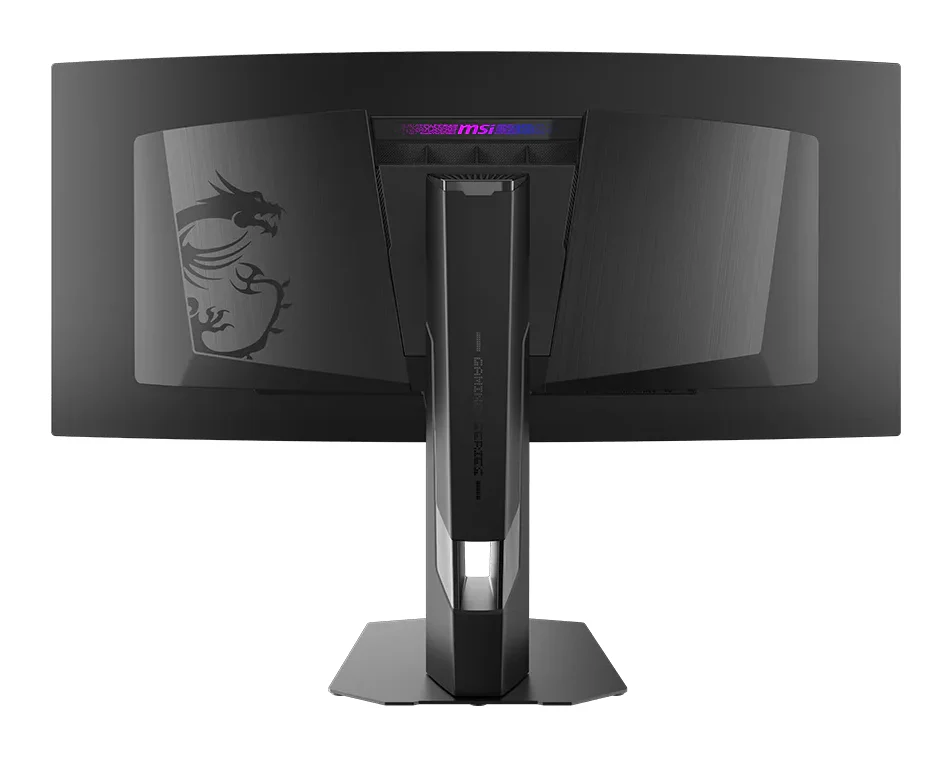
- MSI MPG 341CQR QD-OLED X36 Review (2026): 360Hz Ultrawide
- Best Gaming Laptops 2026: Light, OLED & RTX 50 Power
- Best Gaming Headset 2026: Comfort, Battery & Low Latency
- Best Gaming Chairs 2026: Comfort for Long Sessions
- Best Handheld Gaming PCs 2026: Power, Screens & Battery
- Best Gaming Consoles 2026: TV, Handheld and Hybrid Play
Not sure about the AOC Q27G3XMN? Consider these
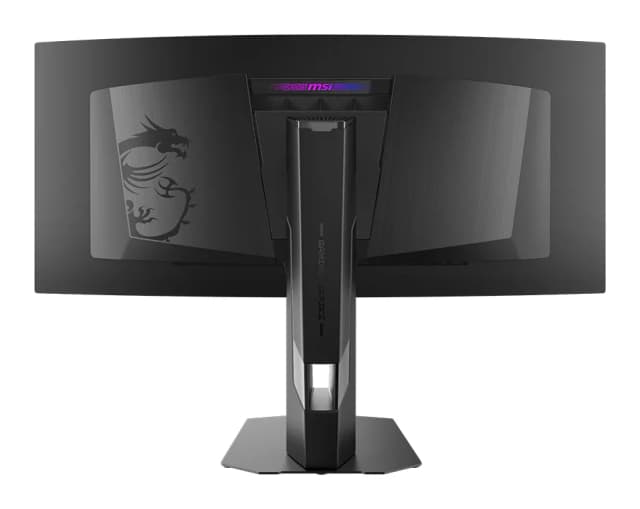
- Best OverallMSI MPG 341CQR QD-OLED X36Why we picked it →
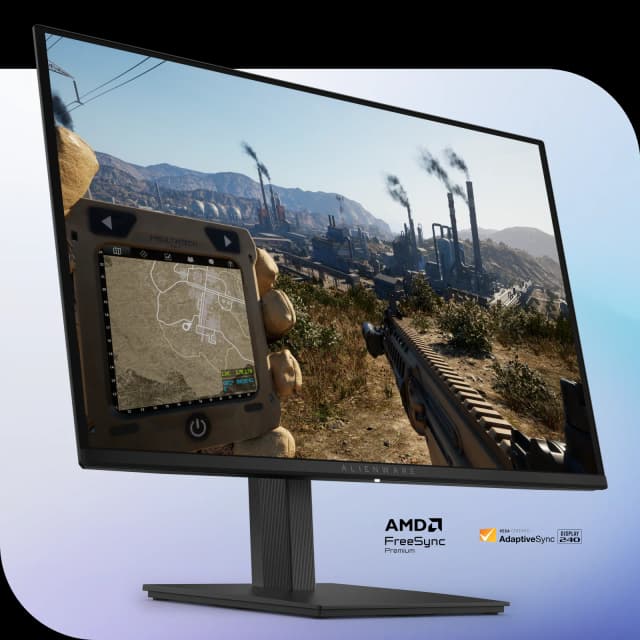
- Best BudgetAlienware 27 240Hz QD-OLED Gaming Monitor AW2726DMWhy we picked it →
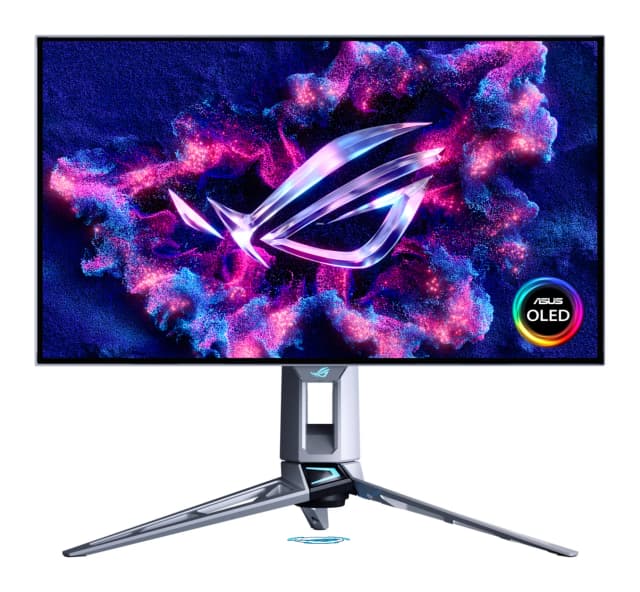
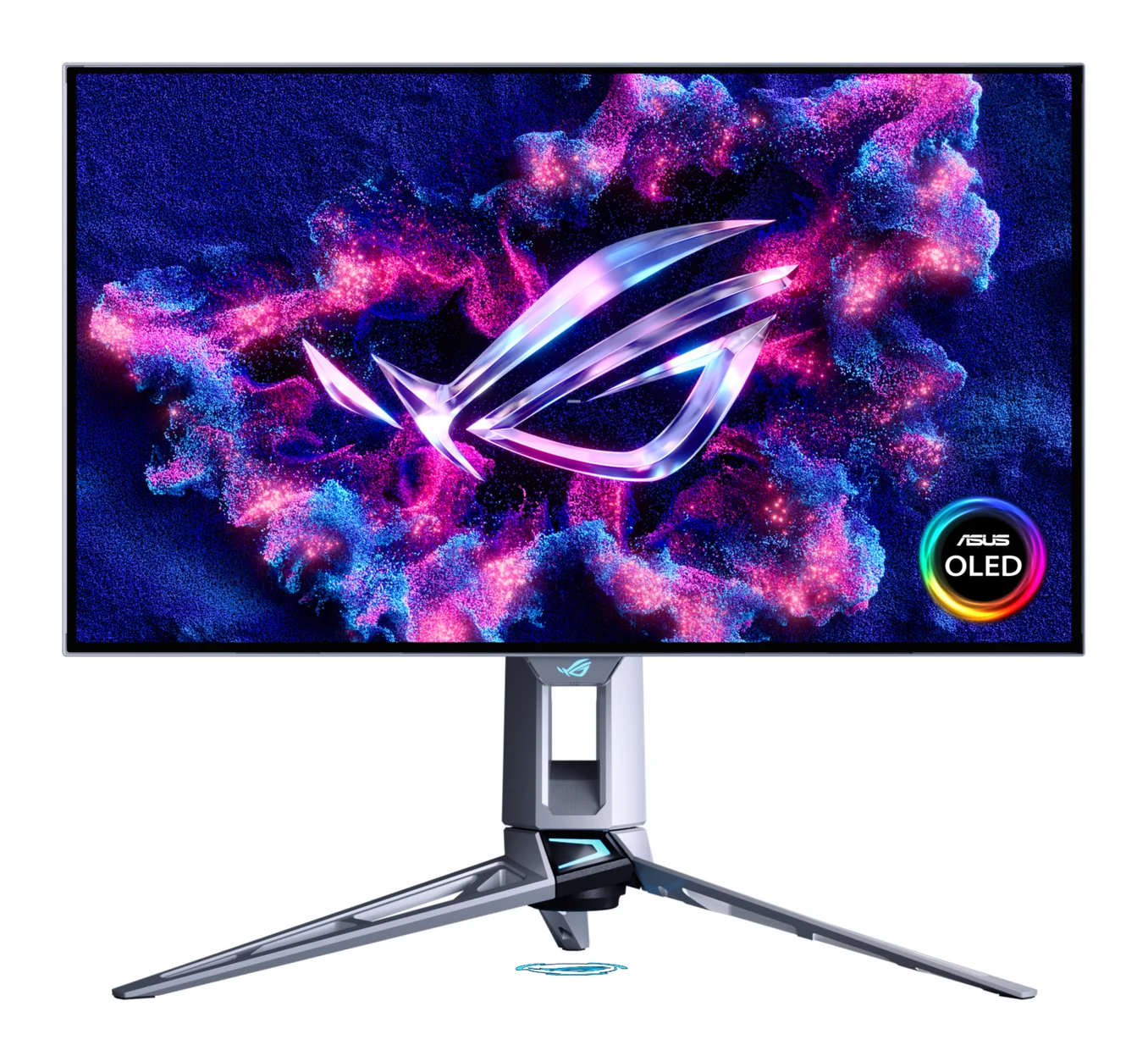
- Also GreatASUS ROG Swift OLED PG27AQWP-WWhy we picked it →
Frequently asked questions
Is the AOC Q27G3XMN worth it?
For PC gamers who want Mini LED local dimming and DisplayHDR 1000 in a 27-inch QHD monitor at a mid-range price, reviewers say yes. Trusted Reviews scores it 4.5/5. It is less compelling if you need HDMI 2.1, USB ports or wide viewing angles.
Does the AOC Q27G3XMN support 180Hz over HDMI?
AOC specifies the 180Hz refresh rate over DisplayPort. The monitor has one HDMI 2.0 input and one DisplayPort 1.4 input, so use DisplayPort to get the full refresh rate.
Is the AOC Q27G3XMN good for consoles?
It is a better fit for PCs. HDMI 2.0 is its only HDMI input, and reviewers note that this limits console features. Console players who need HDMI 2.1 should look at other monitors.
Does the AOC Q27G3XMN have USB ports?
No. The video inputs are one HDMI 2.0 and one DisplayPort 1.4, and reviewers criticise the lack of USB ports.
What panel does the AOC Q27G3XMN use?
It uses a 27.0 inch 2560x1440 VA panel with a static contrast ratio of 4000:1 and a 336-zone Mini LED backlight. VA panels offer strong contrast, but reviewers note the narrow viewing angles look washed out from the sides.
Can the AOC Q27G3XMN be wall mounted?
Yes. It supports VESA 100x100 mounting, and without the stand it weighs 5.43 kg. The included stand also adjusts for height, tilt, swivel and pivot.
Sources
Specs are taken from the manufacturers' official pages; expert recommendations from the publications below.
- AOC Q27G3XMN: aoc.com, rtings.com, reviewed.com, orneil.com
Related reviews & guides
Best Gaming Monitor 2026: OLED and Mini LED Picks Compared
Five gaming monitors compared on panel tech, refresh rate, resolution and connectivity, from an ultrawide QD-OLED to a 4K 240Hz flagship and a bright Mini LED value pick.
Published Oct 17, 2026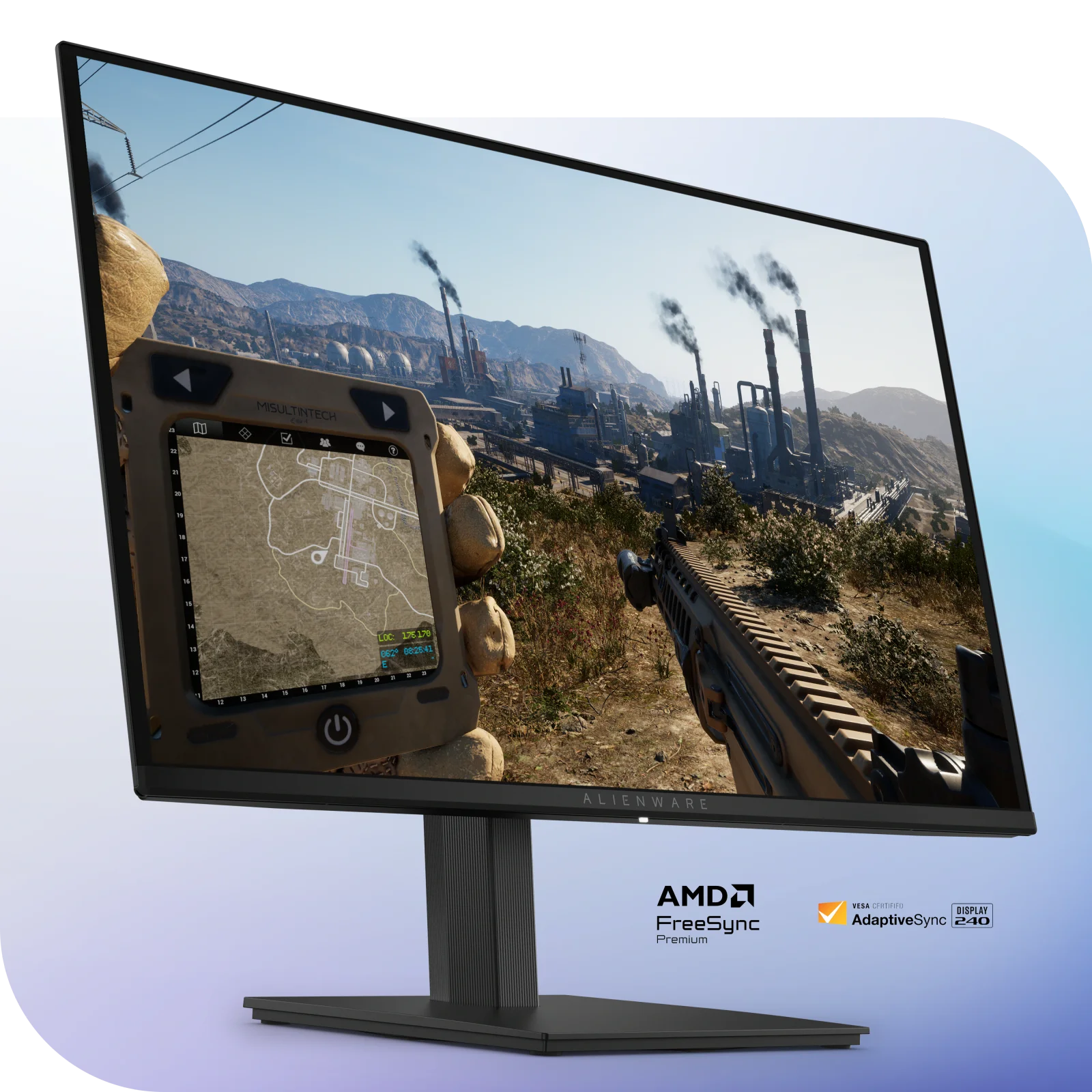
Alienware AW2726DM Review (2026): Mid-Range QD-OLED Speed
The Alienware AW2726DM brings a 27-inch QD-OLED panel, 240 Hz and a 3-year burn-in warranty to the mid-range. Here is what the specs and expert reviews say.
Published Oct 23, 2026MSI MPG 341CQR QD-OLED X36 Review (2026): 360Hz Ultrawide
A 34-inch, 360Hz QD-OLED ultrawide with RGB stripe subpixels, strong HDR and USB-C with KVM. Here is what the specs and expert reviews say, and where it falls short.
Published Oct 28, 2026