Creality SPARKX i7 Review (2026): Easy Multicolor Entry
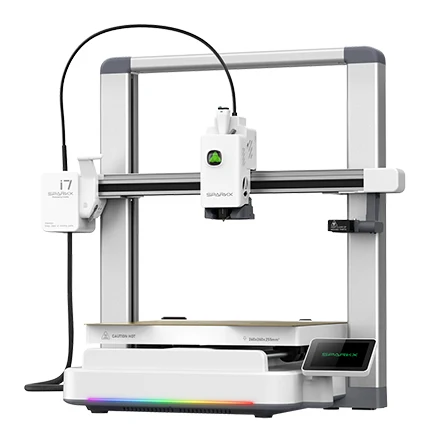
Our Creality SPARKX i7 review looks at a mid-range, mostly pre-assembled 3D printer with auto bed leveling, an AI camera and optional four-color printing, and who should buy it.
Research-based · We earn from qualifying purchases
Our verdict
The SPARKX i7 suits beginners and hobbyists who want an easy, quiet, affordable entry into multicolor printing with PLA, PETG and TPU. Skip it if you need enclosed printing for ABS/ASA, more than four colors, or a polished software ecosystem.
The good
- Mostly pre-assembled with automatic bed leveling, so setup is quick and beginner-friendly
- Optional CFS Lite adds simple four-color printing with RFID filament recognition
- Direct-drive extruder handles flexible TPU alongside PLA, PETG and PLA-CF
- 720p AI camera detects spaghetti and air-prints and allows remote monitoring
- Tool-free quick-swap hotend makes nozzle changes and maintenance easy
+2 more
- 720p AI camera detects spaghetti and air-prints and allows remote monitoring
- Tool-free quick-swap hotend makes nozzle changes and maintenance easy
The bad
- Multicolor prints waste a lot of filament at default purge settings
- Open frame and listed filament support make ABS/ASA a poor fit
- CFS Lite is capped at four colors with no expansion
- Software feels less mature than Bambu's; some early units had feed problems
+1 more
- Software feels less mature than Bambu's; some early units had feed problems
This Creality SPARKX i7 review is about a printer aimed squarely at people who want to start printing without a weekend of assembly and calibration. It is a mostly pre-assembled, open-frame, direct-drive machine that sits in the mid-range part of the market. Its headline extra is an optional four-spool multicolor system. It is built for beginners and hobbyists who want to try colorful prints with PLA and PETG without a steep learning curve.
This review is based on Creality's manufacturer specs and what independent expert reviews report. It is not hands-on testing.
Creality SPARKX i7: specs at a glance
From the manufacturer- Frame
- Open frame
- Display
- 2.85-inch color touchscreen
- Extruder
- Direct drive
- Net weight
- 9.12 kg
- Build plate
- Dual-sided textured golden PEI
- Build volume
- 260 × 260 × 255 mm
- Layer height
- 0.05-0.3 mm
- File transfer
- USB Drive/Wi-Fi
- Max acceleration
- ≤ 10000 mm/s²
- Max printing speed
- ≤ 500 mm/s
- Printer dimensions
- 470 × 423 × 456 mm
- Filament compatibility
- PLA/PLA-Silk/PETG/TPU/PLA-CF
- Max nozzle temperature
- ≤ 300 °C
- Max heatbed temperature
- ≤ 100 °C
Key features
- Mostly pre-assembled, so you can start printing quickly
- Automatic bed leveling with build plate detection
- Tool-free quick-swap hotend with a 0.4 mm nozzle (0.2/0.6/0.8 mm compatible)
- 720p AI camera with lighting for remote monitoring and spaghetti and air-print detection
- Optional CFS Lite 4-spool system for multicolor printing, with a desiccant box and RFID recognition of Creality filaments
- Input shaping and pressure advance for fast, clean prints
- Dual-sided textured golden PEI build plate
- Power-loss recovery and filament run-out resume
What the Creality SPARKX i7 is
The SPARKX i7 is a fused-filament printer with a 260 × 260 × 255 mm build volume. It has a direct-drive extruder, a tool-free quick-swap hotend and automatic bed leveling with build plate detection. It also has a 720p AI camera with lighting, and an optional multicolor add-on called CFS Lite.
The pitch is convenience. Most of the work that puts newcomers off 3D printing (leveling the bed, wrangling spools, spotting a failed print) is covered by a feature on the spec sheet. It averages 8.3/10 across 2 expert reviews: CGMagazine gives it 8.5/10 and The Gadgeteer 8/10.
Design and build
Open frame, compact footprint
The printer uses an open frame and measures 470 × 423 × 456 mm, with a net weight of 9.12 kg. That is a manageable size and weight for a desk or shelf, and easy to move if you need to. An open frame also makes it simple to reach the build plate, watch a print and swap filament.
The trade-off is that there is no enclosure to hold in heat. That matters for material choice, covered below.
Pre-assembled setup
Creality ships the SPARKX i7 mostly pre-assembled. Reviewers single this out as a strength, noting that setup is quick and beginner-friendly. Together with automatic bed leveling and build plate detection, the idea is that you spend less time on the first print and more time on the second, third and fourth. For a first-time 3D printer buyer, that is arguably the most important feature on the page.
Build plate and display
The build plate is a dual-sided textured golden PEI sheet. Textured PEI is a popular choice because prints typically stick well during printing and release more easily once cooled. A 2.85-inch color touchscreen handles on-device control. Files can be transferred by USB drive or Wi-Fi, so you can send jobs without walking a stick over to the printer every time.
Features and what they mean day to day
Quick-swap hotend
The hotend is tool-free and quick-swap, fitted with a 0.4 mm nozzle. Creality lists 0.2, 0.6 and 0.8 mm nozzles as compatible. In practice, that means you can change nozzle size without fiddling with tools. A smaller nozzle suits fine detail, while larger ones suit faster, sturdier prints. Reviewers also credit the design with making maintenance easy, which matters when a nozzle clogs or wears.
AI camera and failure detection
A 720p camera with built-in lighting lets you check on a print remotely. It also looks for spaghetti (the tangled mess of filament that follows a failed print) and air-prints, where the nozzle is extruding into nothing. Reviewers praise the feature, and it is useful for long prints you do not want to babysit. Catching a failure early saves filament and time.
Power-loss and run-out recovery
The printer supports power-loss recovery and filament run-out resume. These are small features that matter on large jobs: a brief outage or an empty spool does not have to mean starting over.
Input shaping and pressure advance
Creality includes input shaping and pressure advance. In general terms, input shaping reduces the ringing artifacts that fast movement can cause, while pressure advance helps keep extrusion consistent through corners and speed changes. Both support the printer's stated speed headroom, which is covered next.
Performance: speed, materials and print quality
Speed and motion
The spec sheet lists a maximum printing speed of ≤ 500 mm/s and maximum acceleration of ≤ 10000 mm/s². These are ceiling figures, and real-world speeds depend on the material, the model and the quality you want. The feature list also includes input shaping and pressure advance for fast, clean prints. Layer height ranges from 0.05-0.3 mm, covering both fine-detail and quick draft settings.
Materials
Creality lists PLA, PLA-Silk, PETG, TPU and PLA-CF as compatible. The direct-drive extruder is a good match for flexible TPU, and reviewers specifically point out that it handles TPU alongside PLA, PETG and PLA-CF. The hotend reaches up to ≤ 300 °C and the heatbed up to ≤ 100 °C.
The limitation is that ABS and ASA are not on the compatibility list. Combined with the open frame, reviewers describe them as a poor fit. If you want to print engineering plastics that need a warm, enclosed chamber, this is not the machine for that.
Multicolor printing with CFS Lite
The most distinctive part of the SPARKX i7 is the optional CFS Lite, a 4-spool system for multicolor printing. It includes a desiccant box, and it recognizes Creality filaments by RFID. For a beginner, that means loading the right spool and having the printer know what it is, rather than entering details by hand.
Reviewers praise how simple it makes four-color printing. They also raise two clear limits:
- Filament waste. A common criticism is that multicolor prints waste a lot of filament at default purge settings. Color changes need purging, and the defaults are not frugal. Expect extra filament waste at default purge settings compared with single-color work.
- Four colors, no expansion. CFS Lite is capped at four colors and cannot be expanded. If you want more than four colors in a single print, this system will not get you there.
It is also an optional add-on, so you can start with single-color printing and add it later if multicolor turns out to be what you want.
What experts like and what they criticise
Reviewers consistently praise:
- quick, beginner-friendly setup thanks to the mostly pre-assembled design and automatic bed leveling
- simple four-color printing with CFS Lite and RFID filament recognition
- a direct-drive extruder that handles flexible TPU as well as PLA, PETG and PLA-CF
- the 720p AI camera, with spaghetti and air-print detection and remote monitoring
- a tool-free quick-swap hotend that makes nozzle changes and maintenance easy
The common criticisms are:
- heavy filament waste in multicolor prints at default purge settings
- limited suitability for ABS and ASA because of the open frame and the listed filament support
- the four-color cap on CFS Lite
- software that feels less mature than Bambu's, and reports that some early units had feed problems
The software point is worth weighing. If you value a polished, tightly integrated ecosystem above all else, reviewers suggest this printer is not quite there yet. Some early units reportedly had feed problems.
Who should buy it
The SPARKX i7 suits:
- First-time 3D printer buyers who want quick setup and automatic bed leveling.
- Hobbyists curious about multicolor printing who want an easy way into it with PLA and PETG.
- People printing flexible parts, since the direct-drive extruder handles TPU.
- Anyone who wants remote monitoring, thanks to the camera and failure detection.
Who should skip it
Look elsewhere if:
- you need to print ABS or ASA, which are a poor fit for the open frame and listed filament support
- you want more than four colors in one print
- filament waste from color changes would bother you
- you want the most mature software ecosystem available
How it fits in its category
In general terms, the SPARKX i7 sits in the mid-range part of the 3D printer market. It is not a printer for engineering materials. It is a machine for PLA, PETG and TPU, with a camera and quick-swap hotend.
Verdict
The Creality SPARKX i7 is a solid starting point for people who want to get printing fast and who are intrigued by multicolor. Its pre-assembled build, auto bed leveling, quick-swap hotend and AI camera take much of the friction out of ownership, and CFS Lite makes four-color printing approachable. Expert reviewers back that up, with an average of 8.3/10 across CGMagazine and The Gadgeteer.
The caveats are real, though: filament waste on multicolor prints, no good path to ABS or ASA, a four-color ceiling and software that is still maturing. If those do not rule it out for your projects, it is a capable and approachable entry into modern 3D printing.
Related buying guides
Not sure about the Creality SPARKX i7? Consider these
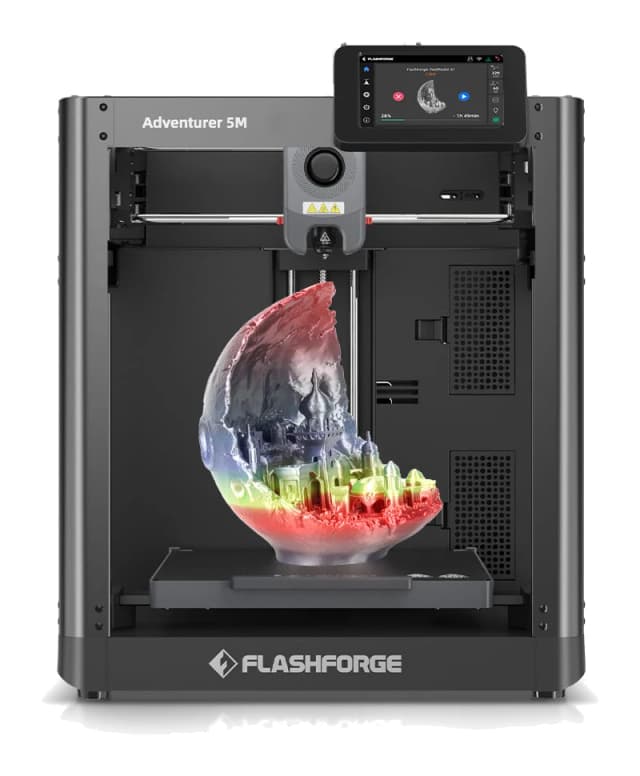
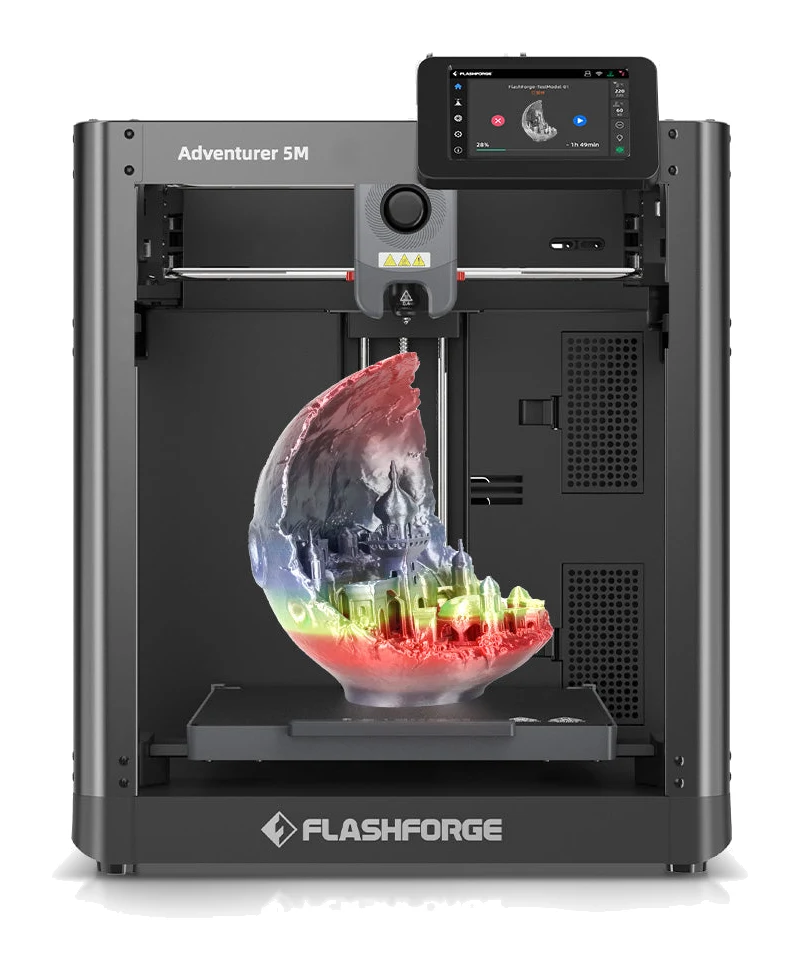
- Best OverallFlashforge Adventurer 5MWhy we picked it →
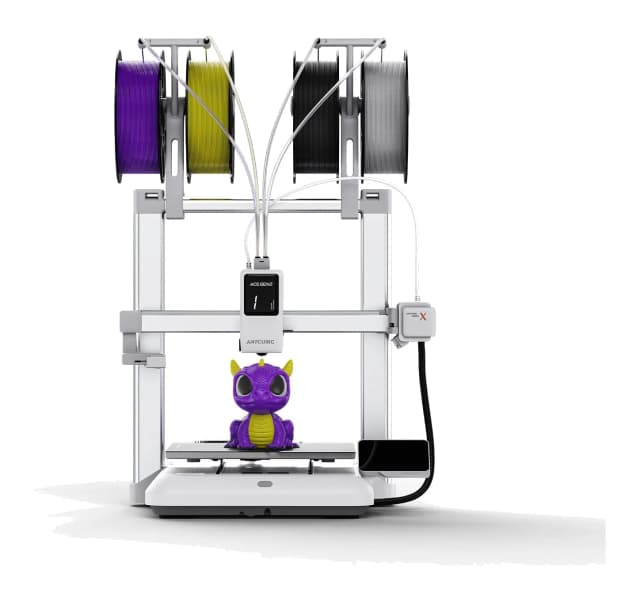
- Best BudgetAnycubic Kobra XWhy we picked it →
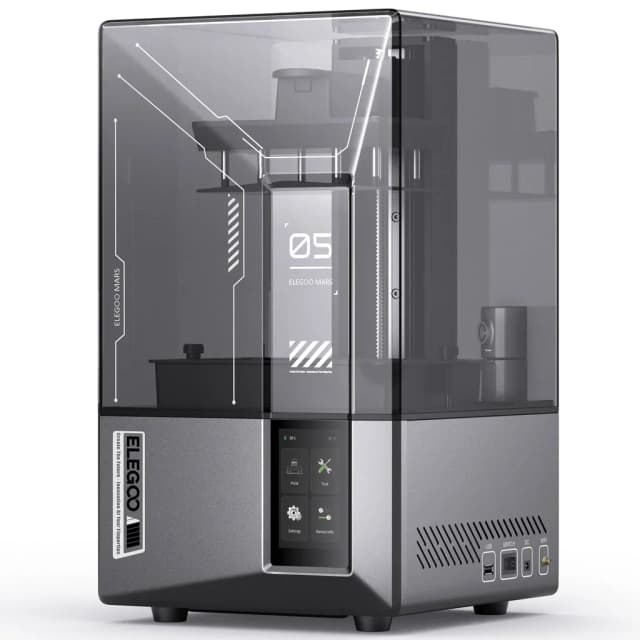
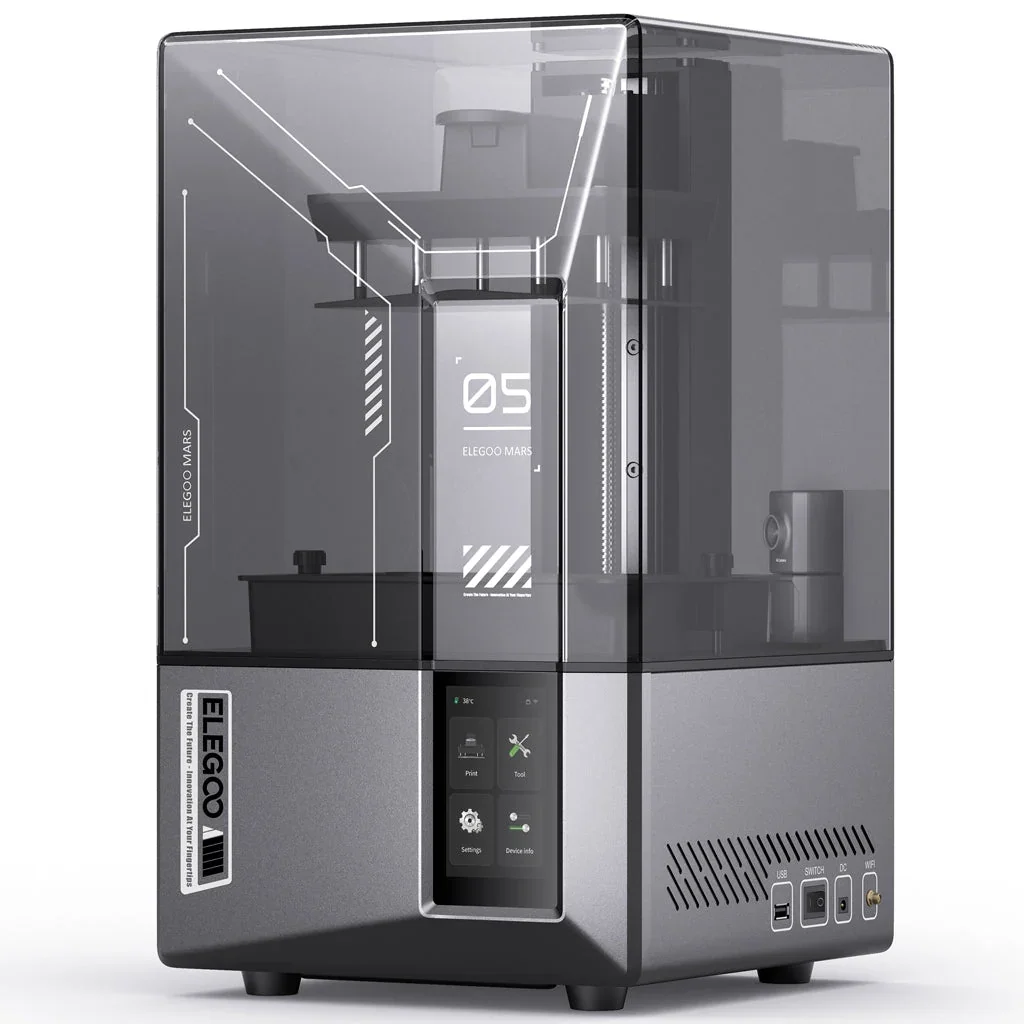
- Also GreatElegoo Mars 5 UltraWhy we picked it →
Frequently asked questions
Is the Creality SPARKX i7 worth it?
For beginners and hobbyists who mainly print PLA, PETG and TPU, reviewers think so. It averages 8.3/10 across 2 expert reviews. It is a weaker fit if you need enclosed printing for ABS/ASA, more than four colors or a very polished software ecosystem.
Does the Creality SPARKX i7 support multicolor printing?
Yes, with the optional CFS Lite, a 4-spool system that includes a desiccant box and RFID recognition of Creality filaments. It is capped at four colors and cannot be expanded, and reviewers note that multicolor prints waste a lot of filament at default purge settings.
What is the build volume of the SPARKX i7?
The build volume is 260 × 260 × 255 mm.
Can the SPARKX i7 print TPU and ABS?
It has a direct-drive extruder and lists TPU among its compatible filaments, alongside PLA, PLA-Silk, PETG and PLA-CF. ABS and ASA are not on the list, and the open frame makes them a poor fit.
Is the SPARKX i7 good for beginners?
Reviewers say so. It is mostly pre-assembled and has automatic bed leveling with build plate detection, a tool-free quick-swap hotend and a 720p AI camera that detects spaghetti and air-prints.
How fast can the Creality SPARKX i7 print?
The spec sheet lists a maximum printing speed of ≤ 500 mm/s and maximum acceleration of ≤ 10000 mm/s². These are maximums, and actual speeds depend on the material and the quality you want.
Sources
Specs are taken from the manufacturers' official pages; expert recommendations from the publications below.
- Creality SPARKX i7: creality.com, tomshardware.com, fauxhammer.com, cgmagonline.com
Related reviews & guides
Best 3D Printers for Beginners 2026: Easy to Set Up
Five beginner-friendly 3D printers compared on setup, auto leveling, build volume and monitoring, drawn from manufacturer specs and independent expert recommendations.
Published Oct 11, 2026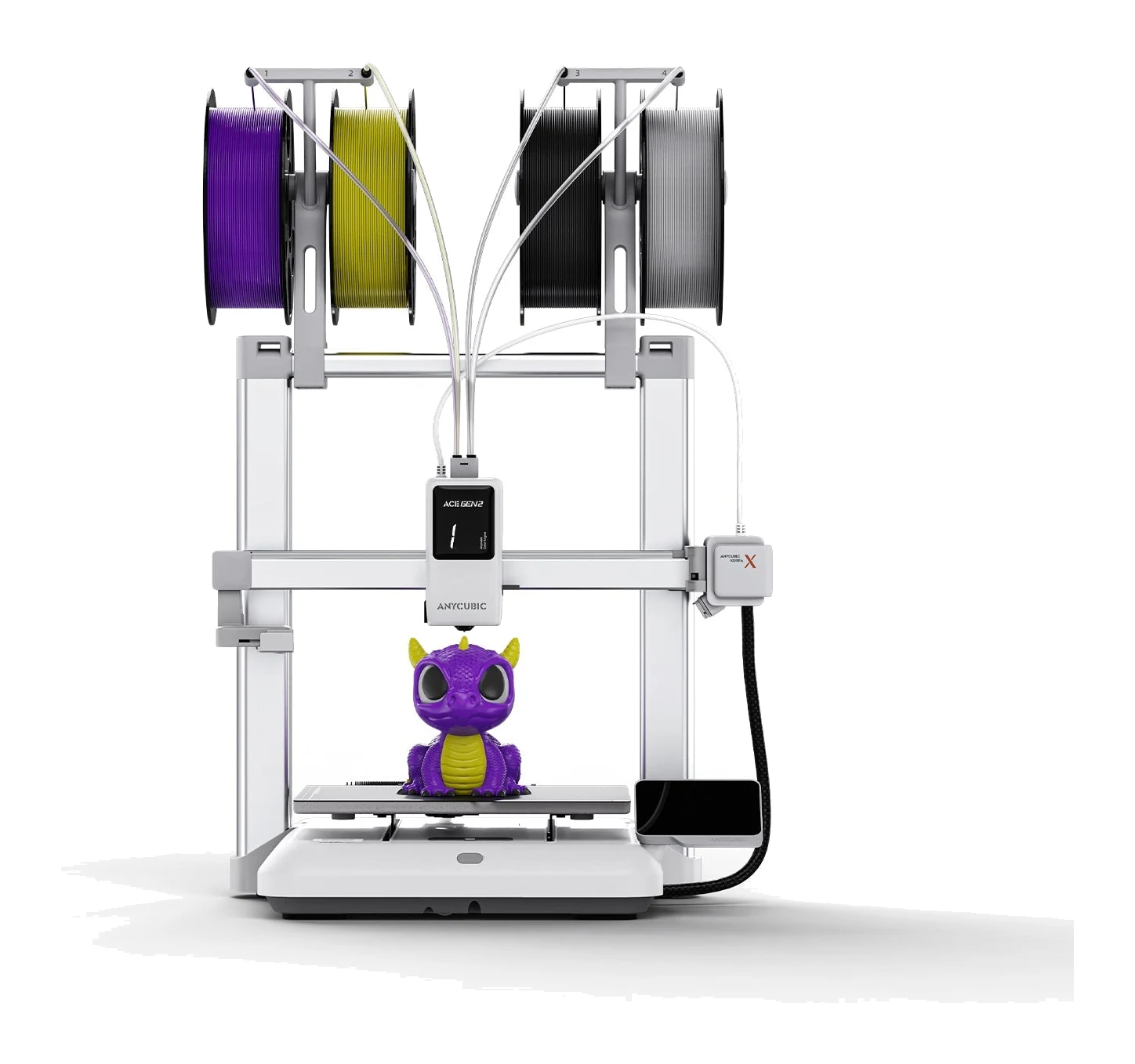
Anycubic Kobra X Review (2026): Multicolor for Beginners
The Anycubic Kobra X puts a four-color system into the toolhead of a mid-range printer. Here's what the specs and expert reviews say about who it suits.
Published Oct 30, 2026Flashforge Adventurer 5M Review (2026): Fast and Fuss-Free
A spec-based look at the Flashforge Adventurer 5M: a CoreXY printer with auto-leveling, quick-swap nozzles and networking, held back by its open frame.
Published Oct 25, 2026