HP OfficeJet Pro 9125e Review (2026): A Document Workhorse
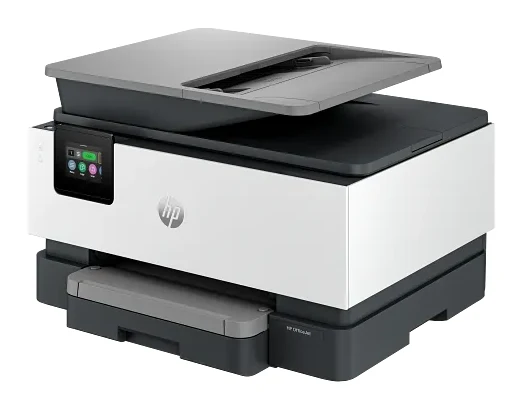
A document-focused all-in-one with duplex scanning, fax and wired networking. Here is what suits it, and where photos, color speed and HP's ink rules hold it back.
Research-based · We earn from qualifying purchases
Our verdict
The OfficeJet Pro 9125e suits home offices and small workgroups that print mostly text documents and need duplex scanning, fax and wired networking. Skip it if you print photos or lots of color pages, or want freedom to use third-party ink.
The good
- Sharp, crisp text on documents
- Automatic two-sided printing works reliably
- 35-sheet duplex ADF scans both sides in one pass
- Wide connectivity: Ethernet, dual-band Wi-Fi, USB host port and fax
- 250-sheet input tray means fewer paper refills
+2 more
- Wide connectivity: Ethernet, dual-band Wi-Fi, USB host port and fax
- 250-sheet input tray means fewer paper refills
The bad
- Photo quality is poor, with a narrow color range
- Color printing is slow, and top black speed needs a wired connection
- ADF scans came out crooked in RTINGS testing
- HP+ and dynamic security restrict use of non-HP cartridges
+1 more
- HP+ and dynamic security restrict use of non-HP cartridges
This HP OfficeJet Pro 9125e review looks at a mid-range inkjet all-in-one built for people who deal in paperwork rather than pictures. It prints, copies, scans and faxes, and its spec sheet is aimed squarely at the home office or small workgroup: a 35-sheet automatic document feeder, automatic two-sided printing, a 250-sheet input tray and a full set of connection options. If your week is invoices, contracts and scanned forms, it is the kind of machine you would shortlist. If it is holiday snaps and colorful flyers, read on before you commit.
This review is based on HP's manufacturer specifications and on what independent expert reviews report. It is not a hands-on test.
HP OfficeJet Pro 9125e: specs at a glance
From the manufacturer- Weight
- 20.48 lbs
- Display
- 2.7" capacitive touchscreen
- Warranty
- 1-year limited (2 years with HP+ offer)
- Functions
- Print, copy, scan, fax
- Output tray
- 60 sheets
- Paper input
- 250-sheet input tray
- Connectivity
- Ethernet; Wi-Fi 802.11 a/b/g/n/ac dual band; Hi-Speed USB 2.0 (device); Hi-Speed USB 2.0 (host); 2 RJ-11 fax ports
- Ink cartridges
- HP 936 (black, cyan, magenta, yellow)
- Print resolution
- Up to 1200 x 1200 rendered dpi black / up to 4800 x 1200 optimized dpi color
- Print speed (ISO)
- Up to 22 ppm black / up to 18 ppm color
- Memory / processor
- 512 MB / 1.2 GHz
- Monthly duty cycle
- Up to 25,000 pages
- Dimensions (W x D x H)
- 17.3 x 13.48 x 10.94 in
- Automatic document feeder
- 35 sheets, dual-pass 2-sided
- Recommended monthly page volume
- Up to 1500 pages
Key features
- Prints up to 22 ppm black and 18 ppm color
- 35-sheet automatic document feeder with two-sided scanning
- Automatic two-sided printing
- 250-sheet input tray for fewer refills
- Built-in fax, plus Ethernet and dual-band Wi-Fi
- 2.7-inch color touchscreen
- Four separate cartridges, so you replace only the empty color
- Prints from a USB flash drive and from phones via the HP app, AirPrint and Mopria
Design and build: a full-size office machine
The 9125e is not a compact desktop printer. It weighs 20.48 lbs and measures 17.3 x 13.48 x 10.94 in, so it needs a proper shelf or desk corner.
On the front sits a 2.7" capacitive touchscreen. The touchscreen is a color display. The output tray holds 60 sheets.
Inside, it has 512 MB of memory and a 1.2 GHz processor. HP doesn't explain what that means for day-to-day responsiveness, so treat it as a sign of a business-oriented design rather than a promise of speed.
Features and what they mean day to day
Duplex printing and scanning
Automatic two-sided printing is built in, and reviewers say it works reliably. That is useful for cutting paper use on reports and drafts without having to flip pages by hand.
The 35-sheet automatic document feeder is dual-pass for two-sided originals. Reviewers praise that it scans both sides of a page in one pass, which saves time on multi-page, double-sided paperwork. One caveat comes from RTINGS testing, where ADF scans came out crooked. If you scan a lot of contracts or records that need to look neat, that is worth knowing.
Paper capacity
The 250-sheet input tray means fewer refills. For an office that prints regularly, that is one of the more practical features on the sheet. Combined with the 60-sheet output tray, it suits an office that prints regularly.
Fax, Ethernet and Wi-Fi
Connectivity is a strength. The 9125e has Ethernet, dual-band Wi-Fi (802.11 a/b/g/n/ac), a Hi-Speed USB 2.0 device port, a Hi-Speed USB 2.0 host port and two RJ-11 fax ports. In practice:
- Built-in fax means you can send and receive faxes without a separate machine.
- Ethernet gives a stable wired connection for a shared office printer. It also matters for speed, as reviewers note that top black print speed needs a wired connection.
- Dual-band Wi-Fi lets laptops and phones print without cables.
- USB host port lets you print from a flash drive without involving a computer.
Mobile printing works through the HP app, AirPrint and Mopria, which covers most phones and tablets.
Four separate cartridges
The printer uses HP 936 cartridges in black, cyan, magenta and yellow. Because they are separate, you replace only the color that has run out rather than a combined tri-color cartridge. HP doesn't list page yields in the specs here, so check them before you work out running costs.
Performance: strong on text, weaker on color
Print speed
HP rates the printer at up to 22 ppm black and up to 18 ppm color (ISO). Those are "up to" figures, and a common criticism from reviewers is that color printing is slow. They also note that the top black speed needs a wired connection, so Ethernet is worth using if speed matters.
Text and document quality
Reviewers consistently praise sharp, crisp text on documents. That is the job this printer is built for, and it is the main reason to buy it. The spec sheet lists up to 1200 x 1200 rendered dpi for black and up to 4800 x 1200 optimized dpi for color, but resolution figures alone don't predict how color looks. Expert reviews are the better guide there.
Photos
Photo quality is the clearest weakness. Reviewers describe it as poor, with a narrow color range. This is a document printer that can handle color pages, such as charts and presentations. It is not a printer for photographs, and you should look elsewhere if photo output matters to you.
Workload
The monthly duty cycle is up to 25,000 pages, while HP's recommended monthly page volume is up to 1500 pages. The duty cycle is a ceiling rather than a target. The recommended volume is the realistic figure for planning, and it is generous enough for a busy home office or a small team.
What experts like and what they criticise
Praise. Reviewers like the sharp text, the reliable automatic duplex printing, the one-pass two-sided scanning from the 35-sheet feeder, the breadth of connectivity (Ethernet, dual-band Wi-Fi, USB host and fax) and the 250-sheet tray that keeps paper refills to a minimum.
Criticism. The common complaints are poor photo quality with a narrow color range, slow color printing, and top black speed that depends on a wired connection. RTINGS testing also found crooked ADF scans. The last is the ink policy: HP+ and dynamic security restrict the use of non-HP cartridges. The warranty is 1 year limited, rising to 2 years with the HP+ offer, so there is a trade-off in whether you accept HP+. If you value freedom to choose cheaper third-party ink, this is a real drawback and not a footnote.
Who should buy it
The 9125e suits:
- Home offices and small workgroups that print mostly text documents.
- Anyone who needs fax alongside print, copy and scan.
- Offices with wired networks, where Ethernet gives the best speed and stability.
- People who scan double-sided paperwork and want the feeder to handle both sides in a single pass.
- Users who don't mind HP-branded ink and accept the HP+ and dynamic security restrictions.
Who should skip it
- Photo printers. Reviewers say photo quality is poor with a narrow color range.
- Heavy color printers. Color printing is slow.
- Anyone who wants third-party ink. HP+ and dynamic security restrict it.
- Small desks. At 20.48 lbs and a full-size footprint, it needs room.
- People who need neat scans from the feeder every time. The crooked scans reported by RTINGS are worth weighing.
How it fits in its category
It sits in the mid-range part of the market. Its focus is office use: a duplex feeder, fax, Ethernet and a large paper tray, with poor photo quality reported by reviewers. When you shop, compare features that matter to your workload, such as feeder type, wired networking and ink rules, rather than relying on speed figures alone.
Verdict
The HP OfficeJet Pro 9125e is a focused, well-connected office printer. It does text well, scans both sides of a page in one pass, holds plenty of paper and offers fax and Ethernet. Its limits are just as clear: weak photos, slow color, crooked ADF scans in RTINGS testing and HP's restrictions on third-party cartridges. If your work is documents and you accept HP's ink terms, it is a sensible pick. If not, look for a printer built around photos or open ink choices.
Related buying guides
Not sure about the HP OfficeJet Pro 9125e? Consider these
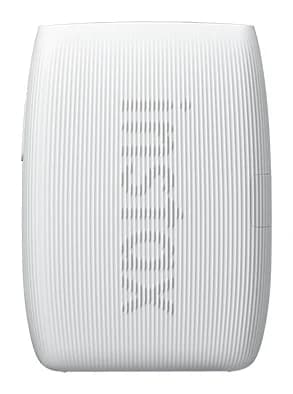
- Best OverallInstax mini Link 3Why we picked it →
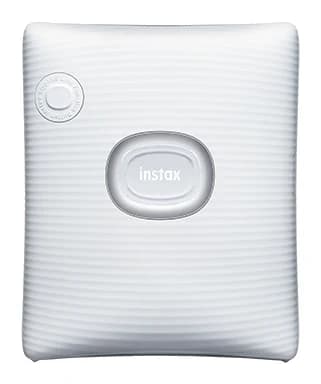
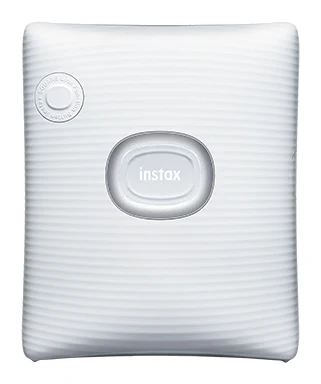
- Best ValueFujifilm instax SQUARE LinkWhy we picked it →
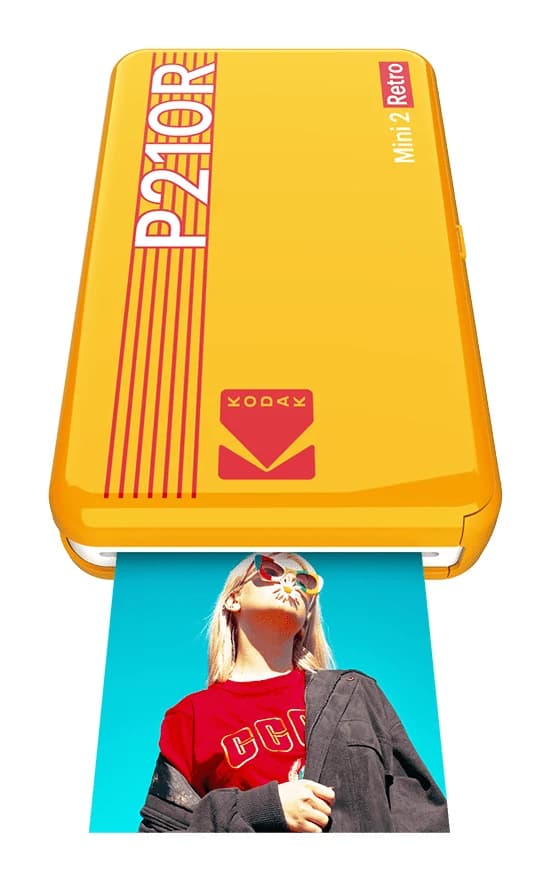
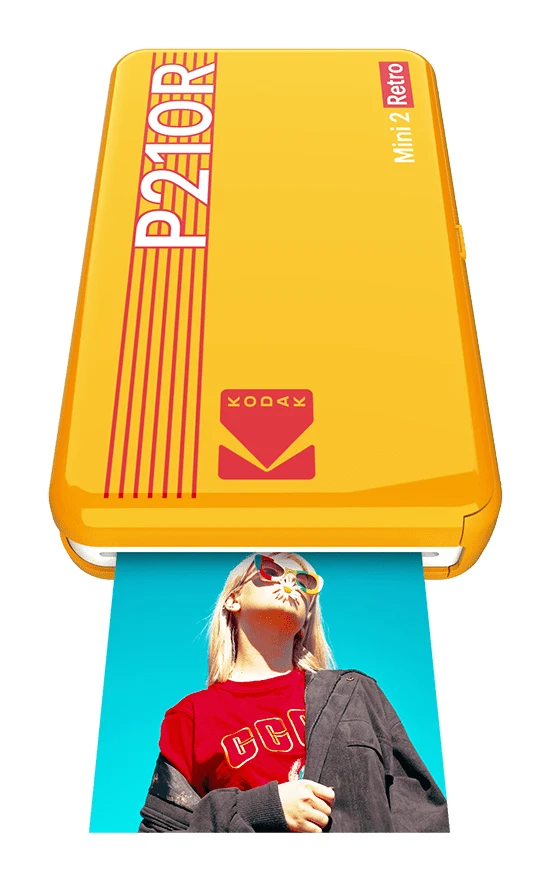
- Also GreatKODAK Mini 2 Retro P210RWhy we picked it →
Frequently asked questions
Is the HP OfficeJet Pro 9125e worth it?
It is worth considering if you print mostly text documents and want duplex scanning, fax and Ethernet in one machine. Reviewers praise its crisp text, reliable duplex printing and wide connectivity. It is less appealing if you print photos, print a lot of color pages or want to use third-party ink.
Does the HP OfficeJet Pro 9125e have fax?
Yes. It has built-in fax and two RJ-11 fax ports, alongside print, copy and scan functions.
Can the HP OfficeJet Pro 9125e scan both sides of a page?
Yes. Its 35-sheet automatic document feeder is dual-pass and scans two-sided originals. Reviewers praise the one-pass duplex scanning, though RTINGS testing found the ADF scans came out crooked.
Does the HP OfficeJet Pro 9125e support AirPrint?
Yes. It prints from phones through the HP app, AirPrint and Mopria, and it can also print from a USB flash drive.
Is the HP OfficeJet Pro 9125e good for photos?
Not really. A common criticism from reviewers is that photo quality is poor, with a narrow color range. It is better suited to documents.
Can I use third-party ink in the HP OfficeJet Pro 9125e?
HP+ and dynamic security restrict the use of non-HP cartridges, which reviewers list as a drawback. The printer uses HP 936 cartridges in black, cyan, magenta and yellow.
Sources
Specs are taken from the manufacturers' official pages; expert recommendations from the publications below.
- HP OfficeJet Pro 9125e: hp.com, rtings.com, castleink.com, officedepot.com
Related reviews & guides
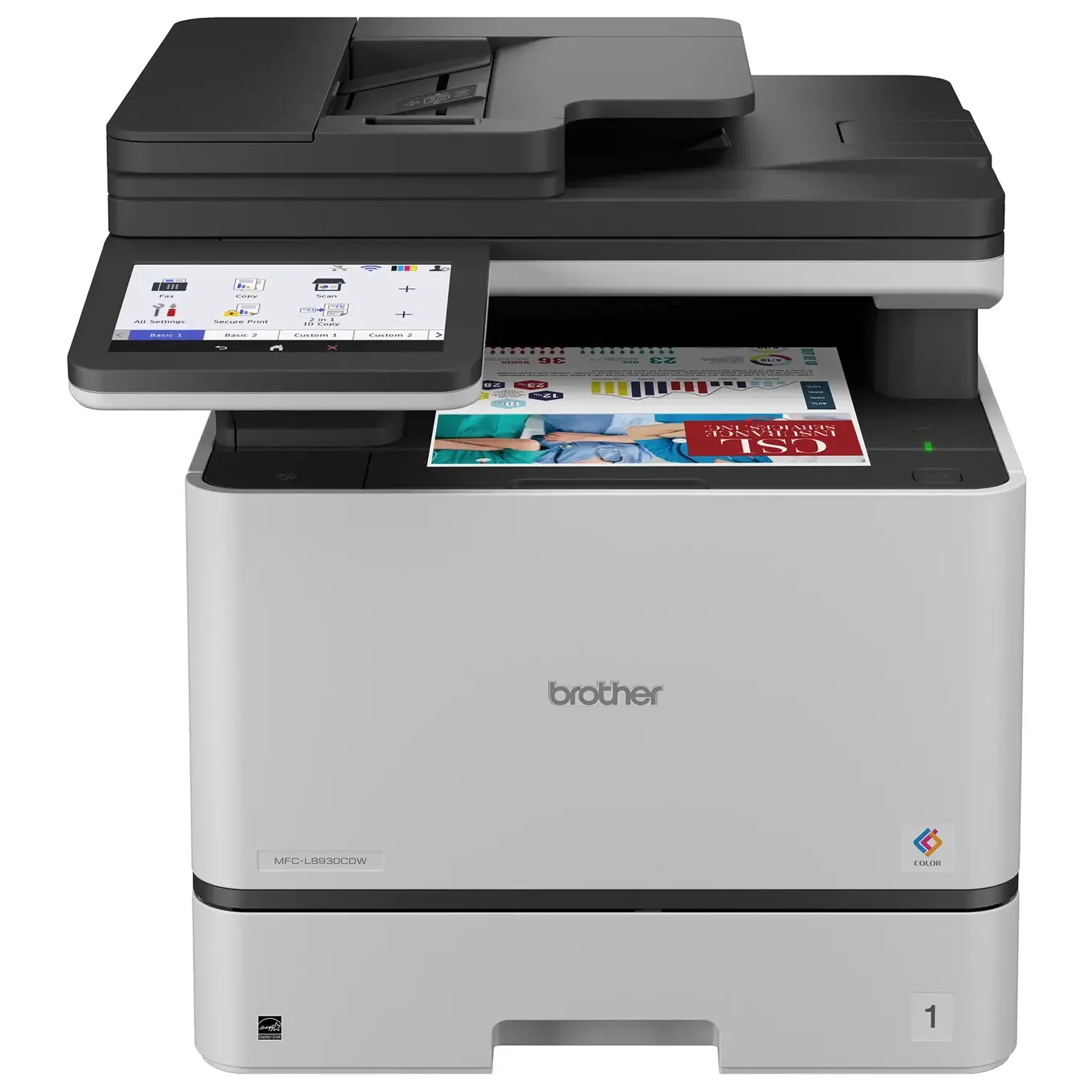
Best Printer for Home Office 2026: Five All-in-Ones Compared
Five home office all-in-ones compared on print speed, running costs, scanning and paper handling, from a fast color laser to a compact ink tank model.
Published Oct 17, 2026
Best Portable Photo Printers 2026: Instax, Kodak, Polaroid
Five portable photo printers compared on print size, speed, battery life and trade-offs, from Instax instant film to Kodak and Polaroid dye-sublimation prints, including the Polaroid's sticky-back photos.
Published Oct 25, 2026
Fujifilm Instax mini Link 3 Review: Fun Pocket Printer
A pocketable Bluetooth printer that turns phone photos into real instax mini prints. We look at the specs, app features and what experts say about the Link 3.
Published Oct 27, 2026