Viwoods AiPaper Reader Review (2026): Pocket E Ink with AI
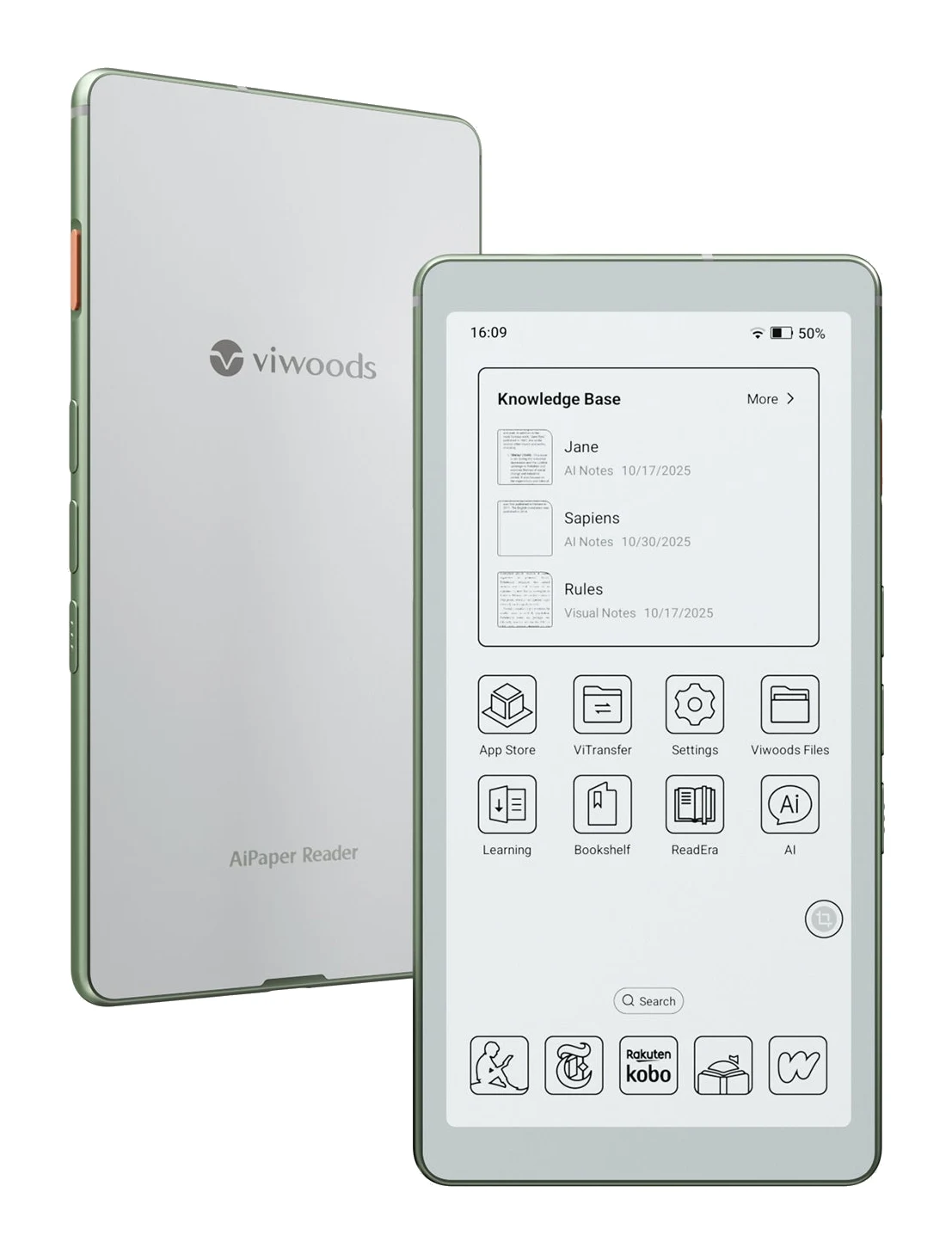
A phone-sized E Ink reader with a dedicated AI key, Android 16 and a 4G SIM slot. Here is what the Viwoods AiPaper Reader does well, where reviewers find it lacking, and who it suits.
Research-based · We earn from qualifying purchases
Our verdict
The AiPaper Reader suits students and curious readers who want a pocketable E Ink device with built-in AI help and the freedom to run Kindle or Kobo. Skip it if you read mostly in bed and want a warm light, or if you need long battery life and a polished native reading app.
The good
- Light 138 g body that slips into a pocket and suits one-handed reading
- Sharp 300 PPI Carta 1300 screen with fast refresh and little ghosting
- Android 16 lets you install Kindle, Kobo and other reading apps
- Dedicated AI key gives quick definitions, summaries and Q&A on the page
- 4G SIM slot and fingerprint sensor add flexibility beyond typical e-readers
+2 more
- Dedicated AI key gives quick definitions, summaries and Q&A on the page
- 4G SIM slot and fingerprint sensor add flexibility beyond typical e-readers
The bad
- Front light is cool only, with no warm option for night reading
- No microSD slot, so you are limited to 128 GB of storage
- Native reading app is rough: PDF zoom, text selection and no offline dictionary
- Moderate battery life from a 2,580 mAh cell, and page-turn buttons are overly sensitive
+1 more
- Moderate battery life from a 2,580 mAh cell, and page-turn buttons are overly sensitive
This Viwoods AiPaper Reader review looks at a very different kind of e-reader. Viwoods has made a phone-sized E Ink device that runs Android 16, has a physical AI key and can take a SIM card. It is aimed at students and curious readers who want something small enough to carry everywhere, with built-in help for looking things up, summarising and asking questions about what is on the page.
This review is based on Viwoods' published specifications and on what independent expert reviews report, not on our own hands-on testing.
Viwoods AiPaper Reader: specs at a glance
From the manufacturer- RAM
- 4 GB
- Audio
- No built-in speaker
- Weight
- 138 g
- Battery
- 2,580 mAh
- Display
- 6.13-inch E Ink Carta 1300, monochrome
- Storage
- 128 GB local storage
- Processor
- 6 nm octa-core
- Dimensions
- 159.4 x 80.3 x 6.7 mm
- Resolution
- 824×1648, 300 PPI
- Front light
- Adjustable, cool light only (no warm light)
- Connectivity
- 4G (data-only SIM), dual-band Wi-Fi 2.4G/5.0G, Bluetooth 5.0
- Included in box
- USB-C to USB-C cable, protective case
- Ports and slots
- USB-C, nano-SIM tray, no microSD slot
- Operating system
- Android 16
Key features
- Phone-sized 6.13-inch E Ink screen that slips into a pocket
- Dedicated AI key for on-page definitions, summaries and Q&A
- 4G data via a SIM slot, plus dual-band Wi-Fi and Bluetooth 5.0
- Android 16, so you can install third-party reading apps such as Kindle and Kobo
- Sharp Carta 1300 display with an adjustable front light
- Built-in Knowledge Base for saving AI answers and notes
- Fingerprint sensor built into the power button
- Slim protective case and USB-C cable included
What the AiPaper Reader is
The AiPaper Reader pairs a 6.13-inch monochrome E Ink Carta 1300 display with an octa-core 6 nm processor, 4 GB of RAM and 128 GB of local storage. It runs Android 16 rather than a locked-down reading platform. That matters because you aren't tied to one bookstore: you can install third-party reading apps such as Kindle and Kobo.
It sits in the mid-range part of the market. The extras set it apart from a typical e-reader: a dedicated AI key, a 4G SIM slot and a fingerprint sensor in the power button.
It has drawn favourable coverage. It averages 8.4/10 across 2 expert reviews. MMORPG.com scores it 8/10 and Good e-Reader gives it 4.35 out of 5. That is a small sample, so read it as encouraging rather than conclusive.
Design and build: made for one hand and a pocket
The headline here is size. At 159.4 x 80.3 x 6.7 mm and 138 g, the AiPaper Reader is closer to a slim phone than a conventional e-reader. Reviewers praise how light it is and how well it suits one-handed reading, which is a real advantage on a commute or when you're standing.
The small screen has trade-offs. The screen is a compact 6.13 inches, and reviewers criticise the native reading app's PDF zoom. If a larger E Ink screen for notes and documents is what you're after, our reMarkable Paper Pro vs Amazon Kindle Scribe comparison covers that end of the market.
The box includes a slim protective case and a USB-C to USB-C cable. The only port is USB-C. There is a nano-SIM tray but no microSD slot, a point that comes up again below.
The fingerprint sensor is built into the power button. It is a small convenience, but it saves typing a PIN on a device you'll unlock many times a day. Reviewers also note that the page-turn buttons are overly sensitive.
Display: sharp text, fast enough refresh
The Carta 1300 panel has a resolution of 824×1648 at 300 PPI. In practice that means crisp text at typical reading sizes, which is what you want from a device meant for long sessions. Reviewers single out the screen as a highlight, describing it as sharp, with fast refresh and little ghosting. Ghosting is the faint afterimage E Ink screens can leave when a page changes.
The display is monochrome, so there is no colour for covers, charts or highlights. That is normal for E Ink at this level, but it is worth remembering if you read graphic-heavy material.
The front light is adjustable, which is useful in dim rooms. The catch is that it is a cool light only, with no warm option. Warm light is popular for bedtime reading because it is gentler on the eyes, so this is a real limitation for anyone who mostly reads in bed. Reviewers raise it as a common criticism.
The AI features and what they mean day to day
The dedicated AI key is the feature that defines this device. Press it while reading and you can get on-page definitions, summaries and Q&A. For students, that could mean checking an unfamiliar term, condensing a dense passage or asking a question about the material without switching to a phone or laptop. Reviewers list it among the AiPaper Reader's strengths.
A built-in Knowledge Base lets you save AI answers and notes, so what you look up doesn't disappear when you turn the page. It suits study-style reading, where you want to build up a set of explanations and notes.
One caution applies. The AI tools are the headline, but reviewers are less happy with the native reading app. Common complaints are rough PDF zoom, awkward text selection and the lack of an offline dictionary. If you plan to rely on the built-in reader for documents, that is where friction is most likely. Because it runs Android 16, the practical workaround is to install the reading app you already like.
Software and connectivity: more flexible than a typical e-reader
Android 16 is arguably the most useful thing about the AiPaper Reader. You can use Kindle, Kobo and other reading apps, so your existing library comes with you. That makes it much easier to recommend to someone who has already bought books in one or more stores.
Connectivity is broad for a device this size:
- Wi-Fi: dual-band 2.4G/5.0G.
- Bluetooth: version 5.0.
- 4G: a nano-SIM tray for a data-only SIM, so you can get online away from Wi-Fi.
Reviewers count the 4G slot and fingerprint sensor as extras that go beyond what a typical e-reader offers. It is a real convenience for commuters and travellers. It isn't a phone, though: the 4G is data-only.
Audio is not a strength. The spec sheet shows no built-in speaker, though one review listed a small one while others found none. Treat it as a device for silent reading and plan on Bluetooth if you want sound.
Battery and storage
The battery is a 2,580 mAh cell. The spec sheet doesn't give a runtime figure, and reviewers describe the battery life as moderate, so plan on regular charging. Charging is by USB-C.
Storage is 128 GB of local space with no microSD slot. For books, that is a lot. If you plan to load large PDF libraries, audio or lots of apps, you can't expand it later.
What experts like and what they criticise
The praise is consistent. Reviewers like the light, pocketable body, the sharp, fast-refreshing screen with little ghosting, the freedom to install Kindle, Kobo and other apps, the quick AI help on the page and the extra flexibility from the 4G slot and fingerprint sensor.
The criticisms are just as consistent:
- The front light is cool only, with no warm light.
- There is no microSD slot, so storage is capped at 128 GB.
- The native reading app is rough, with PDF zoom, text selection and no offline dictionary.
- Battery life is moderate, and the page-turn buttons are overly sensitive.
None of these is a deal-breaker for every reader, but the warm light and the native app are the ones most likely to matter for the people most drawn to this device.
Who should buy it, and who should skip it
Buy it if you are a student or learner who wants a pocketable E Ink device with AI help built in. It also suits you if you already use Kindle or Kobo and want to keep reading there, or if the idea of a small E Ink screen with a SIM slot appeals for travel and commuting.
Skip it if you mostly read in bed and want a warm front light. Also skip it if you need long battery life, if you want a polished built-in reading app for PDFs, or if you need expandable storage. If you want a large canvas for documents or handwriting, a bigger E Ink tablet is a better fit.
How it fits in the E Ink market
The AiPaper Reader pairs a small screen with open software, AI tools and a SIM slot. That combination makes it more of a pocket companion for learning than a straightforward book reader. The trade-off is the set of rough edges reviewers flag, most notably the cool-only light and the native app.
Verdict: is the Viwoods AiPaper Reader worth it?
For the audience it targets, the AiPaper Reader makes a strong case. The screen is sharp and quick, the body is easy to carry, and Android 16 means you can bring your existing reading apps. The dedicated AI key and Knowledge Base turn it into a study aid as well as a reader. With an expert average of 8.4/10 from two reviews, early opinion is positive.
It is not an all-rounder. The missing warm light, the lack of microSD, the moderate battery and the rough native reading app are all things to weigh before buying. If those don't touch how you read, it suits students and learners who want a pocketable AI-assisted e-reader.
Related buying guides
- Best E-Ink Writing Tablets 2026: Color, Paper Feel & Value
- Kobo Clara BW Review (2026): Compact, Waterproof Reader
- Boox Palma 2 Pro Review (2026): Pocket Android Reader
- Amazon Kindle Scribe (3rd Gen, 2025) Review: Reader First
- reMarkable Paper Pro Review (2026): Is Color Worth It?
- Kindle Paperwhite (12th Gen, 2024) Review: Upgrade or Skip?
Not sure about the Viwoods AiPaper Reader? Consider these
- Best OverallreMarkable Paper ProWhy we picked it →

- Best ValueAmazon Kindle Scribe (2025)Why we picked it →
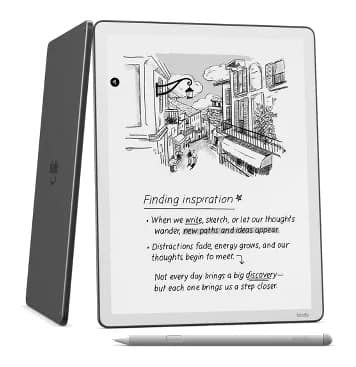
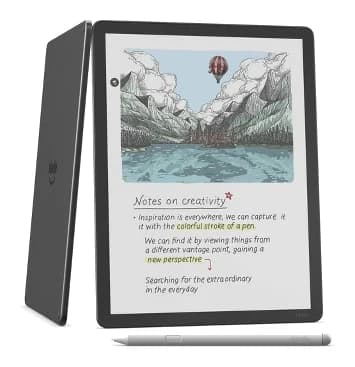
- Premium PickAmazon Kindle Scribe ColorsoftWhy we picked it →
Frequently asked questions
Is the Viwoods AiPaper Reader worth it?
It is worth considering if you want a pocketable E Ink device with AI help and the ability to run Kindle or Kobo. It averages 8.4/10 across 2 expert reviews. It is less suited to bedtime readers who want a warm light or anyone who needs long battery life.
Can the Viwoods AiPaper Reader run Kindle and Kobo?
Yes. It runs Android 16, so you can install third-party reading apps such as Kindle and Kobo.
Does the AiPaper Reader have a warm front light?
No. The front light is adjustable but cool only, with no warm option. Reviewers cite this as a common criticism for night reading.
Does the Viwoods AiPaper Reader have 4G?
Yes, it has a nano-SIM tray for 4G data, using a data-only SIM. It also has dual-band Wi-Fi (2.4G/5.0G) and Bluetooth 5.0.
Can I expand the storage on the AiPaper Reader?
No. It has 128 GB of local storage and no microSD slot, so you can't add more.
What does the AI key do?
The dedicated AI key gives you on-page definitions, summaries and Q&A. A built-in Knowledge Base lets you save AI answers and notes.
Sources
Specs are taken from the manufacturers' official pages; expert recommendations from the publications below.
- Viwoods AiPaper Reader: viwoods.com, viwoods-eu.com, liliputing.com
Related reviews & guides
Best E-Ink Writing Tablets 2026: Color, Paper Feel & Value
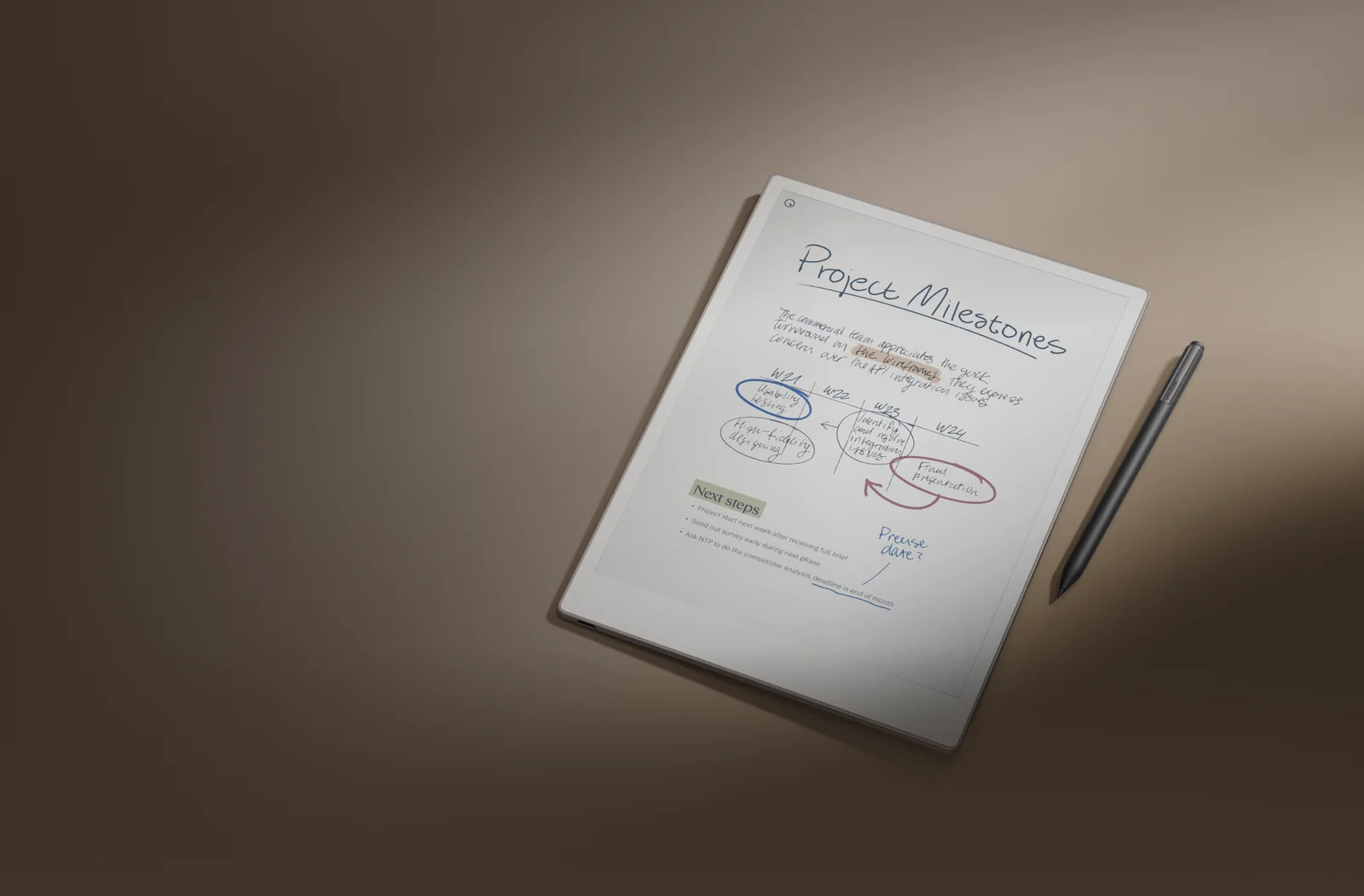
Five e-ink writing tablets compared on display, weight, battery and storage, from the color reMarkable Paper Pro to the budget Onyx Boox Go 10.3 (Gen II).
Published Oct 25, 2026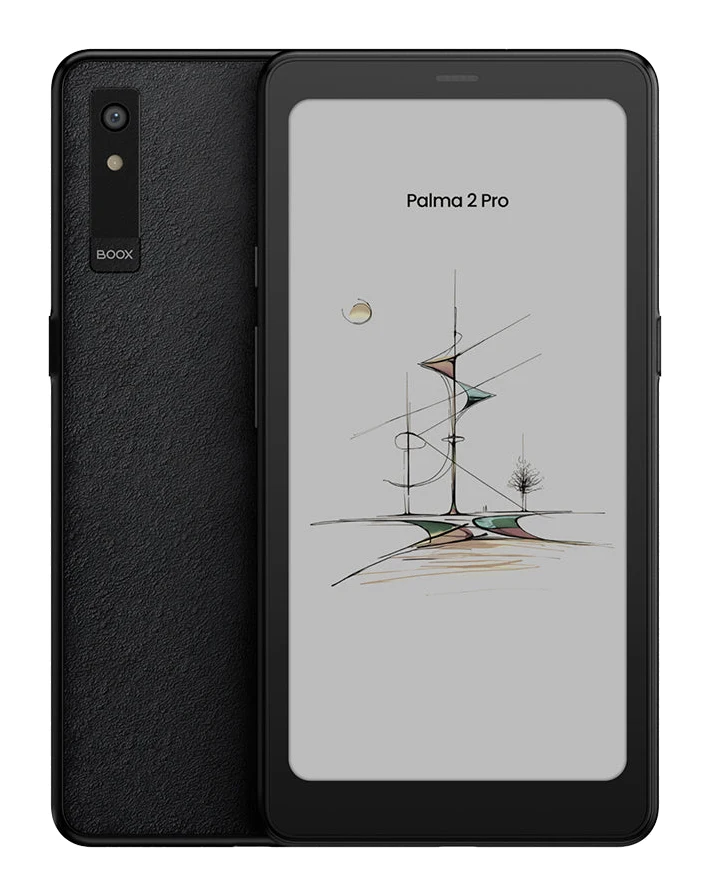
Boox Palma 2 Pro Review (2026): Pocket Android Reader
A phone-sized color E Ink reader that runs full Android 15 with Google Play. We break down the design, screen, battery, extras and who should buy it, based on specs and expert reviews.
Published Nov 11, 2026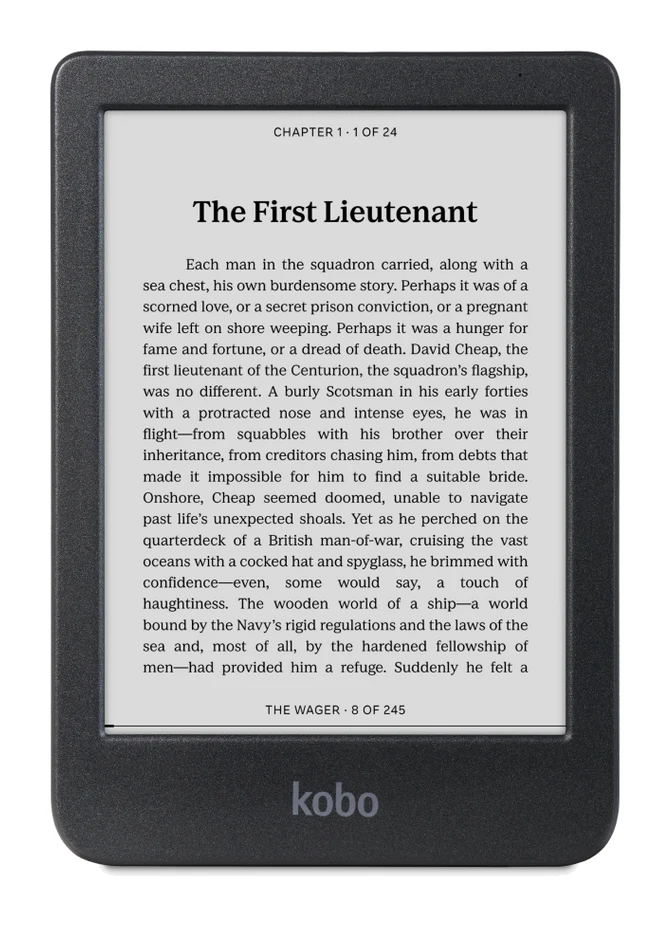
Best E-Reader of 2026 for Bath, Beach and Bedtime Reading
Five e-readers from Kobo and Amazon compared on screen size, color, battery life, storage and expert recommendations, from a compact budget pick to a premium color Kindle.
Published Oct 17, 2026