Kodak Mini 2 Retro P210R Review (2026): Pocket Prints
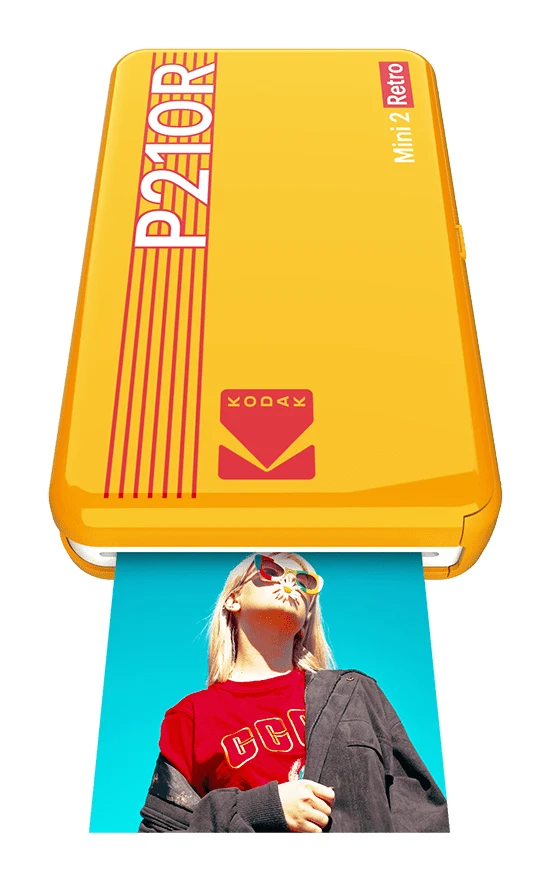
A pocket-size Bluetooth photo printer with four-layer dye-sublimation prints and a retro look. Here's what the specs and expert reviews say about who it suits.
Research-based · We earn from qualifying purchases
Our verdict
The Kodak Mini 2 Retro suits casual phone photographers who want durable, pocket-friendly prints with simple operation and low per-photo costs. Skip it if you need fast output, larger prints, or desktop printing, since it is app-controlled and prints slowly.
The good
- Pocket-size, lightweight body at 255g with a stylish retro look
- Four-layer dye-sublimation prints with a protective lamination against water and fingerprints
- Print quality that reviewers rate above Zink-style printers
- Simple one-button operation and an easy companion app for iOS and Android
+1 more
- Simple one-button operation and an easy companion app for iOS and Android
The bad
- Prints are slow, about a minute or more each
- Small credit-card-size 2.1x3.4 inch prints
- Proprietary Kodak cartridges mean ongoing running costs
- Prints can look slightly dark and lack some vibrancy
+1 more
- Prints can look slightly dark and lack some vibrancy
If you want a physical copy of the photos on your phone, this Kodak Mini 2 Retro P210R review is for you. The P210R is a pocket-size Bluetooth printer that turns pictures from an iPhone or Android phone into credit-card-size prints. It is aimed at casual phone photographers who would like a small, durable print for a fridge, journal or wallet, without dealing with a full-size printer.
This review is based on Kodak's published specifications and what independent expert reviewers report, not our own hands-on testing. It looks at what the Mini 2 Retro does well, where reviewers say it falls short, and who should buy it.
Kodak Mini 2 Retro P210R: specs at a glance
From the manufacturer- Colors
- White, Yellow, Black
- Weight
- 255g
- Warranty
- 1-Year warranty
- Mobile OS
- iOS, Android
- Dimensions
- 132.4 x 78.2 x 25.8 mm
- Paper type
- Single-sided, non-sticky photo paper
- Print size
- 2.1x3.4 inches (credit card size)
- Charge time
- about 90 minutes
- Battery life
- up to 20 photos per charge
- Connectivity
- Bluetooth
- Starter paper
- 8 initial sheets
- Cartridge type
- Kodak ICRG-230 photo cartridge
- Print resolution
- 291 x 300 dpi
- Printing technology
- 4PASS™ dye sublimation
Key features
- Pocket-size Bluetooth printer that works with iOS and Android phones
- 4PASS dye-sublimation printing in four layers, with a protective lamination
- Credit-card-size 2.1x3.4 inch prints that resist water and fingerprints
- All-in-one cartridges with paper and ribbon together, so loading is quick
- Built-in rechargeable battery, up to 20 photos per charge
- Free companion app with filters, frames and collage
- Comes in white, black or yellow with a retro look
What the Kodak Mini 2 Retro is, and why people consider it
Portable photo printers are a crowded category, and many rely on Zink-style technology. The Mini 2 Retro takes a different route, using 4PASS dye-sublimation printing. The print is built up in four passes, and a protective lamination goes on top. According to Kodak, that finish makes prints resistant to water and fingerprints, which matters for a print that will be handled and carried around.
The pitch is simple: you send a picture over Bluetooth, wait for it to print, and end up with a durable keepsake. Reviewers consistently say the print quality sits above Zink-style printers. It sits in the mid-range part of the market.
It averages 8.5/10 across 2 expert reviews. Pocket-lint scores it 4.5/5 and Digital Camera World scores it 4/5. These are good scores, though two reviews are a small sample.
Kodak Mini 2 Retro P210R review: design and build
The P210R measures 132.4 x 78.2 x 25.8 mm and weighs 255g. That is small enough to slip into a bag, and reviewers praise the pocket-friendly, lightweight body. It comes in white, black or yellow, and the retro styling is a big part of the appeal. This is a gadget designed to look good on a shelf or desk as well as work.
Operation is deliberately simple. Reviewers highlight the one-button control, and the phone app handles nearly everything else. The printer is app-controlled, so you use your phone for editing and selection. That keeps the hardware simple, but it also means this is not a printer you can use without a phone.
Kodak lists a 1-year warranty.
Features and what they mean day to day
All-in-one cartridges
The Mini 2 Retro uses Kodak ICRG-230 photo cartridges, which combine the paper and the ribbon in one pack. Reviewers like how quick this makes loading. You are not threading ribbon or lining up separate paper trays, so swapping a cartridge is a short job. The printer ships with 8 initial sheets so you can start printing right away.
The downside, which reviewers also mention, is that these are proprietary Kodak cartridges. You cannot use generic paper, so you are tied to Kodak supplies for as long as you own it. Kodak says refills work out cheaply per photo, and reviewers list low per-photo costs as a strength. Even so, the running cost is ongoing and builds up if you print a lot.
The companion app
The free companion app works on iOS and Android and includes filters, frames and collage tools. Reviewers describe it as easy to use. For most buyers, the app is the whole interface: pick a photo, add a frame or filter if you like, and send it to print. The spec sheet lists Bluetooth as the only connectivity, so the printer is built around the phone-to-printer workflow rather than computers or memory cards.
Paper and print type
Prints are on single-sided, non-sticky photo paper. If you were hoping for sticker-back prints, this is not that format. The prints are plain photo cards, which suits albums, frames and cards, but not peel-and-stick uses.
Print quality, speed and battery
Print quality
Kodak lists print resolution as 291 x 300 dpi and the print size as 2.1x3.4 inches. The numbers are reasonable for a pocket printer, and the four-layer process with lamination is the reason reviewers rate the output above Zink-style alternatives. Prints are described as durable, with the lamination protecting against water and fingerprints.
It is not flawless. A common criticism is that prints can look slightly dark and lack some vibrancy. If your phone photos are already dim, expect that to carry through.
Speed
Speed is the clearest weakness. Reviewers report that each print takes about a minute or more. That is fine if you print a handful of favourites, but it becomes tedious at a party or when you want a stack of prints. If you want fast output, this is the wrong tool.
Print size
The credit-card-size 2.1x3.4 inch format is another point reviewers raise. It is handy for wallets and small frames, but it is small. If you want large prints for wall display, you will have to look elsewhere.
Battery life
The built-in rechargeable battery is rated for up to 20 photos per charge, and charging takes about 90 minutes. Because the battery is built in, you can print away from a power outlet, which suits trips, events and gifts. Twenty prints at about a minute each is a sensible session for most people, and the spec sheet doesn't suggest the battery is a limiting factor for casual use.
What experts like and what they criticise
Reviewers' praise is consistent:
- The pocket-size, lightweight body with its retro style.
- Four-layer dye-sublimation prints with a protective lamination that resists water and fingerprints.
- Print quality that reviewers rate above Zink-style printers.
- Simple one-button operation and an easy companion app.
- Quick-to-load all-in-one cartridges and low per-photo costs.
The criticisms are just as consistent:
- Prints are slow, about a minute or more each.
- The credit-card-size prints are small.
- Proprietary cartridges mean ongoing running costs.
- Prints can look slightly dark and lack some vibrancy.
None of these is a surprise for a pocket printer, but the slow speed and small size are worth weighing up before you buy. Treat the dark-print comment as something to keep in mind rather than a deal-breaker, since reviewers still score the product well overall.
Who should buy it, and who should skip it
Buy it if:
- You mostly shoot on a phone and want occasional physical prints.
- You value durable prints that resist water and fingerprints.
- You want something simple, with one button and an app that doesn't take long to learn.
- You like the idea of a compact, good-looking gadget you can carry around.
- You want low per-photo running costs and don't mind buying Kodak cartridges.
Skip it if:
- You need fast output for large batches of photos.
- You want prints bigger than credit-card size.
- You want to print from a desktop or computer. This is an app-controlled printer with Bluetooth only.
- You want vivid, punchy colour straight out of the printer, given the criticism about darker, less vibrant prints.
- You want to use third-party paper.
How it fits in its category
Pocket photo printers generally trade speed and print size for portability, and the Mini 2 Retro follows that pattern. Its main selling point is the dye-sublimation process, which reviewers say gives better quality than Zink-style printers, along with a durable laminated finish. The all-in-one cartridges keep it simple. If your priority is a quick, no-fuss way to get small, lasting prints from your phone, it is an easy product to shortlist. If you want volume, size or desktop printing, a different type of printer is a better fit.
Verdict
The Kodak Mini 2 Retro P210R is a focused, well-regarded pocket printer. It averages 8.5/10 across 2 expert reviews, and its strengths are clear: a lightweight retro body, laminated four-layer prints, simple operation and quick-loading cartridges. Its weaknesses are just as clear: slow prints, a small print size, ongoing cartridge costs and output that can look a little dark. If you go in expecting a slow, small-format keepsake printer rather than a fast photo lab in your pocket, it is likely to do what you want.
Related buying guides
- Fujifilm Instax mini Link 3 Review: Fun Pocket Printer
- Canon SELPHY QX20 Review (2026): Sticker Prints on the Go
- Best Printer for Home Office 2026: Five All-in-Ones Compared
- HP OfficeJet Pro 9125e Review (2026): A Document Workhorse
- Best Mini PC in 2026: Small, Quiet Desktops for Work
- Best 3D Printers for Beginners 2026: Easy to Set Up
Not sure about the Kodak Mini 2 Retro P210R? Consider these
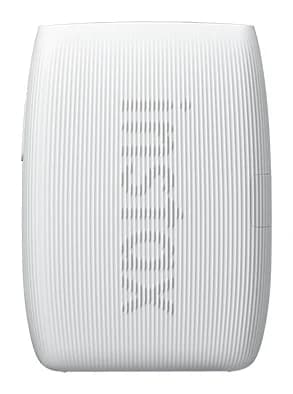
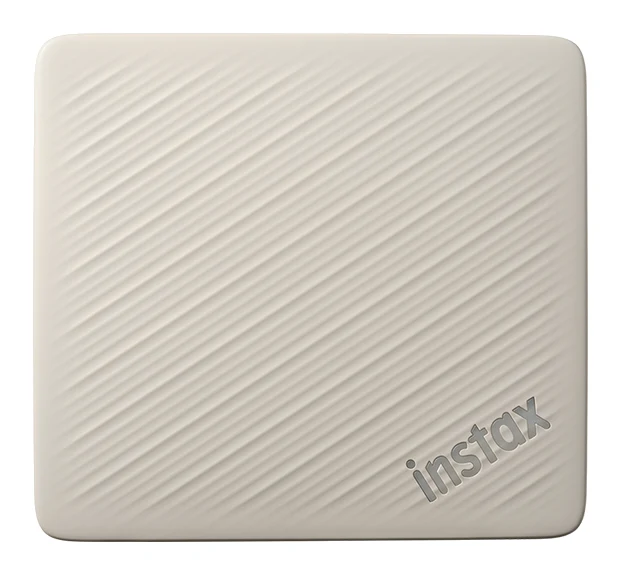
- Best OverallInstax mini Link 3Why we picked it →
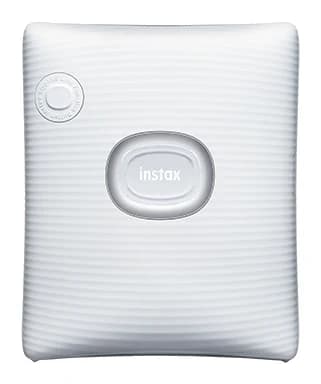
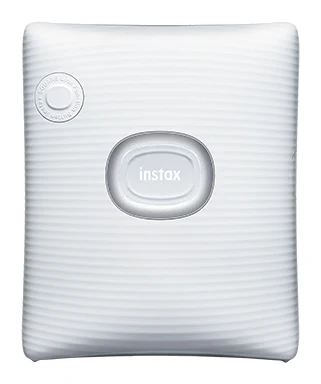
- Best ValueFujifilm instax SQUARE LinkWhy we picked it →
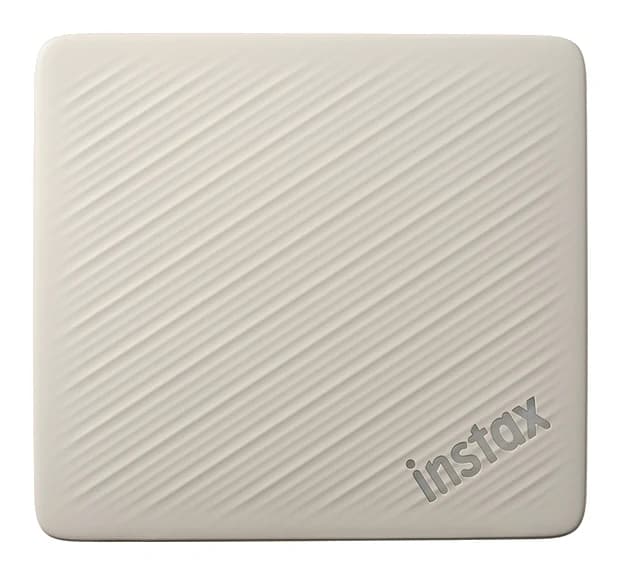
- Premium PickFujifilm Instax Link Wide 2Why we picked it →
Frequently asked questions
Is the Kodak Mini 2 Retro P210R worth it?
Experts rate it well, with an average of 8.5/10 across 2 expert reviews. It is worth considering if you want durable, pocket-size prints from your phone and can live with slow printing and a small print size. If you need speed or larger prints, it is a weaker fit.
What size are the prints from the Kodak Mini 2 Retro?
Prints are 2.1x3.4 inches, which is credit card size. Reviewers note this is small, so it suits wallets, journals and small frames rather than wall displays.
Does the Kodak Mini 2 Retro work with iPhone and Android?
Yes. It supports iOS and Android and connects over Bluetooth. The free companion app includes filters, frames and collage tools.
How long does the Kodak Mini 2 Retro take to print?
Reviewers report that each print takes about a minute or more. That is acceptable for a few photos but slow if you want to print lots at once.
How many photos can the Kodak Mini 2 Retro print on one charge?
The built-in rechargeable battery is rated for up to 20 photos per charge. Charging takes about 90 minutes.
Are Kodak Mini 2 Retro prints water resistant?
Kodak says the 4PASS dye-sublimation process adds a protective lamination that resists water and fingerprints. Reviewers also praise the durability of the prints.
Sources
Specs are taken from the manufacturers' official pages; expert recommendations from the publications below.
- Kodak Mini 2 Retro P210R: kodakphotoprinter.com, digitalcameraworld.com, serenitycoast.co.uk, inkl.com
Related reviews & guides
Best Portable Photo Printers 2026: Instax, Kodak, Polaroid
Five portable photo printers compared on print size, speed, battery life and trade-offs, from Instax instant film to Kodak and Polaroid dye-sublimation prints, including the Polaroid's sticky-back photos.
Published Oct 25, 2026
Fujifilm Instax mini Link 3 Review: Fun Pocket Printer
A pocketable Bluetooth printer that turns phone photos into real instax mini prints. We look at the specs, app features and what experts say about the Link 3.
Published Oct 27, 2026
Canon SELPHY QX20 Review (2026): Sticker Prints on the Go
A pocketable dye-sublimation printer that turns phone photos into dry, sticker-backed prints. Here is what the specs and expert reviews say about the Canon SELPHY QX20.
Published Oct 26, 2026