Synology DiskStation DS225+ Review (2026): Easy 2-Bay NAS
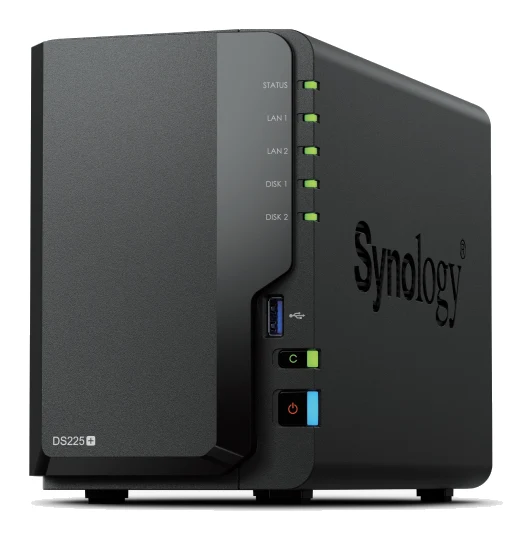
The Synology DS225+ is a quiet, efficient 2-bay NAS with 2.5GbE and beginner-friendly DSM software. Here is what suits it, and where its older CPU and limited expansion hold it back.
Research-based · We earn from qualifying purchases
Our verdict
The DS225+ is a quiet, efficient and easy-to-manage 2-bay NAS that suits home users and small offices wanting file sharing, backups and light apps. Skip it if you need Plex transcoding, SSD caching or 10GbE networking, as the older CPU and limited RAM and expansion hold it back.
The good
- 2.5GbE port delivers faster file transfers than gigabit-only 2-bay NAS units
- Polished, beginner-friendly DSM software with Synology Drive and Active Backup
- Quiet at 19.6 dB(A) and sips power, just 6 W in HDD hibernation
- Btrfs snapshots with immutable protection help guard against ransomware
- Two hot-swappable bays plus 3-year warranty and 2 Surveillance Station licenses
+2 more
- Btrfs snapshots with immutable protection help guard against ransomware
- Two hot-swappable bays plus 3-year warranty and 2 Surveillance Station licenses
The bad
- Dated Celeron J4125 CPU with weak transcoding for Plex
- Only 2 GB RAM included, upgradable to a 6 GB maximum
- No M.2 NVMe slots for SSD caching and no expansion option
- Only one 2.5GbE port, and no 10GbE upgrade path
+1 more
- Only one 2.5GbE port, and no 10GbE upgrade path
If you want one place to keep your files, back up every computer in the house and run a few light apps, a NAS is the obvious answer. This synology diskstation ds225+ review looks at a 2-bay model aimed at people setting up their first one: home users and small offices who value software polish and low noise over raw hardware muscle.
This review is based on Synology's manufacturer specifications and on what independent expert reviews report, not on hands-on testing by us.
Synology DiskStation DS225+: specs at a glance
From the manufacturer- CPU
- Intel Celeron J4125, 4-core, 2.0 (base) / 2.7 (turbo) GHz
- LAN
- 1 × 2.5GbE RJ-45, 1 × 1GbE RJ-45
- USB
- 2 × USB 3.2 Gen 1
- RAID
- Synology Hybrid RAID, Basic, JBOD, RAID 0, RAID 1
- Memory
- 2 GB DDR4 non-ECC, up to 6 GB (2 GB + 4 GB)
- Weight
- 1.3 kg
- Warranty
- 3-year hardware warranty
- Drive bays
- 2 × 3.5" SATA HDD or 2.5" SATA SSD, hot swappable
- File system
- Btrfs, ext4 (internal drives)
- Noise level
- 19.6 dB(A)
- Max raw capacity
- 40 TB (using 20 TB drives; US product page)
- Power consumption
- 16.98 watts (Access), 6.08 watts (HDD Hibernation)
- Sequential throughput
- 282/217 MB/s read/write
- Dimensions (H × W × D)
- 165 mm × 108 mm × 232.2 mm
Key features
- 2.5GbE port plus a 1GbE port for faster-than-gigabit file transfers
- Two hot-swappable 3.5-inch SATA HDD or 2.5-inch SATA SSD bays
- DSM software with Synology Drive private cloud and file syncing
- Active Backup Suite protects PCs, Macs, Linux machines, VMs and cloud accounts
- Surveillance Station manages IP cameras (2 licenses included)
- Btrfs file system, snapshots and immutable snapshot protection against ransomware
- Quiet and efficient, with fan modes and HDD hibernation
- RAM upgradable from 2 GB to 6 GB via a SODIMM slot
What the DS225+ is
The DS225+ is a two-bay network-attached storage unit. You fit two drives, connect it to your router and use it as a private file server, backup target and small app host. Its main selling point is Synology's DSM operating system, which turns the hardware into a managed platform with file sharing, syncing, backup and camera tools in one interface.
It uses an Intel Celeron J4125 four-core processor, running at 2.0 GHz base and 2.7 GHz turbo, with 2 GB of DDR4 non-ECC memory installed. It sits in the mid-range part of the market. Across three published expert reviews it averages 7.4/10: Dong Knows Tech gives it 8.3/10, How-To Geek 7/10 and NAS Compares 6.8/10. The scores range from 6.8/10 to 8.3/10.
Design and build
The DS225+ is a compact desktop unit, measuring 165 mm × 108 mm × 232.2 mm, and the spec sheet lists a weight of 1.3 kg. That is small enough to sit on a shelf or desk without taking over the room. Its two bays take 3.5-inch SATA hard drives or 2.5-inch SATA SSDs, and both are hot swappable. If one drive fails, you can replace it without powering the system down.
Synology also lists a 3-year hardware warranty. For a device meant to hold family photos, documents and backups for years, that is reassuring.
The physical connections are modest but sensible: one 2.5GbE RJ-45 port, one 1GbE RJ-45 port and two USB 3.2 Gen 1 ports. There is one SODIMM memory slot, which is how the RAM can be raised. The spec sheet lists no M.2 NVMe slots.
Features and what they mean day to day
DSM and Synology Drive
Reviewers consistently praise DSM as polished and beginner-friendly. In practice, setup and day-to-day management happen through a browser-based desktop-style interface instead of command lines or obscure menus. Synology Drive provides private cloud storage and file syncing, so you can keep your files on your own hardware rather than relying on a third-party cloud service.
Backup with Active Backup Suite
Backup is where a NAS like this earns its place. Active Backup Suite protects PCs, Macs, Linux machines, virtual machines and cloud accounts. A household with a mix of Windows and Mac computers can back them all up to one device. A small office can do the same for staff machines and cloud accounts without paying for a separate backup product for each one.
Btrfs, snapshots and ransomware protection
The DS225+ supports the Btrfs file system (as well as ext4 for internal drives), and Btrfs enables snapshots. Synology also provides immutable snapshot protection, which is aimed at ransomware. If malicious software encrypts your files, an immutable snapshot is a point you can roll back to, because it cannot be altered or deleted in the meantime. Reviewers single this out as a strength, and for anyone storing irreplaceable files it is a more practical feature than a faster processor.
Surveillance Station
Surveillance Station manages IP cameras, and two licenses are included. If you only need a couple of cameras, you can build a small recording setup without buying extra licenses. Larger camera setups are not what this model is pitched at, and Synology's own spec sheet is the place to check camera-count limits.
RAID options
The supported options are Synology Hybrid RAID, Basic, JBOD, RAID 0 and RAID 1. With two bays, RAID 1 mirrors your data across both drives so that one drive failure doesn't lose it. Synology Hybrid RAID is a flexible option aimed at people who may change drive sizes later. A mirror is not a backup on its own, so use the Active Backup tools or an external copy for important data.
On capacity, the US product page lists a maximum raw capacity of 40 TB using 20 TB drives.
Performance, noise and power
Network speed
The 2.5GbE port is the headline hardware upgrade for many buyers. Reviewers note that it delivers faster file transfers than gigabit-only 2-bay NAS units. Synology lists sequential throughput of 282/217 MB/s read/write. To benefit, you need a 2.5GbE-capable computer or switch, since a plain gigabit connection will cap what you see. The second port is 1GbE. There is only one 2.5GbE port, and there is no 10GbE upgrade path, so this is as fast as the networking gets.
Processor and memory
This is where the criticism concentrates. The Celeron J4125 is described by reviewers as dated, and a common criticism is weak transcoding for Plex. If your plan is to stream video that needs converting on the fly to several devices, this is not the NAS for it. Playing files directly is a different matter, but anyone who cares about transcoding should read the reviews carefully before buying.
Memory is the other limit. The 2 GB installed is modest, though it can go up to 6 GB (2 GB + 4 GB) via the SODIMM slot. That helps if you plan to run more apps or services at once, but it is a ceiling, not a stepping stone to something much bigger.
Noise and power
This is a strength. Synology lists a noise level of 19.6 dB(A), and reviewers describe it as quiet. Fan modes and HDD hibernation are available, which matters for a box likely to sit in a living room, study or home office. Power consumption is listed at 16.98 watts during access and 6.08 watts in HDD hibernation, so running it around the clock is not a heavy burden.
What experts like and what they criticise
The praise is consistent. Reviewers like the 2.5GbE port, the beginner-friendly DSM software with Synology Drive and Active Backup, the low noise and low power draw, the snapshot protection against ransomware, and the practical extras: two hot-swappable bays, a 3-year warranty and the included Surveillance Station licenses.
The criticism is just as consistent and shouldn't be waved away:
- The CPU is described as dated, with weak Plex transcoding.
- Only 2 GB of RAM is included, with 6 GB as the maximum.
- There are no M.2 NVMe slots, so no SSD caching, and no expansion option.
- There is a single 2.5GbE port and no 10GbE route.
Scores run from 8.3/10 at Dong Knows Tech to 6.8/10 at NAS Compares. The software and everyday behaviour are strong, but the hardware is where the criticism concentrates.
Who should buy the DS225+
This NAS makes the most sense if you:
- are new to NAS and want something that is easy to set up and manage;
- need central file sharing and backups for several computers, including Macs, PCs and Linux machines;
- want a private cloud with Synology Drive instead of a subscription storage service;
- care about low noise and low power use because the unit will be in a shared space;
- want a couple of IP cameras managed without extra license costs.
Who should skip it
Look elsewhere if you:
- plan to run Plex with heavy transcoding;
- want SSD caching, since there are no M.2 NVMe slots;
- need room to grow, as there is no expansion option and only two bays;
- want 10GbE networking, as that is not available here;
- expect to run many demanding apps and containers at once on limited RAM.
How it fits in its category
In general terms, 2-bay NAS units trade capacity and expansion for simplicity and price. The DS225+ leans heavily towards simplicity and software quality. Its appeal is DSM, the backup tools, the quiet running and the ransomware protection, rather than a standout processor. Treat it as a reliable file-and-backup box with some light extras, not a small media server or a platform you can keep upgrading.
Verdict: a sensible first NAS if you accept the limits
The DS225+ is not exciting hardware, and its experts say as much. What it does offer is a quiet, efficient, well-supported 2-bay NAS with software that makes file sharing and backup approachable. With a 7.4/10 average from three expert reviews, it is a solid choice for home users and small offices whose priorities are storing and protecting data. If your plans involve Plex transcoding, SSD caching or faster-than-2.5GbE networking, you will hit its limits quickly, and it is worth looking at other options before you commit.
Related buying guides
- Synology DiskStation DS925+ Review (2026): Quiet, No 10GbE
- Best NAS Devices for Home 2026: Backup, Media & Growth
- UGREEN NASync DH2300 Review (2026): A Gentle First NAS
- Samsung Portable SSD T9 Review (2026): Fast, Port-Picky
- Best External SSDs of 2026: USB4, Rugged & Encrypted Picks
- Best microSD Cards for Cameras 2026: 4K Speed & Durability
- PNY PRO Elite Prime microSDXC Review (2026): Big 4K Storage
- Corsair EX400U 2TB Review (2026): USB4 Speed, Magnetic Ring
Not sure about the Synology DiskStation DS225+? Consider these
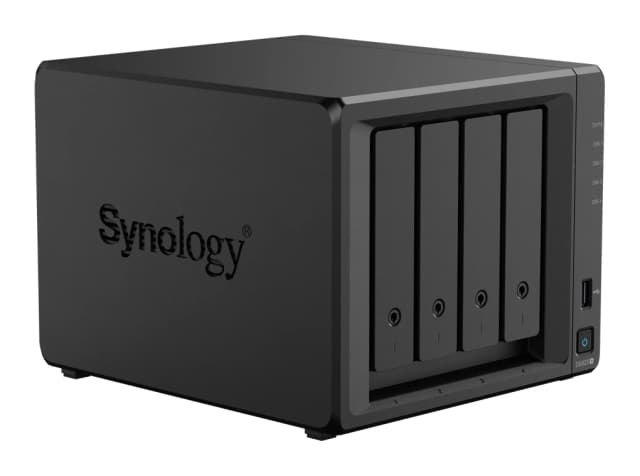
- Best OverallSynology DiskStation DS925+Why we picked it →
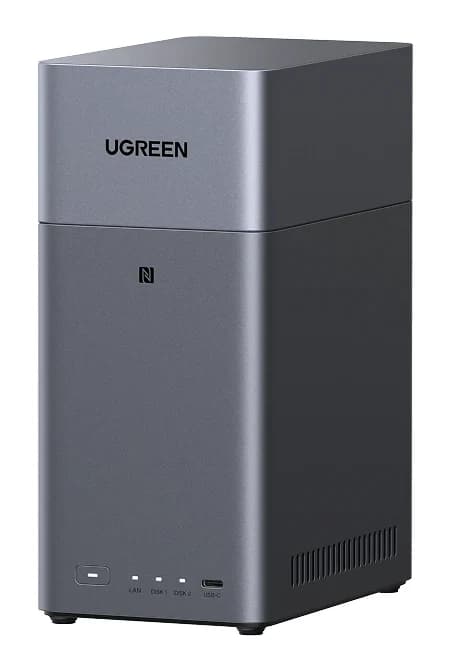
- Best ValueUGREEN NASync DH2300Why we picked it →
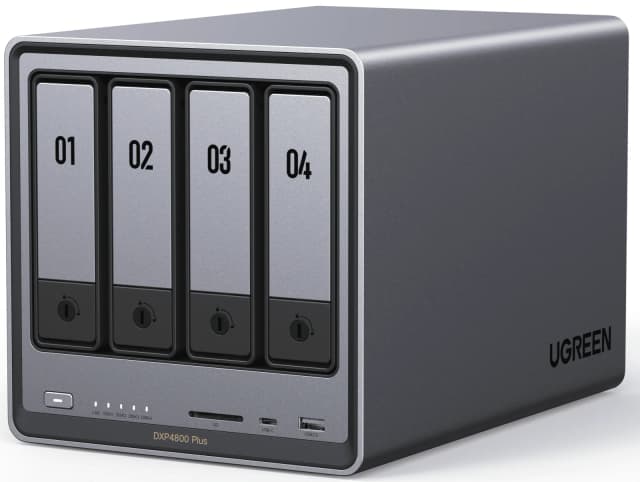
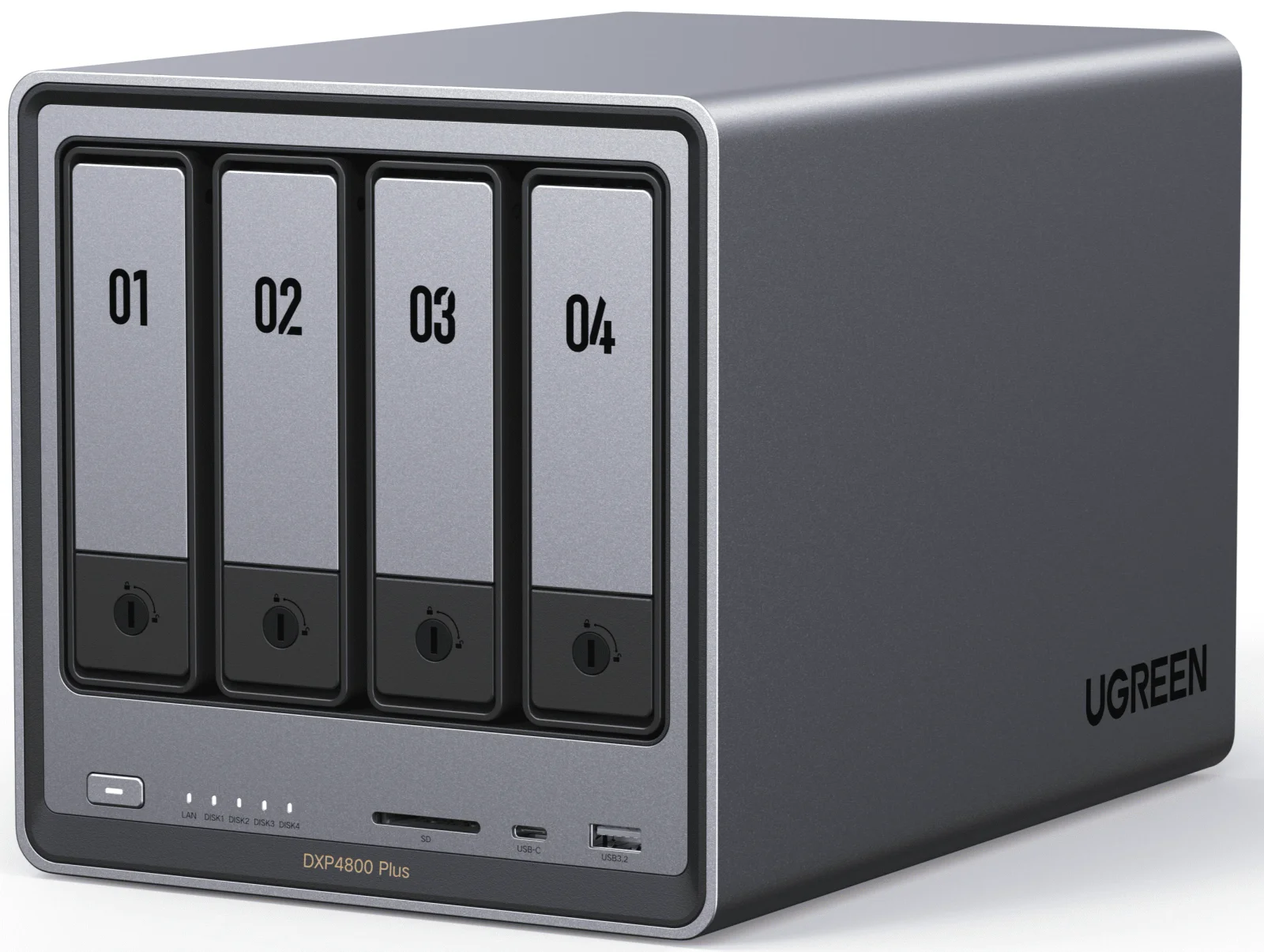
- Also GreatUGREEN NASync DXP4800 PlusWhy we picked it →
Frequently asked questions
Is the Synology DS225+ worth it?
For home users and small offices who want easy file sharing, backups and light apps, reviewers consider it a good fit, with an average of 7.4/10 across three expert reviews. It is less compelling if you need Plex transcoding, SSD caching or 10GbE networking.
Does the DS225+ support 2.5GbE?
Yes. It has one 2.5GbE RJ-45 port and one 1GbE RJ-45 port. You need 2.5GbE-capable devices or a compatible switch to take advantage of the faster port, and there is no 10GbE upgrade path.
Is the DS225+ good for Plex?
It is not the strongest choice. Reviewers criticise the Celeron J4125 CPU for weak Plex transcoding, so anyone who relies on transcoding should look at other options.
Can you upgrade the RAM in the DS225+?
Yes. It comes with 2 GB of DDR4 non-ECC memory and can be upgraded to a maximum of 6 GB (2 GB + 4 GB) through the SODIMM slot.
Does the DS225+ have NVMe slots for SSD caching?
No. The spec sheet lists no M.2 NVMe slots, so SSD caching is not available. The two bays take 3.5-inch SATA hard drives or 2.5-inch SATA SSDs.
What RAID levels does the DS225+ support?
It supports Synology Hybrid RAID, Basic, JBOD, RAID 0 and RAID 1. The bays are hot swappable, so a failed drive can be replaced without shutting the system down.
Sources
Specs are taken from the manufacturers' official pages; expert recommendations from the publications below.
- Synology DiskStation DS225+: synology.com, bhphotovideo.com, kb.synology.com, microcenter.com
Related reviews & guides
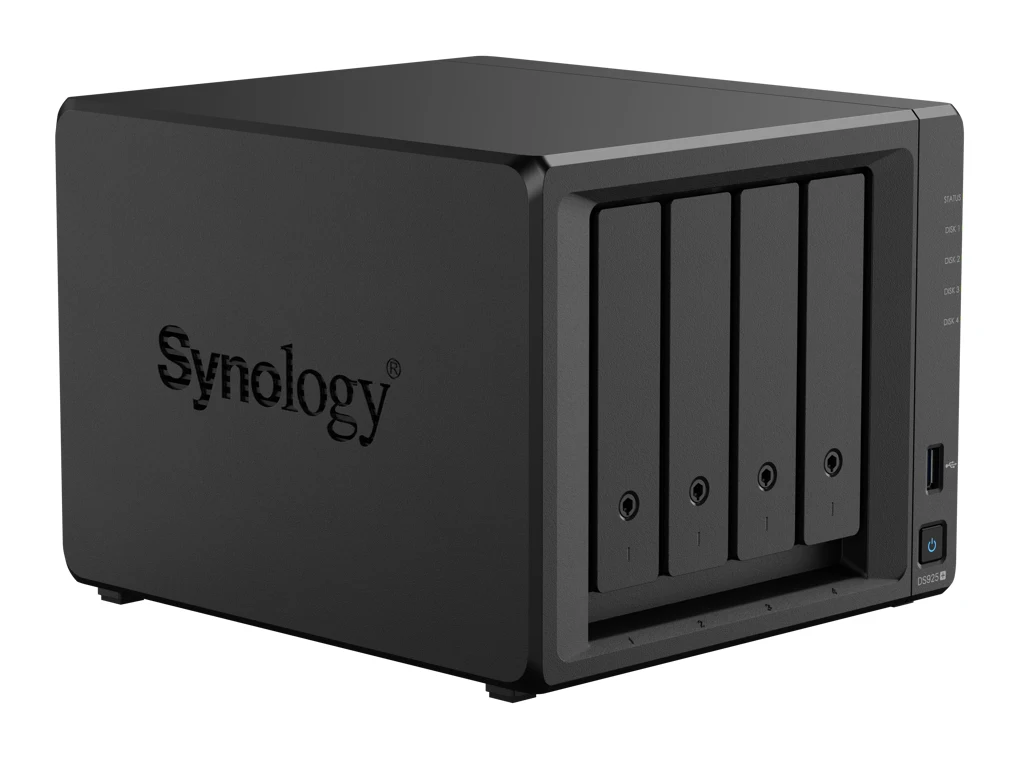
Synology DiskStation DS925+ Review (2026): Quiet, No 10GbE
A look at the Synology DS925+, a quiet four-bay NAS with dual 2.5GbE, two NVMe slots and mature DSM software, and where its trade-offs sit.
Published Oct 27, 2026Best NAS Devices for Home 2026: Backup, Media & Growth
Five home NAS picks from Synology and UGREEN, compared on bays, networking, memory, noise and who each one suits, from first-time backup to 10GbE media servers.
Published Oct 25, 2026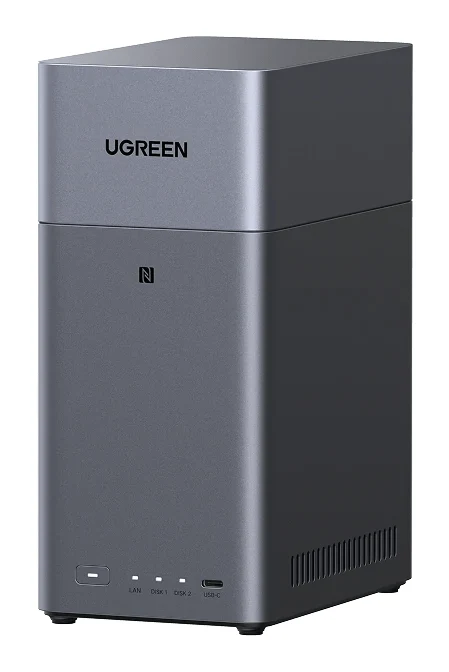
UGREEN NASync DH2300 Review (2026): A Gentle First NAS
The UGREEN NASync DH2300 is a two-bay NAS aimed at first-time buyers who want simple photo backup and TV streaming. Here is what experts say and where it hits its limits.
Published Nov 4, 2026