TP-Link Deco BE23 Review (2026): A Simple Wi-Fi 7 Mesh
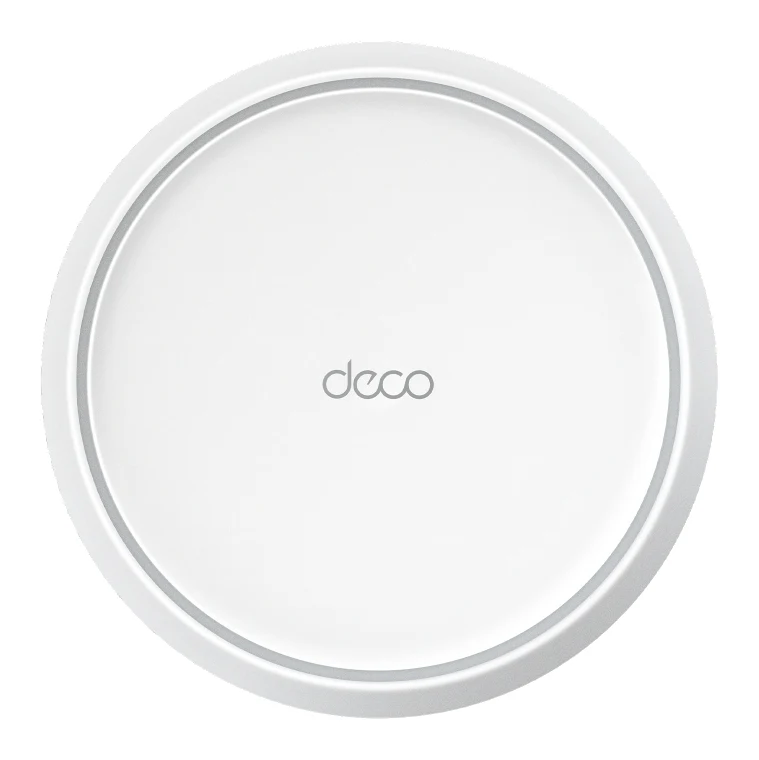
The TP-Link Deco BE23 brings Wi-Fi 7, MLO and 2.5 Gbps ports to a mid-range mesh system. Here is what it does well, where it compromises, and who it suits.
Research-based · We earn from qualifying purchases
Our verdict
The Deco BE23 is an affordable, easy way into Wi-Fi 7 mesh, with fast nearby speeds and 2.5 Gbps ports on every node. Skip it if you want 6 GHz performance, many wired ports, or rock-solid speeds across a large home on wireless backhaul.
The good
- Wi-Fi 7 with MLO and 4K-QAM at a mid-range price
- Two 2.5 Gbps ports on every unit support multi-gig plans
- Tom's Guide measured 1.449 Gbps at 15 feet
- Guided app setup is very easy
- Free basic parental controls, plus VPN server and client support
+2 more
- Guided app setup is very easy
- Free basic parental controls, plus VPN server and client support
The bad
- Dual-band only, with no 6 GHz band or 320 MHz channels
- Only two Ethernet ports per unit limits wired devices
- Speed and stability drop at long range over wireless backhaul
- Some advanced security features require a paid subscription
+1 more
- Some advanced security features require a paid subscription
This TP-Link Deco BE23 review looks at one of the more accessible ways to get a Wi-Fi 7 mesh network into a medium-sized home. It is a dual-band system that leans on newer Wi-Fi 7 features rather than extra radio bands, and it sits in the mid-range part of the market. It suits households that want a simple, app-guided setup and a multi-gig-ready network without paying for a premium tri-band system. This review is based on manufacturer specs and what independent experts report, not hands-on testing.
TP-Link Deco BE23: specs at a glance
From the manufacturer- Bands
- Dual-band (2.4 GHz + 5 GHz)
- Antennas
- 4× internal high-performance antennas
- Backhaul
- Wireless or Ethernet, optional
- Coverage
- Up to 6,500 sq. ft. (3-pack); up to 2,500 sq. ft. (single unit)
- Security
- WPA3-Personal, SPI firewall, HomeShield
- 5 GHz speed
- 2882 Mbps
- 2.4 GHz speed
- 688 Mbps
- Channel width
- 160 MHz
- Wi-Fi streams
- 4 streams
- Working modes
- Router Mode, Access Point Mode
- Ethernet ports
- 2× 2.5 Gbps WAN/LAN per unit
- Wi-Fi standard
- Wi-Fi 7 (IEEE 802.11be), BE3600
- Device capacity
- 150+ devices
- Dimensions (W×D×H)
- 5.91 × 5.91 × 2.44 in (150 × 150 × 62 mm)
Key features
- Dual-band Wi-Fi 7 with up to 3.6 Gbps total speed
- Two 2.5 Gbps WAN/LAN ports on every unit for multi-gig plans and wired backhaul
- Multi-Link Operation (MLO) and 4K-QAM for lower latency and higher throughput
- Covers up to 6,500 sq. ft. with the 3-pack, with 150+ devices supported
- AI-driven mesh with smart roaming under one network name
- Quick guided setup in the Deco app
- HomeShield parental controls and real-time IoT/threat protection
- Router and Access Point modes, plus VPN server and client support
What the Deco BE23 is
The Deco BE23 is a mesh Wi-Fi system built on the Wi-Fi 7 (IEEE 802.11be) standard and rated BE3600. That rating breaks down into 2882 Mbps on the 5 GHz band and 688 Mbps on the 2.4 GHz band, for up to 3.6 Gbps of total speed. These are theoretical maximums, which no real device will sustain. They are a guide to the system's class, not a promise of what you will see on a phone or laptop.
The important design decision is that it is dual-band: 2.4 GHz plus 5 GHz, with no 6 GHz radio. TP-Link pairs that with Wi-Fi 7 features such as Multi-Link Operation (MLO) and 4K-QAM, which aim to lower latency and raise throughput on the bands it has.
If you are still deciding which router or mesh system to buy, our guide to the best Wi-Fi routers covers Wi-Fi 7 options for homes of different sizes.
Design and build
Each unit measures 5.91 × 5.91 × 2.44 in (150 × 150 × 62 mm), so the nodes are compact enough to place around a home rather than hide in a cabinet. The four high-performance antennas are internal, so there are no external antennas to angle or work around.
The more practical design point is the ports. Every unit carries two 2.5 Gbps WAN/LAN ports. That is useful in a mesh system, because backhaul between units can be wireless or Ethernet. It also means a multi-gig internet plan does not hit a gigabit port at the first step. The flip side is that two ports per unit is not many. Once one is used for the uplink or backhaul, you are left with a single port for a wired device such as a desktop, console or TV. A common criticism from reviewers is that this limits wired setups, and you would need a separate switch to add more devices.
Features and what they mean day to day
Mesh and roaming
The BE23 uses AI-driven mesh with smart roaming, so all the units share a single network name. In practice, your devices should move between nodes without you switching networks by hand. TP-Link says the 3-pack covers up to 6,500 sq. ft., and a single unit covers up to 2,500 sq. ft. Wi-Fi coverage depends heavily on walls, layout and materials, so treat the figures as a ceiling rather than a guarantee. The system supports 150+ devices, which is ample headroom for a household full of phones, laptops, streaming boxes and smart-home gear.
Wi-Fi 7 features: MLO and 4K-QAM
MLO lets compatible devices use more than one band at a time, which is aimed at cutting latency and improving throughput. 4K-QAM packs more data into each transmission, which helps when your signal is strong. Both features need compatible client devices to pay off, so the benefit depends partly on what you own. Reviewers highlight getting these Wi-Fi 7 features at a mid-range price as a key reason to consider it.
The radios use 4 streams and 160 MHz channels. That 160 MHz ceiling matters, because the 320 MHz channels available on higher-end Wi-Fi 7 hardware are not supported. Combined with the lack of a 6 GHz band, that is the trade-off for the lower price.
Setup and app
Setup is handled through the Deco app with a quick guided process, and reviewers describe it as very easy. That is a real advantage for anyone who does not want to log in to a router admin page and configure settings by hand. The BE23 supports Router Mode and Access Point Mode, so it can replace your router or add Wi-Fi 7 mesh to an existing network. VPN server and client support are also included.
Security and parental controls
Security covers WPA3-Personal, an SPI firewall and HomeShield, TP-Link's suite for parental controls and real-time IoT and threat protection. Reviewers point out that basic parental controls are free. A common criticism is that some of the more advanced security features sit behind a paid subscription, so check which HomeShield tools you actually want before assuming everything is included.
Performance, backhaul and connectivity
Experts' measurements give the clearest sense of real-world speed. Tom's Guide measured 1.449 Gbps at 15 feet. Close-range speed is where this system looks best.
Distance is where the compromises show. Reviewers report that speed and stability drop at long range over wireless backhaul. Backhaul is the link between mesh nodes. On a dual-band system, the same two bands carry both that link and your device traffic, so a far-away node has to share limited airtime. That is where a tri-band system with a dedicated backhaul band has the edge.
The BE23 gives you a choice: backhaul can be wireless or Ethernet. If your home is wired for Ethernet, or you can run a cable between nodes, the BE23 lets you use Ethernet backhaul instead of wireless.
What experts like and what they criticise
Reviewers praise a short list of things. The first is Wi-Fi 7 with MLO and 4K-QAM at a mid-range price. The second is two 2.5 Gbps ports on every unit, which suit multi-gig plans. Easy guided setup and the free basic parental controls, along with VPN server and client support, round out the praise.
The criticisms are just as consistent. It is dual-band only, with no 6 GHz band or 320 MHz channels. The two Ethernet ports per unit limit wired devices. Long-range performance over wireless backhaul falls off. Some advanced security features need a paid subscription.
The published scores agree with that picture. Tom's Guide rates it 4.5/5 and TechGearLab gives it 4.2/5, and it averages 8.7/10 across 2 expert reviews. It is also recommended in 1 independent expert buying guide. That is a good result for a mid-range system, though the sample is small.
Who should buy it, and who should skip it
Buy it if:
- You want an easy first step into Wi-Fi 7 mesh and value simple, guided setup.
- You live in a medium-sized home where nodes can sit relatively close together.
- You have, or plan to get, a multi-gig internet plan and want 2.5 Gbps ports on each unit.
- You can run Ethernet between nodes, or your layout does not push nodes far apart.
- You want free basic parental controls and the option of VPN server and client support.
Skip it if:
- You want 6 GHz performance or 320 MHz channels, which this dual-band design does not offer.
- You have many wired devices and do not want to add a switch.
- You need rock-solid speeds across a large home and cannot use a wired backhaul.
- You want the full HomeShield security feature set without paying a subscription.
How it fits in the Wi-Fi 7 mesh category
In general terms, Wi-Fi 7 mesh spans a wide range, from simpler dual-band systems up to tri-band systems with 6 GHz radios and dedicated backhaul. The Deco BE23 sits at the accessible end. It brings the newer standard's features and multi-gig ports without the extra radios, so it asks you to accept real limits at distance and on wireless backhaul in return for the lower cost. If you want to see how it stacks up against other options, our guide to the best Wi-Fi routers is the place to start.
Verdict
The TP-Link Deco BE23 is a sensible, uncomplicated route into Wi-Fi 7 mesh. It makes the most of its dual-band hardware with MLO and 4K-QAM, fits 2.5 Gbps ports on every unit, and wraps it all in an app that experts find very easy to set up. Its limits are clear and consistent: no 6 GHz, no 320 MHz channels, few Ethernet ports, and a long-range drop-off on wireless backhaul. If your home is medium-sized, or you can wire the nodes together, those limits matter much less, and the BE23 is a strong mid-range option. If you want top-end performance across a big home or plenty of wired ports, look higher up the range.
Related buying guides
Not sure about the TP-Link Deco BE23? Consider these
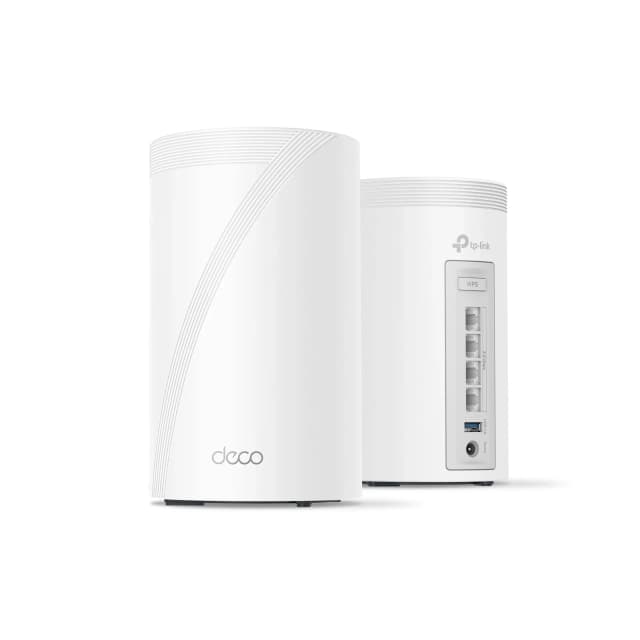
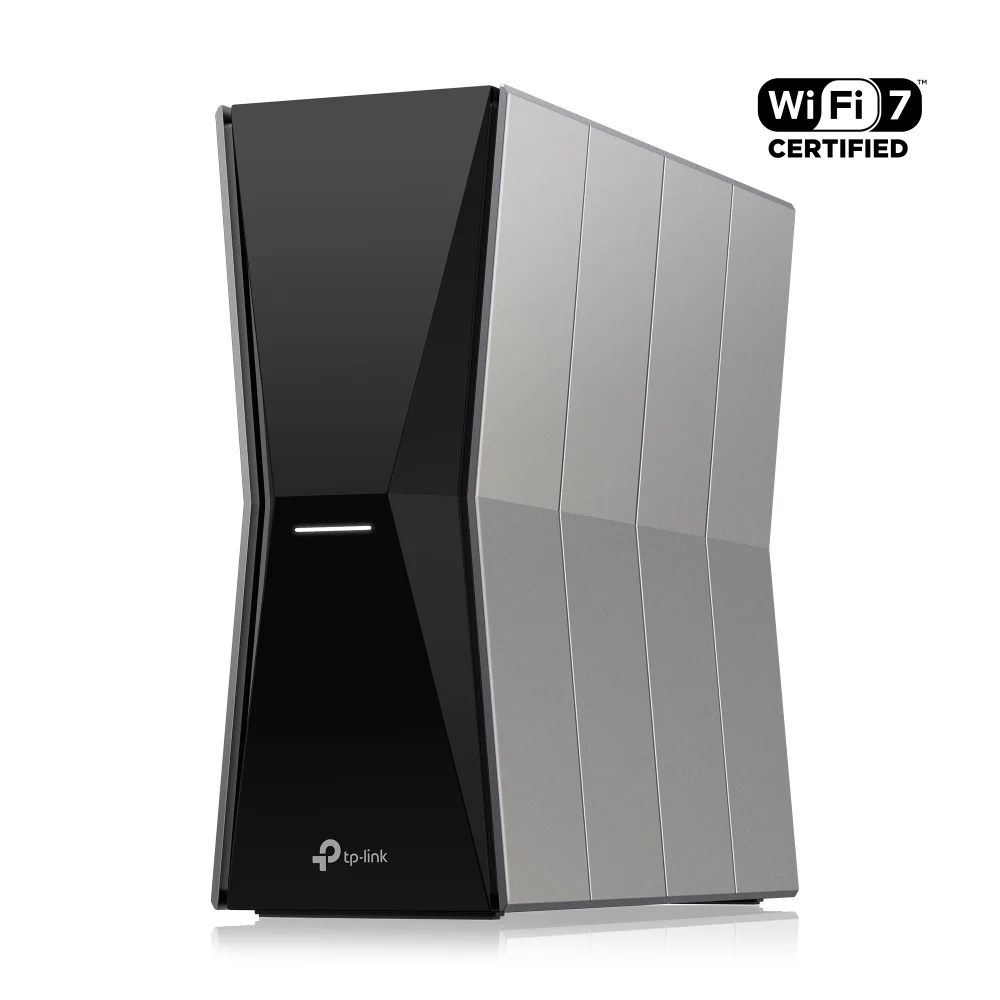
- Best OverallTP-Link Deco 7 Pro BE63Why we picked it →
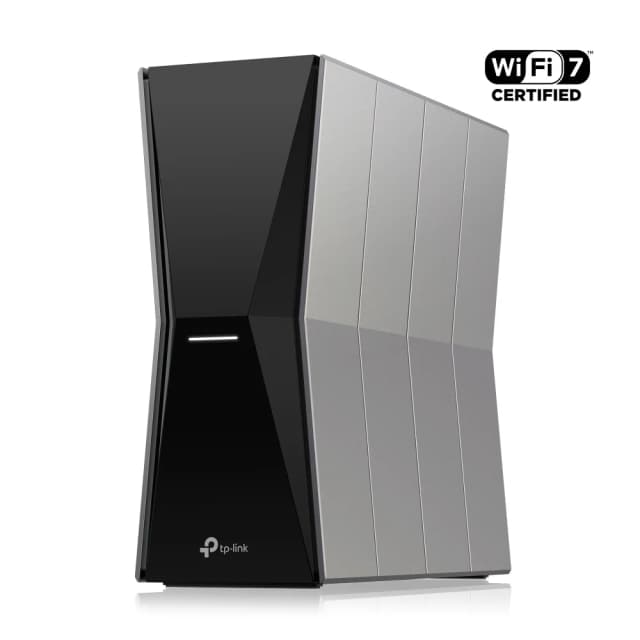
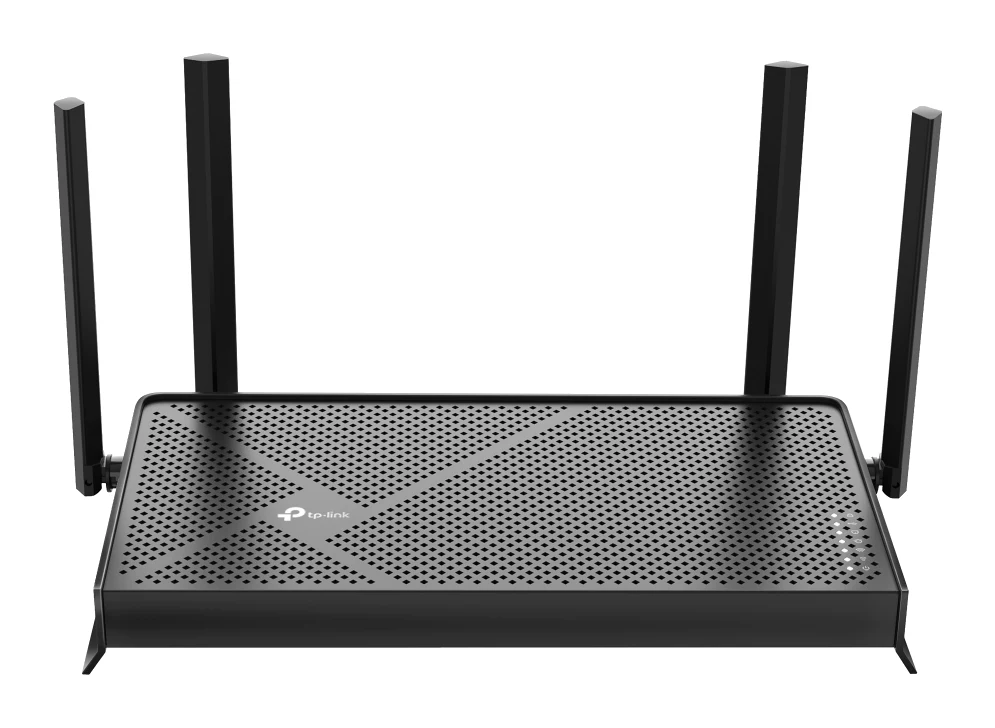
- Best BudgetTP-Link Archer BE770Why we picked it →
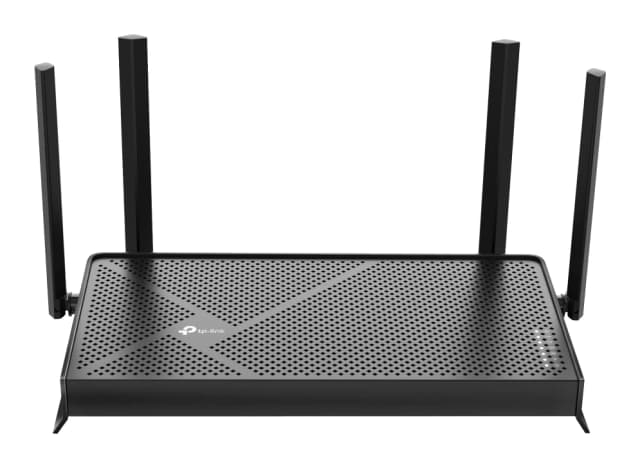
- Best ValueTP-Link Archer BE3600Why we picked it →
Frequently asked questions
Is the TP-Link Deco BE23 worth it?
For a medium-sized home, reviewers think so. It brings Wi-Fi 7 features such as MLO and 4K-QAM, plus two 2.5 Gbps ports on every unit, at a mid-range price. It averages 8.7/10 across 2 expert reviews. It is less compelling if you want 6 GHz, many wired ports, or consistent speeds across a large home on wireless backhaul.
Does the Deco BE23 support 6 GHz?
No. It is a dual-band system covering 2.4 GHz and 5 GHz only. It also doesn't offer 320 MHz channels, with a maximum channel width of 160 MHz.
How much coverage does the Deco BE23 give?
TP-Link rates a single unit for up to 2,500 sq. ft. and the 3-pack for up to 6,500 sq. ft. Real-world coverage depends on your home's layout and building materials, and reviewers note that speed and stability drop at long range over wireless backhaul.
Can the Deco BE23 use wired Ethernet backhaul?
Yes. Backhaul can be wireless or Ethernet, as you choose. Each unit has two 2.5 Gbps WAN/LAN ports, which makes a wired link between nodes possible.
Does the Deco BE23 work in Access Point mode?
Yes. It supports both Router Mode and Access Point Mode, so you can use it as your main router or add Wi-Fi 7 mesh to an existing network.
Do I need a subscription for the Deco BE23's security features?
Not for everything. Basic parental controls are free, and the system includes WPA3-Personal and an SPI firewall. However, a common criticism is that some advanced HomeShield security features require a paid subscription.
Sources
Specs are taken from the manufacturers' official pages; expert recommendations from the publications below.
- TP-Link Deco BE23: tp-link.com, techgearlab.com, minipcreviewer.com, tomsguide.com
Related reviews & guides
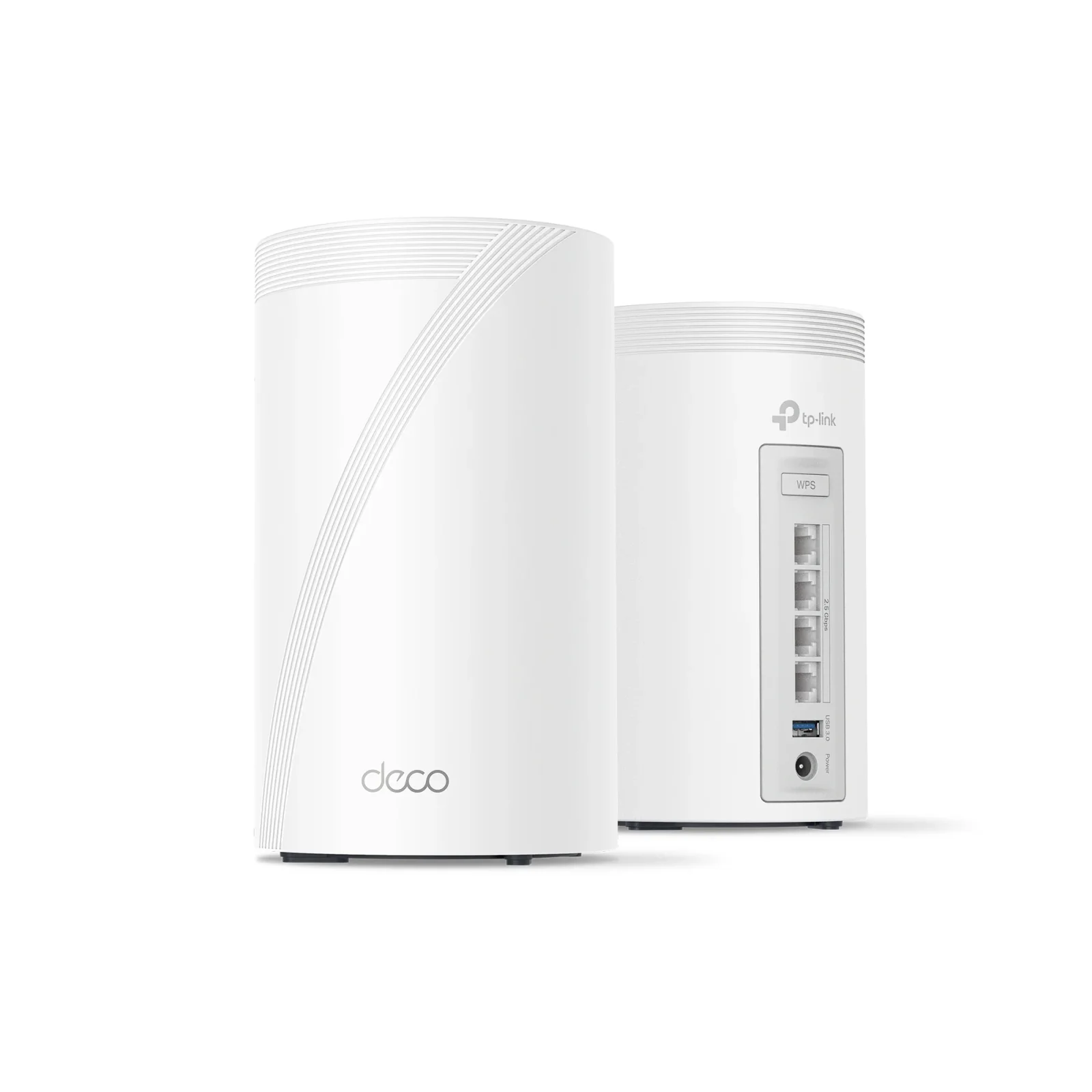
TP-Link Deco BE63 Review (2026): Multi-Gig Wi-Fi 7 Mesh
A look at the TP-Link Deco BE63, a mid-range tri-band Wi-Fi 7 mesh system with multi-gig ports on every unit, based on its specs and what independent experts report.
Published Oct 20, 2026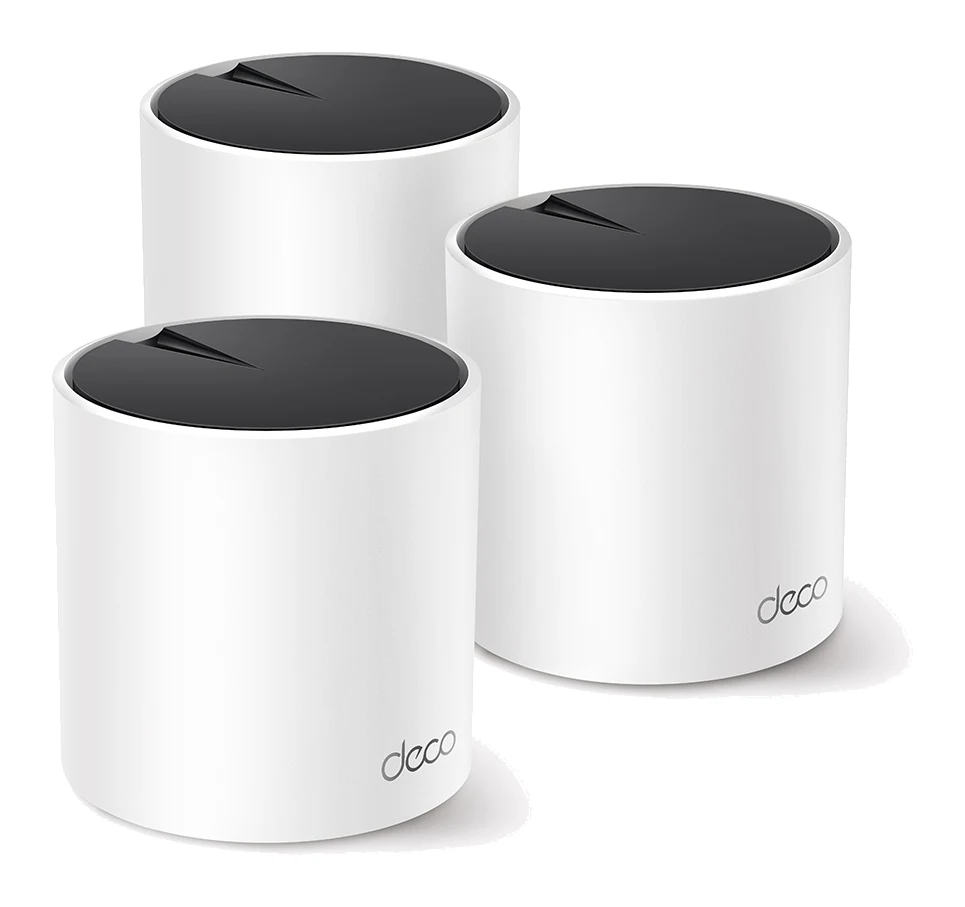
TP-Link Deco X55 Review (2026): Easy Mesh, Gigabit Limits
The TP-Link Deco X55 is a mid-range AX3000 Wi-Fi 6 mesh system built for easy setup and gigabit-or-slower connections. Here is what the specs and expert reviews say.
Published Oct 29, 2026
TP-Link RE315 Review (2026): One Extra Room, Kept Simple
A look at the TP-Link RE315 range extender: what dual-band Wi-Fi 5, OneMesh/EasyMesh support and AP Mode mean in practice, and who should skip it.
Published Oct 25, 2026