Fujifilm instax SQUARE Link Review (2026): Worth the Film?
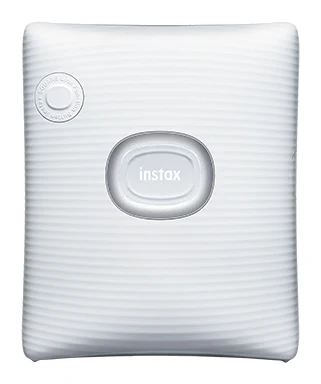
A pocket-sized Bluetooth printer that turns phone photos into square instant prints. We look at the design, print tech, battery and where the extras fall flat.
Research-based · We earn from qualifying purchases
Our verdict
The instax SQUARE Link is a portable, easy-to-use phone printer that delivers a charming instant-film look, and it suits casual snappers, travelers and party hosts. Skip it if you want the cheapest cost per print or expect the AR and sharing extras to stay fun.
The good
- Prints appealing instant-film-look photos in a 62 mm square format
- Pocket-sized and light at about 236 g, easy to travel with
- Simple Bluetooth setup and an approachable app with frames, stickers and sketches
- Reprint button makes duplicate prints quick, handy at parties
- About 100 prints per USB-C charge
+2 more
- Reprint button makes duplicate prints quick, handy at parties
- About 100 prints per USB-C charge
The bad
- Instax Square film is sold separately and makes each print relatively costly
- AR Print and instax Connect features feel gimmicky and lose appeal quickly
- App quirks include awkward cropping and QR codes that can't be resized
- No indicator for how many shots remain in the film pack
+1 more
- No indicator for how many shots remain in the film pack
This Fujifilm instax SQUARE Link review looks at a small Bluetooth printer that turns photos on your phone into square instant-film prints. It sits in the mid-range part of the market. The idea is simple: you keep shooting on your phone, then print the best shots in a physical format you can stick on a fridge, hand to a friend or pin to a wall. It is aimed at casual users who want portable, easy square prints, not at people chasing the lowest running cost. This review is based on Fujifilm's specs and what independent experts report, not on our own hands-on testing.
Fujifilm instax SQUARE Link: specs at a glance
From the manufacturer- Film
- FUJIFILM instax SQUARE instant film (sold separately)
- Weight
- Approximately 236 g (excluding film pack)
- Film size
- 86 mm x 72 mm
- Dimensions
- 105 mm × 37.5 mm × 127.5 mm
- Image size
- 62 mm × 62 mm
- Connectivity
- Bluetooth Ver. 4.2 (BLE)
- Charging time
- Approximately 80 to 120 minutes
- Printing time
- Approximately 12 sec.
- Development time
- Approx. 90 seconds (varies depending on ambient temperature)
- Recording method
- 3-color exposure with OLED
- Prints per charge
- Approximately 100
- Exposure gradation
- RGB gradation of 256 colors
- Exposure resolution
- 12.5 dots/mm (318 dpi, 80 μm dot pitch)
- Exposure pixel count
- 800 × 800 dots
- Charging port / cable
- USB Type-C, 30 cm cable supplied
- Printable image formats
- JPEG, PNG, HEIF, DNG
Key features
- Prints square instant photos straight from your phone over Bluetooth
- AR Print adds QR-code effects (text, extra photos, backgrounds) to your prints
- instax Connect lets you share photos and messages with friends
- Rich Mode (high contrast) and Natural Mode print looks
- Reprint button for quick duplicates
- Rechargeable battery over USB-C, about 100 prints per charge
- Pocket-sized, ridged body in Ash White or Midnight Green
- App adds frames, sketches and stickers before printing
Design and build
The instax SQUARE Link measures 105 mm × 37.5 mm × 127.5 mm and weighs approximately 236 g without a film pack loaded. That is small enough to drop into a bag. Reviewers praise the pocket-sized, light body as easy to travel with.
The body is ridged and comes in Ash White or Midnight Green. The device has a reprint button for quick duplicates, and the app adds frames, sketches and stickers before printing.
Print format and image quality
Each print uses instax SQUARE instant film. The film measures 86 mm x 72 mm and the image area is 62 mm × 62 mm. The prints use a 62 mm × 62 mm square image area. The film is sold separately.
The printer uses a 3-color exposure with OLED and RGB gradation of 256 colors. The exposure resolution is 12.5 dots/mm (318 dpi, 80 μm dot pitch) across 800 × 800 dots. Reviewers praise the appealing instant-film character of the results.
Two print looks are available. Rich Mode gives a high-contrast look, and Natural Mode is the alternative print look. Having both lets you choose the treatment that suits each photo.
Features and what they mean day to day
Setup and the app
The printer connects to your phone over Bluetooth Ver. 4.2 (BLE). Reviewers describe the setup as simple and the app as approachable. Before printing you can add frames, sketches and stickers, which is useful for party prints and keepsakes. The printer accepts JPEG, PNG, HEIF and DNG files, so most phone photos are covered without conversion.
The app is also where reviewers find friction. Common complaints include awkward cropping and QR codes that can't be resized. They are small annoyances, but they matter if you want to fine-tune a print before spending film on it.
Reprint button
The dedicated reprint button makes duplicate prints quick. It is handy when you are hosting and want a second copy of a group shot for a guest, or when you want to hand one print over and keep one. It is a small feature, and reviewers single it out as useful at parties.
AR Print and instax Connect
AR Print lets you attach a QR code to a print that adds effects such as text, extra photos or backgrounds. instax Connect lets you share photos and messages with friends. On paper these add a playful layer. In practice, a common criticism is that both features feel gimmicky and lose their appeal quickly. Treat them as a bonus, not a reason to buy. If the extras are what excite you, expect the novelty to fade and judge the printer on its core job.
Speed, battery and connectivity
Fujifilm quotes a printing time of approximately 12 sec. per print. After that, the image takes approx. 90 seconds to develop, and that varies with ambient temperature. The practical takeaway: printing is quick, but each photo still needs a minute and a half to appear, so a group at a party will want to queue up several prints at once instead of waiting on each.
The rechargeable battery charges over USB Type-C, and a 30 cm cable is supplied. Charging time is approximately 80 to 120 minutes. You get approximately 100 prints per charge, which reviewers count as a plus. For a casual user that likely covers several outings between charges. Because it uses USB-C, you can top it up with a charger you may already own.
One gap reviewers flag is that there is no indicator showing how many shots remain in the film pack. You will want to keep a spare pack handy for events so you aren't caught out halfway through a gathering.
What experts like and what they criticise
The instax SQUARE Link averages 9/10 across 3 expert reviews. Digital Camera World scores it 5/5, Trusted Reviews 4.5/5 and SlashGear 8/10. That is a strong showing for a casual-use gadget.
What reviewers praise:
- Appealing instant-film-look prints in the 62 mm square format.
- A pocket-sized, light body that is easy to travel with.
- Simple Bluetooth setup and an app with frames, stickers and sketches.
- The reprint button for quick duplicates.
- Roughly 100 prints per USB-C charge.
What they criticise:
- Film is sold separately and makes each print relatively costly.
- The AR and sharing features feel gimmicky.
- App quirks such as awkward cropping and fixed-size QR codes.
- No way to see how many shots are left in the film pack.
The cost of film is the criticism most likely to affect long-term satisfaction. The printer itself is mid-range, but the cost per print is something you pay every time you press the button.
Who should buy it
The instax SQUARE Link suits:
- Casual snappers who want to turn a few favourite phone photos into physical prints without learning a complex workflow.
- Travellers, thanks to the small, light body and USB-C charging.
- Party hosts, where the reprint button, frames and stickers make it a social printer.
Who should skip it
Skip it if you want the cheapest cost per print, because the film is sold separately and reviewers describe each print as relatively costly. Also skip it if you are buying mainly for AR Print and instax Connect and expect them to stay fun, since reviewers say that novelty wears off. If you need precise cropping control in the app, the reported quirks may frustrate you.
How it fits among phone printers
Phone printers generally split into those that prioritise portability and charm and those that prioritise print quality or low running costs. The instax SQUARE Link clearly leans toward portability, fun and a distinctive look. Its specs and expert feedback point to a printer you enjoy using socially, not one you pick for the best economics. If the square instant-film format appeals to you, it is easy to recommend on those terms.
Our Fujifilm instax SQUARE Link review verdict
The instax SQUARE Link does what it promises. It is easy to set up over Bluetooth, small enough to carry anywhere, and it prints charming square photos from your phone in roughly 12 seconds. Battery life of about 100 prints per charge and USB-C charging make it practical for travel and events. The trade-offs are the ongoing film cost, gimmicky extras and a few app irritations. If you see it as a fun, portable way to make keepsake prints, it earns its strong expert reception. If you are price-per-print sensitive, look elsewhere.
Related buying guides
- Fujifilm Instax mini Link 3 Review: Fun Pocket Printer
- Best Portable Photo Printers 2026: Instax, Kodak, Polaroid
- Best Printer for Home Office 2026: Five All-in-Ones Compared
- Kodak Mini 2 Retro P210R Review (2026): Pocket Prints
- HP OfficeJet Pro 9125e Review (2026): A Document Workhorse
- Canon SELPHY QX20 Review (2026): Sticker Prints on the Go
- Best 3D Printers for Beginners 2026: Easy to Set Up
- Insta360 Link 2C Review (2026): Sharp 4K, Uneven AI Extras
Not sure about the Fujifilm instax SQUARE Link? Consider these
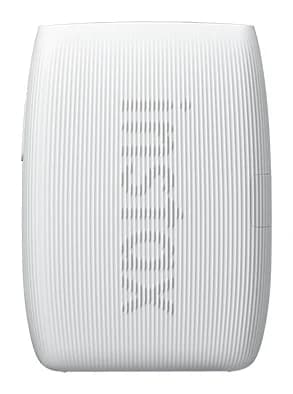
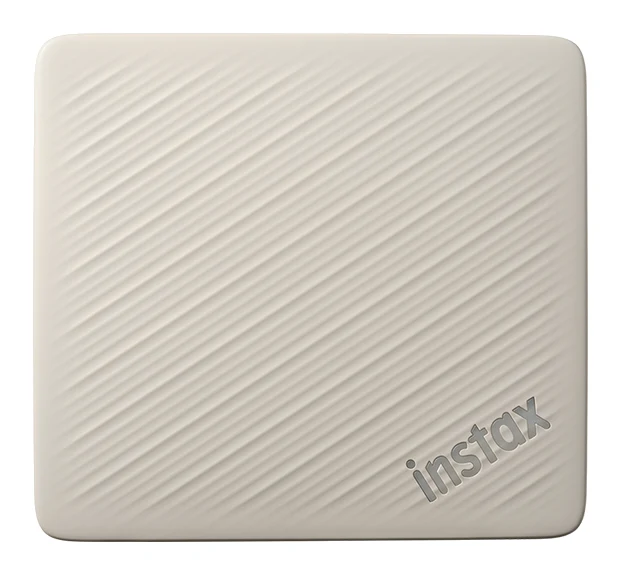
- Best OverallInstax mini Link 3Why we picked it →
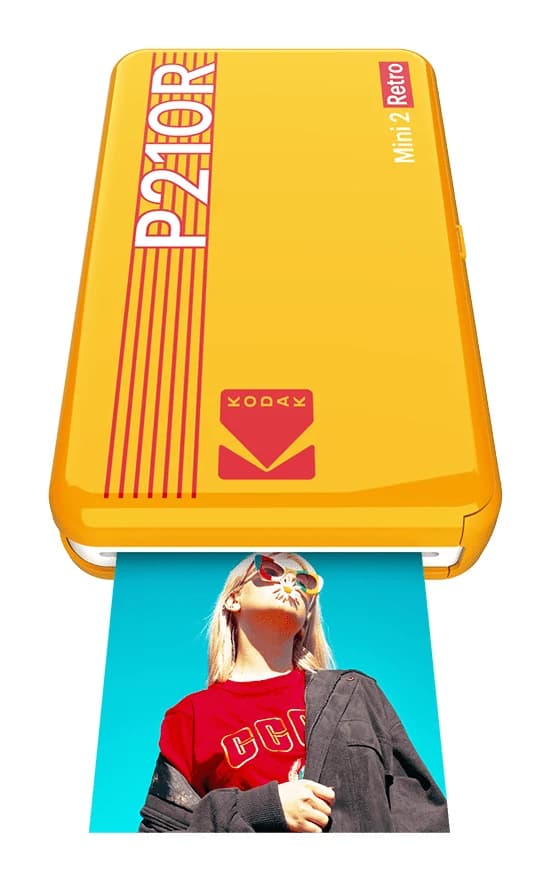
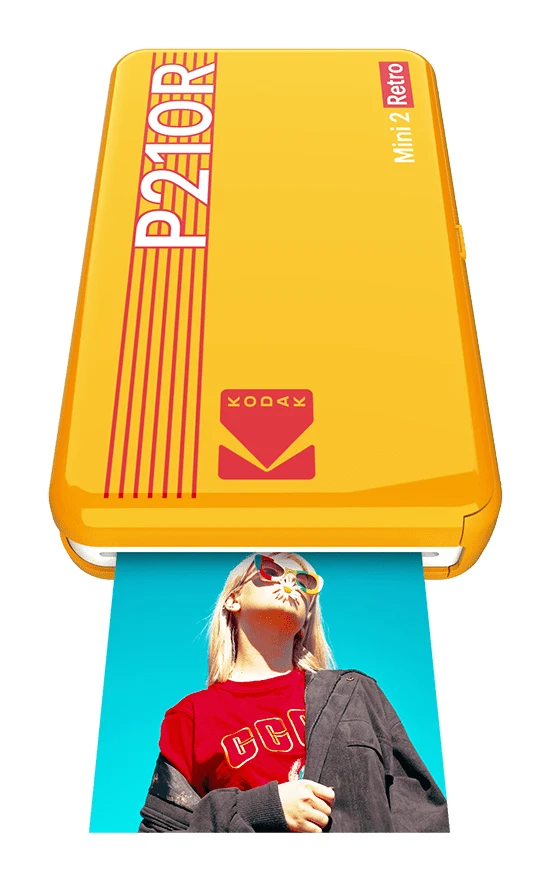
- Also GreatKODAK Mini 2 Retro P210RWhy we picked it →
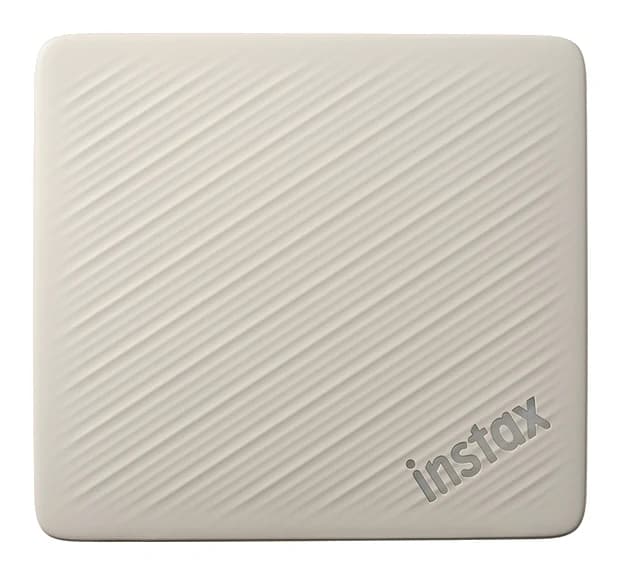
- Premium PickFujifilm Instax Link Wide 2Why we picked it →
Frequently asked questions
Is the Fujifilm instax SQUARE Link worth it?
For casual users who want portable, easy square prints from their phone, reviewers think so: it averages 9/10 across 3 expert reviews. The main drawback is that instax SQUARE film is sold separately and makes each print relatively costly, so it is less appealing if you want the lowest cost per print.
How many prints does the instax SQUARE Link get per charge?
Fujifilm quotes approximately 100 prints per charge. It charges over USB Type-C, with a 30 cm cable supplied, and charging takes approximately 80 to 120 minutes.
How long does an instax SQUARE Link print take?
Printing takes approximately 12 sec. After that, the image takes approx. 90 seconds to develop, depending on ambient temperature.
What file formats can the instax SQUARE Link print?
It can print JPEG, PNG, HEIF and DNG files. It connects to your phone over Bluetooth Ver. 4.2 (BLE).
What size are instax SQUARE Link prints?
The film measures 86 mm x 72 mm, and the printed image area is 62 mm × 62 mm.
Does the instax SQUARE Link come with film?
No. The film is instax SQUARE instant film and is sold separately. Reviewers also note that the printer has no indicator showing how many shots remain in the film pack.
Sources
Specs are taken from the manufacturers' official pages; expert recommendations from the publications below.
- Fujifilm instax SQUARE Link: instaxus.com, instax.com, bhphotovideo.com
Related reviews & guides
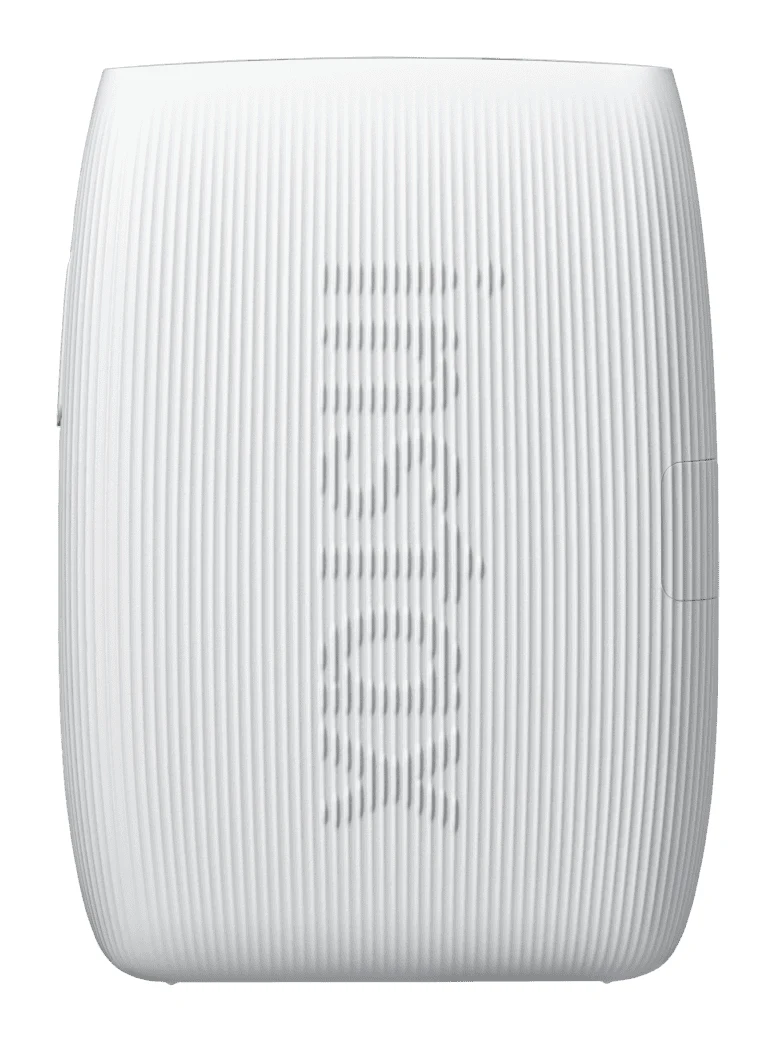
Fujifilm Instax mini Link 3 Review: Fun Pocket Printer
A pocketable Bluetooth printer that turns phone photos into real instax mini prints. We look at the specs, app features and what experts say about the Link 3.
Published Oct 27, 2026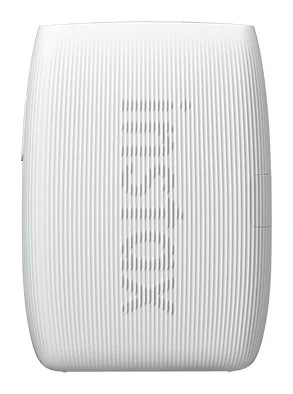
Best Portable Photo Printers 2026: Instax, Kodak, Polaroid
Five portable photo printers compared on print size, speed, battery life and trade-offs, from Instax instant film to Kodak and Polaroid dye-sublimation prints, including the Polaroid's sticky-back photos.
Published Oct 25, 2026
Best Printer for Home Office 2026: Five All-in-Ones Compared
Five home office all-in-ones compared on print speed, running costs, scanning and paper handling, from a fast color laser to a compact ink tank model.
Published Oct 17, 2026