Logitech MX Master 3S Review (2026): Quiet Office Workhorse
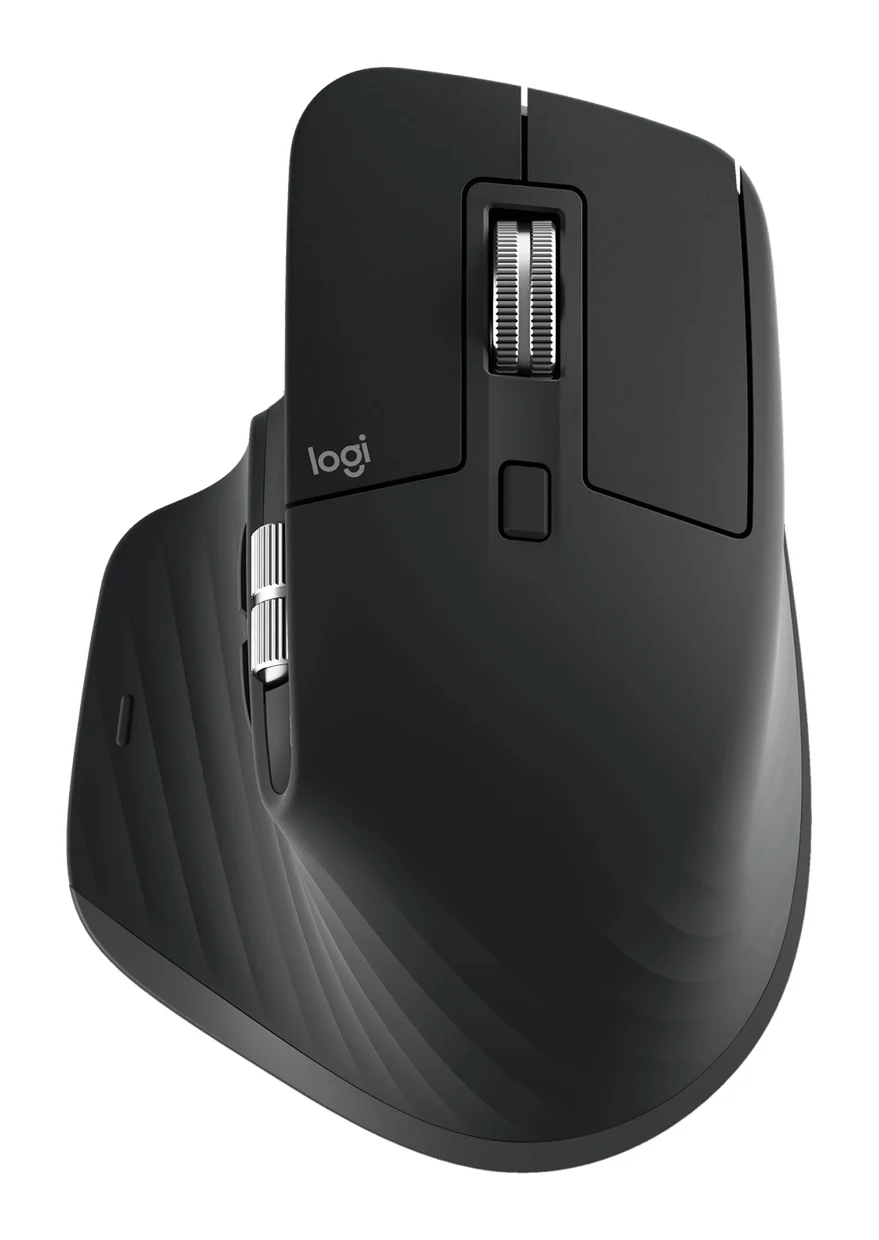
A look at the Logitech MX Master 3S: a quiet, sculpted, right-handed productivity mouse with a MagSpeed wheel, 3-device pairing and long battery life, and who should skip it.
Research-based · We earn from qualifying purchases
Our verdict
The MX Master 3S suits office workers, writers and creatives who want a comfortable, quiet, highly customizable mouse that switches easily between up to 3 computers. Skip it if you are left-handed, want a gaming mouse, or already own an MX Master 3, since the design is nearly identical.
The good
- Sculpted shape with thumb rest stays comfortable through long work sessions
- MagSpeed wheel offers ratchet and free-spin modes, plus a thumb wheel
- Quiet Clicks cut click noise by 90% versus the MX Master 3
- Darkfield 8,000 DPI sensor tracks on almost any surface, including glass
- Up to 70 days per charge, with USB-C quick charging
+2 more
- Darkfield 8,000 DPI sensor tracks on almost any surface, including glass
- Up to 70 days per charge, with USB-C quick charging
The bad
- Right-handed only, with no left-handed version available
- Heavy at 141 g with 125 Hz polling, so poorly suited to gaming
- Design is nearly identical to the MX Master 3, yet it is pricey
- No onboard memory, and the battery is not user-replaceable
+1 more
- No onboard memory, and the battery is not user-replaceable
This Logitech MX Master 3S review looks at a right-handed productivity mouse and asks who it suits in 2026. It is a right-handed wireless mouse for people who spend long days at a desk: office workers, writers and creatives who want comfort, quiet clicks and a lot of customization. It sits in the mid-range part of the market. This review is based on Logitech's specifications and what independent expert reviews report, not on our own hands-on testing.
Logitech MX Master 3S: specs at a glance
From the manufacturer- Sensor
- Darkfield high precision
- Weight
- 141 g
- Battery
- Rechargeable Li-Po, 500 mAh
- Buttons
- 7 customizable buttons
- DPI range
- 200-8,000 DPI (50 DPI steps)
- Handedness
- Right-handed
- Battery life
- up to 70 days on full charge
- Connectivity
- Bluetooth Low Energy (Logi Bolt receiver compatible, not included with Bluetooth Edition)
- Multi-device
- 3 devices
- Polling rate
- 125 Hz
- Quick charge
- 1 minute = 3 hours of use
- Charging port
- USB-C
- Scroll wheels
- MagSpeed wheel with ratchet/free-spin modes plus thumb wheel
- Wireless range
- 10 m
- Button durability
- 10-million clicks
- Dimensions (H x W x D)
- 124.9 x 84.3 x 51 mm
Key features
- Quiet Clicks cut click noise by 90% compared with the MX Master 3
- 8,000 DPI Darkfield sensor tracks on almost any surface, including glass (4 mm minimum thickness)
- MagSpeed electromagnetic scroll wheel, up to 1,000 lines per second
- Thumb wheel and gesture button for horizontal scrolling and shortcuts
- Pairs with up to 3 devices over Bluetooth and switches between them with one button
- Logi Options+ app customizes buttons per app and supports Flow across computers
- USB-C quick charge: 1 minute gives 3 hours of use, and a full charge lasts up to 70 days
- Sculpted right-handed shape with a thumb rest for long-session comfort
Why people consider the MX Master 3S
The appeal is a mouse built around work rather than play. It combines a sculpted shape with a thumb rest, two scroll wheels, seven customizable buttons and the ability to pair with up to 3 devices. Logitech's Logi Options+ app lets you change what the buttons do for each application, so the mouse can behave differently in a spreadsheet than in a photo editor.
Expert reviews are favourable. It averages 8.7/10 across 3 expert reviews: Tom's Guide gives it 4.5/5, TechRadar 4.5/5 and Binaryfork 4/5. The criticisms are mostly about what it isn't (a left-handed mouse, a gaming mouse, a big step up from its predecessor) rather than about how it does its main job.
Design and build
The MX Master 3S is a sculpted, right-handed mouse with a dedicated thumb rest. It measures 124.9 x 84.3 x 51 mm and weighs 141 g. Reviewers praise the shape for staying comfortable through long work sessions, which is what the thumb rest and contoured body are designed for.
The shape is also the main limitation. It is right-handed only, and there is no left-handed version. If you use your mouse with your left hand, this is not the right pick, however good the rest of the spec sheet looks.
The weight is worth knowing too. At 141 g it is a substantial mouse. For desk work, where you move the mouse in small, deliberate motions, that is rarely a problem. It is one reason reviewers point away from it for gaming.
Features and what they mean day to day
Quiet Clicks
The headline change is Quiet Clicks, which Logitech says cut click noise by 90% compared with the MX Master 3. Reviewers single this out as a real benefit. If you work in a shared office, take calls, or use a computer late at night in a quiet room, softer clicks are a practical improvement. The buttons are rated for 10-million clicks.
MagSpeed scroll wheel and thumb wheel
The MagSpeed electromagnetic wheel scrolls at up to 1,000 lines per second and has ratchet and free-spin modes. In ratchet mode you get stepped scrolling for precise movement through menus and lists. Free-spin lets you flick through long documents, web pages or timelines quickly.
A separate thumb wheel handles horizontal scrolling, which is useful in wide spreadsheets, timelines and design canvases. A gesture button adds shortcuts, so common actions sit under your thumb rather than behind a menu.
Darkfield sensor
The 8,000 DPI Darkfield sensor tracks on almost any surface, including glass with a minimum thickness of 4 mm. The DPI range runs from 200 to 8,000 in 50 DPI steps. That helps if you work at a glass-topped desk, in a café or on a surface where basic optical mice struggle. The wide range also lets you set a slower pace for precise work or a faster one for large or multi-monitor setups.
Multi-device pairing and Flow
The mouse pairs with up to 3 devices over Bluetooth Low Energy and switches between them with one button. That suits anyone who moves between a desktop, a laptop and perhaps a tablet. Logi Options+ also supports Flow across computers, which Logitech positions as a way to work across more than one machine.
Note the connectivity detail. The Bluetooth Edition is compatible with the Logi Bolt receiver, but a receiver is not included. If your computer lacks Bluetooth or you prefer a receiver, plan for that.
Customization
There are 7 customizable buttons, and Logi Options+ can set them per app. This is where the mouse earns its productivity label: you can customize the buttons per app and use the gesture button for shortcuts.
One limitation: there is no onboard memory, so your settings depend on the software rather than being stored in the mouse itself.
Battery, connectivity and performance
Battery life is a strength. A full charge lasts up to 70 days, and USB-C quick charging gives 3 hours of use from 1 minute plugged in. In practice that means you can top it up briefly if it runs low in the middle of a day. The 500 mAh Li-Po battery is rechargeable but not user-replaceable, so it will eventually age, and the mouse cannot be revived with a fresh battery.
Wireless range is 10 m.
The polling rate is 125 Hz. That is fine for everyday office tasks, but it is another reason this mouse is a poor fit for competitive gaming. Together with the 141 g weight, it makes the MX Master 3S a work mouse first.
What experts like and what they criticise
Reviewers consistently praise:
- The comfortable sculpted shape with thumb rest for long sessions
- The MagSpeed wheel, with ratchet and free-spin modes plus a thumb wheel
- Quiet Clicks, which cut click noise by 90% versus the MX Master 3
- The Darkfield sensor, which tracks on almost any surface including glass
- The battery life of up to 70 days, with USB-C quick charging
A common criticism is the price relative to the design. The MX Master 3S looks nearly identical to the MX Master 3, and its Quiet Clicks cut click noise by 90% compared with that model. Other complaints are that it is right-handed only, that it has no onboard memory, that the battery is not replaceable, and that its weight and 125 Hz polling make it poorly suited to gaming.
Who should buy it, and who should skip it
Buy it if you are right-handed and spend long days at a computer. It suits writers, office workers and creatives who want a comfortable shape, quiet clicks, strong scrolling controls and easy switching between up to 3 devices. It also suits people who like building shortcuts around the apps they use.
Skip it if you are left-handed, since there is no left-handed version. Skip it too if you want a mouse for gaming, because of its weight and 125 Hz polling. And if you already own an MX Master 3, the near-identical design makes an upgrade harder to justify unless quieter clicks matter a lot to you.
How it fits in its category
In general terms, the MX Master 3S is a full-size productivity mouse rather than a compact travel mouse or a gaming model. Its strengths are comfort, customization, multi-device switching and battery life. Its weaknesses are the right-handed-only design, weight and the lack of onboard memory. Compact or lightweight mice may suit different priorities. If your work involves long hours, lots of scrolling and several computers, this is the kind of mouse that fits.
Verdict
The Logitech MX Master 3S is a polished, comfortable productivity mouse with a clear audience. Quiet Clicks, the MagSpeed and thumb wheels, a sensor that works on glass, 3-device pairing and up to 70 days of battery add up to a mouse built for the working day. The compromises are plain: right-handed only, heavy, no onboard memory and a design that barely changes from the previous model. For right-handed office and creative users, expert scores averaging 8.7/10 suggest it is a safe, well-rounded choice. Use the live price buttons to see current offers.
Related buying guides
- Logitech MX Master 4 Review (2026): Refined, Not Radical
- Logitech Lift Vertical Ergonomic Mouse Review: Small Hands
- Best Ergonomic Mice 2026: Vertical or Palm Grip, Any Budget
- Anker 2.4G Wireless Vertical Mouse Review: Try Ergonomics
- Best Quiet Keyboard for Office in 2026: Calm Typing at Work
- Best Printer for Home Office 2026: Five All-in-Ones Compared
Not sure about the Logitech MX Master 3S? Consider these
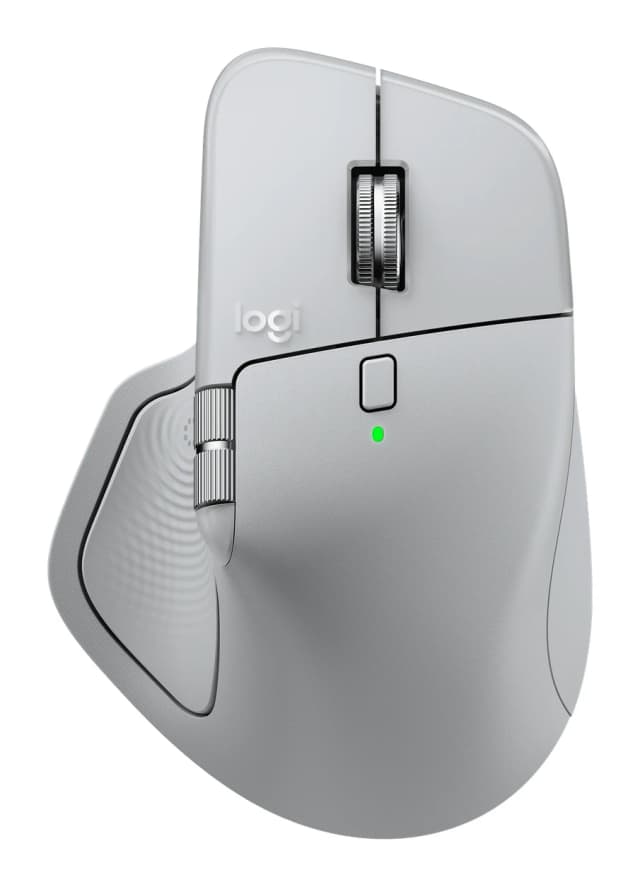
- Best OverallLogitech MX Master 4Why we picked it →
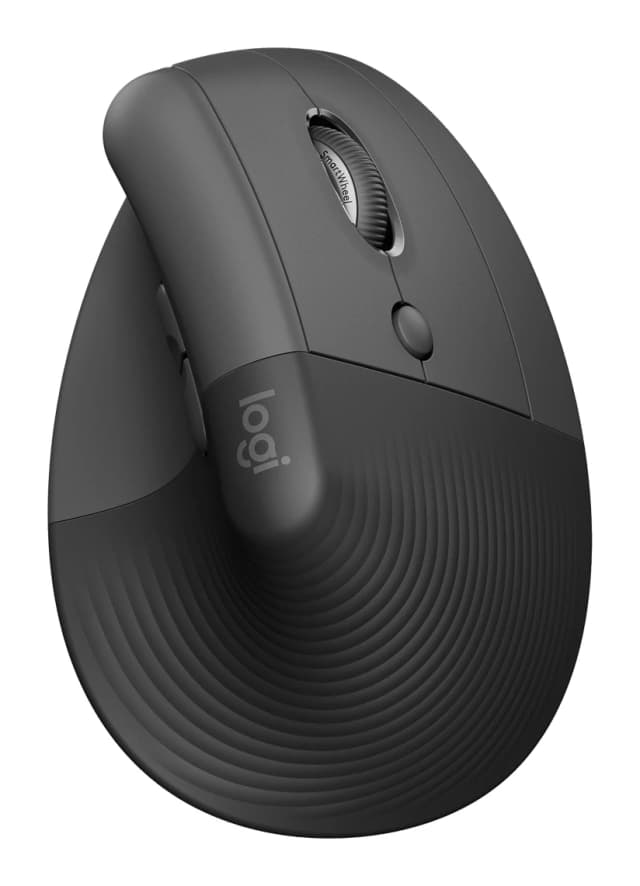
- Also GreatLogitech Lift Vertical Ergonomic MouseWhy we picked it →
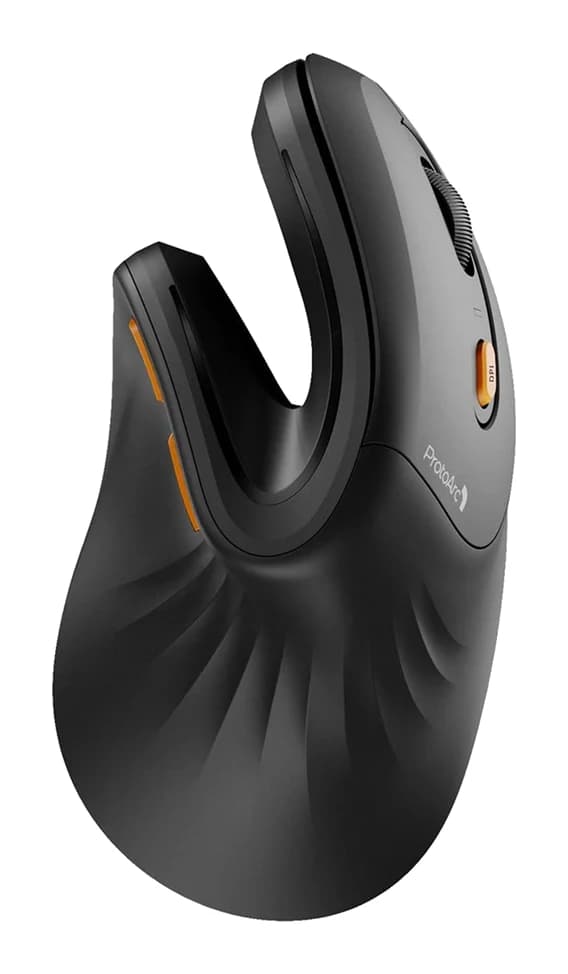
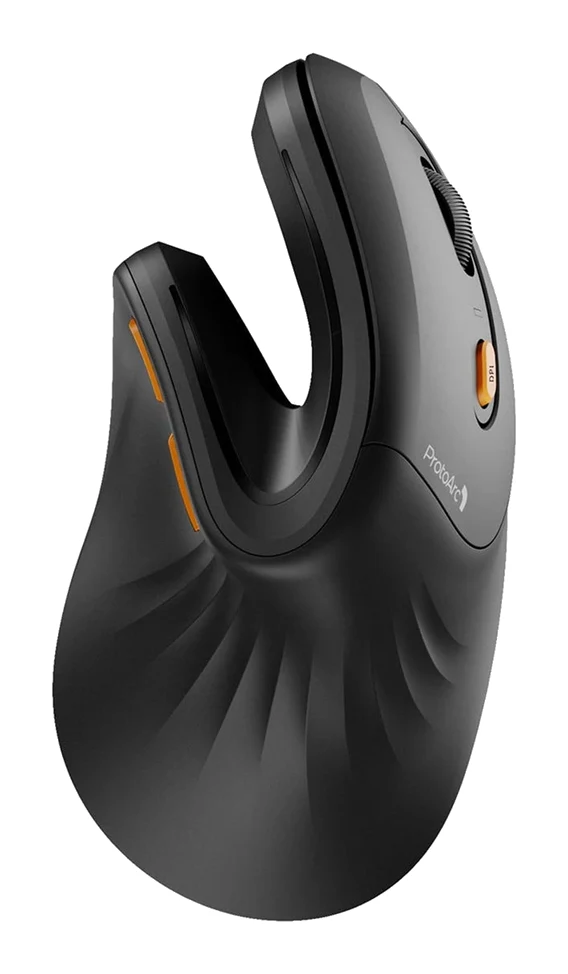
- Best BudgetProtoArc EM11 NLWhy we picked it →
Frequently asked questions
Is the Logitech MX Master 3S worth it?
For right-handed productivity users, reviewers generally say yes. It averages 8.7/10 across 3 expert reviews, with praise for comfort, quiet clicks, the scroll wheels and battery life. It is less compelling if you already own an MX Master 3, since the design is nearly identical.
Is the MX Master 3S good for gaming?
Not really. It weighs 141 g and has a 125 Hz polling rate, and reviewers describe it as poorly suited to gaming. It is designed for office and creative work.
Is there a left-handed MX Master 3S?
No. The MX Master 3S has a sculpted right-handed shape, and there is no left-handed version.
How quiet are the MX Master 3S clicks?
Logitech says Quiet Clicks cut click noise by 90% compared with the MX Master 3. Reviewers praise this as a benefit.
How long does the MX Master 3S battery last?
A full charge lasts up to 70 days. USB-C quick charging gives 3 hours of use from 1 minute of charging. The battery is not user-replaceable.
Does the MX Master 3S work with more than one computer?
Yes. It pairs with up to 3 devices over Bluetooth and switches between them with one button. Logi Options+ also supports Flow across computers. A Logi Bolt receiver is compatible but is not included with the Bluetooth Edition.
Sources
Specs are taken from the manufacturers' official pages; expert recommendations from the publications below.
- Logitech MX Master 3S: logitech.com, hub.sync.logitech.com
Related reviews & guides
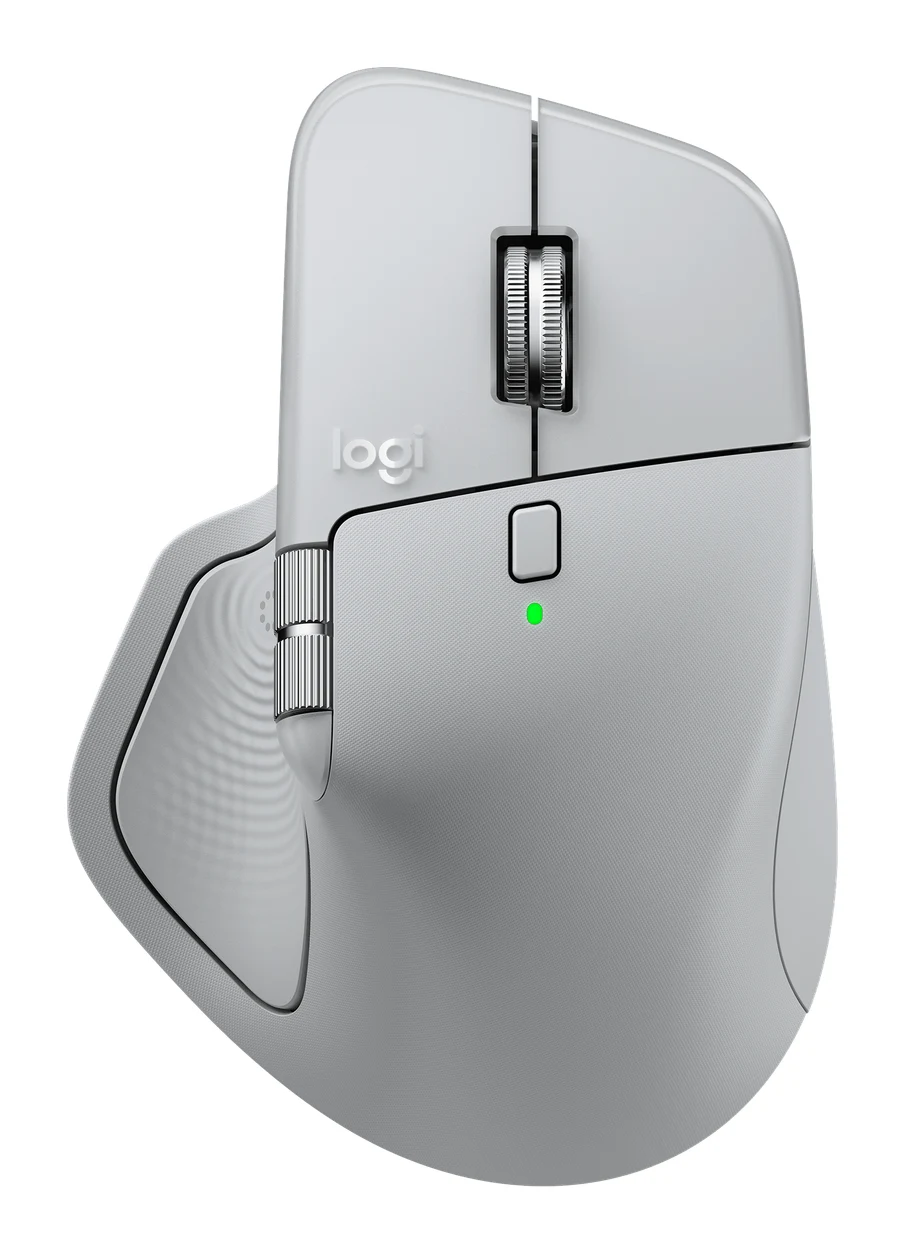
Logitech MX Master 4 Review (2026): Refined, Not Radical
The MX Master 4 is a comfortable, quiet, highly customizable productivity mouse with long battery life. Here is who it suits, and who should look elsewhere.
Published Oct 22, 2026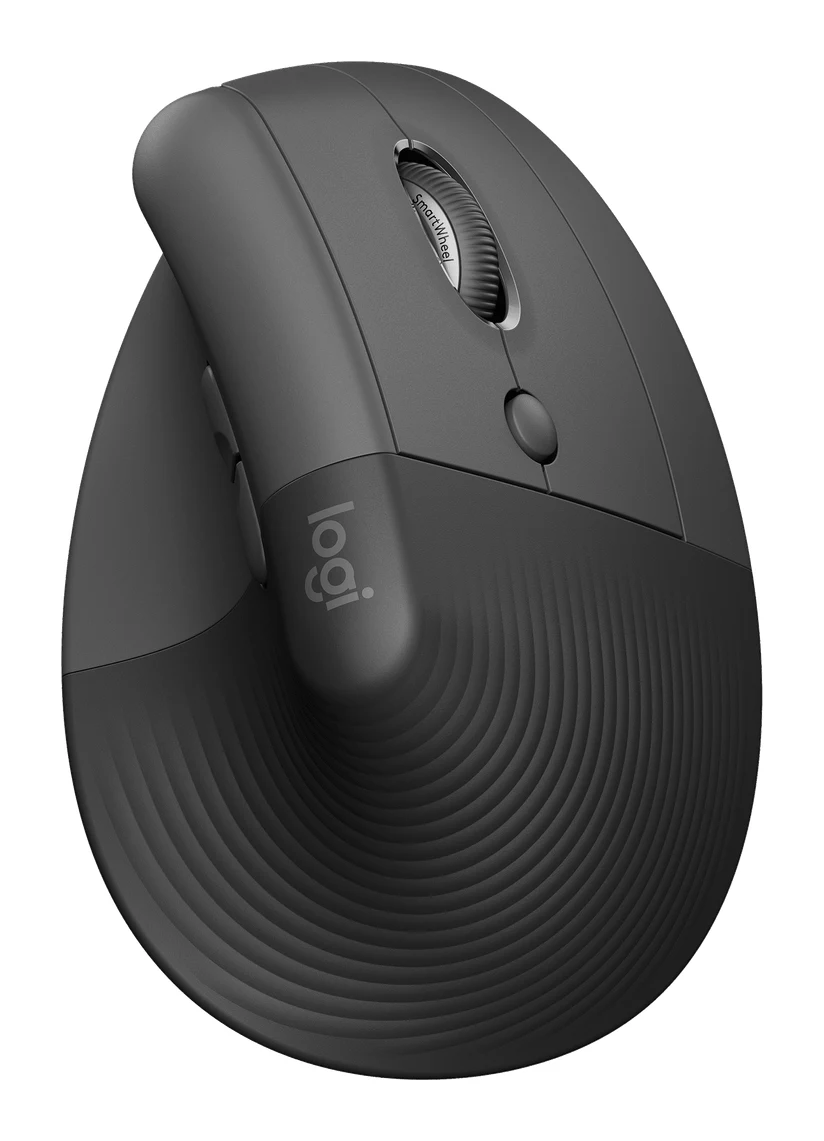
Logitech Lift Vertical Ergonomic Mouse Review: Small Hands
A look at the Logitech Lift vertical mouse: its 57° angle, compact body, quiet clicks and long battery life, and who should skip it.
Published Oct 26, 2026Best Ergonomic Mice 2026: Vertical or Palm Grip, Any Budget
Five ergonomic mice compared on manufacturer specs and expert recommendations, from a full-size palm-grip workhorse to budget vertical designs, plus advice on grip size, handedness and Mac use.
Published Oct 11, 2026