Apple MacBook Air 13-inch (M4, 2025) Review: Silent Speed
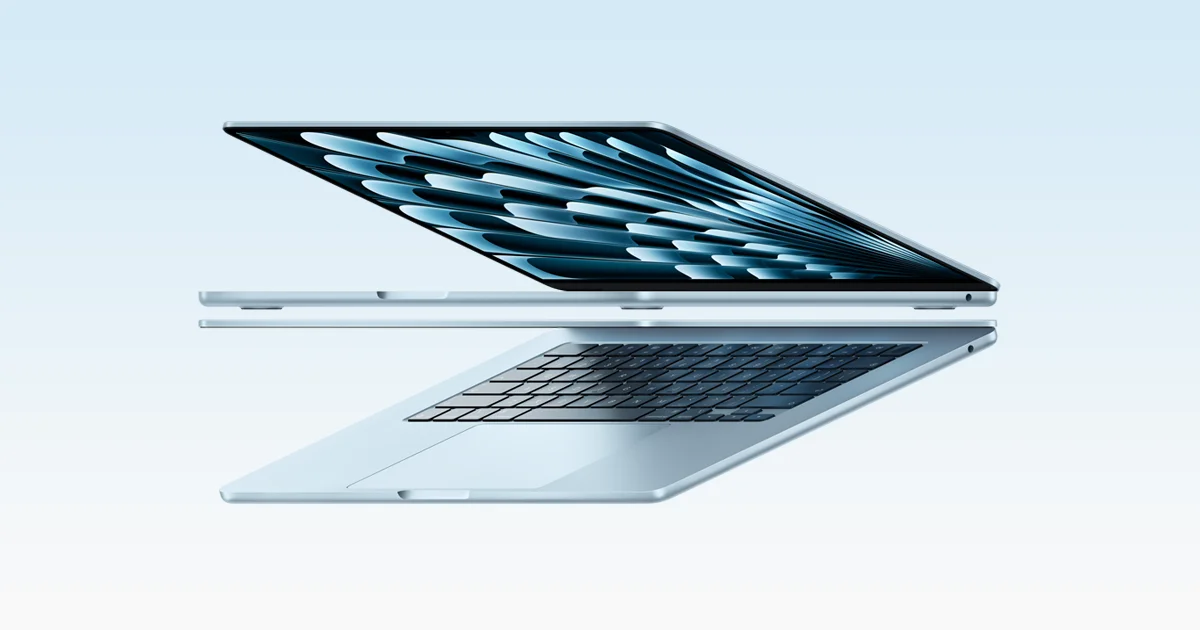
A silent, fanless 13.6-inch laptop with the M4 chip and all-day battery life. Here is what the specs and expert reviews say about who should buy it.
Research-based · We earn from qualifying purchases
Our verdict
The MacBook Air 13-inch (M4) is a quiet, light and fast laptop with all-day battery life, ideal for students, commuters and everyday professionals. Skip it if you need gaming power, sustained heavy rendering, or lots of built-in ports.
The good
- Fast M4 10-core chip handles everyday work with ease
- Silent fanless design with no fan noise
- Up to 18 hours of video streaming per charge
- Bright, sharp 13.6-inch display with P3 color
- 1080p Center Stage webcam is a clear step up
+2 more
- Bright, sharp 13.6-inch display with P3 color
- 1080p Center Stage webcam is a clear step up
The bad
- Only two Thunderbolt 4 ports, so a hub may be needed
- Fanless chip can throttle during long heavy workloads
- RAM and storage are soldered, so choose carefully at purchase
- Not suited to gaming or demanding graphics work
+1 more
- Not suited to gaming or demanding graphics work
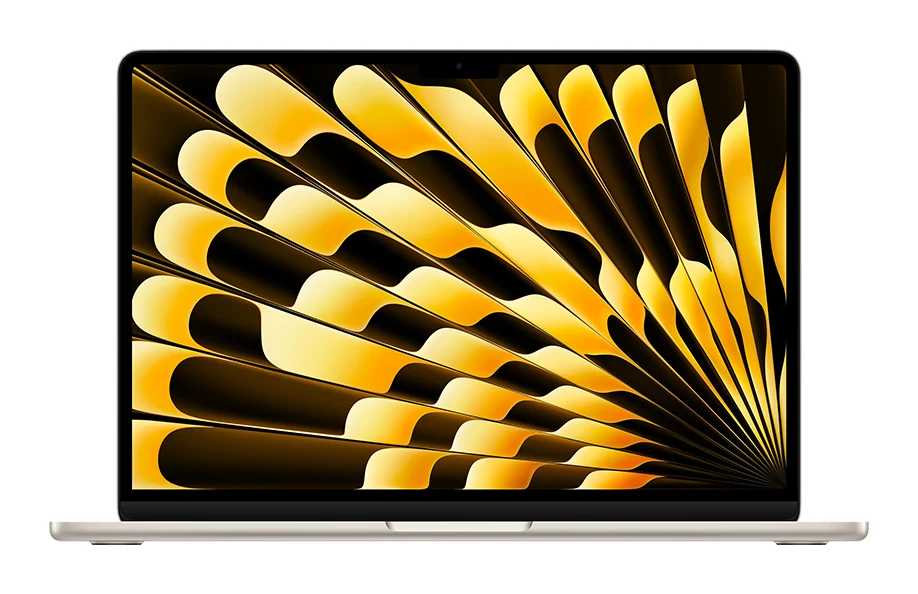
This Apple MacBook Air 13-inch (M4, 2025) review looks at a laptop that has one job: be the easy default for people who want a thin, quiet machine that lasts through the day. It pairs the Apple M4 chip with a fanless body, a 13.6-inch Liquid Retina display and 16GB of memory as standard. It sits in the mid-range part of the market. It is aimed at students, commuters and everyday professionals who want portability without much fuss.
This review is based on Apple's published specifications and on what independent expert reviews report. It is not based on hands-on testing.
Apple MacBook Air 13-inch (M4, 2025): specs at a glance
From the manufacturer- GPU
- 8-core or 10-core
- Chip
- Apple M4, 10-core CPU (4 performance + 6 efficiency)
- Audio
- Four-speaker sound system, three-mic array
- Ports
- MagSafe 3, two Thunderbolt 4 (USB-C) ports, 3.5 mm headphone jack
- Camera
- 12MP Center Stage, 1080p
- Memory
- 16GB unified (configurable to 24GB or 32GB)
- Weight
- 2.7 pounds (1.24 kg)
- Battery
- 53.8-watt-hour; up to 18 hours video streaming, up to 15 hours wireless web
- Display
- 13.6-inch LED-backlit IPS, 2560-by-1664 at 224 pixels per inch
- Wireless
- Wi-Fi 6E (802.11ax), Bluetooth 5.3
- Brightness
- 500 nits
- Dimensions
- 0.44 inch H x 11.97 inches W x 8.46 inches D
- Neural Engine
- 16-core
- Memory bandwidth
- 120GB/s
- Storage options (configure to order)
- 512GB, 1TB or 2TB SSD (256GB base on the entry model)
Key features
- M4 chip with 10-core CPU for fast everyday work
- Fanless design that runs silent
- Up to 18 hours video streaming on a charge
- 12MP Center Stage camera with Desk View
- Liquid Retina display with P3 wide color and True Tone
- Drives up to two external 6K displays at 60Hz
- Backlit Magic Keyboard with Touch ID
- MagSafe 3 charging plus two Thunderbolt 4 ports
Design and build
The MacBook Air is a slim, portable machine. It measures 0.44 inch high, 11.97 inches wide and 8.46 inches deep, and weighs 2.7 pounds (1.24 kg). At 2.7 pounds it is a portable laptop, which matters for the students and commuters it targets.
The big design decision is the fanless chassis. With no fan inside, the laptop runs silent. Reviewers consistently praise this, and it is a real day-to-day benefit in libraries, lecture halls, meeting rooms and quiet homes. The trade-off is that a passively cooled chip has limited headroom, which we cover under performance below.
Ports are modest. You get MagSafe 3 for charging, two Thunderbolt 4 (USB-C) ports and a 3.5 mm headphone jack. Having a dedicated charging port is a sensible touch on a laptop with so few connections. Even so, reviewers criticise the port count, and anyone who plugs in a monitor, drive and other accessories at once will probably want a hub.
Display, keyboard and webcam
The screen is a 13.6-inch LED-backlit IPS panel at 2560-by-1664 resolution and 224 pixels per inch. It reaches 500 nits of brightness and supports P3 wide color and True Tone. In plain terms, text should look crisp, colours rich, and the panel bright enough for typical indoor use. Reviewers describe it as bright and sharp.
The backlit Magic Keyboard includes Touch ID, so you can unlock the laptop and approve purchases or password prompts with a fingertip. The four-speaker sound system and three-mic array cover music, video and calls without extra accessories.
For video calls, the laptop has a 12MP Center Stage camera at 1080p, with Desk View. Reviewers describe the 1080p Center Stage webcam as a clear step up. Center Stage is designed to keep you framed on calls.
Apple MacBook Air 13-inch (M4, 2025) review: performance
The M4 chip has a 10-core CPU, split into 4 performance cores and 6 efficiency cores, plus an 8-core or 10-core GPU depending on configuration. There is also a 16-core Neural Engine. Memory is 16GB of unified memory with 120GB/s of memory bandwidth, and you can configure it to 24GB or 32GB.
For everyday work, reviewers say the chip handles things with ease. That covers the typical student and office workload: documents, browsing, video calls, streaming and general multitasking. Apple also says the laptop can drive up to two external 6K displays at 60Hz, which is useful for a desk setup that is more ambitious than a laptop this thin might suggest.
The limits are worth taking seriously. Reviewers note that because the chip is cooled passively, it can throttle during long, heavy workloads. They also say the MacBook Air is not suited to gaming or demanding graphics work. If your day involves sustained rendering or heavy graphics, this is the wrong tool. For short bursts and ordinary tasks, the fanless design is a benefit rather than a handicap.
Memory and storage choices
RAM and storage are soldered, so you cannot upgrade them later. That makes your configuration decision at purchase important. Storage options are 512GB, 1TB or 2TB SSD, with 256GB on the entry model. If you keep files locally, work with large media or want the laptop to last for years, think carefully before choosing the base storage. The 16GB of memory as standard is a good starting point for most people.
Battery and connectivity
The 53.8-watt-hour battery is rated for up to 18 hours of video streaming and up to 15 hours of wireless web browsing. Those are manufacturer figures, and real-world results will vary with brightness and workload. Even so, reviewers praise the battery life, and the spec suggests that a full day away from a charger is realistic for typical use.
Wireless connectivity is Wi-Fi 6E (802.11ax) and Bluetooth 5.3, which covers modern routers and wireless accessories. Charging goes through MagSafe 3.
What experts like and what they criticise
The published scores are strong. Tom's Guide rates it 4.5 out of 5 and Reviewed gives it 5 out of 5. Together that works out to an average of 9.5/10 across 2 expert reviews. It is also recommended in 2 expert buying guides.
Reviewers praise a consistent set of things:
- The fast M4 chip handling everyday work with ease
- The silent, fanless design
- Battery life of up to 18 hours of video streaming
- The bright, sharp display with P3 color
- The 1080p Center Stage webcam
The criticisms are just as consistent. Only two Thunderbolt 4 ports means a hub may be needed. The fanless chip can throttle in long heavy workloads. Soldered RAM and storage force you to choose carefully up front. And it is not built for gaming or demanding graphics work. None of these is a surprise for a thin, silent laptop, but they define who it suits.
Who should buy it
The MacBook Air 13-inch suits students and professionals who want a silent, portable, all-day laptop. It makes the most sense if your work is mostly browsing, writing, spreadsheets, video calls, streaming and light creative tasks. It is also a good pick if you value a quiet machine, a good webcam for remote meetings, and a display that looks sharp and bright.
Who should skip it
Skip it if you want to game, run sustained heavy rendering or do demanding graphics work. Skip it too if you need lots of built-in ports and do not want to carry a hub. Finally, it is not ideal if you want to upgrade RAM or storage later, since both are fixed at purchase.
How it fits in the laptop market
In general terms, the MacBook Air occupies the thin-and-light, quiet, battery-first end of the laptop market. It is a different kind of machine from gaming laptops or workstations, which trade noise and weight for sustained power. If you are weighing a lighter, cloud-first alternative, our Acer Chromebook Plus Spin 714 vs Lenovo Chromebook Duet comparison covers two Chromebooks and shows how a different approach looks.
Verdict
The Apple MacBook Air 13-inch (M4, 2025) is a strong all-round choice for people who want portability, silence and long battery life without thinking too much about the hardware. Its biggest strengths are the fast M4 chip for everyday tasks, the fanless quiet, and the endurance. Its limits are clear too: few ports, no upgrades after purchase and no real answer to sustained heavy workloads. If that matches how you work, the expert scores and guide recommendations suggest it is a strong choice. Choose your memory and storage carefully, and add a hub if you need one.
Related buying guides
Not sure about the Apple MacBook Air 13-inch (M4, 2025)? Consider these
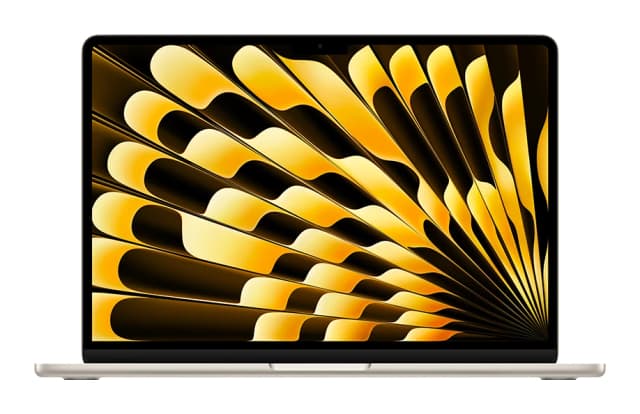
- Best OverallApple MacBook Air (13-inch, M5)Why we picked it →
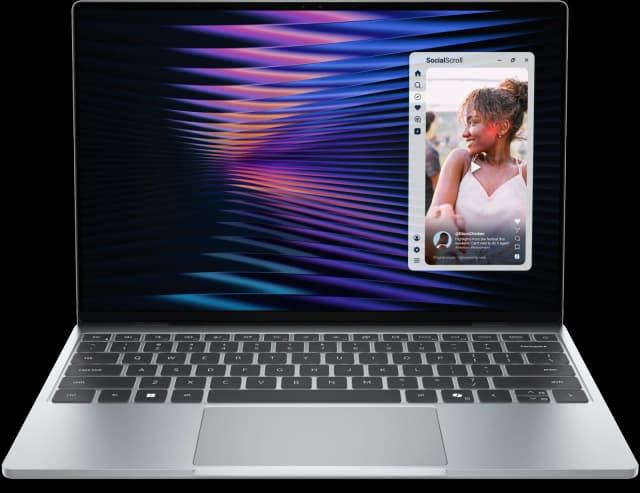
- Best ValueDell XPS 13 (2026)Why we picked it →
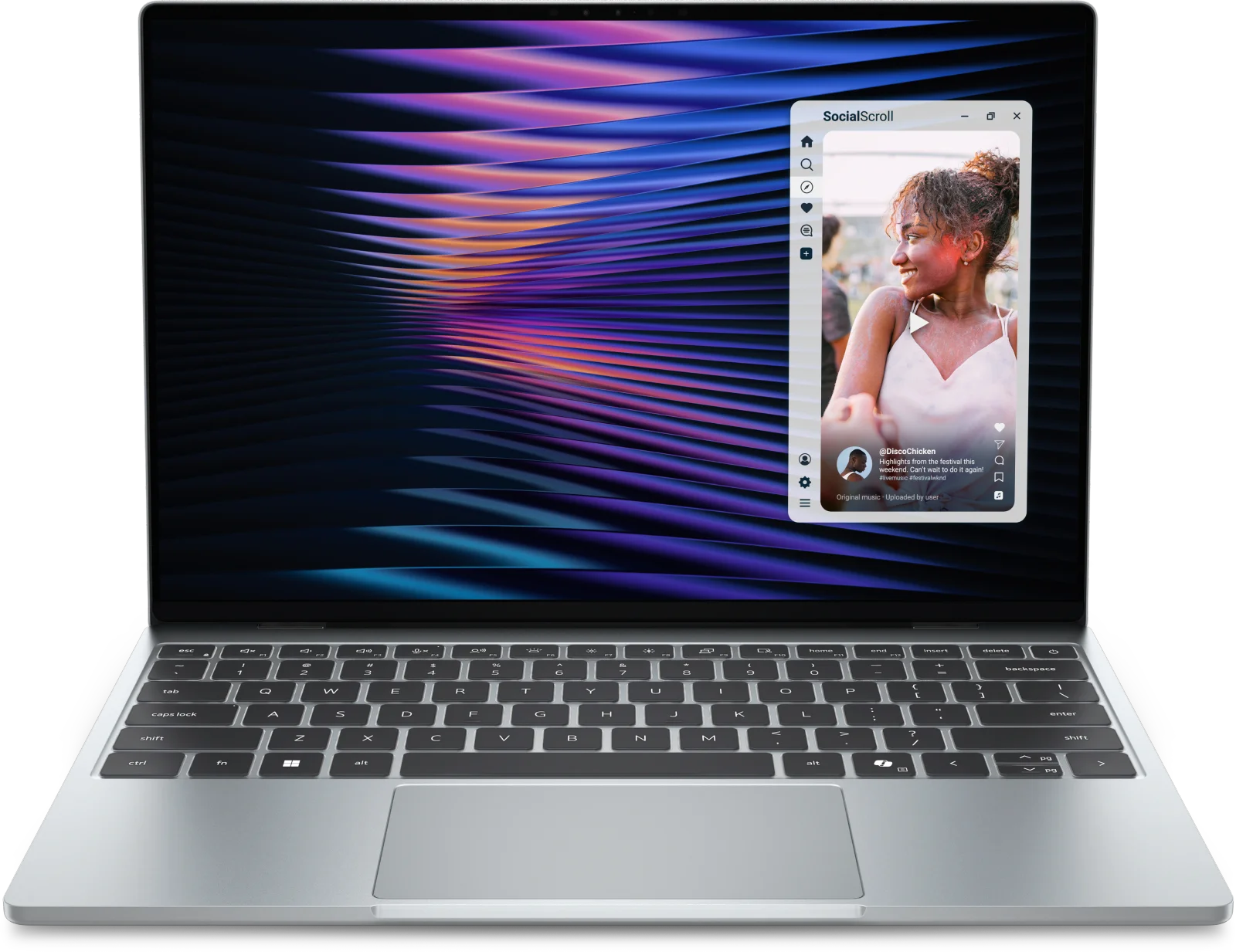
- Best BudgetApple MacBook NeoWhy we picked it →


Frequently asked questions
Is the MacBook Air 13-inch M4 worth it?
For students, commuters and everyday professionals, reviewers say yes. It averages 9.5/10 across 2 expert reviews, with Tom's Guide scoring it 4.5 out of 5 and Reviewed 5 out of 5. It is less suitable if you need gaming power, sustained heavy rendering or many built-in ports.
How long does the MacBook Air 13-inch M4 battery last?
Apple rates the 53.8-watt-hour battery at up to 18 hours of video streaming and up to 15 hours of wireless web browsing. Real-world results depend on brightness and what you are doing.
Does the MacBook Air M4 have a fan?
No. It has a fanless design that runs silent. The trade-off, as reviewers note, is that the chip can throttle during long heavy workloads.
How many ports does the MacBook Air 13-inch M4 have?
It has MagSafe 3 for charging, two Thunderbolt 4 (USB-C) ports and a 3.5 mm headphone jack. If you connect several accessories at once, a hub may be needed.
Can you upgrade the RAM or storage on the MacBook Air M4?
No. Memory and storage are soldered, so you need to choose at purchase. Memory is 16GB as standard, configurable to 24GB or 32GB. Storage options are 512GB, 1TB or 2TB, with a 256GB base on the entry model.
Can the MacBook Air 13-inch M4 run external monitors?
Yes. Apple says it can drive up to two external 6K displays at 60Hz.
Sources
Specs are taken from the manufacturers' official pages; expert recommendations from the publications below.
- Apple MacBook Air 13-inch (M4, 2025): support.apple.com, everymac.com
Related reviews & guides
Apple MacBook Air 13-inch M5 Review: Quiet All-Day Laptop
Our Apple MacBook Air 13-inch M5 review looks at the silent, slim ultraportable: what the specs mean day to day, what experts praise and who should skip it.
Published Oct 25, 2026
Apple MacBook Pro 16-inch (M5 Pro, 2026) Review: Worth It?
Our Apple MacBook Pro 16-inch (M5 Pro, 2026) review covers the chip, XDR display, battery, ports and who should upgrade, based on specs and expert reports.
Published Oct 25, 2026
Apple MacBook Neo Review (2026): Quiet, Light, Everyday Mac
A fanless 13-inch MacBook with an A18 Pro chip, Touch ID and long battery life. Here is who it suits and where its 8GB of memory and port choices hold it back.
Published Oct 19, 2026