Apple MacBook Air 13-inch M5 Review: Quiet All-Day Laptop
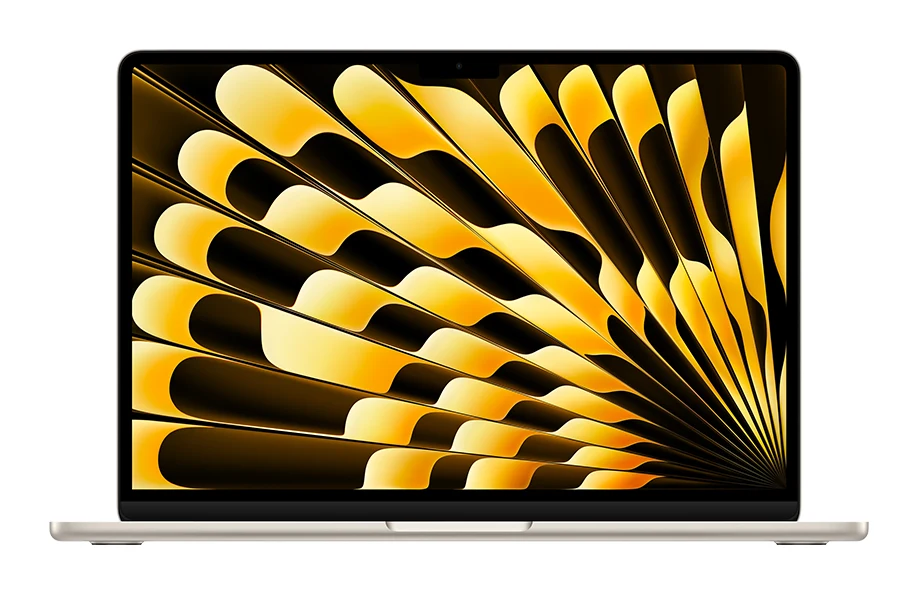
Our Apple MacBook Air 13-inch M5 review looks at the silent, slim ultraportable: what the specs mean day to day, what experts praise and who should skip it.
Research-based · We earn from qualifying purchases
Our verdict
The MacBook Air 13-inch M5 is a fast, silent, long-lasting and portable laptop with generous base specs, ideal for students, professionals and creators who want an all-day ultraportable. Skip it if you already have an M4 Air, need more ports, or want an OLED or high-refresh display.
The good
- Fast M5 chip handles heavy everyday and creative work
- Fanless design runs completely silent
- Battery rated up to 18 hours of video streaming
- Slim 2.7-pound build is easy to carry
- 16GB memory and 512GB SSD come standard
+2 more
- Slim 2.7-pound build is easy to carry
- 16GB memory and 512GB SSD come standard
The bad
- Price went up compared with the M4 model
- Display is 60Hz IPS rather than OLED, and the notch draws complaints
- Only two Thunderbolt 4 ports
- Modest upgrade for anyone who already owns the M4 Air
+1 more
- Modest upgrade for anyone who already owns the M4 Air
This Apple MacBook Air 13-inch M5 review looks at a fast, silent, light laptop that is rated for up to 18 hours of video streaming and ships with 16GB of memory and a 512GB SSD as standard. It pairs the Apple M5 chip with 16GB of unified memory and a 512GB SSD as standard, in a fanless body that weighs 2.7 pounds (1.23 kg). It is priced in the mid-range tier. It suits students and professionals who want a portable all-day laptop that stays quiet.
This review is based on Apple's published specifications and on what independent expert reviewers report. It is not based on hands-on testing.
Apple MacBook Air 13-inch M5: specs at a glance
From the manufacturer- Chip
- Apple M5, 10-core CPU (4 super + 6 efficiency cores), 8-core or 10-core GPU
- Audio
- Four-speaker system, three-mic array
- Ports
- MagSafe 3, two Thunderbolt 4 (USB-C), 3.5 mm headphone jack
- Camera
- 12MP Center Stage, 1080p
- Memory
- 16GB unified (configurable to 24GB or 32GB)
- Weight
- 2.7 pounds (1.23 kg)
- Battery
- 53.8-watt-hour; up to 18 hours video streaming, up to 15 hours wireless web
- Display
- 13.6-inch LED-backlit IPS, 2560-by-1664 at 224 pixels per inch
- Storage
- 512GB SSD (configurable to 1TB, 2TB or 4TB)
- Wireless
- Wi-Fi 7 (802.11be), Bluetooth 6
- Brightness
- 500 nits
- Dimensions
- 0.44 x 11.97 x 8.46 inches
- Power adapter
- 40W Dynamic Power Adapter with 60W Max (USB-C to MagSafe 3 cable, 2 m)
- External displays
- Up to two; two at 6K 60Hz, or one at 8K 60Hz
Key features
- Apple M5 chip with 10-core CPU for fast everyday and creative work
- Fanless, silent design
- 16GB unified memory and 512GB SSD as standard
- 13.6-inch Liquid Retina display, 500 nits
- Up to 18 hours video streaming battery life
- Wi-Fi 7 and Bluetooth 6 via Apple N1 chip
- 12MP Center Stage camera with Desk View
- MagSafe 3 charging, two Thunderbolt 4 ports and a headphone jack
Apple MacBook Air 13-inch M5 review: what you're getting
The M5 Air is built around the Apple M5 chip in a thin-and-light body. The headline is the Apple M5 chip, with a 10-core CPU (4 super cores and 6 efficiency cores) and a choice of 8-core or 10-core GPU. Around it, Apple has made a few choices that matter more than they look on a spec sheet. Memory starts at 16GB and storage at 512GB, so you aren't forced into an upgrade just to get a comfortable setup. Both can be configured higher if you need to: memory to 24GB or 32GB, storage up to 1TB, 2TB or 4TB.
Expert reviewers have responded warmly. The laptop averages 9.3/10 across 3 expert reviews, with TechRadar and Trusted Reviews each giving it 4.5/5 and Stuff awarding 5/5. It has also been recommended in one independent expert buying guide.
Design and build
The Air is built to disappear into a bag. It measures 0.44 x 11.97 x 8.46 inches and weighs 2.7 pounds (1.23 kg). Reviewers repeatedly single out the slim, easy-to-carry build as a strength. For a student moving between lectures, or a professional who travels often, that matters more than a few extra benchmark points.
The other defining design choice is that there is no fan. Because the M5 Air is fanless, it runs completely silent, and reviewers highlight this. In libraries, meetings and quiet offices, the lack of fan noise is a real everyday benefit. It also means there are no moving parts to spin up when you open a few dozen browser tabs.
Ports and charging
The port selection is practical, though not generous. You get MagSafe 3 for charging, two Thunderbolt 4 (USB-C) ports and a 3.5 mm headphone jack. Having a dedicated charging port means both Thunderbolt ports stay free for accessories, storage or displays. Still, two ports is a common criticism, and anyone who connects a lot of peripherals will probably want a dock or hub.
Apple's specifications list a 40W Dynamic Power Adapter with 60W Max and a 2 m USB-C to MagSafe 3 cable.
Display and audio
The screen is a 13.6-inch LED-backlit IPS panel at 2560-by-1664 resolution, which works out to 224 pixels per inch. Brightness is 500 nits. That's a sensible spec for a laptop used for documents, video calls, browsing and streaming.
The display is also a point of criticism. Reviewers note that it's a 60Hz IPS panel rather than OLED, and that the notch draws complaints. If you're after a high-refresh screen or the contrast of OLED, this isn't that laptop.
For external monitors, the Air supports up to two displays: either two at 6K 60Hz, or one at 8K 60Hz. That's useful if you plan to dock it at a desk. Audio comes from a four-speaker system with a three-mic array, which suits calls and casual listening.
Performance: fast, silent and sensibly equipped
The M5 chip is the main reason to consider this laptop. Reviewers praise it as fast enough for heavy everyday and creative work, and the 10-core CPU supports that. The 16GB of unified memory is the other part of the story. Unified memory is shared between the CPU and GPU, and a bigger base allocation gives you more headroom when you run many apps at once or work with larger files.
Battery life
The Air has a 53.8-watt-hour battery. Apple rates it for up to 18 hours of video streaming and up to 15 hours of wireless web browsing. As with any manufacturer rating, real-world results depend on brightness, workload and settings, but reviewers list battery life among the Air's strengths.
Connectivity and camera
Wireless support is current. Wi-Fi 7 (802.11be) and Bluetooth 6 are handled by Apple's N1 chip. Wi-Fi 7 only pays off with a compatible router, but it means the laptop won't be the bottleneck as networks upgrade.
The 12MP Center Stage camera records at 1080p and includes Desk View. The laptop also has a three-mic array, so the hardware for video calls is covered on paper.
What experts like and what they criticise
The praise is consistent. Reviewers like the fast M5 chip, the completely silent fanless design, the battery rated up to 18 hours of video streaming, the slim 2.7-pound build, and the fact that 16GB of memory and a 512GB SSD come as standard.
The criticisms are also consistent, and they matter:
- Price: a common complaint is that the price went up compared with the M4 model.
- Display: it's a 60Hz IPS panel rather than OLED, and the notch draws complaints.
- Ports: only two Thunderbolt 4 ports.
- Upgrade value: it's a modest step up for anyone who already owns the M4 Air.
None of these makes it a bad laptop, but they do shape who should buy it.
Who should buy it, and who should skip it
Buy it if you're a student, professional or creator who wants a quiet, portable laptop that can last a full day and doesn't need an immediate memory or storage upgrade. The base configuration is a strong point, and the silent design suits shared and quiet spaces.
Skip it if you already have an M4 Air, because reviewers describe the M5 as a modest upgrade. Also skip it if you need more than two Thunderbolt ports without a hub, or if you want an OLED or high-refresh display. Those are the clearest trade-offs in this design.
How it fits in its category
The MacBook Air 13-inch M5 leans toward portability, silence and endurance, with only two Thunderbolt 4 ports and a 60Hz IPS display rather than OLED. If those priorities match yours, it's a well-rounded choice. If you want an OLED or high-refresh display, or need more than two Thunderbolt 4 ports, this isn't the laptop for you.
Verdict
The MacBook Air 13-inch M5 is an easy laptop to recommend to people who value quiet, portability and battery life. The generous base memory and storage, the fanless design and the strong expert reception, including an average of 9.3/10 across 3 reviews, back that up. The caveats are real: a higher price than the M4 model, a 60Hz IPS display with a notch, and only two Thunderbolt 4 ports. For new buyers who want a dependable all-day ultraportable, it's a strong option. For M4 Air owners, there's little reason to rush.
Related buying guides
- Apple MacBook Pro 16-inch (M5 Pro, 2026) Review: Worth It?
- Apple MacBook Neo Review (2026): Quiet, Light, Everyday Mac
- Best Laptops for College Students 2026: All-Day Battery
- Best Laptops for Video Editing 2026: Power, Screens, Ports
- Best Chromebooks 2026: Budget, 2-in-1 and AMOLED Picks
- Acer Chromebook Plus Spin 714 Review (2026): Updates to 2034
- Best Portable Monitor 2026 for Laptops, Consoles & Travel
- Best Quiet Keyboard for Office in 2026: Calm Typing at Work
Not sure about the Apple MacBook Air 13-inch M5? Consider these
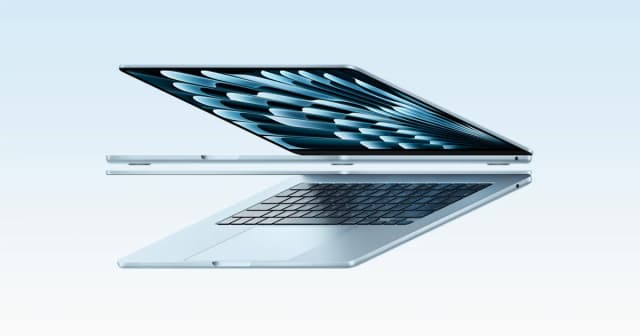
- Best OverallApple MacBook Air 13-inch (M5, 2026)Why we picked it →
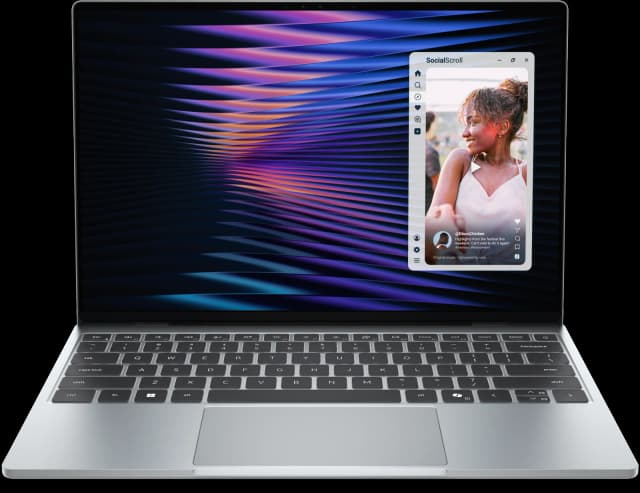
- Best ValueDell XPS 13 (2026)Why we picked it →
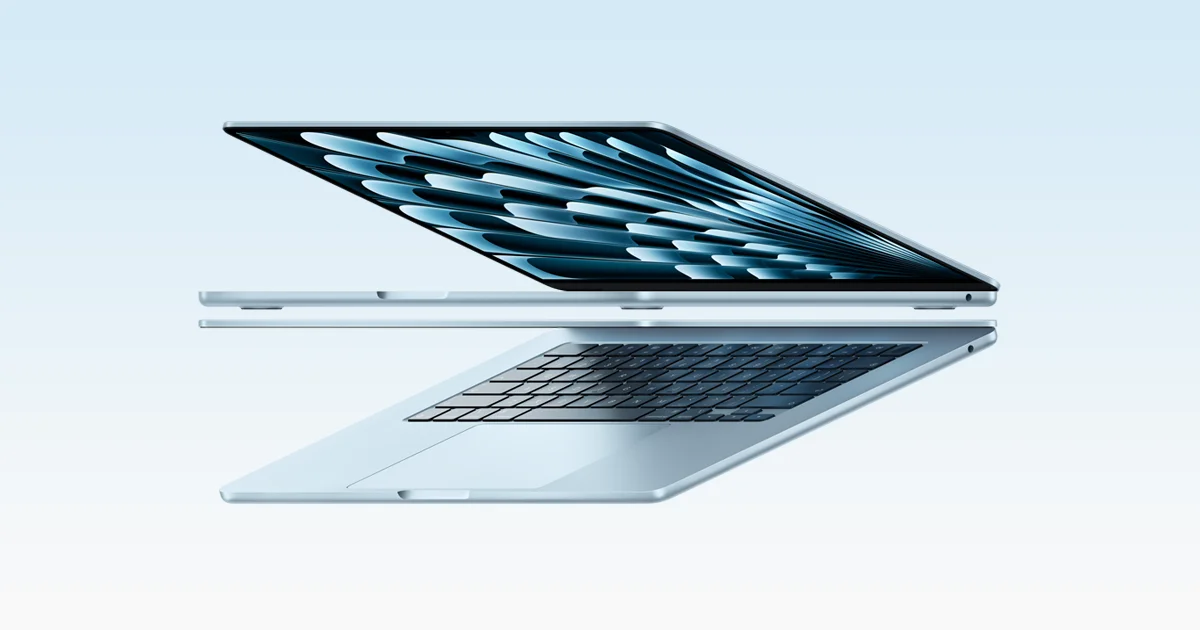
- Premium PickMacBook Pro 14-inch (M5, 2025)Why we picked it →


Frequently asked questions
Is the MacBook Air 13-inch M5 worth it?
For students, professionals and creators who want a silent, portable laptop with good battery life, reviewers think so. It averages 9.3/10 across 3 expert reviews. It is less compelling if you already own the M4 Air, which reviewers describe as a modest upgrade to move on from.
Does the MacBook Air M5 have a fan?
No. It has a fanless design, and reviewers praise it for running completely silent.
How long does the MacBook Air 13-inch M5 battery last?
Apple rates the 53.8-watt-hour battery for up to 18 hours of video streaming and up to 15 hours of wireless web browsing. Real-world results will vary with brightness and workload.
Does the MacBook Air 13-inch M5 support Wi-Fi 7?
Yes. It supports Wi-Fi 7 (802.11be) and Bluetooth 6 through Apple's N1 chip. You need a Wi-Fi 7 router to benefit from the faster standard.
What ports does the MacBook Air 13-inch M5 have?
It has MagSafe 3 for charging, two Thunderbolt 4 (USB-C) ports and a 3.5 mm headphone jack. Only two Thunderbolt 4 ports is a common criticism, so heavy peripheral users may want a hub.
How many external displays can the MacBook Air M5 run?
It supports up to two external displays: either two at 6K 60Hz, or one at 8K 60Hz.
Sources
Specs are taken from the manufacturers' official pages; expert recommendations from the publications below.
- Apple MacBook Air 13-inch M5: apple.com, support.apple.com
Related reviews & guides

Apple MacBook Pro 16-inch (M5 Pro, 2026) Review: Worth It?
Our Apple MacBook Pro 16-inch (M5 Pro, 2026) review covers the chip, XDR display, battery, ports and who should upgrade, based on specs and expert reports.
Published Oct 25, 2026
Apple MacBook Neo Review (2026): Quiet, Light, Everyday Mac
A fanless 13-inch MacBook with an A18 Pro chip, Touch ID and long battery life. Here is who it suits and where its 8GB of memory and port choices hold it back.
Published Oct 19, 2026Best Laptops for College Students 2026: All-Day Battery
Five laptops for campus life in 2026, from a long-lasting MacBook Air to a budget OLED Chromebook, compared on battery, weight, memory and ports.
Published Oct 20, 2026