Apple MacBook Neo Review (2026): Quiet, Light, Everyday Mac

A fanless 13-inch MacBook with an A18 Pro chip, Touch ID and long battery life. Here is who it suits and where its 8GB of memory and port choices hold it back.
Research-based · We earn from qualifying purchases
Our verdict
The MacBook Neo is a well-built, quiet and long-lasting laptop that gives students and everyday users the full macOS experience at a mid-range price. Power users who need lots of memory, fast ports or wide-gamut color should look at a higher-tier MacBook instead.
The good
- Premium aluminum build at only 2.7 pounds
- Bright 13-inch Liquid Retina display with sharp 219 ppi density
- A18 Pro delivers fast everyday performance in a silent fanless design
- Up to 16 hours of video streaming battery life
- Touch ID, 1080p webcam and Dolby Atmos speakers included
+2 more
- Up to 16 hours of video streaming battery life
- Touch ID, 1080p webcam and Dolby Atmos speakers included
The bad
- Only 8GB of unified memory may limit heavy multitasking
- One of the two USB-C ports is slow USB 2
- Display is sRGB, without P3 wide color
- No Thunderbolt support and reviewers note no keyboard backlight
+1 more
- No Thunderbolt support and reviewers note no keyboard backlight
This Apple MacBook Neo 13-inch (A18 Pro, 2026, 512GB with Touch ID) review looks at a laptop built around a simple idea: give everyday users the macOS experience in a light, silent body at a mid-range price. It is aimed at students and everyday users who want a quiet, portable Mac, rather than people who need a workstation. This review is based on Apple's specifications and what independent experts report, not on hands-on testing.
Apple MacBook Neo 13-inch (A18 Pro, 2026, 512GB with Touch ID): specs at a glance
From the manufacturer- Chip
- Apple A18 Pro, 6-core CPU (2 performance + 4 efficiency), 5-core GPU, 16-core Neural Engine
- Color
- 1 billion colors, sRGB
- Ports
- One USB 3 (USB-C, up to 10Gb/s, DisplayPort), one USB 2 (USB-C, up to 480Mb/s), 3.5 mm headphone jack
- Camera
- 1080p FaceTime HD
- Memory
- 8GB unified memory
- Weight
- 2.7 pounds (1.23 kg)
- Battery
- 36.5-watt-hour lithium-ion; up to 16 hours video streaming, up to 11 hours wireless web
- Charger
- 20W USB-C Power Adapter, USB-C Charge Cable (1.5 m)
- Display
- 13.0-inch Liquid Retina (IPS), 2408x1506, 219 pixels per inch
- Storage
- 512GB SSD
- Security
- Touch ID
- Wireless
- Wi-Fi 6E (802.11ax), Bluetooth 6
- Brightness
- 500 nits
- Dimensions
- 0.50 inch H x 11.71 inches W x 8.12 inches D
- External display
- One external display up to 4K at 60Hz
Key features
- A18 Pro chip with 6-core CPU for fast everyday tasks
- Up to 16 hours of video streaming battery life
- Fanless design for silent operation
- Bright 13-inch Liquid Retina display with 1 billion colors
- Touch ID on the 512GB model for quick unlock and payments
- 1080p FaceTime HD camera with dual-mic array for video calls
- Dual-speaker sound system with Dolby Atmos Spatial Audio
- Lightweight aluminum body at 2.7 pounds
Why people are considering the MacBook Neo
The Neo's appeal is its combination of traits. It uses Apple's A18 Pro chip, has no fan, weighs 2.7 pounds (1.23 kg) and is rated for up to 16 hours of video streaming. It also includes Touch ID, a 1080p camera and a dual-speaker system with Dolby Atmos Spatial Audio. For a mid-range laptop that is a well-rounded list, and it explains why four independent expert guides recommend it.
The score reflects that reception. Tom's Guide and Pickr each rate it 4.5/5, and the site's verdict score of 9/10 is the average of those expert scores.
The sections below cover what the hardware means in daily use and where the compromises are.
Apple MacBook Neo 13-inch review: design and build
The Neo has a lightweight aluminum body, and reviewers praise the premium build for a laptop that weighs only 2.7 pounds. It measures 0.50 inch high, 11.71 inches wide and 8.12 inches deep. That makes it easy to slide into a bag alongside textbooks or work files, which suits its student audience.
The fanless design matters as much as the weight. With no fan, the laptop runs silently, a benefit in libraries, lecture halls, shared offices and quiet evenings at home. Reviewers specifically single out the combination of fast everyday performance and silent operation.
One criticism reviewers raise is that the keyboard has no backlight. If you often type in dim rooms or on night flights, factor that in.
Display: bright, sharp, but sRGB
The screen is a 13.0-inch Liquid Retina IPS panel with a resolution of 2408x1506, which works out to 219 pixels per inch. Peak brightness is 500 nits, and Apple quotes support for 1 billion colors. Reviewers praise the display's brightness and pixel density.
The color gamut is the caveat. The panel is sRGB and does not offer P3 wide color. For browsing, documents, streaming and general schoolwork, sRGB is fine. If you edit photos or video where color accuracy beyond sRGB matters, this is a limitation, and it is one of the reasons our verdict points those users toward a higher-tier MacBook.
The Neo supports one external display up to 4K at 60Hz. That is enough for a desk setup with a single monitor, but not for a multi-screen layout.
Performance: what the A18 Pro means day to day
The A18 Pro has a 6-core CPU (2 performance and 4 efficiency cores), a 5-core GPU and a 16-core Neural Engine. In practice, Apple positions it for fast everyday tasks, and reviewers agree that it delivers fast everyday performance. Think everyday tasks such as web browsing, documents, email, video calls and streaming.
The main constraint is memory. The Neo has 8GB of unified memory, and a common criticism is that this may limit heavy multitasking. If you keep many apps and browser windows open at once, or you want to work with large files, the limit is the first thing you are likely to hit. The Neo comes with a 512GB SSD.
Battery life and charging
Apple rates the 36.5-watt-hour battery at up to 16 hours of video streaming and up to 11 hours of wireless web browsing. These are manufacturer figures and real-world results depend on brightness and workload. Reviewers praise the battery life.
In the box you get a 20W USB-C Power Adapter and a 1.5 m USB-C charge cable, so you can start using it without buying a separate charger.
Ports and connectivity
It has two USB-C ports that are not equal. One is USB 3 with speeds up to 10Gb/s and DisplayPort support, which is the one to use for your external display or a fast drive. The other is USB 2, limited to 480Mb/s. There is also a 3.5 mm headphone jack, useful if you prefer wired headphones.
Reviewers criticise the slow USB 2 port and note there is no Thunderbolt support. If you rely on fast external storage, docks or multiple high-speed accessories, you will feel those limits. For a student who plugs in a monitor or a flash drive now and then, they are less of a concern.
Wireless connectivity is up to date, with Wi-Fi 6E (802.11ax) and Bluetooth 6.
Camera, audio and security
The 1080p FaceTime HD camera and dual-mic array are aimed squarely at video calls, which are a daily part of study and remote work. The dual-speaker system supports Dolby Atmos Spatial Audio, and reviewers list the webcam and speakers among the strengths of the package.
Touch ID is included on this 512GB configuration. It gives you quick unlocking and payments with a fingerprint rather than typing a password each time.
What experts like and what they criticise
The praise is consistent. Reviewers highlight:
- the premium aluminum build at only 2.7 pounds
- the bright, sharp display
- the fast everyday performance in a silent fanless design
- the battery life
- the inclusion of Touch ID, a 1080p webcam and Dolby Atmos speakers
The criticisms are also consistent:
- only 8GB of unified memory
- one slow USB 2 port
- an sRGB display without P3 wide color
- no Thunderbolt and no keyboard backlight
The question is whether they affect how you work.
Who should buy it, and who should skip it
Buy it if you are a student or an everyday user who wants a quiet, portable laptop with long battery life and the full macOS experience. It is a good fit if your work is browsing, writing, streaming, video calls and general productivity, and you value a good screen and a solid build more than raw expandability.
Skip it if you regularly run heavy multitasking workloads, need fast ports or Thunderbolt peripherals, or do color-critical work where wide-gamut P3 matters. Those users should look at a higher-tier MacBook. If you type a lot in low light, the missing keyboard backlight is another reason to hesitate.
How it fits in the wider laptop market
The Neo sits in the mid-range price tier among the products compared. The trade-offs are on memory, ports and color gamut rather than on the basics of design, display sharpness and battery life.
If you are undecided on operating system and want a different kind of low-cost laptop, see our guide to the best Chromebooks. If you are leaning toward a desktop Mac instead, see our Apple Mac mini (M4 Pro, 2024) review.
Verdict
The MacBook Neo is a well-built, quiet everyday laptop. It is light, silent and long-lasting, with a sharp display, Touch ID and a capable webcam and speakers. With an expert average of 9/10 and four independent guides recommending it, the consensus is strong for its target audience. Its limits are clear too: 8GB of memory, a slow USB 2 port, no Thunderbolt, an sRGB-only screen and no keyboard backlight. If those fit around how you work, it is an easy laptop to recommend. If not, step up to a higher-tier MacBook.
Related buying guides
- Best Laptops for College Students 2026: All-Day Battery
- Best Portable Monitor 2026 for Laptops, Consoles & Travel
- Best Mini PC in 2026: Small, Quiet Desktops for Work
- Best Quiet Keyboard for Office in 2026: Calm Typing at Work
- Acer Chromebook Plus Spin 714 Review (2026): Updates to 2034
- Best Laptops for Video Editing 2026: Power, Screens, Ports
Not sure about the Apple MacBook Neo 13-inch (A18 Pro, 2026, 512GB with Touch ID)? Consider these
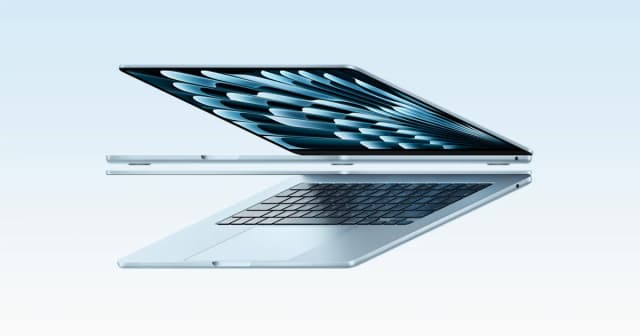
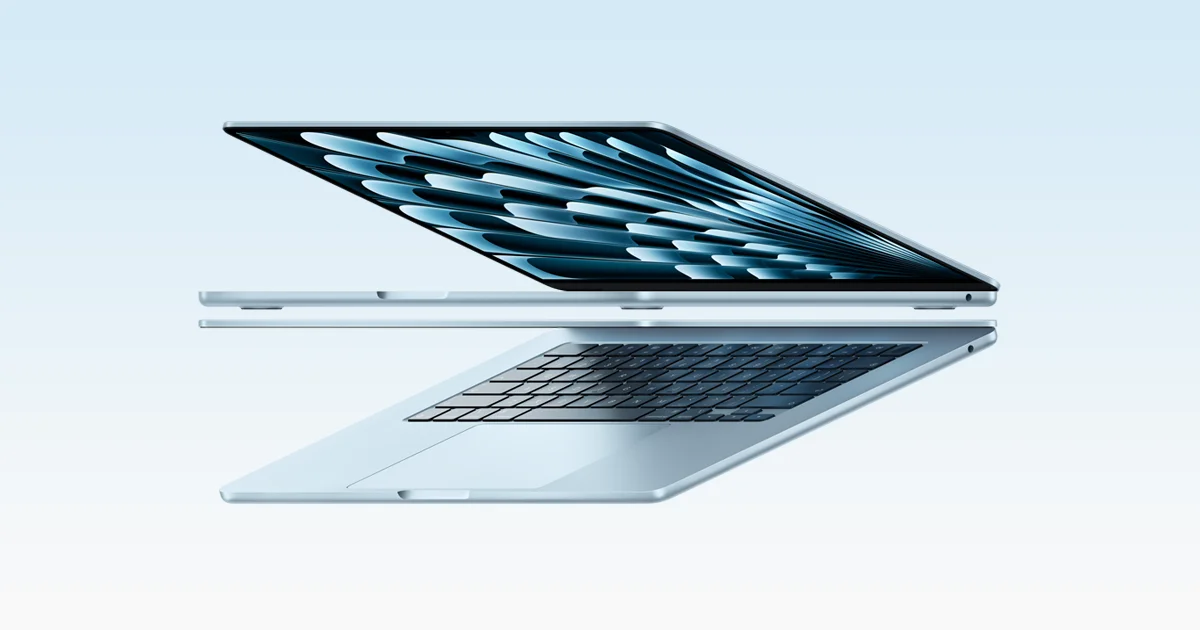
- Best OverallApple MacBook Air 13-inch (M5, 2026)Why we picked it →
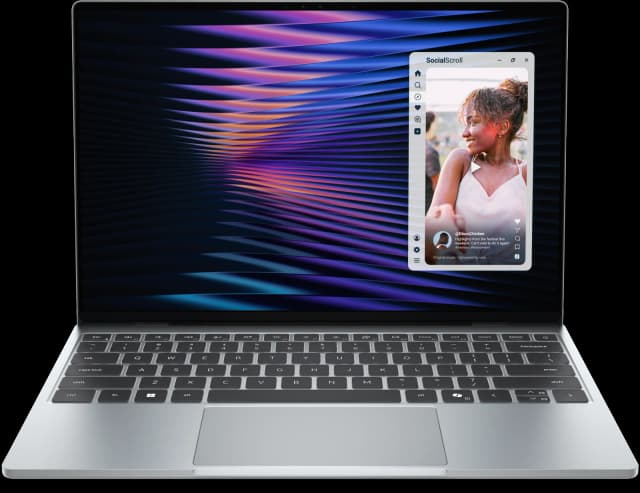
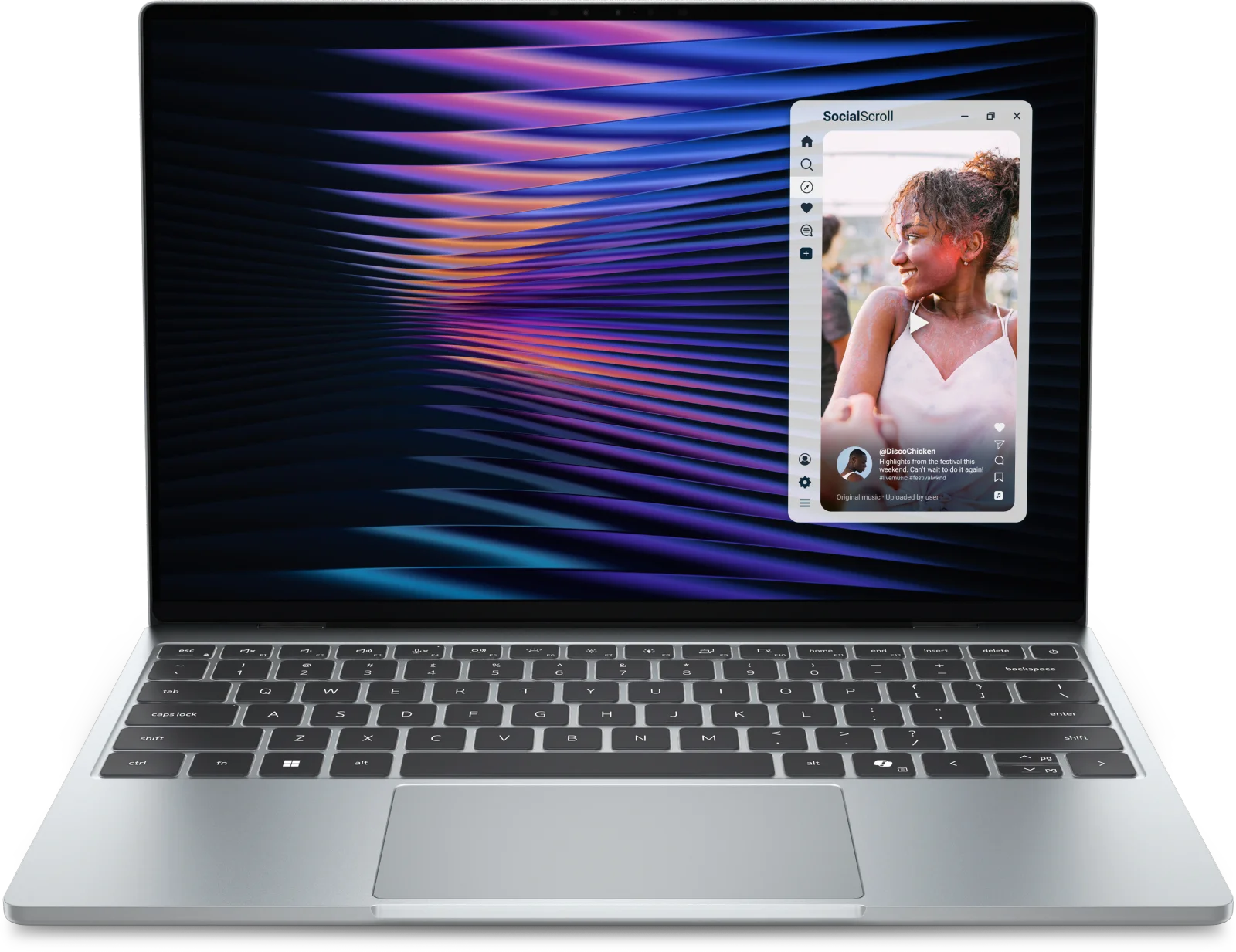
- Best ValueDell XPS 13 (2026)Why we picked it →
- Premium PickMacBook Pro 14-inch (M5, 2025)Why we picked it →


Frequently asked questions
Is the Apple MacBook Neo worth it?
For students and everyday users, experts think so. It averages 9/10 across expert scores, with Tom's Guide and Pickr each giving it 4.5/5, and four independent guides recommend it. It is less suited to heavy multitasking, fast external storage or color-critical work.
How long does the MacBook Neo battery last?
Apple rates the 36.5-watt-hour battery at up to 16 hours of video streaming and up to 11 hours of wireless web browsing. Real-world results depend on screen brightness and what you are doing.
Does the MacBook Neo have a fan?
No. It uses a fanless design, so it runs silently. Reviewers praise the combination of fast everyday performance and silent operation.
Does the MacBook Neo have Touch ID?
Yes. The 512GB model reviewed here includes Touch ID for quick unlocking and payments.
What ports does the MacBook Neo have?
It has one USB 3 USB-C port (up to 10Gb/s, with DisplayPort), one USB 2 USB-C port (up to 480Mb/s) and a 3.5 mm headphone jack. It does not support Thunderbolt.
Is 8GB of memory enough on the MacBook Neo?
For everyday tasks such as browsing, documents, streaming and video calls, reviewers find performance fast. A common criticism is that 8GB may limit heavy multitasking, so power users may want a higher-tier MacBook.
Sources
Specs are taken from the manufacturers' official pages; expert recommendations from the publications below.
- Apple MacBook Neo 13-inch (A18 Pro, 2026, 512GB with Touch ID): apple.com, vividrepairs.co.uk, basicappleguy.com, devicerated.com
Related reviews & guides

Apple MacBook Pro 16-inch (M5 Pro, 2026) Review: Worth It?
Our Apple MacBook Pro 16-inch (M5 Pro, 2026) review covers the chip, XDR display, battery, ports and who should upgrade, based on specs and expert reports.
Published Oct 25, 2026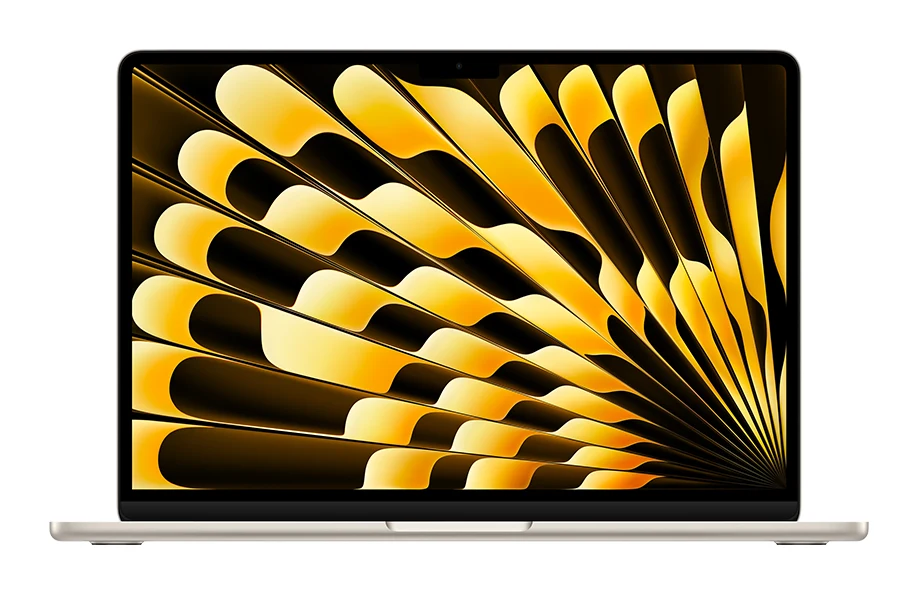
Apple MacBook Air 13-inch M5 Review: Quiet All-Day Laptop
Our Apple MacBook Air 13-inch M5 review looks at the silent, slim ultraportable: what the specs mean day to day, what experts praise and who should skip it.
Published Oct 25, 2026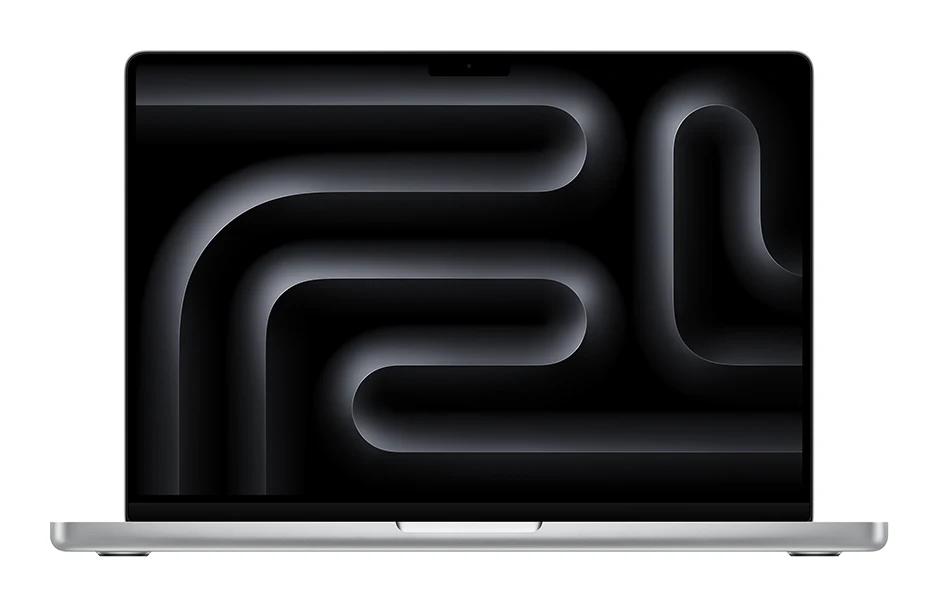
Best Laptops for Video Editing 2026: Macs to RTX
Five video editing laptops compared on processor, GPU, display, ports, weight and battery life, drawn from manufacturer specs and independent expert recommendations.
Published Oct 25, 2026