Apple MacBook Pro 16-inch (M5 Pro, 2026) Review: Worth It?

Our Apple MacBook Pro 16-inch (M5 Pro, 2026) review covers the chip, XDR display, battery, ports and who should upgrade, based on specs and expert reports.
Research-based · We earn from qualifying purchases
Our verdict
This is a great pick for creative professionals and developers who need sustained performance, a top-tier display and lots of ports, especially if they are coming from an older Intel or M1-era Mac. M4 Pro owners can skip it, as can anyone who wants a lighter laptop or is waiting for the rumoured OLED redesign.
The good
- Big CPU and GPU gains over the M4 Pro, strong for creative and AI work
- Battery life up to 24 hours of video on a 100Wh battery
- Bright 16.2-inch XDR display with 120Hz ProMotion and optional nano-texture
- Full port selection: Thunderbolt 5, HDMI, SDXC slot, MagSafe 3
- Fast SSD, Wi-Fi 7 and support for up to three external displays
+2 more
- Full port selection: Thunderbolt 5, HDMI, SDXC slot, MagSafe 3
- Fast SSD, Wi-Fi 7 and support for up to three external displays
The bad
- Design is unchanged from last generation, so it feels incremental over the M4 Pro
- Priced higher than last year's model, and top configurations get very expensive
- At 4.7 pounds it is heavy for a laptop
- Display notch is disliked, and nano-texture costs extra
+1 more
- Display notch is disliked, and nano-texture costs extra
This Apple MacBook Pro 16-inch (M5 Pro, 2026) review looks at a laptop aimed squarely at people who earn a living from their machine: video editors, designers, developers and anyone running heavy on-device AI workloads. It pairs the M5 Pro chip with a large XDR display, a full set of ports and a 100-watt-hour battery. This article is based on Apple's published specifications and on what independent expert reviews report, not on hands-on testing.
Apple MacBook Pro 16-inch (M5 Pro, 2026): specs at a glance
From the manufacturer- Chip
- Apple M5 Pro, 18-core CPU (6 super cores and 12 performance cores), 20-core GPU, 16-core Neural Engine
- Ports
- 3x Thunderbolt 5, MagSafe 3, SDXC card slot, HDMI, headphone jack
- Colors
- Space Black and Silver
- Weight
- 4.7 pounds (2.14 kg)
- Battery
- Up to 24 hours video streaming, up to 17 hours wireless web, 100-watt-hour
- Display
- 16.2-inch Liquid Retina XDR, 3456-by-2234 at 254 pixels per inch
- Charging
- 140W USB-C Power Adapter, MagSafe 3 cable (2 m)
- Wireless
- Wi-Fi 7 (802.11be), Bluetooth 6
- Dimensions
- 0.66 inch (1.68 cm) H x 14.01 inches (35.57 cm) W x 9.77 inches (24.81 cm) D
- Refresh rate
- ProMotion up to 120Hz
- Memory options
- 64GB configurable (M5 Pro with 20-core GPU)
- Storage options
- 2TB or 4TB SSD
- Memory bandwidth
- 307GB/s
- Memory (this config)
- 24GB
- Storage (this config)
- 1TB
Key features
- Next-gen CPU, faster unified memory and up to 2x faster SSD, with a Neural Accelerator in every GPU core for faster on-device AI
- 16.2-inch Liquid Retina XDR display with 1600 nits peak brightness, 1000 nits sustained and 1,000,000:1 contrast
- Up to 24 hours of video streaming and 17 hours of web browsing on a 100-watt-hour battery
- Three Thunderbolt 5 ports, MagSafe 3, SDXC slot, HDMI, headphone jack, plus Wi-Fi 7 and Bluetooth 6
- Drives up to three external displays with M5 Pro
- 12MP Center Stage camera, three studio-quality mics and six speakers with Spatial Audio and Dolby Atmos
- 1TB of storage as standard on M5 Pro models
What the MacBook Pro 16-inch (M5 Pro) is
This 16-inch model pairs the M5 Pro chip with a full set of ports. The chip has an 18-core CPU (6 super cores and 12 performance cores), a 20-core GPU and a 16-core Neural Engine. Apple also puts a Neural Accelerator in every GPU core, aimed at faster on-device AI.
The configuration covered here has 24GB of unified memory and 1TB of storage, with 1TB standard on M5 Pro models. Memory can be configured up to 64GB on the M5 Pro with 20-core GPU, and storage options go to 2TB or 4TB. It sits in the mid-range part of the market among the products we compare, but a heavily upgraded configuration gets very expensive, a point reviewers raise too.
It makes the most sense for creative professionals and developers who need sustained performance and don't want to carry a dongle bag.
Design and build
The chassis is a familiar one. Reviewers note that the design is unchanged from last generation, which is why some see this as an incremental update over the M4 Pro. If you were hoping for a fresh look, this isn't it. If you like the current MacBook Pro shape, that continuity is easy to live with.
The laptop measures 0.66 inch (1.68 cm) high, 14.01 inches (35.57 cm) wide and 9.77 inches (24.81 cm) deep. It comes in Space Black and Silver. The main downside of the build is weight. At 4.7 pounds (2.14 kg), it is heavy for a laptop, and a common criticism is that it is heavy for a laptop. If portability tops your list, that figure matters more than any benchmark.
Display: the main attraction
The 16.2-inch Liquid Retina XDR display has a 3456-by-2234 resolution at 254 pixels per inch. Apple quotes 1600 nits peak brightness, 1000 nits sustained and a 1,000,000:1 contrast ratio. Those numbers suit HDR video work and colour-critical editing, and reviewers single out the display as a highlight. ProMotion adds refresh rates up to 120Hz, so scrolling and cursor movement look smoother.
Nano-texture option
If you work near windows or under bright lights, you can configure a nano-texture display at order for reduced glare. It costs extra, and reviewers flag that as a drawback. Note that it has to be chosen when you buy, not added later.
The notch
A common criticism is that the display notch is disliked. It is a cosmetic point rather than a performance one, but it's worth knowing about if you're particular about screen real estate.
Performance and AI
The headline story is the jump in CPU and GPU performance over the M4 Pro, and reviewers say it makes the laptop strong for creative and AI work. Apple also lists a next-gen CPU, faster unified memory and an SSD up to 2x faster. Memory bandwidth is 307GB/s, which helps with large projects, big timelines and local model workloads where data movement is a bottleneck.
The Neural Accelerator in every GPU core is the feature to watch if you run on-device AI tools. Apple says it enables faster on-device AI. I can't tell you how any specific app benefits, because the published specs don't break that down, but the hardware direction is clear.
For day-to-day work, the practical benefits are:
- Heavy creative tasks have more CPU and GPU headroom.
- The faster SSD helps with large files and scratch disks.
- This configuration has 24GB of memory, and memory can be configured up to 64GB on the M5 Pro with 20-core GPU.
Tom's Guide scores the laptop 4.5/5 and Notebookcheck gives it 92.3/100, which fits the picture of a very strong performer.
Battery and charging
Apple quotes up to 24 hours of video streaming and up to 17 hours of wireless web browsing from the 100-watt-hour battery. Reviewers praise the battery life, and for a 16-inch performance laptop it is a major reason to consider it. As always, rated figures are best-case, and heavy rendering or compiling will drain it faster.
It ships with a 140W USB-C Power Adapter and a 2 m MagSafe 3 cable. MagSafe keeps a USB-C port free and lets you charge without tying up a Thunderbolt connection.
Ports and connectivity
This is where the 16-inch model earns its keep. You get:
- Three Thunderbolt 5 ports
- MagSafe 3
- An SDXC card slot
- HDMI
- A headphone jack
For photographers, videographers and anyone who plugs into projectors, monitors or card readers, that means fewer adapters. Wi-Fi 7 and Bluetooth 6 cover wireless. With the M5 Pro, the laptop can drive up to three external displays, which suits desk setups with multiple monitors.
Camera, mics and speakers
The 12MP Center Stage camera, three studio-quality microphones and six speakers with Spatial Audio and Dolby Atmos cover video calls and casual media. They aren't the main reason to buy, but they mean you don't need separate peripherals for meetings or quick reviews of footage.
What experts like and what they criticise
Reviewers consistently praise the big CPU and GPU gains, the long battery life, the bright XDR display with 120Hz ProMotion, and the full port selection. The fast SSD, Wi-Fi 7 and support for up to three external displays also come up as strengths. Across two published expert scores it averages 9.1/10.
The criticisms are just as consistent:
- The design feels incremental over the M4 Pro.
- It is priced higher than last year's model, and top configurations get very expensive.
- At 4.7 pounds, it is heavy.
- The notch is disliked, and nano-texture costs extra.
None of those are performance problems, but the weight and cost can matter a lot depending on your budget and how you work.
Who should buy it, and who should skip it
Buy it if you are a creative professional or developer who needs sustained performance, a top-tier display and lots of ports. It is especially compelling if you're coming from an older Intel or M1-era Mac, where the gap in features and speed is likely to be most noticeable.
Skip it if you already own an M4 Pro model, since the design is unchanged and the update is incremental. Also skip it if you want a lighter laptop, or if you're waiting for the rumoured OLED redesign.
How it fits in its category
In general terms, large-screen performance laptops trade portability for power, screen quality and connectivity, and this model leans into all three. Its standout traits are the display, the port selection and the battery rating, while weight is the compromise. If your work is video-heavy, see our guide to the best laptops for video editing for a wider view of the options.
Verdict
The MacBook Pro 16-inch with M5 Pro is a high-end, professional-focused laptop that does the important things well: strong performance, a bright and smooth display, long rated battery life and a full port selection including Thunderbolt 5, HDMI, an SDXC slot and MagSafe 3. Its weaknesses are a familiar design, a weight that is hard to ignore and a price that climbs quickly as you add memory and storage. For the right user, especially one upgrading from an older Mac, it is easy to recommend. M4 Pro owners can skip it.
Related buying guides
- Apple MacBook Neo Review (2026): Quiet, Light, Everyday Mac
- Best Laptops for College Students 2026: All-Day Battery
- Best Chromebooks 2026: Budget, 2-in-1 and AMOLED Picks
- Acer Chromebook Plus Spin 714 Review (2026): Updates to 2034
- Best Portable Monitor 2026 for Laptops, Consoles & Travel
- Best Wireless Keyboard and Mouse Combo 2026: Budget to Pro
- Apple MacBook Air 13-inch M5 Review: Quiet All-Day Laptop
Not sure about the Apple MacBook Pro 16-inch (M5 Pro, 2026)? Consider these
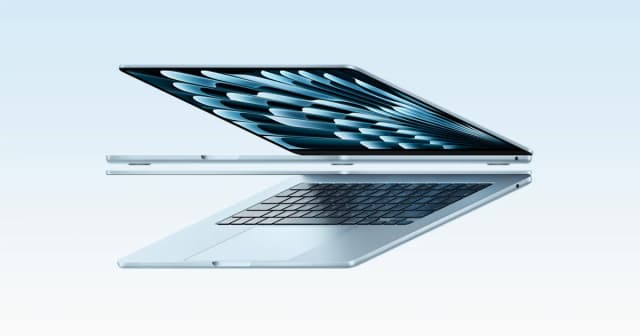
- Best OverallApple MacBook Air 13-inch (M5, 2026)Why we picked it →
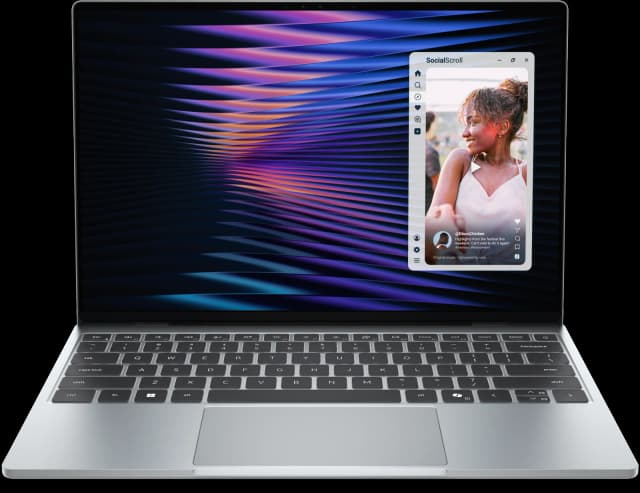
- Best ValueDell XPS 13 (2026)Why we picked it →
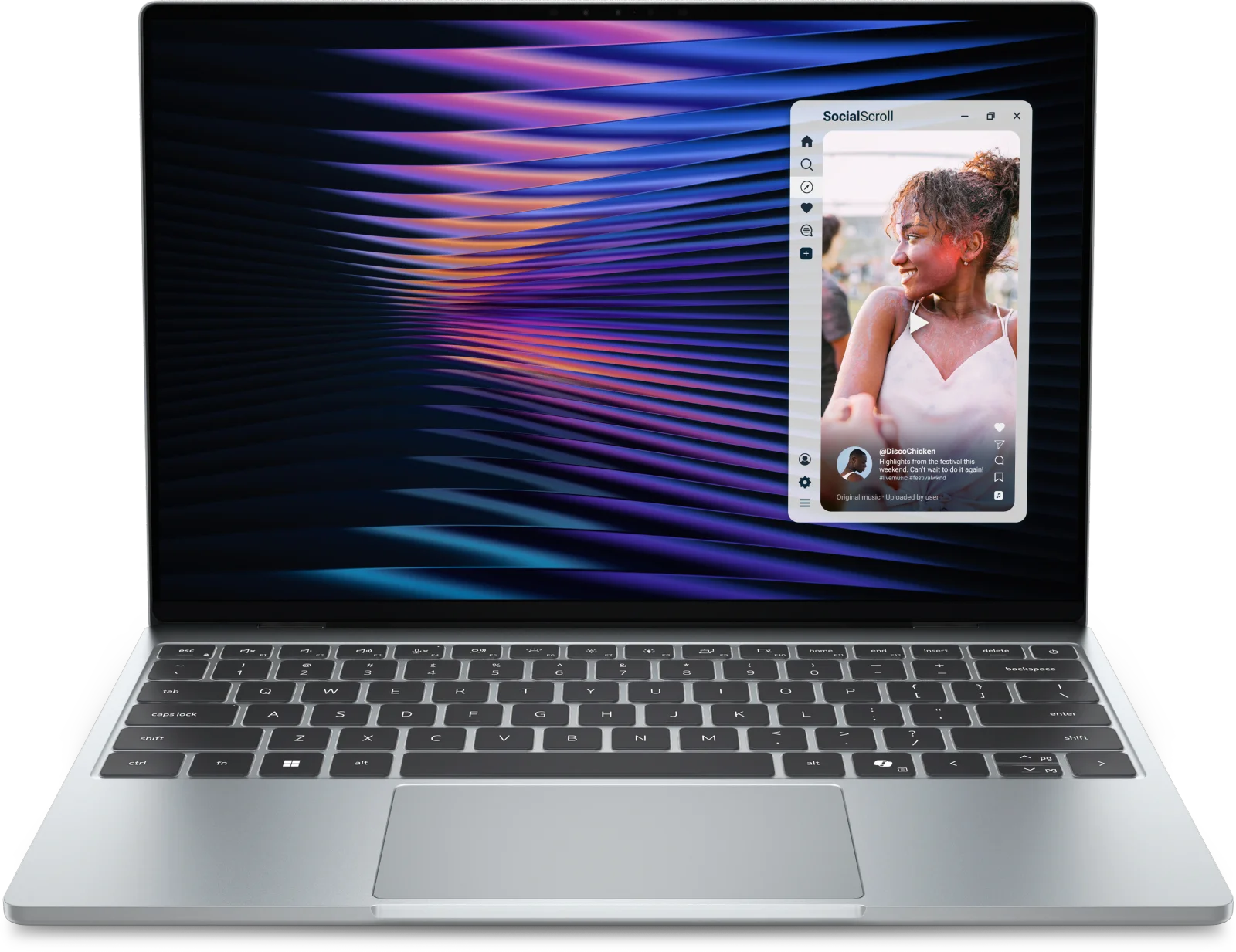
- Premium PickMacBook Pro 14-inch (M5, 2025)Why we picked it →


Frequently asked questions
Is the MacBook Pro 16-inch with M5 Pro worth it?
For creative professionals and developers who need sustained performance, a bright display and plenty of ports, reviewers say yes. It averages 9.1/10 across two expert reviews. M4 Pro owners may find the upgrade incremental, since the design is unchanged.
How long does the battery last?
Apple quotes up to 24 hours of video streaming and up to 17 hours of wireless web browsing from the 100-watt-hour battery. Real-world results will be lower under heavy workloads.
What ports does the MacBook Pro 16-inch (M5 Pro) have?
It has three Thunderbolt 5 ports, MagSafe 3, an SDXC card slot, HDMI and a headphone jack. Wireless support is Wi-Fi 7 and Bluetooth 6.
How many external displays can it drive?
With the M5 Pro, it can drive up to three external displays.
Does it have a nano-texture display?
Yes, as an option. Nano-texture is configurable at order for reduced glare, but it costs extra.
Is the MacBook Pro 16-inch heavy?
At 4.7 pounds (2.14 kg), reviewers consider it heavy for a laptop. If portability is a priority, it's worth weighing against the screen size and performance.
Sources
Specs are taken from the manufacturers' official pages; expert recommendations from the publications below.
- Apple MacBook Pro 16-inch (M5 Pro, 2026): apple.com, tomsguide.com, fstoppers.com, notebookcheck.net
Related reviews & guides
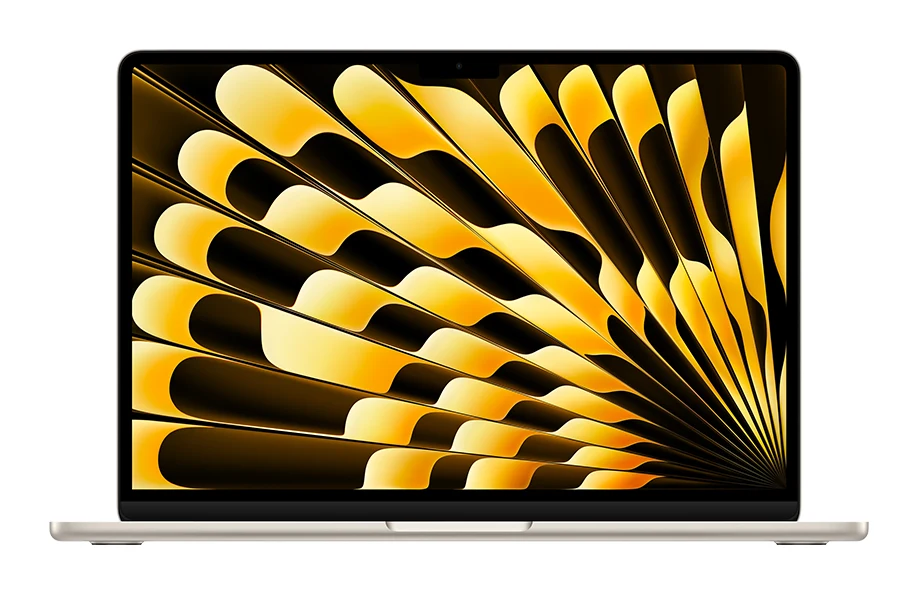
Apple MacBook Air 13-inch M5 Review: Quiet All-Day Laptop
Our Apple MacBook Air 13-inch M5 review looks at the silent, slim ultraportable: what the specs mean day to day, what experts praise and who should skip it.
Published Oct 25, 2026
Apple MacBook Neo Review (2026): Quiet, Light, Everyday Mac
A fanless 13-inch MacBook with an A18 Pro chip, Touch ID and long battery life. Here is who it suits and where its 8GB of memory and port choices hold it back.
Published Oct 19, 2026
Best Laptops in 2026: Overall Picks and by Budget
Five laptops for 2026, from the best all-rounder to the best budget buy, compared on display, battery, weight and ports using manufacturer specs and expert recommendations.
Published Oct 30, 2026