Asus ROG Zephyrus G14 (2025) GA403 Review: Portable but Hot
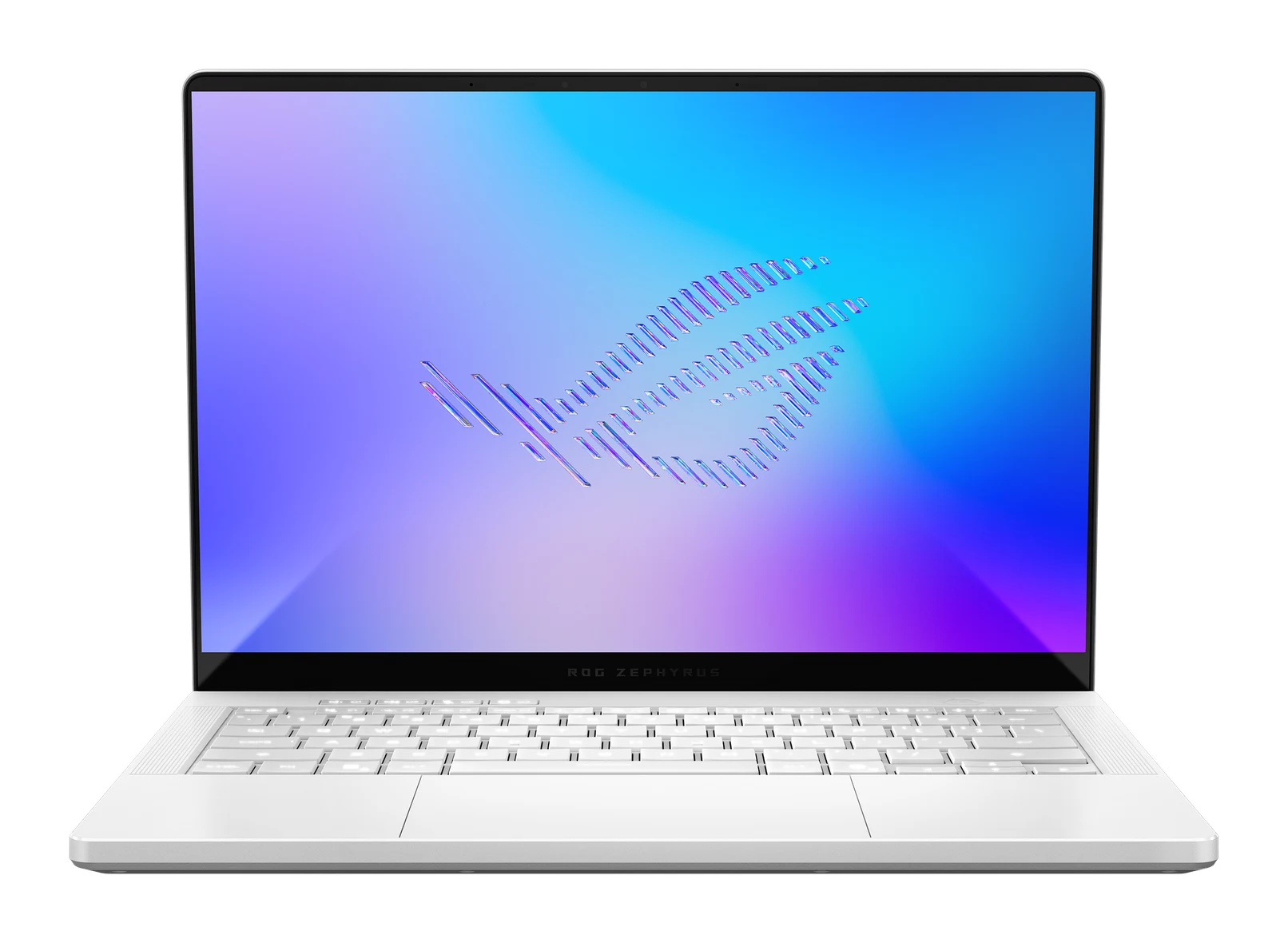
A thin 14-inch gaming laptop with a 3K 120Hz OLED screen and RTX 50-series graphics. Here is what the specs and expert reviews say about its strengths and trade-offs.
Research-based · We earn from qualifying purchases
Our verdict
The Zephyrus G14 suits gamers and creators who want a portable, premium 14-inch laptop with a great OLED screen and strong graphics. Skip it if you need long battery life while gaming, a quiet machine under load, or upgradable RAM.
The good
- Thin, light 1.50 kg aluminum body that doesn't look like a typical gaming laptop
- 3K 120Hz OLED with 100% DCI-P3 gives vivid, accurate color
- Strong gaming performance for 14 inches, with RTX 5050 to 5080 options
- Speakers are punchy and rich for a compact laptop
- Good port mix including USB4, HDMI 2.1 and UHS-II microSD
+2 more
- Speakers are punchy and rich for a compact laptop
- Good port mix including USB4, HDMI 2.1 and UHS-II microSD
The bad
- Runs hot and fans get loud under heavy load
- Battery life is poor to average, especially when gaming
- RAM is soldered on board with no expansion slot
- Pricey, and some reviewers see slightly better value in rivals
+1 more
- Pricey, and some reviewers see slightly better value in rivals
This Asus ROG Zephyrus G14 (2025) GA403 review looks at a laptop that tries to square a circle: a proper RTX 50-series gaming machine in a 14-inch aluminum body that doesn't shout "gamer". It pairs AMD Ryzen processors with graphics from the RTX 5050 up to the RTX 5080 Laptop GPU, and it puts a 3K OLED panel on top. It is aimed at gamers and creators who want a powerful, portable 14-inch laptop and who are prepared to accept some trade-offs in heat, noise and battery life to get it.
This review is based on Asus's manufacturer specs and on what independent expert reviews report, not on hands-on testing by us.
Asus ROG Zephyrus G14 (2025) GA403: specs at a glance
From the manufacturer- Audio
- 4-speaker (dual force woofer) system with Smart Amplifier, 2 tweeters, Dolby Atmos
- Ports
- 2x USB 3.2 Gen 2 Type-A (10Gbps), 1x USB 3.2 Gen 2 Type-C (10Gbps), 1x USB4 Type-C (40Gbps), 1x HDMI 2.1 FRL, 3.5mm combo audio jack, microSD (UHS-II)
- Memory
- 16GB to 64GB LPDDR5X on board, no expansion slot
- Weight
- 1.50 Kg (3.31 lbs)
- Battery
- 73WHrs, 4S1P, 4-cell Li-ion
- Display
- 14-inch 3K (2880 x 1800) OLED, 16:10, 120Hz, DCI-P3 100%, Pantone Validated
- Storage
- Up to 2TB PCIe 4.0 NVMe M.2 SSD, 1x M.2 slot
- Graphics
- NVIDIA GeForce RTX 5050 / 5060 / 5070 / 5070 Ti / 5080 Laptop GPU depending on configuration
- Security
- Secured-core PC (Level 3), Pluton Security Processor
- Wireless
- Wi-Fi 7 (802.11be), Bluetooth 5.4
- Processor
- AMD Ryzen 9 270 (8 cores / 16 threads, up to 5.2GHz) or AMD Ryzen AI 9 HX 370 depending on configuration
- GPU memory
- 8GB GDDR7 (RTX 5050/5060/5070), 12GB GDDR7 (RTX 5070 Ti), 16GB GDDR7 (RTX 5080)
- Dimensions (W x D x H)
- 31.1 x 22.0 x 1.59 ~ 1.63 cm (12.24" x 8.66" x 0.63" ~ 0.64")
Key features
- Thin, light all-aluminum 14-inch body at 1.50 Kg (3.31 lbs)
- 3K (2880 x 1800) 120Hz OLED ROG Nebula display with 100% DCI-P3 and G-Sync / Adaptive-Sync
- RTX 50-series graphics from RTX 5050 up to RTX 5080 Laptop GPU
- MUX Switch with NVIDIA Advanced Optimus for gaming and battery balance
- 4-speaker (dual force woofer) system plus 2 tweeters with Dolby Atmos
- Fast-charging 73WHrs battery
- USB4, HDMI 2.1 FRL and microSD (UHS-II) in a compact chassis
- Wi-Fi 7 and Bluetooth 5.4
Asus ROG Zephyrus G14 (2025) GA403 review: design and build
The headline design point is size. The G14 uses an all-aluminum chassis that weighs 1.50 Kg (3.31 lbs) and measures 31.1 x 22.0 x 1.59 ~ 1.63 cm (12.24" x 8.66" x 0.63" ~ 0.64"). That makes it a thin, light laptop that is easy to carry. Reviewers repeatedly praise the thin, light body, and note that it doesn't look like a typical gaming laptop.
The compact chassis still carries a useful port selection, which is covered in the features section below. The main cost of the small footprint is thermal headroom, which comes up again in the performance section.
A 3K OLED display that carries the experience
The screen is one of the strongest arguments for this laptop. It is a 14-inch 3K (2880 x 1800) OLED panel in a 16:10 shape, running at 120Hz. It covers 100% of the DCI-P3 gamut and is Pantone Validated. Asus also lists G-Sync / Adaptive-Sync support.
In practice that combination suits two audiences:
- Gamers get a high refresh rate with variable-refresh support, which helps keep motion smooth when frame rates fluctuate.
- Creators get wide color coverage and a validated panel, which matters for photo and video editing where color accuracy counts.
Expert reviews describe the colors as vivid and accurate.
Graphics, processor and gaming performance
The G14 is sold in several configurations. Graphics range across the RTX 5050, 5060, 5070, 5070 Ti and 5080 Laptop GPUs. GPU memory is 8GB GDDR7 on the RTX 5050, 5060 and 5070, 12GB GDDR7 on the RTX 5070 Ti, and 16GB GDDR7 on the RTX 5080. Processors are either the AMD Ryzen 9 270 (8 cores / 16 threads, up to 5.2GHz) or the AMD Ryzen AI 9 HX 370, depending on the configuration you choose.
That spread matters when you shop. Moving up to the RTX 5070 Ti or RTX 5080 brings more video memory (12GB and 16GB GDDR7), while the RTX 5050, 5060 and 5070 all have 8GB. Reviewers call the gaming performance strong for a 14-inch machine. The wide range of GPUs means you can match the laptop to how demanding your games or projects are, rather than paying for more graphics than you need.
Memory is where flexibility ends. RAM is LPDDR5X soldered on board, from 16GB to 64GB depending on configuration, with no expansion slot. Whatever capacity you buy is what you keep for the life of the laptop, so it is worth thinking about your needs a few years out. Storage is more flexible: there is one M.2 slot taking a PCIe 4.0 NVMe SSD of up to 2TB.
Features and what they mean day to day
MUX Switch and Advanced Optimus
The G14 includes a MUX Switch with NVIDIA Advanced Optimus. In plain terms, this lets the laptop balance gaming performance against battery use. It can route the display directly from the dedicated GPU when you want maximum gaming performance, and use more power-conscious behavior when you don't need it.
Speakers
Audio is a 4-speaker (dual force woofer) system with Smart Amplifier, plus 2 tweeters and Dolby Atmos. Reviewers describe the sound as punchy and rich for a compact laptop.
Ports and wireless
For a thin laptop, the port mix is generous:
- 1x USB4 Type-C (40Gbps)
- 1x USB 3.2 Gen 2 Type-C (10Gbps)
- 2x USB 3.2 Gen 2 Type-A (10Gbps)
- 1x HDMI 2.1 FRL
- microSD (UHS-II)
- 3.5mm combo audio jack
The microSD slot will appeal to photographers and videographers, and HDMI 2.1 FRL helps if you want to connect an external display or TV. Wireless is Wi-Fi 7 (802.11be) with Bluetooth 5.4.
Security
Asus lists the G14 as a Secured-core PC (Level 3) with a Pluton Security Processor. That is a niche selling point for a gaming laptop, but it is useful if the machine also doubles as a work device.
Battery, heat and noise
The battery is a 73WHrs, 4S1P, 4-cell Li-ion unit with fast charging. The battery is fast-charging, but the experience reviewers describe is less rosy. A common criticism is that battery life is poor to average, especially when gaming. That is not unusual for a laptop with a powerful discrete GPU, but it means the G14 is best treated as a machine you plug in for demanding play, even though it is easy to carry.
The other recurring complaint is thermal. Reviewers say the G14 runs hot and that its fans get loud under heavy load. This is the flip side of fitting a high-end GPU into a thin chassis. If you game with headphones, the noise matters less. If you want a quiet machine while working hard, it is a real consideration.
What experts like and what they criticise
Expert reviews are strongly positive overall. The G14 averages 8.9/10 across 5 expert reviews. Tom's Guide gives it 4.5/5, TechRadar 4/5, UltrabookReview 4.5/5, PC Gamer 83/100 and T3 5/5. It is also recommended in one expert buying guide.
What reviewers praise:
- The thin, light aluminum body and understated looks.
- The 3K 120Hz OLED display and its color accuracy.
- Strong gaming performance for a 14-inch laptop.
- Punchy, rich speakers.
- The port selection, including USB4, HDMI 2.1 and UHS-II microSD.
What they criticise:
- Heat and loud fans under heavy load.
- Poor to average battery life, particularly when gaming.
- Soldered RAM with no upgrade path.
- A high price, with some reviewers seeing slightly better value in rivals.
The pricing point is worth noting. The G14 sits in the mid-range tier of the products we compared, but some reviewers still find it pricey for what you get, so it is worth checking the current price on your preferred configuration.
Who should buy it, and who should skip it
Buy it if you want a premium 14-inch laptop that is easy to carry and has real gaming and creative horsepower. The OLED screen, wide GPU range and port selection make it a good fit for gamers who travel and for creators who want a color-accurate panel in a compact body.
Skip it if any of the following apply:
- You need long battery life while gaming.
- You want a quiet laptop under heavy load.
- You want to upgrade the RAM later.
- You want the best value, as some reviewers see slightly better value in rivals.
How it fits in the gaming-laptop market
In general terms, gaming laptops tend to force a choice between raw power and portability. The Zephyrus G14 leans towards portability and display quality while still offering a wide range of RTX 50-series GPUs. The trade-offs are the usual ones for a small, powerful machine: heat, noise and battery life. If you would rather look at a different kind of gaming laptop, you can read our HP Omen Max 16 (2025) review.
Verdict
The Zephyrus G14 (2025) GA403 is a thin, light gaming laptop that reviewers rate strongly. The OLED display, the thin aluminum chassis, the generous ports and the range of RTX 50-series options give it broad appeal, and the expert average of 8.9/10 reflects that. Go in aware of the compromises: it runs hot, the fans can get loud, battery life is middling and the RAM can't be upgraded. If those don't bother you, this is a strong choice in the compact gaming-laptop category.
Related buying guides
- Best Laptops in 2026: Overall Picks for Every Budget
- Lenovo Chromebook Duet 11 Gen 9 Review: Light but Cramped
- Best Laptops for Video Editing 2026: Macs to RTX
- Best Laptops for College Students 2026: All-Day Battery
- Best Chromebooks 2026: Budget, 2-in-1 and AMOLED Picks
- Apple MacBook Air 13-inch M5 Review: Quiet All-Day Laptop
Not sure about the Asus ROG Zephyrus G14 (2025) GA403? Consider these
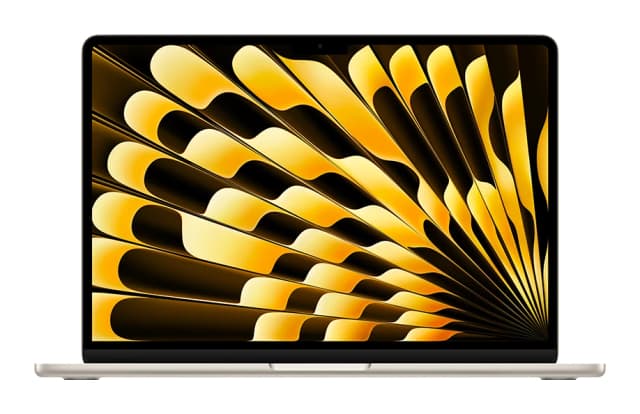
- Best OverallApple MacBook Air (13-inch, M5)Why we picked it →
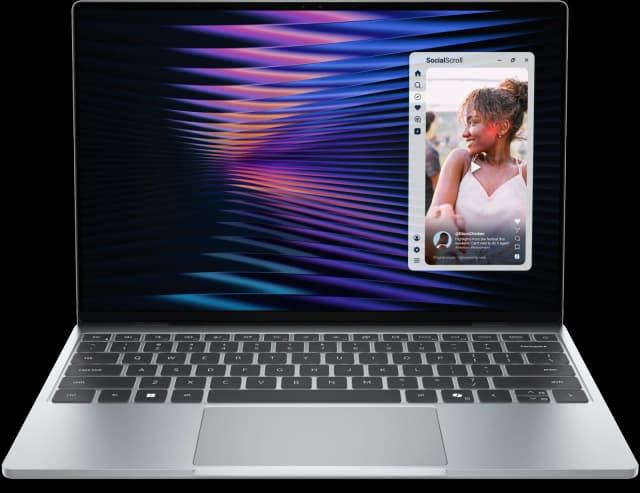
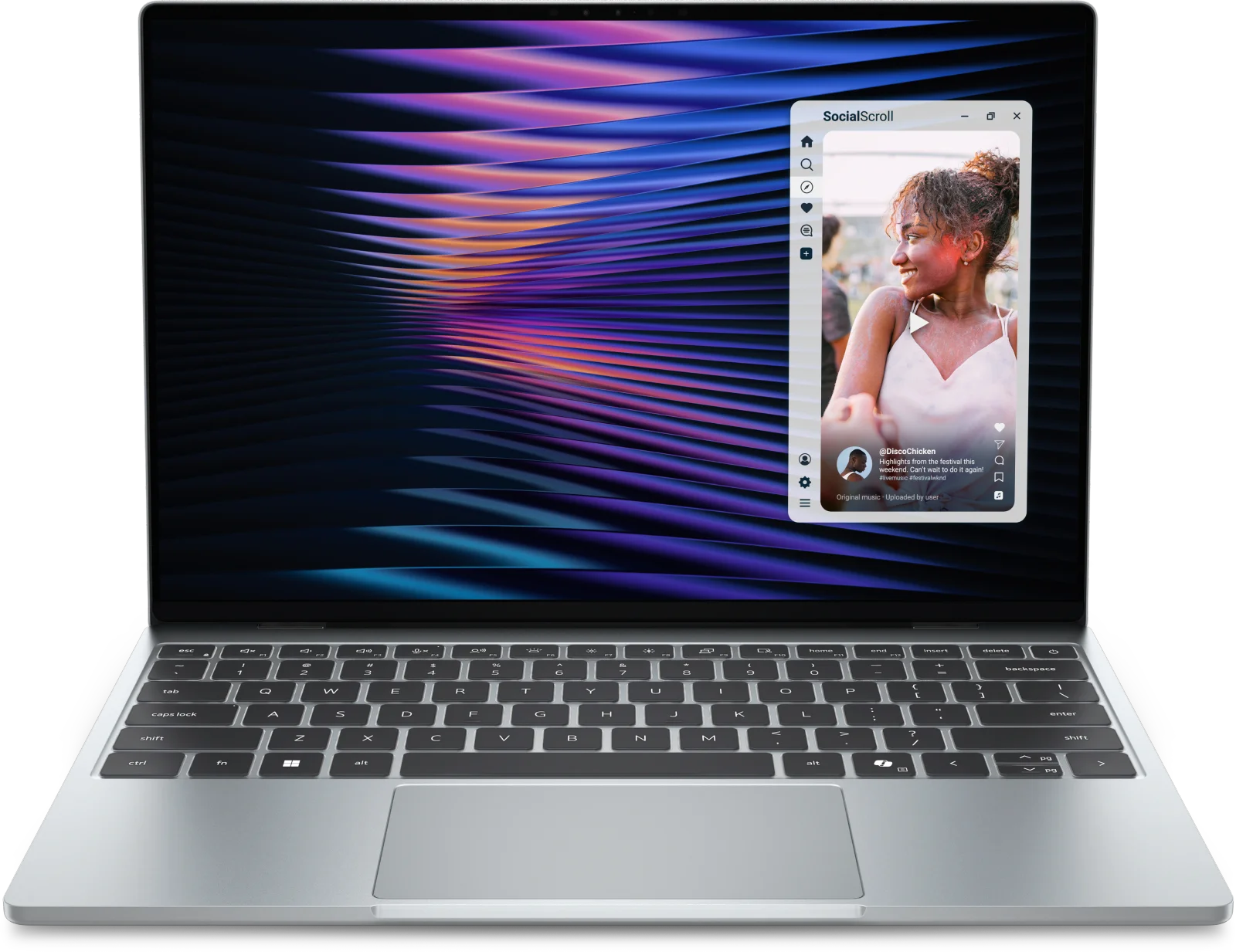
- Best ValueDell XPS 13 (2026)Why we picked it →
- Best BudgetApple MacBook NeoWhy we picked it →


Frequently asked questions
Is the Asus ROG Zephyrus G14 (2025) worth it?
Expert reviews are strongly positive, averaging 8.9/10 across 5 reviews. It is worth considering if you want a portable 14-inch laptop with an OLED screen and RTX 50-series graphics. Reviewers do flag heat, loud fans, middling battery life and a high price, so it is less suited to anyone who prioritises quiet operation or value.
What graphics options does the Zephyrus G14 (2025) offer?
Depending on the configuration, it uses an NVIDIA GeForce RTX 5050, 5060, 5070, 5070 Ti or 5080 Laptop GPU. GPU memory is 8GB GDDR7 on the RTX 5050, 5060 and 5070, 12GB GDDR7 on the RTX 5070 Ti, and 16GB GDDR7 on the RTX 5080.
Can you upgrade the RAM in the Zephyrus G14 (2025)?
No. The memory is LPDDR5X soldered on board, from 16GB to 64GB depending on configuration, with no expansion slot. You need to choose the capacity you want when you buy. Storage is separate, with one M.2 slot for a PCIe 4.0 NVMe SSD of up to 2TB.
Does the Zephyrus G14 (2025) have an OLED screen?
Yes. It has a 14-inch 3K (2880 x 1800) OLED display with a 120Hz refresh rate, 100% DCI-P3 coverage and Pantone validation. It also supports G-Sync / Adaptive-Sync.
How is the battery life on the Zephyrus G14 (2025)?
It has a fast-charging 73WHrs battery, but reviewers describe battery life as poor to average, especially when gaming. Plan to keep it plugged in for demanding games.
Does the Zephyrus G14 (2025) support Wi-Fi 7 and USB4?
Yes. It has Wi-Fi 7 (802.11be) and Bluetooth 5.4, along with a USB4 Type-C port (40Gbps) and HDMI 2.1 FRL.
Sources
Specs are taken from the manufacturers' official pages; expert recommendations from the publications below.
- Asus ROG Zephyrus G14 (2025) GA403: rog.asus.com, notebookcheck.net, laptopmedia.com, ultrabookreview.com
Related reviews & guides
Best Laptops in 2026: Overall Picks for Every Budget
Five of the best laptops for 2026, from a budget-friendly MacBook Neo to a premium Galaxy Book6 Ultra, compared on specs and expert recommendations.
Published Oct 30, 2026
Lenovo Chromebook Duet 11 Gen 9 Review: Light but Cramped
Our Lenovo Chromebook Duet 11 Gen 9 review looks at a featherweight, fanless Chromebook tablet with a detachable folio keyboard, and at who will tolerate its compromises.
Published Nov 4, 2026
Best Laptops for Video Editing 2026: Macs to RTX
Five video editing laptops compared on processor, GPU, display, ports, weight and battery life, drawn from manufacturer specs and independent expert recommendations.
Published Oct 25, 2026