Brother MFC-L2820DW Review (2026): Fast Mono Workhorse
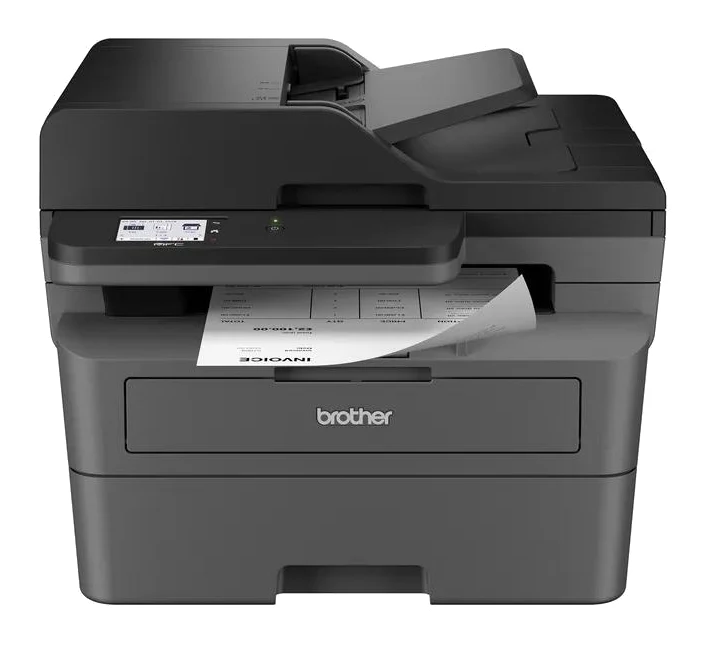
A monochrome all-in-one that prints, copies, scans and faxes. We look at who the Brother MFC-L2820DW suits, where it falls short, and what reviewers say.
Research-based · We earn from qualifying purchases
Our verdict
The MFC-L2820DW is a fast, low-running-cost monochrome all-in-one that suits home offices and small workgroups printing, scanning and faxing documents. Skip it if you need color or photo printing, or if you regularly scan two-sided originals.
The good
- Fast 34 ppm black printing with an 8.5-second first page
- Sharp text output suits documents and everyday office work
- Reviewers cite excellent toner yields and low running cost
- 50-page document feeder and built-in fax handle multi-page jobs
- Dual-band Wi-Fi, Ethernet, USB and AirPrint/Mopria cover most setups
+2 more
- 50-page document feeder and built-in fax handle multi-page jobs
- Dual-band Wi-Fi, Ethernet, USB and AirPrint/Mopria cover most setups
The bad
- No duplex scanning or copying through the document feeder
- Monochrome only, so poor fit for photos or color documents
- Fairly noisy at 49 dB while printing
- Some reviewers report Wi-Fi setup hassles and rear-access paper jams
+1 more
- Some reviewers report Wi-Fi setup hassles and rear-access paper jams
This Brother MFC-L2820DW review is for anyone weighing a monochrome all-in-one for a home office or a small team. It prints, copies, scans and faxes from a single unit, and it is built around documents rather than photos. People consider it because it pairs quick black-and-white output with a document feeder, built-in fax and a wide set of connection options, all in the mid-range part of the market. If you mostly deal with contracts, invoices, forms and reports, it is aimed squarely at you.
Brother MFC-L2820DW: specs at a glance
From the manufacturer- Duplex
- Automatic print duplex; no duplex scan or copy
- Memory
- 128 MB
- Weight
- 25.5 lb
- Display
- 2.7 in color touchscreen
- Fax modem
- 33.6K bps
- Print speed
- 34 ppm (Letter, black)
- Connectivity
- Ethernet, Wi-Fi 802.11 a/b/g/n (2.4GHz/5GHz), Hi-Speed USB 2.0
- First page out
- 8.5 sec
- Noise (printing)
- 49 dB
- Print resolution
- 1200 x 1200 dpi
- Maximum paper size
- 8.5 x 14 in
- Monthly duty cycle
- Up to 35,000 pages (recommended up to 2,500 pages)
- Paper tray capacity
- 250 sheets
- Auto document feeder
- 50 sheets
- Scan speed (simplex)
- 23.6 ppm black / 7.9 ppm color
- Dimensions (W x D x H)
- 16.1 x 15.7 x 12.5 in
Key features
- Print, copy, scan and fax in one compact unit
- Automatic two-sided printing saves paper
- 50-page auto document feeder for multi-page scanning and copying
- 2.7-inch color touchscreen with print-from and scan-to cloud apps
- Dual-band Wi-Fi, Ethernet, USB and Wi-Fi Direct connectivity
- Mobile printing via Brother Mobile Connect, AirPrint and Mopria
- 250-sheet paper tray plus a manual feed slot
- Secure Print and Secure Function Lock network security features
Design and build
The MFC-L2820DW is a compact all-in-one. It measures 16.1 x 15.7 x 12.5 in and weighs 25.5 lb, so it wants a proper shelf or printer stand rather than a crowded corner. It is a one-box answer to a few separate jobs, so it can replace a printer, a scanner and a fax machine.
The front of the machine has a 2.7 in color touchscreen. That is a modest size, but it is enough to browse settings, start copies and pick scan destinations without a computer. The paper path is simple: a 250-sheet tray feeds the printer, and a manual feed slot handles one-off media. The maximum paper size is 8.5 x 14 in, so legal-size documents are supported.
The automatic document feeder on top holds 50 sheets. That matters if you scan or copy contracts, statements or multi-page forms, because you load the stack once and walk away instead of lifting the lid for each page.
Features and what they mean day to day
Printing, copying, scanning and faxing
The headline is that it covers all four office jobs. The fax modem runs at 33.6K bps, which is useful if your business, a medical office, a legal practice or a landlord still sends and receives faxes. Having it built in means no separate machine and no extra phone-line clutter on the desk.
Automatic two-sided printing is included, which cuts paper use on longer documents and makes double-sided reports and handouts a default rather than a chore. One caveat matters here: the duplex feature applies to printing only. The spec sheet states there is no duplex scan or copy, so two-sided originals have to be handled page by page or by flipping the stack yourself. That is the single most important limitation for anyone with lots of double-sided paperwork.
The touchscreen and cloud apps
The 2.7 in touchscreen supports print-from and scan-to cloud apps. In practice, that lets you send scans to a cloud destination or pull a file to print without first going through a computer. It is a convenience feature that suits small offices where several people share one machine.
Security
Secure Print and Secure Function Lock are the network security features Brother lists. Secure Print is handy when a sensitive document shouldn't sit in the output tray, and Secure Function Lock lets you restrict who can use which functions. Neither is essential for a one-person desk, but both are welcome in a shared workgroup.
Performance and connectivity
Print speed and quality
Brother rates black printing at 34 ppm on Letter paper, with the first page out in 8.5 sec. Brother rates the first page out at 8.5 sec, so short jobs such as a single letter or form start printing quickly. The 1200 x 1200 dpi print resolution is aimed at crisp text, and reviewers praise the sharp text output for documents and everyday office work.
It is monochrome only. That is the trade-off for the speed and the running costs, and it means this is not a machine for photos, color charts or presentation handouts.
Scanning and copying
Scan speed is 23.6 ppm in black and 7.9 ppm in color for single-sided originals. So you can scan in color, but it is noticeably slower than black-and-white scanning. The machine has 128 MB of memory.
Duty cycle and noise
The monthly duty cycle is listed as up to 35,000 pages, with a recommended volume of up to 2,500 pages. Brother lists a recommended volume of up to 2,500 pages a month, which is the realistic guide for a home office or small workgroup.
Noise while printing is 49 dB. Reviewers describe it as fairly noisy, so if the printer will sit next to your desk in a quiet room, it is worth thinking about placement.
Connectivity
Connection options are broad. You get Ethernet, dual-band Wi-Fi 802.11 a/b/g/n (2.4GHz/5GHz) and Hi-Speed USB 2.0, plus Wi-Fi Direct. For phones and tablets, it supports Brother Mobile Connect, AirPrint and Mopria. That covers wired office networks, wireless home setups and direct device-to-printer printing without a router. The dual-band Wi-Fi is a practical plus if your 5GHz network is the one everything else is on.
What experts like and what they criticise
Reviewers consistently praise a few things:
- Fast black printing, with the quick first page.
- Sharp text output that suits everyday office documents.
- Excellent toner yields and low running cost, a recurring point in expert coverage.
- The 50-page feeder and built-in fax for multi-page jobs.
- Connectivity that covers most setups, including AirPrint and Mopria.
The criticisms are just as consistent. The missing duplex scan and copy is the main functional gap. Being monochrome only is a poor fit for anyone who needs color or photos. The 49 dB printing noise is a common complaint, and some reviewers report Wi-Fi setup hassles and rear-access paper jams. The Wi-Fi point is worth weighing: if your network setup is fiddly, plan to use Ethernet or USB as a fallback. It has also been recommended in an independent expert buying guide, which suggests it holds up in expert comparisons.
Who should buy it, and who should skip it
Buy it if:
- You print mostly text documents and want speed and low running costs.
- You still need to send and receive faxes.
- You copy or scan multi-page documents often and will use the 50-sheet feeder.
- You want flexible connections: Wi-Fi, Ethernet, USB and mobile printing from phones and tablets.
- You share the printer in a small team and value the security features.
Skip it if:
- You need color or photo printing. This is monochrome only.
- You regularly scan or copy two-sided originals, since the feeder has no duplex scanning.
- The printer will sit in a very quiet space where 49 dB would bother you.
- You can't easily reach the back of the machine, given the reports of rear-access paper jams.
How it fits in its category
Monochrome all-in-ones sit between basic single-function printers and larger color multifunction machines. The MFC-L2820DW is monochrome only, and it pairs fast printing, sharp text output and low running costs with fax and a 50-sheet document feeder. If your workload is mostly black-and-white pages, that balance is sensible. If your needs are mixed or color-heavy, you will want a different kind of machine.
Verdict
The Brother MFC-L2820DW is a focused tool. It prints text quickly, handles multi-page copying and scanning through a 50-sheet feeder, includes fax, and connects almost any way you could want. Its limits are clear and fixed: no color, no duplex scanning, and a printing noise level some will find noticeable. For a home office or small workgroup that lives in black-and-white documents, it is a strong, economical choice. For anyone who needs color or regularly scans double-sided paper, it is the wrong machine.
Related buying guides
- Brother MFC-L8930CDW Review (2026): Built for Busy Offices
- HP OfficeJet Pro 9125e Review (2026): A Document Workhorse
- Best Printer for Home Office 2026: Five All-in-Ones Compared
- Best Portable Photo Printers 2026: Instax, Kodak, Polaroid
- Fujifilm Instax mini Link 3 Review: Fun Pocket Printer
- Fujifilm instax SQUARE Link Review (2026): Worth the Film?
- Kodak Mini 2 Retro P210R Review (2026): Pocket Prints
- Canon SELPHY QX20 Review (2026): Sticker Prints on the Go
Not sure about the Brother MFC-L2820DW? Consider these
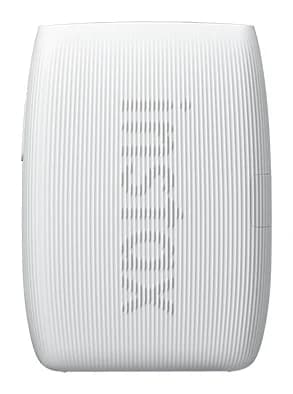
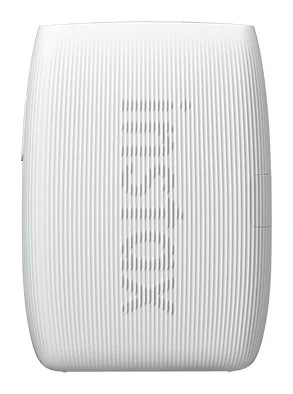
- Best OverallInstax mini Link 3Why we picked it →
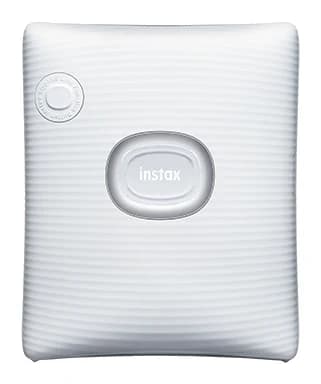
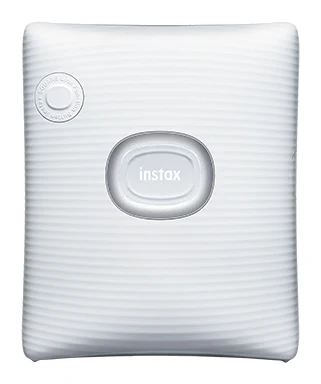
- Best ValueFujifilm instax SQUARE LinkWhy we picked it →
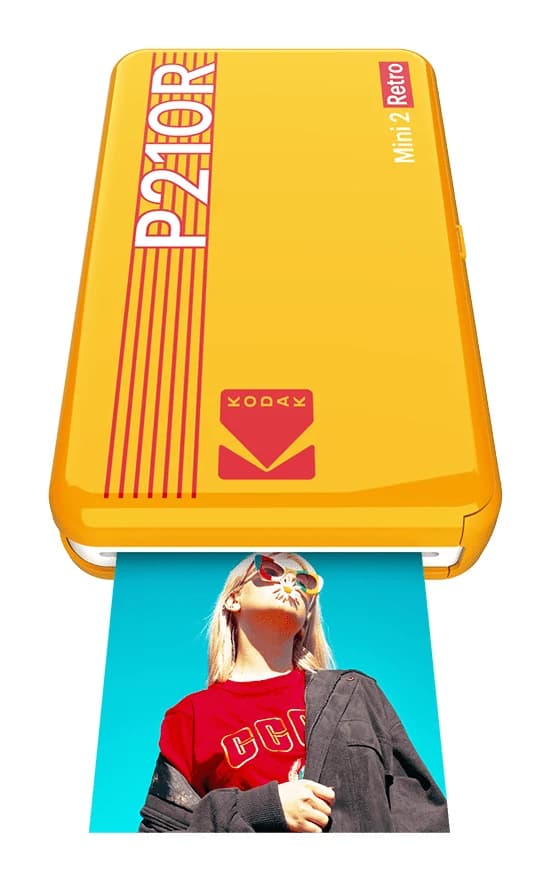
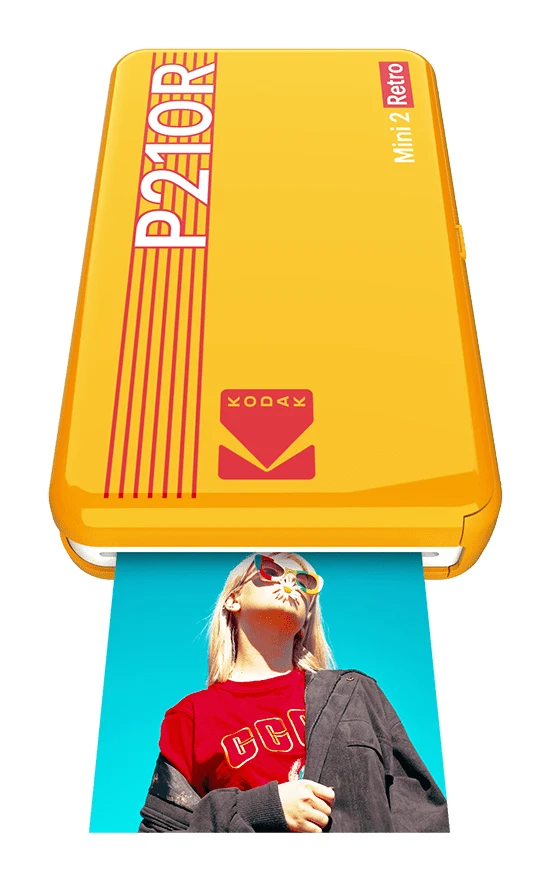
- Also GreatKODAK Mini 2 Retro P210RWhy we picked it →
Frequently asked questions
Is the Brother MFC-L2820DW worth it?
For a home office or small workgroup that prints mostly black-and-white documents, reviewers find it a good choice thanks to fast printing, sharp text and low running costs. It is less suitable if you need color or photo printing.
Does the Brother MFC-L2820DW print in color?
No. It is a monochrome machine, so it prints in black only. It can scan in color, but at a slower 7.9 ppm compared with 23.6 ppm for black.
Can the MFC-L2820DW print two-sided?
Yes, it has automatic two-sided printing. However, it does not offer duplex scanning or copying through the document feeder.
Does the Brother MFC-L2820DW have Wi-Fi and AirPrint?
Yes. It has dual-band Wi-Fi 802.11 a/b/g/n (2.4GHz/5GHz), plus Ethernet, Hi-Speed USB 2.0 and Wi-Fi Direct. Mobile printing is supported through Brother Mobile Connect, AirPrint and Mopria.
Does the MFC-L2820DW have a fax?
Yes. It has a built-in fax modem rated at 33.6K bps, along with print, copy and scan functions.
How loud is the Brother MFC-L2820DW?
Brother lists 49 dB while printing. Reviewers describe it as fairly noisy, so consider where you place it.
Sources
Specs are taken from the manufacturers' official pages; expert recommendations from the publications below.
- Brother MFC-L2820DW: brother-usa.com, bhphotovideo.com, consumerreports.org, officesupply.com
Related reviews & guides
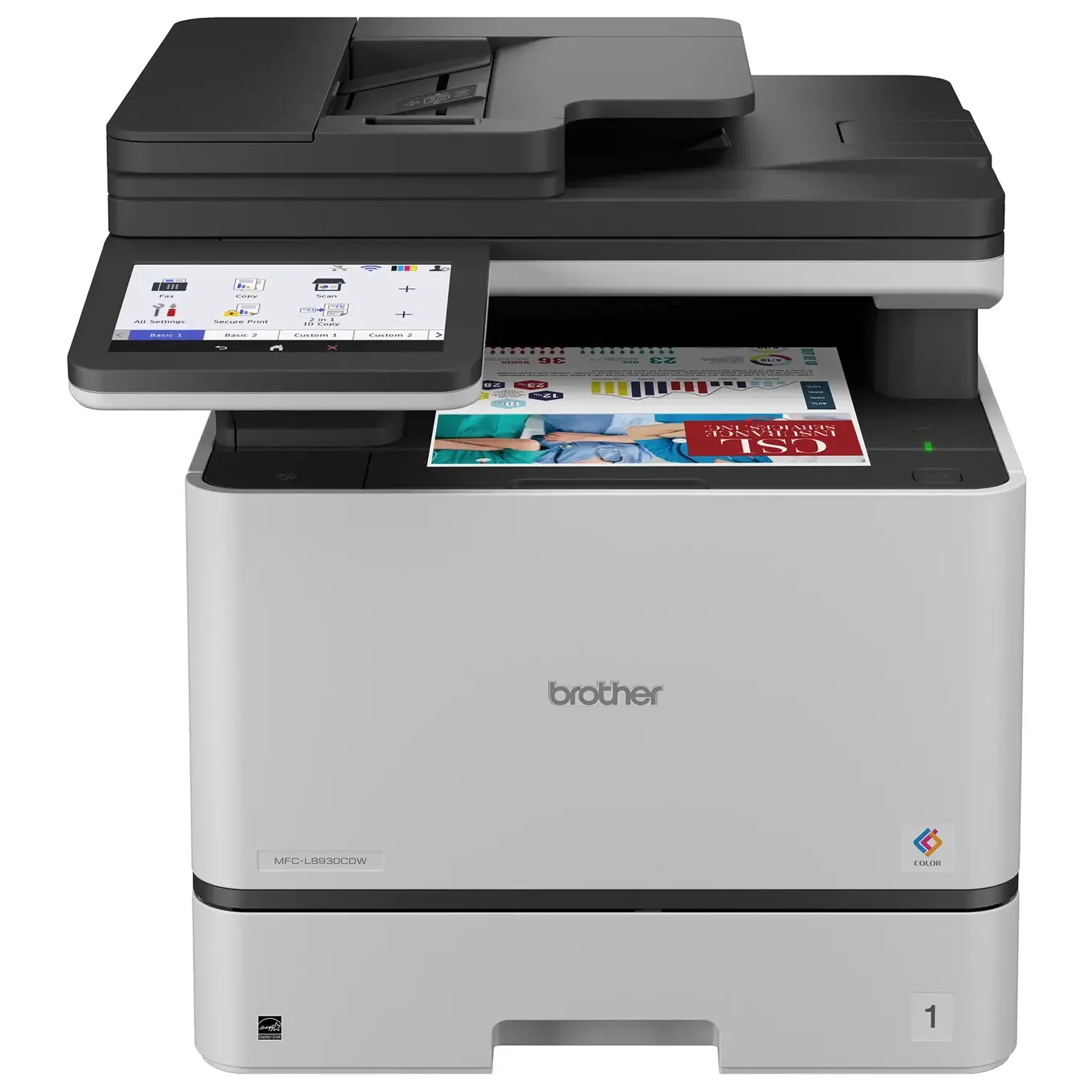
Brother MFC-L8930CDW Review (2026): Built for Busy Offices
A color laser all-in-one aimed at small offices and workgroups. We look at its speed, scanning, connectivity and toner options, and where it falls short, based on Brother's specs and expert reports.
Published Nov 15, 2026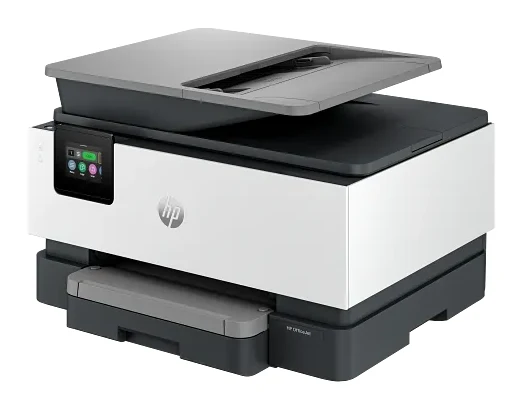
HP OfficeJet Pro 9125e Review (2026): A Document Workhorse
A document-focused all-in-one with duplex scanning, fax and wired networking. Here is what suits it, and where photos, color speed and HP's ink rules hold it back.
Published Nov 4, 2026Best Printer for Home Office 2026: Five All-in-Ones Compared
Five home office all-in-ones compared on print speed, running costs, scanning and paper handling, from a fast color laser to a compact ink tank model.
Published Oct 17, 2026