Brother MFC-L8930CDW Review (2026): Built for Busy Offices
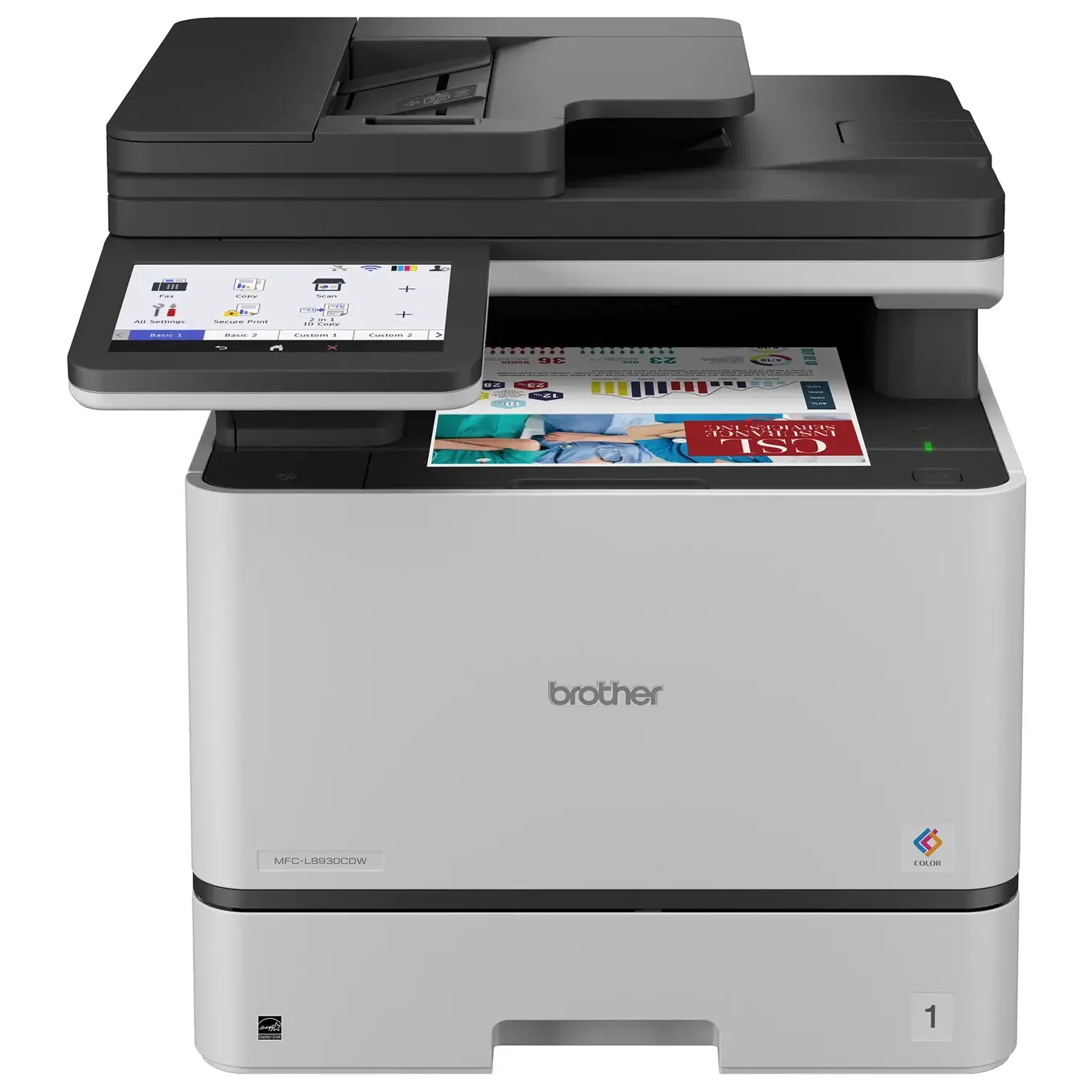
A color laser all-in-one aimed at small offices and workgroups. We look at its speed, scanning, connectivity and toner options, and where it falls short, based on Brother's specs and expert reports.
Research-based · We earn from qualifying purchases
Our verdict
This color laser all-in-one suits small offices and workgroups that print lots of text documents and scan in bulk, especially if they use the high yield toner. Skip it if you want photo-quality color output or need a compact printer for a small desk.
The good
- Fast 33 ppm printing in both black and color
- Very sharp text documents
- Fast duplex scanning through an 80-sheet automatic document feeder
- Dual-band Wi-Fi, Gigabit Ethernet, USB, AirPrint and Mopria support
- Optional super high yield toner lowers cost per page
+2 more
- Dual-band Wi-Fi, Gigabit Ethernet, USB, AirPrint and Mopria support
- Optional super high yield toner lowers cost per page
The bad
- Large and heavy at 58.4 lbs
- Narrow color gamut makes it poor for photos
- No glossy paper or borderless printing support
- Standard 250-sheet tray is small, and toner sets are costly
+1 more
- Standard 250-sheet tray is small, and toner sets are costly
The Brother MFC-L8930CDW is a color laser all-in-one that prints, scans, copies and faxes. It is aimed at small offices and workgroups rather than home users. This Brother MFC-L8930CDW review is based on the manufacturer's specifications and what independent experts report. It does not draw on hands-on testing. The short version: it is built for people who push a lot of paper through a machine every day and care more about speed and scanning than photo quality.
Brother MFC-L8930CDW: specs at a glance
From the manufacturer- Weight
- 58.4 lbs
- Display
- 7" color touchscreen
- Dimensions
- 17.9" x 19.9" x 18.1"
- ADF capacity
- 80 sheets
- Connectivity
- Gigabit Ethernet, dual-band Wi-Fi (2.4GHz / 5GHz), Hi-Speed USB 2.0
- Memory / CPU
- 512 MB / 1200 (CPU speed as listed by Brother)
- First page out
- 9.9 sec. (max.)
- Optional trays
- LT-350CL (250 sheets x2) or LT-360CL (520 sheets x2)
- Print resolution
- 2400 x 600 dpi class
- Included toner yield
- 3,000 pages black / 1,800 pages color
- Standard paper capacity
- 250-sheet tray + 50-sheet multipurpose tray (300 sheets)
- Maximum monthly duty cycle
- Up to 70,000 pages
- Recommended monthly volume
- Up to 6,500 pages
- Print speed (black / color)
- 33 ppm / 33 ppm
- Duplex scan speed (black / color)
- 104ipm / 72ipm
Key features
- Prints up to 33 ppm in both black and color
- Automatic two-sided printing
- 80-sheet automatic document feeder with fast two-sided scanning (up to 104 ipm)
- 7-inch color touchscreen for print, scan, copy and fax
- Dual-band Wi-Fi, Gigabit Ethernet and USB, plus AirPrint, Mopria and Wi-Fi Direct
- Optional TN635XXL super high yield toner (7,500 black / 6,500 color pages) to cut cost per page
- Security features including Secure Print, integrated NFC card reader and 802.1x
- Over 25% smaller than its predecessor, with optional paper trays for more capacity
It sits in the mid-range part of the market and has been recommended in an expert buying guide. The sections below cover who it suits, where it is strong, and the trade-offs you should know about before buying.
Design and build
The first thing to know is that this is a big machine. Brother lists it at 17.9" x 19.9" x 18.1" and 58.4 lbs. Weight and size are a common criticism from reviewers. Plan for a sturdy desk, a shelf rated for the load, or a dedicated print stand, as it weighs 58.4 lbs.
Brother does say it is over 25% smaller than its predecessor, so the footprint has come down. It is still firmly an office machine, not something to tuck on a small home desk.
Up front is a 7-inch color touchscreen that handles print, scan, copy and fax functions. On a shared machine this matters more than it sounds. A larger screen makes it easier for several people to pick the right scan destination or release a secure job without hunting through menus.
Paper handling and expandability
Standard capacity is a 250-sheet tray plus a 50-sheet multipurpose tray, 300 sheets in total. Reviewers flag the standard 250-sheet tray as small. A busy workgroup could be refilling it often.
Brother offers a fix in the form of optional trays. The LT-350CL adds 250 sheets x2, and the LT-360CL adds 520 sheets x2. If you expect heavy daily use, budget for one of these from the start rather than treating it as an afterthought.
Automatic two-sided printing is built in, which cuts paper use and is handy for reports, handouts and contracts.
Features and what they mean day to day
Printing speed
The printer is rated at 33 ppm in both black and color, and the first page out is listed at 9.9 sec. (max.). The printer is rated at the same 33 ppm in both black and color. Reviewers praise the speed.
Scanning
The 80-sheet automatic document feeder is one of the strongest parts of the package. Duplex scanning runs at up to 104 ipm in black and 72 ipm in color. If your office digitizes paperwork, such as invoices, forms or client files, a feeder that scans both sides in a single pass saves a lot of time. Reviewers single this out as a highlight.
Connectivity
Connection options are broad: dual-band Wi-Fi (2.4GHz / 5GHz), Gigabit Ethernet and Hi-Speed USB 2.0. On the mobile side there is AirPrint, Mopria and Wi-Fi Direct. AirPrint, Mopria and Wi-Fi Direct cover mobile printing, and Wi-Fi, Ethernet and USB cover the wired and wireless connections. Wired Ethernet is the sensible choice for a shared printer, with Wi-Fi as a backup or for flexible placement.
Security
Brother lists Secure Print, an integrated NFC card reader and 802.1x support. These matter in offices where documents are sensitive or where several people share one machine. Secure Print and card authentication let you control who can collect a job, and 802.1x supports network access control. If you handle confidential paperwork, this is a real selling point. A home user will probably never touch them.
Performance and running costs
The print resolution is listed as a 2400 x 600 dpi class. In practice, reviewers describe text documents as very sharp, which is what this printer is built to do. For letters, contracts, spreadsheets and reports, that is the performance that counts.
Brother lists a maximum monthly duty cycle of up to 70,000 pages and a recommended monthly volume of up to 6,500 pages. The recommended figure is the more useful one for planning. It suggests the machine is meant to work steadily at that level rather than run constantly at the ceiling. The memory is listed as 512 MB.
Toner
The included toner yields 3,000 pages black and 1,800 pages color. That is a starter allowance, so expect to buy toner relatively early on a busy machine.
Cost per page is where this printer makes its case, but only if you choose the right toner. Brother offers an optional TN635XXL super high yield toner, rated at 7,500 black / 6,500 color pages. Reviewers note it lowers cost per page. They also note that toner sets are costly, which is a fair criticism. If you buy this printer, plan to use the high yield cartridges to get the most out of it.
What experts like and what they criticise
Reviewers consistently praise:
- the 33 ppm speed in both black and color
- very sharp text
- fast duplex scanning through the 80-sheet feeder
- the wide range of connections, including AirPrint and Mopria
- the lower cost per page when using super high yield toner
The common criticisms are just as consistent:
- the size and weight
- a narrow color gamut that makes it a poor choice for photos
- no support for glossy paper or borderless printing
- a small standard paper tray
- costly toner sets
The photo limitation is worth taking seriously. This is not a color printer for marketing photography, portfolios or glossy handouts. Its narrow color gamut makes it poor for photos, so it suits text documents better than image-heavy work.
Who should buy it
The Brother MFC-L8930CDW makes sense if you are:
- a small office or workgroup printing lots of text documents
- scanning in bulk and want a fast duplex feeder
- sharing one machine across several devices and operating systems
- handling documents where Secure Print or card-based release is useful
- willing to buy the high yield toner to keep running costs sensible
Who should skip it
Look elsewhere if you:
- want photo-quality color output or need glossy or borderless printing
- have a small desk or limited space and cannot accommodate 58.4 lbs
- print only occasionally, since a machine of this class is more than a light user needs
- want a low upfront cost for consumables, because toner sets are costly
How it fits among office printers
In general terms, color laser all-in-ones divide into compact home-office models and heavier workgroup machines. This Brother is clearly in the second group. It trades portability and photo quality for speed, scanning capacity, security and expandable paper handling. If those priorities match yours, it is a strong fit. If you want something small and versatile for occasional jobs, a lighter printer will suit you better.
Verdict
The Brother MFC-L8930CDW is a focused, office-minded machine. It is fast in both black and color, scans efficiently through its 80-sheet feeder, connects in almost every way a modern office needs, and offers a route to lower cost per page through high yield toner. The drawbacks are real but predictable: it is big, heavy and poor for photos, and the standard paper tray is small. For busy small offices that print and scan documents all day, it is an easy one to shortlist. For anyone who wants photos or a compact desk printer, it is the wrong tool.
Related buying guides
- Best Printer for Home Office 2026: Five All-in-Ones Compared
- Best Portable Photo Printers 2026: Instax, Kodak, Polaroid
- Fujifilm Instax mini Link 3 Review: Fun Pocket Printer
- Fujifilm instax SQUARE Link Review (2026): Worth the Film?
- Canon SELPHY QX20 Review (2026): Sticker Prints on the Go
- Razer Huntsman V3 Pro Tenkeyless Review: Built for Speed
- Kodak Mini 2 Retro P210R Review (2026): Pocket Prints
- HP OfficeJet Pro 9125e Review (2026): A Document Workhorse
- Best 3D Printers for Beginners 2026: Easy to Set Up
Not sure about the Brother MFC-L8930CDW? Consider these
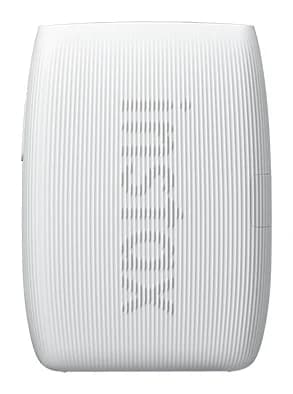
- Best OverallInstax mini Link 3Why we picked it →
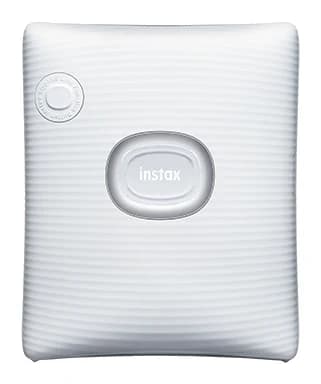
- Best ValueFujifilm instax SQUARE LinkWhy we picked it →
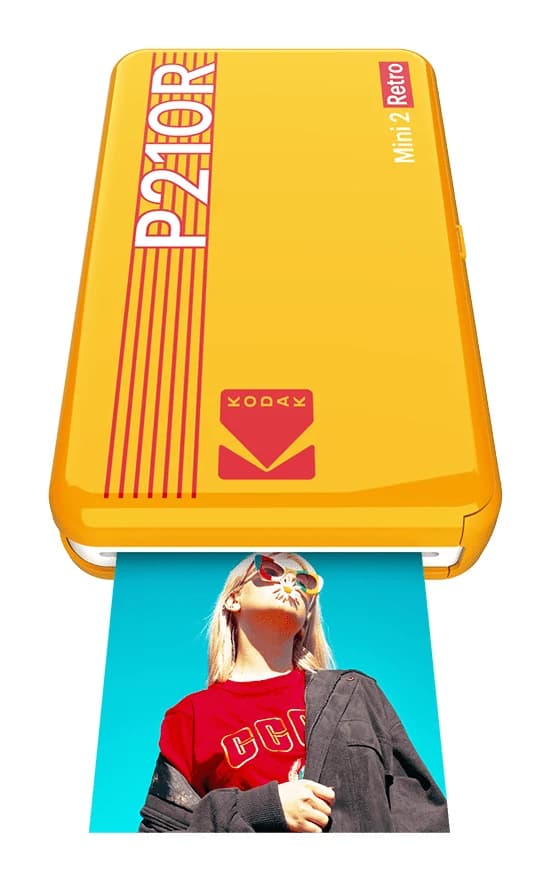
- Also GreatKODAK Mini 2 Retro P210RWhy we picked it →
Frequently asked questions
Is the Brother MFC-L8930CDW worth it?
For a small office or workgroup that prints and scans a lot of text documents, reviewers find it a strong choice thanks to 33 ppm speed in black and color, fast duplex scanning and broad connectivity. It is less worthwhile if you mainly want photos or have little desk space.
Does the Brother MFC-L8930CDW support AirPrint and Wi-Fi?
Yes. It supports AirPrint, Mopria and Wi-Fi Direct, and it has dual-band Wi-Fi (2.4GHz / 5GHz). It also has Gigabit Ethernet and Hi-Speed USB 2.0 for wired connections.
Is the Brother MFC-L8930CDW good for printing photos?
No. A common criticism is its narrow color gamut, which makes it poor for photos. It also doesn't support glossy paper or borderless printing. It is better suited to business documents.
Does it scan both sides of a page automatically?
Yes. It has an 80-sheet automatic document feeder with duplex scanning at up to 104 ipm in black and 72 ipm in color.
How much paper can the Brother MFC-L8930CDW hold?
The standard setup is a 250-sheet tray plus a 50-sheet multipurpose tray, 300 sheets in total. You can add optional LT-350CL trays (250 sheets x2) or LT-360CL trays (520 sheets x2).
How can I lower the cost per page?
Brother offers an optional TN635XXL super high yield toner rated at 7,500 black / 6,500 color pages. The toner included in the box is rated at 3,000 pages black / 1,800 pages color, so the higher yield option is the one to look at for heavy use.
Sources
Specs are taken from the manufacturers' official pages; expert recommendations from the publications below.
- Brother MFC-L8930CDW: brother-usa.com, rtings.com, bestbuy.com, cdw.com
Related reviews & guides
Best Printer for Home Office 2026: Five All-in-Ones Compared
Five home office all-in-ones compared on print speed, running costs, scanning and paper handling, from a fast color laser to a compact ink tank model.
Published Oct 17, 2026
Best Portable Photo Printers 2026: Instax, Kodak, Polaroid
Five portable photo printers compared on print size, speed, battery life and trade-offs, from Instax instant film to Kodak and Polaroid dye-sublimation prints, including the Polaroid's sticky-back photos.
Published Oct 25, 2026
Fujifilm Instax mini Link 3 Review: Fun Pocket Printer
A pocketable Bluetooth printer that turns phone photos into real instax mini prints. We look at the specs, app features and what experts say about the Link 3.
Published Oct 27, 2026