TP-Link Archer BE3600 Review (2026): Wi-Fi 7 Without 6 GHz
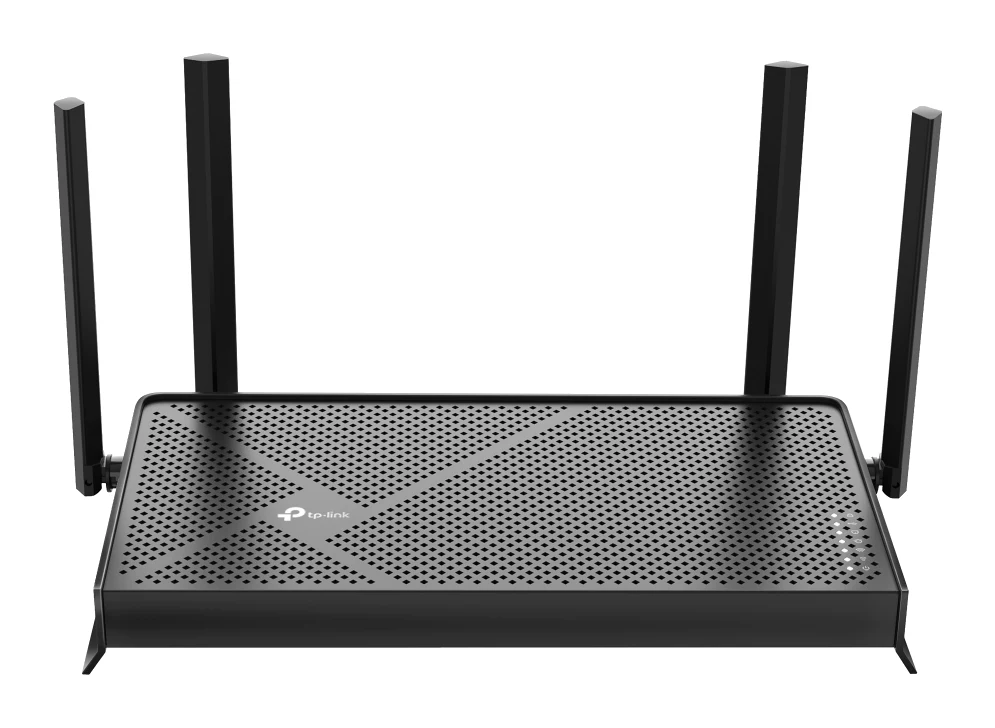
A look at the TP-Link Archer BE3600, a mid-range dual-band Wi-Fi 7 router with a 2.5 Gbps WAN port, USB 3.0 and a built-in VPN server, and who should buy it.
Research-based · We earn from qualifying purchases
Our verdict
The Archer BE3600 suits apartments and smaller homes with internet up to about 1 Gbps, offering Wi-Fi 7 features, a 2.5 Gbps WAN port and a solid feature set at a modest price. Buyers who want 6 GHz or reliable coverage across a large home should look at a tri-band or mesh system instead.
The good
- Wi-Fi 7 with Multi-Link Operation at a mid-range price
- 2.5 Gbps WAN and LAN ports for multi-gig internet and wired devices
- Strong close- and mid-range speeds, including on 2.4 GHz
- Easy setup through the Tether app or web interface
- USB 3.0 sharing, built-in VPN server and EasyMesh compatibility
+2 more
- Easy setup through the Tether app or web interface
- USB 3.0 sharing, built-in VPN server and EasyMesh compatibility
The bad
- Dual-band only, with no 6 GHz band, so it is not full Wi-Fi 7
- Speeds drop at longer range and through walls, a risk in larger homes
- Plastic build, and no repeater or bridge modes
- Some HomeShield security features need a paid subscription
+1 more
- Some HomeShield security features need a paid subscription
This TP-Link Archer BE3600 review looks at a router built for people who want the newer Wi-Fi 7 feature set without paying for a flagship. It sits in the mid-range part of the market, and it is aimed at apartments and smaller homes where one router can cover the space. It pairs a 2.5 Gbps WAN port with a 2.0 GHz quad-core CPU and a long list of extras, from a VPN server to USB file sharing.
The catch is in the word "dual-band". This router has no 6 GHz band, which shapes who it suits. This review is based on TP-Link's manufacturer specs and what independent expert reviews report, not on hands-on testing.
TP-Link Archer BE3600: specs at a glance
From the manufacturer- USB
- 1× USB 3.0 (FTP, media and Samba server)
- Mesh
- EasyMesh-compatible
- Modes
- Router mode and Access Point mode
- Power
- 12 V ⎓ 2 A (US)
- Antennas
- 4× external, beamforming
- WAN port
- 1× 2.5 Gbps
- LAN ports
- 1× 2.5 Gbps and 3× 1 Gbps
- Processor
- 2.0 GHz quad-core CPU
- VPN server
- OpenVPN, PPTP, L2TP, WireGuard
- 5 GHz speed
- 2882 Mbps (802.11be)
- 2.4 GHz speed
- 688 Mbps (802.11be)
- Wi-Fi standard
- Wi-Fi 7 (IEEE 802.11be), dual-band
- Streams / MU-MIMO
- 2×2 MU-MIMO, 4 streams
- Total Wi-Fi speed
- BE3600 (3570 Mbps)
Key features
- Wi-Fi 7 with Multi-Link Operation and 4K-QAM for steadier, faster links on compatible devices
- 2.5 Gbps WAN and 2.5 Gbps LAN ports for multi-gig internet and wired devices
- 4 external beamforming antennas for broader coverage
- USB 3.0 port for sharing files from a drive on the network
- HomeShield security and parental controls
- Built-in VPN server (OpenVPN, PPTP, L2TP, WireGuard) and VPN client support
- EasyMesh-compatible, so you can add a compatible router or extender later
- Tether app or web interface for setup, plus Alexa and Google Assistant support
What the Archer BE3600 is, and who it is for
The Archer BE3600 is a dual-band Wi-Fi 7 (IEEE 802.11be) router. The BE3600 name refers to its combined theoretical Wi-Fi speed of 3570 Mbps, split between 2882 Mbps on 5 GHz and 688 Mbps on 2.4 GHz. As with any router, the combined number is a ceiling that no single device will reach. Its real value is in the feature mix.
The best fit is someone in an apartment or smaller home with a fast internet plan, who wants a router that won't be outdated as more Wi-Fi 7 phones and laptops arrive. Experts recommend it in 2 independent buying guides, and it averages 8.4/10 across 4 expert reviews: Tom's Guide gives it 4.5/5, TechRadar 4/5, TechGearLab 4.3/5 and Dong Knows Tech 8/10.
Design and build
The router has four external beamforming antennas. The router has four external beamforming antennas for broader coverage.
A common criticism from reviewers is the plastic build. It isn't a premium-feeling piece of hardware, though a router usually lives on a shelf and is rarely handled. The power adapter is rated 12 V ⎓ 2 A (US).
The unit works in router mode or access point mode. Access point mode is useful if you already have a modem-router combo from your provider and just want to add Wi-Fi 7 to your network. Reviewers do point out that there are no repeater or bridge modes, so you can't use it to wirelessly extend another router's signal.
Features and what they mean day to day
Wi-Fi 7 features: Multi-Link Operation and 4K-QAM
TP-Link highlights Multi-Link Operation (MLO) and 4K-QAM. MLO lets a compatible device use more than one band at the same time, which is meant to give steadier and faster links. 4K-QAM packs more data into each transmission. Both only help when the device you are connecting also supports Wi-Fi 7, so older phones and laptops will connect as they always have, without these benefits.
Reviewers consistently praise getting MLO at a mid-range price, and also note that without a 6 GHz band it is not full Wi-Fi 7.
Multi-gig ports
The router has a 2.5 Gbps WAN port and one 2.5 Gbps LAN port, plus three 1 Gbps LAN ports. The WAN port matters if your internet plan is faster than 1 Gbps, since a standard gigabit WAN port would cap it. The 2.5 Gbps LAN port suits one demanding wired device, such as a desktop, a NAS or a gaming PC. With only one, you can't give several wired devices multi-gig speeds.
USB 3.0 sharing
The USB 3.0 port supports FTP, media and Samba server functions, so you can plug in a drive and share files across the network. It is a simple way to get basic network storage without buying a separate NAS.
VPN, security and smart home
The built-in VPN server supports OpenVPN, PPTP, L2TP and WireGuard, and the router also supports VPN client use. That's a handy set for connecting back to your home network while travelling or routing traffic through a VPN service. HomeShield adds security and parental controls, but reviewers note that some of its security features need a paid subscription. Check which features you actually want before counting on them.
Setup runs through the Tether app or a web interface, and the router works with Alexa and Google Assistant. Reviewers praise how easy setup is.
Performance, coverage and connectivity
Reviewers report strong close- and mid-range speeds, including on 2.4 GHz. For an apartment or smaller home, where devices are within a room or two of the router, that is the performance that matters most.
The router has a 2.0 GHz quad-core CPU and 2×2 MU-MIMO with 4 streams. MU-MIMO lets the router talk to several devices at once instead of one after another, which helps in households with many phones, TVs and laptops online together.
The weak spot is range. A common criticism is that speeds drop at longer distances and through walls, which is a risk in larger homes. Because it has only two bands, there is no 6 GHz band to take the load off 5 GHz either. If your home has thick walls or several floors, this is the point to weigh most carefully.
TP-Link does offer a route to extending coverage. The router is EasyMesh-compatible, so you can add a compatible router or extender later. That gives you room to grow, though you would need to buy that second device.
What experts like and what they criticise
Praise: Reviewers like the Wi-Fi 7 feature set at a mid-range price, the 2.5 Gbps WAN and LAN ports, the strong close- and mid-range speeds, and the easy setup. The USB 3.0 sharing, built-in VPN server and EasyMesh compatibility are also seen as good extras at this level.
Criticism: The recurring points are the lack of a 6 GHz band, speeds that fall at longer range and through walls, the plastic build, the missing repeater and bridge modes, and the paid subscription for some HomeShield features.
It is a fairly consistent picture: a capable router for the right home, with limits that are easy to spot from the spec sheet.
Who should buy it
- Apartment and small-home users whose devices sit close to the router and who want Wi-Fi 7 features without a flagship budget.
- People with a multi-gig plan, who need the 2.5 Gbps WAN port to avoid a gigabit bottleneck on the router's side. For plans up to about 1 Gbps, it is more than enough.
- Anyone who wants extras such as USB file sharing, a WireGuard or OpenVPN server, and parental controls.
- Buyers who may expand later, since EasyMesh compatibility leaves room to add a compatible router or extender.
Who should skip it
- Large-home owners who need reliable coverage across many rooms or floors. Reviewers flag speed drops at range, and a tri-band or mesh system is the safer option.
- Anyone who wants 6 GHz. This is a dual-band router, so it isn't full Wi-Fi 7.
- People who need to extend an existing network wirelessly, since there are no repeater or bridge modes.
- Buyers who need several multi-gig wired connections, as there is only one 2.5 Gbps LAN port.
How it fits in its category
The Archer BE3600 is a dual-band router with no 6 GHz band, and it adds a 2.5 Gbps WAN port, VPN server and USB sharing. For large homes, a tri-band or mesh system is the better answer.
Verdict: a sensible Wi-Fi 7 starter router with clear limits
The TP-Link Archer BE3600 makes the most sense in a compact space. You get Multi-Link Operation, a 2.5 Gbps WAN port, a 2.5 Gbps LAN port, USB 3.0 sharing and a flexible VPN server, all with simple setup. Its 8.4/10 average across 4 expert reviews reflects a router that does the important things well.
If your home is large, or you want a true 6 GHz band, look elsewhere. If your space is small to medium and you want a dependable, feature-rich router that is ready for Wi-Fi 7 devices, it is a strong mid-range choice.
Related buying guides
- TP-Link Archer BE770 Review (2026): Multi-Gig Wi-Fi 7
- TP-Link Deco BE23 Review (2026): A Simple Wi-Fi 7 Mesh
- TP-Link Deco BE63 Review (2026): Multi-Gig Wi-Fi 7 Mesh
- Best Wi-Fi Routers in 2026: Wi-Fi 7 for Homes of Every Size
- TP-Link Deco X55 Review (2026): Easy Mesh, Gigabit Limits
- Best Mesh Wi-Fi System for 2026: Wi-Fi 7 on Any Budget
- Best Wi-Fi Range Extenders for 2026 to Kill Dead Zones
- Best USB-C Docking Stations for Laptops 2026: Any Desk
Not sure about the TP-Link Archer BE3600? Consider these
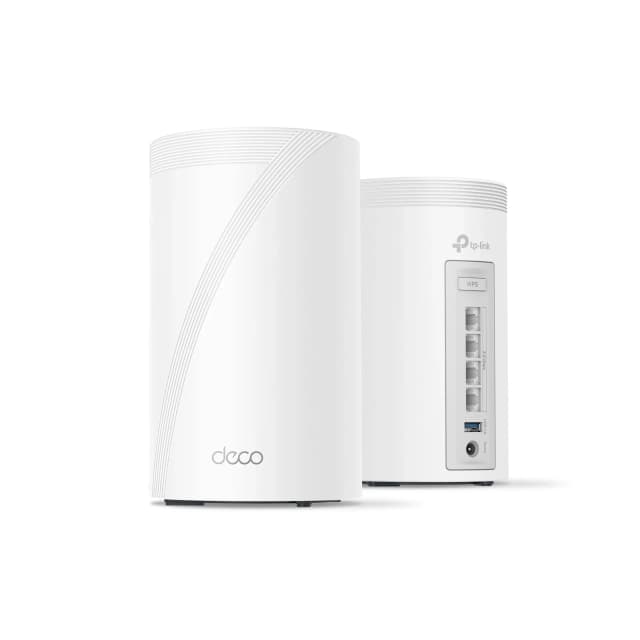
- Best OverallTP-Link Deco 7 Pro BE63Why we picked it →
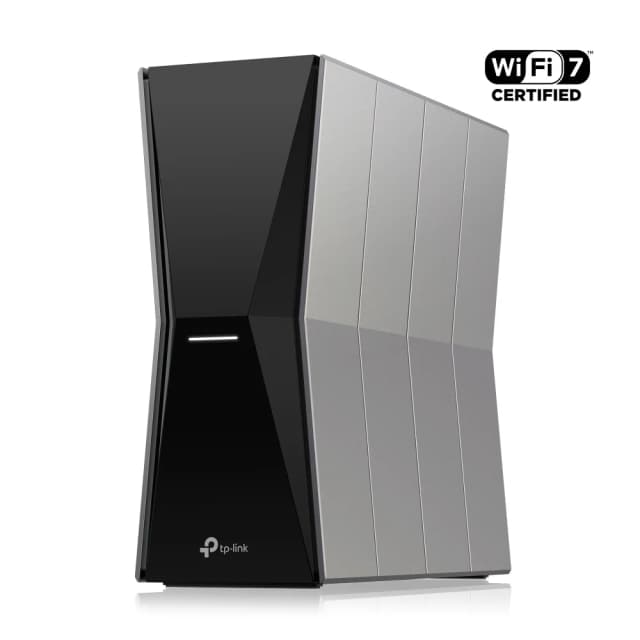
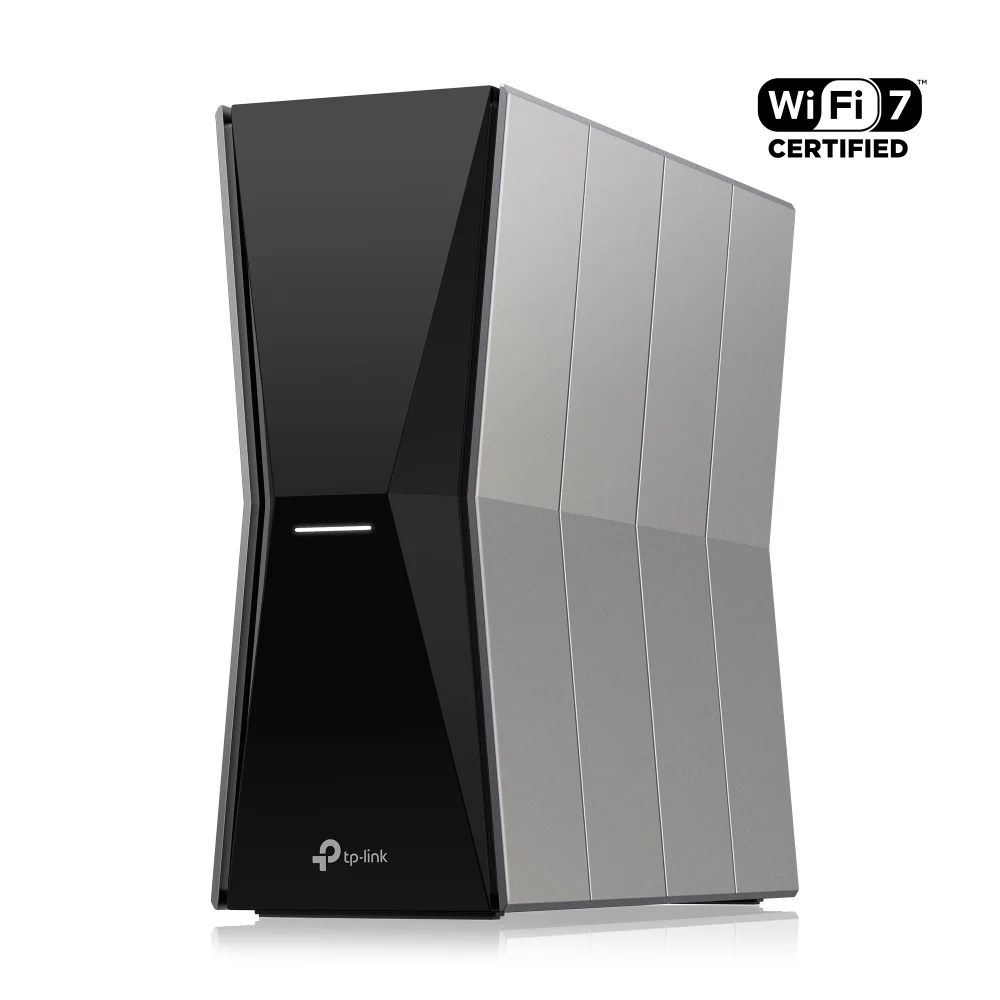
- Best BudgetTP-Link Archer BE770Why we picked it →
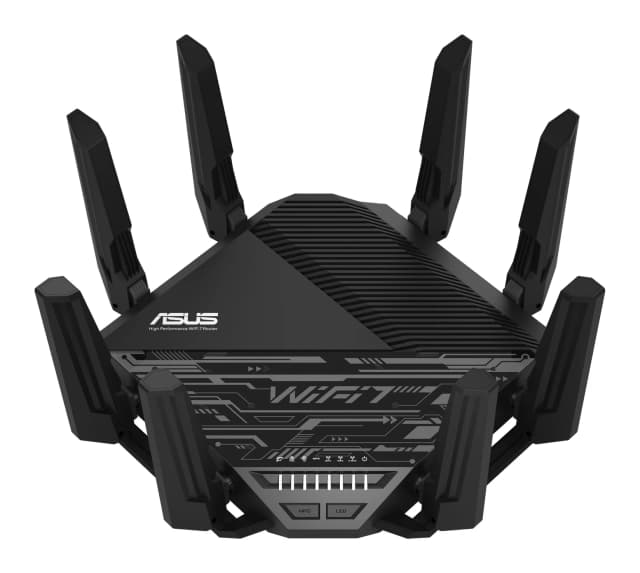
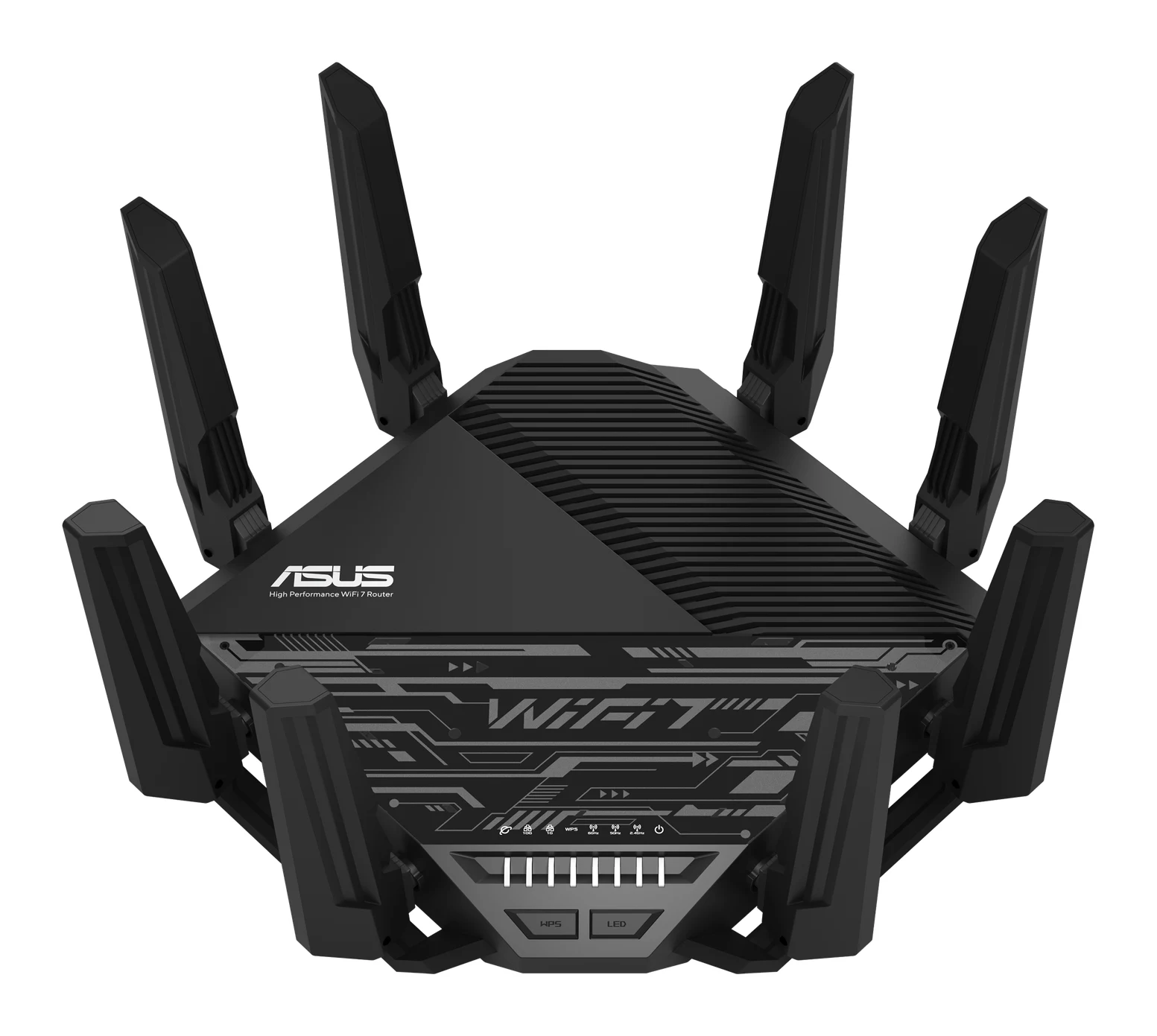
- Premium PickASUS RT-BE96U BE19000Why we picked it →
Frequently asked questions
Is the TP-Link Archer BE3600 worth it?
For apartments and smaller homes, it is a good fit. It averages 8.4/10 across 4 expert reviews and offers Wi-Fi 7 with Multi-Link Operation, a 2.5 Gbps WAN port, USB 3.0 and a VPN server in the mid-range part of the market. It is less suited to large homes, where speeds can drop at longer range and through walls.
Does the TP-Link Archer BE3600 support 6 GHz?
No. It is a dual-band Wi-Fi 7 router, working on 5 GHz and 2.4 GHz only. Reviewers note this means it is not full Wi-Fi 7. If you want 6 GHz, you would need a tri-band router.
Does the Archer BE3600 have a 2.5 Gbps port?
Yes. It has a 2.5 Gbps WAN port and one 2.5 Gbps LAN port, plus three 1 Gbps LAN ports. That suits multi-gig internet and one fast wired device.
Does the Archer BE3600 work with mesh?
It is EasyMesh-compatible, so you can add a compatible router or extender later to expand coverage. It does not offer repeater or bridge modes on its own.
Can the TP-Link Archer BE3600 act as a VPN server?
Yes. It has a built-in VPN server supporting OpenVPN, PPTP, L2TP and WireGuard, and it also supports VPN client use.
Do I have to pay for HomeShield on the Archer BE3600?
HomeShield provides security and parental controls, but reviewers note that some of its security features need a paid subscription. The router's core functions don't depend on it.
Sources
Specs are taken from the manufacturers' official pages; expert recommendations from the publications below.
- TP-Link Archer BE3600: tp-link.com, tomsguide.com, techradar.com, consumerreports.org
Related reviews & guides
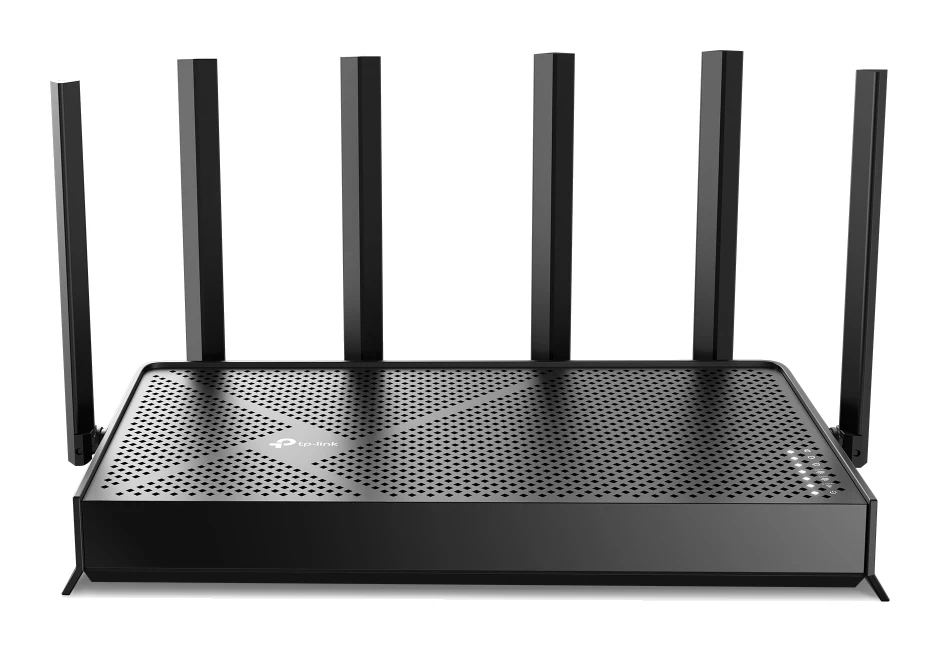
TP-Link Archer BE770 Review (2026): Multi-Gig Wi-Fi 7
A look at the TP-Link Archer BE770, a tri-band Wi-Fi 7 router with 10 Gbps WAN and LAN ports, based on its specs and what independent reviewers report.
Published Nov 6, 2026
TP-Link Deco BE23 Review (2026): A Simple Wi-Fi 7 Mesh
The TP-Link Deco BE23 brings Wi-Fi 7, MLO and 2.5 Gbps ports to a mid-range mesh system. Here is what it does well, where it compromises, and who it suits.
Published Nov 4, 2026
TP-Link Deco BE63 Review (2026): Multi-Gig Wi-Fi 7 Mesh
A look at the TP-Link Deco BE63, a mid-range tri-band Wi-Fi 7 mesh system with multi-gig ports on every unit, based on its specs and what independent experts report.
Published Oct 20, 2026