TP-Link RE705X Review (2026): Fast Wi-Fi 6, Bulky Body
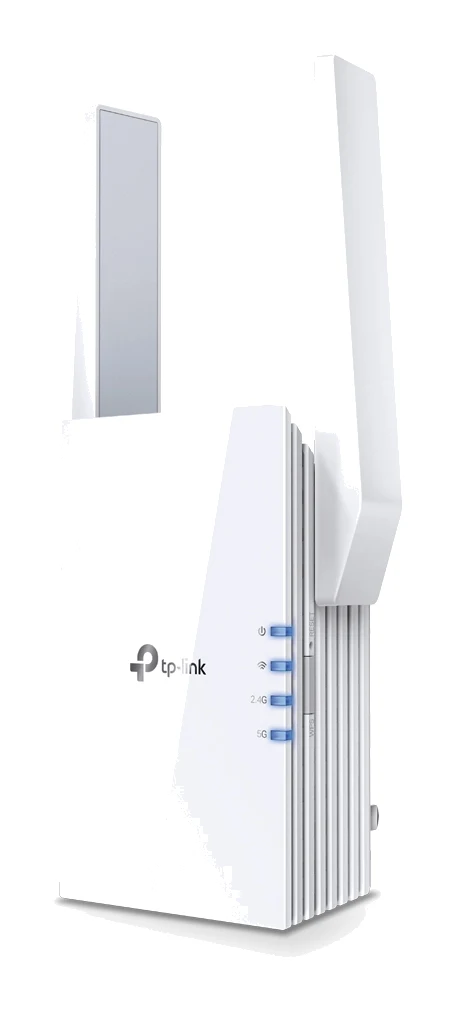
A dual-band Wi-Fi 6 plug-in extender with a Gigabit Ethernet port, Access Point mode and OneMesh pairing. This review covers what it does well, where it falls short and who should buy it.
Research-based · We earn from qualifying purchases
Our verdict
A strong pick for owners of a Wi-Fi 6 or TP-Link OneMesh router who want fast, easy-to-set-up coverage plus a wired port. Skip it if you need to extend a 6GHz network, have limited outlet space, or want the cheapest possible extender.
The good
- Dual-band Wi-Fi 6 with 2x2 160MHz support on 5 GHz
- Fast throughput for a plug-in extender
- Gigabit Ethernet port connects TVs and consoles
- Access Point mode adds flexibility beyond range extending
- Quick setup via WPS button, Tether app or web interface
+2 more
- Access Point mode adds flexibility beyond range extending
- Quick setup via WPS button, Tether app or web interface
The bad
- Runs warm or hot in use
- Bulky design can block the neighbouring outlet
- Priced above many other plug-in extenders
- Does not extend a 6GHz (Wi-Fi 6E) signal
+1 more
- Does not extend a 6GHz (Wi-Fi 6E) signal
This TP-Link RE705X review looks at a plug-in Wi-Fi 6 range extender aimed at people with dead spots at home who want something faster than a basic booster. It is an AX3000 dual-band unit that works with any Wi-Fi router. It also has a wired Ethernet port and a second job as an access point. The analysis here is based on TP-Link's manufacturer specifications and what independent expert reviews report, not on hands-on testing.
The RE705X suits people with a Wi-Fi 6 router, or a TP-Link router that supports OneMesh, who want faster coverage in a far room and a socket for a wired device.
TP-Link RE705X: specs at a glance
From the manufacturer- Mesh
- EasyMesh-Compatible (OneMesh on the US product page)
- Buttons
- WPS Button, Reset Button
- Antennas
- 2 External Antennas
- Input power
- 100-240V~50/60Hz
- Wi-Fi class
- AX3000 (dual band)
- Ethernet port
- 1 Gigabit Ethernet Port
- Working modes
- Range Extender / Access Point
- Signal rate 5GHz
- 2402 Mbps
- Wireless security
- WEP, WPA, WPA2, WPA3
- Signal rate 2.4GHz
- 574 Mbps
- Wireless standards
- IEEE 802.11a/n/ac/ax 5GHz, IEEE 802.11b/g/n/ax 2.4GHz
- Operating temperature
- 0℃~40℃ (32℉~104℉)
- Dimensions (W x D x H)
- 97×46×158 mm
- Max. power consumption
- 12.6W
Key features
- Dual-band Wi-Fi 6 with separate 5 GHz (2402 Mbps) and 2.4 GHz (574 Mbps) bands
- 2x2 160MHz channel support on 5 GHz for wider bandwidth
- Works with any Wi-Fi router
- Pairs with TP-Link OneMesh routers for one network name and password
- Gigabit Ethernet port for wired devices such as TVs and consoles
- Access Point mode turns a wired connection into a new Wi-Fi access point
- Setup through the WPS button, the Tether app or a web interface
- Smart signal indicator helps you find the best placement
What the TP-Link RE705X is
The RE705X is a wall-mounted extender. It picks up your router's wireless signal and rebroadcasts it so that distant rooms, garages or upper floors get a usable connection. It sits in the mid-range part of the market. That is above many simple plug-in extenders, so price is worth weighing.
The headline is its dual-band Wi-Fi 6 radio. The 5 GHz band is rated at 2402 Mbps and the 2.4 GHz band at 574 Mbps. The 5 GHz side supports 2x2 160MHz channels, which gives it wider bandwidth to work with when your router and devices can use it. These are the maximum signal rates the radios are rated for. Real-world speeds depend on your router, your devices, the distance and the walls in between.
Tom's Guide scores it 4/5, and it is recommended in 2 independent expert buying guides.
TP-Link RE705X review: design and build
The RE705X is a plug-in design with two external antennas. It measures 97×46×158 mm, and its bulky design can block the neighbouring outlet. If you plan to put it behind a sofa or on a crowded power strip, check the space first. A wall socket with room around it, or a single outlet, is the easiest fit.
The controls are minimal: a WPS button for quick pairing and a reset button. There is one Gigabit Ethernet port on the unit. It runs from standard 100-240V~50/60Hz mains power and is rated for operation from 0℃~40℃ (32℉~104℉). Maximum power consumption is 12.6W.
A common criticism is that the unit runs warm or hot in use.
Features and what they mean day to day
Works with any router, with extra perks for TP-Link
TP-Link says the RE705X works with any Wi-Fi router. If your router is a TP-Link model that supports OneMesh, you can pair the two. Your home then shows up as one network name and one password, instead of a separate extended network to switch to. The spec sheet lists the mesh support as EasyMesh-compatible, with OneMesh being the name on TP-Link's US product page. With a router that doesn't support OneMesh you still get the extending, but you should expect to manage the extender as its own network name.
Wired port for TVs and consoles
The Gigabit Ethernet port is one of the RE705X's pros. A smart TV, games console or streaming box that sits far from the router can plug into the extender and get a wired connection to your wireless network. Cabling a stationary device also leaves more wireless capacity for phones and laptops.
Access Point mode
The RE705X has two working modes: Range Extender and Access Point. In Access Point mode you connect it to your network over a wired connection, and it turns that connection into a new Wi-Fi access point. That helps if you already have Ethernet run to a back bedroom or an office and want wireless coverage there without relying on a wireless link back to the router. Reviewers describe this flexibility as a plus over a pure extender.
Setup and placement
You can set it up three ways: the WPS button, the Tether app or a web interface. Reviewers describe setup as quick. A smart signal indicator then helps you find a good spot. Placement matters more than anything else with an extender. The best location is usually about halfway between the router and the dead zone, where the router's signal is still strong, rather than inside the dead zone itself.
Performance and connectivity
The performance story comes down to the dual-band Wi-Fi 6 radios and the 2x2 160MHz support on 5 GHz. Reviewers praise the throughput as fast for a plug-in extender. The 5 GHz rate of 2402 Mbps is the figure to focus on if you have Wi-Fi 6 devices and a router that can keep up. The 2.4 GHz band, rated at 574 Mbps, is there for older or longer-range devices that can't use 5 GHz or sit further away.
The spec sheet lists these wireless standards:
- IEEE 802.11a/n/ac/ax on 5GHz
- IEEE 802.11b/g/n/ax on 2.4GHz
Older Wi-Fi devices stay supported. For wireless security it supports WEP, WPA, WPA2 and WPA3, so you can keep modern encryption on your extended network.
The main limit is the band coverage. The RE705X does not extend a 6GHz (Wi-Fi 6E) signal. If your router has a 6GHz band and you want that band to reach further, this isn't the product. It covers 5 GHz and 2.4 GHz only. It is a dealbreaker if your whole setup is built around 6GHz.
TP-Link doesn't list a range figure or a coverage area, so how far it will stretch your signal depends on your home's layout and the strength of your router's signal where you plug it in.
What experts like and what they criticise
What reviewers praise
- The dual-band Wi-Fi 6 radios with 2x2 160MHz support on 5 GHz.
- Fast throughput for a plug-in extender.
- The Gigabit Ethernet port for TVs and consoles.
- Access Point mode as an added option.
- Quick setup through the WPS button, the Tether app or the web interface.
What reviewers criticise
- It runs warm or hot in use.
- The bulky design can block the neighbouring outlet.
- It costs more than many other plug-in extenders.
- It does not extend a 6GHz (Wi-Fi 6E) signal.
The criticisms are mostly about physical fit and price, not about wireless behaviour. If your wall socket has room and your router is a Wi-Fi 6 or OneMesh model, they matter less. If outlets are tight, or you only need basic coverage for light browsing, they matter more.
Who should buy it, and who should skip it
Buy it if:
- You own a Wi-Fi 6 router or a TP-Link OneMesh router and want faster coverage in a far corner.
- You want a wired Gigabit port for a TV, console or other device near the extender.
- You have Ethernet cabling in a room and want to add Wi-Fi there using Access Point mode.
- You want straightforward setup through WPS, an app or a web page.
Skip it if:
- You need to extend a 6GHz (Wi-Fi 6E) network.
- Your outlets are crowded and a large plug-in body would block the next socket.
- You want the cheapest extender available and don't need Wi-Fi 6 speeds.
- You want a device that stays cool in a closed or warm space.
How it fits among extenders
In general terms, plug-in extenders range from simple single-band boosters to dual-band Wi-Fi 6 models like this one. The RE705X is a dual-band Wi-Fi 6 model with a wired port and Access Point mode, and it is priced above many other plug-in extenders. The trade-offs are the larger body and the lack of 6GHz support. If your priorities are a low price or the smallest possible footprint, a simpler model may fit better. If you want speed, a wired port and OneMesh pairing, this is the type of product to shortlist.
Verdict
The RE705X is a capable, flexible Wi-Fi 6 extender with some physical drawbacks. The dual-band radios, 2x2 160MHz support on 5 GHz, Gigabit Ethernet port, Access Point mode and simple setup make it a strong choice for owners of a Wi-Fi 6 or TP-Link OneMesh router. Tom's Guide gives it 4/5, and 2 independent expert guides recommend it. Check your outlet space first, keep its warm running in mind, and confirm you don't need 6GHz extension before you buy.
Related buying guides
- TP-Link RE715X Review (2026): Fast Extender, Bulky Body
- TP-Link RE315 Review (2026): One Extra Room, Kept Simple
- Best Wi-Fi Range Extenders for 2026 to Kill Dead Zones
- Netgear Nighthawk EXS27 Review (2026): WiFi 7 Plug-In Range
- Asus RP-AX58 Review (2026): AiMesh Node for ASUS Owners
- TP-Link Deco BE63 vs TP-Link Deco BE23 (2026): Which Mesh?
- Best Mesh Wi-Fi System for 2026: Wi-Fi 7 on Any Budget
Not sure about the TP-Link RE705X? Consider these
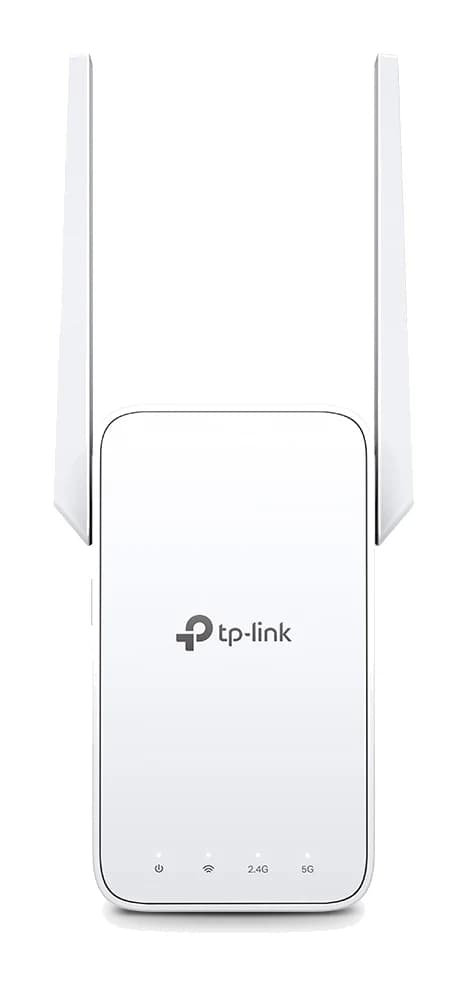
- Best OverallTP-Link RE315 AC1200 Mesh Wi-Fi Range ExtenderWhy we picked it →
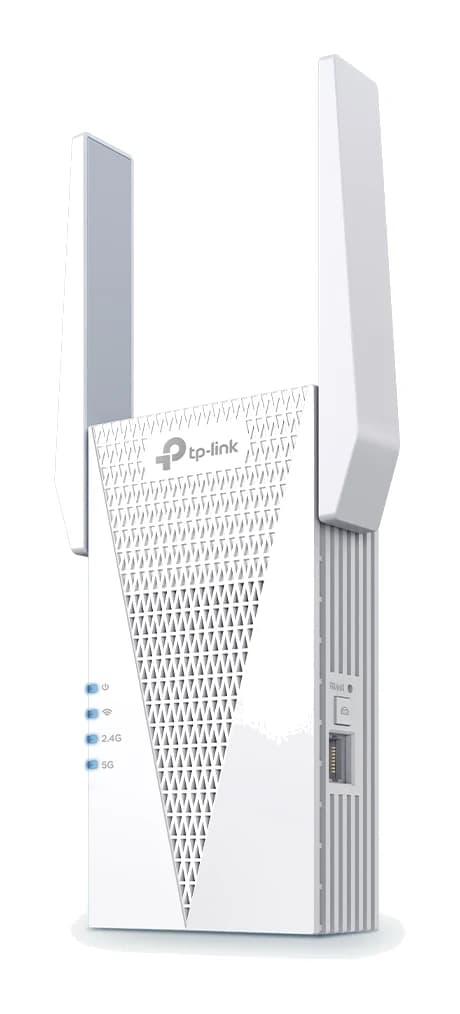
- Best ValueTP-Link RE715XWhy we picked it →
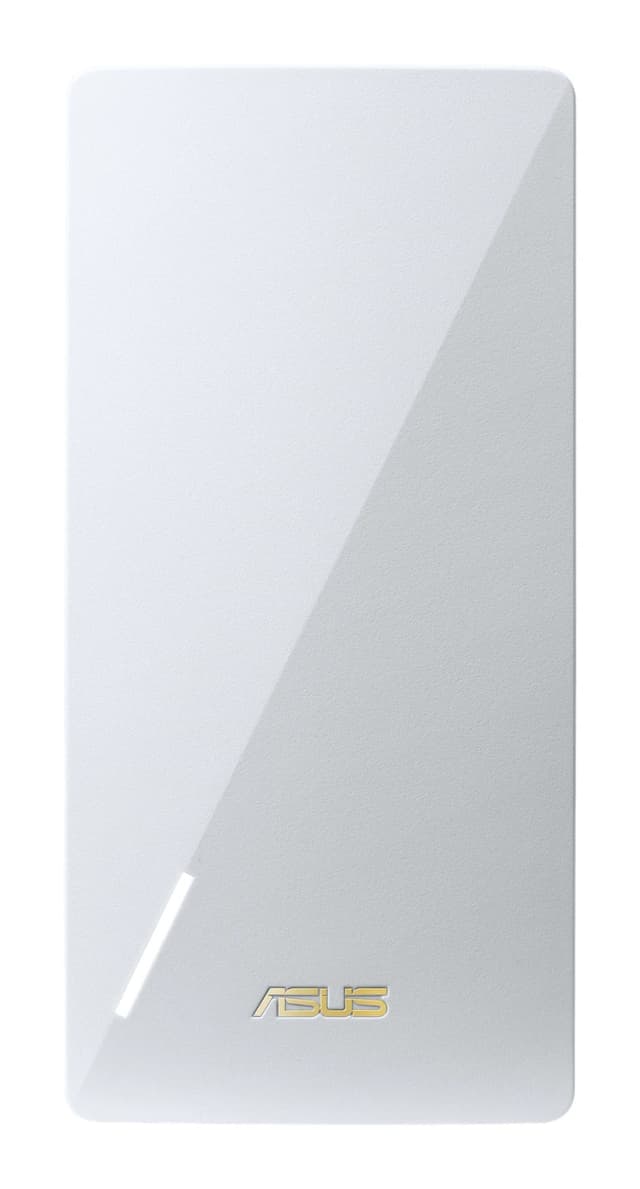
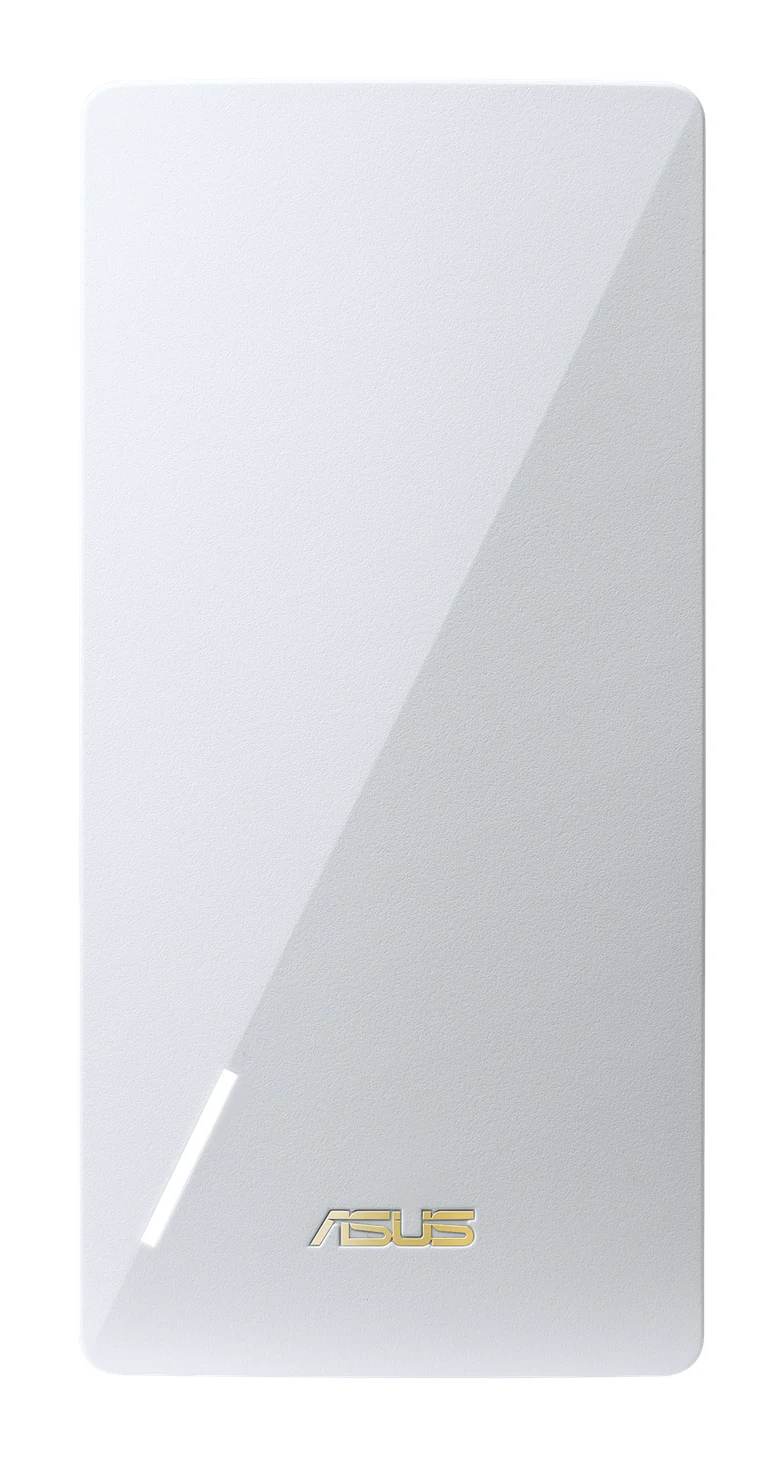
- Best BudgetAsus RP-AX58Why we picked it →
Frequently asked questions
Is the TP-Link RE705X worth it?
It is worth considering if you have a Wi-Fi 6 or TP-Link OneMesh router and want fast plug-in coverage with a wired Gigabit port. Reviewers praise its throughput and flexibility, but it sits above many other plug-in extenders in price. It is also bulky and runs warm. If you only need basic coverage, a simpler extender may be enough.
Does the TP-Link RE705X work with any router?
Yes. TP-Link says it works with any Wi-Fi router. With a TP-Link OneMesh router you can pair them so the whole home uses one network name and password.
Does the TP-Link RE705X support Wi-Fi 6E or 6GHz?
No. It is a dual-band AX3000 extender covering 5 GHz and 2.4 GHz. It does not extend a 6GHz (Wi-Fi 6E) signal.
Does the RE705X have an Ethernet port?
Yes. It has one Gigabit Ethernet port, which you can use to connect wired devices such as a TV or games console.
Can the TP-Link RE705X be used as an access point?
Yes. It has Range Extender and Access Point working modes. In Access Point mode it turns a wired connection into a new Wi-Fi access point.
How do you set up the TP-Link RE705X?
You can set it up with the WPS button, the Tether app or a web interface. A smart signal indicator helps you find a good spot for it.
Sources
Specs are taken from the manufacturers' official pages; expert recommendations from the publications below.
- TP-Link RE705X: tp-link.com, altex.com
Related reviews & guides
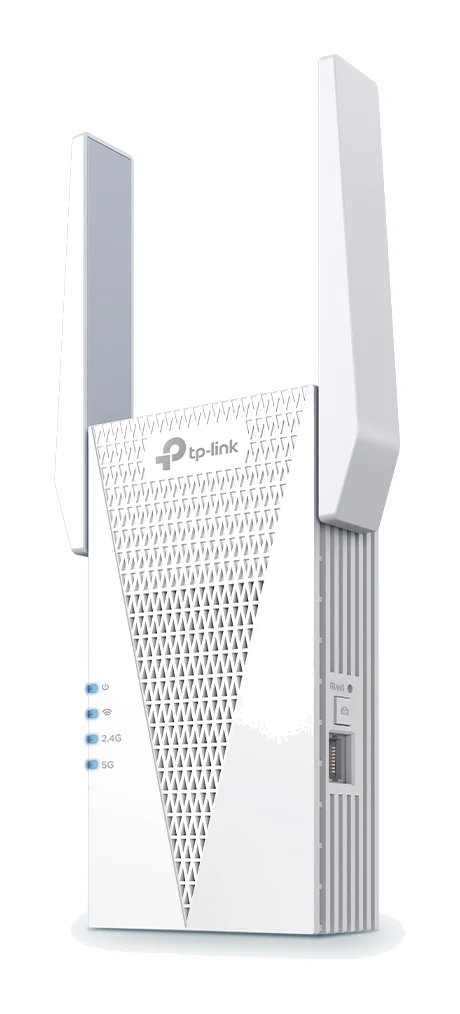
TP-Link RE715X Review (2026): Fast Extender, Bulky Body
A Wi-Fi 6 range extender with 160 MHz support, a wired port and access point mode. This TP-Link RE715X review covers what it does well and where it falls short.
Published Oct 28, 2026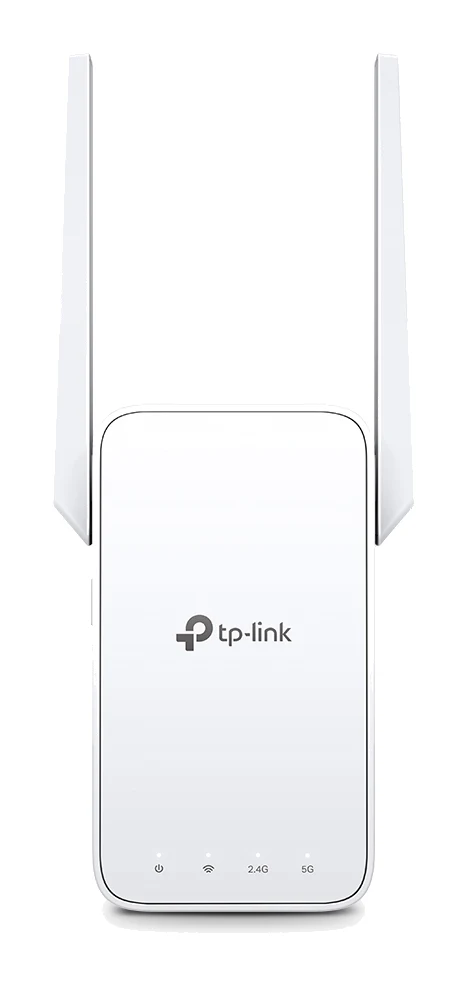
TP-Link RE315 Review (2026): One Extra Room, Kept Simple
A look at the TP-Link RE315 range extender: what dual-band Wi-Fi 5, OneMesh/EasyMesh support and AP Mode mean in practice, and who should skip it.
Published Oct 25, 2026Best Wi-Fi Range Extenders for 2026 to Kill Dead Zones
Five Wi-Fi range extenders compared on standard, speed, Ethernet port, mesh support and coverage, from a budget Wi-Fi 5 plug-in to a Wi-Fi 7 premium pick.
Published Oct 15, 2026