Acer Chromebook Plus 515 Review (2026): Roomy and Quick
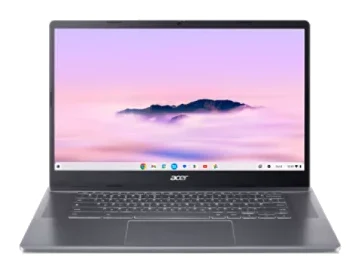
The Acer Chromebook Plus 515 pairs a big 15.6-inch matte screen with quick performance and a generous port selection. Here is where it shines and where it falls short.
Research-based · We earn from qualifying purchases
Our verdict
The Acer Chromebook Plus 515 is a good-value, fast everyday laptop with a big screen, good speakers and plenty of ports. Skip it if you need a bright display for sunlit rooms, a touchscreen or all-day battery life away from an outlet.
The good
- Snappy everyday performance, well ahead of basic Chromebooks
- Large 15.6-inch Full HD matte screen suits split-screen work
- Comfortable keyboard and large, responsive touchpad
- Loud, surprisingly good stereo speakers and a sharp Full HD webcam
- Plenty of ports: two USB-C, USB-A, HDMI and headphone jack
+2 more
- Loud, surprisingly good stereo speakers and a sharp Full HD webcam
- Plenty of ports: two USB-C, USB-A, HDMI and headphone jack
The bad
- Display is dim, so glare can be a problem in bright rooms
- Real-world battery life falls short of the claimed 10 hours
- No touchscreen on this model and no number pad
- Mostly plastic build, with a creaky hinge noted by some reviewers
+1 more
- Mostly plastic build, with a creaky hinge noted by some reviewers
This Acer Chromebook Plus 515 review looks at a laptop built around one idea: give people a roomy, quick ChromeOS machine without moving into premium-laptop territory. It sits in the mid-range part of the market and is aimed at students and home users who want a big screen and snappy performance for browsing, documents, streaming and video calls.
This review is based on Acer's published specifications and on what independent expert reviews report, not on our own hands-on testing. Reviewers rate it well: it averages 8.2/10 across 5 expert reviews. TechRadar, Tom's Guide, Stuff and T3 each give it 4/5, and Trusted Reviews scores it 4.5/5.
Acer Chromebook Plus 515: specs at a glance
From the manufacturer- Ports
- 2 x USB-C (USB 3.2 Gen 1), 1 x USB-A (USB 3.2 Gen 1), 1 x HDMI, headphone jack
- Memory
- 8 GB LPDDR5X
- Webcam
- 1920 x 1080
- Display
- 15.6" 1920 x 1080 IPS, ComfyView matte, 60 Hz, non-touch on this model
- Graphics
- Intel UHD Graphics
- Speakers
- 2 stereo speakers
- Wireless
- Wi-Fi 6E AX211, Bluetooth 5.1 or above
- Dimensions
- 14.2" W x 9.39" D x 0.79" H
- Power adapter
- 65 W
- Operating system
- ChromeOS
- Battery life (max)
- 10 Hours
- Weight (approximate)
- 3.7 lbs.
- Storage (CB515-2H-31NY)
- 128 GB
- Processor (US store model CB515-2H-31NY)
- Intel Core i3-1215U, 6 cores, up to 4.4 GHz
Key features
- Big 15.6-inch Full HD IPS ComfyView matte screen for split docs and streaming
- Intel Core i3 or i5 processor with 8GB LPDDR5X for snappy multitasking
- Chromebook Plus Google AI features
- Wi-Fi 6E for fast wireless connections
- Full HD webcam with a privacy shutter for video calls
- Stereo speakers with DTS audio
- Ports for most uses: two USB-C, one USB-A, HDMI and a headphone jack
- Up to 10 hours of battery life, with 65 W charging
Acer Chromebook Plus 515 review: design and build
The headline here is size. The 15.6-inch screen puts the Chromebook Plus 515 in the larger-laptop camp, and it weighs approximately 3.7 lbs. That is a fair amount to carry around campus every day, but the extra screen area is the reason many people choose a laptop this size. Acer describes the display as a Full HD IPS ComfyView matte panel, and the pitch is that it suits split documents side by side as well as streaming.
The matte finish is aimed at cutting reflections. Even so, a common criticism from reviewers is that the display is dim, so glare can still be a problem in bright rooms. If you mostly work indoors under normal lighting, that may never bother you. If your usual spot is a sunny window or a bright café, it deserves real consideration. This model is also non-touch, and the panel runs at 60 Hz.
The chassis is mostly plastic, and some reviewers mention a creaky hinge. The build is mostly plastic, which fits its mid-range price tier. This model has no number pad, which reviewers list as a drawback. Reviewers do speak well of the keyboard itself, calling it comfortable, and of the large, responsive touchpad.
Features and what they mean day to day
Chromebook Plus and ChromeOS
The Plus branding means Google's AI features are part of the package, and the laptop runs ChromeOS. In practice, that suits people who live in a browser and web apps. ChromeOS tends to be simple to set up and manage, which is a good fit for a family or school laptop.
Speakers and webcam
Two stereo speakers with DTS audio handle sound. Reviewers describe them as loud and surprisingly good. If you watch a lot of video or take calls without headphones, that is a practical plus.
The webcam is Full HD (1920 x 1080), and reviewers call it sharp. It has a privacy shutter, a small feature that is welcome on a laptop likely to be used for classes and video meetings.
Ports
Port selection is a genuine strength. You get two USB-C ports (USB 3.2 Gen 1), one USB-A port (USB 3.2 Gen 1), an HDMI port and a headphone jack. That covers a wired mouse or flash drive, an external monitor or TV, and headphones without carrying an adapter. If you are thinking about building a desk setup around a laptop, our guide to the best USB-C docking stations for laptops covers the wider options, though for many Chromebook users the built-in ports will be enough.
Performance, memory and connectivity
The Chromebook Plus 515 is offered with an Intel Core i3 or i5 processor. The model listed here (CB515-2H-31NY) uses the Intel Core i3-1215U, a 6-core chip that runs up to 4.4 GHz. It is paired with 8GB of LPDDR5X memory and 128 GB of storage, with Intel UHD Graphics handling visuals.
For a ChromeOS machine, that is a solid configuration. 8GB of memory gives a browser with many tabs room to work, and reviewers consistently praise the snappy everyday performance, saying it is well ahead of basic Chromebooks. Intel UHD Graphics is an integrated solution, so this is a laptop for web apps, documents, video and light everyday use rather than anything graphically demanding. The 128 GB of storage is fine for a cloud-first workflow but is worth keeping in mind if you like storing large files locally.
Wireless is up to date. Wi-Fi 6E (AX211) and Bluetooth 5.1 or above are listed, which helps if your router supports the newer standard and you want faster, more stable connections for streaming and video calls.
Battery life and charging
Acer quotes up to 10 hours of battery life, and the laptop ships with a 65 W power adapter. The caveat is that reviewers report real-world battery life falling short of the claimed 10 hours. Treat that figure as a best case. If you spend long days away from an outlet, the charger will probably need to come with you, which sits alongside the laptop's weight when you are packing a bag.
What experts like and what they criticise
The praise is consistent across reviews:
- Everyday performance feels snappy, well ahead of basic Chromebooks.
- The large 15.6-inch Full HD matte screen suits split-screen work.
- The keyboard is comfortable and the touchpad is large and responsive.
- The stereo speakers are loud and surprisingly good, and the Full HD webcam is sharp.
- The port selection is generous.
The criticisms are just as consistent, and several are worth weighing seriously rather than treating as footnotes:
- The display is dim, and glare can be a problem in bright rooms.
- Battery life in real use does not reach the claimed 10 hours.
- There is no touchscreen on this model and no number pad.
- The build is mostly plastic, and some reviewers note a creaky hinge.
The screen and battery points matter most, because they affect how and where you can comfortably use the laptop.
Who should buy it, and who should skip it
Buy it if you want a roomy, fast Chromebook for studying, working in a browser, watching video and making calls. It suits students and home users who mostly stay in well-lit indoor spaces, near a power outlet, and who value ports and sound quality over a premium chassis.
Skip it if you need a bright display for sunlit rooms, want a touchscreen, work with numbers often enough to miss a number pad, or need all-day battery life away from a charger. If you want something light to carry everywhere, a 15.6-inch laptop at about 3.7 lbs is also unlikely to be ideal.
How it fits in its category
The Acer Chromebook Plus 515 is a mid-range Chromebook Plus model with Google's AI features, an Intel Core i3 or i5 processor and 8GB of memory, and it adds a large screen and a broad set of ports. Its compromises are the ones you would expect at this level: plastic construction, a dim display and modest real-world battery endurance.
Verdict
The Acer Chromebook Plus 515 is an easy laptop to recommend for the right buyer. It is quick, it has a big Full HD screen, loud speakers, a sharp webcam and a generous set of ports. Those strengths show up in reviewer scores averaging 8.2/10. Check that the dim screen, shorter-than-claimed battery life and lack of a touchscreen are acceptable for how you work, and it should serve well as a roomy everyday Chromebook.
Related buying guides
- Acer Chromebook Plus Spin 714 Review (2026): Updates to 2034
- Acer Spin 714 vs Lenovo Chromebook Duet (2026)
- Lenovo Chromebook Duet 11 Gen 9 Review: Light but Cramped
- Best Laptops in 2026: Overall Picks for Every Budget
- Best Laptops for Video Editing 2026: Macs to RTX
- Best Laptops for College Students 2026: All-Day Battery
Not sure about the Acer Chromebook Plus 515? Consider these
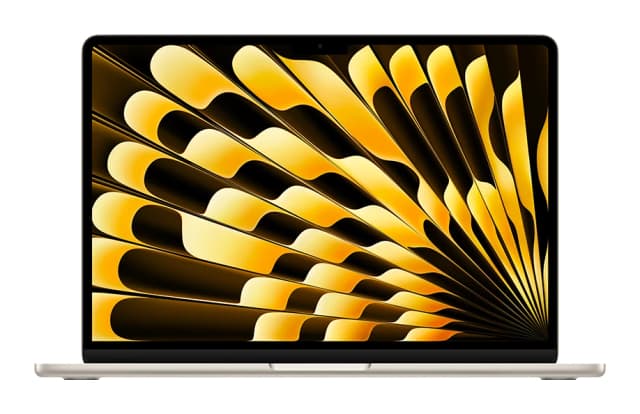
- Best OverallApple MacBook Air (13-inch, M5)Why we picked it →
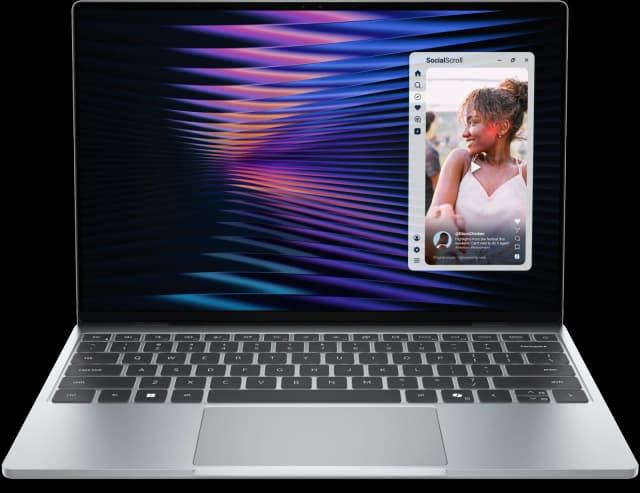
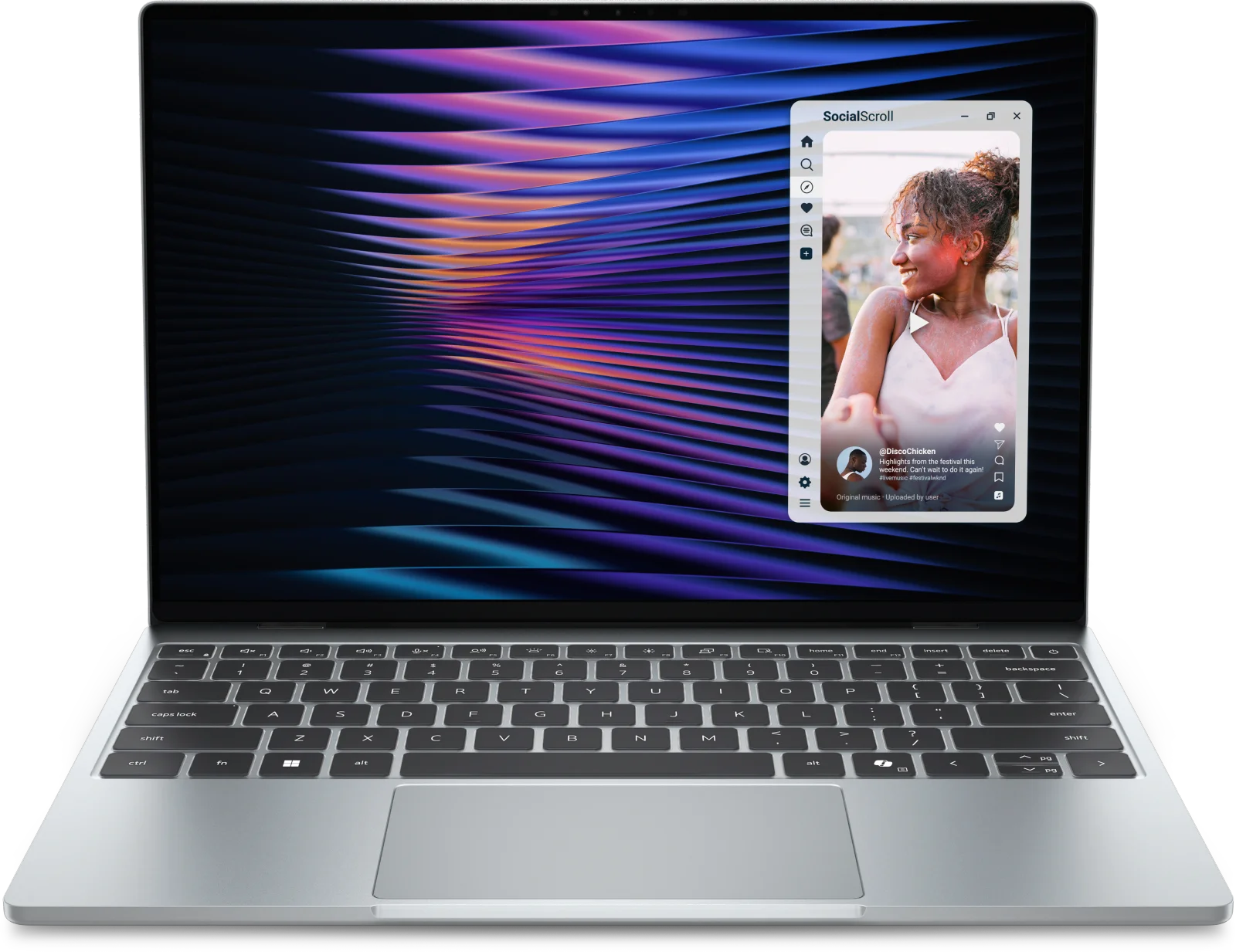
- Best ValueDell XPS 13 (2026)Why we picked it →
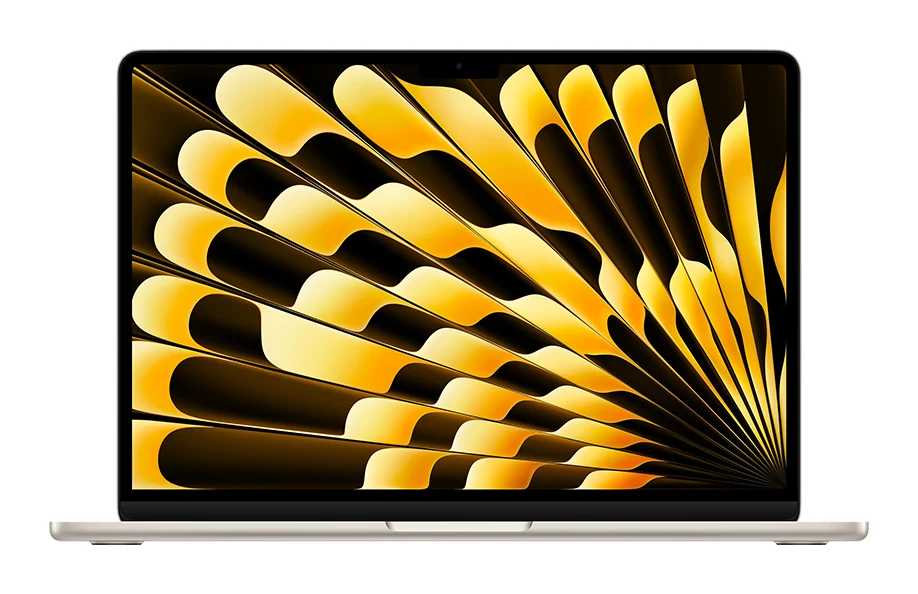
- Best BudgetApple MacBook NeoWhy we picked it →


Frequently asked questions
Is the Acer Chromebook Plus 515 worth it?
Reviewers think so for the right user. It averages 8.2/10 across 5 expert reviews, with praise for its snappy performance, large Full HD matte screen, speakers and ports. It is less suited to people who need a bright screen, a touchscreen or long battery life away from an outlet.
Does the Acer Chromebook Plus 515 have a touchscreen?
The model covered here does not. Its 15.6-inch Full HD IPS display is non-touch, and reviewers list the lack of a touchscreen as a drawback.
How long does the battery last on the Acer Chromebook Plus 515?
Acer claims up to 10 hours of battery life. Reviewers report that real-world battery life falls short of that figure, so plan on carrying the 65 W charger for long days.
What ports does the Acer Chromebook Plus 515 have?
It has two USB-C ports (USB 3.2 Gen 1), one USB-A port (USB 3.2 Gen 1), an HDMI port and a headphone jack.
What processor and memory does the Acer Chromebook Plus 515 use?
Acer offers an Intel Core i3 or i5 processor with 8GB of LPDDR5X memory. The model CB515-2H-31NY listed here uses the Intel Core i3-1215U with 128 GB of storage.
Is the Acer Chromebook Plus 515 good for students?
It suits students who want a roomy screen for split-screen work, a comfortable keyboard, a sharp Full HD webcam for video calls and quick everyday performance. Its weight of approximately 3.7 lbs and shorter-than-claimed battery life are worth considering if you carry it all day.
Sources
Specs are taken from the manufacturers' official pages; expert recommendations from the publications below.
- Acer Chromebook Plus 515: acer.com, notebookcheck.net
Related reviews & guides
Acer Spin 714 vs Samsung Galaxy Chromebook Plus (2026)
The Samsung is a big, light AMOLED laptop; the Acer is a cheaper, tougher touchscreen 2-in-1. Here is how they differ and who should buy which.
Published Nov 11, 2026
Acer Chromebook Plus Spin 714 Review (2026): Updates to 2034
A convertible ChromeOS laptop with a Core Ultra 5 chip, a 1440p webcam, two Thunderbolt 4 ports and updates promised to June 2034. Here is who it suits and where it falls short.
Published Oct 23, 2026Acer Spin 714 vs Lenovo Chromebook Duet (2026)
Acer's laptop-class convertible against Lenovo's featherweight detachable. We compare performance, portability, keyboards, ports and what experts say.
Published Nov 4, 2026