Dell XPS 13 (2026) DX13260 Review: Light, Long-Lasting
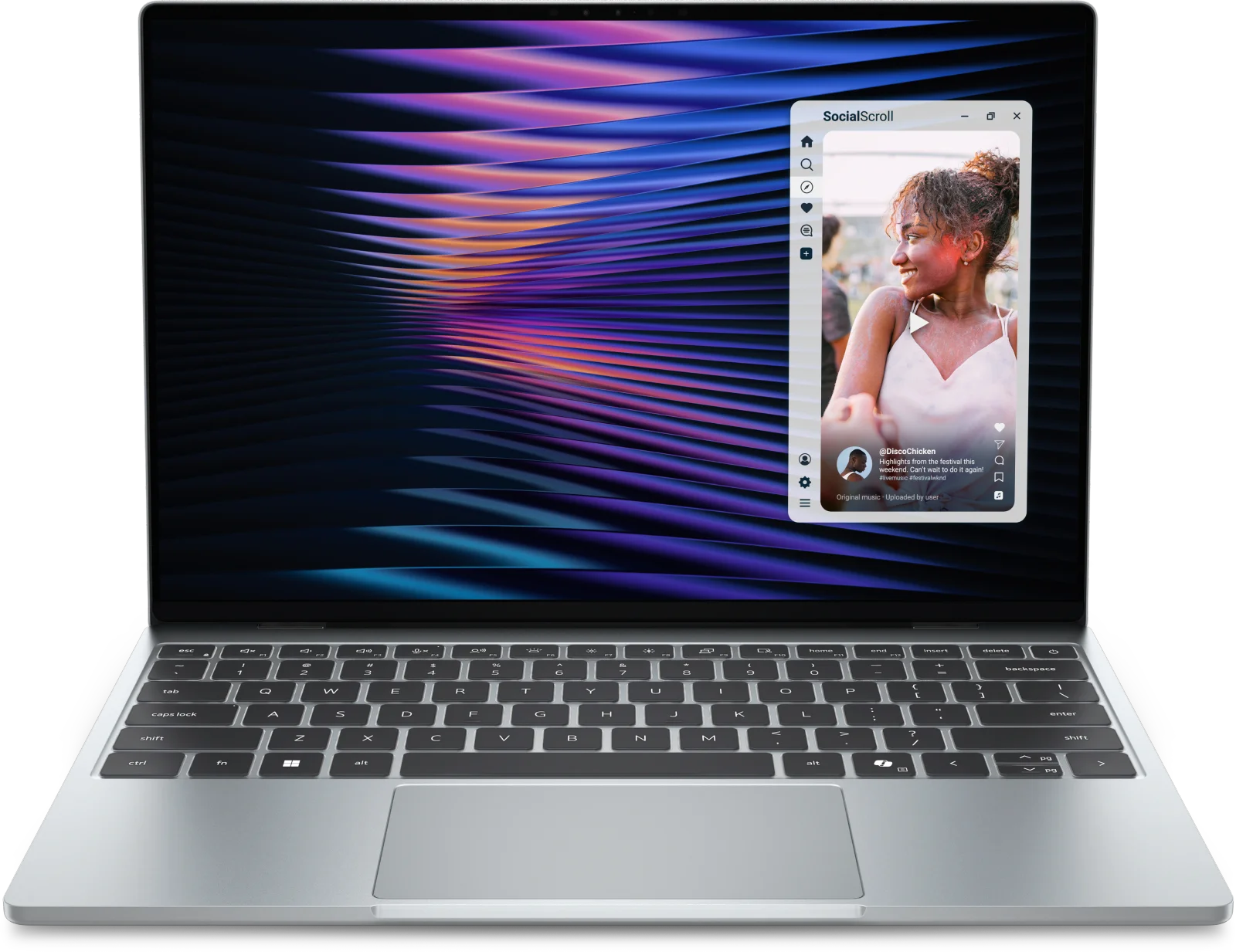
The Dell XPS 13 (2026) DX13260 is a thin, light laptop with a bright 2.5K touchscreen and long battery life. It trades raw power and ports for portability.
Research-based · We earn from qualifying purchases
Our verdict
The XPS 13 suits buyers who prioritize a light, premium-feeling build, a great screen and all-day battery for everyday work and study. Skip it if you need strong performance, more ports or a top-tier trackpad, and budget for a RAM upgrade.
The good
- Slim, light CNC aluminum body at 2.2 lbs feels premium
- Bright 13.4-inch 2.5K touchscreen with 120Hz refresh and good color
- Reviewers measured over 14 hours of battery life
- Loud, clear quad speakers with Dolby Atmos tuning
- Wi-Fi 7, Bluetooth 6.0, backlit keyboard and Windows Hello on every unit
+2 more
- Loud, clear quad speakers with Dolby Atmos tuning
- Wi-Fi 7, Bluetooth 6.0, backlit keyboard and Windows Hello on every unit
The bad
- 8GB base RAM is limiting; the 16GB upgrade costs extra
- Only two USB-C ports and no headphone jack
- Trackpad feels mediocre rather than premium
- Modest CPU and graphics power; Engadget found it slower than last-gen
+1 more
- Modest CPU and graphics power; Engadget found it slower than last-gen
This Dell XPS 13 (2026) DX13260 review looks at a laptop built around one idea: carry less, last longer. Dell calls it the thinnest and lightest XPS yet, and it pairs that slim chassis with a 13.4-inch touchscreen, a six-core Intel Core 5 320 processor and Wi-Fi 7. It sits in the mid-range part of the market, and it suits students and travelers who want a light, long-lasting laptop for everyday work rather than heavy lifting.
This review is based on Dell's published specifications and on what independent expert reviews report. It is not hands-on testing.
Dell XPS 13 (2026) DX13260: specs at a glance
From the manufacturer- Depth
- 7.9 in. (200.66 mm)
- Width
- 11.69 in. (296.9 mm)
- Colors
- Storm, Sky
- Height
- 0.5 in. (12.7 mm)
- Memory
- 8GB LPDDR5x, up to 7467 MT/s (16GB and 32GB options)
- Battery
- 3-cell, 52Whr
- Chassis
- CNC aluminum
- Display
- 13.4", Touch, 2.5K (2560x1600), 30-120Hz, 500 nits, InfinityEdge
- Storage
- 512GB M.2 SSD (1TB on Core Ultra models)
- Graphics
- Intel integrated graphics
- Speakers
- Quad, 8W total
- Wireless
- Intel Wi-Fi 7 BE213 2x2 + Bluetooth 6.0
- Processor
- Intel Core 5 320 (6 cores, up to 4.6GHz); Core Ultra 7 355 optional
- Starting weight
- 2.2 lbs (1 kg)
- Operating system
- Windows 11 Home
Key features
- Thin, light CNC aluminum body that Dell calls its thinnest and lightest XPS yet
- 13.4-inch 2.5K touchscreen with 30-120Hz variable refresh
- Covers 100% of DCI-P3 for vivid color, per Dell
- Quad speakers (8W total) with Dolby Atmos tuning
- Intel Wi-Fi 7 and Bluetooth 6.0 come standard
- Backlit keyboard and Windows Hello camera on every unit
- Long battery life: reviewers measured over 14 hours in testing
- Optional upgrades to Core Ultra 7 355, up to 32GB RAM and 1TB storage
Design and build
The XPS 13 uses a CNC aluminum chassis, and reviewers consistently describe the result as premium-feeling. The starting weight is 2.2 lbs (1 kg), and the body is 0.5 in. (12.7 mm) thick. Width is 11.69 in. (296.9 mm) and depth is 7.9 in. (200.66 mm). The screen is a 13.4-inch InfinityEdge display.
It comes in two colors, Storm and Sky. If a laptop lives in a backpack all day, low weight and a metal body matter more than almost any other spec. This is where the XPS 13 is strongest.
The trackpad is the weak spot. A common criticism is that it feels mediocre rather than premium, which stands out on a laptop that otherwise leans on a premium feel. It is worth knowing before you buy if you spend a lot of time without a mouse.
The display
The screen is a 13.4-inch touchscreen at 2.5K (2560x1600) resolution. It has a 30-120Hz variable refresh rate and is rated at 500 nits. Dell says it covers 100% of DCI-P3, which points to vivid color. Reviewers praise it as bright with good color.
The variable refresh range does two jobs. Scrolling and general interface motion benefit from the 120Hz ceiling. The ability to drop toward 30Hz lets the panel avoid spending power when the content is static. The 2560x1600 resolution gives a taller 16:10-style canvas than a standard 1080p panel, which helps with documents, spreadsheets and split-screen study sessions.
Touch support is included, so you can tap and scroll directly on the display.
Performance: built for everyday work
The base configuration uses the Intel Core 5 320, a six-core chip that boosts up to 4.6GHz. Graphics are Intel integrated, so this is not a laptop for demanding games or heavy creative rendering. You can step up to the Core Ultra 7 355 if you want more headroom.
Reviewers are measured on power. Engadget found it slower than last-gen, and a common criticism is modest CPU and graphics power. For browsing, documents, video calls, streaming and coursework that is rarely a problem, but power users should look at the Core Ultra option or a different machine.
Memory and storage
The base model has 8GB of LPDDR5x memory running at up to 7467 MT/s, with 16GB and 32GB options. Reviewers call the 8GB starting point limiting, and the 16GB upgrade costs extra. If you keep many browser tabs open or run several apps at once, budget for more memory. Budget for the 16GB upgrade at purchase if you multitask.
Storage starts at a 512GB M.2 SSD, with 1TB on Core Ultra models. Dell lists configurations up to 1TB.
Battery life
The battery is a 3-cell, 52Whr unit. Reviewers measured over 14 hours in testing, and reviewers praise the battery life. That is the number to focus on if you're comparing it with other thin laptops. For a student moving between lectures and the library, or a traveler on a long travel day, it supports all-day use without hunting for an outlet. Real results depend on screen brightness, refresh rate and workload, as always.
Audio, wireless and everyday features
The quad speakers deliver 8W total and have Dolby Atmos tuning. Reviewers describe them as loud and clear, which is a plus for video calls and streaming without headphones.
Wireless is current: Intel Wi-Fi 7 (BE213, 2x2) and Bluetooth 6.0 come standard. Every unit also includes a backlit keyboard and a Windows Hello camera for face sign-in. The laptop runs Windows 11 Home.
The main practical limitation is connectivity. There are only two USB-C ports and no headphone jack. If you use wired headphones, an external display, a flash drive and a charger, plan on a dongle or dock.
Dell XPS 13 (2026) DX13260 review: what experts say
The four published expert scores are strong. Tom's Guide gives it 4.5/5, Stuff gives it 5/5, Engadget gives it 7.5/10 and XDA Developers gives it 8.5/10. Together, the XPS 13 averages 8.8/10 across 4 expert reviews.
What reviewers like:
- The slim, light aluminum build
- The bright, colorful 120Hz touchscreen
- Battery life of more than 14 hours
- Loud, clear speakers
- Having Wi-Fi 7, Bluetooth 6.0, a backlit keyboard and Windows Hello on every unit
What they criticise:
- The 8GB base memory
- The limited port selection
- The trackpad
- Modest processing and graphics power
Engadget's 7.5/10 is the lowest of the four scores. It found the laptop slower than last-gen.
Who should buy it
The XPS 13 is a good fit if you:
- Carry your laptop every day and care about weight
- Want a bright screen with good color for documents and video
- Need battery life that gets through a full day
- Mostly use browsers, office apps, video calls and streaming
- Are happy to configure it with more than the base 8GB of memory
Who should skip it
Look elsewhere if you:
- Need strong CPU or graphics performance for heavy workloads
- Rely on several wired accessories and don't want to carry an adapter
- Use a headphone jack daily
- Care a great deal about trackpad quality
If a Chromebook is also on your shortlist, our Acer Spin 714 vs Samsung Galaxy Chromebook Plus comparison covers that side of the thin-and-light market.
How it fits in its category
Thin-and-light Windows laptops usually involve trade-offs between weight, battery life, ports and performance. The XPS 13 leans toward portability, screen quality and battery life, and it gives up port count and raw power to get there. Its mid-range positioning makes sense if those are your priorities, though the memory upgrade is worth factoring into the total cost.
Verdict
The XPS 13 (2026) DX13260 does the things that matter for a carry-everywhere laptop very well: it is light, it has a lovely screen and it lasts through a long day. Its compromises are just as clear, with a small base memory, two USB-C ports, a so-so trackpad and modest performance. If your work is everyday computing and you configure it sensibly, it is an easy laptop to recommend. If you need power or ports, it is not the right tool.
Related buying guides
- Best Laptops in 2026: Overall Picks for Every Budget
- Best Laptops for Video Editing 2026: Macs to RTX
- Lenovo Chromebook Duet 11 Gen 9 Review: Light but Cramped
- Best Laptops for College Students 2026: All-Day Battery
- Apple MacBook Neo Review (2026): Quiet, Light, Everyday Mac
- Apple MacBook Air 13-inch M5 Review: Quiet All-Day Laptop
Not sure about the Dell XPS 13 (2026) DX13260? Consider these
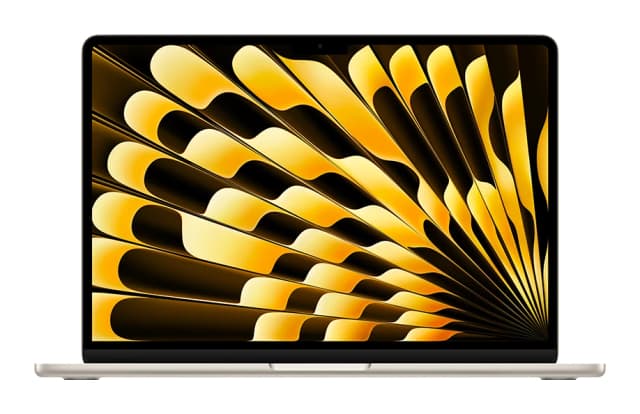
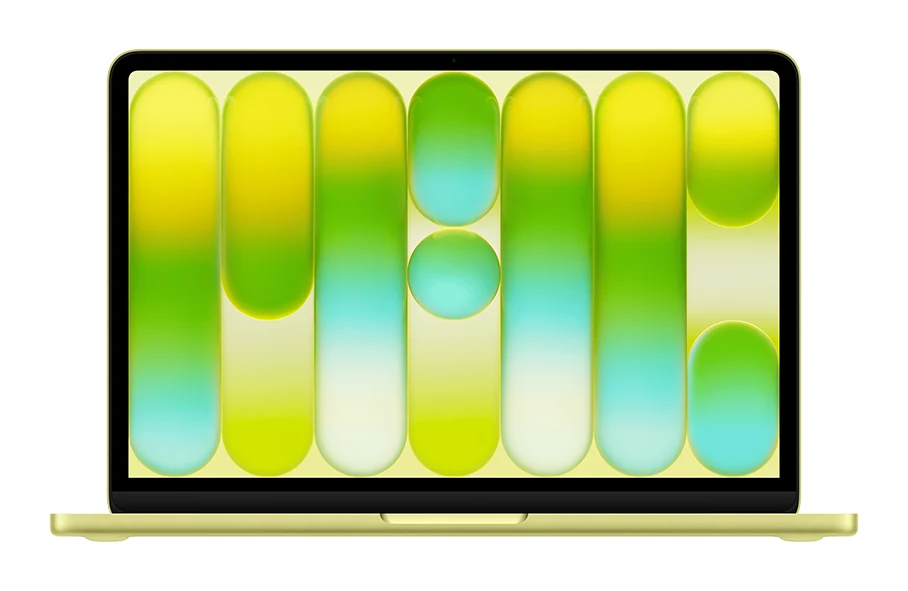
- Best OverallApple MacBook Air (13-inch, M5)Why we picked it →
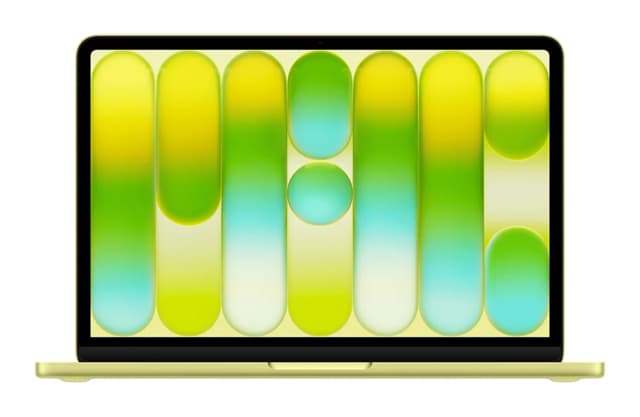
- Best BudgetApple MacBook NeoWhy we picked it →
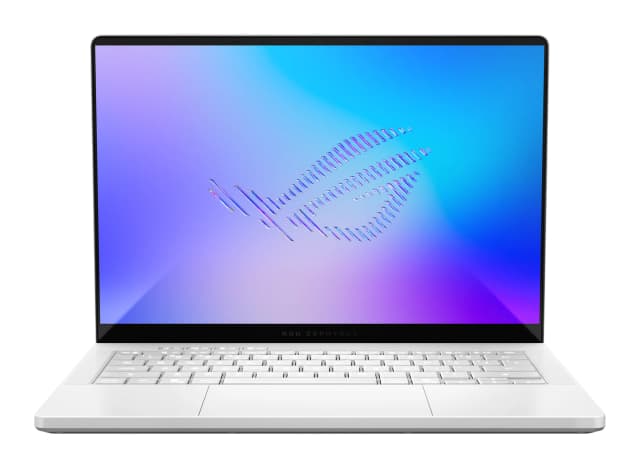
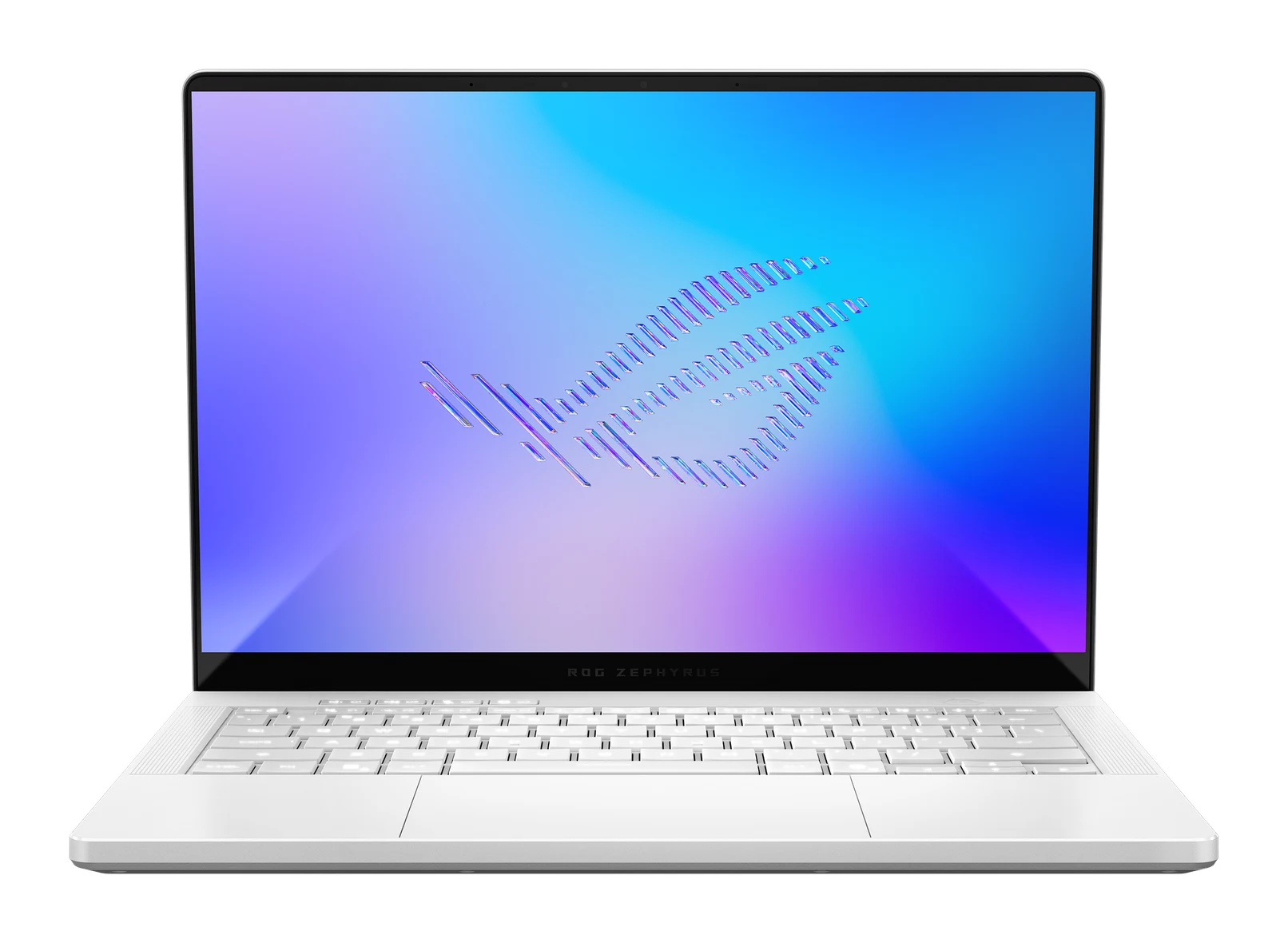
- Also GreatAsus ROG Zephyrus G14 (2025) GA403Why we picked it →
Frequently asked questions
Is the Dell XPS 13 (2026) DX13260 worth it?
It is worth considering if you want a light, premium-feeling laptop with a bright touchscreen and long battery life for everyday work or study. It averages 8.8/10 across 4 expert reviews. It is less compelling if you need strong performance, more ports or a top-tier trackpad.
How long does the Dell XPS 13 (2026) battery last?
It has a 3-cell, 52Whr battery, and reviewers measured over 14 hours in testing. Your results will vary with brightness, refresh rate and workload.
Does the XPS 13 (2026) have a touchscreen?
Yes. It has a 13.4-inch touchscreen at 2.5K (2560x1600) resolution with a 30-120Hz variable refresh rate and 500 nits of brightness.
How much RAM does the Dell XPS 13 DX13260 come with?
The base model has 8GB of LPDDR5x memory. 16GB and 32GB options are available. Reviewers call the 8GB starting point limiting, so many buyers will want to upgrade.
Does the Dell XPS 13 (2026) support Wi-Fi 7?
Yes. It includes Intel Wi-Fi 7 (BE213, 2x2) and Bluetooth 6.0 as standard.
What ports does the XPS 13 (2026) have?
It has two USB-C ports and no headphone jack, which is a common criticism from reviewers. If you use several wired accessories, you may need a dongle or dock.
Sources
Specs are taken from the manufacturers' official pages; expert recommendations from the publications below.
- Dell XPS 13 (2026) DX13260: dell.com, tomshardware.com, techaeris.com, engadget.com
Related reviews & guides
Best Laptops in 2026: Overall Picks for Every Budget
Five of the best laptops for 2026, from a budget-friendly MacBook Neo to a premium Galaxy Book6 Ultra, compared on specs and expert recommendations.
Published Oct 30, 2026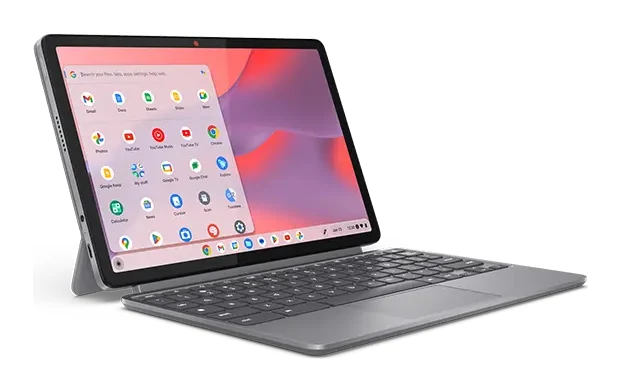
Lenovo Chromebook Duet 11 Gen 9 Review: Light but Cramped
Our Lenovo Chromebook Duet 11 Gen 9 review looks at a featherweight, fanless Chromebook tablet with a detachable folio keyboard, and at who will tolerate its compromises.
Published Nov 4, 2026
Best Laptops for Video Editing 2026: Macs to RTX
Five video editing laptops compared on processor, GPU, display, ports, weight and battery life, drawn from manufacturer specs and independent expert recommendations.
Published Oct 25, 2026